
🎁 [BG] SGFX: Pure Black World Transition + Selection Screens
⚔️ TS4: BASE GAME ⋆ 🚀 6/30/25 🌠 NIL ☄️ 2/4/26
🔄 Rebuilt for almost every game update [🌐] whether or not it's broken [🌐].
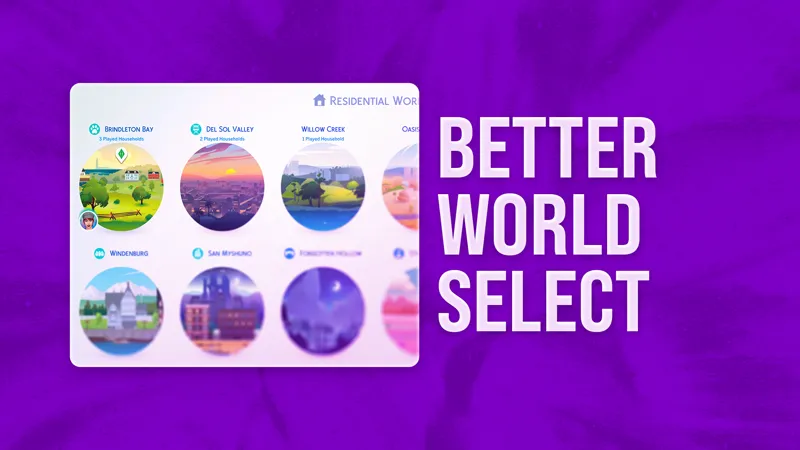
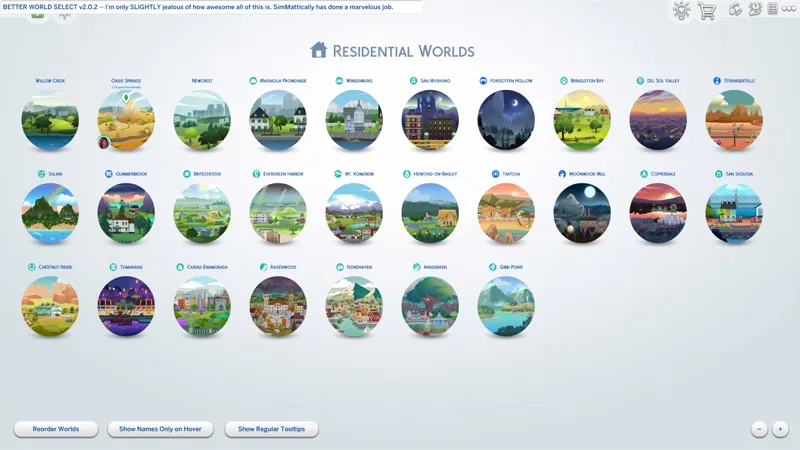
⚠️ This is not compatible with "Better World Select" by SimMattically.
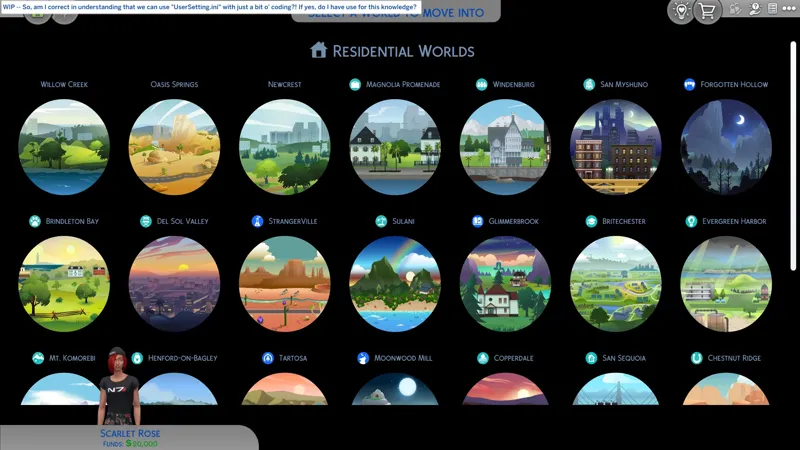
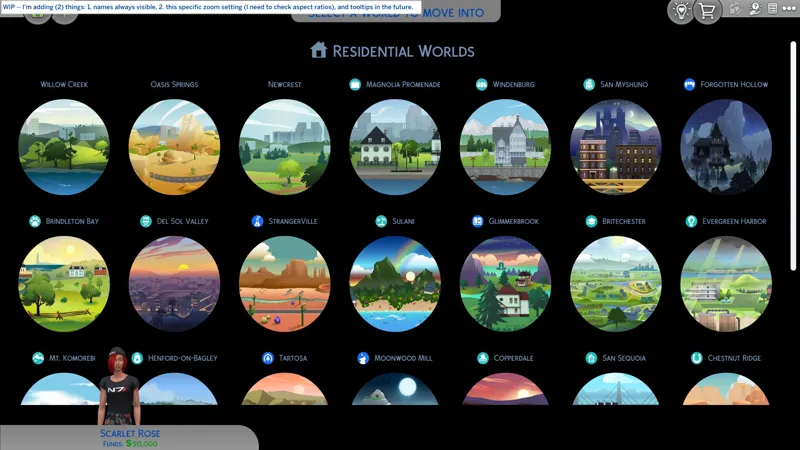
🕒 I've done the always visible names and I changed the zoom so it shows (7) columns of worlds instead of... whatever the EAxis default is. There are no bells and whistles here. If you want more than what this offers, then SimMattically's "Better World Select" might do it for you. I intend to D.I.Y. my "Pure Black Void" modifications publicly so you can add them to "Better World Select" for yourself, if you so desire. You'll find links to "Better World Select" and my D.I.Y. post below. Cheers!
⚙️ These are ZIP archives. See "BASIC INSTALL INSTRUCTIONS" for more info.
🆘 You can request assistance or inform me of issues in a new comment on this post, in a new post in the Troubleshooting Community Chat, or via DM (Discord). I don't bite, unless biting is the necessary response.
🎙️ Hello, itsumi! I'm not at home. If you'd like to reach me, leave me alone! -- If you don't like Sheryl or Alanis, then we can't be friends. 😹
☆// ⋆ TOTES "SIMPLE" SGFX DESCRIPTION:
This is my (10th) standalone neurodiversity-friendly "SGFX Override".
It does a few things:
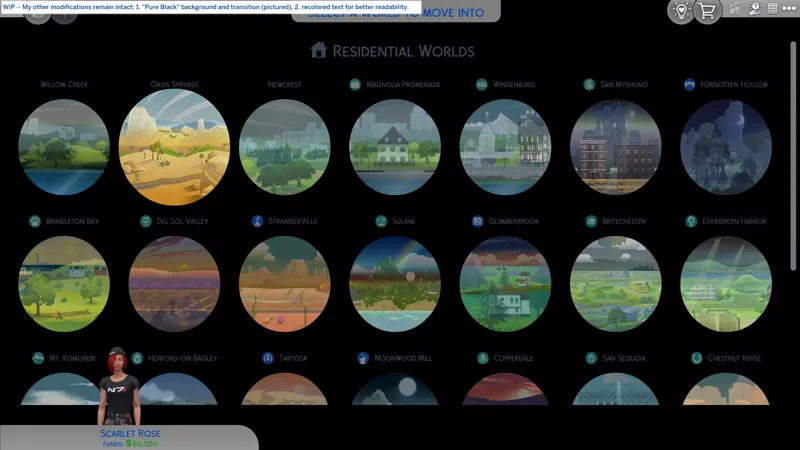
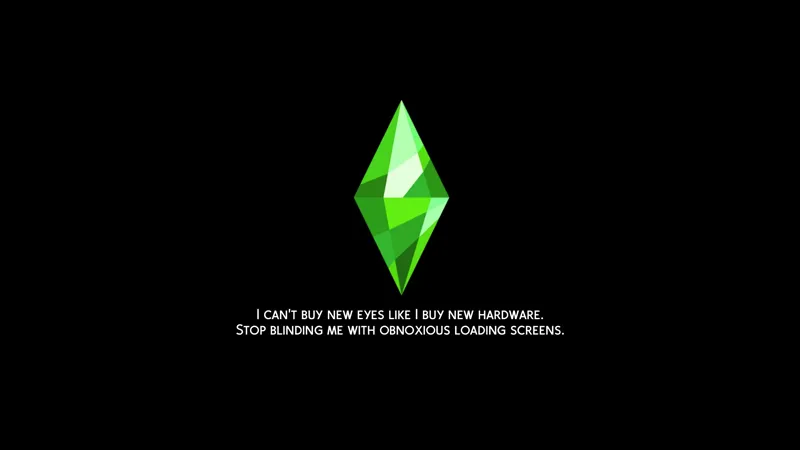
Changes the color of the World Transition Screen from the awful blinding white abomination, to a scenic and picturesque pure black void.
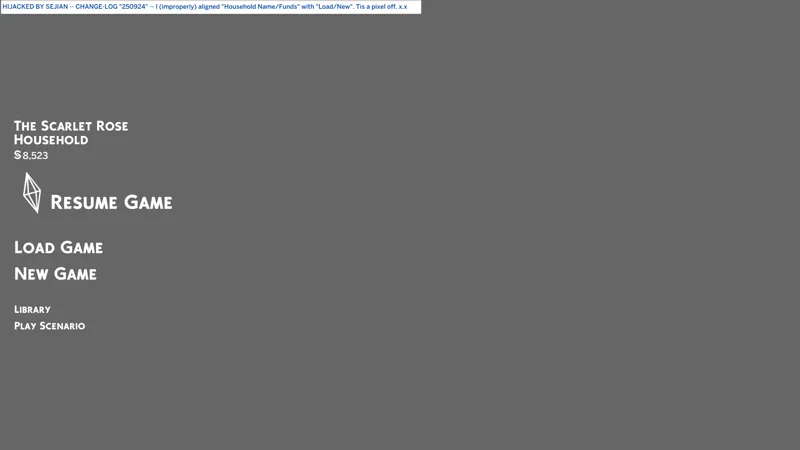
Changes the World Select Background color to a pure black void.
Changes the New Game Season Select Background color to a pure black void.
Modifies text colors on the Season Select screen for better readability.
This pairs well with "Pure Black CAS Transition + Loading Screens".
P.S. "SGFX Overrides" are usually updated every time the game updates.
⋆ ── ─ ─ ─ ─ ─ ─ ─ ─ ─ ─ ⋆ \\🎁// ⋆ ─ ─ ─ ─ ─ ─ ─ ─ ─ ─ ── ⋆
☆// ⋆ NOTICE ME, SENPAI:
🎁 GDrive Folder -- https://../drive/SGFX_EmbraceTheDarkEA
🎁 SFS Folder -- PENDING™
☆// ⋆ RELATED PROJECTS:
🪄 SGFX Overrides (Standalone) Collection -- https://../collection/1306589
🌸 SGFX Patch Collection -- https://../collection/951353
♾️ Neurodiversity-Friendly Collection -- https://../collection/877663
🗺️ Pure Black CAS Transition + Loading Screens -- https://../posts/123464880
🗺️ No "Building Lot" Construction Text -- https://../posts/124678850
🗺️ No Loading Screen Tips -- https://../posts/123887707
☆// ⋆ EVEN MOAR BOOTY:
🐞 BUGFIXES & BAND-AIDS Collection -- https://../collection/884858
🔇 Silence the Noise Collection -- https://../collection/1367566
🗺️ All-in-One Live Event Rewards Unlocker -- https://../posts/120588981
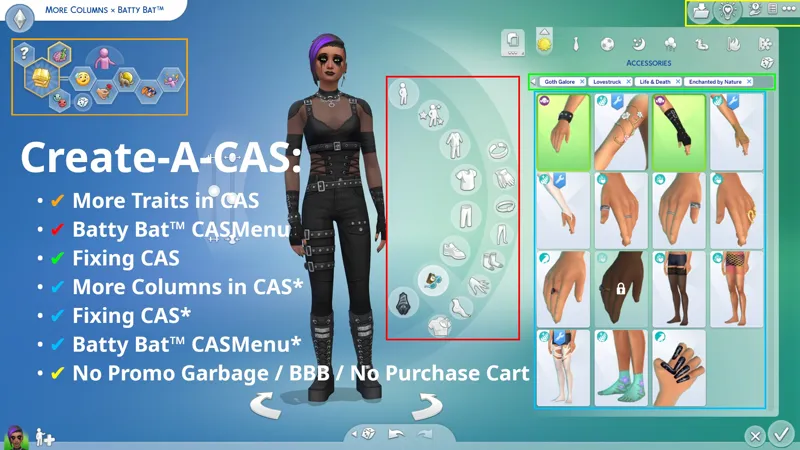
🗺️ Batty Bat™ CASMenu Override (Standalone) -- https://../posts/107958333
🗺️ More Columns × Batty Bat™ -- https://../posts/135116776
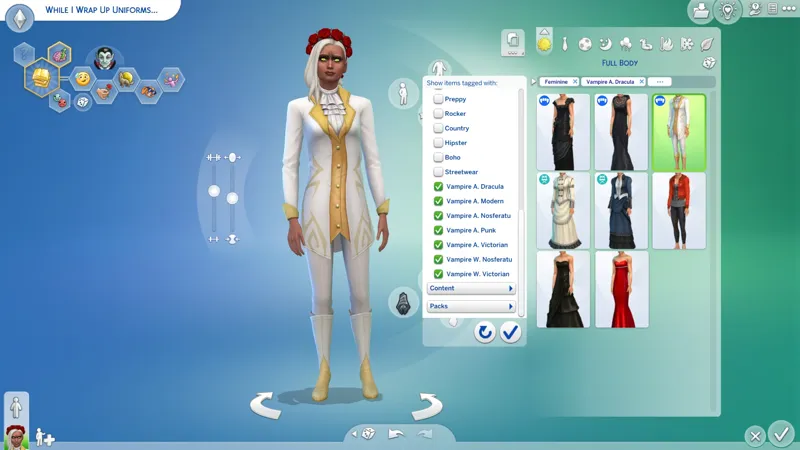
🗺️ CAS Filters -- https://../posts/126616540
☆// ⋆ THIRD-PARTY BOOTY:
🎀 Better World Select by SimMattically -- https://../posts/137634160
🗺️ Pure Black Void D.I.Y. (PENDING™) -- https://../posts/135215986
⋆ ── ─ ─ ─ ─ ─ ─ ─ ─ ─ ─ ⋆ \\😺// ⋆ ─ ─ ─ ─ ─ ─ ─ ─ ─ ─ ── ⋆
☆// ⋆ TABLE OF CATENTS:
COMPATIBILITY WITH OTHER SGFX PROJECTS -- Self-explanatory.
COMPATIBILITY NOTES FOR THIRD-PARTY MODS -- Self-explanatory.
PROGRESSION -- This is not a change-log. ⚡
BASIC INSTALL INSTRUCTIONS -- Drag 'n drop, replace files, etc. ⚙️
PROJECT MIRRORS -- This project, but Elsweyr. 🐱
ZIP CONTAINS -- A complete list of this project's archives and files.
☆// ⋆ COMPATIBILITY WITH OTHER SGFX PROJECTS:
I mean to destroy all annoying UI effects.
To that end, I have created a collection of standalone "SGFX Overrides" and "SGFX Patches". To remove all annoying UI effects from your game, you must mix and match my standalone "SGFX Overrides" and my "SGFX Patches".
I know this is a little complicated, but merging these overrides is a recipe for disaster.
THESE SGFX PROJECTS ARE NOT COMPATIBLE:
NIL
THESE SGFX PROJECTS ARE COMPATIBLE:
✔️ Fixing CAS Because EAxis Won't -- https://../posts/134653412
✔️ LClick DISMISS + RClick PIN -- https://../posts/112728731
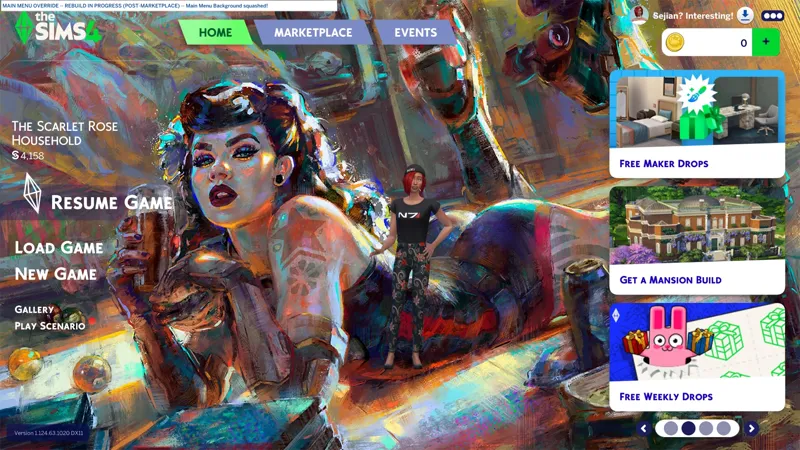
✔️ Main Menu Override -- https://../posts/121348052
✔️ My Beautiful Squishy (Expandable BB Catalog) -- https://../posts/123626846
✔️ No Glowing Dots on Calendar, etc. -- https://../posts/116006465
✔️ No Glowing Dots in Social Bunny -- https://../posts/117105007
✔️ No Godrays in CAS or Build Mode, etc. -- https://../posts/117006563
✔️ No Godrays on Quests, etc. -- https://../posts/116007299
✔️ No Godrays on Quests: Event Button Variants -- https://../posts/121840542
✔️ No Promo Garbage, etc. -- https://../posts/112973547
✔️ Pure Black CAS Transition + Loading Screens -- https://../posts/123464880
⚪ Pure Black World Transition + Selection Screens -- YOU ARE HERE
✔️ Smudgy Wudgy Barfy Warfy -- https://../posts/133330990
✔️ SGFX Patch for Better BuildBuy -- https://../posts/117337021
✔️ SGFX Patch for More Traits in CAS -- https://../posts/117343700
✔️ SGFX Patch for UI Cheats Extension -- https://../posts/116265171
☆// ⋆ COMPATIBILITY NOTES FOR THIRD-PARTY MODS:
This modifies the following "Scale Form GFX" resources:
GameEntryWorldSelection -- Defines the World transition screen, the World Select and Season Select screens, etc.
I have no idea what third-party mod this might conflict with. Let me know if you find one!
⋆ ── ─ ─ ─ ─ ─ ─ ─ ─ ─ ─ ⋆ \\⚡// ⋆ ─ ─ ─ ─ ─ ─ ─ ─ ─ ─ ── ⋆
☆// ⋆ PROGRESSION - THIS IS NOT A CHANGE-LOG:
🚀 6/30/2025 #4 -- INITIAL RELEASE, BABY!
I did not do a whole lotta testing but I don't see why this would crash anyone's game. It's basically "Pure Black Transition Screens" with some additional font color modifications. It Shirley conflicts with something out in the wild though. I can't be the first person to modify this SGFX resource.
⚡ 6/30/2025 #3 -- I'M ENJOYING RECORDING THESE LITTLE VIDEOS.
Once upon a time I wanted to do "Let's Play" type video content. I have a few videos. The one I'm most proud of is my Warhammer 40K: Space Marine (1) co-op Exterminatus run from (9) years ago.
The video is (1) hour and (30) minutes long. Approach with caution - https://../playlist?list=PL0ApZVcuDqQTomL4n3DzuOlX75bkRREUb
⚡ 6/30/2025 #2 -- THESE COLORS ARE A-CHANGING!
There are (18) configurations for UI font text in this SGFX resource. I've figured out what (12) of them do and I've modified the necessary ones accordingly. The other (6) I've got no idea about. EAxis could've "commented" these things properly, but instead they typed useless !@#$ like "WWWWWWWWWWWWWWWWWWW", or nothing at all.
On the SEASON selection screen, which you will only see when starting a new game:
"SELECT A SEASON TO PLAY IN!" is changed to match the bluish-grayish color used for the "RESIDENTIAL WORLDS" text on the WORLD selection screen.
Season name colors are changed to match the season description text, which is a bit lighter and looks better on the black background.
On the WORLD selection screen:
World name colors are changed to match the bluish-grayish color used for the "RESIDENTIAL WORLDS" text.
"PLAYED HOUSEHOLDS" tooltip is changed to white to differentiate from the world name.
I could change all of these colors to white (or anything else) but I wanted some consistency with the "RESIDENTIAL WORLDS" icon on the WORLD selection screen. If I change the text to anything that doesn't match that icon, it will piss me off and I will end up deleting the icon.
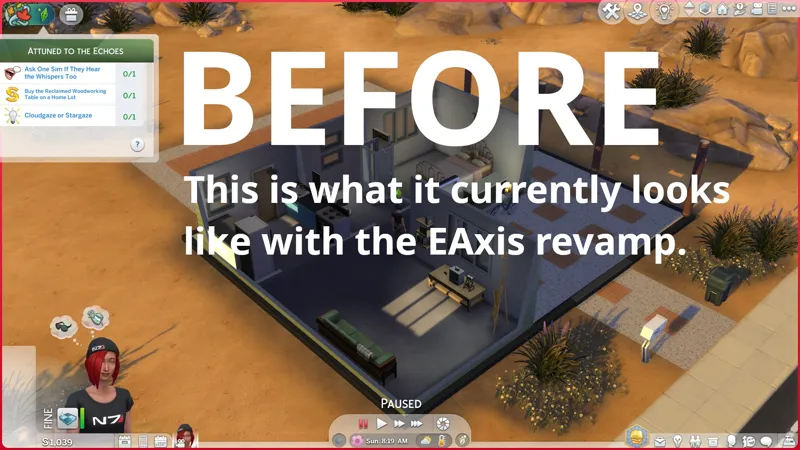
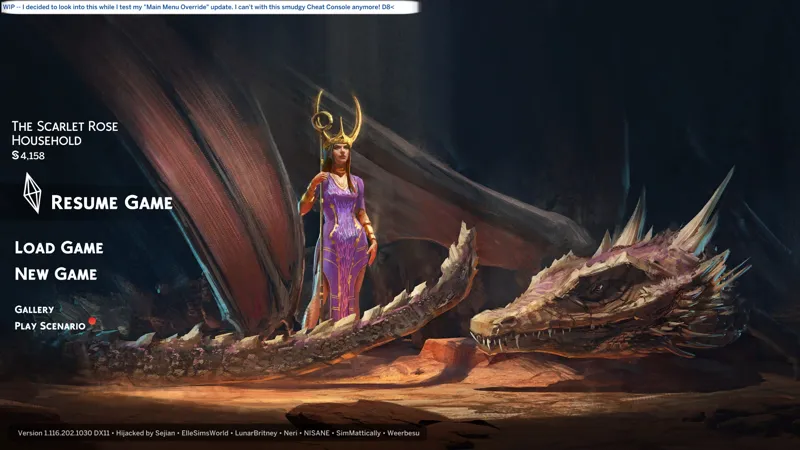
I can only have one video, so I might just replace the current one with what it looks like now. Y'all don't need before and after screenshots for this, do ya? 😹
⚡ 6/30/2025 #1 -- THIS COULD BE DONE WITH A "RESOURCE OVERRIDE"...
Similar to my "Pure Black Transition Screens" override, this can technically be done by modifying an image resource. HOWEVER, I have no idea where that image resource is, and also, the tools we have for editing these specific image resources can result in strange pixellation, as seen in some of those third-party "Plumbob Recolor" mods (as I highlighted while I was creating "Pure Black Transition Screens").
Doing this as an "SGFX Override" bypasses having to modify image resources but doing it this way means we can only have black colors... unless I figure out how to modify the colors of these SGFX resources, but that's a challenge for another day.
Today's challenge is text colors.
Fingers crossed, I need to change some of these text colors for readability.
⋆ ── ─ ─ ─ ─ ─ ─ ─ ─ ─ ─ ⋆ \\⚙️// ⋆ ─ ─ ─ ─ ─ ─ ─ ─ ─ ─ ── ⋆
☆// ⋆ BASIC INSTALL INSTRUCTIONS:
The following options must be enabled for this mod to work properly:
✅️ GAME OPTIONS » OTHER » "Enable Custom Content and Mods"
—
These are ZIP archives. They can be opened or extracted with:
Windows Explorer on Windows -- https://../windows/zip-and-unzip-files
Finder on Mac -- https://../mac/zip-and-unzip-files-and-folders
I personally use 7-Zip for all of my zipping needs. It's free and it's open-source:
7-Zip for Windows -- https://7-zip.org
—
This ZIP archive contains a "#Sej" folder and sub-folder for better mod organization.
1️⃣ EXIT the game.
2️⃣ DOWNLOAD the ZIP archive.
3️⃣ OPEN or EXTRACT the ZIP archive.
4️⃣ DRAG 'N DROP or MOVE the "#Sej" folder into the following folder:
Documents » Electronic Arts » The Sims 4 » "Mods"
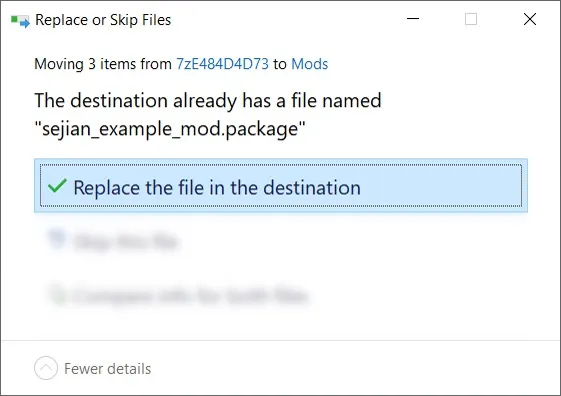
5️⃣ Choose "Replace the file in the destination" if prompted to "Replace or Skip Files":
6️⃣ LAUNCH the game.
☆// ⋆ PROJECT MIRRORS:
NIL
☆// ⋆ ZIP CONTAINS (0) TS4SCRIPT + (1) PACKAGE:
This is a simple "Scale Form GFX" override.
This should NEVER contain TS4SCRIPT files, BATCH files, EXE files, or anything other than PACKAGE files, my "#Sej" folder, and a sub-folder.
This section exists as a reminder that we are in someone's crosshairs.
Rogue TS4SCRIPT files, BATCH files, EXE files, etc., encountered where they don't belong could contain malicious PYTHON script or other !@#$ that will attempt to infect your device and steal your personal information when executed by you or the game. Malware can ruin lives. Don't !@#$ around.
🗜️ sej_SGFX_GameEntryWorldSelection_EmbraceTheDarkEA_[YYMMDD]_[RELINFO].zip
📁 #Sej » SGFX
📄 sej_SGFX_GameEntryWorldSelection_EmbraceTheDarkEA.package


Comments (1)
This saved me! The light transition blinds me everytime!!! I hope you'll be able to make this compatible with Better World Select in the future. Thank you so much, Sej!!!