

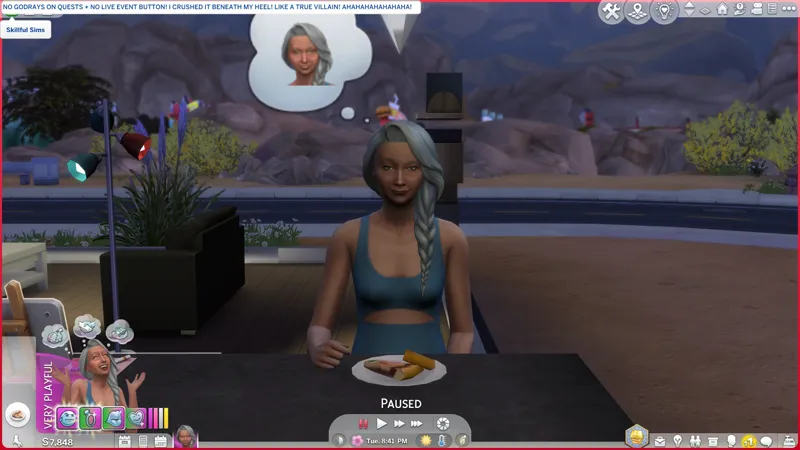
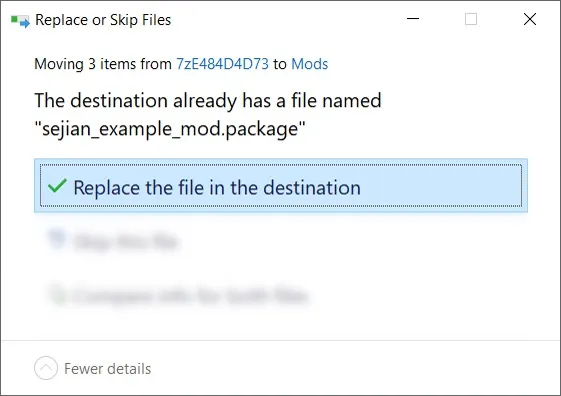
🎁 [BG] SGFX: Event Button Variants for "No Godrays on Quests, etc." -- ⿻ (2) variants available!
⚔️ TS4: BASE GAME ⋆ 🚀 2/10/25 🌠 6/29/25 ☄️ 2/4/26
🔄 Rebuilt for almost every game update [🌐] whether or not it's broken [🌐].
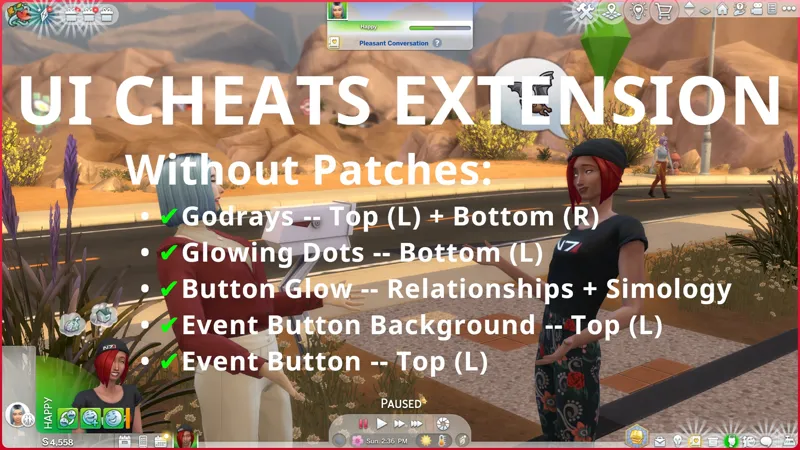
⚠️ DO NOT use this with "UI Cheats Extension". There's an "SGFX Patch" for that.
⚙️ These are ZIP archives. See "BASIC INSTALL INSTRUCTIONS" for more info.
🆘 You can request assistance or inform me of issues in a new comment on this post, in a new post in the Troubleshooting Community Chat, or via DM (Discord). I don't bite, unless biting is the necessary response.
☆// ⋆ TOTES "SIMPLE" SGFX DESCRIPTION:
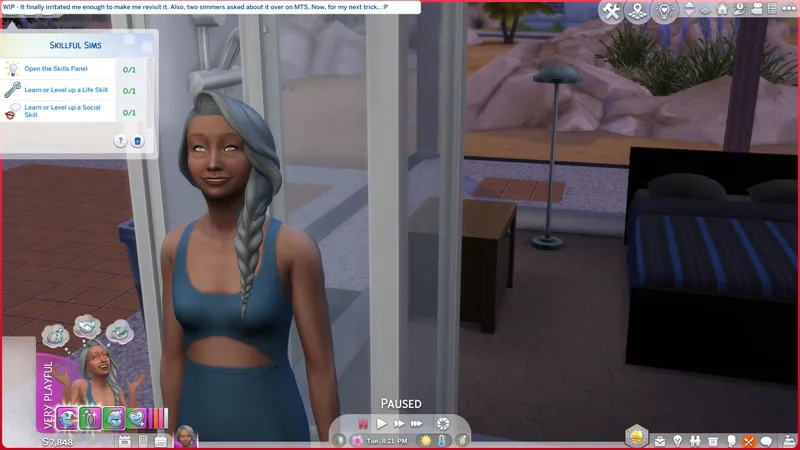
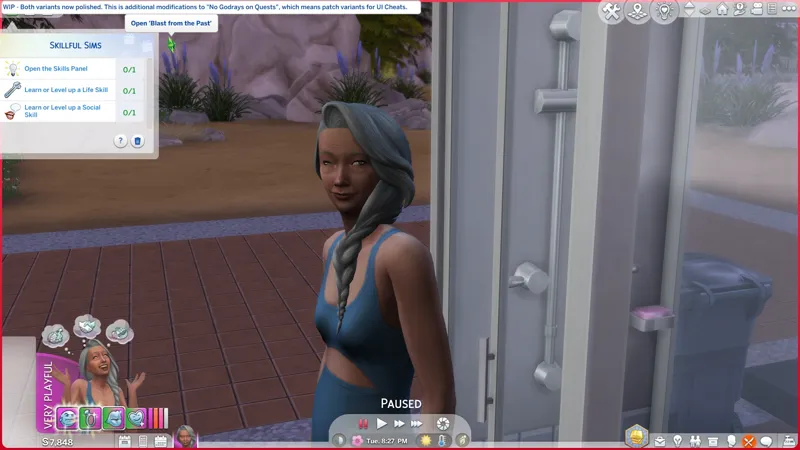
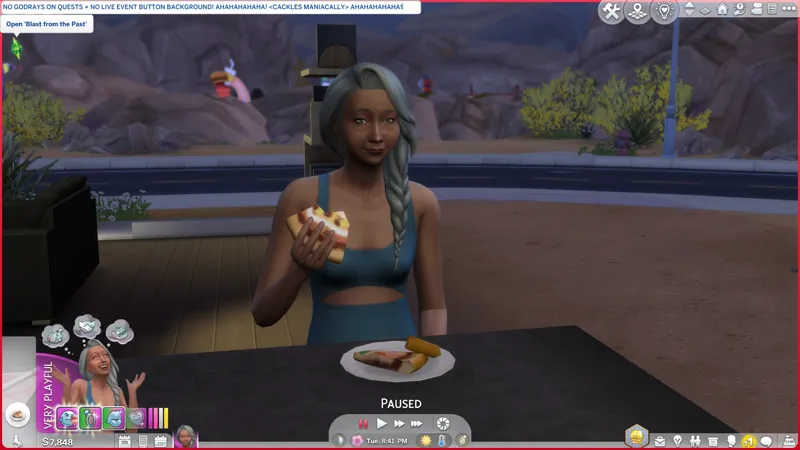
This post contains the (2) "Event Button" variants for "No Godrays on Quests, etc.".
These variants have unique filenames, so you can "install" all of them, however "NoEventButton" has "load priority" and will override all others:
NoGodraysOnQuestsEA✔️
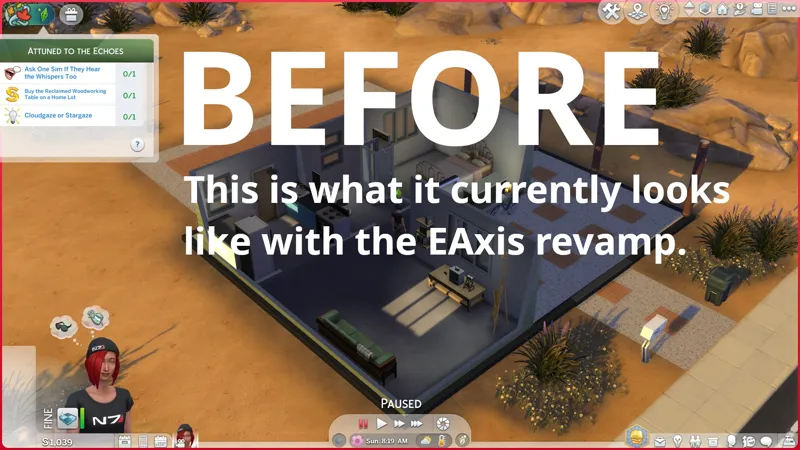
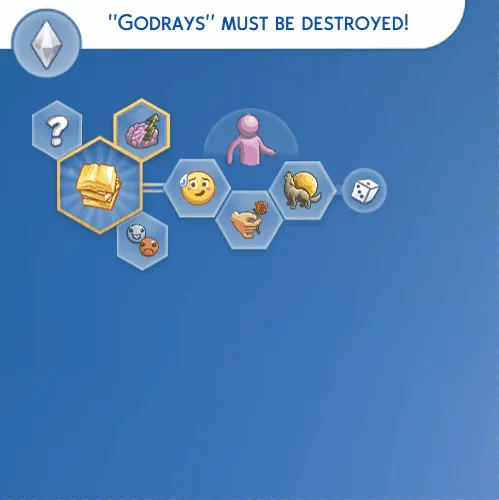
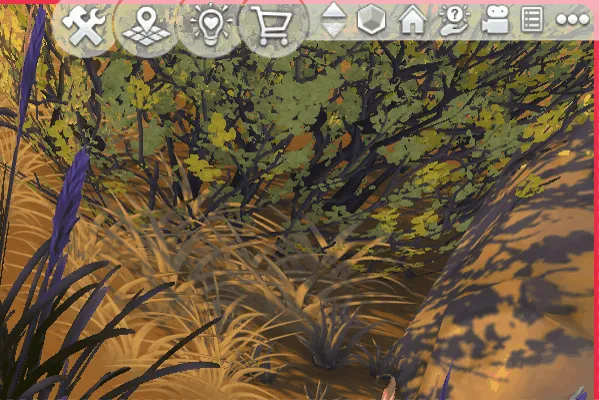
Removes "Godrays" from the top left corner of the Live Mode UI.
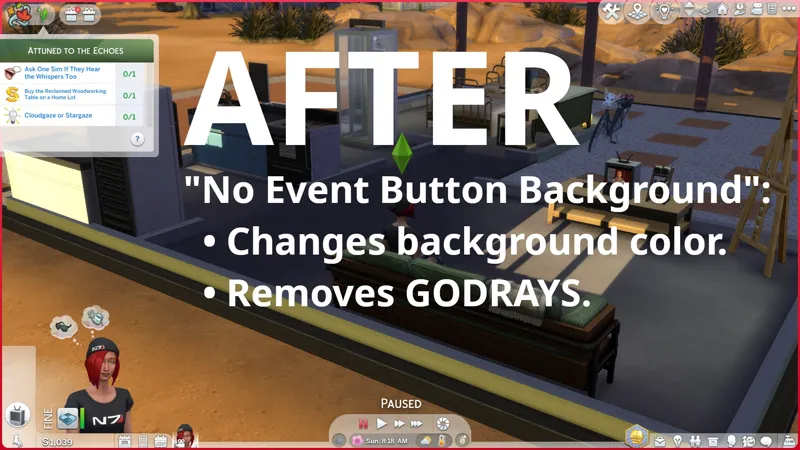
NoEventButtonBackground✔️
Removes "Godrays" from the top left corner of the Live Mode UI.
Changes the color of the "Button Background" to match the other buttons in the area.
EAxis revamped this area in Update 5/27/2025. Removing the "Button Background" no longer looks good, so I changed the color instead.
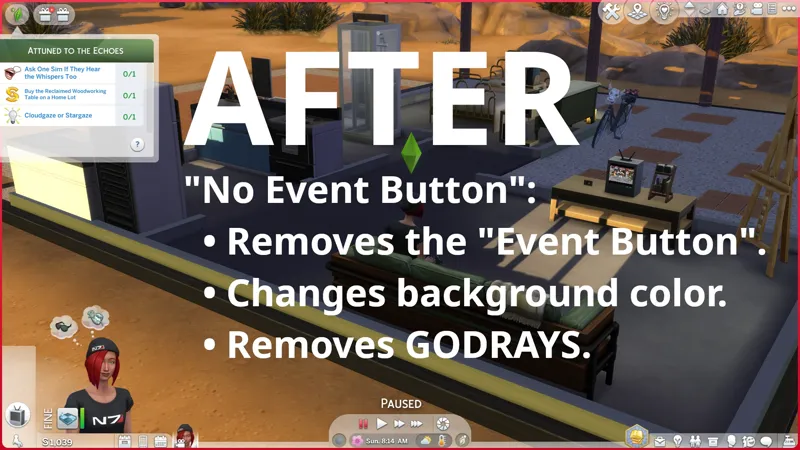
NoEventButton✔️
Removes "Godrays" from the top left corner of the Live Mode UI.
Changes the color of the "Button Background" to match the other buttons in the area.
Removes the "Event Button", but retains the "Event Quest Button".
The "Event Quest Button" will disappear if you complete the available quest.
If in doubt, download "NoEventButtonBackground". It's the one I use. 😸
You can access the "Event UI" via the "Go to Event UI" button in the "REWARD UNLOCKED" notification in the "Notification Wall" after completing enough quests and earning enough "Event Points" to claim a reward. You get a "REWARD UNLOCKED" notification every time you earn enough points to claim a reward.
P.S. "SGFX Overrides" are usually updated every time the game updates.
⋆ ── ─ ─ ─ ─ ─ ─ ─ ─ ─ ─ ⋆ \\⛔// ⋆ ─ ─ ─ ─ ─ ─ ─ ─ ─ ─ ── ⋆
☆// ⋆ DELETE THESE FILES IFFIN' YOU GOTHAM:
sej_SGFXOvrd_SituationDisplay_NoGodraysOnQuestsEA.package
sej_SGFXOvrd_SituationDisplay_NoEventButtonBackground.package
sej_SGFXOvrd_SituationDisplay_NoEventButton.package
⋆ ── ─ ─ ─ ─ ─ ─ ─ ─ ─ ─ ⋆ \\🎁// ⋆ ─ ─ ─ ─ ─ ─ ─ ─ ─ ─ ── ⋆
☆// ⋆ GIMME A SEC, SENPAI:
🎁 GDrive Folder -- PENDING™
🎁 SFS Folder -- PENDING™
☆// ⋆ ORIGINAL VARIANT:
🗺️ No Godrays On Quests, etc. -- https://../posts/116007299
☆// ⋆ USE THIS FOR "UI CHEATS EXTENSION":
🗺️ SGFX Patch for "UI Cheats Extension" -- https://../posts/116265171
☆// ⋆ RELATED PROJECTS:
🪄 SGFX Overrides (Standalone) Collection -- https://../collection/1306589
🌸 SGFX Patch Collection -- https://../collection/951353
♾️ Neurodiversity-Friendly Collection -- https://../collection/877663
☆// ⋆ EVEN MOAR BOOTY:
🐞 BUGFIXES & BAND-AIDS Collection -- https://../collection/884858
🔇 Silence the Noise Collection -- https://../collection/1367566
🗺️ All-in-One Live Event Rewards Unlocker -- https://../posts/120588981
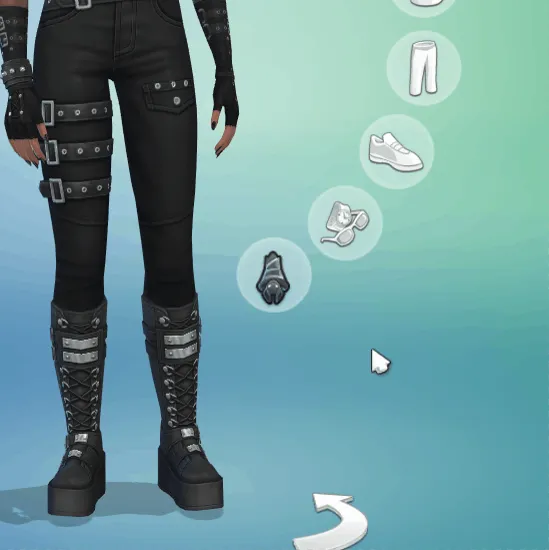
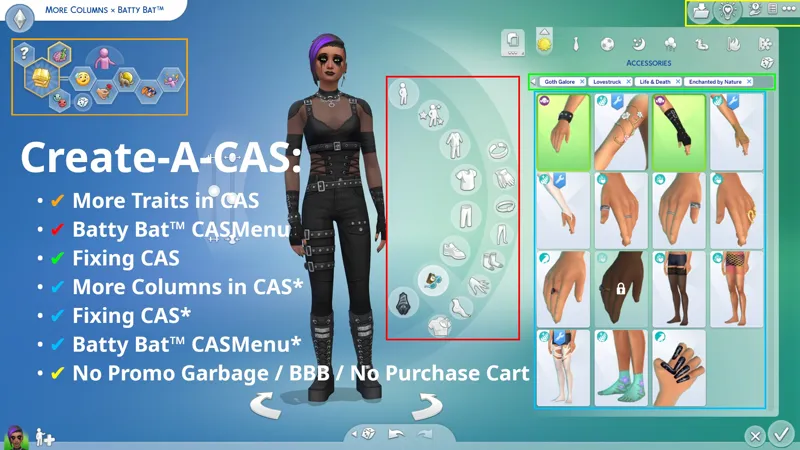
🗺️ Batty Bat™ CASMenu Override (Standalone) -- https://../posts/107958333
🗺️ More Columns × Batty Bat™ -- https://../posts/135116776
🗺️ CAS Filters -- https://../posts/126616540
⋆ ── ─ ─ ─ ─ ─ ─ ─ ─ ─ ─ ⋆ \\😺// ⋆ ─ ─ ─ ─ ─ ─ ─ ─ ─ ─ ── ⋆
☆// ⋆ TABLE OF CATENTS:
COMPATIBILITY WITH OTHER SGFX PROJECTS -- Self-explanatory.
COMPATIBILITY NOTES FOR THIRD-PARTY MODS -- Self-explanatory.
SPECIAL THANKS -- Turns out I just needed another nudge. 💜
PROGRESSION -- This is not a change-log. ⚡
BASIC INSTALL INSTRUCTIONS -- Drag 'n drop, replace files, etc. ⚙️
PROJECT MIRRORS -- This project, but Elsweyr. 🐱
ZIP CONTAINS -- A complete list of this project's archives and files.
☆// ⋆ COMPATIBILITY WITH OTHER SGFX PROJECTS:
I mean to destroy all annoying UI effects.
To that end, I have created a collection of standalone "SGFX Overrides" and "SGFX Patches". To remove all annoying UI effects from your game, you must mix and match my standalone "SGFX Overrides" and my "SGFX Patches".
I know this is a little complicated, but merging these overrides is a recipe for disaster.
THESE SGFX PROJECTS ARE NOT COMPATIBLE:
❌ SGFX Patch for UI Cheats Extension -- https://../posts/116265171
THESE SGFX PROJECTS ARE COMPATIBLE:
✔️ Fixing CAS Because EAxis Won't -- https://../posts/134653412
✔️ LClick DISMISS + RClick PIN -- https://../posts/112728731
✔️ Main Menu Override -- https://../posts/121348052
✔️ My Beautiful Squishy (Expandable BB Catalog) -- https://../posts/123626846
✔️ No Glowing Dots on Calendar, etc. -- https://../posts/116006465
✔️ No Glowing Dots in Social Bunny -- https://../posts/117105007
✔️ No Godrays in CAS or Build Mode, etc. -- https://../posts/117006563
✔️ No Godrays on Quests, etc. -- https://../posts/116007299
⚪ No Godrays on Quests: Event Button Variants -- YOU ARE HERE
✔️ No Promo Garbage, etc. -- https://../posts/112973547
✔️ Pure Black CAS Transition + Loading Screens -- https://../posts/123464880
✔️ Pure Black World Transition + Selection Screens -- https://../posts/132809890
✔️ Smudgy Wudgy Barfy Warfy -- https://../posts/133330990
✔️ SGFX Patch for Better BuildBuy -- https://../posts/117337021
✔️ SGFX Patch for More Traits in CAS -- https://../posts/117343700
☆// ⋆ COMPATIBILITY NOTES FOR THIRD-PARTY MODS:
This modifies the following "Scale Form GFX" resources:
SituationDisplay -- Defines UI elements in the top left corner of Live Mode.
This conflicts with the following third-party mods:
UI Cheats Extension -- There's an "SGFX Patch" for this.
A standalone "SGFX Override" cannot be used as a patch because it is a modification of the original EAxis resource and lacks the modifications from the third-party mod.
An "SGFX Patch" cannot be used as a standalone override because it is dependent on the modifications in the third-party mod it was created for.
☆// ⋆ SPECIAL THANKS:
To the Mod The Sims denizens who inquired about this and gave me the nudge to revisit it.
I've been refining the way I remove GODRAYS and GLOWING DOTS since the inception of these overrides and polishing these two variants refined my method a little more. Cheers!
⋆ ── ─ ─ ─ ─ ─ ─ ─ ─ ─ ─ ⋆ \\⚡// ⋆ ─ ─ ─ ─ ─ ─ ─ ─ ─ ─ ── ⋆
☆// ⋆ PROGRESSION - THIS IS NOT A CHANGE-LOG:
☄️ 7/2/2025 -- FILENAMES HAVE CHANGED!
Please remember to manually delete the older "SGFXOvrd" releases of this mod.
⚡ 6/29/2025 #3 -- "NO EVENT BUTTON" CONFIRMATION!
I confirmed that the "Event Quest Button" disappears after completing the available quests!
Also, we can access the "Event UI" from the "REWARD UNLOCKED" notification in our "Notification Wall" after completing enough quests to unlock a new reward, which means I don't need to fuss over the '?' info button! Huzzah!
⚡ 6/29/2025 #2 -- I NEED TO FIND...
The coding for the question mark "?" info button on the "Event Quest" popup. I've wanted to change the that "?" button to open the "Event UI" for some time now. I thought I found it earlier, but whatever I found, wasn't it.
The "Event Quest Button" should disappear completely after completing the quests.
I wonder if I can re-code the whole "Event Button" area to disappear after available quests are completed, and reappear when a new quest is available. The functionality is already there, because that's what the "Event Quest Button" does. Why EAxis didn't code the whole area to disappear and reappear is... the same reason they shove new Pie Menu Interactions in our faces instead of giving them proper "priority".
⚡ 6/29/2025 #1 -- THESE VARIANTS ARE A-CHANGING!
Both variants will continue to exist, but I'm changing what "NoEventButtonBackground" does.
Also, I'm wondering if to remove the "Event Quest Button" along with the"Event Button".
⋆ ── ─ ─ ─ ─ ─ ─ ─ ─ ─ ─ ⋆ \\⚙️// ⋆ ─ ─ ─ ─ ─ ─ ─ ─ ─ ─ ── ⋆
☆// ⋆ BASIC INSTALL INSTRUCTIONS:
The following options must be enabled for this mod to work properly:
✅️ GAME OPTIONS » OTHER » "Enable Custom Content and Mods"
—
These are ZIP archives. They can be opened or extracted with:
Windows Explorer on Windows -- https://../windows/zip-and-unzip-files
Finder on Mac -- https://../mac/zip-and-unzip-files-and-folders
I personally use 7-Zip for all of my zipping needs. It's free and it's open-source:
7-Zip for Windows -- https://7-zip.org
—
This ZIP archive contains a "#Sej" folder and sub-folder for better mod organization.
1️⃣ EXIT the game.
2️⃣ DOWNLOAD the ZIP archive.
3️⃣ OPEN or EXTRACT the ZIP archive.
4️⃣ DRAG 'N DROP or MOVE the "#Sej" folder into the following folder:
Documents » Electronic Arts » The Sims 4 » "Mods"
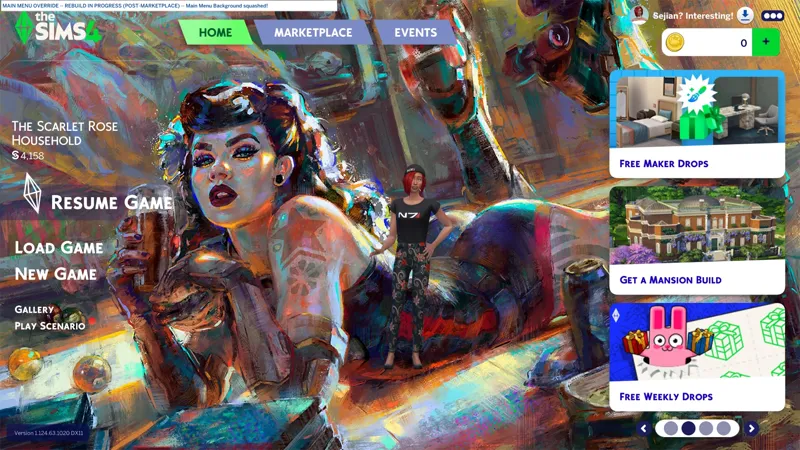
5️⃣ Choose "Replace the file in the destination" if prompted to "Replace or Skip Files":
6️⃣ LAUNCH the game.
☆// ⋆ PROJECT MIRRORS:
Bluesky -- NIL
CF (Legacy) -- https://../bg-sgfx-override-situationdisplay-noeb
CF (Legacy) -- https://../bg-sgfx-override-situationdisplay-noebg
Mod The Sims -- NIL
Nexus Mods -- https://../thesims4/mods/3638
☆// ⋆ ZIP CONTAINS (0) TS4SCRIPT + (1x2) PACKAGE:
This is a simple "Scale Form GFX" override.
This should NEVER contain TS4SCRIPT files, BATCH files, EXE files, or anything other than PACKAGE files, my "#Sej" folder, and a sub-folder.
This section exists as a reminder that we are in someone's crosshairs.
Rogue TS4SCRIPT files, BATCH files, EXE files, etc., encountered where they don't belong could contain malicious PYTHON script or other !@#$ that will attempt to infect your device and steal your personal information when executed by you or the game. Malware can ruin lives. Don't !@#$ around.
🗜️ sej_SGFX_SituationDisplay_NoEventButtonBackground_[YYMMDD]_[RELINFO].zip
📁 #Sej » SGFX
📄 sej_SGFX_SituationDisplay_NoEventButtonBackground.package
🗜️ sej_SGFX_SituationDisplay_NoEventButton_[YYMMDD]_[RELINFO].zip
📁 #Sej » SGFX
📄 sej_SGFX_SituationDisplay_NoEventButton.package
Comments (3)
Hi! So when using only the "SGFX No Event Button Mod" I still get god rays with the Add a Sim button in CAS and the Occult button under that menu. This was present before the August 19th Patch (I've just been a bit lazy). This resolves itself when I add in More Traits in CAS and it's SGFX patch. So maybe that's a good place to start??
Hi! Each SGFX Override and SGFX Patch removes UI effects from specific places, so yes, if you you use More Traits in CAS, then you need the SGFX Patch for that, and that SGFX Patch removes Godrays from almost everywhere in CAS (not the "special" one on the Body category that appears if you haven't viewed the new "Tattoos" tutorial) and from that button in Build Mode for adding Lot Traits. It's a mix and match thing with these. I can't merge them because it'll be more headache to patch third-party mods. So for instance, I have all... (5 [???]) of my standalone SGFX mods that remove Godrays and Glowing Dots in my Mods folder because I don't use any of the third-party mods I've patched. (4 [my count might be off]) of standalone mods are incorporated into patches - (2) in UI Cheats, (1) in Better BuildBuy, and (1) in More Traits. If you use UI Cheats and More Traits, but not Better BuildBuy, then you'd get the SGFX Patch for UI Cheats, the SGFX Patch for More Traits, and (optionally) my standalone "No Promo Garbage" which removes the PROMO button / Shopping Cart button and removes Godrays and Glowing Dots from the top right corner of the Live Mode UI. Does that make sense? I'm kinda out of it. I just watched "Bring Her Back" (2025) and it was horrific, in a good way. Let me know if you need more clarification. Also I need to update the compatibility lists in these SGFX posts to include my new SGFX mods! -SHAMELESS SELF PLUG- Did you know I've been moddi- Pfft! I haven't been modding CAS, I'VE BEEN FIXING CAS! 😹
YES, salvation is finally coming!!! 😍 This button annoys me so much😩