
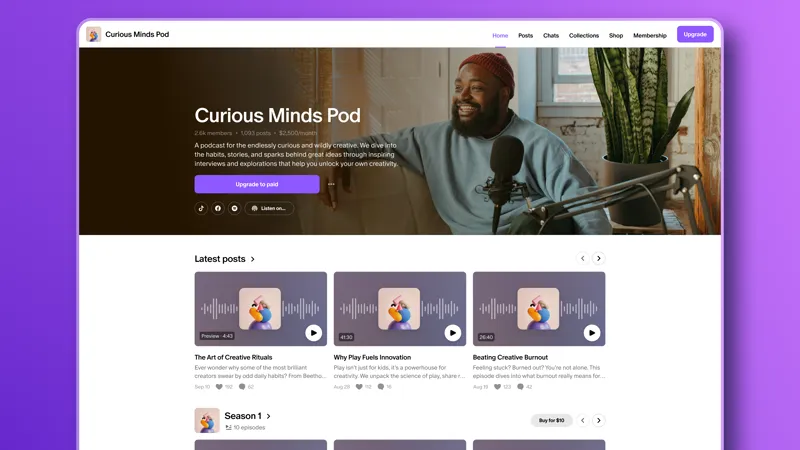
The Patreon pre-launch checklist
This list is your go-to checklist for getting everything in place so your Patreon launch feels confident, cohesive, and fan-ready.
If you want to move quickly, you can use the checklist below to get everything in place. We’ve also included a downloadable version you can check off as you go.
And if you want to go deeper on any step, check out our Launching your Patreon collection, where we walk through each part of the process in detail—sharing tips, recommendations, and examples from fellow creators.
1. Get the basics in place
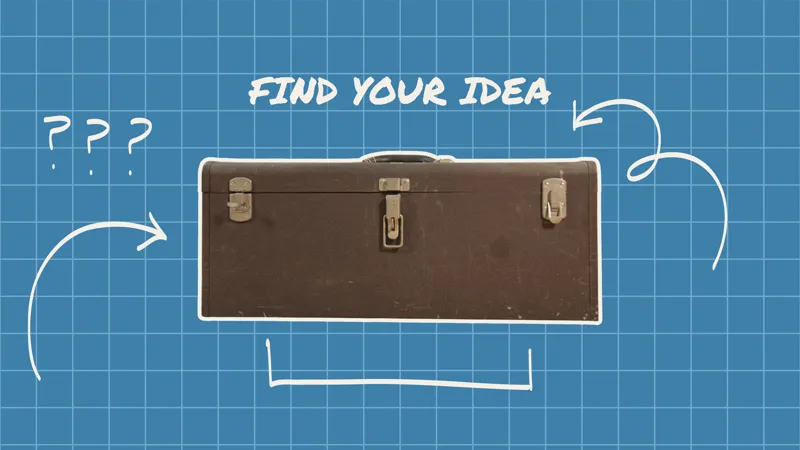
Start by getting clear on your idea.
🔲 Who is your Patreon for?
🔲 What will members get?
🔲 Why should they join now?
🔲 Turn this into a simple 1–2 sentence pitch
👉 Want help shaping your idea? Check out:
2. Build your page
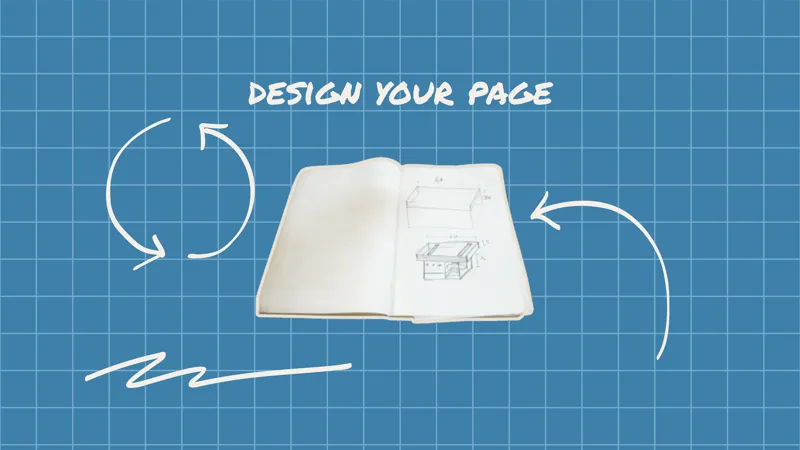
Set up a page that’s clear, recognizable, and easy for people to explore.
🔲 Set up your name and custom URL
🔲 Set your photo, banner, and branding
🔲 Add your About section
🔲 Connect your social accounts
🔲 Organize your page layout (collections, navigation tabs, featured posts)
🔲 (Optional) Set up podcast/RSS if applicable
👉 Want help designing your page? Check out:
3. Add posts
Make sure there’s something to explore when people land on your page.
🔲 Publish 1-3 starter posts—consider creating both free and public posts
🔲 Pin a welcome or intro post
🔲 Add 1–2 public posts that show what people get when they join (behind-the-scenes, early access, paid-access only posts)
🔲 Start a conversation (poll, chat, or question)
👉 Looking for ideas on what to post and how to keep people engaged? Start here:
4. Set up your membership
Keep your tiers simple, clear, and sustainable.
🔲 Create 1–3 tiers (or start with one)
🔲 Define specific benefits (what + how often)
🔲 Set pricing (many creators start around $5+)
🔲 Add a welcome note for each tier and for your free members (it helps with upgrades!)
👉 Not sure what to offer or how to structure it? These posts walk you through it step-by-step:
5. Launch and keep going
Get everything in place so your launch feels clear, exciting, and easy for people to jump into.
🔲 Before launch: tease, preview, build anticipation
🔲 Launch: announce clearly + share what members get
🔲 After: keep posting and repeat your message
🔲 First weeks: welcome members and stay active
👉 Want help planning your launch strategy? Check out:
One final tip
You only launch once, but your Patreon will grow and evolve with you. Don’t stress about perfection! Start strong, listen to your fans, and keep iterating.
You’ve got this!
📩 Want something you can use as you go? Download the pre-launch interactive checklist below and check off each step as you go.
📌 How helpful was this material? Click to let us know: 👍 | 👎
Comments (5)
im not a fan of the new layout at all.. wish we could pick what one we wanted..
I am a creator and unable to podcast nor post like I should to my about. These people have been tampering with my account Lisa Jordan, Charome Hudspeth, Angelina Seth, Olivia Cammon Stevenson. Can you please help?
Hi Lisa. Please reach out to Patreon's support team for account specific questions and support, they'll be able to assist you directly: https://support.patreon.com/hc/en-us/requests/new
Hi, I'm a creator with the GimnasiaLatina page. I have another account with the new Creator Page Layout, and I'd like this account to also have access to that version so I can organize my posts by sections (collections, featured, etc.). Could you enable the new interface for me? Thank you very much!
Help!! I was out sick for 2 years and need to access my account again..