
Using Patreon’s engagement tools to grow
You know what’s awesome about becoming a creator on Patreon? Well, lots of things. But it’s especially awesome that there’s no single “right way” to do it.
That’s especially true when it comes to engagement. You have a range of Patreon tools you can use depending on what you want to share, how you want to share it, and who you want to reach.
That might look like:
A long-form post or newsletter
A behind-the-scenes peek into your creative process — maybe a photo, a video, or even a quick voice note from the moment
A livestream with your community
Sharing a quick thought or idea as a Quip* or short post
You decide what to make public. You decide what’s for members. You get to decide what’s best for your community.
📝 *Learn more about our Quipping and discovery network tools along with access eligibility.
Start with your posts
Posts are like your home base on Patreon. This is where your work lives. It’s what people come to see, read, watch, and engage with.
Some posts can be public — helping new people discover what you do.
Others can be for members (free or paid) — giving them access to something deeper.
You can even mix both, using a draggable paywall to share part of a post publicly and inviting people to unlock the rest that's available to paid members.
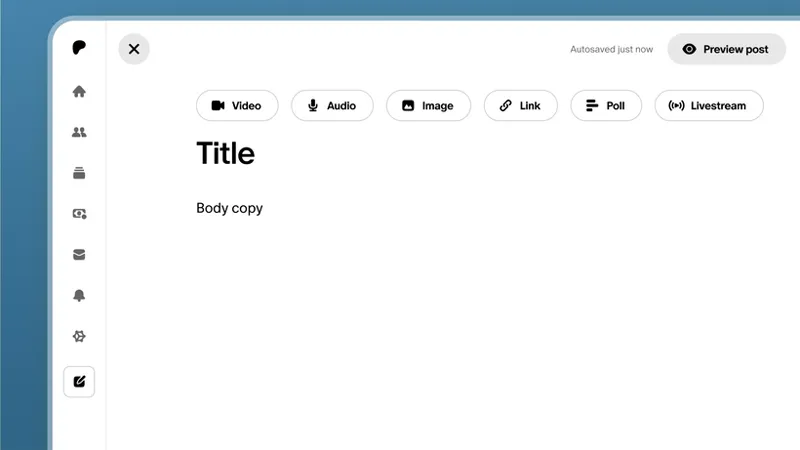
You’re also not limited to one format. You can share video, audio, images, written text, embeds, attachments… whatever fits your work best.
So with all that in mind, instead of asking “What should I post?”, try asking:
Is this helping someone discover me?
Is this helping someone feel more connected?
Is this showing what it’s like to be part of my Patreon?
Does this showcase my passion, interest, and work?
A good mix of posts helps people understand your work and your value.
Stay engaged between the big moments
Not everything needs to be a full post.
Sometimes you just want to show up, share something small, or stay connected.
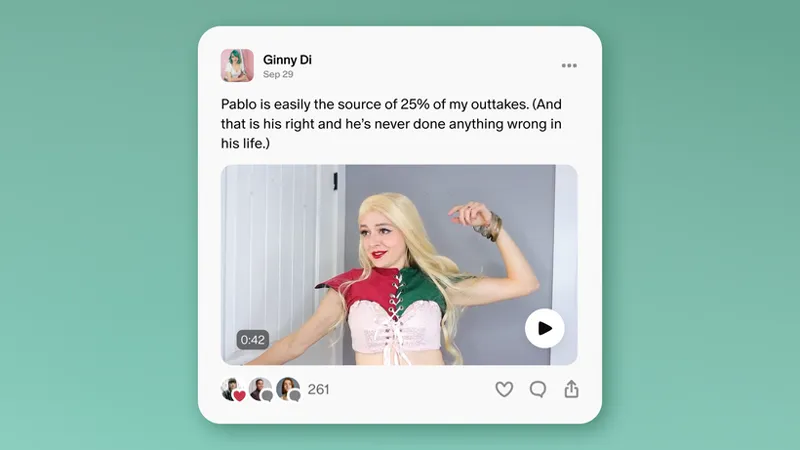
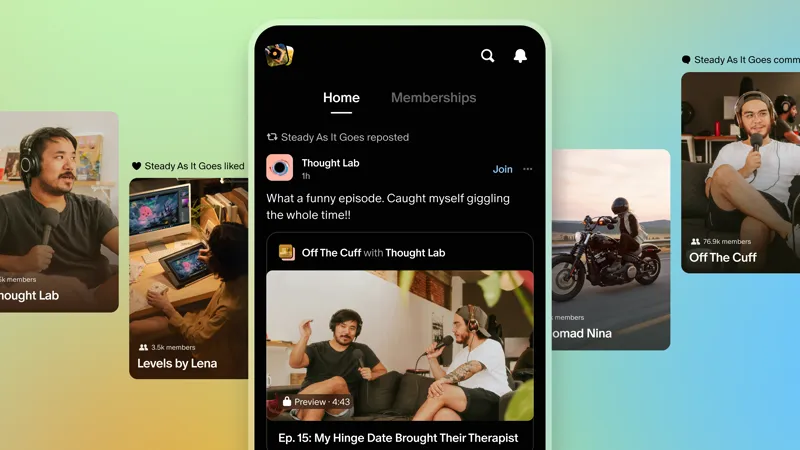
That’s where Quips come in. Quips are lightweight, public posts appearing in the home feed for existing and potential fans to see. They’re designed to spark connection and engagement with fans.
You can use them to:
Share a quick thought
Tease something you’re working on
Highlight a recent post
Stay visible between bigger releases
Think of it as staying present without the pressure to produce something big every time.
These small touchpoints add up — and they help your community feel like you’re right there with them.
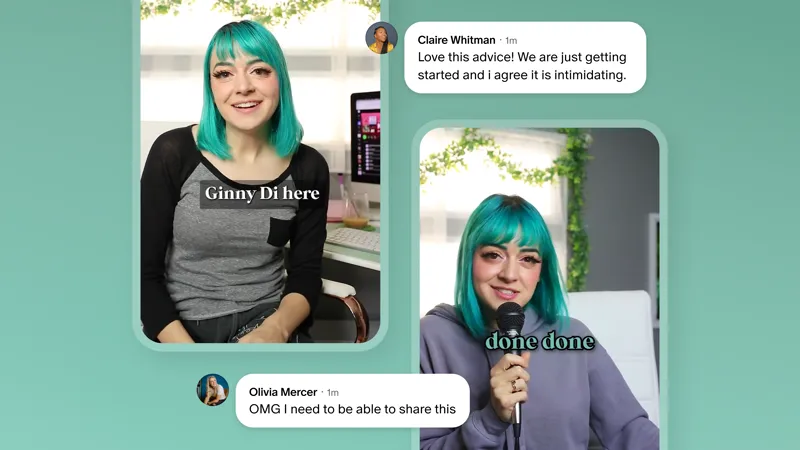
⚡Pro Tip: Check out visual artist Ginny Di’s story about using Quips to grow her memberships!
Create moments for action
Posting matters but sometimes you need to inspire action. Give people a reason to take the next step.
You can do this by offering promotions like:
Gifting memberships to your audience
Sharing a special bonus for new members
Creating a moment around a release, event, or milestone
Music creator Wrekonize does this in a really fun way — using monthly freestyles, music premieres, and livestreams to create moments that draw fans in and keep them engaged.
Make it feel special. Exclusive. A little FOMO never hurt anybody.
Use the tools your way
Here’s the big takeaway: You don’t need to use every tool. There’s no secret recipe.
Start with what feels natural. Try a few things. See what your community responds to and adjust from there.
Use the tools to create a space where your work can thrive and your community can grow.
🧭 Your next steps
Use your 30-Day Editorial Planner & Calendar Templates to:
Plan one post to help people discover you
Plan one post that shows what members get
Decide how you’ll stay visible between posts (quick updates, teasers, etc.)
Next up: Spreading the word.
📌 How helpful was this material? Click to let us know: 👍 | 👎
Comments (2)
Some tips on the quick audio note section? How to make curious and want to know more?
I have been trying to grow for sometimes now. Nothing seems to be working.