
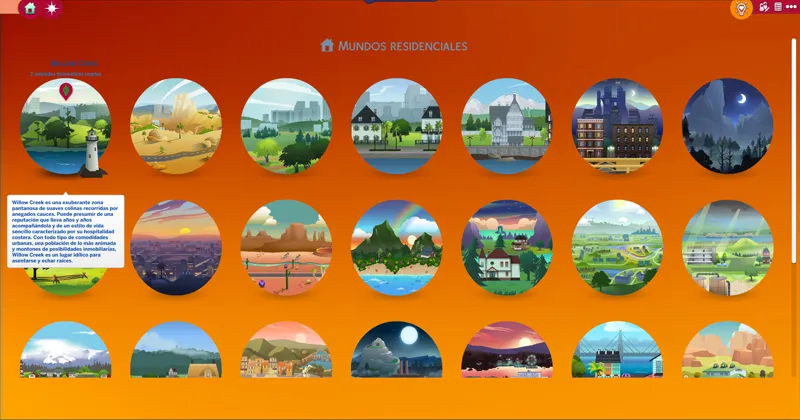
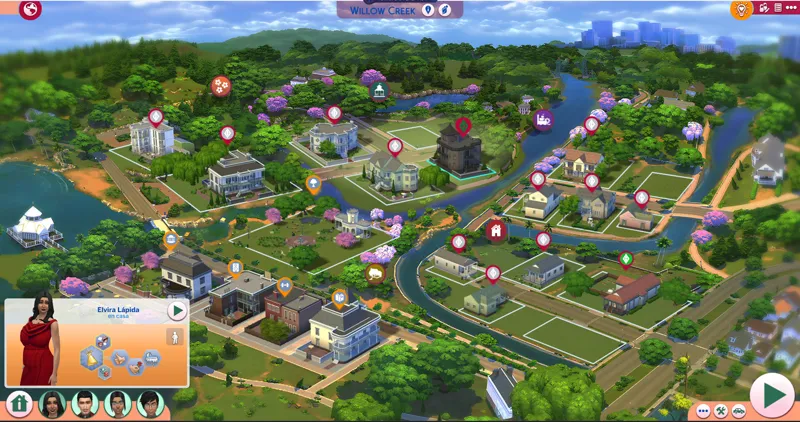
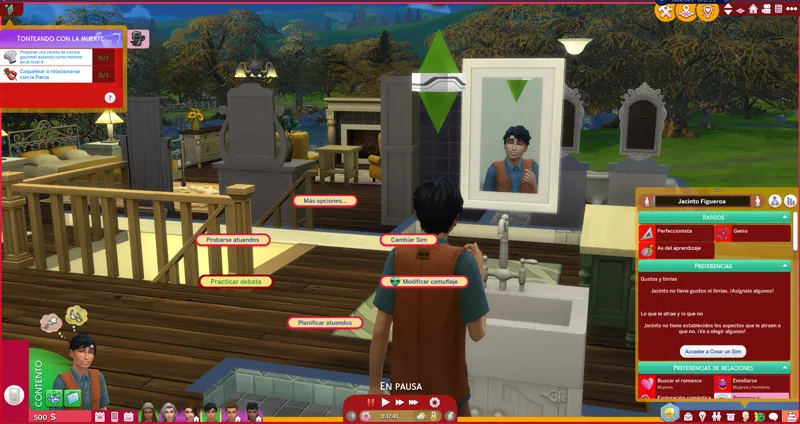
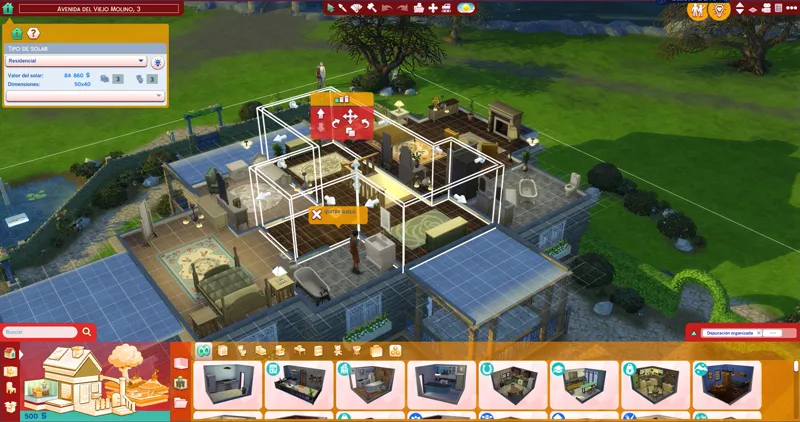

Red Mode UI | The Sims 4 (July 29, 2026)
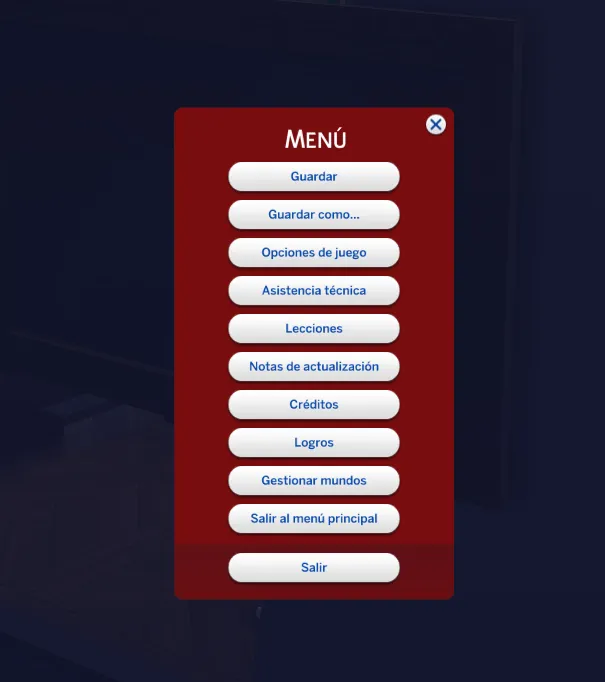
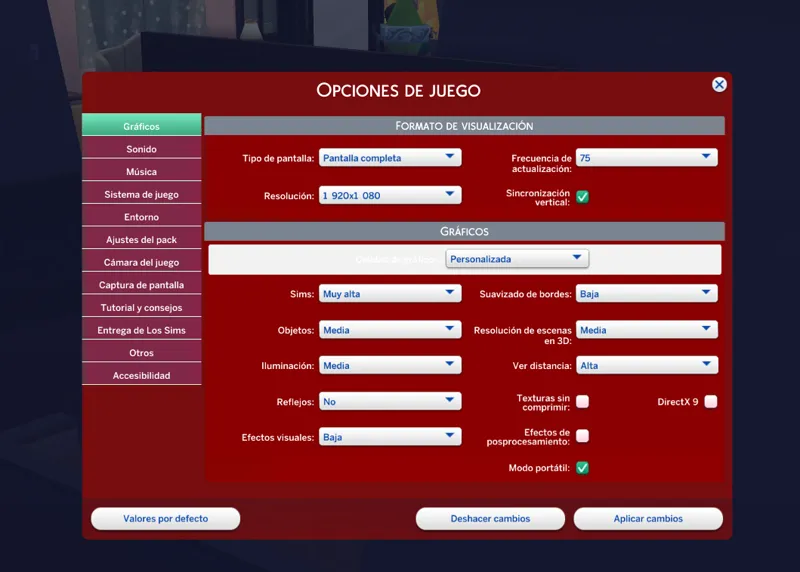
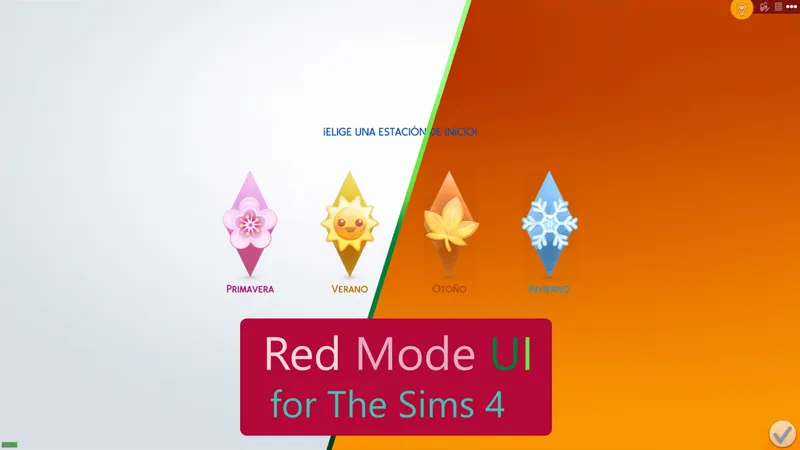
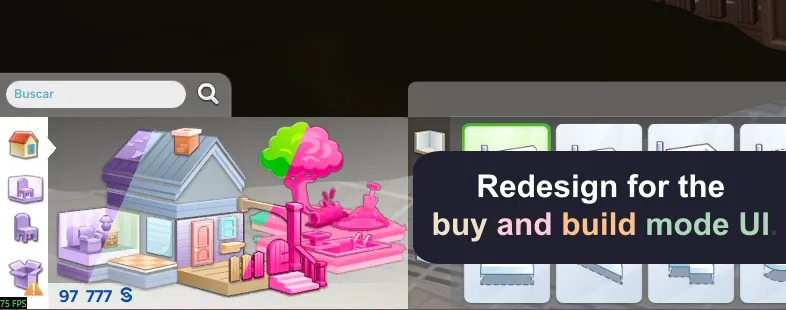
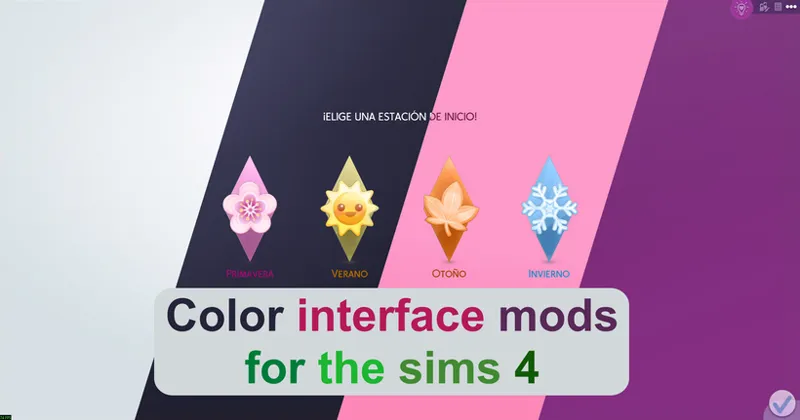
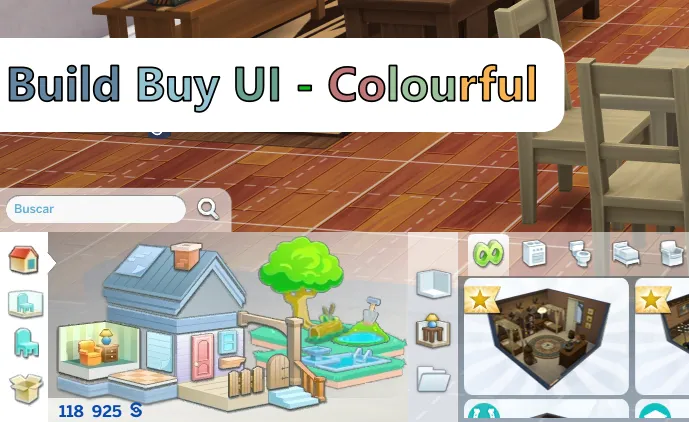
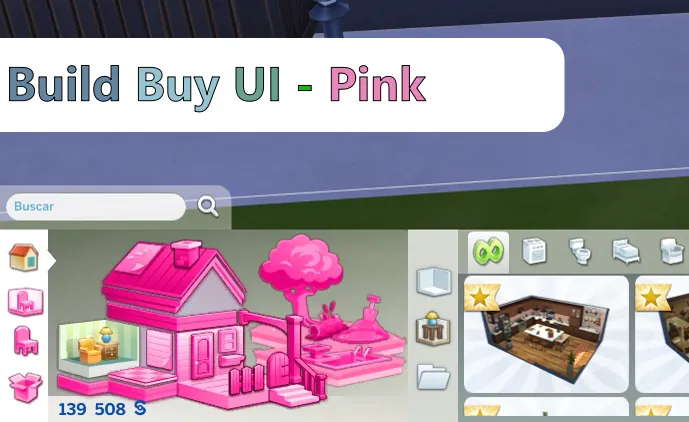
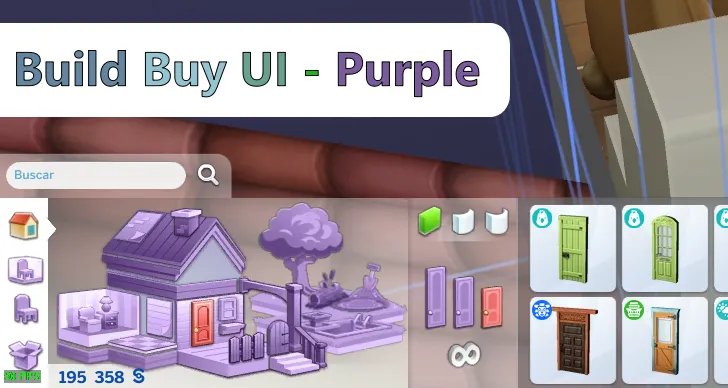
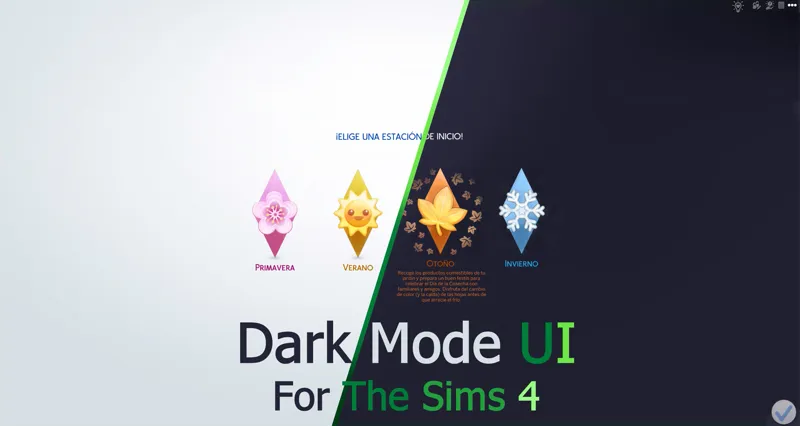
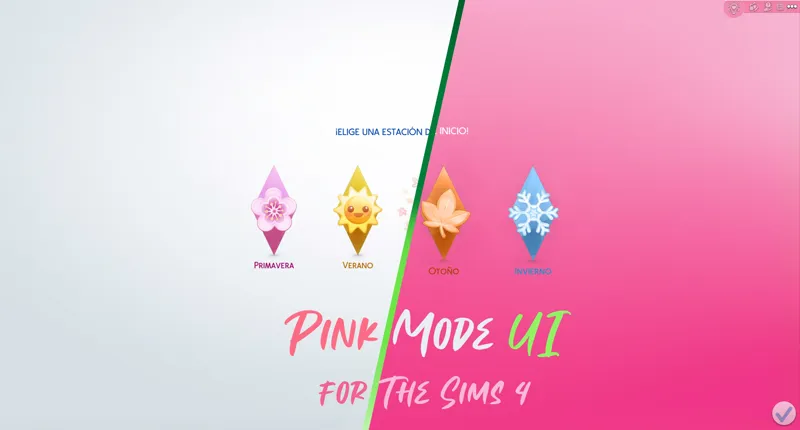
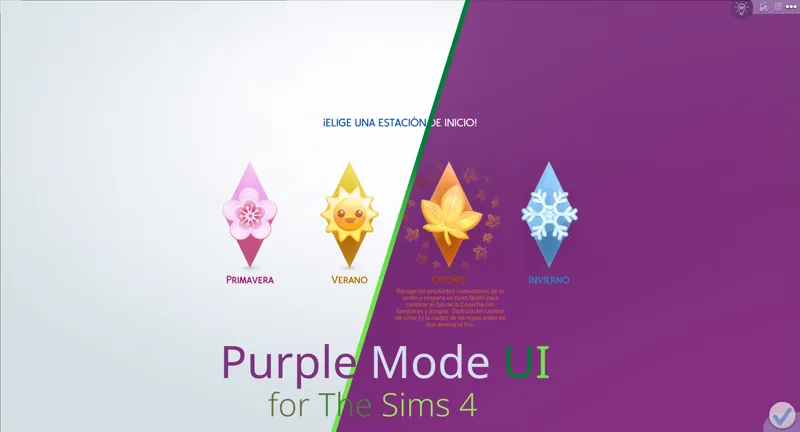
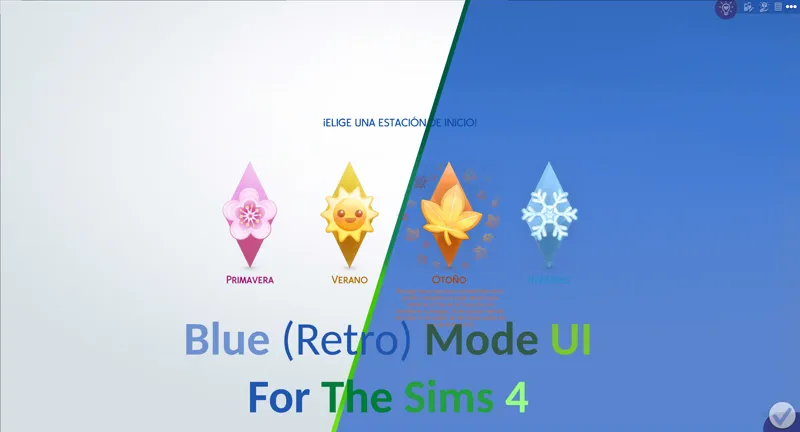
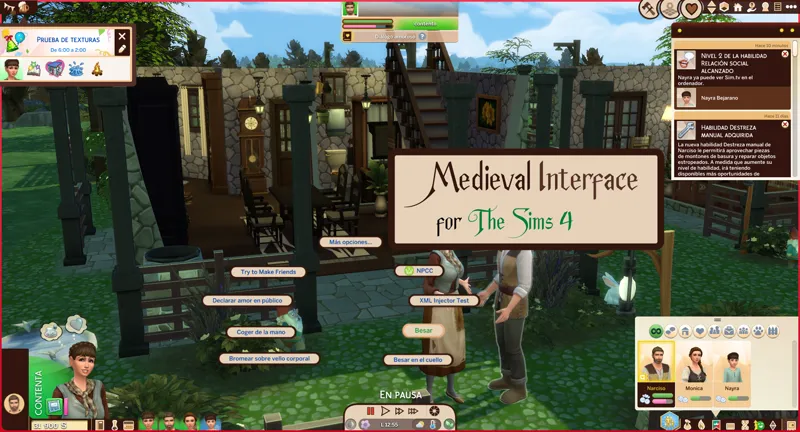
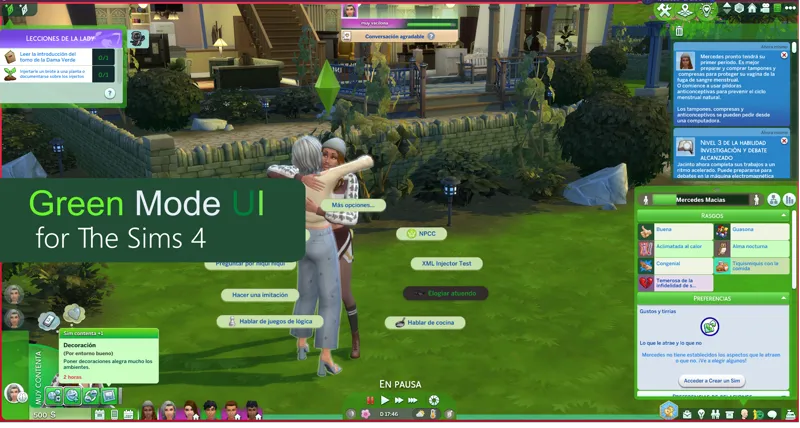
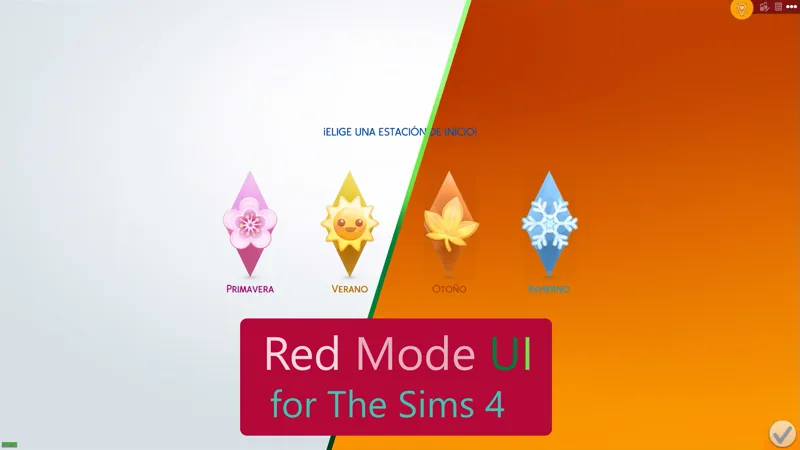
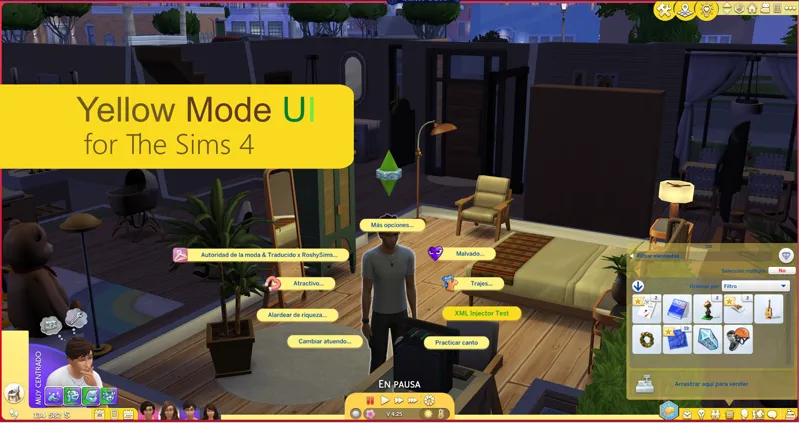
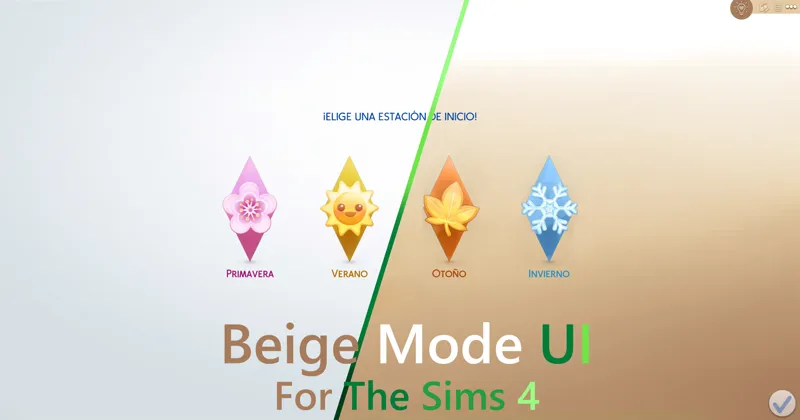
As its name says, it is a mod that changes the appearance of the interface of The Sims 4, simulating that the "red orange mode" is activated.
You can comment, criticize and suggest about the mod with complete confidence.
Change Log:
5.24.15 (July 3, 2026):
Updated for update - PC: 1.125.59.1030 / Mac: 1.125.59.1230
New patches available for third-party mods.
Patch for Quick Save Button - BuildBuy.
Patch for Plumfruit Essentials.
Patch for Better Simology Panel.
It now works as the UI Cheats Extension patch.
Patch for Better Simology Panel x UI Cheats Extension
5.24.19 (July 29, 2026)
Updated for update - PC: 1.126.58.1030 / Mac: 1.126.58.1230
Warning: Due to the mod being restructured, the name of the main folder and several internal folders have changed, as well as the names of some files.
A clean install of the mod is mandatory.
Installation:
Warning.
Because the mod makes very big changes to the game. please do the following.
In the sims folder delete the following folders:
cachestr.
onlinethumbnailcache.
And delete following files:
GameVersion.txt
localthumbcache.package
This is done so that the game reloads the mods correctly.
Repeat every time the game is updated or every time, I updated said mod. (This process also works for any mod)
***********************************************************
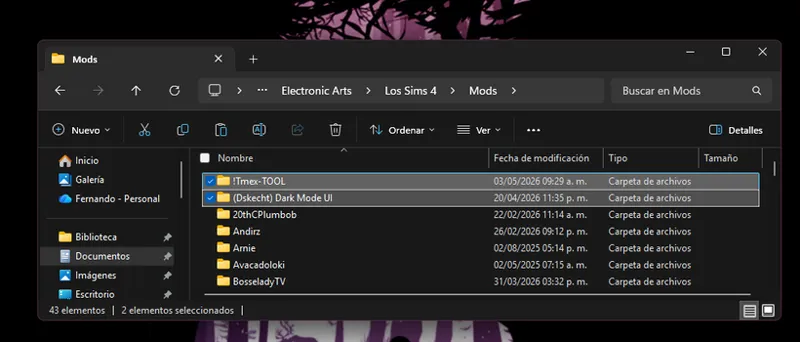
Installing my interface mods is very simple, you just need to drag the mod folder to The Sims 4 mods folder.
Remember that my interface mods include optional patches that you should remove if you don't have those mods, as they could cause errors in the game's textures.
Note:
When updating my mods, you should always perform a clean installation; never overwrite existing mods.
One more thing, most mods are just retextures for that mod, since for various reasons it is not possible to create a real and functional patch.
In other words, I have to re-upload the entire conflicting mod, but modified, to create a patch, and that's not right.
Simply having the patch installed and changing the load order of the conflicting mod is more than enough to make the mod work.
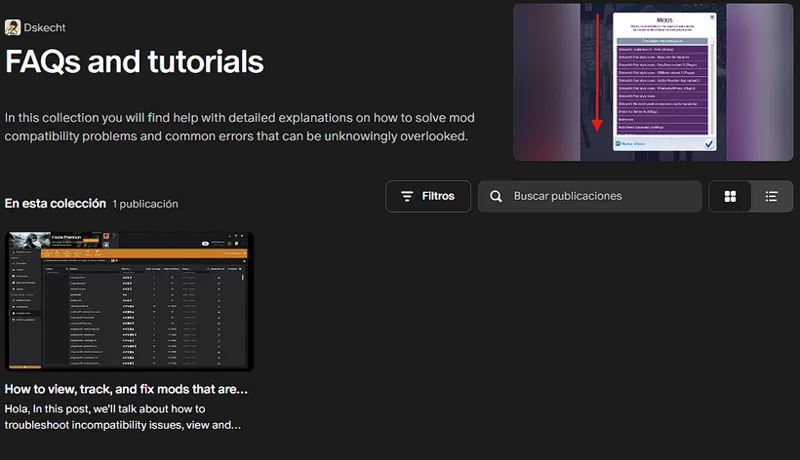
If you want to know which mod requires a special installation, you can check out my collection of help posts and tutorials for the game.
If you don't know how to do it or need visual aids, check the FAQ post where you'll find all the instructions and tips to solve your problem.
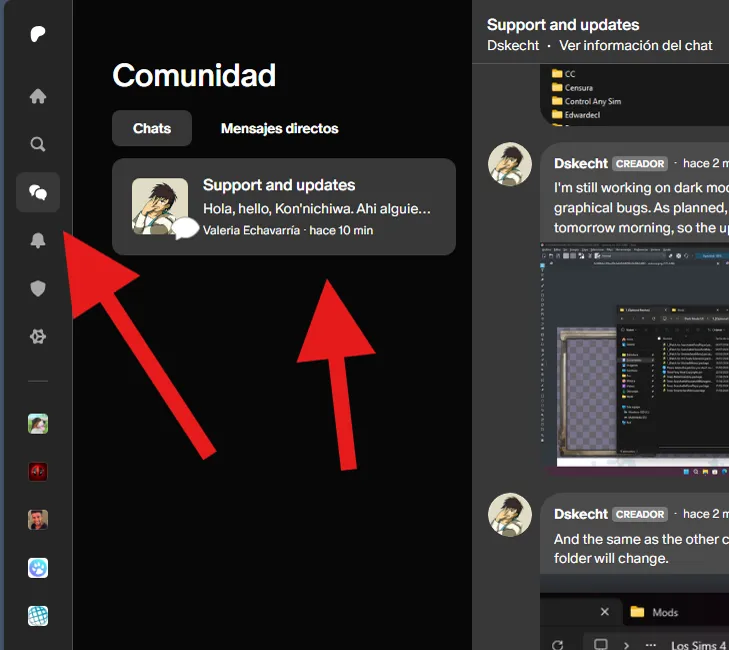
If you have any issues with the mod or would like to contribute to its improvement, you can do so via the group chat (support and updates) on Patreon.
You can access it via the community tab.
***************************
***************************
Comments (33)
please do the red without the orange x
YES!
The Sims update from March 17, 2026 is causing problems with mods, and I can't work on it until EA releases a new version of the game.
Yes, I know about the SimMattically mods, and no, it's not possible to create a patch, but if you follow the advice to change the load order so far, you'll be able to use your family tree mods.
El mod ya es compatible con la actualización para PC: 1.121.342.1030 / Mac: 1.121.342.1230
Update Status February 3, 2026 (The Sims 4) [Broken] Yes, I'm aware of the mod's status and I'm already working on an update. Please see the following post for an overview of my other mods and when an update might be released. https://www.patreon.com/posts/149883778
I can confirm that all my mods are compatible with today's update, January 13th. Although there were some changes, they do not affect the functionality of my mods.
If the problems persist, you should simply reinstall the mod from scratch and clear the cache so that the game loads the installed mods correctly.
can u pls share old versions of red ui?
Yes, I'm aware this mod is broken, and I'm still very active, but this update coincided with my final exams at university. So, expect some inactivity. For more information, see this post or any updates. https://www.patreon.com/posts/144810185
Remember to do a clean install of the mod before updating the mod.
CAS and Gallery are also empty
The 'Starting Menu' folder is empty
Yes, that's on purpose. I have just resumed the project and little by little I will be adding all the missing interface parts. The idea is to have them at the level of the pink or purple interface by early February.
This mod now includes a patch for the UI Cheats Extension, if you are not using this mod, please remove the patch to avoid crashes.
omg am i trusting you that delatintg all of this wont brake my game
Can you please do a yellow and white? thank you for your work!!!
i would also love this!!! i enjoy downloading color mods for my not-so-berry legacies, and currently im on yellow :) (no complaints ofc, we're already spoiled by all of the colors available!)
one day , no rush of course, could you possibly look into making a blue and pink ombre version.
you should make one where its pink + purple!
Would you maybe make a Ombre purple & blue colour ?
Today is 16/12 and not its accesible yet, what happends?
The last 3 updates of The Sims 4 have delayed me too much, as there have been many changes to the textures of the game, taking time away from me. So much so that I had to figure out if he released a new texture or not.
Hi! Would you eventually be able to make the other colors compatible with smarter pie menu?
Purple maybe, I've already thought about changing the color scheme in the Pie Menu a while ago. For the pink and the dark one, it is simply impossible, I have already tried it, the pink is very difficult to read, for the dark one I must use light colors so that it can be read.
tysm for all your hard work!
a yellow ui would be dope
Hello, hope all is well. I want to say thank you for all the options you have given us. I love to be able to change my UI. I just came back to change my UI and loading screens for fall. I was wondering if you'd consider making a dark/burnt orange version of this? I know we're all asking you for different things, haha.
I will think about it [He curls up in a corner of the room.]
Can you please make a clear or transparent type color UI? I feel like I've seen simmers have it but cannot find it.
That's a program that puts a shedding on the game, I don't know what it's called but it's a bit heavy for the computer.
Could you possibly someday do a darker blue, or maybe even a red ui? Red and blue are my favorite colors
Red would be amazing. It's a dream. <3