
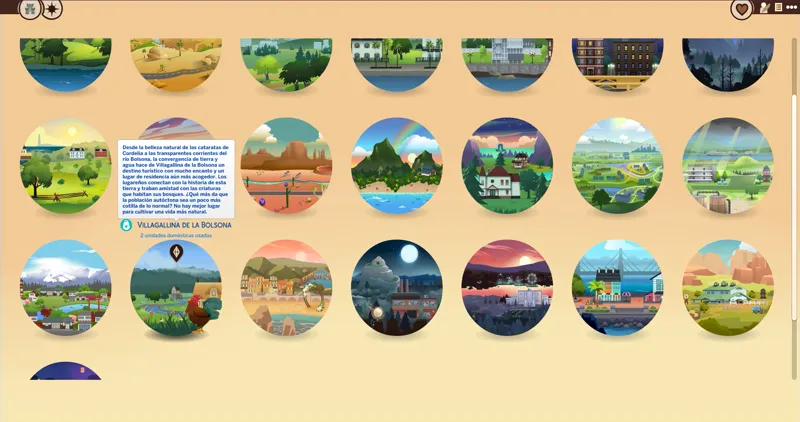
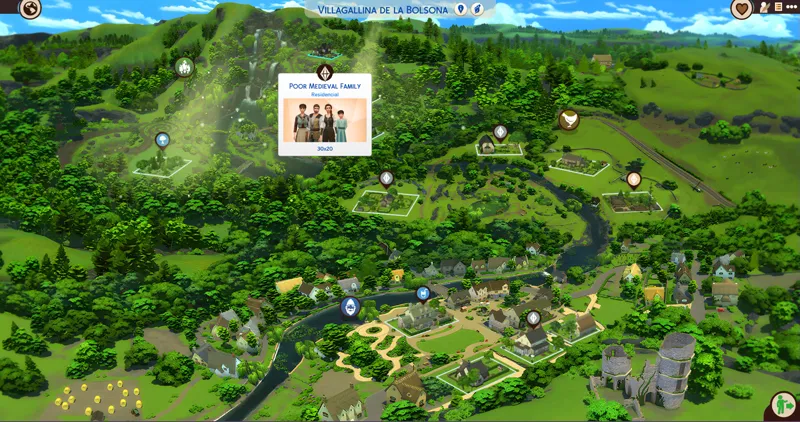
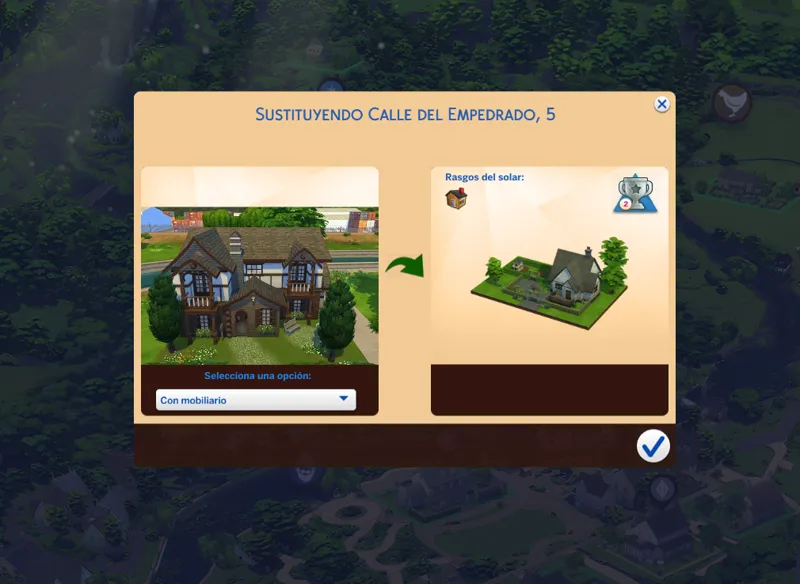
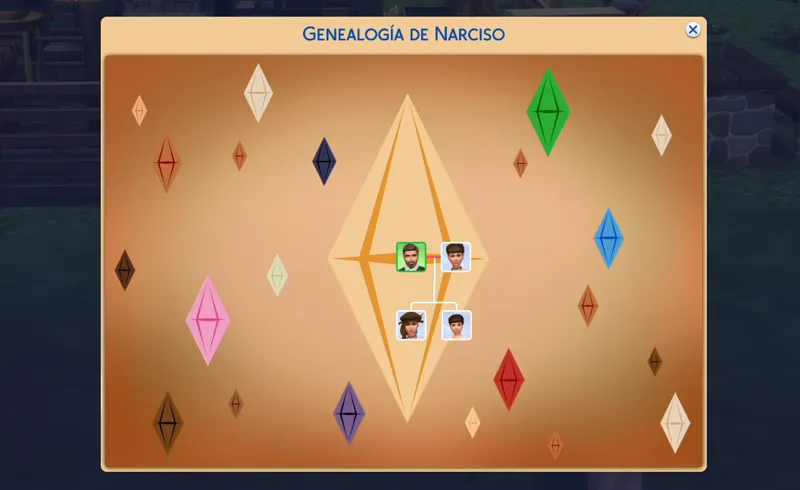
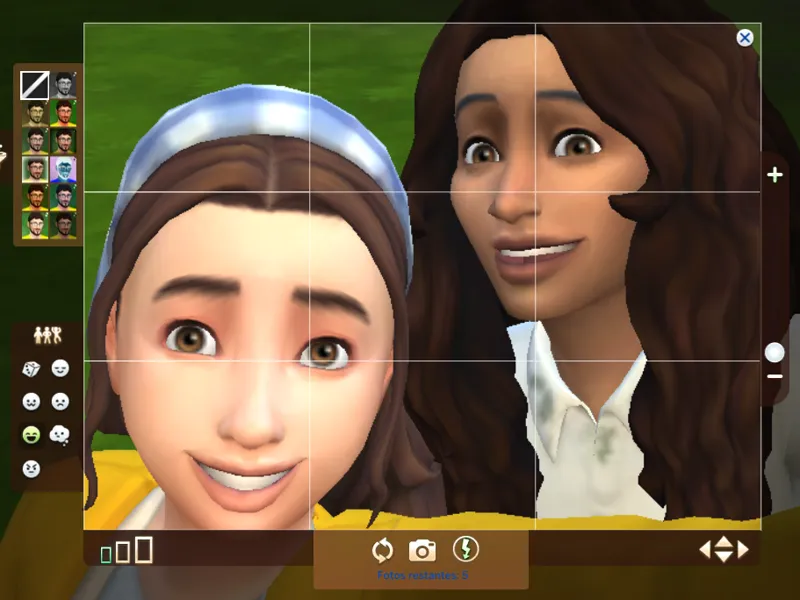
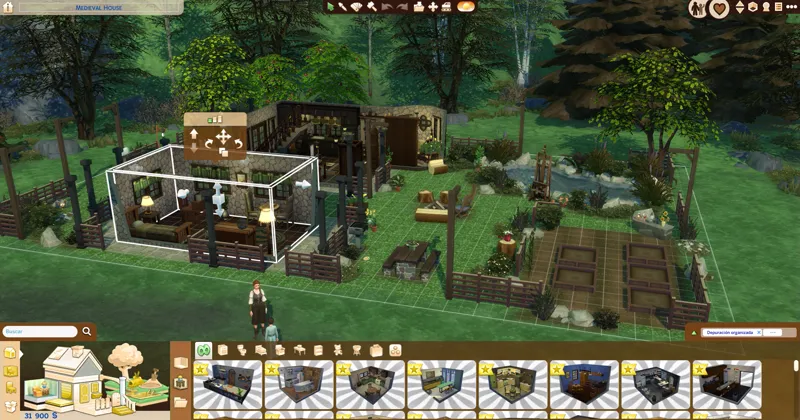
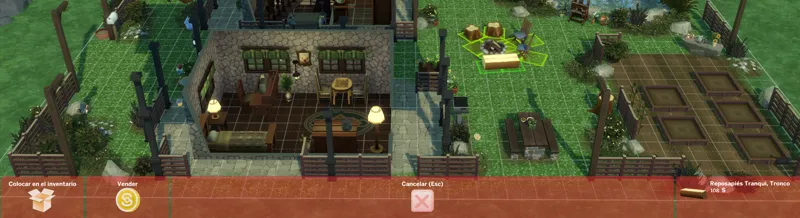

Medieval Interface for The Sims 4 (July 13, 2026) [Public version]
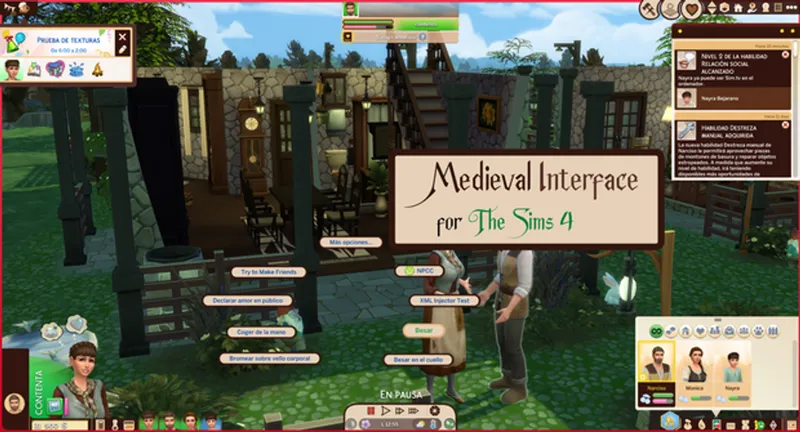
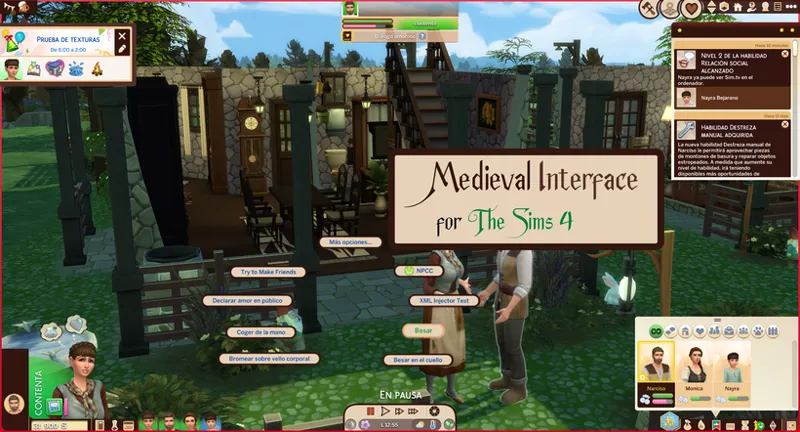
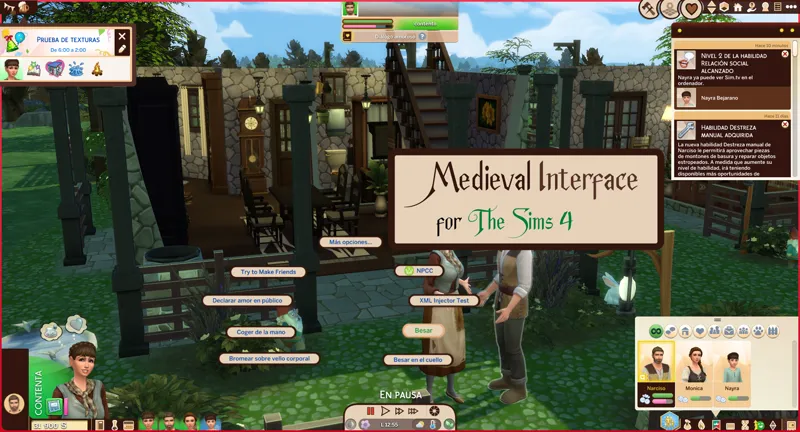
Medieval interface for the sims 4 will be a very long-term project, that is due to the radical changes that I must make to the interface.
The goal is to have a mix of The Sims Medieval with The Sims 4, that implies that I will have to redesign the icons of the game to make it consistent.
Change Log:
4.92.82 (December 12, 2025):
Updated for update - PC: 1.120.111.1030 / Mac: 1.120.117.1030.
A new folder was added: Textures for third-party mods
This folder includes mod files with custom textures that help them blend seamlessly with this mod and avoid conflicts. Since they are based on the original mods, there's no need to delete them.
This folder is separate from the optional patches folder, as these are not functional patches.
The color palette of the live mode interface has been redesigned.
The following icons were updated.
Job.
Skills.
Friendship.
Inventory.
Simbiology.
needs.
The icons in the top left corner.
The icons in the upper right corner
Simulation time control
Phone
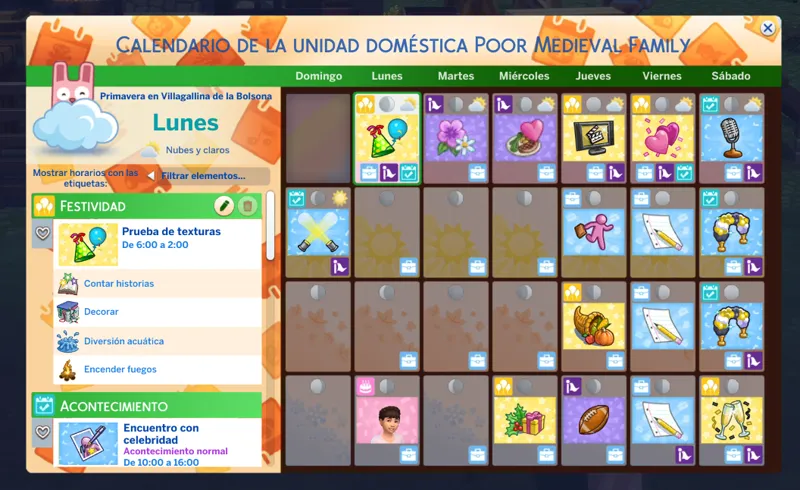
Calendar
Notebook
The text describing the emotion buffs has been improved.
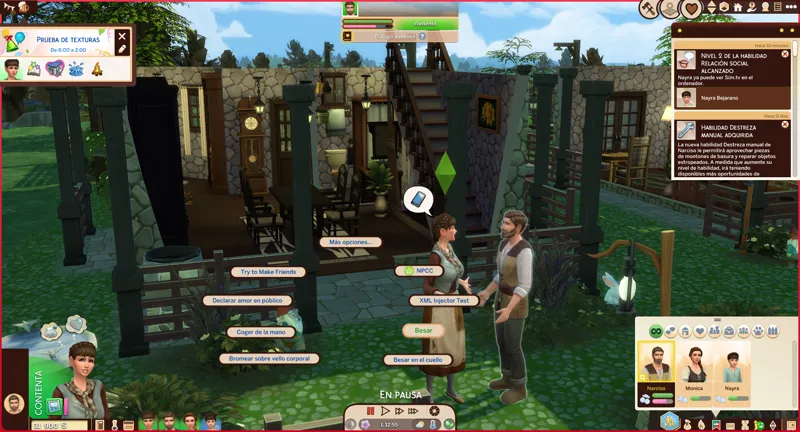
The appearance of the pie menu interface was improved
Change Log:
4.93.3 (July 13, 2026):
New patche available for third-party mods.
Patch for Plumfruit Essentials.
Compatibility with the Quick Save Button - BuildBuy mod has been improved.
Warning: Due to the mod being restructured, the name of the main folder and several internal folders have changed, as well as the names of some files.
A clean install of the mod is mandatory.
Thank you very much:
Your feedback was very important for this mod.
Installation:
Warning.
Because the mod makes very big changes to the game. please do the following.
In the sims folder delete the following folders:
cachestr.
onlinethumbnailcache.
And delete following files:
GameVersion.txt
localthumbcache.package
This is done so that the game reloads the mods correctly.
Repeat every time the game is updated or every time, I updated said mod. (This process also works for any mod)
***********************************************************
Installing my interface mods is very simple, you just need to drag the mod folder to The Sims 4 mods folder.
Remember that my interface mods include optional patches that you should remove if you don't have those mods, as they could cause errors in the game's textures.
Note:
When updating my mods, you should always perform a clean installation; never overwrite existing mods.
One more thing, most mods are just retextures for that mod, since for various reasons it is not possible to create a real and functional patch.
In other words, I have to re-upload the entire conflicting mod, but modified, to create a patch, and that's not right.
Simply having the patch installed and changing the load order of the conflicting mod is more than enough to make the mod work.
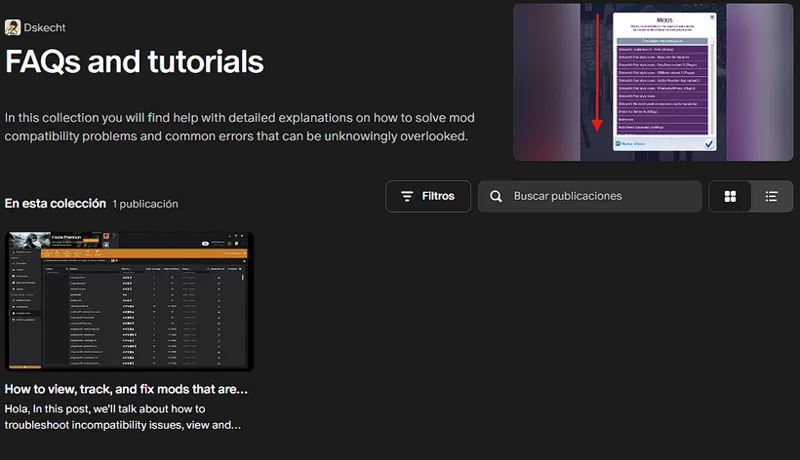
If you want to know which mod requires a special installation, you can check out my collection of help posts and tutorials for the game.
If you don't know how to do it or need visual aids, check the FAQ post where you'll find all the instructions and tips to solve your problem.
You can also give your opinions, either in the comments
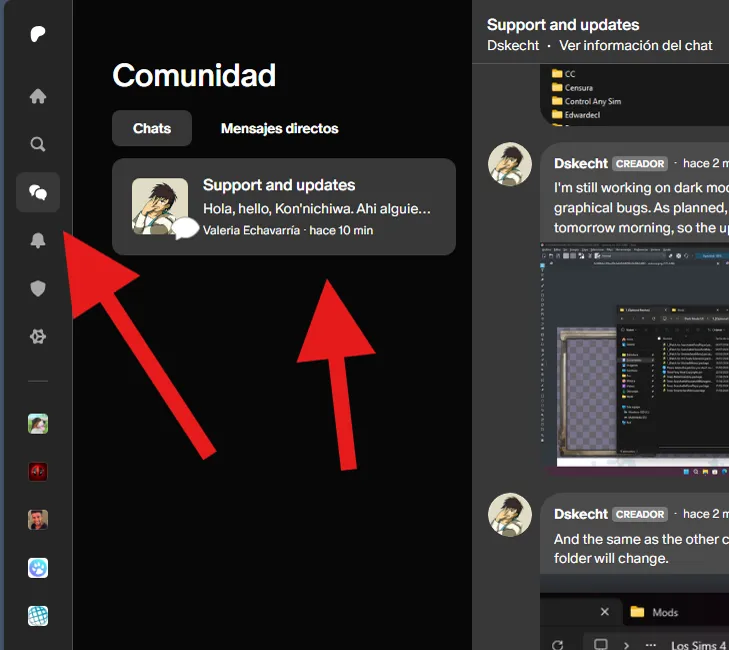
If you have any issues with the mod or would like to contribute to its improvement, you can do so via the group chat (support and updates) on Patreon.
You can access it via the community tab.
When will it be released to the public?
The mod will be released when it reaches version 5.xx.xx. And for that, the mod must meet certain requirements to consider. And only full versions will be made public. Minor updates and new features will only be for donors.
Requirements:
Version 1.1.40
This version has been released.
Version 2.17.68
This version has been released.
Version 4.59.32
This version has been released.
Version 5.xx.xx
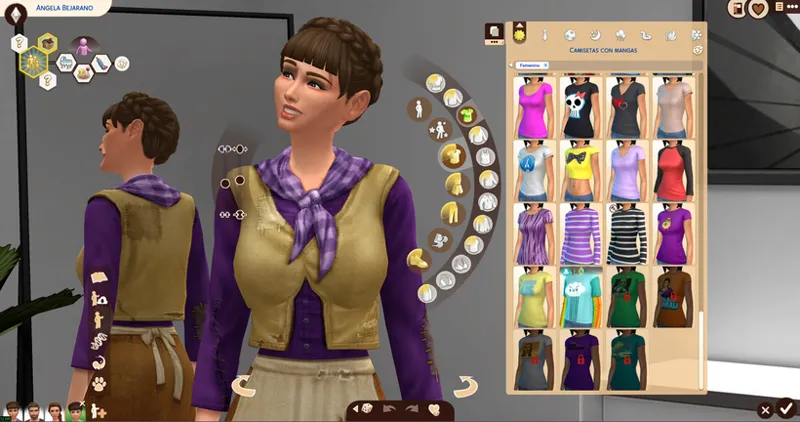
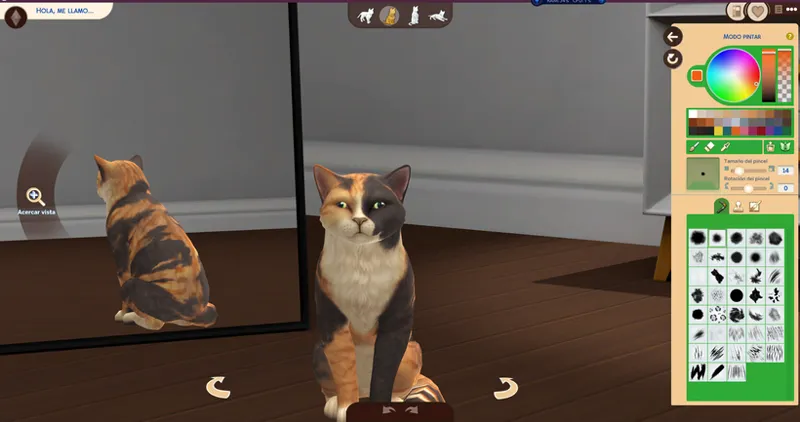
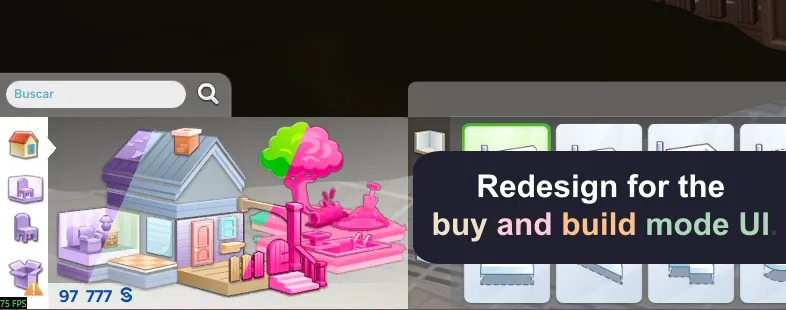
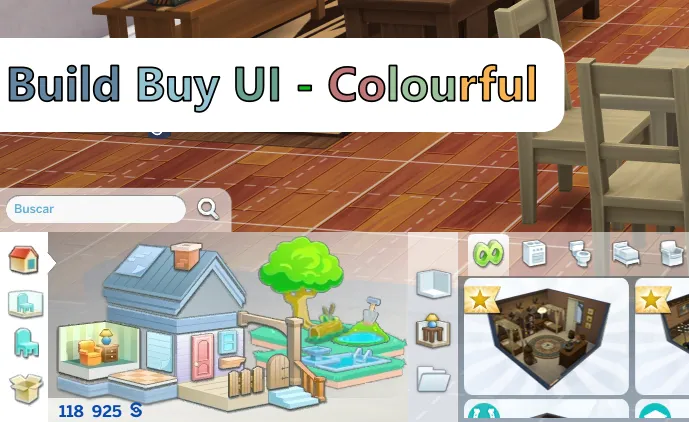
CAS, Buy and build mode. It should already be completely edited.
Version 6.xx.xx
Gallery. It should already be completely edited.
In the version for 2 dollar donors you can find this content currently edited.
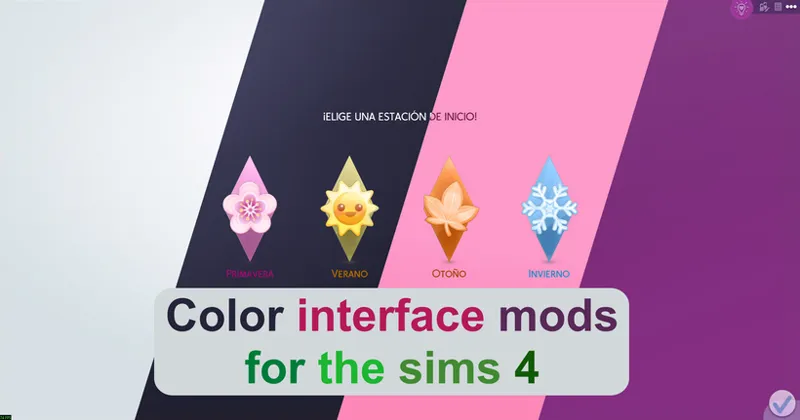
First color palettes for the CAS interface.
Redesigns for the CAS catalogue.
CAS icon redesigns (state 31%)
Added debug menus.
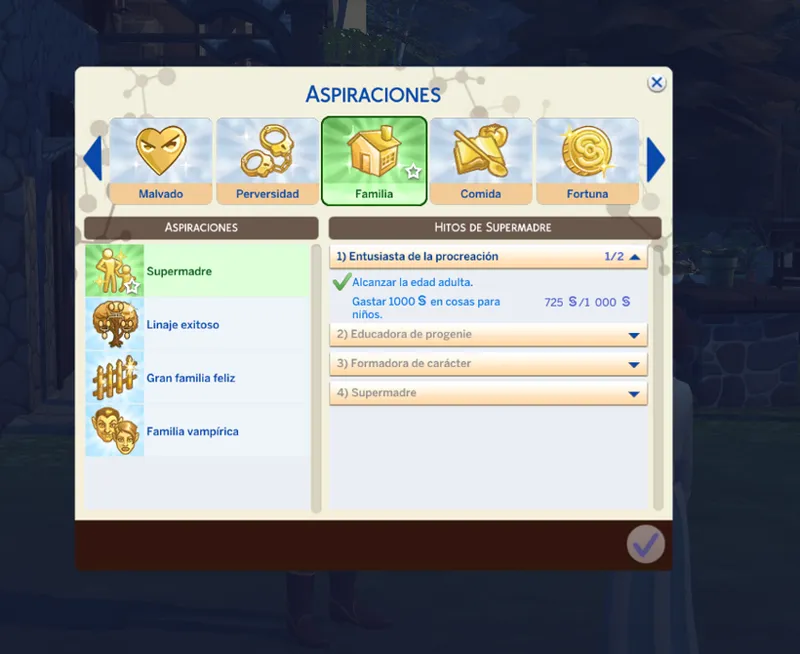
Added the Aspirations menu.
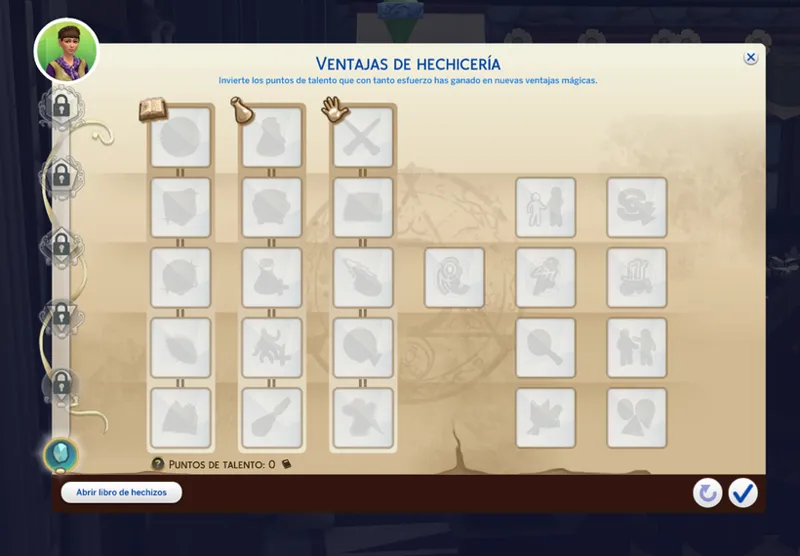
Added hidden sim perks menu.
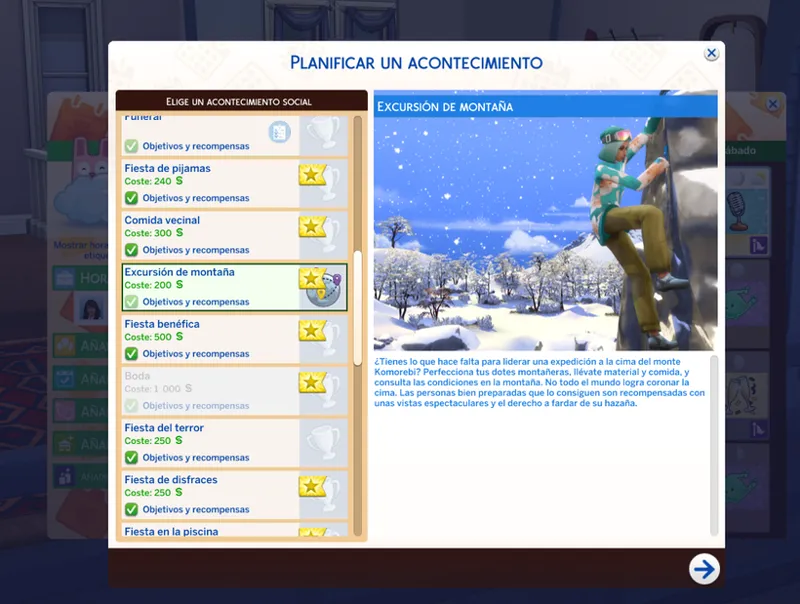
Added event planner menu.
Added edit holidays menu.
Redesign for the low-level interface.
Added a new icon for CC.
Redesign of the features menu.
Remember that many elements of this mod are subject to change.
Do you want to try it ahead of time, do it here (Current version 5.65.91
(updated May 17, 2026)
***************************
***************************
Review Vll work if you want to have a more complete medieval experience.
Comments (37)
I am about to download it, I am so excited to use it for the decades challenge
I'm confused, do we have to pay for this now? I can't find the March update for the Medieval UI. Sorry for the trouble, just wondering.
The public version was not affected by the March 18 update and is safe to use, while the donor version was updated.
The mod has been broken since the March 18, 2026 update, and I'm already working on a new version, so please be patient. If you want to know when it will be ready, check this post. https://www.patreon.com/posts/153300330
The Sims update from March 17, 2026 is causing problems with mods, and I can't work on it until EA releases a new version of the game.
Not sure if it's on me or not but I don't have any files except txt in the optional patches folder (even in the downloaded ZIP). Sorry if that's intentional, I'm not very smart sometimes haha
No, the mod does not conflict with any other mod, that's why there is no patch.
increibleee
tysm!! was waiting for this or the beige one
Update Status February 3, 2026 (The Sims 4) [Broken] Yes, I'm aware of the mod's status and I'm already working on an update. Please see the following post for an overview of my other mods and when an update might be released. https://www.patreon.com/posts/149883778
Is there a way to only get the phone ui?
Until EA decides to redesign the Live Mode interface, it's not possible, as the texture design doesn't allow it.
If the problems persist, you should simply reinstall the mod from scratch and clear the cache so that the game loads the installed mods correctly.
thank you for updating!!!!
thought i'd keep my comments to one thread but you are an absolute godsent with this mod. i love using it for medieval gameplay.
There is currently a bug in the game that is bugged the text box, causing it to have a weird stretching, it is a problem that is out of my jurisdiction.
Hiya lovely! I've just downloaded this and the colourful Build/Buy but it seems to have glitched out my UI (mainly when hovering over sims, the display is weird). I was hoping to find a Discord server to post a photo but I'm not sure where the error is coming from, and could really use the help! Tia! x
Ah, the variable for that module isn't available yet, I'll only make it public next week, so it looks weird at the moment. For any future inconvenience, you can enter the Pagreon group chat by entering the community section.
Please, before commenting on an issue, follow the installation instructions, remove any patches you are not going to use, and verify that any mods that conflict with it are installed or updated. And most importantly, CONFIRM THAT THE PROBLEM IS CAUSED BY MY MOD, USING THE 50/50 METHOD
There don't really seem to be any patches in the patches folder (or in the main menu folder) is that normal?
Tysm for the work you continue to do on this MOD! I cannot and will not play without it lol
I love this one, but could you make a beige or tan UI without medieval?
Hey is there like a version that is better/does more? Because this says public version so I am wondering if there is a better one?
Remember to do a clean install of the mod before updating the mod.
The mod is broken with the update of 03/12/2024. In this post are the steps you must do to make it work again. https://www.patreon.com/posts/117256394
Because I know there are people who don't read the changelog, a patch has been added for Better BuildBuy. If you have problems with floating banners, assume it's because you're using this patch without using BBB. There's no need to remove anything anymore, as BBB will work fine with the patch.
Is it normal for the patches folder to be empty?
Yes, it is only for parity with the other versions, since there are users who mix the colors.
There is still texture incompatibility with BBB (version 3.3.1) if you want to use the mod, to resolve the conflict, delete the BBB mod or remove the "Social Elements" files from my mod located in "Graphical Interface - MODIFY CAREFULLY -" -> "Simulation - Live Mode".
Before reporting a bug, please do a 50/50 test, as several mods have not yet been updated.
Design in the name of the containing part of the mod, do a clean install.
This is a reminder that the Patreon group chat is available to donors of any amount, where you can send your questions, complaints, and suggestions about my mods. If you have any problems, you can send your screenshots to the same group chat, since it supports multimedia content. And in the same chat I share screenshots and progress of my mod updates.
Hello, the public version does not contain all of the requisite files that your other UI folders have for the mod to work correctly. I copied and pasted the missing files into the correct folders from another UI folder, but my game only loaded another color and not the Medieval theme. Is the medieval theme not available to the public yet?
The public version does not change the entire interface, it only modifies the interfaces of the live mode, and the buy and build mode at the moment, until the donor version reaches its publication goals.
Before you ask, it is yes. "Refreshed Main Menu" mod created by SimMattically, you can use the mod without problems, but you must do some extra steps. You must use the modular version and install the SimMattically mod inside the patches folder for it to be functional. It is merely impossible to create a patch due to the nature of the mod, (something similar with Smart Menu Pie)
Disponibiliza essa versão por favor 4.8.45
Sé que dije que haría público el proyecto cuando llegara a la versión 4, pero técnicamente es la versión 3. Salté al 4 porque le di una paridad con el modo oscuro, la interfaz del modo vivir y el modo comprar y construir, y fue un gran cambio. Sin embargo, todavía no cumplo los requisitos para hacerlo público. Aún faltan muchas cosas por añadir.