

Green Mode UI | The Sims 4 (July 13, 2026)
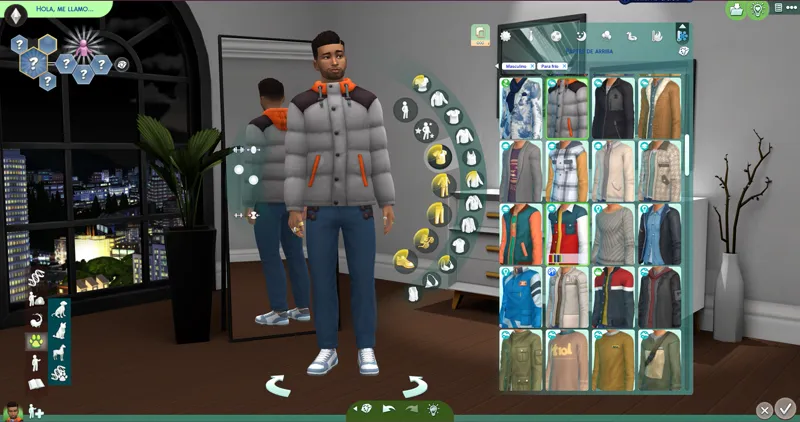
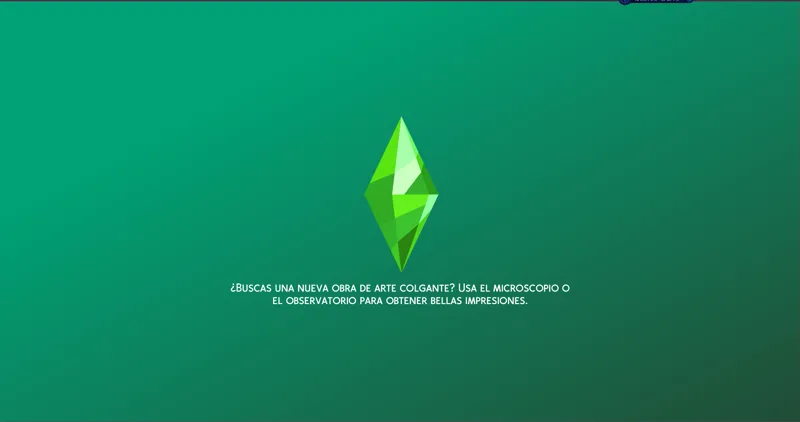
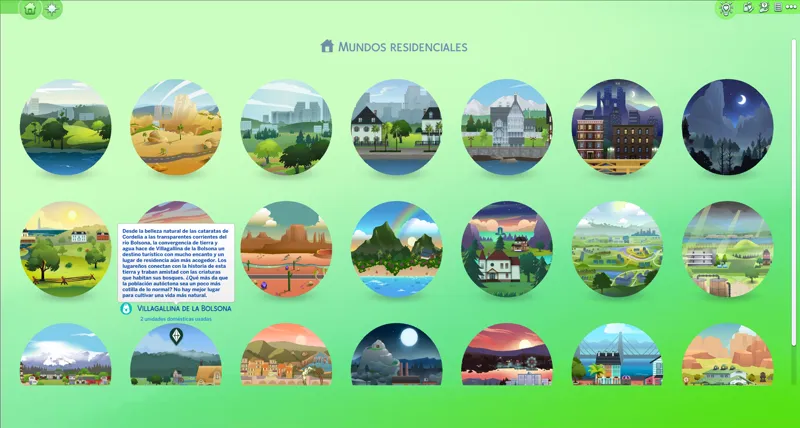
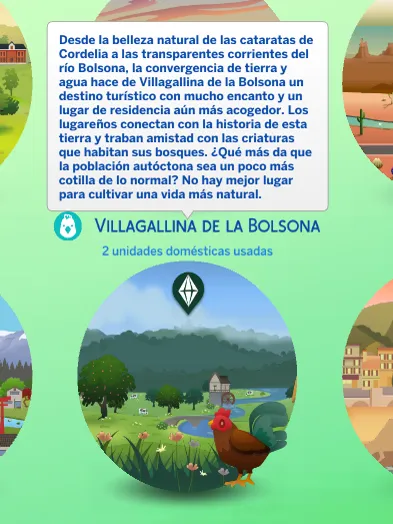
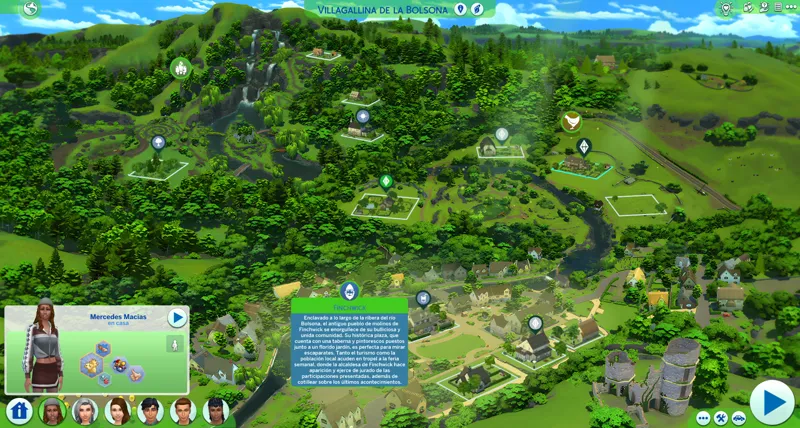
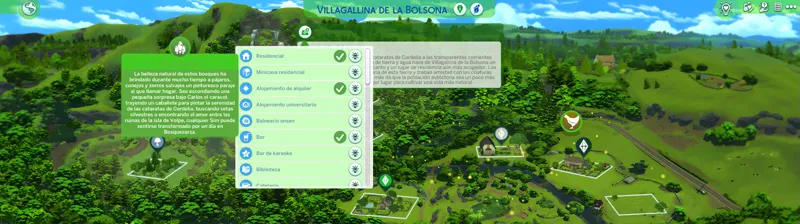
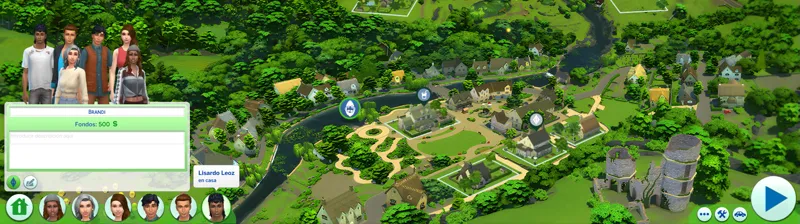
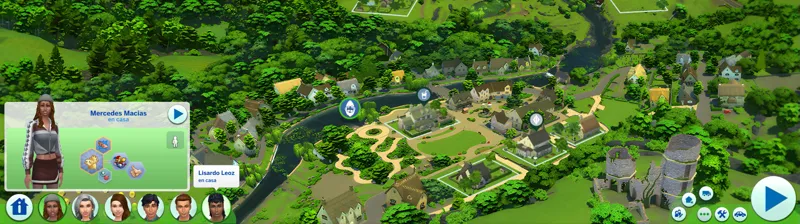
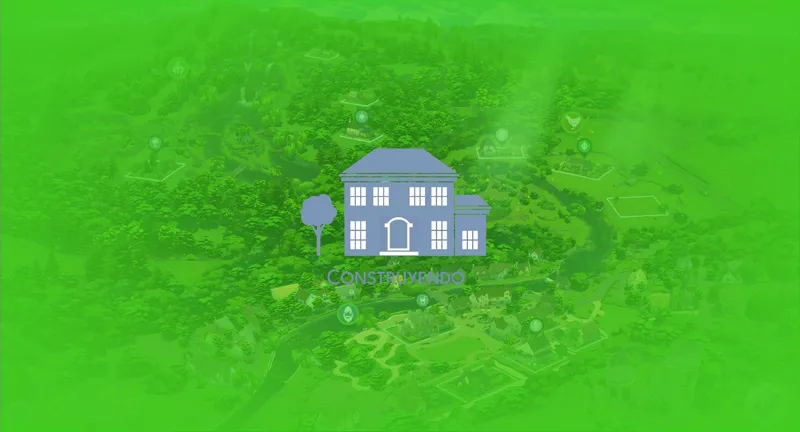
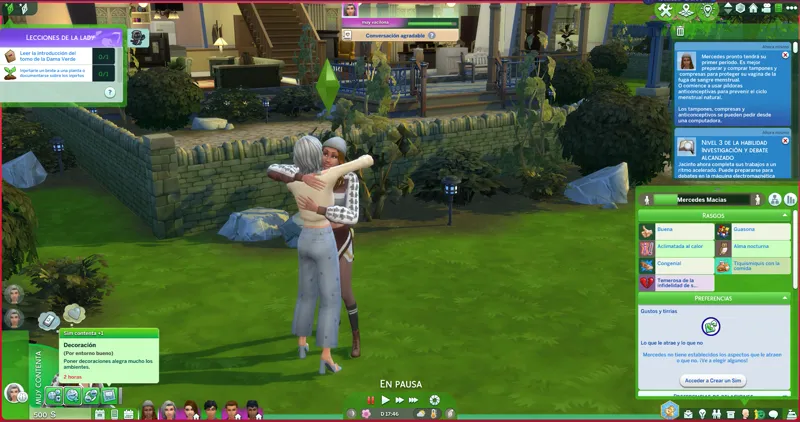
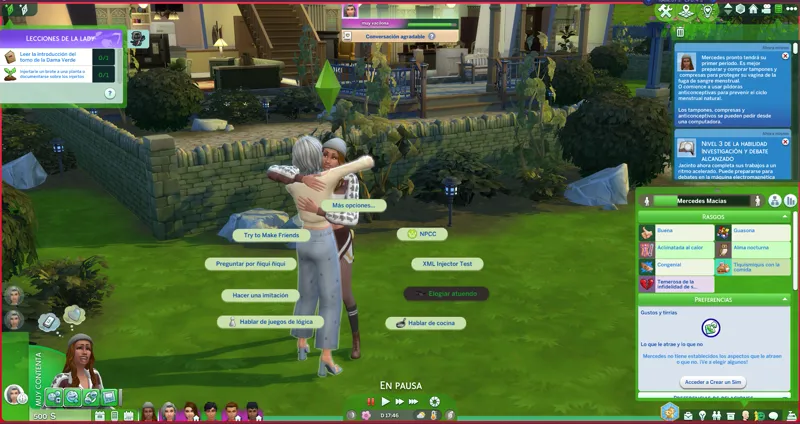
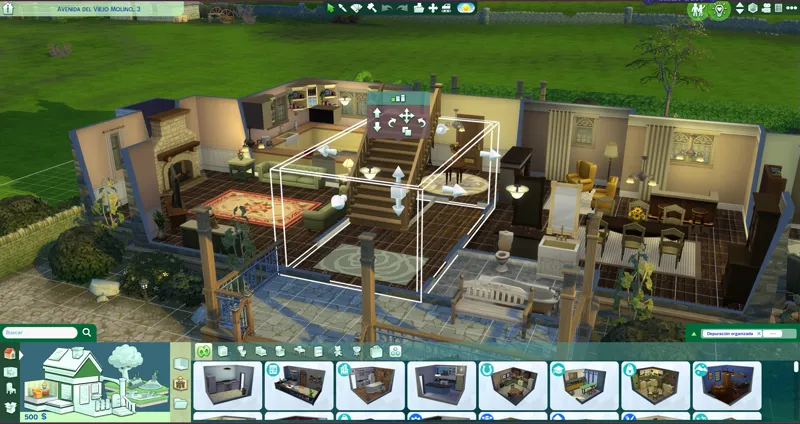
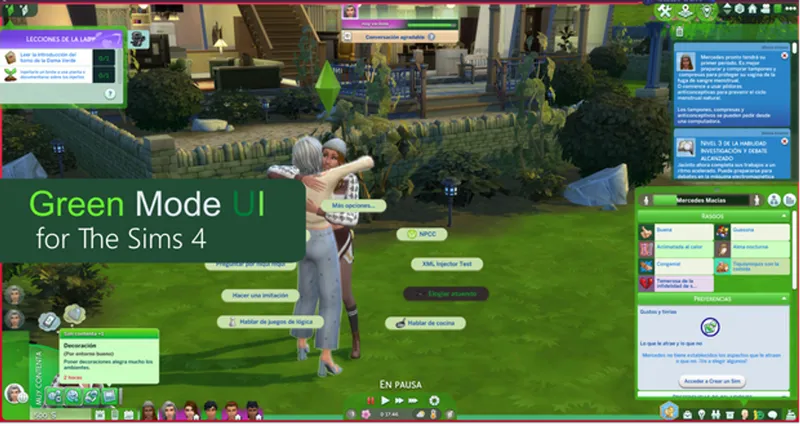
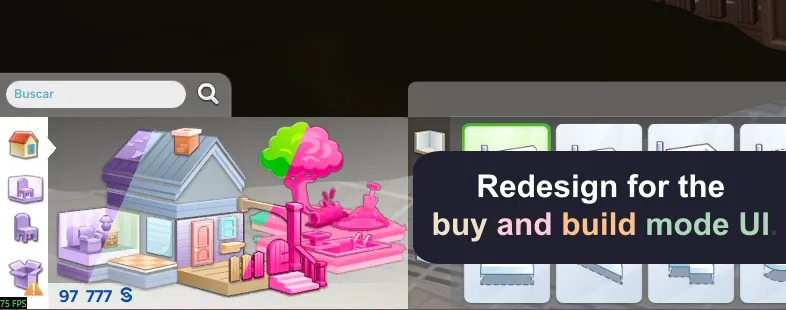
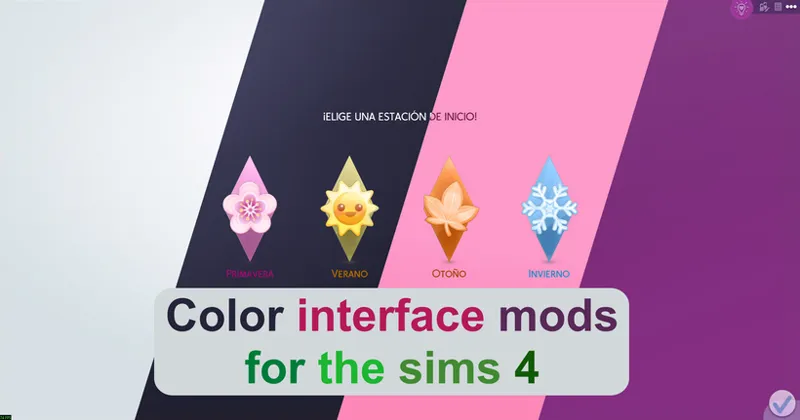
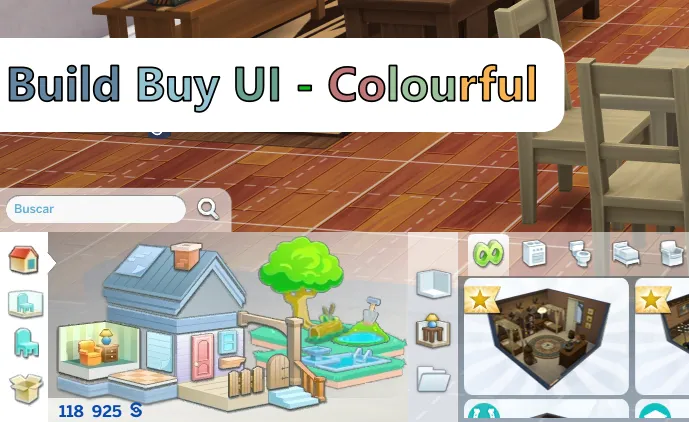
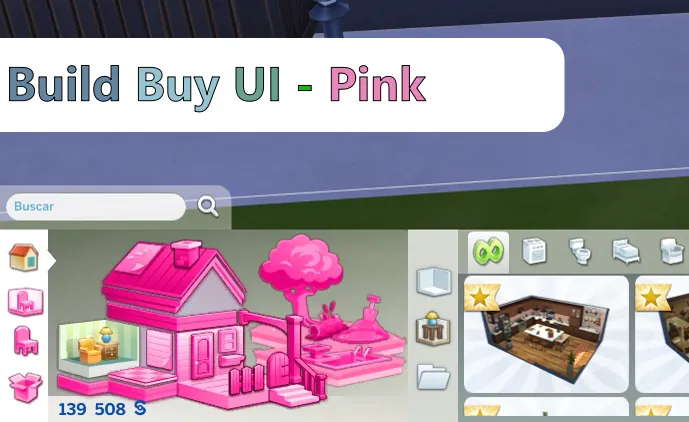
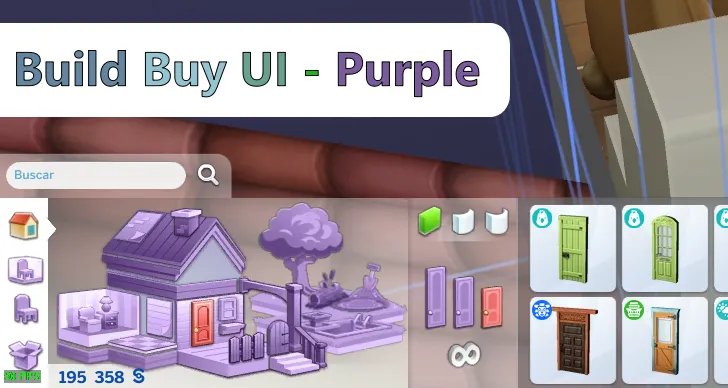
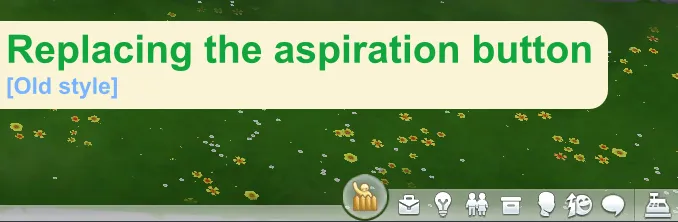
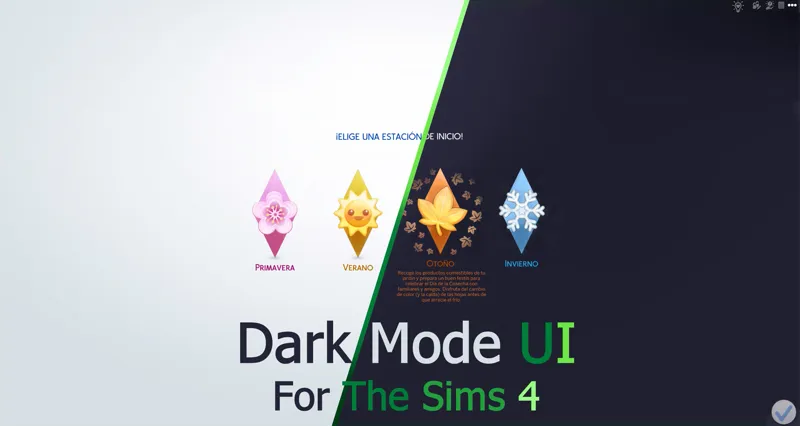
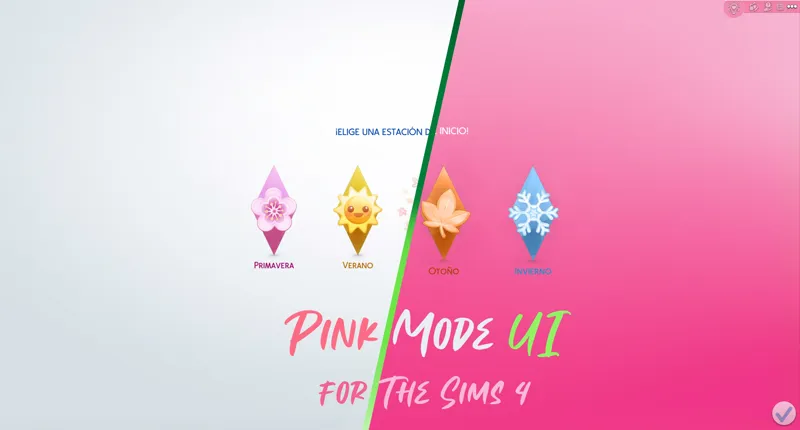
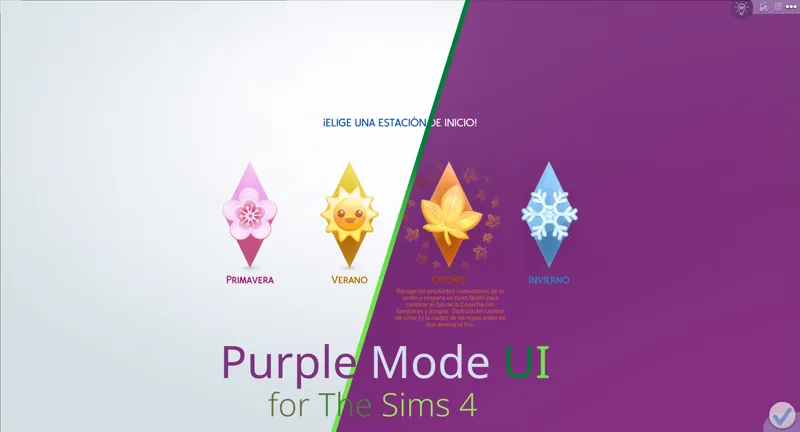
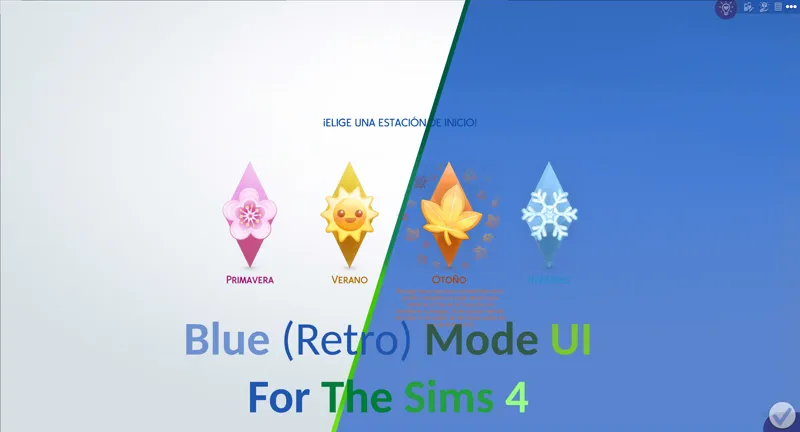
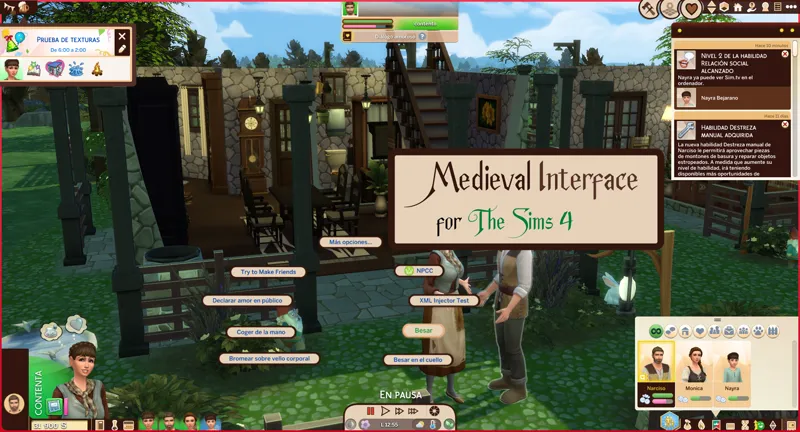
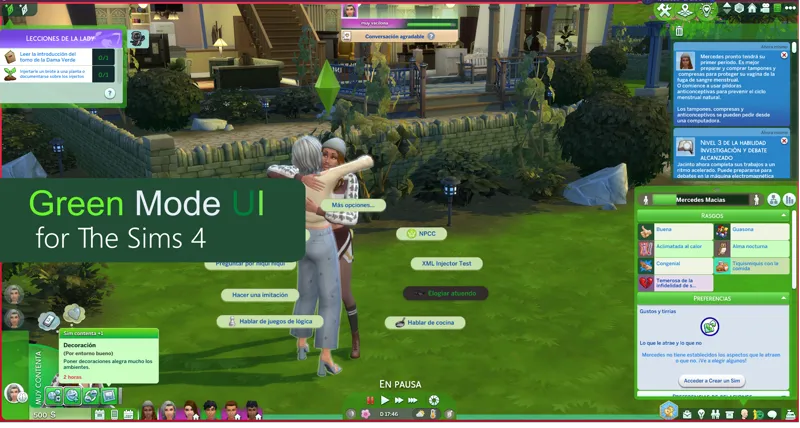
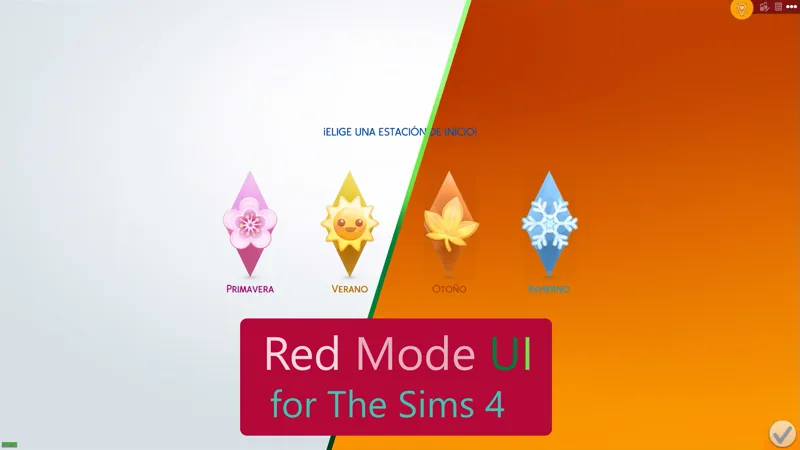
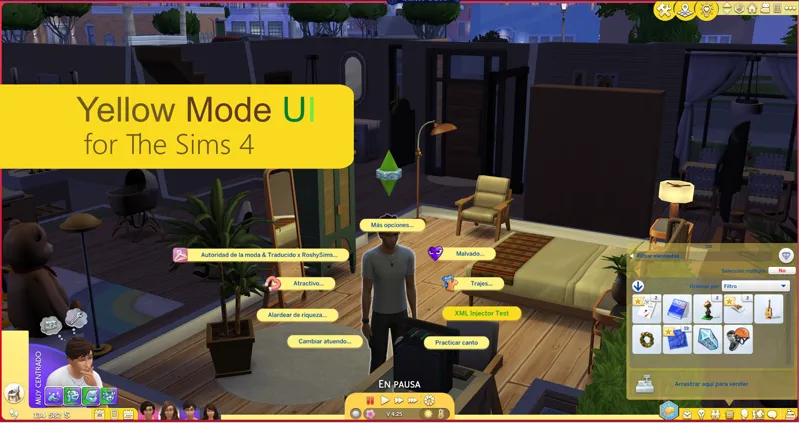
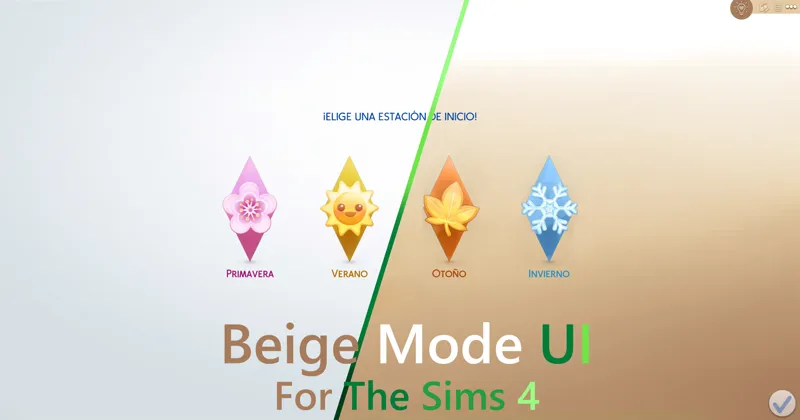
As its name says, it is a mod that changes the appearance of the interface of The Sims 4, simulating that the "Green Mode" is activated.
You can comment, criticize and suggest about the mod with complete confidence.
Change logs:
4.15.21 (September 28, 2025):
Updated for update - PC: 1.118.242.1030 / Mac: 1.118.242.1230.
Live Mode files have been restructured (clean install required).
Buy and Build Mode files have been restructured (clean install required).
CAS files have been restructured (clean install required).
Change Log:
4.18.4 (July 13, 2026):
New patche available for third-party mods.
Patch for Plumfruit Essentials.
Compatibility with the Quick Save Button - BuildBuy mod has been improved.
Warning: Due to the mod being restructured, the name of the main folder and several internal folders have changed, as well as the names of some files.
A clean install of the mod is mandatory.
Thank you very much:
Your feedback was very important for this mod.
Installation:
Warning.
Because the mod makes very big changes to the game. please do the following.
In the sims folder delete the following folders:
cachestr.
onlinethumbnailcache.
And delete following files:
GameVersion.txt
localthumbcache.package
This is done so that the game reloads the mods correctly.
Repeat every time the game is updated or every time, I updated said mod. (This process also works for any mod)
***********************************************************
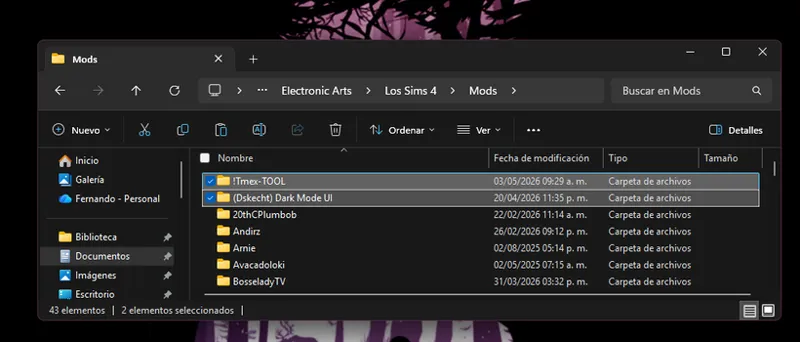
Installing my interface mods is very simple, you just need to drag the mod folder to The Sims 4 mods folder.
Remember that my interface mods include optional patches that you should remove if you don't have those mods, as they could cause errors in the game's textures.
Note:
When updating my mods, you should always perform a clean installation; never overwrite existing mods.
One more thing, most mods are just retextures for that mod, since for various reasons it is not possible to create a real and functional patch.
In other words, I have to re-upload the entire conflicting mod, but modified, to create a patch, and that's not right.
Simply having the patch installed and changing the load order of the conflicting mod is more than enough to make the mod work.
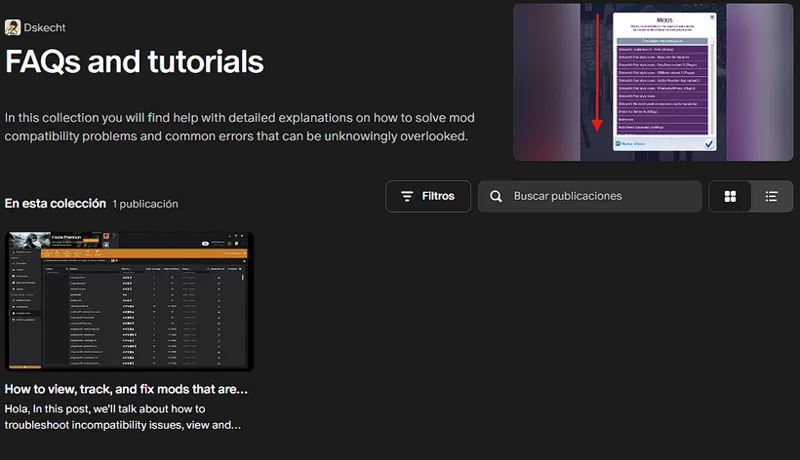
If you want to know which mod requires a special installation, you can check out my collection of help posts and tutorials for the game.
If you don't know how to do it or need visual aids, check the FAQ post where you'll find all the instructions and tips to solve your problem.
It is recommended to remove previous versions before upgrading.
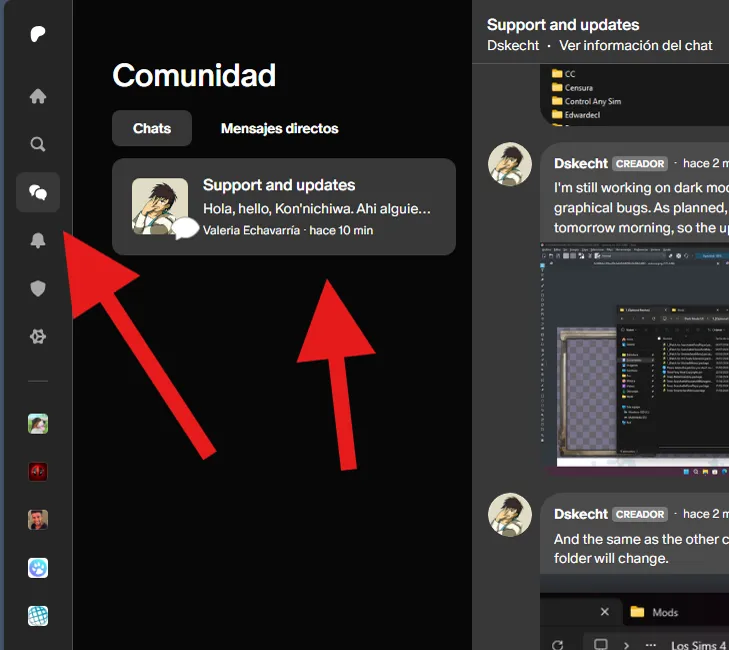
If you have any issues with the mod or would like to contribute to its improvement, you can do so via the group chat (support and updates) on Patreon.
You can access it via the community tab.
***************************
***************************
Comments (20)
This mod is not affected by The Sims 4's March 18th update.
El mod ya es compatible con la actualización para PC: 1.121.342.1030 / Mac: 1.121.342.1230
Update Status February 3, 2026 (The Sims 4) [Broken] Yes, I'm aware of the mod's status and I'm already working on an update. Please see the following post for an overview of my other mods and when an update might be released. https://www.patreon.com/posts/149883778
I can confirm that all my mods are compatible with today's update, January 13th. Although there were some changes, they do not affect the functionality of my mods.
If the problems persist, you should simply reinstall the mod from scratch and clear the cache so that the game loads the installed mods correctly.
I love it! Mostly because my favourite colour is green- but I still love it-!
Please, before commenting on an issue, follow the installation instructions, remove any patches you are not going to use, and verify that any mods that conflict with it are installed or updated. And most importantly, CONFIRM THAT THE PROBLEM IS CAUSED BY MY MOD, USING THE 50/50 METHOD
Remember to do a clean install of the mod before updating the mod.
The folder and file structure has changed, a clean install is required to avoid any conflicts.
I prefer the dark green menu before ~
Yes, I ultimately opted for compatibility, as using lighter shades allowed me to avoid creating patches for third-party mods or making unnecessary adjustments. So, I just need to install it and start playing. I may make more shade variations, as as I progress and improve my workflow, the possibilities of creating alternatives become more feasible for me.
this mod isn't working for me anymore, updated the game and now the pink nor the green works. going to try another color and hope that those do <3
il et tro birn ton mod
This is a reminder that the Patreon group chat is available to donors of any amount, where you can send your questions, complaints, and suggestions about my mods. If you have any problems, you can send your screenshots to the same group chat, since it supports multimedia content. And in the same chat I share screenshots and progress of my mod updates.
Is Green Mode going to get the main screen update and the UI, WW, and Smarter Pie Menu patches? This is my all time favorite UI Mode, I love it so much, and I'm excited for the newer features to be brought to it. Also, Green Mode seems to be causing that weird thing where on the menu, the check mark turns into a plus sign and the Xs are missing from the top right corner. I didn't know if anyone else mentioned it, but just wanted it to be known. :)
Podrías enviarme una captura de pantalla, ya sea a mi Instagram o a mi Twitter.
what is this simmattically mod? I don't meet
Do you mean the mod collection icon? It's just an image that I drew, since the mods for the sims end in .package, so I drew that.
Before you ask, it is yes. "Refreshed Main Menu" mod created by SimMattically, you can use the mod without problems, but you must do some extra steps. You must use the modular version and install the SimMattically mod inside the patches folder for it to be functional. It is merely impossible to create a patch due to the nature of the mod, (something similar with Smart Menu Pie)
Thanks for updating the green UI mode.