
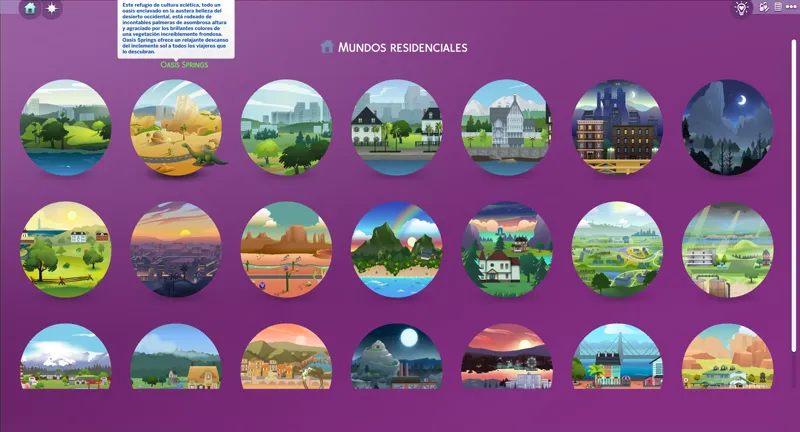

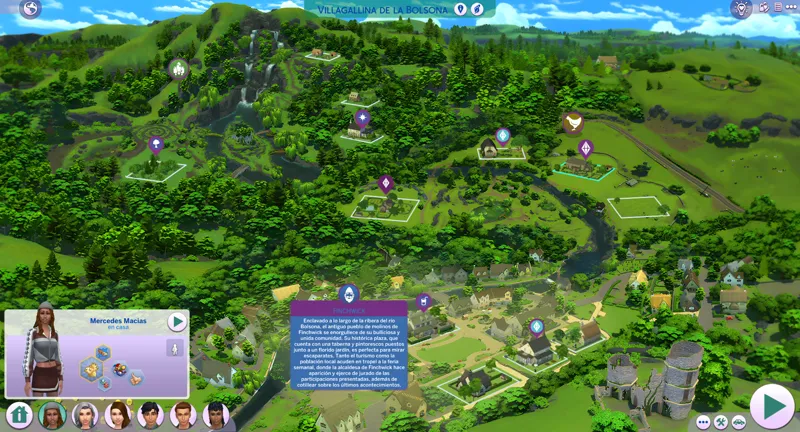
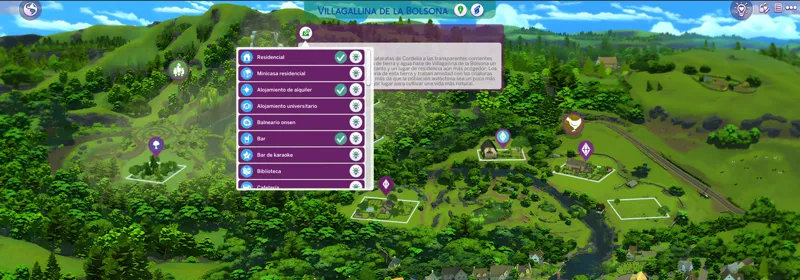
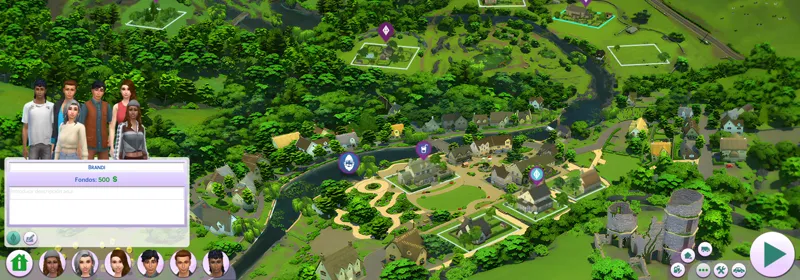
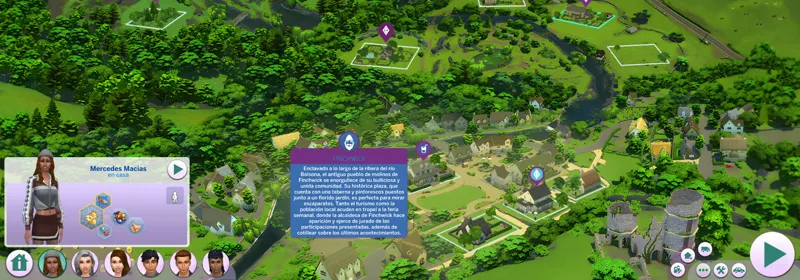
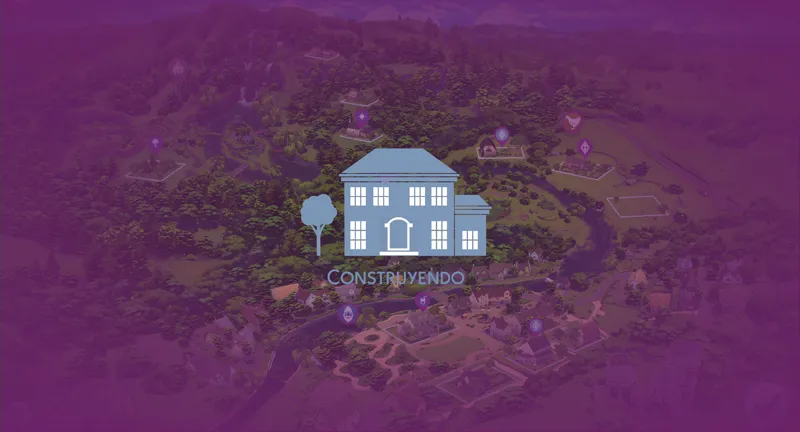
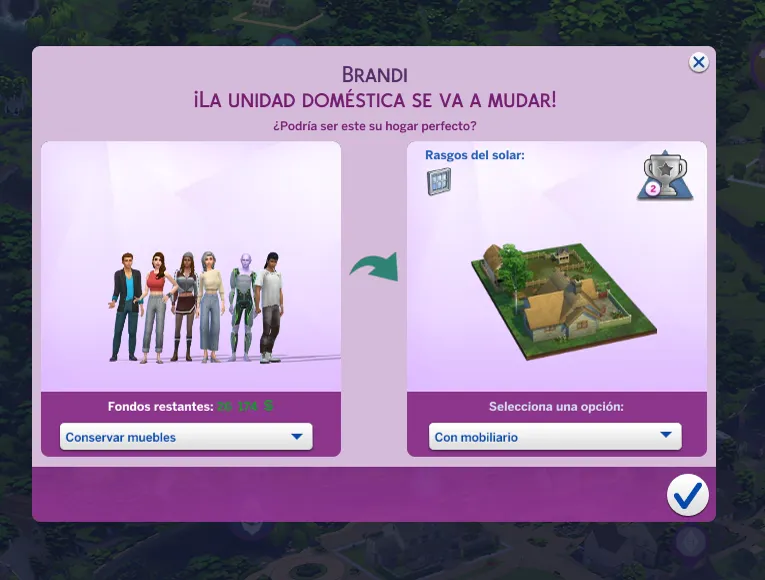
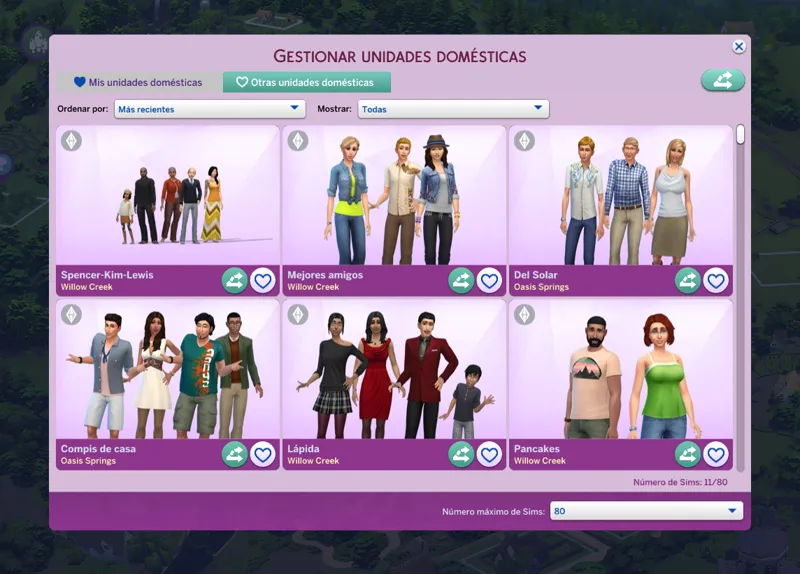


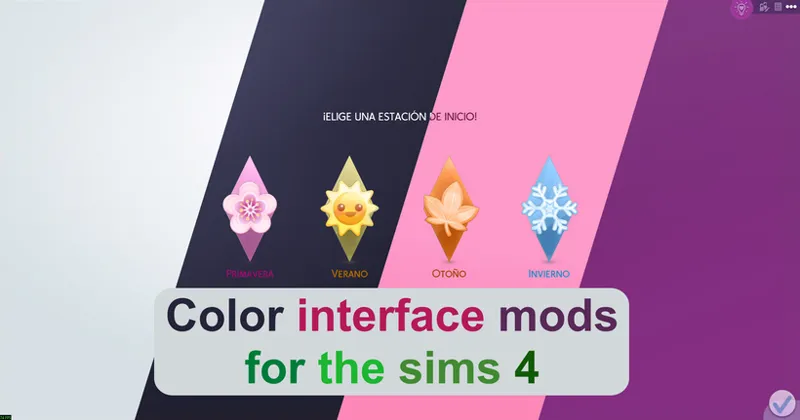
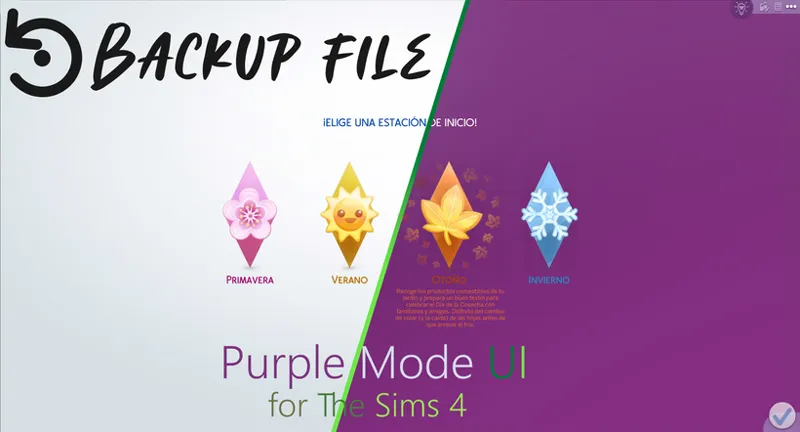
Purple Mode UI | The Sims 4 (July 29, 2026)
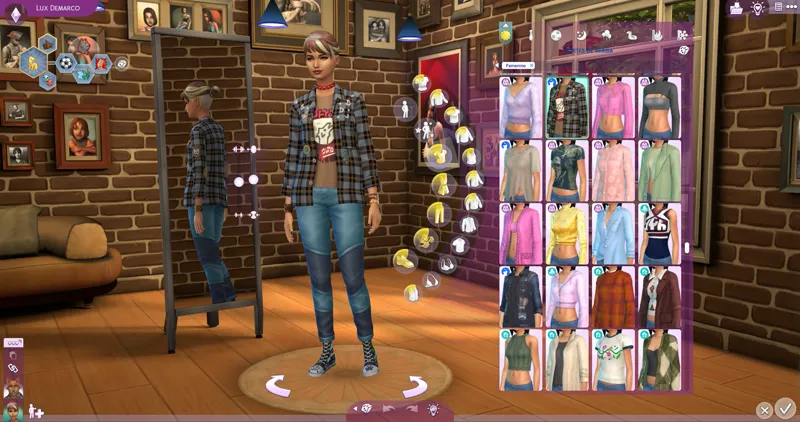
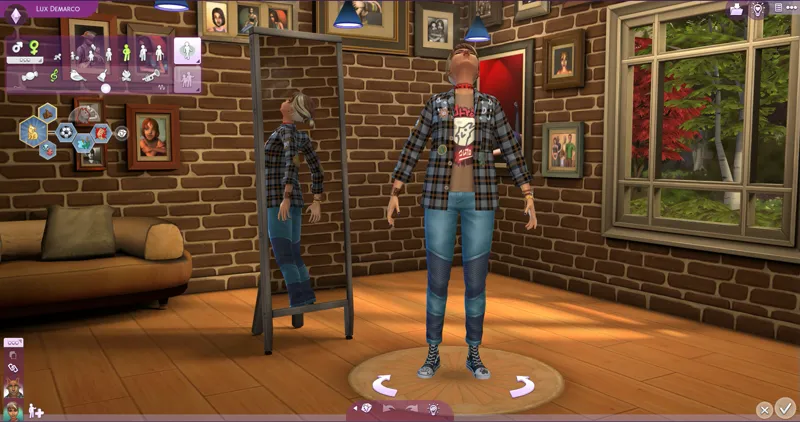
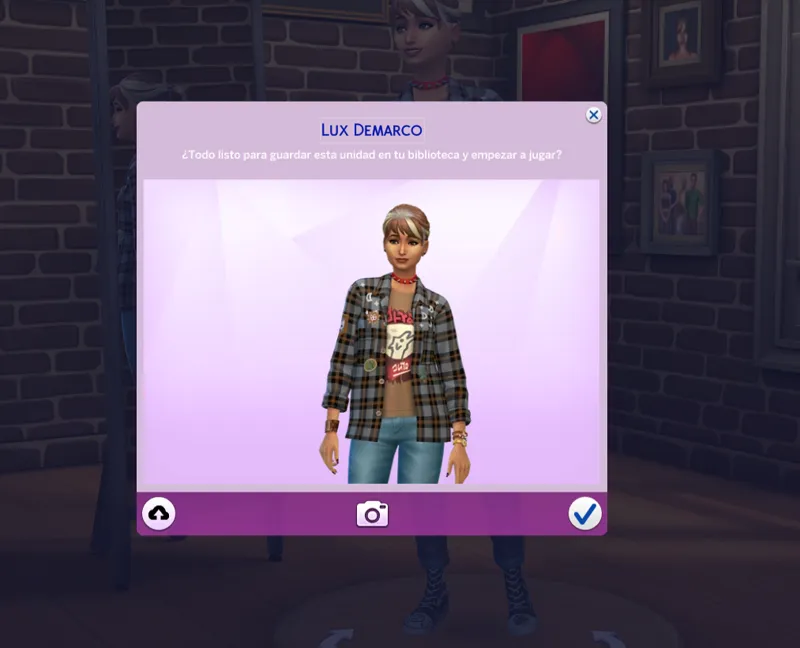
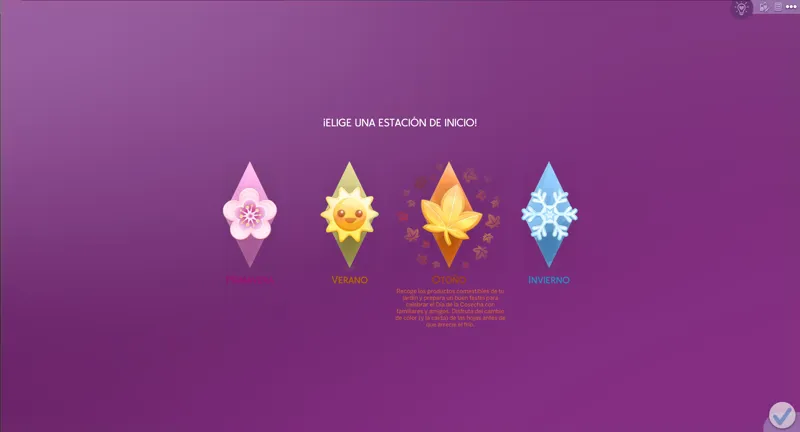
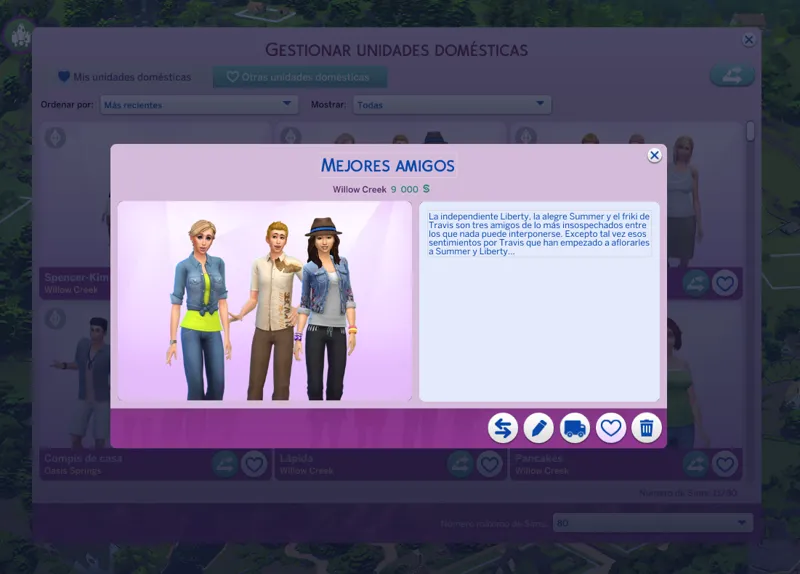
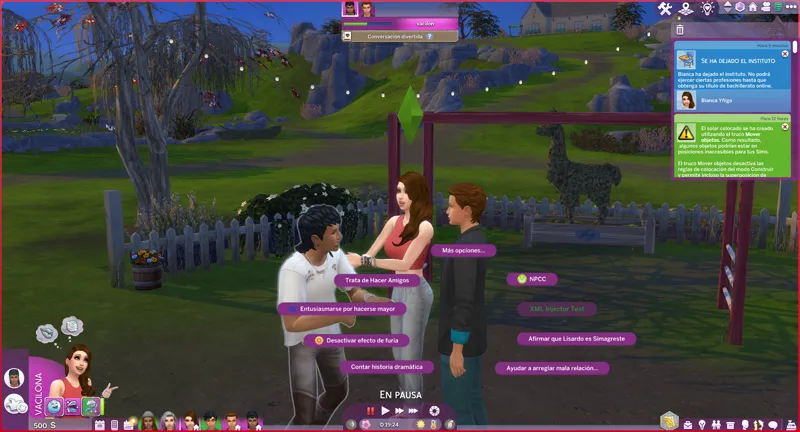
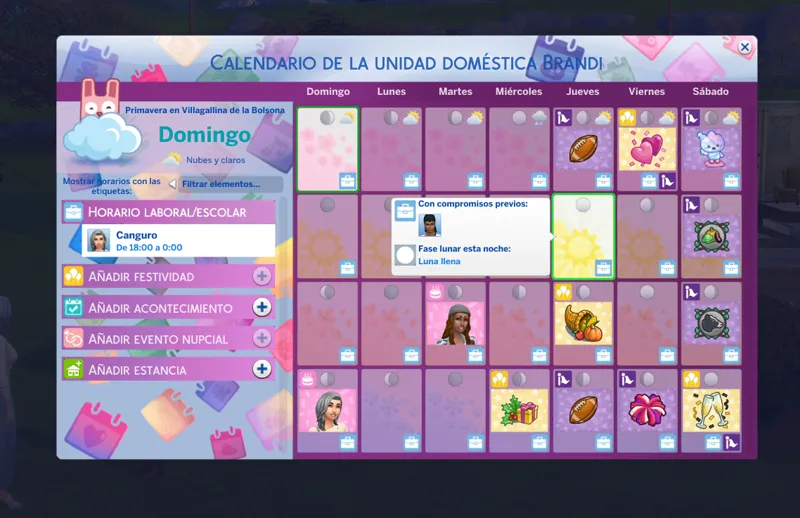
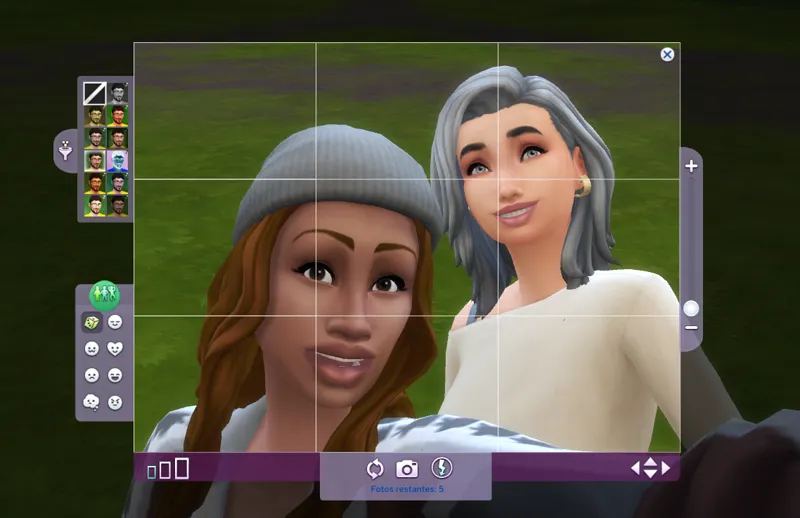
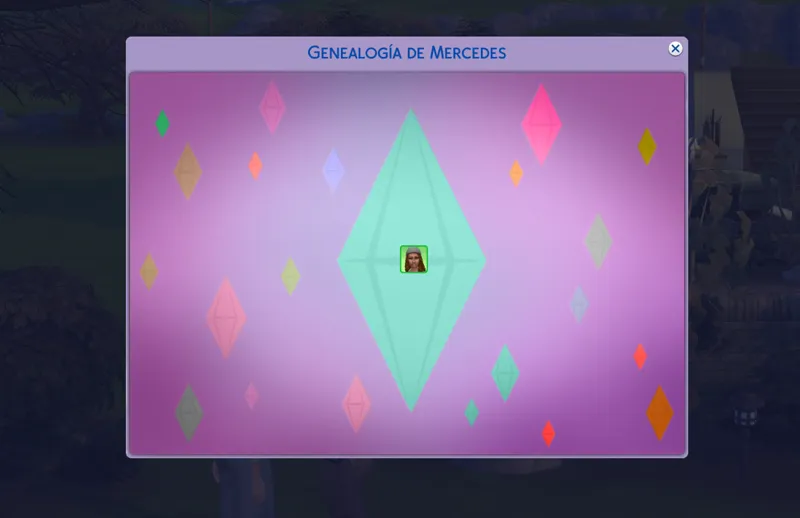
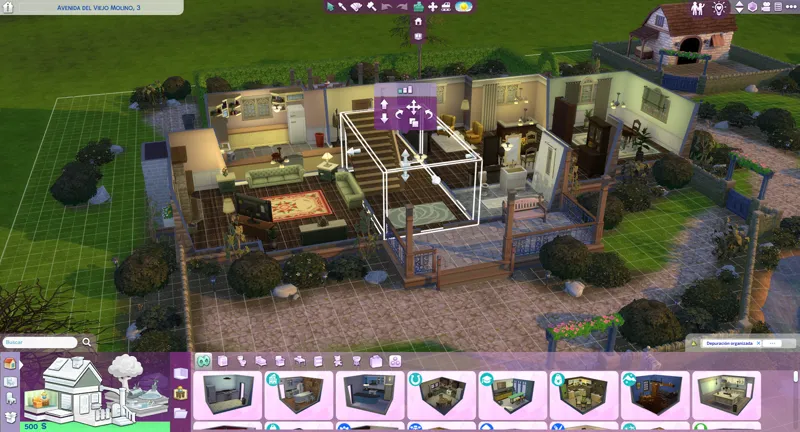
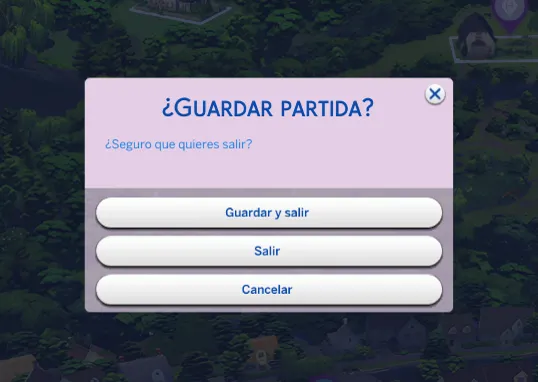
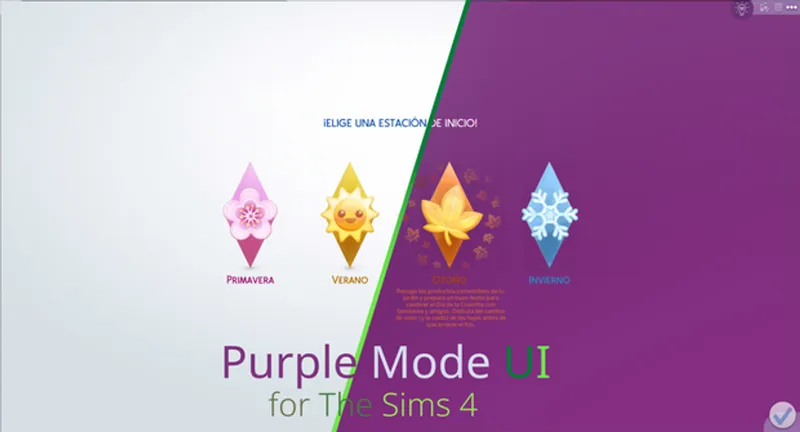
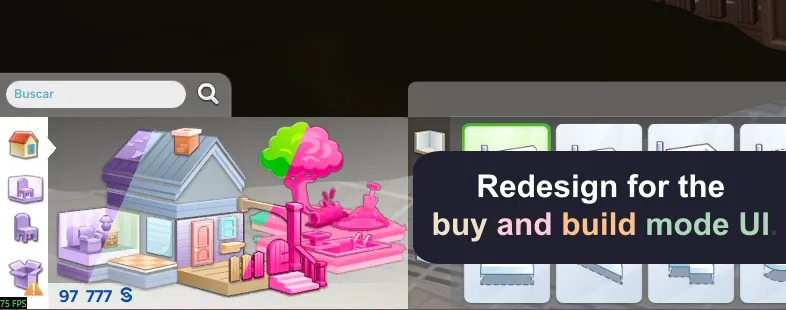
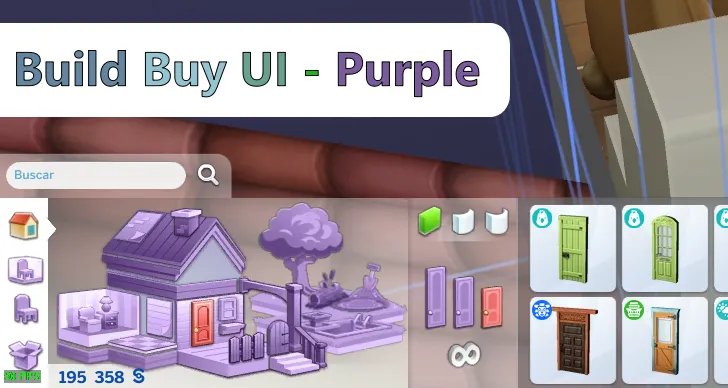
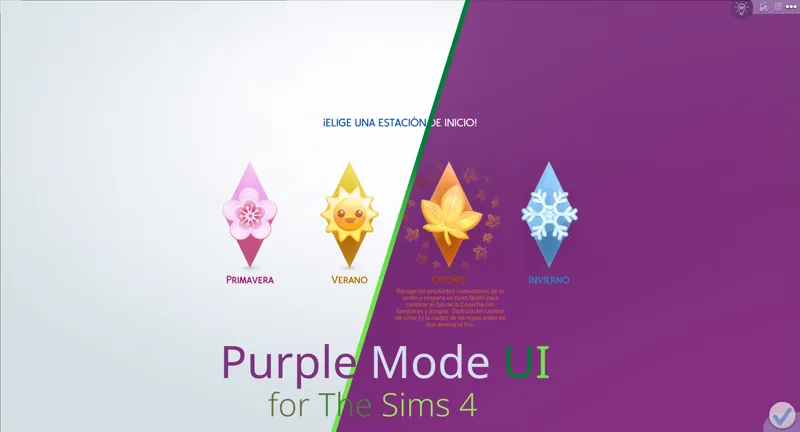
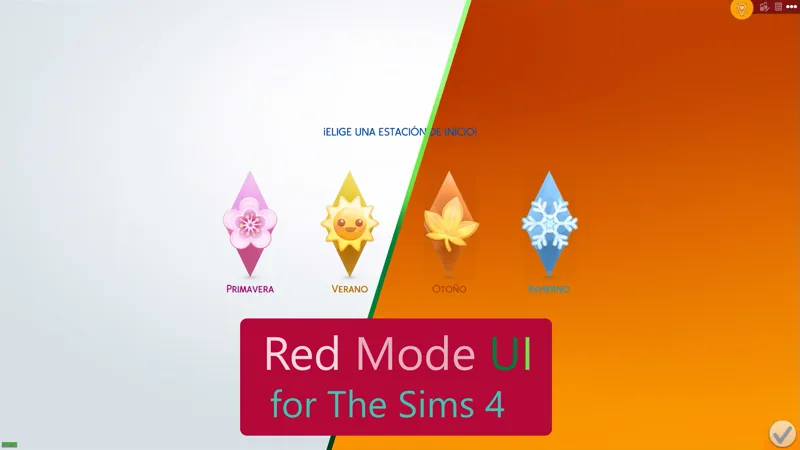
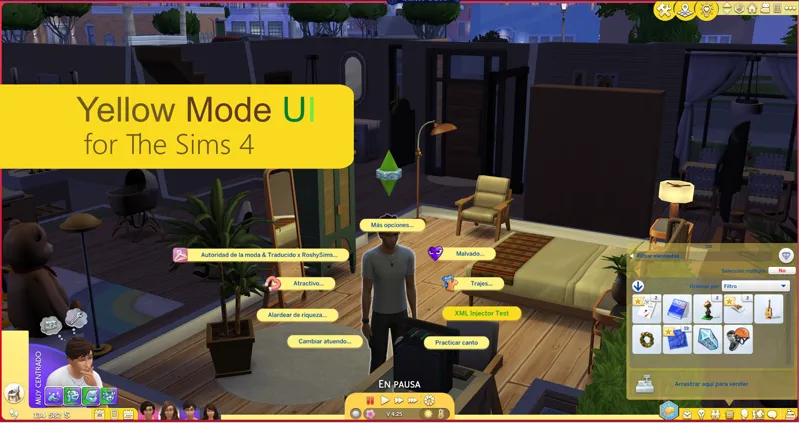
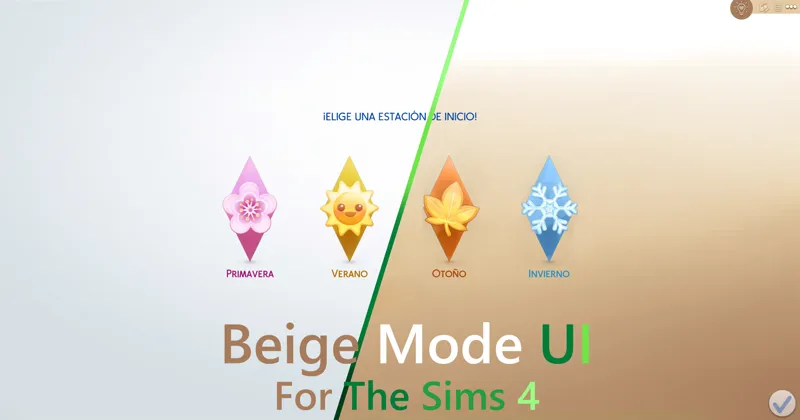
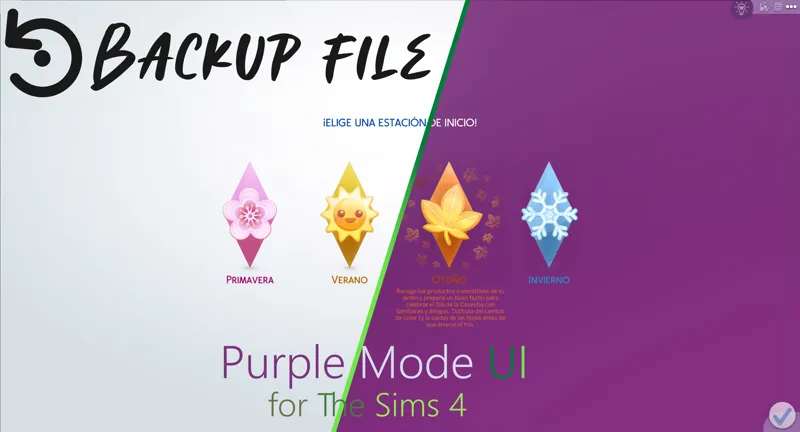
As its name says, it is a mod that changes the appearance of the interface of The Sims 4, simulating that the "purple mode" is activated.
You can comment, criticize and suggest about the mod with complete confidence.
Change Log:
6.48.13 (July 3, 2026):
Updated for update - PC: 1.125.59.1030 / Mac: 1.125.59.1230
New patches available for third-party mods.
Patch for Quick Save Button - BuildBuy.
Patch for Plumfruit Essentials.
Patch for Better Simology Panel.
It now works as the UI Cheats Extension patch.
Patch for Better Simology Panel x UI Cheats Extension
6.48.23 (July 29, 2026)
Updated for update - PC: 1.126.58.1030 / Mac: 1.126.58.1230
Warning: Due to the mod being restructured, the name of the main folder and several internal folders have changed, as well as the names of some files.
A clean install of the mod is mandatory.
Many thanks to:
ADRIANA KENNALLY
Your comments were very helpful to improve this mod.
Installation:
Warning.
Because the mod makes very big changes to the game. please do the following.
In the sims folder delete the following folders:
cachestr.
onlinethumbnailcache.
And delete following files:
GameVersion.txt
localthumbcache.package
This is done so that the game reloads the mods correctly.
Repeat every time the game is updated or every time, I updated said mod. (This process also works for any mod)
***********************************************************
Installing my interface mods is very simple, you just need to drag the mod folder to The Sims 4 mods folder.
Remember that my interface mods include optional patches that you should remove if you don't have those mods, as they could cause errors in the game's textures.
Note:
When updating my mods, you should always perform a clean installation; never overwrite existing mods.
One more thing, most mods are just retextures for that mod, since for various reasons it is not possible to create a real and functional patch.
In other words, I have to re-upload the entire conflicting mod, but modified, to create a patch, and that's not right.
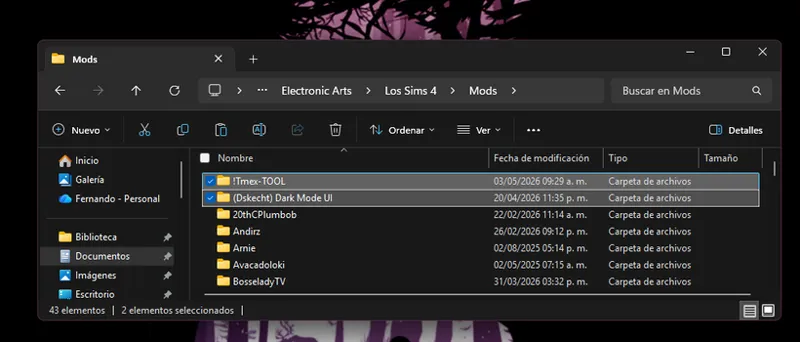
Simply having the patch installed and changing the load order of the conflicting mod is more than enough to make the mod work.
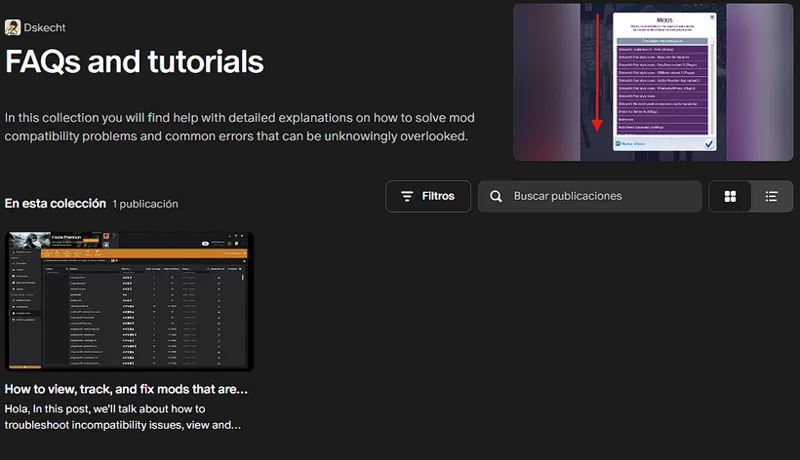
If you want to know which mod requires a special installation, you can check out my collection of help posts and tutorials for the game.
If you don't know how to do it or need visual aids, check the FAQ post where you'll find all the instructions and tips to solve your problem.
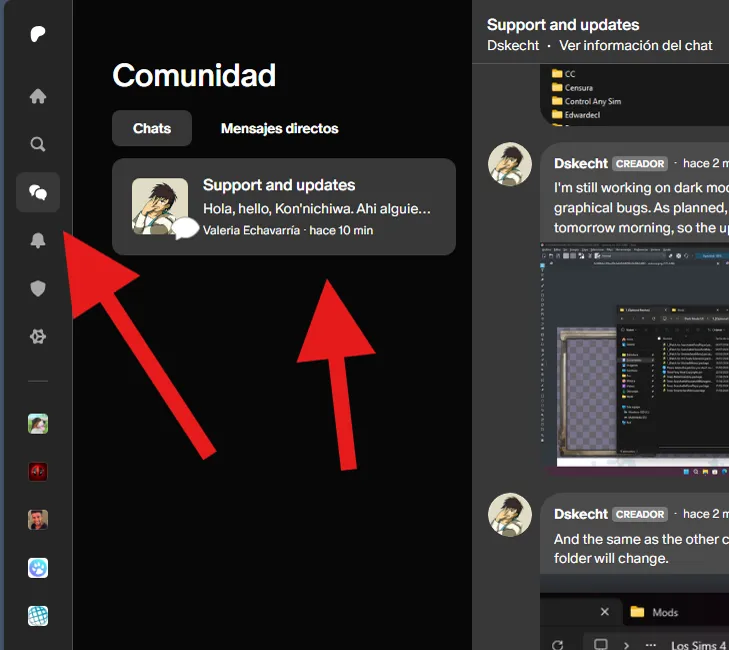
If you have any issues with the mod or would like to contribute to its improvement, you can do so via the group chat (support and updates) on Patreon.
You can access it via the community tab.
***************************
***************************
Looking for older versions of the mod? Check out this post.
Comments (103)
I was gonna say a lighter purple would be amazing!
This mod is now compatible with the PC update: 1.123.66.1030 / Mac: 1.123.66.1230 - 04/16/2026. Apologies, something that should have taken me 2 days took me 4 because my daughters got sick and they are always my priority.
The Sims update from March 17, 2026 is causing problems with mods, and I can't work on it until EA releases a new version of the game.
Yes, I know about the SimMattically mods, and no, it's not possible to create a patch, but if you follow the advice to change the load order so far, you'll be able to use your family tree mods.
is this mod still broken?
No, it's already been updated. As the title says, it was updated on February 17th.
It works very good for me but i only have one issue and that's when i want to make my sim travel or go out of her location to another it stuck to an endless loading screen (and that doesn't happen when i start the game or enter my household) only if i wanted my sim to travel or go another place and it stopped doing that once i removed the UI (i had the purple one )
This is strange, because last night I was playing and completing the pending missions for the active event, and I had no problems moving from one area to another. I only noticed a problem with my NPC filter, but other than that, nothing out of the ordinary.
According to what I've been told privately, Dark, Pink, and Purple modes need a small update to add compatibility with some details of the new DLC. If those updates arrive, great, but I don't have that DLC yet, so it's on hold. It's not a big deal; it's more of a visual and readability issue.
obg arrasou de mais
The mod is already compatible with the PC update: 1.121.342.1030 / Mac: 1.121.342.1230, but I can't yet guarantee its compatibility with the new DLC, as that's an expense I can't afford right now. If you have the new DLC and notice errors such as reading difficulties, please let me know so I can release a temporary patch.
so, I did it all the right way downloading and it works great for about a minute and then says something about not being compatible with tool mod which I have but the only patch I had was for build buy so can I not use this mod
The mod is currently broken, and I'm still working on an update. Several months ago, I announced that I changed the compatibility settings for conflicting mods, so the load order needs to be adjusted to fix this issue. The conflicting mod needs to be prioritized for it to work again. If you don't know how to do that, you should go to the frequently asked questions post. https://www.patreon.com/posts/100070514
Update Status February 3, 2026 (The Sims 4) [Broken] Yes, I'm aware of the mod's status and I'm already working on an update. Please see the following post for an overview of my other mods and when an update might be released. https://www.patreon.com/posts/149883778
Hola, tengo un problema con entiendo un poco, necesito el mod original?
(practicing my spanish, sorry if its not understandable)
I can confirm that all my mods are compatible with today's update, January 13th. Although there were some changes, they do not affect the functionality of my mods.
for some reason my skills bar and whatever appears above my head is glitched and is really difficult to understand as its just blocks of color with some emoji. but overall a really good mod i love the purple !
This is because you have the BBB patch installed and you're not using that mod, or vice versa. It can be fixed by removing the patch or installing the mod.
If the problems persist, you should simply reinstall the mod from scratch and clear the cache so that the game loads the installed mods correctly.
📌 Compatibility Reminder for TOOL Mod Users The patch is no longer necessary. Compatibility is now resolved by changing the loading priority of the TOOL mod. 👉 This means that TOOL must load before this mod. If you're unfamiliar with this issue, check out this post for a full explanation: 🔗 How to View and Change the Load Order of Mods https://www.patreon.com/posts/how-to-view-and-127588575 Quick Instructions: Go to the folder where you have the TOOL mod. Rename the folder by adding "!" at the beginning. Example: from Tmex-TOOL → to !Tmex-TOOL. This will give TOOL priority and make it work properly.
I got a question so i downloaded this UI and first time i play in game i cant see the options when i click somewhere. Let me explain: when you click you see options to kiss to walk to run etc. I just see a blank white thing and when i move my cursor on it, it shows the option i can see like "Walk" but only if i move the cursor on it. Is that a thing about this mod?? i dont have any mods but
Delete and redownload the mod, as you may have downloaded an older version due to a Patreon error.
Hi, I've been getting UI errors with the Fairies pack when I go to buy live plant seeds. I'm unable to pull up the menu or exit out of it. Is there any plan to update this? Please don't consider me rushing you, take your time. Thanks so much!
I asked someone who has the pack, since I don't have the DLC, to please buy the seeds, and they didn't find any errors. They were able to buy without any problems. Or you can tell me where you're buying from.
Is this mod incompatible with "wicked whims"? I installed it now because I love this mod and it's not working very well :(
The mod is currently broken for the PC update: 1.116.202.1030 / Mac: 1.116.202.1230 [July 1, 2025]. I currently don't have a date for when the update will be available. So please be patient, and don't pressure me to hurry. For more information, go to the most recent post that details the status of the mods for the current version. https://www.patreon.com/posts/132930569
Attention, TOOL mod users: The patch has been removed and now works by changing the loading priority of the TOOL mod, meaning that TOOL must load before purple mode. If you're unfamiliar with this issue, check out this post, which explains it in detail: https://www.patreon.com/posts/how-to-view-and-127588575 In short, simply add "( )" to the beginning of the mod's folder name. If it was previously "Tmex-TOOL," it will now be "( ) Tmex-TOOL" to assign loading priority.
for some reason, your dark mode ui mod is the only one that works well in my game. when i tried your pink and purple ui mods, i experienced glitches with the notif boxes and the game option windows. idk what's wrong somehow.
There is currently a bug in the game that is bugged the text box, causing it to have a weird stretching, it is a problem that is out of my jurisdiction.
i rlly like this mod but i would looooove if there was a more blue-ish purple ui rather than almost violet, i think it'll look beautiful and more aesthetically pleasing <3
Hiya! I just wanted to say, I tried to use Smarter Pie Menu + Purple (and Pink) UI with the patch, but the pie menu UI gets blanked out. When I remove SPM and it's patch, it works fine. SPM also works on it's own, just not with Purple UI. Thought I'd report it!
That patch and the mod require a special installation, due to how SPM works, here you can see how to use the mod correctly. https://www.patreon.com/posts/100070514
Updated the patch for TOOL, due to multiple bug reports (if you do not use or will not use TOOL in the future you can skip this update)
This mod now conflicts with TOOL so remember to use or remove its patch, depending on your case.
Please, before commenting on an issue, follow the installation instructions, remove any patches you are not going to use, and verify that any mods that conflict with it are installed or updated. And most importantly, CONFIRM THAT THE PROBLEM IS CAUSED BY MY MOD, USING THE 50/50 METHOD
Hiiii, i have a little question, i love the purple iu but a little thing is pissing me off and i really wanted some help. I really wanted to be able to customize every little thing, like, grab a part of the pink ui and use on mine, but really small things like that little dialogue that appears when you pass the mouse on top of a sim or an animal. Its possible to do so without breaking the mod?
Yes, it is possible, since the mods share the same file organization, just a few recommendations, that you make backup copies of the mods, since you can go back in case you don't like something, do not use mods that may conflict or do not use their patches, since it can hinder your experience when combining the files, since you add them when you finish.
I use the Mod and now I can't see my words.... any suggestions on what I should do?
If you are referring to the circular menu, did you follow the installation instructions, did you check the FAQ? FAQ post. https://www.patreon.com/posts/100070514
Remember to do a clean install of the mod before updating, since I deleted some files that are from the start menu Later I will make a clarification of how and when I will add it back to the mod
Hello, when I click on a Sim or anything, only when I hover over the text box does it show the interaction options. For example, when I click on the Sims, it gives me different options like friendly, mean, etc. Everything is blank until I hover over it is this due to a different mod conflict?
Some third-party patches and mods require additional steps to work properly; additional instructions for these mods can be found in the FAQ post. https://www.patreon.com/posts/100070514
The mod is broken with the update of 03/12/2024. In this post are the steps you must do to make it work again. https://www.patreon.com/posts/117256394
Because I know there are people who don't read the changelog, a patch has been added for Better BuildBuy. If you have problems with floating banners, assume it's because you're using this patch without using BBB. There's no need to remove anything anymore, as BBB will work fine with the patch.
There is no patch for UI Cheats Extension in this mode. Is there a reason for that?
Yes, since August this version no longer conflicts with that mod.
If you tried applying the BBB workaround and it didn't work, you can do so with this update [5.26.96 (November 11, 2024)].
I have updated the mod again since I added a file that was not correct.
Hello!! I saw your update about which file to delete to make it work with BBB. I deleted "Social Elements" and it looks like this now: https://imgur.com/a/f4FY7cT Is this okay or do I have something else that's incompatible? I use TOOL, UI Cheats, and No Map Lot Outlines. I updated everything and I'm on the newest hotfix!
That must be caused by another mod, since if you deleted the file I indicated, the problem would already be solved. Sometimes some creators include unnecessary files for their mods, since these are not modified, here you should do a 50/50 to find out what is causing it.
Thank you, thank you, thank you, you know why, thank you, I hope there'll be a day too, the pink baby, I use blue, I avoid gfx, too many mods, it's complicated. Have a nice Sunday♥
There is still texture incompatibility with BBB (version 3.3.1) if you want to use the mod, to resolve the conflict, delete the BBB mod or remove the "Social Elements" files from my mod located in "Graphical Interface - MODIFY CAREFULLY -" -> "Simulation - Live Mode".
I need BBB so I'll delete the "social elements" file. Thank you! I didn't know I could just remove that file but still use the rest of the mod. I love this mod so I'm really happy that I can do that. Thanks again :D
Hi, just to let people know, that although twisted mexi has just done an update for BBB, it's still making this mod not work correctly.
If you are facing issues with speech bubbles and floating signs, and you are using BetterBuyBuild, I am sorry to inform you that Tmex's mod is somewhat outdated for this version of The Sims. This is because it forces the game to use older files, which causes texture incompatibility.
hi, i love this mod, i recently changed the dark one for this purple one, but i have a request if it would be possible, could u change the pop ups, job/skills/etc windows to a darker purple pls? bcs with or without shaders its very hard to see the letters and also i feel it would look better; thank u so much for ur work!!
If I already planned to change the contrast, because I modified the mod to not be incompatible with UI Cheat, I had to make some changes. Since I'm not altering the color palette of the text, I literally had to sacrifice one feature to gain another.
Please update to patch 1.110
https://www.patreon.com/posts/status-for-of-22-114428525
Hi, I had the purple ui in my game and I can't seem to find the file that colors the sims pixel over top of the house, Do you perhaps know the file name for that
My UI mods are broken and very dangerous to use if you pre-ordered the new Sims 4 expansion pack. Please remove my mod until further notice. To find out when the update will be available, check out The Sims Update Status post. https://www.patreon.com/posts/status-for-of-22-114428525
I am sorry but I am not able to see the words me to interact with my sims
Some third-party patches and mods require additional steps to work properly; additional instructions for these mods can be found in the FAQ post. https://www.patreon.com/posts/100070514
Hi sorry if someone has asked this already but is it possible to use this mod with refreshed main menu mod?
In conflict posts you can find instructions to fix incompatibility with mods for which it is not possible to create a patch. https://www.patreon.com/posts/107684858
Muchisimas gracias! Ya extrañaba el fondo morado. :)
Thank you
The splash screen is broken; the conflict can be fixed by deleting the file. More information in the update post. https://www.patreon.com/posts/112296072
Hi for the purple when I click on a sim or any object the commands are not showing up. It's a white box. I don't have any other mods in.
This may be due to incorrect installation or you are not using some patches properly. You can find additional instructions in the FAQ section of the site. https://www.patreon.com/posts/100070514
When I click the file a page comes up saying attachment not found
It must be a patreon error, try refreshing the page.
I forgot to add, that I removed the patch for UI Cheats Extension, as it will no longer conflict with that mod.
El update del UI que mas he esperado porfin el color que mas me gusta
Please, before reporting an issue, perform the 50/50 method to determine what is causing the issue. This is necessary as several mods are interfering with the game interfaces and not allowing the options to appear.
thank you!
Please perform a clean install of the mod, as the name of the main folder and several files have changed.
Remember, if you require assistance with installing the mod, check out the FAQ post. But the most important thing is to eliminate the patches that you do not use. https://www.patreon.com/posts/common-problems-100070514
The build better buy and the wicked whims patch files not in folder when download
You could be clearer, my English are not good. And if you don't speak English, you can comment on your mother tongue.
Can you make a video on how to install it because I'm very confused
I thought the image is very clear. You just have to place the mod folder without modifying the distribution of the files and delete the patches of the mods that you do not use.
bonjour je souhaite mettre le mod purple dois-je installer le mod dark avant et ajouter le mod purple, car vous mettez dans la présentation de l'installation que toutes les couleurs doivent etre installer de la même manière or le mod purple contient un dossier en moins.
No, it is an example of how it should be installed, since all mods use the same file organization structure. Dark mode is not necessary for the installation of this version.
This is a reminder that the Patreon group chat is available to donors of any amount, where you can send your questions, complaints, and suggestions about my mods. If you have any problems, you can send your screenshots to the same group chat, since it supports multimedia content. And in the same chat I share screenshots and progress of my mod updates.
Sorry I got side tracked or would have removed the comment sooner. I did get it fixed. It was just confusing because the link pointed back to TMex's mod first for install instructions but if you read further in your instructions it says that the Smarter Pie menu mod has to go in your mods optional patches folder. Once I did that it worked fine.
Hiiiiii!! Love this purple override in my game. Thank you so much for your work. To everyone else, is anyone having the error of the thought bubbles appearing red instead of white?
That's why it removes the patch for Better BuildBuy, it's because the mod takes too long to update and has an old patch. For the rest of the week I will update this mod, as I will add new content.
I love this so much!! would you consider a light purple/lavender version in the future?
Thank you ive been having a problem with the pink one.
What kind of problem have you had?
Hi! Will this be updated for the crystal creations pack?
In this post there is all the information about the update https://www.patreon.com/posts/status-for-of-27-99322579
Before you ask, it is yes. "Refreshed Main Menu" mod created by SimMattically, you can use the mod without problems, but you must do some extra steps. You must use the modular version and install the SimMattically mod inside the patches folder for it to be functional. It is merely impossible to create a patch due to the nature of the mod, (something similar with Smart Menu Pie)
Hello. First, thank you so much for this amazing mod. Unfortunately, this might be an isolated thing but I can't load into my retail lots with this mod.
Yes, it is a very rare case, since the files that can cause this situation are not present in this version yet. So I can't help you or give you a clue as to what may be causing it.
Hi, I recently stumbled across your purple UI and absolutely love it! I just had to join and let you know this and to also say how wonderful and awesome you are for all your time and effort you put into doing the things for your community. I have read some posts about you and your struggles, and admire how much you do. Thank you. I look forward to having the purple UI fixed and back in my game in due time 😊😊😊💞
Thank you so much I love this one! Purple is my favorite color!! <3
Thank you sooooo much ! 💜💜💜💜💜💜💜💜💜
Yes, Thank you keep up the good work.
how to change the interactions texts as white, cuz I have them blue so its kinda hard to read from purple background??
If you use the Smarter Pie Menu, I must tell you that they are incompatible, and I cannot give a solution to the problem since I have not received a response from Tmex.