

Build Buy UI - Colourful | The Sims 4 (September 15, 2025)
This is an adoption and readaptation of the original Hepandeerus mod.
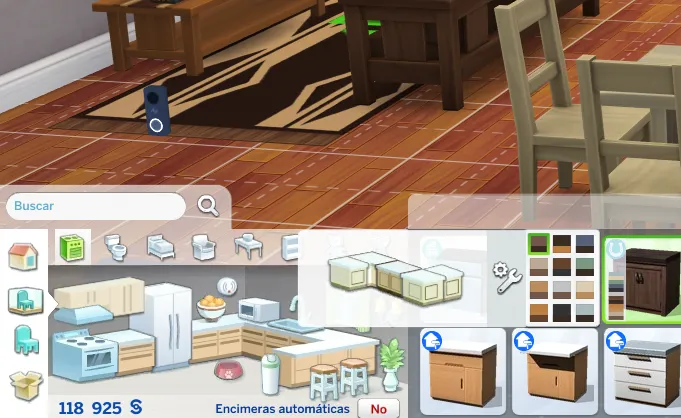
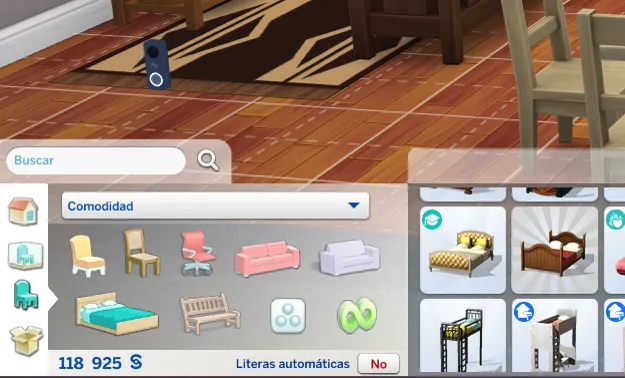
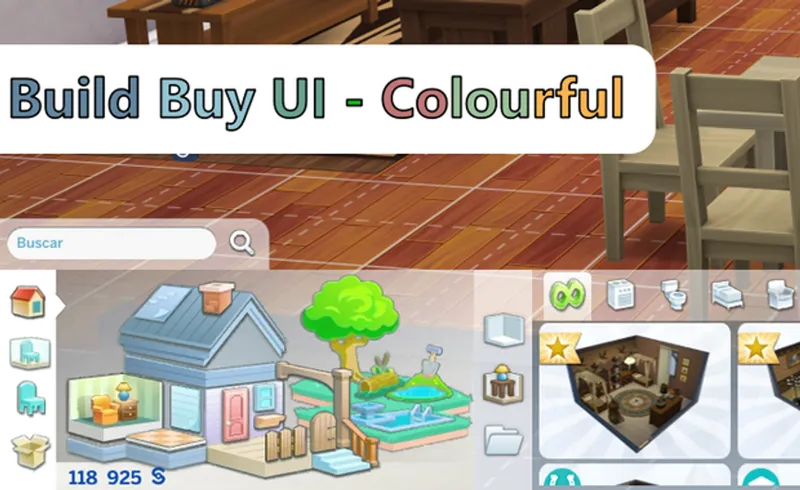
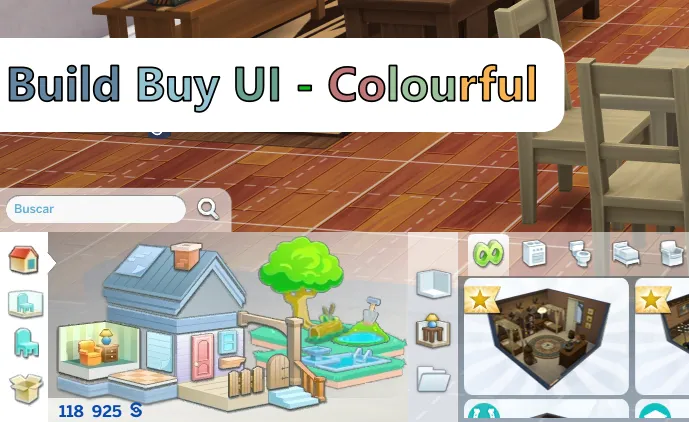
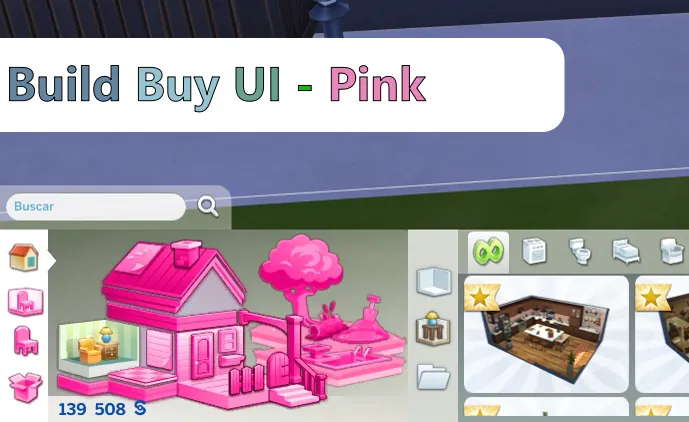
This mod changes the colors of your buy and build mode UI, changing the white icons to colorful ones that appear when selected.
The difference with its predecessor is that it has increased the number of icons available, and it is easier to know which section is active.
-------------------------------------------------------------------------
Change Log:
1.5.5 (September 15, 2025):
Added support for Beige Mode UI.
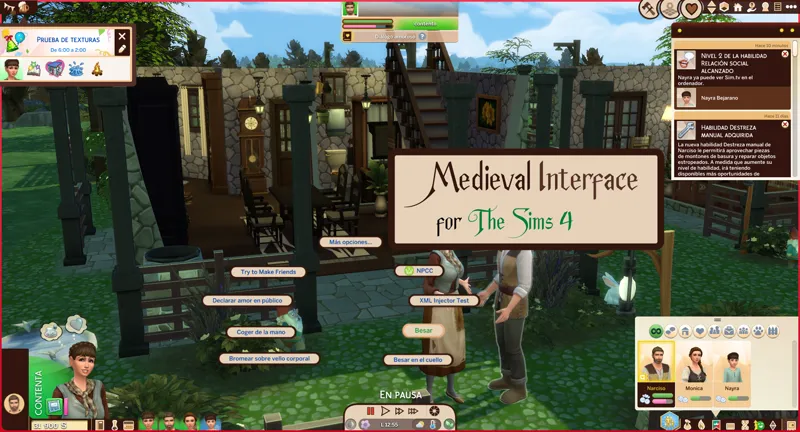
Adapted for medieval interface updates
-------------------------------------------------------------------------
Installation
This mod has two installation methods, use the appropriate method depending on whether you are using an interface mod or not.
I don't use a mod that changes the color of the interface.
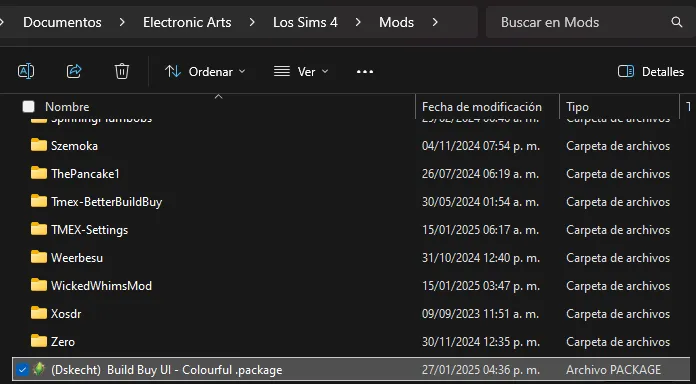
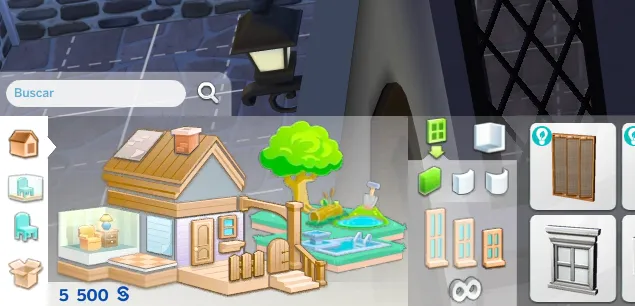
By installing the mod called "(Dskecht) Build Buy UI - Colourful .package" inside the game's mods folder, it is enough for the mod to work.
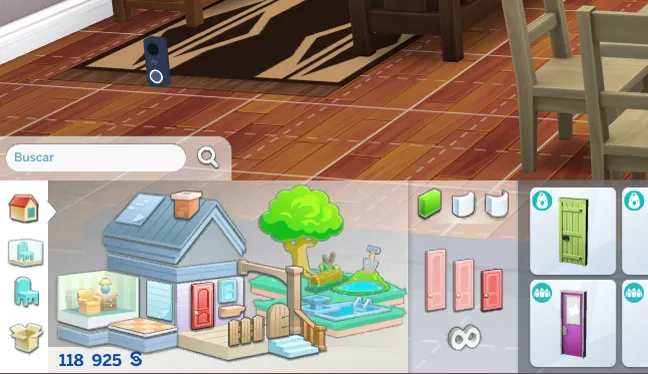
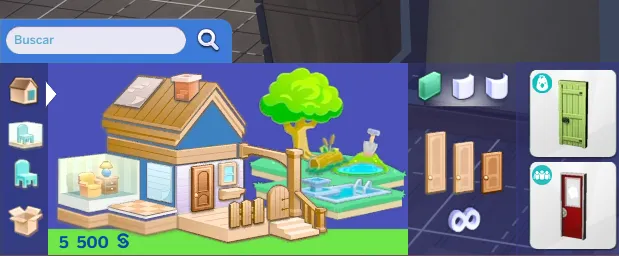
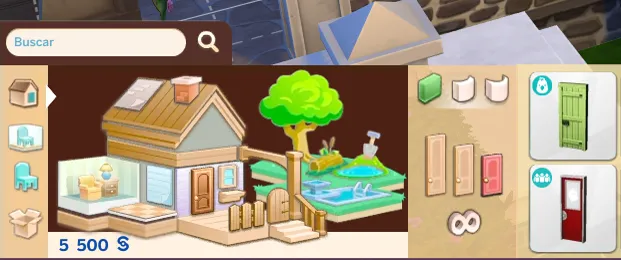
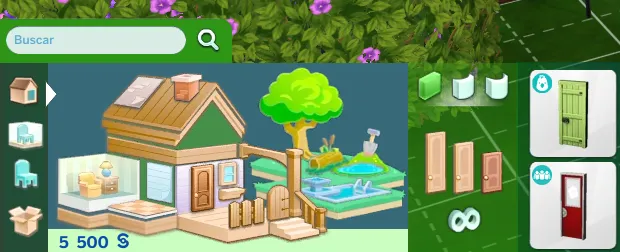
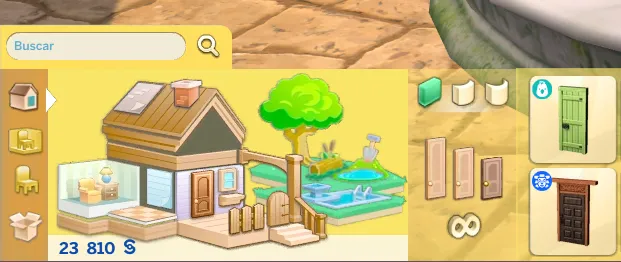
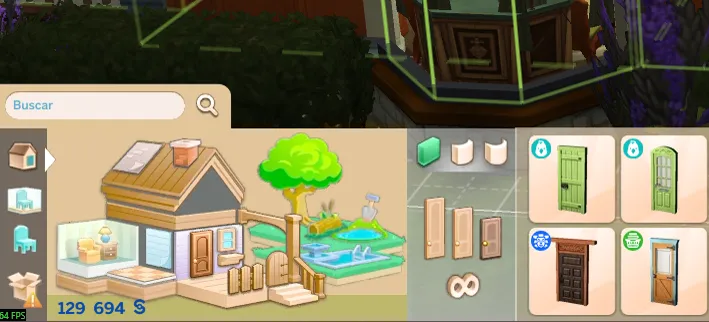
You will know it has been installed correctly because the game will look like this.
****************************************************************
If I use a mod that changes the color of the interface.
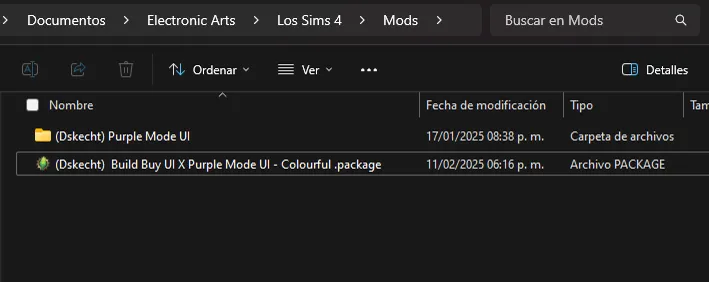
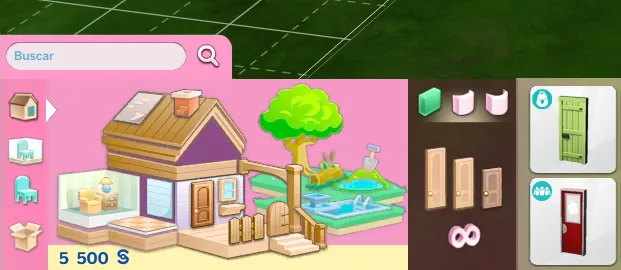
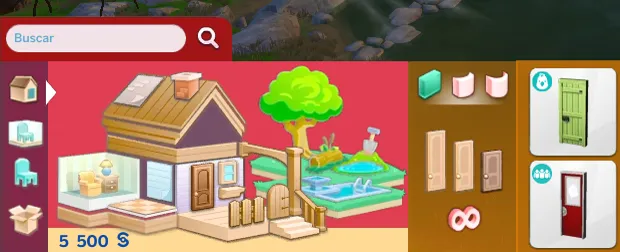
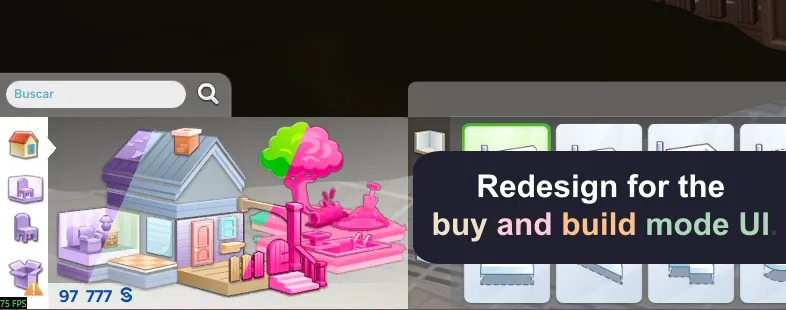
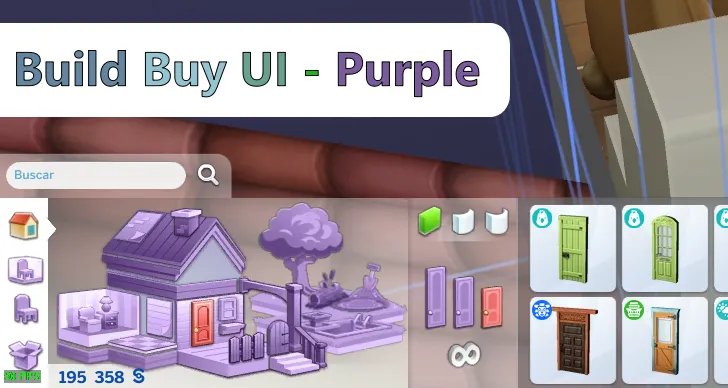
You must download the color version you are using, in this example, Build Buy UI and Purple Mode UI. Both mods must look like the example in order to work properly.
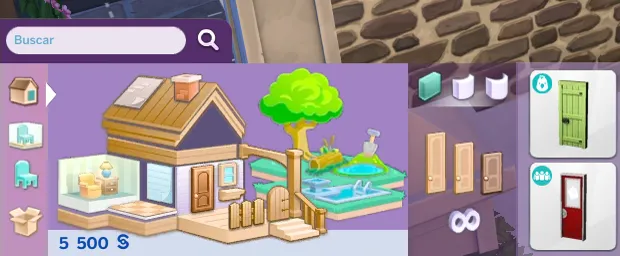
If we follow the steps correctly, in the game (in this case the purple mode) it will look like this.
------------------------------------------------------------------------------
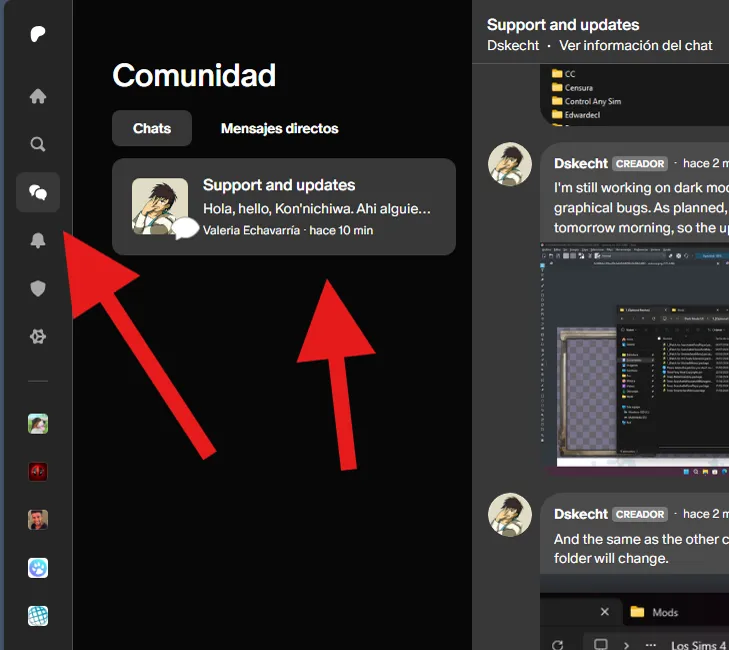
If you have any issues with the mod or would like to contribute to its improvement, you can do so via the group chat (support and updates) on Patreon.
You can access it via the community tab.
----------------------------------------------------------------------
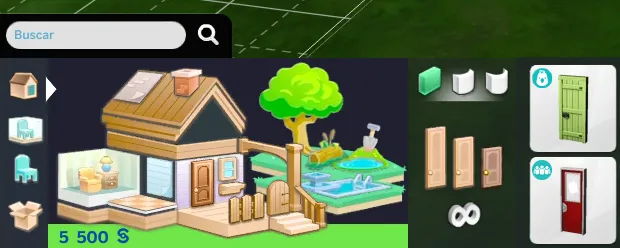
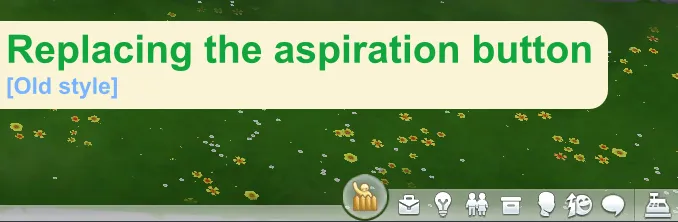
This mod has an alternative design, which highlights the wooden structures
-------------------------------------------------------------------------
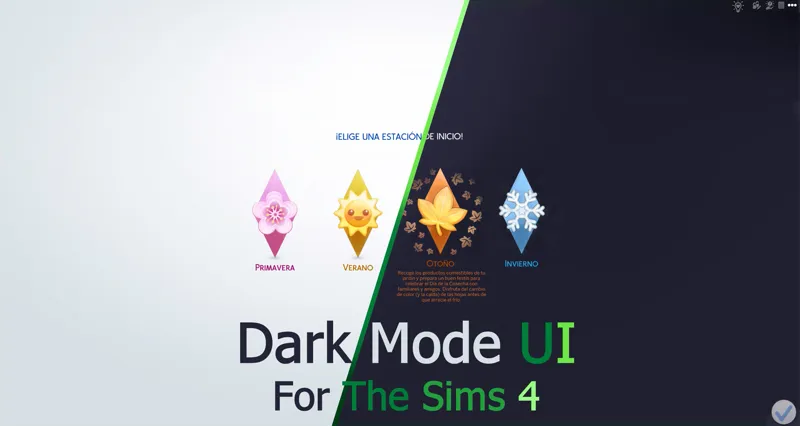
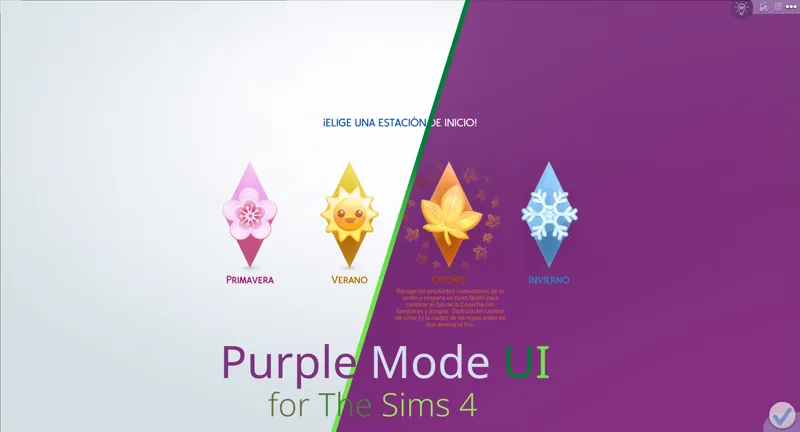
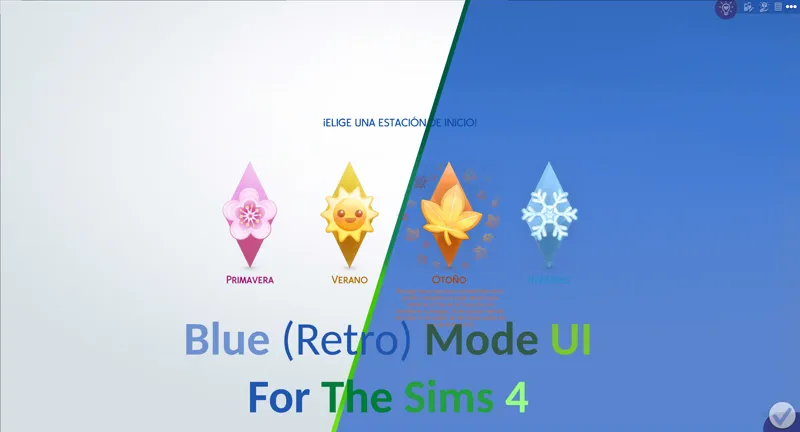
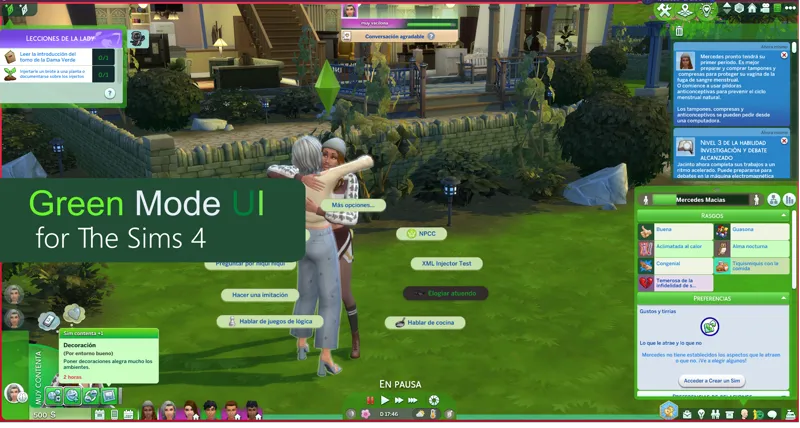
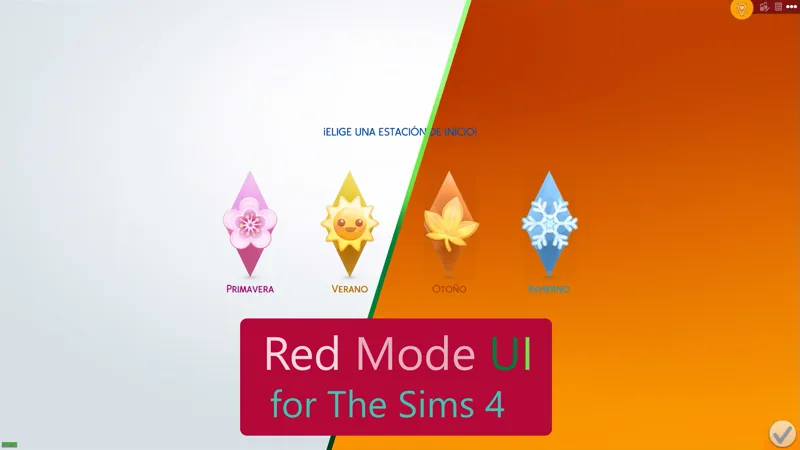
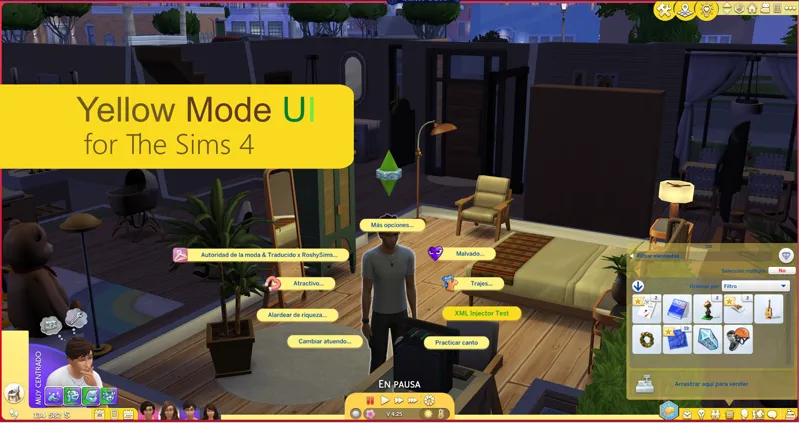
The mod has variants compatible for the following mods.
-------------------------------------------------------------
***************************
Variants in development
Build Buy UI - Purple
Build Buy UI - Blue
Build Buy UI - Green
Build Buy UI - Red
Build Buy UI - Yellow
Build Buy UI - Cyan
Build Buy UI -Magenta
???????????????????
----------------------------------------------------------------------
You should only download one file, if you don't know which file to download, re-read the instructions.


Comments (14)
Hello! I believe this is conflicting with the newest patch/ Tmex's Better Build Buy. Just want to let you know!
The Buy and Build Mode (BBB) has not been updated since the October update for The Sims. Currently, nothing related to Buy and Build Mode in the base game has received changes that warrant an urgent or necessary update in the short or long term. Please verify that your BBB version is up to date, which is version 4.3.
Is this compatible with the latest updates In May and June?
yes
Perdona que pregunte, pero usas algún mod en específico para que los colores se vean así de vibrantes los colores? Es que los mios se ven opacos y no sé si estoy instalando todo bien
No es que sean opacos, más bien poseen una capa de iluminación. Se hizo de esta forma para poder diferenciar qué sección estás seleccionando o está activa. Ya que, si se dejaba con los colores básicos, no había diferencia o podrias pensar que el juego se congeló.
This mod is so beautiful, I hope it gets updated soon <3
Hola! I was wondering, is it possible, while being careful, to mix-and-match the colors inside the folders? By example, changing graphical folders inside my ''pink mode folder'' by the exact same one, but from the ''dark mode'' for example... Or adding more colors etc. I just want to try it!
Yes, it is possible since all mods have the same file organization. I just suggest creating a copy of each mod before continuing, since if you don't like one result, you can go back before trying others. Also, don't use mods that may conflict or have patches until you finish the color mixing, as it can hinder your experiments. Add them when you're done.
Can I put the file (Build Buy x Dark UI) inside of the Dark UI folder? (My english is not good, sorry)
Don't worry, I don't speak English either, my mother tongue is Spanish. Yes, but it must be installed in the folder called "(Optional Patches) -[Delete unneeded patches]-" you do it to keep your mods in order, if I understand you.
Finally! 💜💜
merci pour se mods ^^
Ooh this is very helpful! I was worried the hepandeerus one would break at some point honestly so this is nice :D