
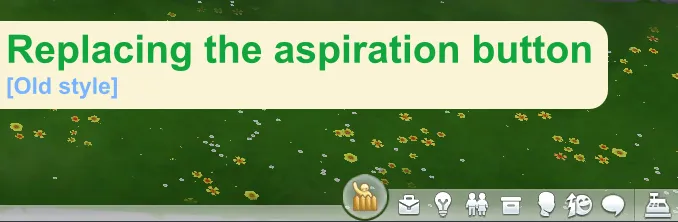
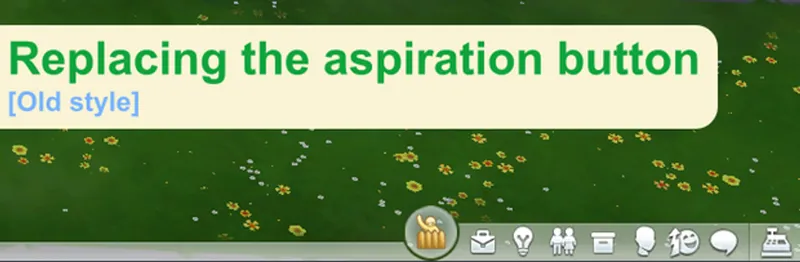




Replacing the aspiration button [Old style] (October 01, 2025)
This mod was a commission, with long-term support
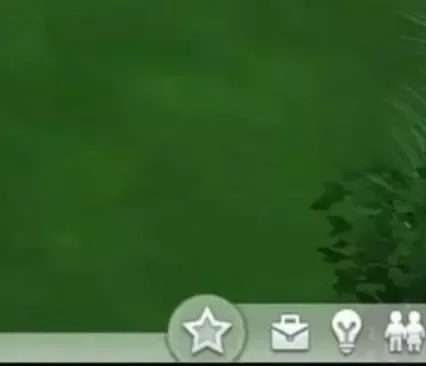
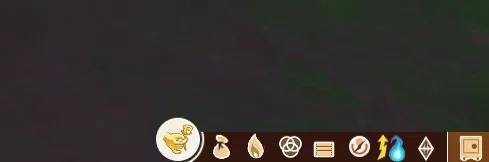
This mod is simply a texture that reinterprets the original style of the aspirations icon, using original assets from the game to achieve this look.
That is, this is not an old adapted texture, but the original texture from the most recent version of the game, edited to look like this.
---------------------------------------------------------------------------------------------------------
Changes:
2.8.12:
Updated for update - PC: 1.118.242.1030 / Mac: 1.118.242.1230.
Added support for Beige Mode.
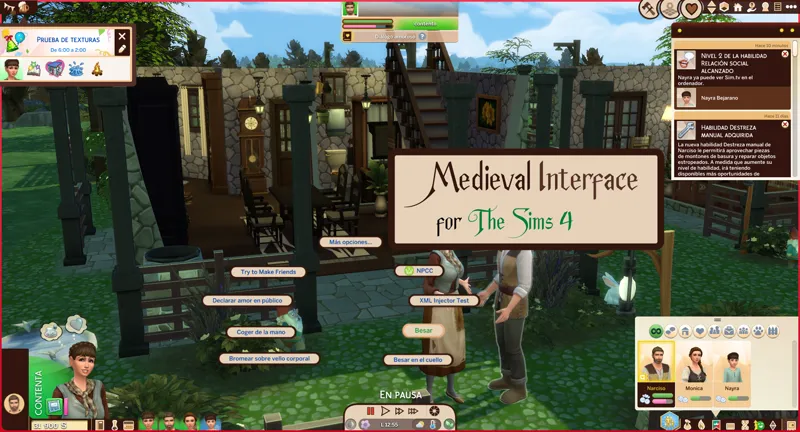
Redesign for the medieval interface
---------------------------------------------------------------------------------------------------------
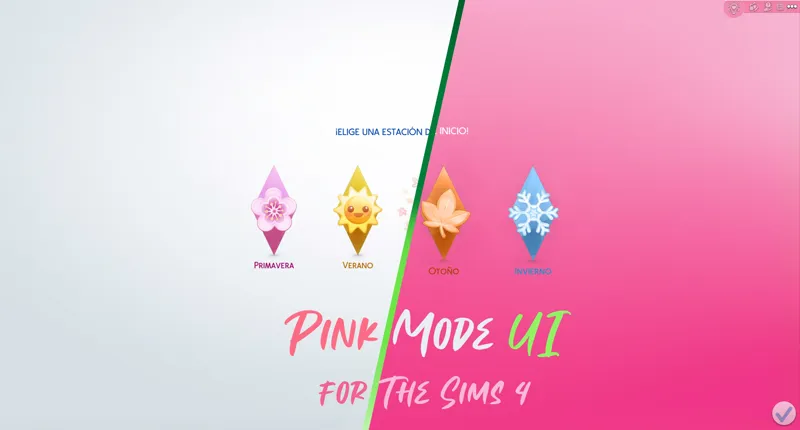
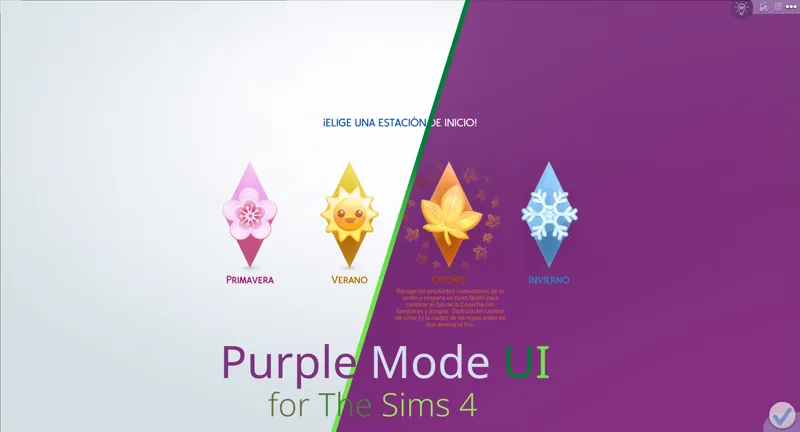
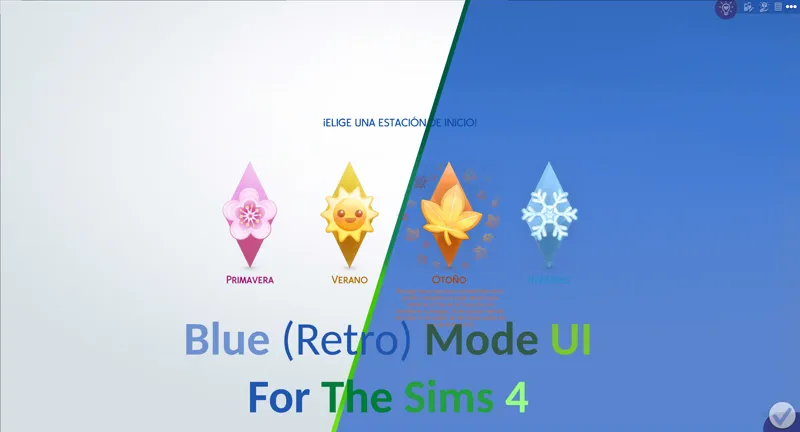
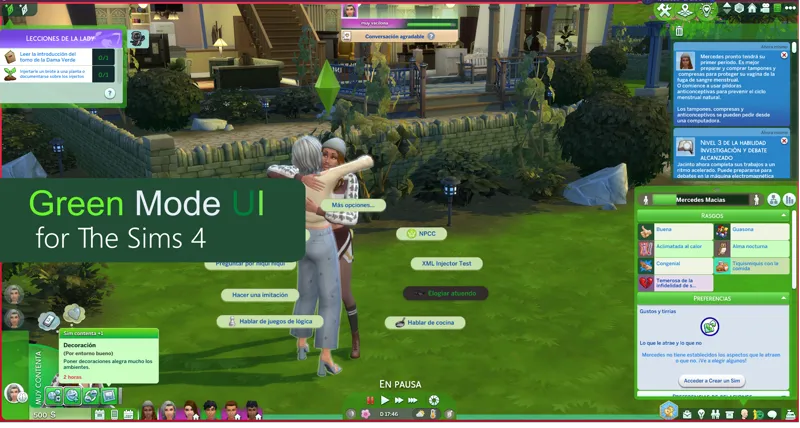
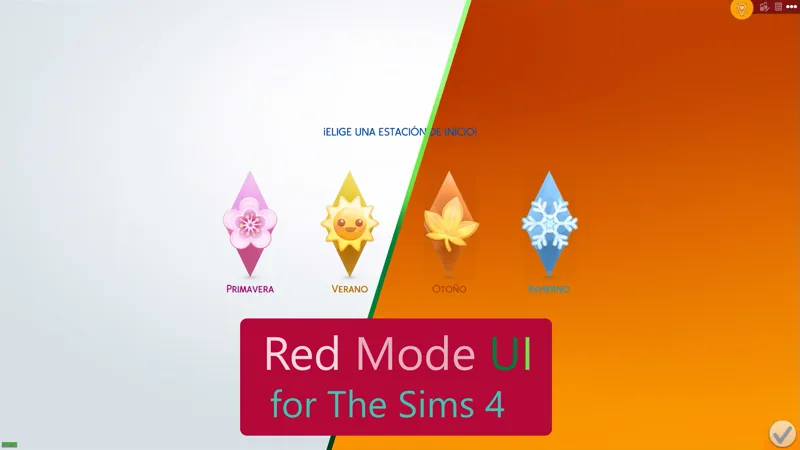
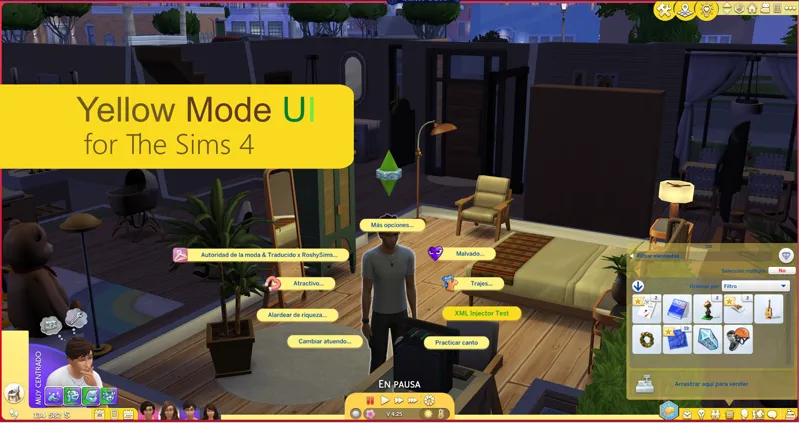
The mod has variants compatible for the following mods.
---------------------------------------------------------------------------------------------------------
Installation
This mod has two installation methods, use the appropriate method depending on whether you are using an interface mod or not.
I don't use a mod that changes the color of the interface.
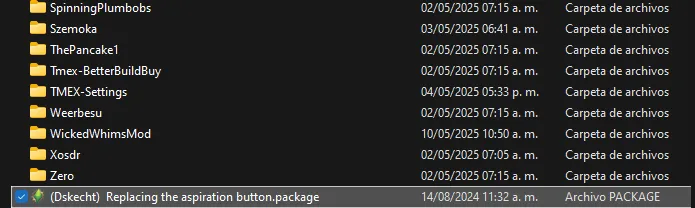
By installing the mod called "(Dskecht) Replacing the aspiration button.package" inside the game's mods folder, it is enough for the mod to work.
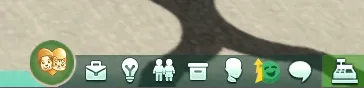
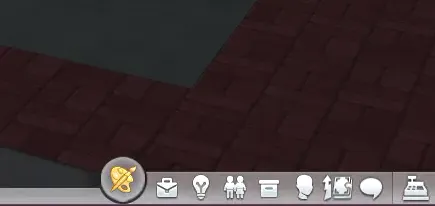
You will know it has been installed correctly because the game will look like this.
****************************************************************
If I use a mod that changes the color of the interface.
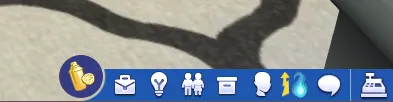
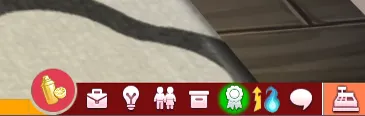
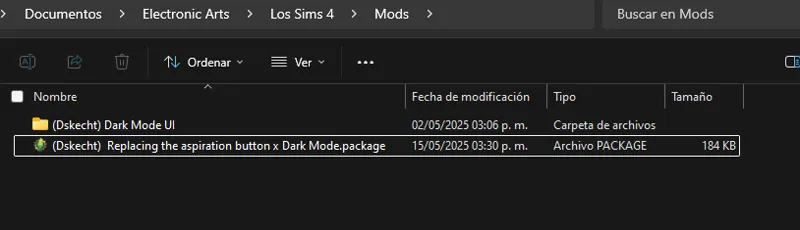
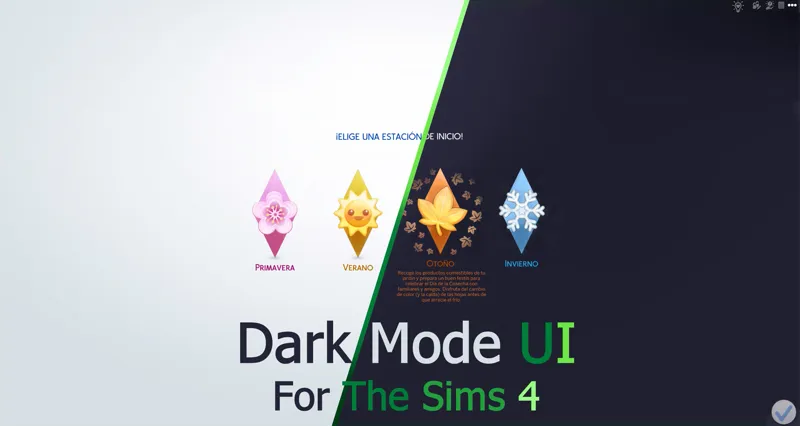
You must download the color version you are using, in this example, "Replacing the aspiration button" and "Dark Mode UI". Both mods must look like the example in order to work properly.
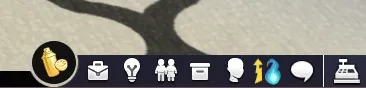
If we follow the steps correctly, in the game (in this case the Dark Mode) it will look like this.
------------------------------------------------------------------------------
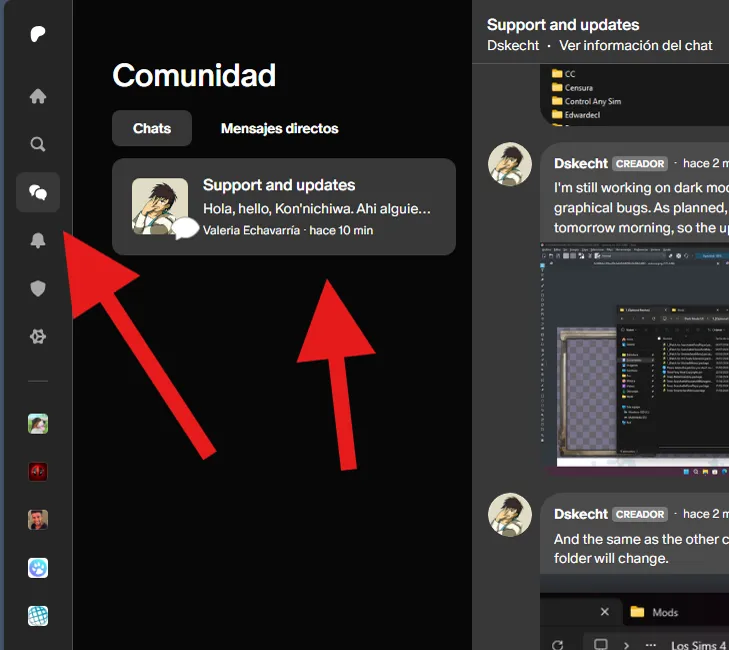
If you have any issues with the mod or would like to contribute to its improvement, you can do so via the group chat (support and updates) on Patreon.
You can access it via the community tab.
----------------------------------------------------------------------
You should only download one file, if you don't know which file to download, re-read the instructions.
Comments (6)
Crees que sea posible hacer un mod que cambie el formato de 24 horas por el de 12?
De hecho ya es algo que ando Investigando.
Are you able to create mods to support those with limitations? Specifically ways to enable the pressing of the arrow down button instead of mouse scrolling in certain menus? This is something I look for because of my certain disabilities. What about changing that stupid button for the neighborhood and how it's next to the gallery? Every time I try to build something and try to open the gallery quick to add something or see something I end up exiting and it's so fkn annoying and so easily to accidentally click it :(
What type of disability do you have? Because many lead to the same problem, but not all lead to the same solution.
omg, FINALLY (I hate that hexagon) it is compatible with other interface modifiers interface?
Yes, as long as you download the correct version and follow the instructions you will not have any problems.