
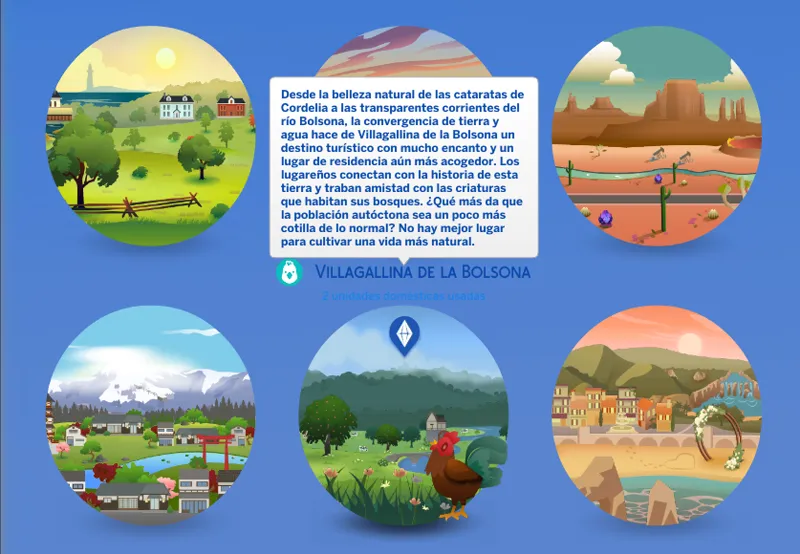
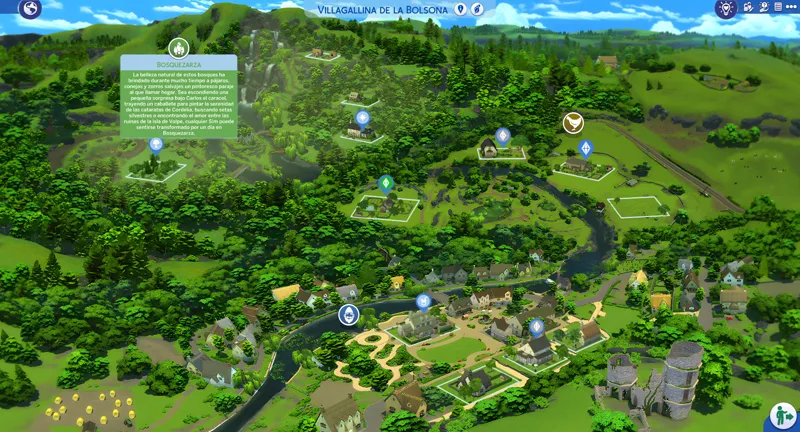
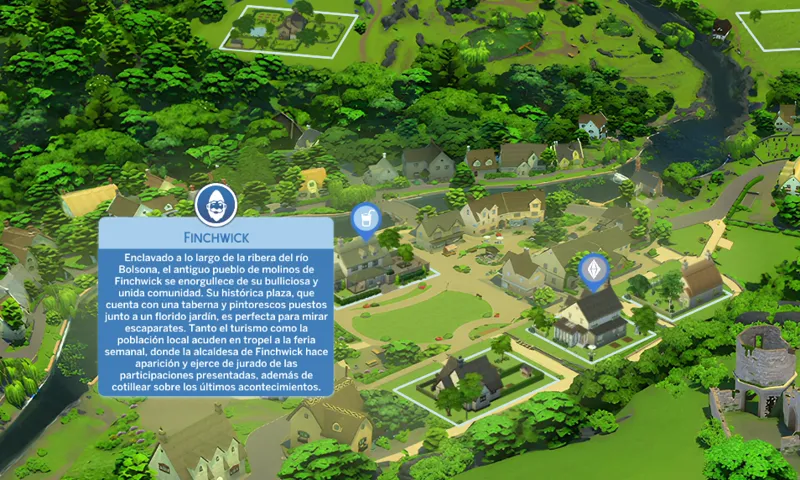
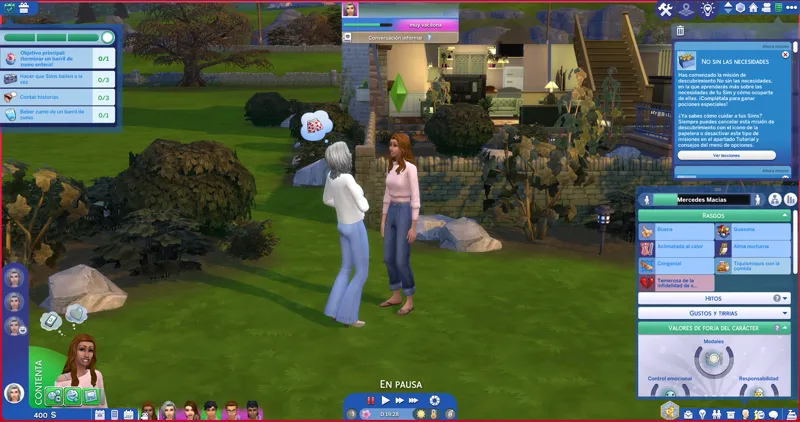

Blue (Retro) Mode UI | The Sims 4 (July 13, 2026)
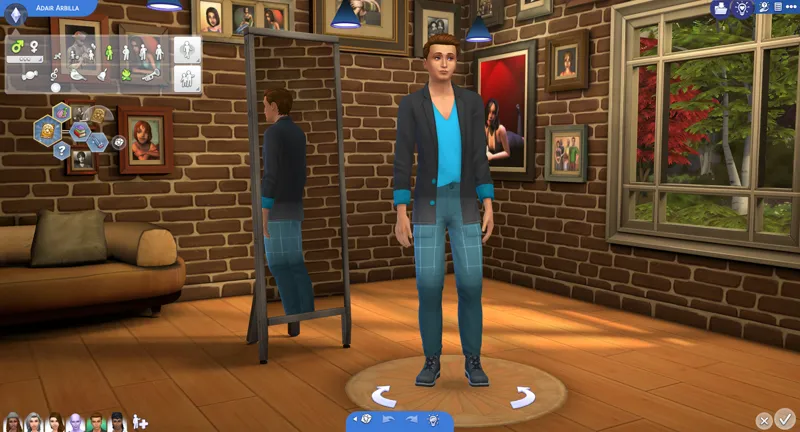
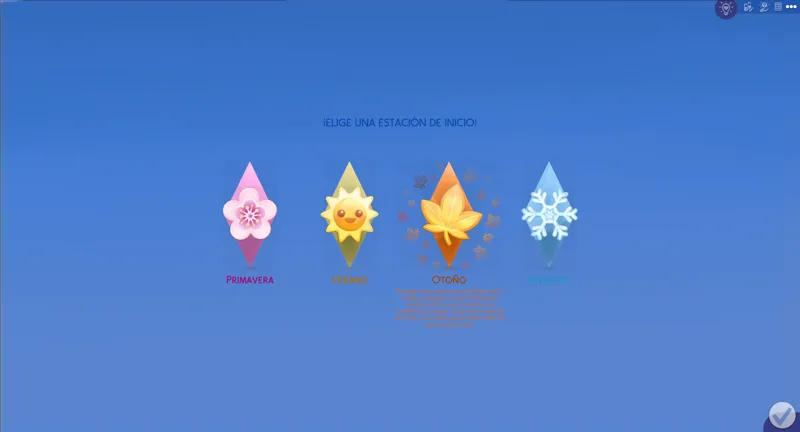
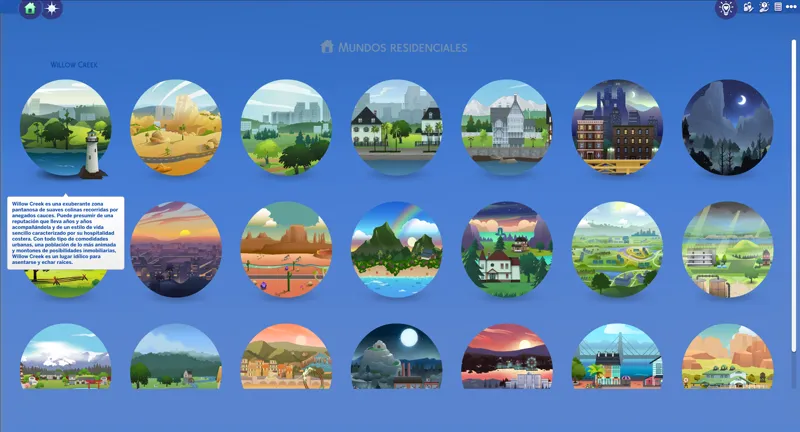
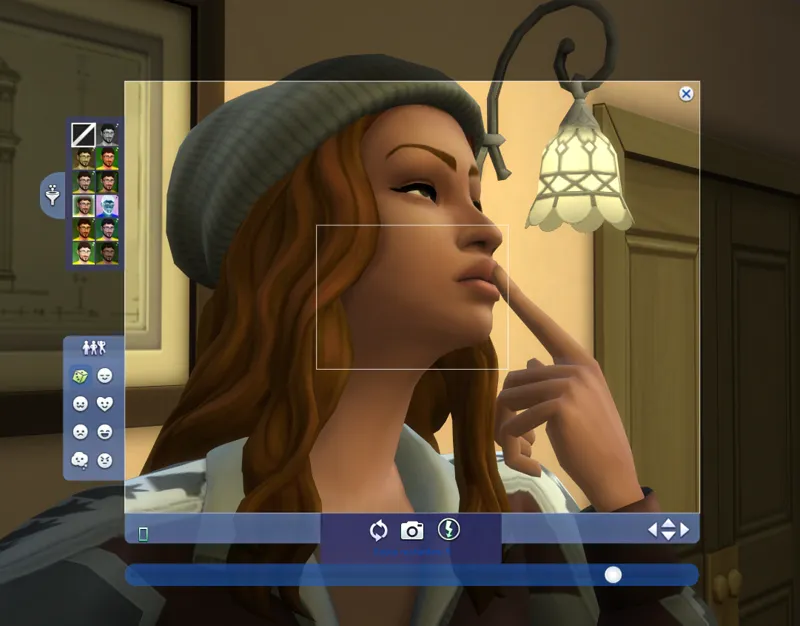
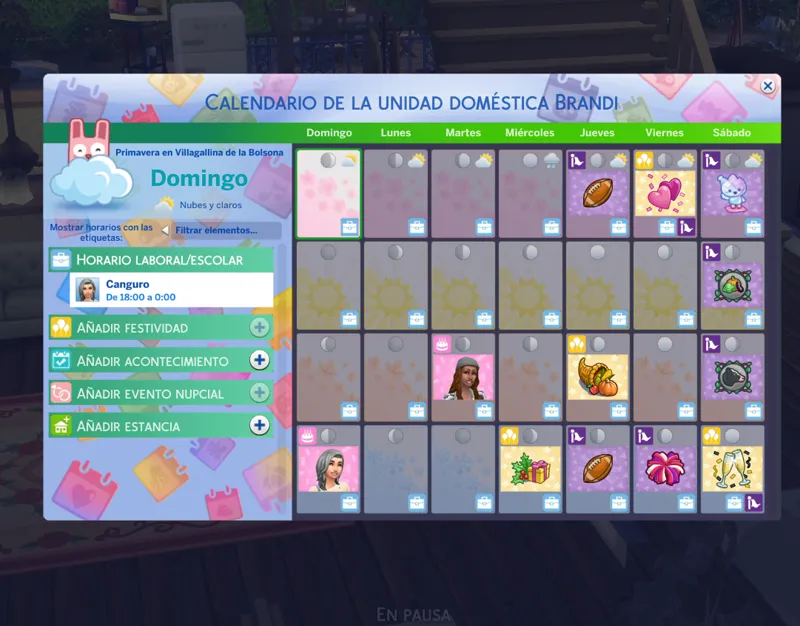
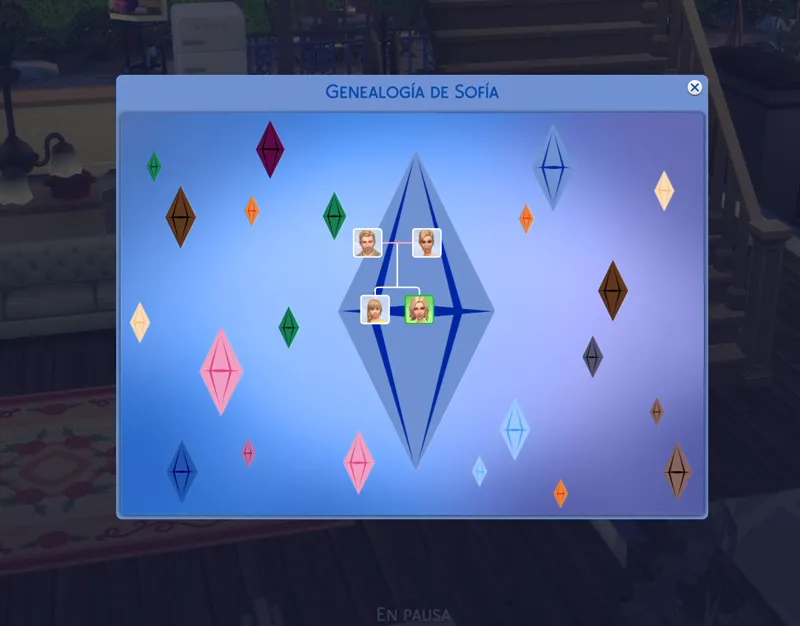
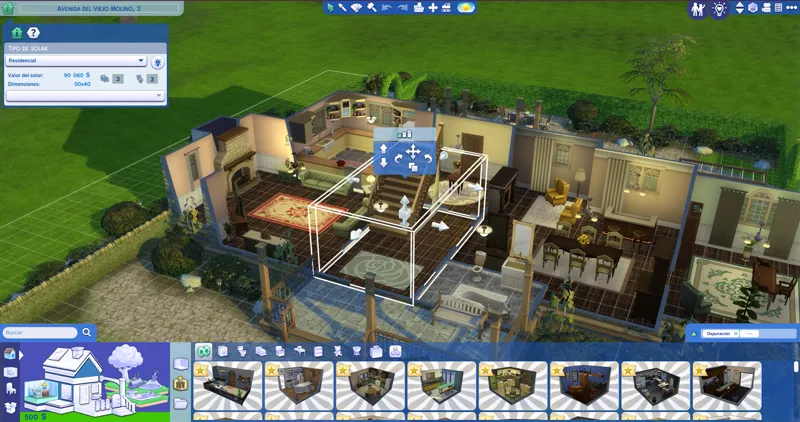
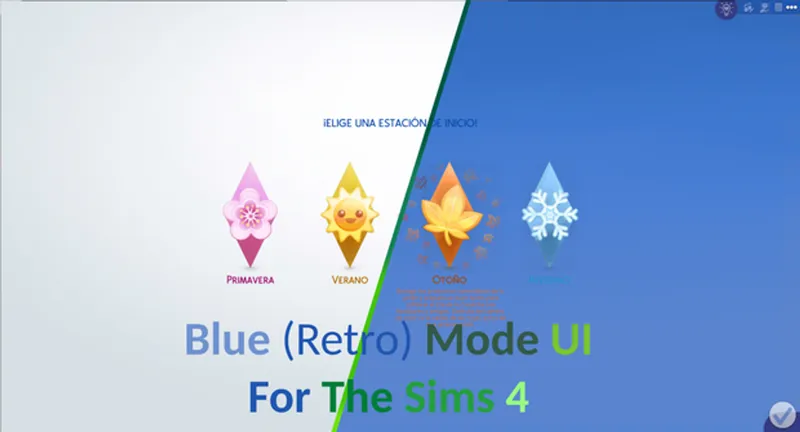
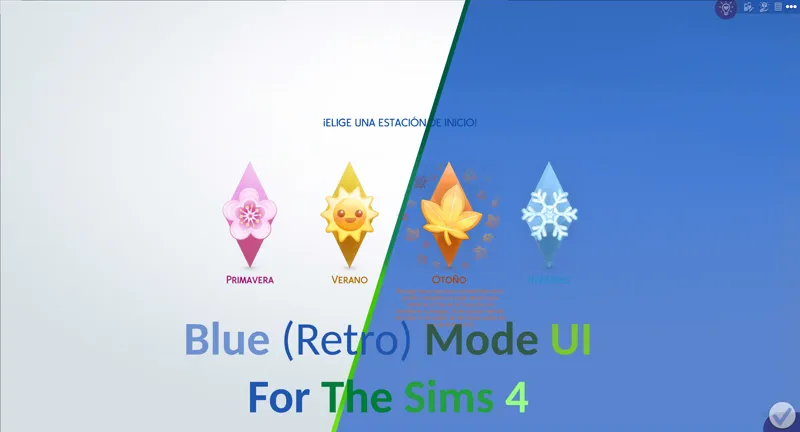
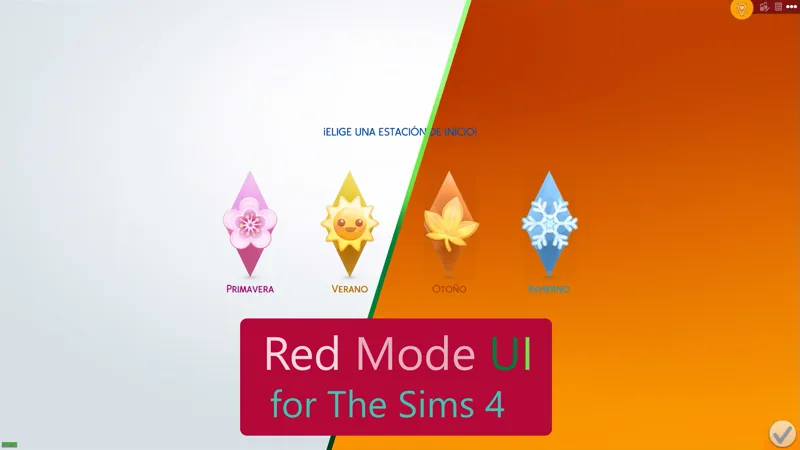
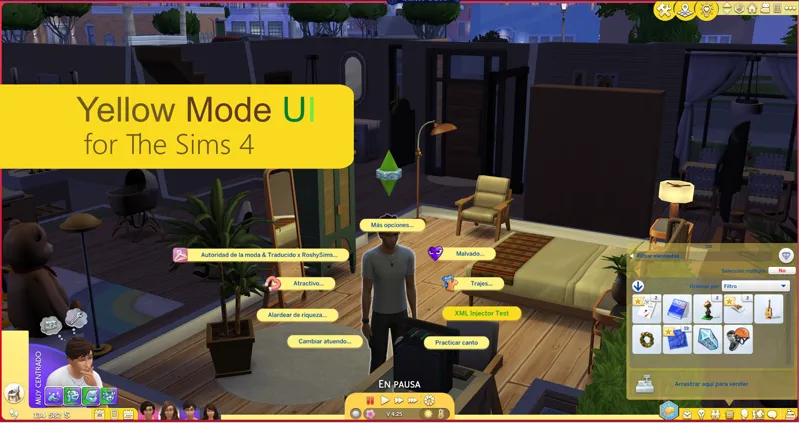
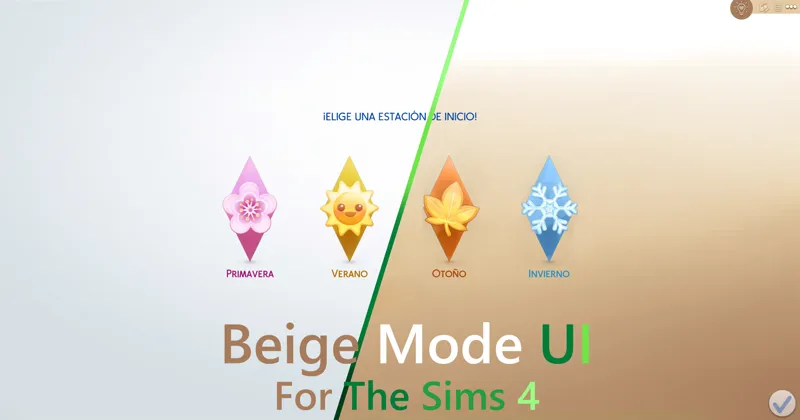
As its name says, it is a mod that changes the appearance of the interface of The Sims 4, simulating that the "Blue mode" is activated.
You can comment, criticize and suggest about the mod with complete confidence.
Change Log
6.13.3 (July 13, 2026):
New patche available for third-party mods.
Patch for Plumfruit Essentials.
Compatibility with the Quick Save Button - BuildBuy mod has been improved.
Warning: Due to the mod being restructured, the name of the main folder and several internal folders have changed, as well as the names of some files.
A clean install of the mod is mandatory.
Many thanks to:
Your comments were very helpful for the creation of this mod.
Installation:
Warning.
Because the mod makes very big changes to the game. please do the following.
In the sims folder delete the following folders:
cachestr.
onlinethumbnailcache.
And delete following files:
GameVersion.txt
localthumbcache.package
This is done so that the game reloads the mods correctly.
Repeat every time the game is updated or every time, I updated said mod. (This process also works for any mod)
***********************************************************
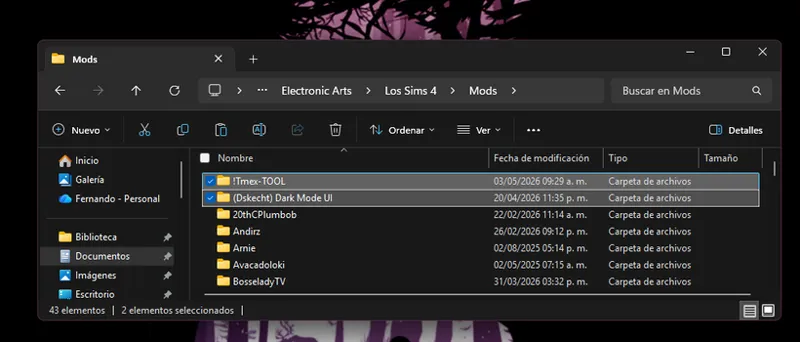
Installing my interface mods is very simple, you just need to drag the mod folder to The Sims 4 mods folder.
Remember that my interface mods include optional patches that you should remove if you don't have those mods, as they could cause errors in the game's textures.
Note:
When updating my mods, you should always perform a clean installation; never overwrite existing mods.
One more thing, most mods are just retextures for that mod, since for various reasons it is not possible to create a real and functional patch.
In other words, I have to re-upload the entire conflicting mod, but modified, to create a patch, and that's not right.
Simply having the patch installed and changing the load order of the conflicting mod is more than enough to make the mod work.
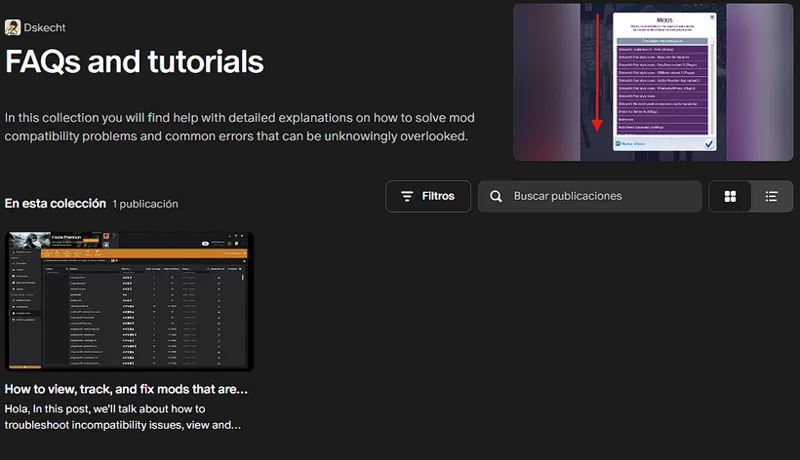
If you want to know which mod requires a special installation, you can check out my collection of help posts and tutorials for the game.
If you don't know how to do it or need visual aids, check the FAQ post where you'll find all the instructions and tips to solve your problem.
It is recommended to remove previous versions before upgrading.
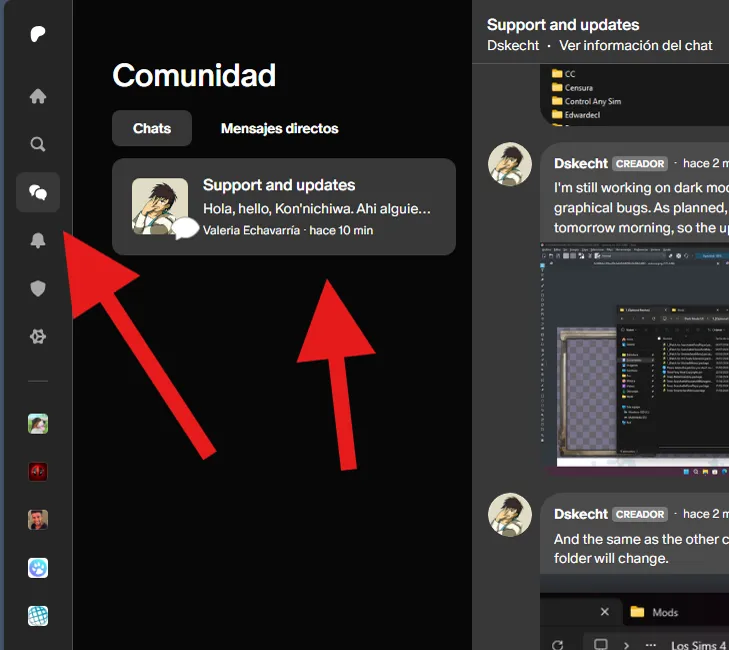
If you have any issues with the mod or would like to contribute to its improvement, you can do so via the group chat (support and updates) on Patreon.
You can access it via the community tab.
***************************
***************************
Comments (38)
repair it. some pushes still white color.
you forgot some elements in cas in dark blue mod. repair this,please. some pushes without any colors.
This mod is not affected by The Sims 4's March 18th update.
El mod ya es compatible con la actualización para PC: 1.121.342.1030 / Mac: 1.121.342.1230
Update Status February 3, 2026 (The Sims 4) [Broken] Yes, I'm aware of the mod's status and I'm already working on an update. Please see the following post for an overview of my other mods and when an update might be released. https://www.patreon.com/posts/149883778
I can confirm that all my mods are compatible with today's update, January 13th. Although there were some changes, they do not affect the functionality of my mods.
If the problems persist, you should simply reinstall the mod from scratch and clear the cache so that the game loads the installed mods correctly.
Yes, I'm aware this mod is broken, and I'm still very active, but this update coincided with my final exams at university. So, expect some inactivity. For more information, see this post or any updates. https://www.patreon.com/posts/144810185
i'm completely new to ui mods so i don't really know a lot about it, but i have issues with the thought bubble as it either is offset or entirely broken (doesn't appear at all and looks odd), so is there any way for me to fix it and might it have anything to do with my scaling or other ui mods?
That's because you don't remove the patch you don't use, in this case the only patch for the mod you don't have installed. The better buildbuy
There is currently a bug in the game that is bugged the text box, causing it to have a weird stretching, it is a problem that is out of my jurisdiction.
Please, before commenting on an issue, follow the installation instructions, remove any patches you are not going to use, and verify that any mods that conflict with it are installed or updated. And most importantly, CONFIRM THAT THE PROBLEM IS CAUSED BY MY MOD, USING THE 50/50 METHOD
hello! i was wondering if you have a version that JUST changes the colors on the house and rooms? Hepandeerus stopped updating theirs and I was wondering if you were going to take over them?
2014?
I didn't realize that I made the mistake of copying and pasting the date without realizing it.
There is still texture incompatibility with BBB (version 3.3.1) if you want to use the mod, to resolve the conflict, delete the BBB mod or remove the "Social Elements" files from my mod located in "Graphical Interface - MODIFY CAREFULLY -" -> "Simulation - Live Mode".
Hi, I want to use this mod, and currently have no other mods installed but my ui still looks normal. I have deleted all the required files and have done so mutliple times. Every time I load it up, it shows the mod list of all the changed files, but they don't change to blue. I've downloaded the current version on the page multiple times in case I have messed something up but nothing seems to work. It might be the new pack that I have but I would think it wouldn't change much, since dark mode works just fine by itself. I wanted to use blue mode since the update since I feel dark mode is too dark for me but I guess it will work better until I can fix this problem so I'm not flashbanged by the normal base light mode of the game.
This version is not yet on par with its older siblings, as you cannot see it at first glance if it is installed. It is not until you enter a game, either in live mode or in the world manager, that you will notice the changes.
Hi, I just attempted to download the mod but it looks like all of the optional patches are missing. I double checked by downloading again (in case I accidentally deleted) but it downloads the folder and .txt files, but no patches.
As it says in the instructables, "Patches shown in the image may vary depending on the color version you use; not all versions have the same conflicts." In this version, there are no conflicts as it is designed to avoid problems with any third-party mods, therefore no special patch or installation is needed for other mods, as is the case with the other colors.
Please, before reporting an issue, perform the 50/50 method to determine what is causing the issue. This is necessary as several mods are interfering with the game interfaces and not allowing the options to appear.
Love the updates you've done to this mod. Thanks for your hard work!
Please perform a clean install of the mod, as there have been many changes, both to the files and the containing folder.
Am I doing something incorrectly, or is it not working for the 6/8 patch? edit: My apologies, I installed it into my Sims 3 folder instead of Sims 4, it is working with the most recent patch.
can you make it so that blue text doesn't blend into the blue UI? ^v^ pls and ty ^v^
This is a reminder that the Patreon group chat is available to donors of any amount, where you can send your questions, complaints, and suggestions about my mods. If you have any problems, you can send your screenshots to the same group chat, since it supports multimedia content. And in the same chat I share screenshots and progress of my mod updates.
is it a way you can change the color of the words on the pie menu for the black UI? I love that one but pie menu action words are to see. sorry if im asking for too much
i meant to say the medieval one but i was thinking about the black one as i typed this; silly me! thank you for your hard work. im using the black one and it's perfect per usual
this mod looks maked with love, everything is beautiful, everything is where it have to be, it gives life back to the sims 4, thank you for this blue UI.
Before you ask, it is yes. "Refreshed Main Menu" mod created by SimMattically, you can use the mod without problems, but you must do some extra steps. You must use the modular version and install the SimMattically mod inside the patches folder for it to be functional. It is merely impossible to create a patch due to the nature of the mod, (something similar with Smart Menu Pie)
I am trying the Blue Retro (Unified) for the first time and so far it looks great! Thank you so much!
Thank you so much for the update <3!
unified works good thank you
Blue (Retro) Mode UI (November 2, 2023), TwistedMexi's Better BuildBuy v3.1.3 Official
it's broken sims thought bubbles are to the left
Which version you're using
ty
this is great!! just put it in my game and it feels like ts3. love it!