





[Mod] Lumpinou's Toolbox - Script Library-Mod - Sims 4
Check Global Update Notes post for Latest Update notes.
A requirement for various other mods of mine.
It is a script where I put various things some of my mods need. This way, only 1 script file is used across various mods.
Mods that REQUIRE this Toolbox:
With Pack Requirements:
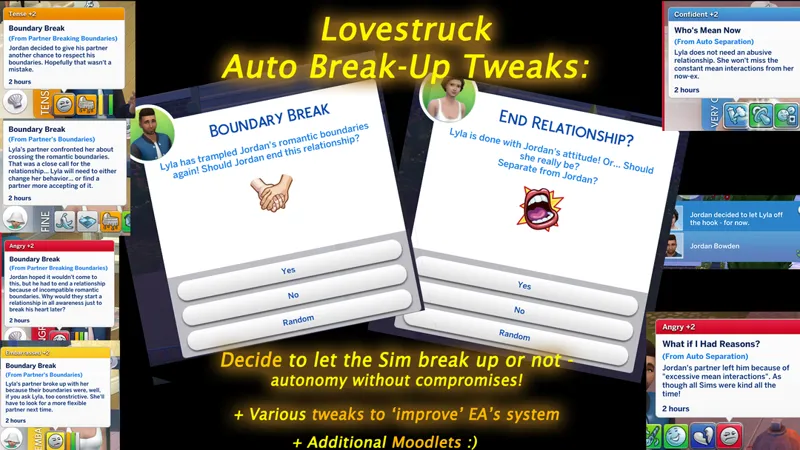
-Lovestruck: AUTO-BREAK-UPS TWEAKS: Pop Up Choices, Moodlets, Unilaterality, Etc
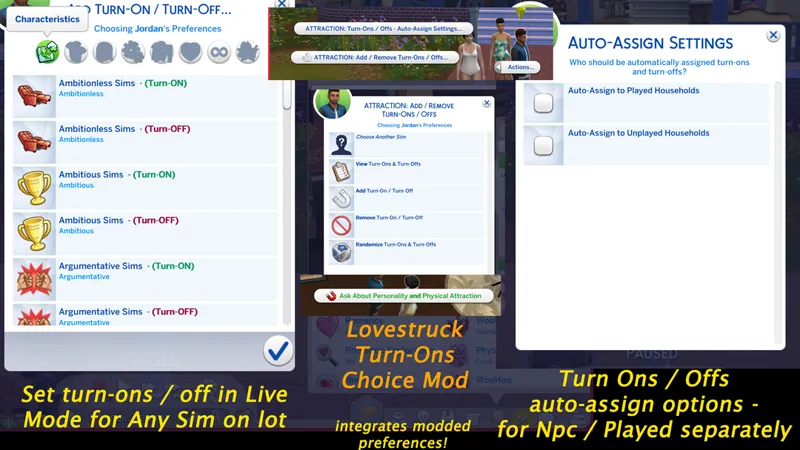
-Lovestruck: TURN-ONS/OFFs SELECTION: Choose for any Sim in Live Mode + (Optional) AUTO-Assign system - (INTEGRATES other modders' custom attraction preference traits)
- Lovestruck: Romance Style Behavior Tweaks - Marks in Menus and Autonomy
Base-Game Compatible:
-Customizable Daily Maximum Relationship Gain Caps (make rel gains more gradual)
-View Active Sim's Profile From Other or Unplayed Sim's Perspective
-View Family Trees of Non-Household Sims
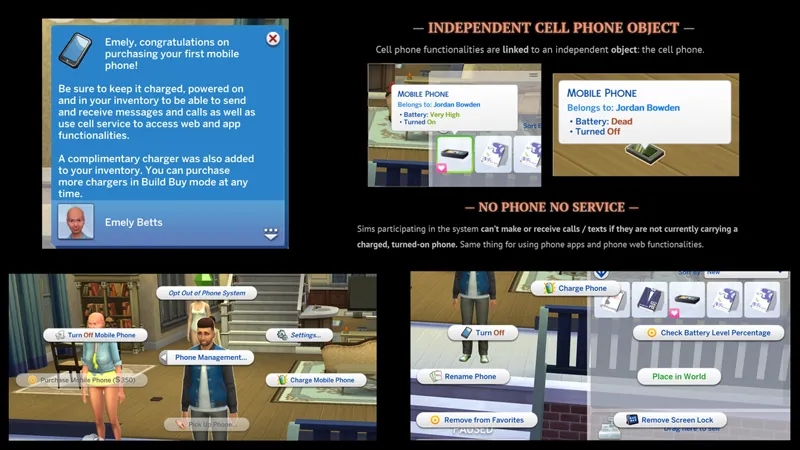
-FUNCTIONAL MOBILE: cell phone as an independent object
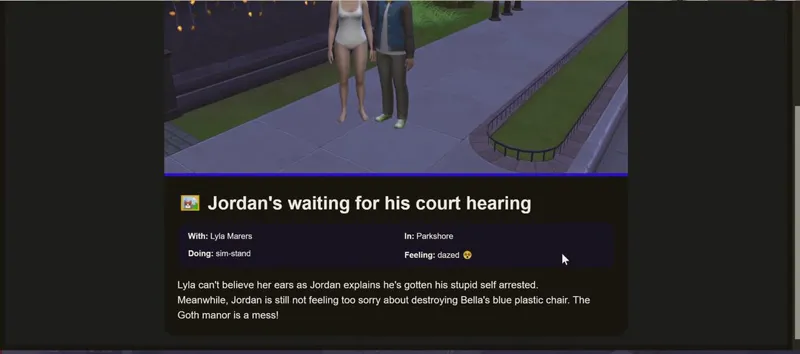
-LAW & DISORDER: a Maxis-Match Crime and Justice System
-IMMORTALIZE MOMENT: a shareable Screenshot system saving mood, place, names along game capture
DO SOMETHING: Command Non-Active Sims to Interact - towards others, objects, or alone (Control NPCs)
-PIE MENU LOAD HELPERS: understand pie menu lag and see if you can improve it
-"END FRIENDSHIP": for Sims to dump their friends :(
-"SAY SOMETHING TO": custom notification mod for storytellers
- Romantic BOUNDARIES SELECTION: assign in Live Mode + (Optional) Auto-Assign Settings
- ADDITIONAL IN-DATE CHOICES: Declare Only Wanting to Wookup / to Be Friendly
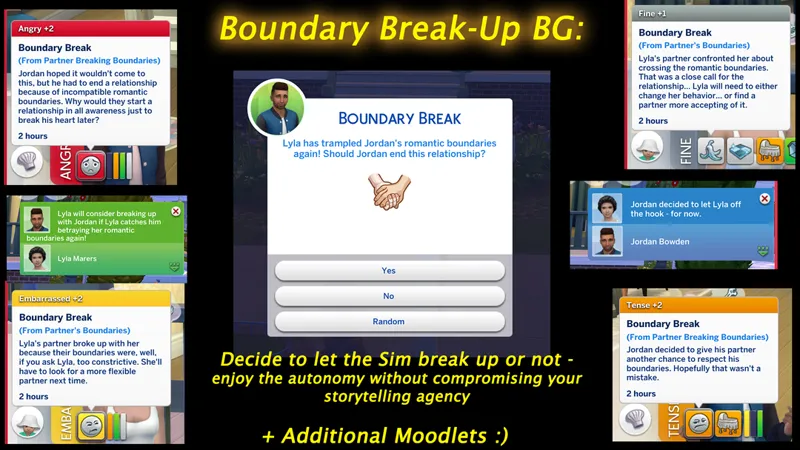
-BG AUTO-BREAK-UP for Boundaries: with pop up choice and moodlets
- PREFERENCES SELECTION - Pick Like / Dislikes In Live Mode + (optional) Auto-Assigns - Integrates Modded Preferences
- PERSONAL LISTS: in-game checklists and basic lists for gameplay tracking or whatever else!
- CUSTOM GAMEPLAY SUGGESTION SYSTEM: Random Suggestions & Ordered Challenges!
- CURIOUS INQUIRIES: conversations to learn details about mood, family, self, etc!
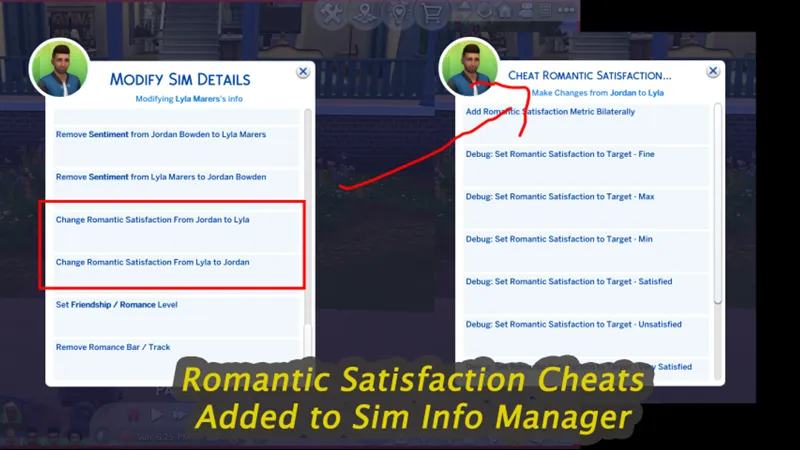
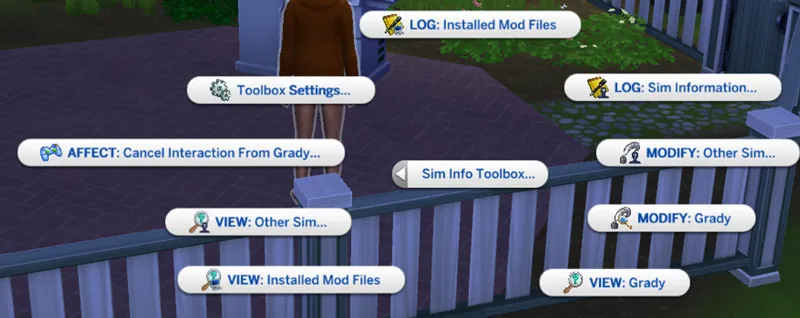
- SIM INFO MANAGER: view / modify / log Sim stuff (traits, sentiments, etc)
- SCIENCE BABY TWEAK: In-Game Choice of Pregnancy or Instant Baby
- LIFE NOTES / PERSONAL BIOS: Sim-by-Sim custom notes / bios
- FIRST IMPRESSIONS: Sentiments at first meeting
- Talents & Weaknesses
- OPEN LOVE LIFE: Polyamory, Triads, Side Partners, Commitment Preferences
- NO STRINGS ATTACHED: Friends with Benefits
- ROAD TO ROMANCE: "Lovestruck Edition" or "BG Edition"): new romantic interactions
- Psychic Sims!
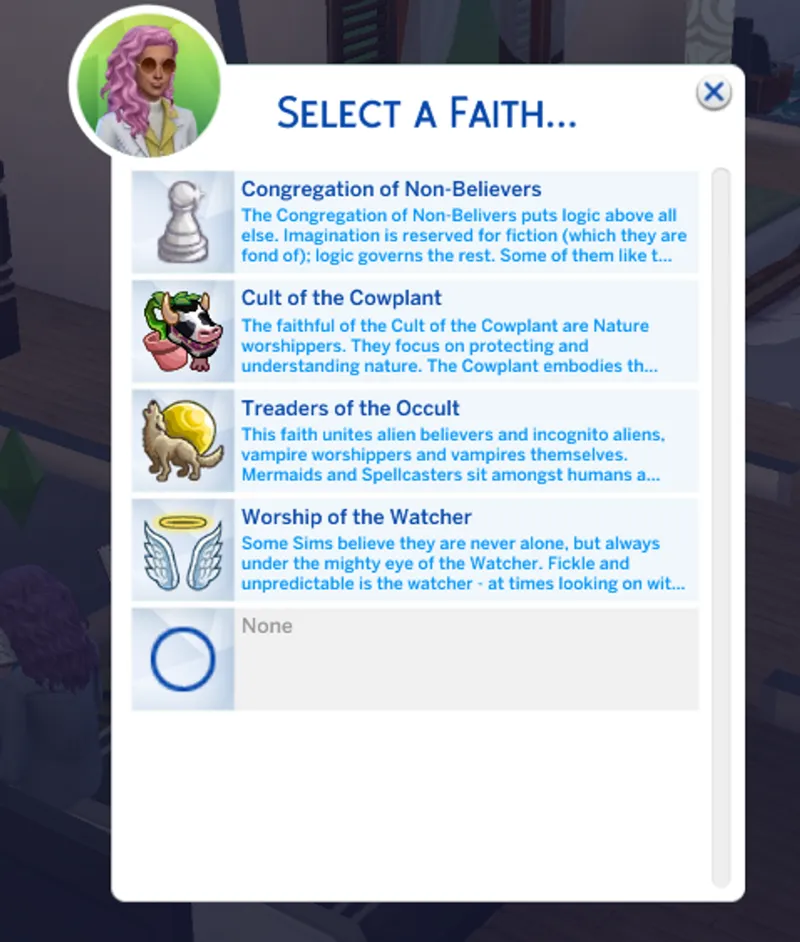
- Rambunctious Religions
- Contextual Social Interactions
Check my MOD INDEX for links to these mods.
*Additional credits:*
The following has been used and modified with permission:
- display_name_override injection, logger initialization, doCommand loot and object interaction injection via existing interaction adapted from code shared by Frankk
- test injection adapted from code shared by Triplis mostly, plus one line from Lot51
- Social Bunny Injector shared by Lot51, scoring shared by LeRoiDeTout
The following are ideas that inspired the structure I used.
- idea of snippet-based injection system was originally Scumbumbo's
- looping through the snippets at managers loaded is an idea originally used by lot51
- if you already have "Lumpinou's Toolbox" installed, and want to update, delete your old version of it (KEEP the setting file, REMOVE the ts4script file).
- Then download the .TS4SCRIPT file linked below
- And PUT IT DIRECTLY in your Mods folder (or one subfolder maximum), NO EXTRACTION.





Comments (27)
I saw this was updated recently, so I've downloaded the latest. I'm getting messages that it might be malware, and the filename is now v2 rather than v1.179.87. Are you able to confirm that you've changed your naming convention before I remove/replace the old file?
Hi, yes I changed how I do version numbers for this mod, I announced that in my very latest Patreon post; Regarding malware what is saying that?
I accidentally updated this mod and now it is not compatible with my game (I haven't updated and am playing offline). Am I able to access old versions anywhere?
Hi, no I don't keep old versions, but you'll be safe to update as the last few patches broke basically no mods
my game is telling me that there is a problem with my toolbox setting I tried deleting toolbox and reinstalling it and nothing is working.
Hi, for a test, take out all mods not by me and laich that way (keep installed mods of mine that you use, this is important for the test) , you should see no errors or messages about it. If so, then add back mods little by little until you find the culprit
Are your MODS on curseforge out of date? I use CF to update it and your mod status check says they are out date?
There's usually a delay between here and CF yes
My game is telling me the toolbox mod is out of date, I deleted the old version and replaced it multiple times with the same result. Am I missing something?
Hi, unfortunately can't tell without seeing file log / message you're talking about. If yu have Discord, you can share those on the server and we can look
Thank you!
when I extract the rar file it has two pyc files, is that what I put in the mods folder. It's not showing as a traditional script file for me
Hi, you should not extract ts4script files, only zip files. If you are seeing pyc files, you extracted a script file
Thank you!
thank you :)
hey i accidentally deleted the settings file can you send it to me
Hi, a new one will regenerate next time you start the game
Thank you for the update!
Mod hound still working perfectly! Thank you!
Love the Mod Hound website...makes updating soooo easy! Thank you :)
what's the Mod hound website?
Hi, so in modhound it says the most current version is 1.164 for this script, but here if I download it's 1.165 - I assume that's a newer version and modhound hasn't been updated with that info yet? (BTW I ADORE all your mods so much. They are a must-have for my game experience. Thank you so so much for sharing them with us.)
Hi and thanks! Mod Hound doesn't tell you what the number of the most recent file is, it doesn't use version numbers as not all mods have them - what it does is it tells you if the file you have is not the up to date version based on when the file was updated. If you do a mod scan and have a file older than when I updated, it will tell you. Mod Hound knows I updated Toolbox yesterday and it knows the exact hour too, so if you scan with a file older than that, it'll tell you it's out of date
Hello ! First of all thank you so much for your mods !! I was wondering, if I already have it and I want to update it, should I delete the settings file as well ? Or just the old toolbox file ?
Hi, keep the setting file :)
Hi! So I initially downloaded the Toolbox Script file on Nov. 1st. It looks like there was an update on Nov. 3rd. So I just went into the folder I have this in to delete the script file and download the new one, and I see that there is now also a Toolbox Settings file in my folder. Do I keep that settings file whenever I update the script file or delete it? Thank you!
We normally don't need to ever delete setting files with my mods :)