How to fix incompatibility with the TOOL mod | UI Modes Mods | The Sims 4
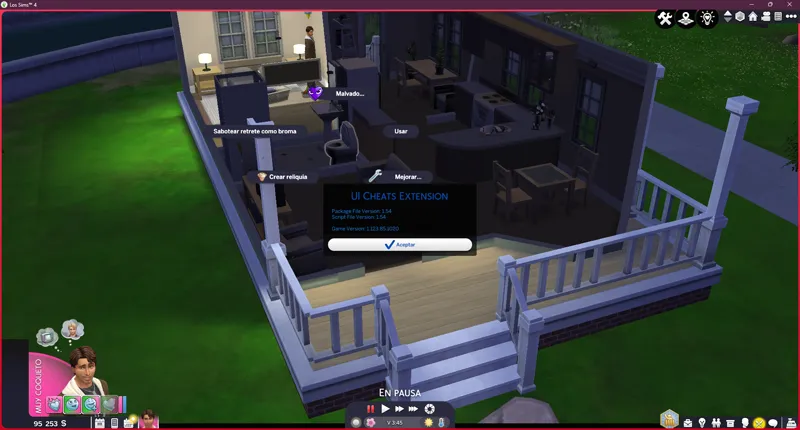
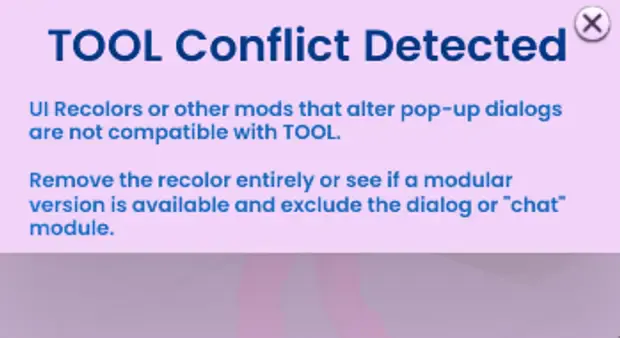
If you use my interface mods along with TwistedMexi's Mod Tool, you may have encountered this situation: menus crashing, becoming unresponsive, or simply displaying that ad.
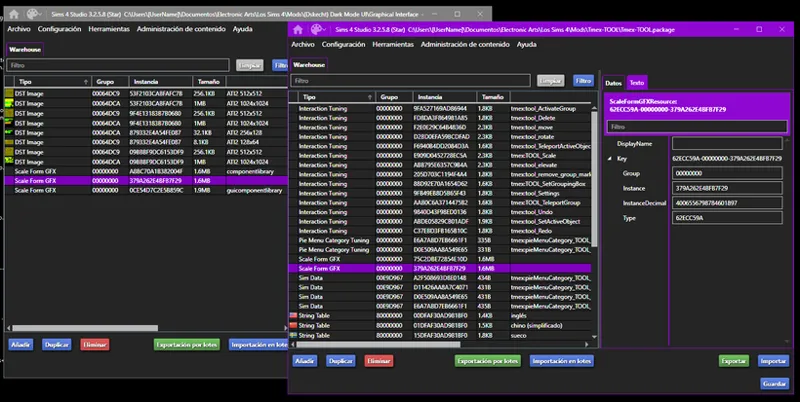
This is due to incompatibility between the mods, as they both modify the same Scale Form GFX .gfx file with the instance "379A262E4BFB7F29".
As of today (May 3, 2026), the following mods are incompatible or have problems with the TOOL mod.
Because of the same situation...
How do we solve the problem?
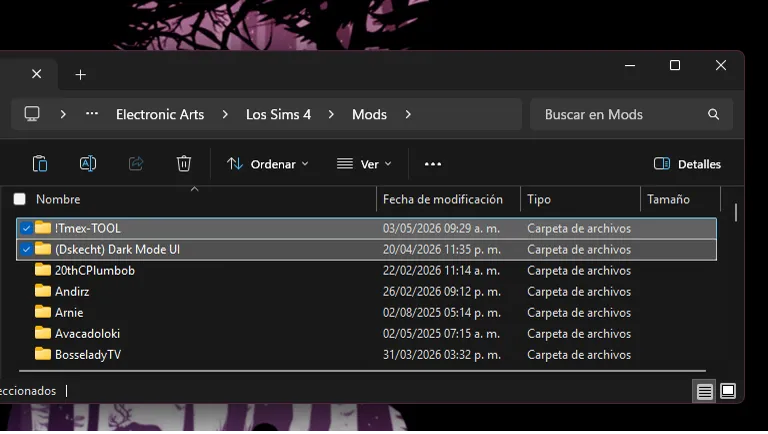
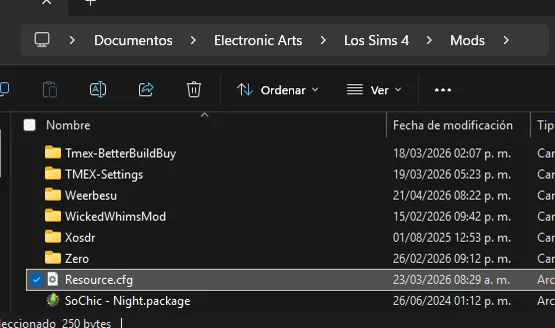
The answer is very simple: you just need to change the loading order of the mods, as shown in the following screenshot.
With this simple change, the TOOL mod will function normally again. It's important that both mods look like the screenshot, each in its own folder and without mixing files.
One more thing.
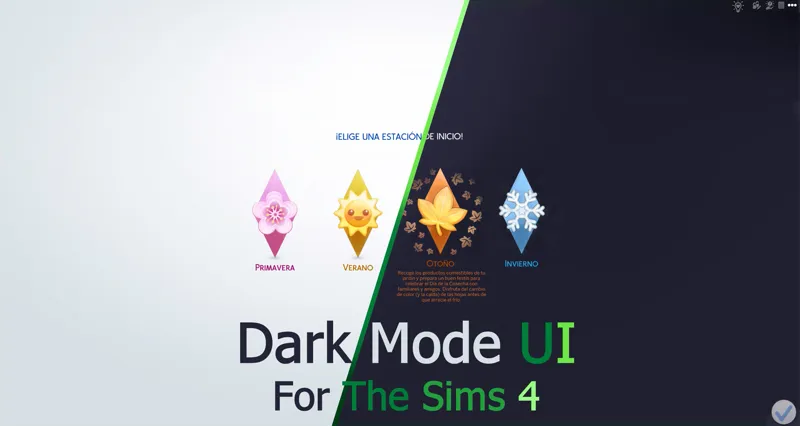
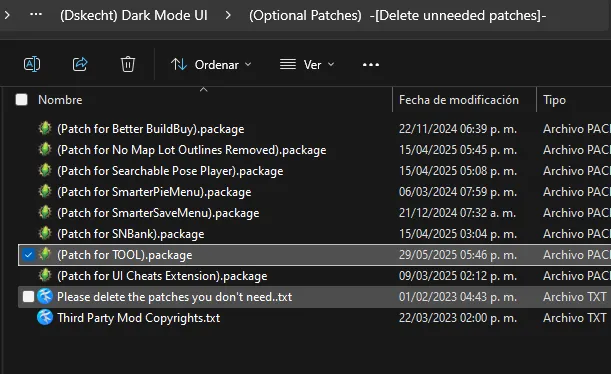
The Dark Mode and Red Mode interfaces require the tool patch to be installed to function, as they use alternative textures. Red Mode is based on Dark Mode when implementing its updates.
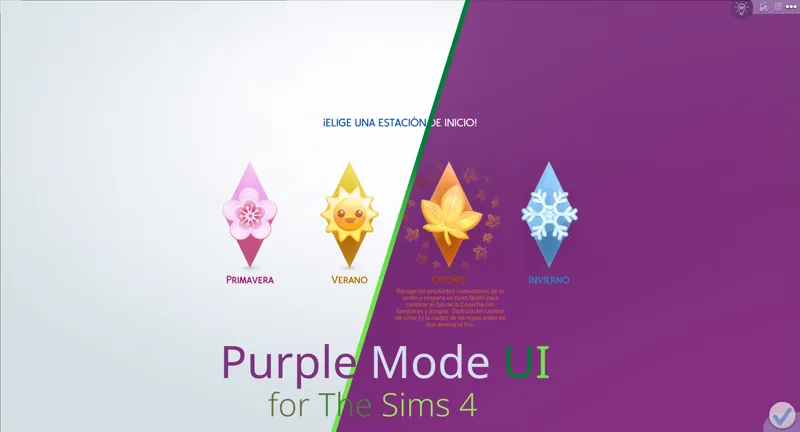
This is not the case with Pink Mode and Purple Mode, as Purple Mode is based on Pink Mode. Their textures are clear and adapted to the text color change, so they do not require an alternative texture.
And with the other colors, there's no such problem, since it uses the Blue Mode interface as its base. That version's policy is to minimize incompatibilities as much as possible.
How can I verify that the problem no longer exists?
To make sure everything is in order, just go to settings, enter "other," and check the custom content. And if you did everything correctly, TOOL should have loading priority.
They're still not working, what can I do?
Once the problem persists even without further mods, then you can proceed to look for a solution.
You must go one by one until the problem is solved.
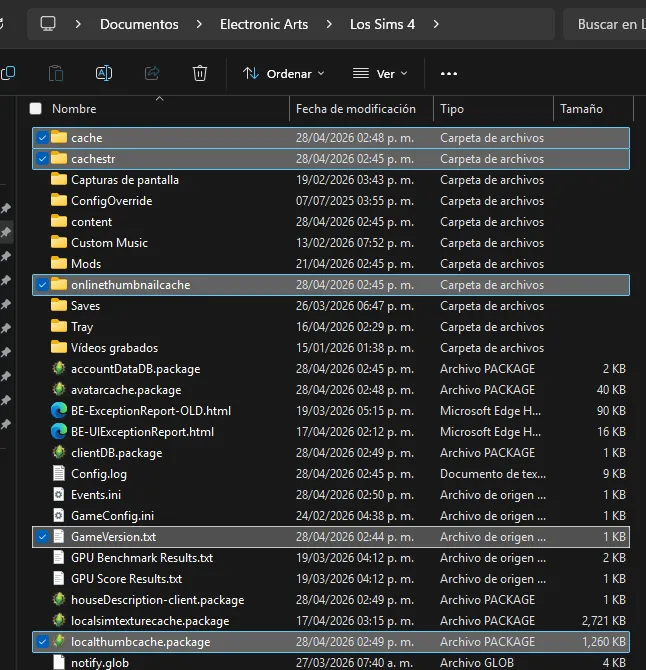
Clear cache
The first thing you should always do when the game crashes.
You must delete the following files and folders that you will see below.
Delete the "Resource.cfg" file
I don't know why, but this file gets corrupted after a while. In short, it tells the game where to look for mod files within the Mods folder.
If this file fails or becomes corrupted, stop searching for other files; it's best to delete it and let the game create a new one to fix the problem.
If you have any further questions, you can check out my collection of help posts, tutorials, and frequently asked questions.
If you have any questions, please leave them in the comments. I hope these tips have helped you solve your problem.