
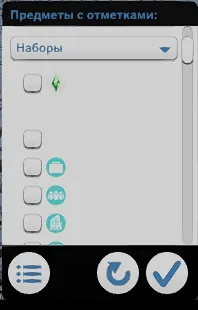
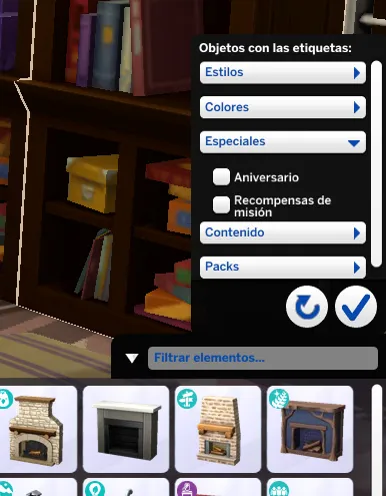
Why are there missing textures?
This is an error I've seen many times in comments and help messages, and it's due to a bug in the game itself that ignores random mod files. This happens because of the game cache, as it doesn't overwrite the information it already has stored. It's a bug in the game.
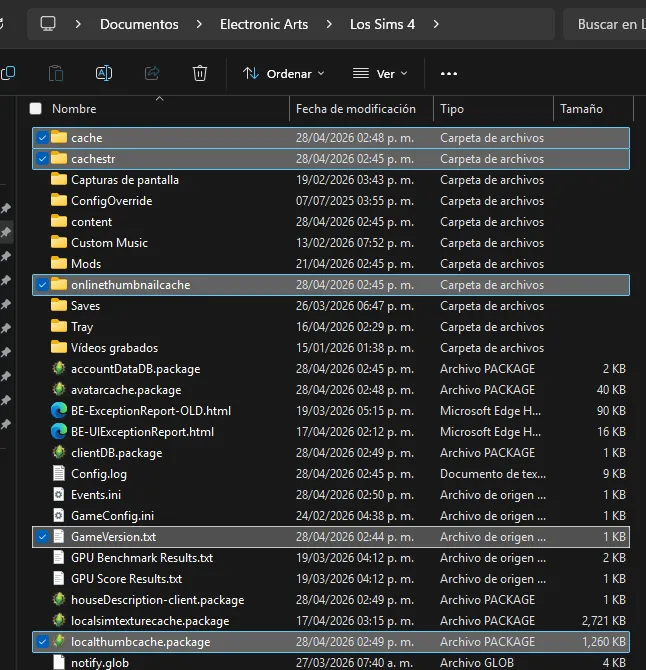
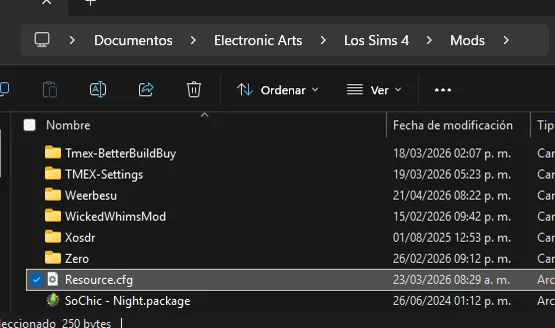
This is a visual reference of how this section should look. This reference varies from version to version, as not all versions currently have the same files or settings.
How can this be solved?
The first step is to check for conflicts with other mods by testing mine on its own and ensuring the problem doesn't recur. If the problem doesn't reappear, then it's an incompatibility issue, and you'll need to change the mod's load order.
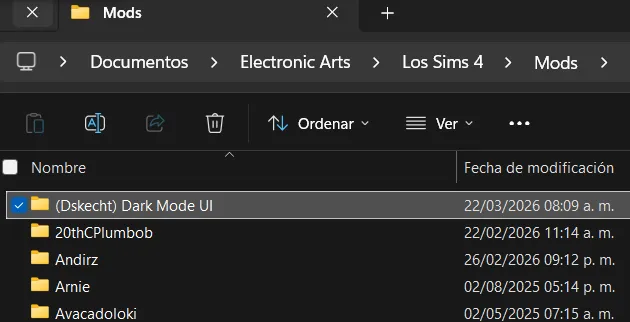
For proper functioning, it's important that the mod folder is organized this way, with everything inside a single folder for easy management. Do not remove the files from that folder.
Once the problem persists even without further mods, then you can proceed to look for a solution.
You must go one by one until the problem is solved.
Clear cache
The first thing you should always do when the game crashes.
You must delete the following files and folders that you will see below.
Delete the "Resource.cfg" file
I don't know why, but this file gets corrupted after a while. In short, it tells the game where to look for mod files within the Mods folder.
If this file fails or becomes corrupted, stop searching for other files; it's best to delete it and let the game create a new one to fix the problem.
Review and repair the integrity of the game files.
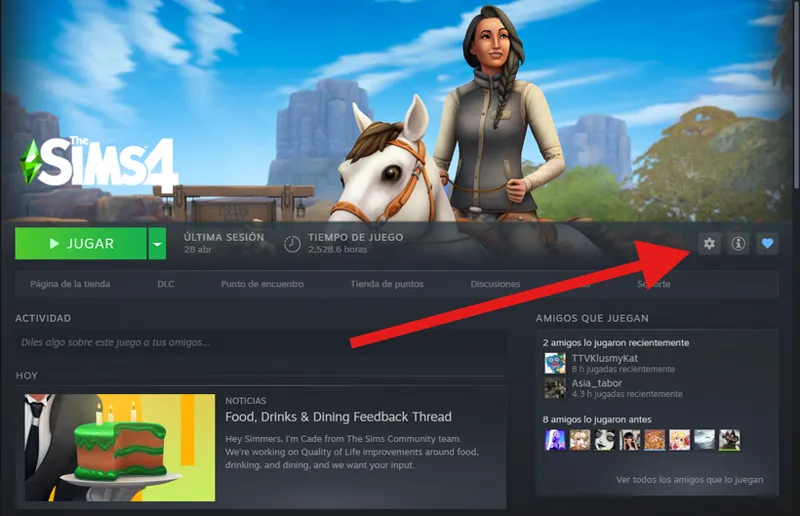
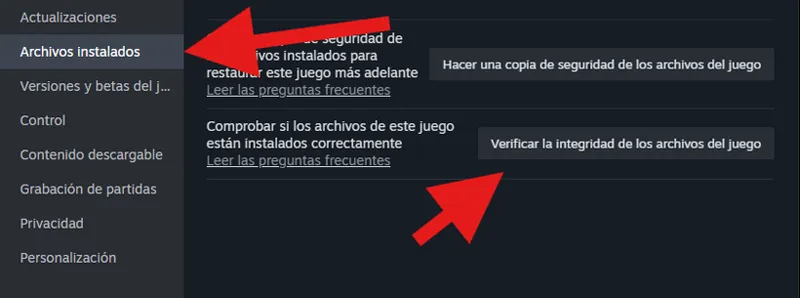
If the problem persists, it's a good idea to check the integrity of the game files.
Sometimes it's a good idea to verify the integrity of the game files, especially if there's a history of update installation failures, particularly when using the EA launcher. Personally, I manage it through Steam, as it handles updates better than the EA application.
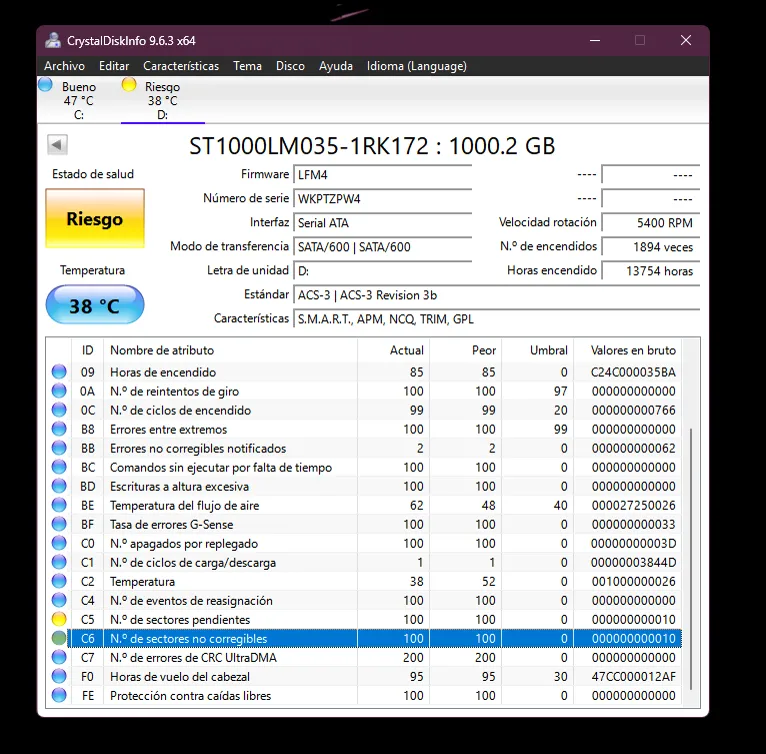
Check the status of your hard drive...
This... is already complicated territory, and it's something external to the game. If you find that you can't delete files, read them, or do anything similar, you should seek professional help and have your hard drive repaired.
I can't be of much help here; you'll need to seek help from a technician to repair or replace your hard drive.