


Patreon
Dskecht
Who is this creator?
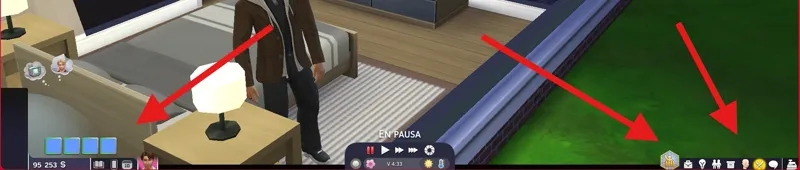
How to fix the problem with the interface when it is unresponsive or corrupted.
A basic but useful tutorial on how to fix the unresponsive interface problem. Okay, so why is this happening? The answer is simple: it's because one or both of the following mods are missing. UI Cheats Extension Better Simology Panel This means you have the patches for these mods installed, but not
Jul 16, 2026 0 9
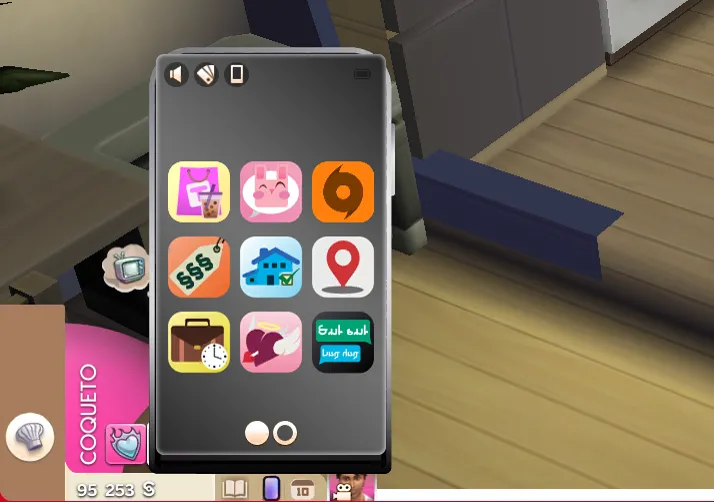
The phone and icons don't match the current interface.
A basic but useful tutorial on how to use the patch for Plumfruit Essentials The problem is very simple, the patch is just a modified version of the texture from Milo's (formerly known as Arnie) original mod, Plumfruit Essentials. In other words, this only makes sense if you're using Milo's mod, as
Jul 16, 2026 0 10
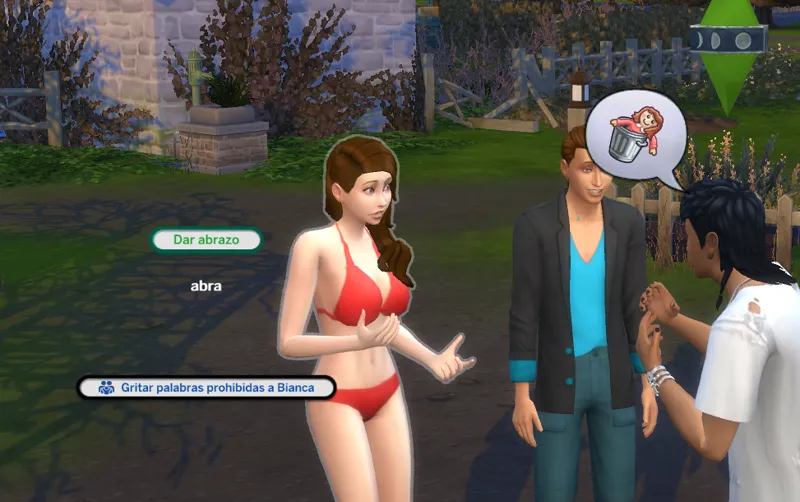
How to fix compatibility with mods that modify the Pie Menu | UI Modes Mods | The Sims 4
A basic tutorial that helps to understand and solve the incompatibility with mods in the Pie Menu. Why does incompatibility occur? Okay, first things first, which mods are causing the conflict? Well, they are the following mods. Smarter Pie Menu. Auto Pause on Pie Menu. Fresh Pie Menu. Or any mod th
Jun 7, 2026 0 9
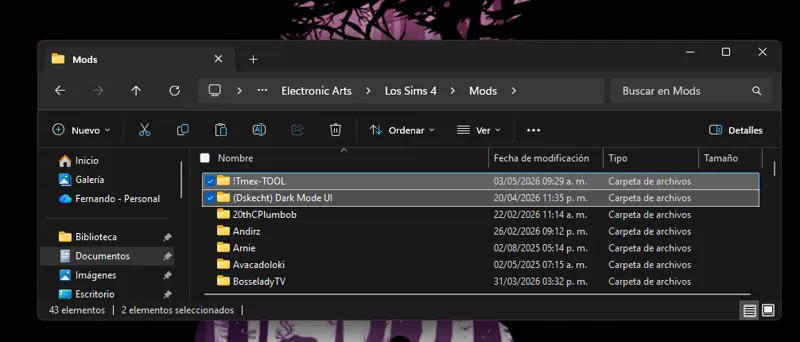
How to install interface mods | UI Modes Mods | The Sims 4
A basic but useful tutorial on how to install my interface mods for The Sims 4. Installing my interface mods is very simple, you just need to drag the mod folder to The Sims 4 mods folder. Remember that my interface mods include optional patches that you should remove if you don't have those mods, a
Jun 4, 2026 0 5
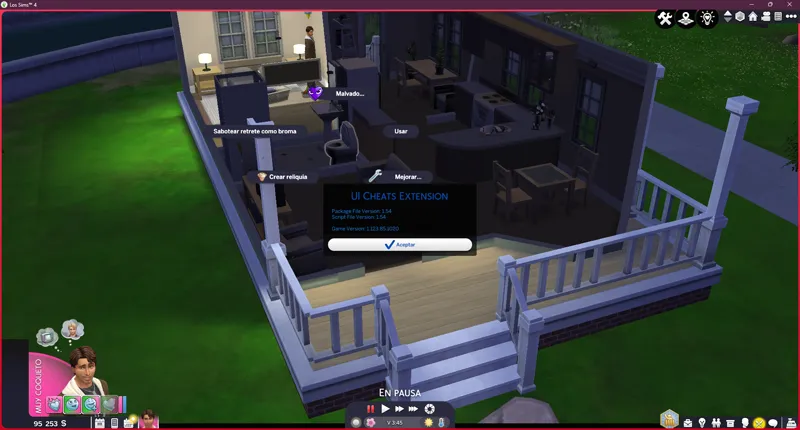
How to fix incompatibility with the TOOL mod | UI Modes Mods | The Sims 4
If you use my interface mods along with TwistedMexi's Mod Tool, you may have encountered this situation: menus crashing, becoming unresponsive, or simply displaying that ad. This is due to incompatibility between the mods, as they both modify the same Scale Form GFX .gfx file with the instance "379A
May 3, 2026 0 9