


Who is this creator?
No community tags yet.
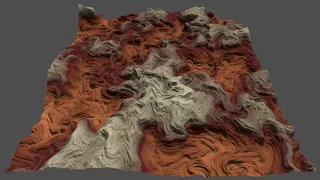
PGPUP 10: Curled Noise
We warp value noise with curl noise to make it a lot more interesting. Curled Noise - Procedural GPU Patterns (Catlikecoding)
Oct 20, 2026 0 3
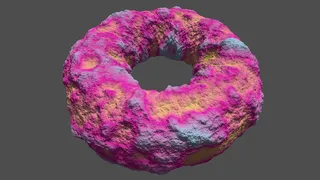
PGPUP 09: Tiling Noise
We're making donuts! This time we adapt value noise so it can tile. This allows us to wrap it seamlessly around a torus. Tiling Noise - Procedural GPU Patterns (Catlikecoding)
Oct 6, 2026 0 3

PGPUP 08: Value Noise Derivatives
Last time we created value noise and now we add analytical derivatives to it, to adjust normal vectors to match a displaced surface. Value Noise Derivatives - Procedural GPU Patterns (Catlikecoding)
Sep 25, 2026 0 3
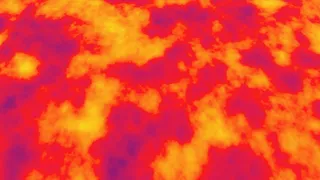
PGPUP 07: Value Noise
In the next step of our Procedural GPU Patterns journey we take our hash noise and turn it into value noise. Value Noise (Catlikecoding)
Sep 10, 2026 0 3

PGPUP 06: Animating Octaves
We bring our fractals alive by adding animation support to them! We animate octaves independently, using temporal lacunarity to scale their animation speed. We also use staggered animation to animate our fractal hash in a more pleasing way. Animating Octaves (Catlikecoding)
Aug 27, 2026 0 3
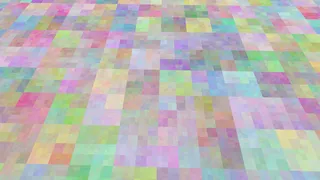
PGPUP 05: Shader Library
We can create hashes. We can create fractal wave patterns. Now we combine both to create fractal hashes. To avoid code duplication we introduce a small shader library that isolates and abstracts code that deals with sampling and fractal creation. Hashing (Catlikecoding)
Aug 10, 2026 0 3
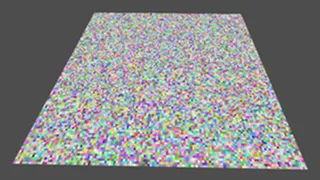
PGPUP 04: Hashing
We're done with the regular wave patterns. Now we're hashing coordinates to create pseudorandom patterns. We implement a simplified version of the 32-bit xxHash algorithm. We also create float values by directly putting bits in their mantissa. Hashing (Catlikecoding)
Jul 10, 2026 0 3

PGPUP 03: Fractal Waves
We upgrade our wave patterns and turn them into fractals! Regular wave fractals aren't very interesting, but we'll use this foundation for more interesting patterns in the future. Because Procedural GPU Patterns is quite a mouthful I shortened it to PGPUP here. Fractal Waves (Catlikecoding)
Jun 19, 2026 0 3

Procedural GPU Patterns 02: 2D Waves
A few days after the first part, we launch part 2! Now we're using both U and V to create more interesting wave patterns. We also add options for per-vertex or per-fragment calculations and for which pattern to show. 2D Waves (Catlikecoding)
Jun 3, 2026 0 3
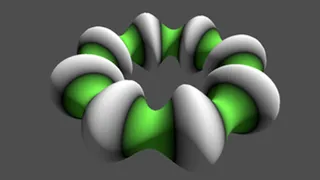
Procedural GPU Patterns 01: Sine Waves
The first part of my tutorial series about procedural patterns is here! It's for Godot Engine 4. We start with a sine wave. Seems simple, but then we add displacement and also want good shading, also when applying it to arbitrary surfaces. So we have to cover quite a bit of ground. Sine Waves (Catli
May 30, 2026 0 3

True Top-Down 2D 16: Energy Barriers
We're messing with the player this time, adding energy barriers that block the player but let movable objects through. We make the barriers wiggle and send pulses along them to make it look interesting. This is the final part of the True Top-Down 2D series. Energy Barriers (Catlikecoding)
Mar 31, 2026 0 3

True Top-Down 2D 15: Teleporter Tooling
This time we make it easier to edit teleporters. They now look the same as when playing the game, both colors and connecting lines, though not pixelated. Teleporter Tooling (Catlikecoding)
Mar 20, 2026 0 3

True Top-Down 2D 14: Pausing
This time we add a modest pause menu to our game, from which we can either resume playing the current map or restart it. Pausing (Catlikecoding)
Jan 29, 2026 0 1

True Top-Down 2D 13: Conveyors
We're making things move with conveyors! Let objects and ourselves be pushed around. Conveyors (Catlikecoding)
Dec 31, 2025 0 1

True Top-Down 2D 12: Teleporters
We move back to working on the maps, adding new features to them, specifically teleporters! The player can teleport itself and movable objects from source to destination areas. When a destination is occupied teleportation is blocked, which can be used for creative level design. Teleporters (Catlikec
Nov 29, 2025 0 3
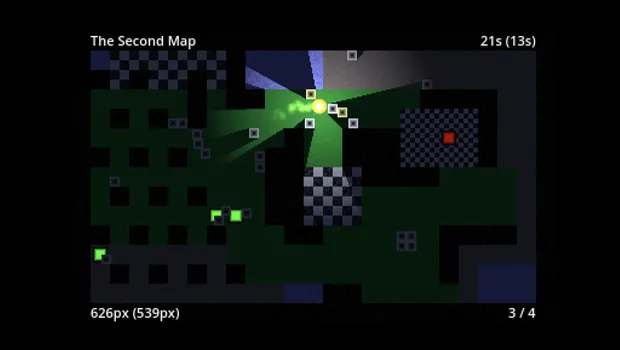
True Top-Down 2D 11: Showing Best Scores
In previous tutorial we added best scores for completion time and travel time, but they're only visible when we set a new best score. In part 11 we will always shown them, so the player can see how they're doing compared to the previous best performance. Showing Best Scores (Catlikecoding)
Oct 24, 2025 0 1

True Top-Down 2D 10: Extra Map Info
This time we add more info to our game's HUD. We show the valid and total detector count. We also show the travel distance and keep track of the best one per map. Game HUD (Catlikecoding)
Sep 5, 2025 0 1

True Top-Down 2D 9: Game HUD
This time we add a simple HUD to our game, showing the current map name and how long the player has been on it. We also keep track of the best map-completion time and show when a new best time is achieved. Game HUD (Catlikecoding)
Aug 22, 2025 0 1
True Top-Down 2D 8: Saving Progress
It's time to add the ability to save and load to our game. This also requires a main menu screen with the option to either start a new game or continue an existing one. Map Transitions (Catlikecoding)
Jun 28, 2025 0 1

True Top-Down 2D 7: Map Transitions
After adding support for multiple maps we now introduce map transition animations. To make this work smoothly we use autoloading, animations, and coroutines. Map Transitions (Catlikecoding)
Apr 30, 2025 0 1

True Top-Down 2D 6: Multiple Maps
This time we add support for multiple maps to our game. We use a resource-naming scheme to progress between maps, so no explicit lists or map connections required. We also automatically hook up to detectors on a map to detect map completion. Multiple Maps (Catlikecoding)
Feb 27, 2025 0 1

True Top-Down 2D 5: Detectors
This time we add a new gameplay element: pressure plates that detect when movable objects are on top of them. The idea is that this will enable a win condition that leads to a transition to the next map, but that'll come in the next tutorial. Light and Shadow (Catlikecoding)
Dec 24, 2024 0 1

True Top-Down 2D 4: Light and Shadow
This time we lighten up our map with a light. We first have to plunge it in darkness though. To get the exact lighting that we want we then proceed to design a custom light. Light and Shadow (Catlikecoding)
Oct 24, 2024 0 1
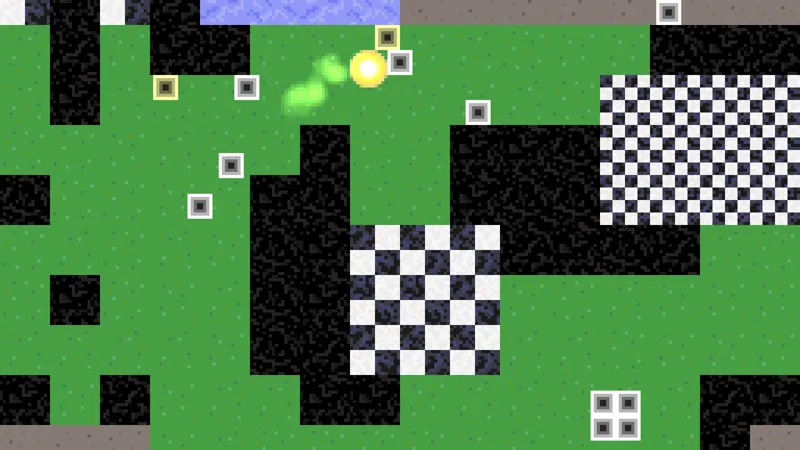
True Top Down 2D 3: Movable Objects
This time we give our player character something to interact with: movable objects to push around! We start out with using rigidbodies for the objects, but that doesn't really work well. So we end up making them sort-of player characters too. Movable Objects (Catlikecoding)
Sep 28, 2024 0 1
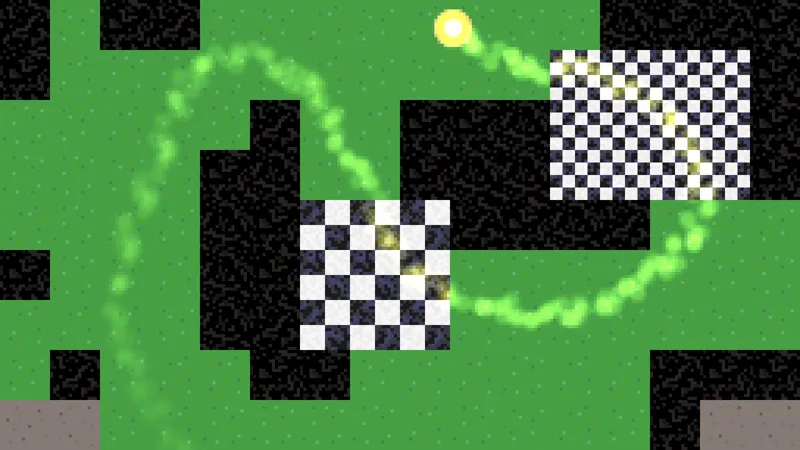
True Top-Down 2D 2: Player Character
Part 2 of my True Top-Down 2D tutorial series for Godot Engine 4 is now available! It adds the player character, which is a ball that leaves a glowing trail. Note that the upcoming Godot 4.3 release will change the tile map a bit, but it won't meaningfully affect this series. I'll update the tutoria
Jun 27, 2024 0 1

True Top-Down 2D 1: Tile Map
I have started a new tutorial series for Godot: True Top-Down 2D. As the name suggests, it covers the creation of a top-down 2D game. It's a simple pixel-art game viewed strictly from above. The first part is Tile Map and introduces that feature of Godot.
Apr 30, 2024 0 1

Godot Intro 5: Migrating to C#
Up to this point we've worked with GDScript, but C# is also an option. Now we're going to make the jump to .NET, migrating our exiting code to it, and using both C# and GDScript implementations side by side. Migrating to C# (Catlikecoding)
Jan 31, 2024 0 1
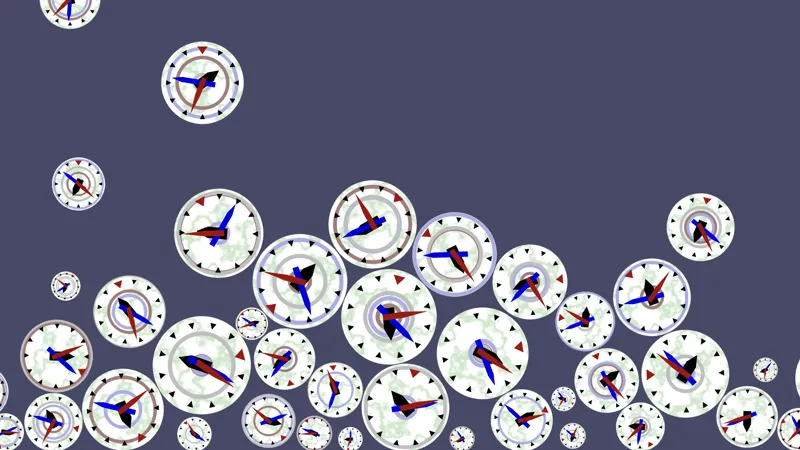
Godot Intro 4: Clocks With Rings
Because clocks with solid white faces are boring we add some features to them. We create a custom shader that draws animating rings on the faces. These rings also display the time. We finish with a marble pattern. This is the last tutorial of 2023. More to come in 2024! Clocks With Rings (Catlikecod
Dec 30, 2023 0 1
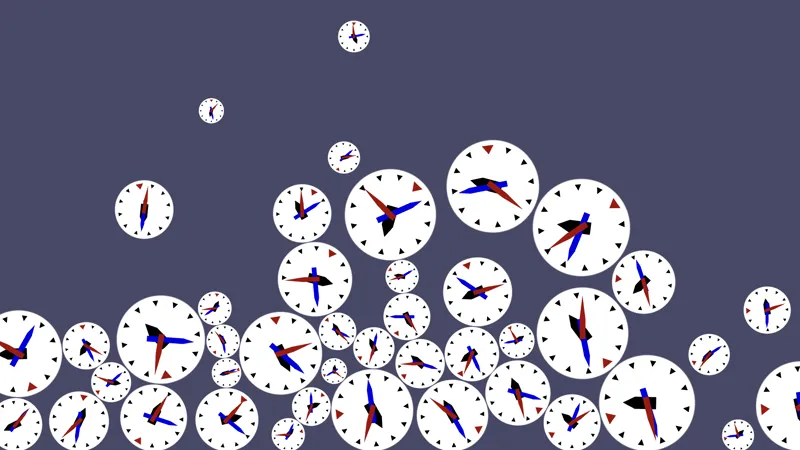
Godot Intro 3: Many Clocks
One clock is not enough, so we're going to let it rain clocks! Many Clocks (Catlikecoding)
Dec 5, 2023 0 1

Godot Intro 2: Programming a Clock
The second part of my introduction to Godot Engine 4 series is now available! In it we use GDScript to add behavior to our clock. Yes, it's GDScript, it gets the job done just fine. C# is for the future. Making a Clock (Catlikecoding)
Nov 16, 2023 0 1

Godot Intro 1: Making a Clock
Here is my first Godot tutorial, finally! We're going all the way back to the basics, and once again we start with a clock. This is an absolute beginner tutorial. We're not even programming yet, that will be introduced in part 2. The Godot tutorial has a updated style and some new web features. Let
Nov 6, 2023 0 1