
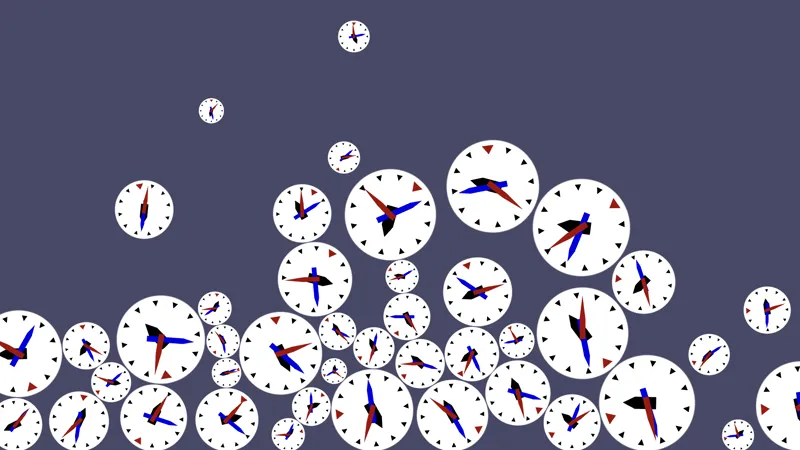
Godot Intro 3: Many Clocks
One clock is not enough, so we're going to let it rain clocks!
Comments (9)
Minor typo in section 3.3: The line "mass = ..." is shown there, even though at this point in the tutorial it causes an error, because the Clock script doesn't explicitly extend RigidBody2D until section 3.4. On a related note, in section 3.4, the Face node is referenced in the old way, in "($Face as Node2D).scale = scale_vector", even though this was changed to "visualization.scale = scale_vector" in section 3.3. My guess is that some code was swapped around at some point and a couple of loose ends didn't get updated.
You're right. Thanks!
Another question on this tutorial. At the end of 2.3, having added the "Bottom" Area2D with its collision shape, and set its y position in _ready(), should the clock now stop when it hits the bottom? When I run the scene, the clock doesn't stop; but I'm not clear on whether it's supposed to.
If you're running the main scene it would. But we directly move on to clock deletion.
Never mind -- I finally found it! You have to click on the word "CircleShape2D" in its box, and then the Radius and other properties appear.
Yes, the shape is a resource. As described in the tutorials you could also drill down to the resource via the dropdown at the top of the inspector.
I have a question about section 2.2, which says "We then have to give that node a specific shape, via its Shape property. As our clock is a circle pick the New CircleShape2D option and set its Radius to 128." I've added a New CircleShape2D to the CollisionShape2D, but it doesn't show any Radius property to set. I'm not sure if this environment will let me post a screenshot... The only properties it shows under CollisionShape2D are Shape (which is now CircleShape2D), Disabled, One Way Collision, One Way Collision Margin, and Debug Color.
Enjoying this series. Thank you.
You're welcome!