
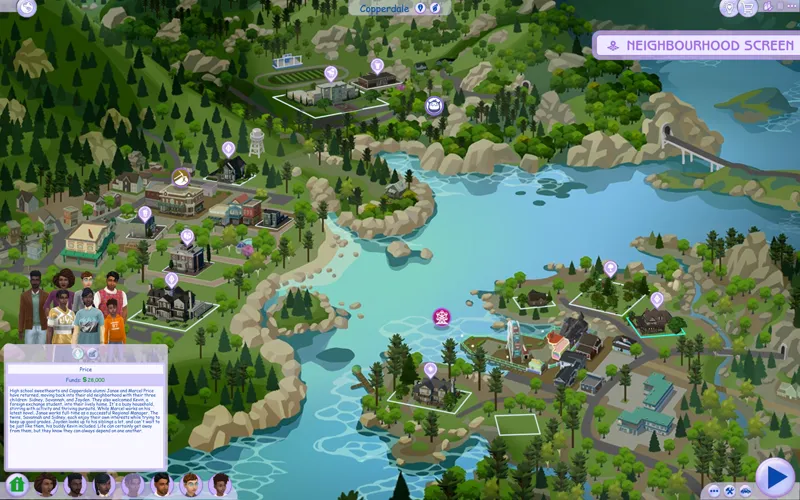
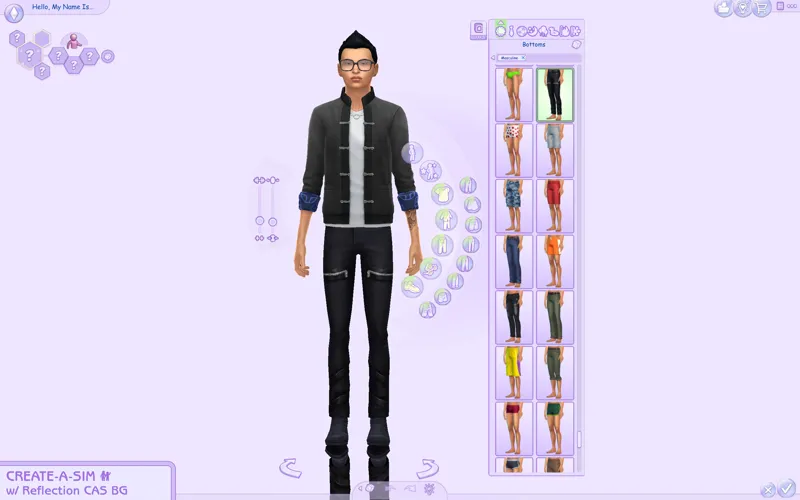
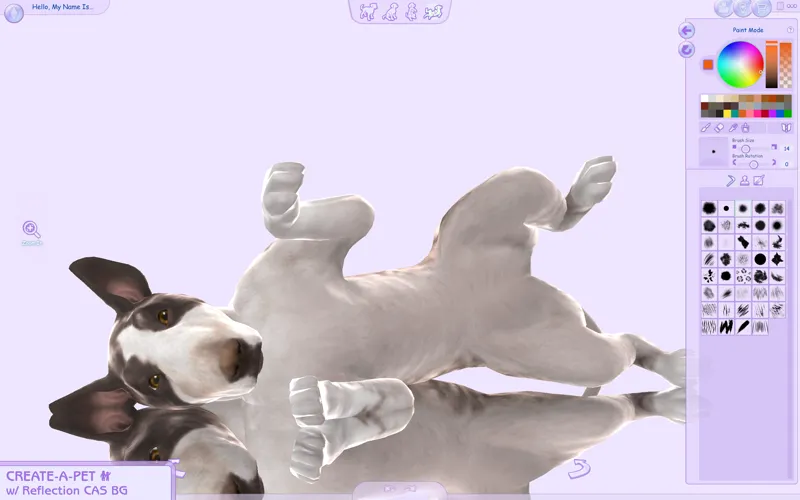
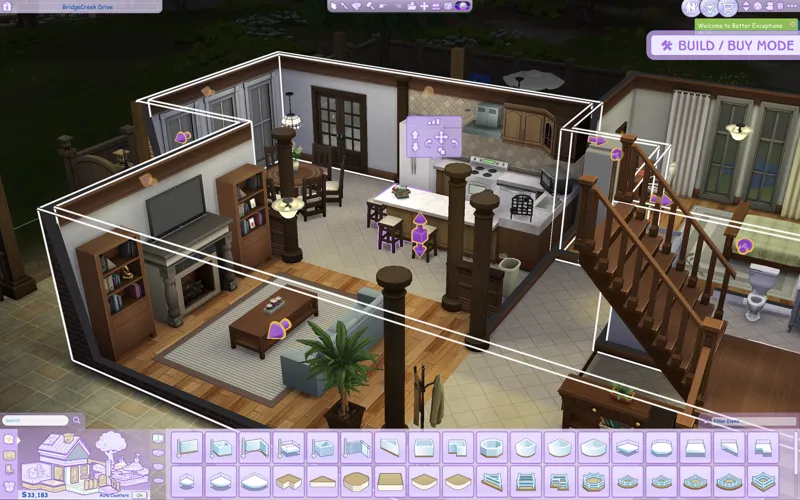
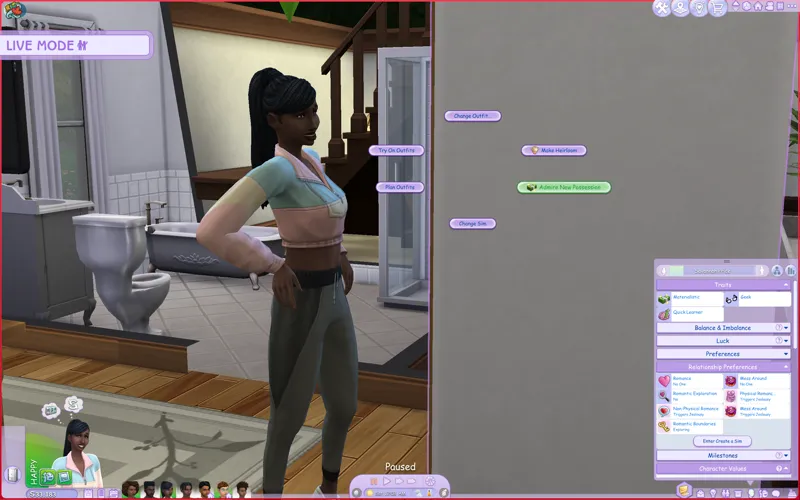

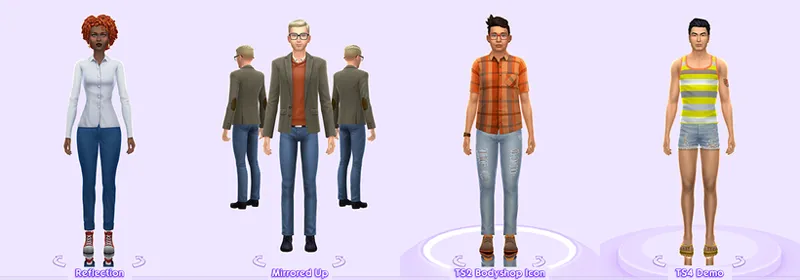
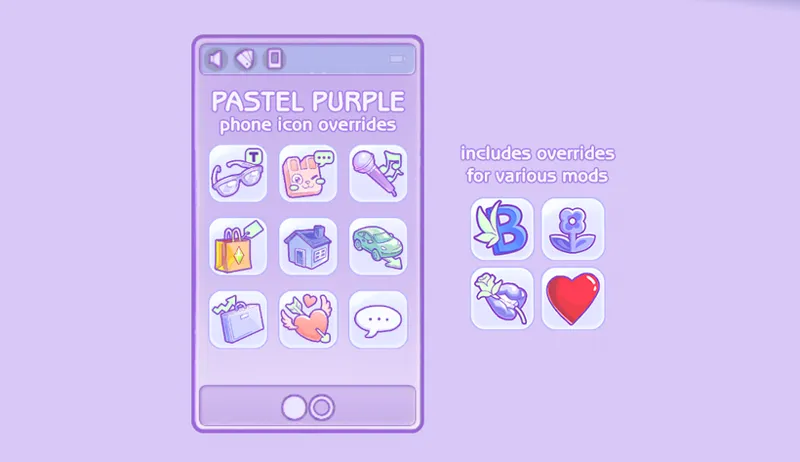
Pastel Purple UI Mod for The Sims 4
Now available for everyone with/without an account! Thanks everyone for using my UI mods 🖤 I still recommend keeping your membership to get notified whenever there's a new post or a mod is updated :-) any support is greatly appreciated!
Check the status of my UI mods all in one post + Frequently Asked Questions
🔗 Guide to UI Mod Glitches 🔗 Installing and Troubleshooting Tips
📥 Installation
// Main mod
Before installing/updating, remove any old versions of the Pastel UI whenever there's a new mod update and clear your caches.
Alternatively, keep the CONFIG folder and read the Changelog on which files have been removed/changed, and delete & replace the "Text" and "Texture" folders to avoid redoing the config.
Download & extract the zip file into your Mods folder.
Important ⚠️ >> In the "CONFIG" folder, and go to each folder(s) and delete files that may conflict with other mods (or else you'll encounter texture issues). Check the Compatibility info below to see which mods are affected.
// Extras
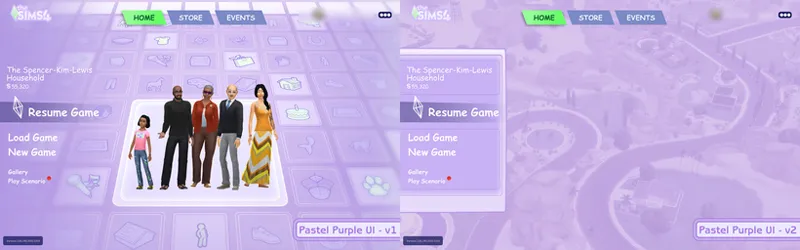
Main Menu Override - download separately.
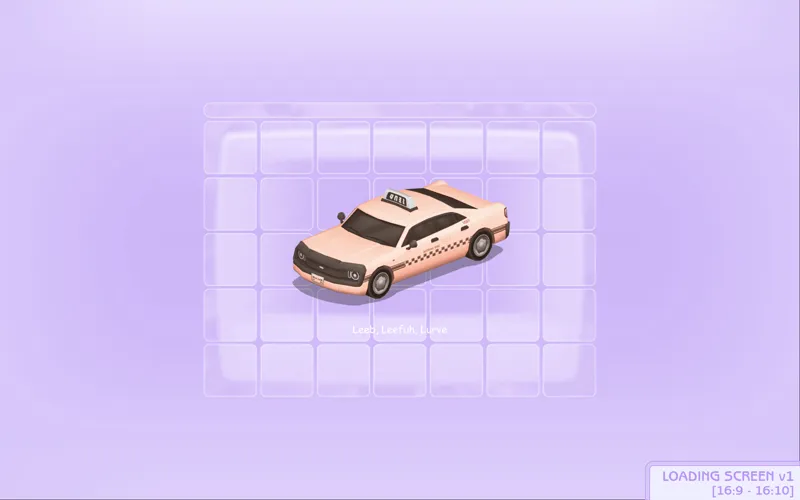
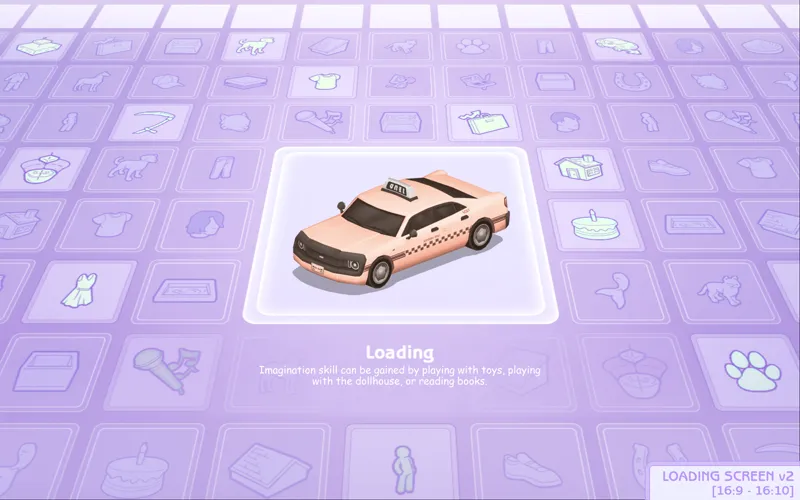
[Pastel Purple UI] Loading screen: download only one loading screen file. Available in: 16:9 and 16:10 aspect ratio. Available in 2 versions.
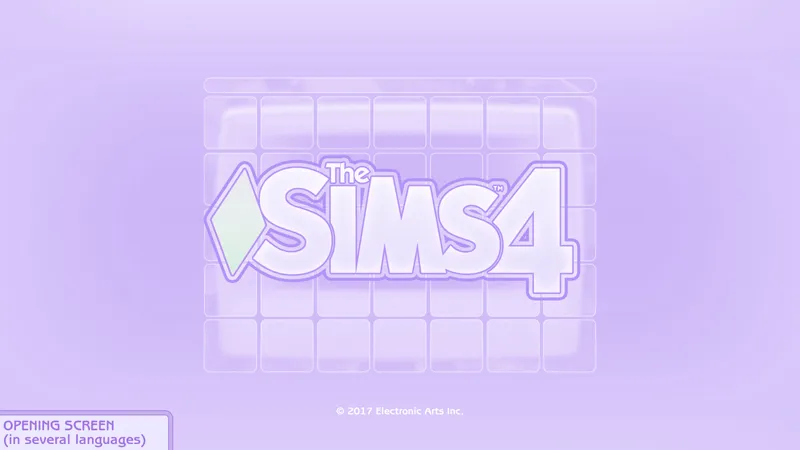
[Pastel Purple UI] Splash screen: file to replace the intro TS4 screen. Choose the file that pertains to your game language.
[Pastel Purple UI] Phone icon Addons: pick & choose depending on which mod you use. Also includes EA icon overrides.
🖥️ Mod-related Info
// Recommended mods to complete the Purple UI look:
any of my CAS Background overrides in pastel purple recolor
CAS organizers in pastel purple
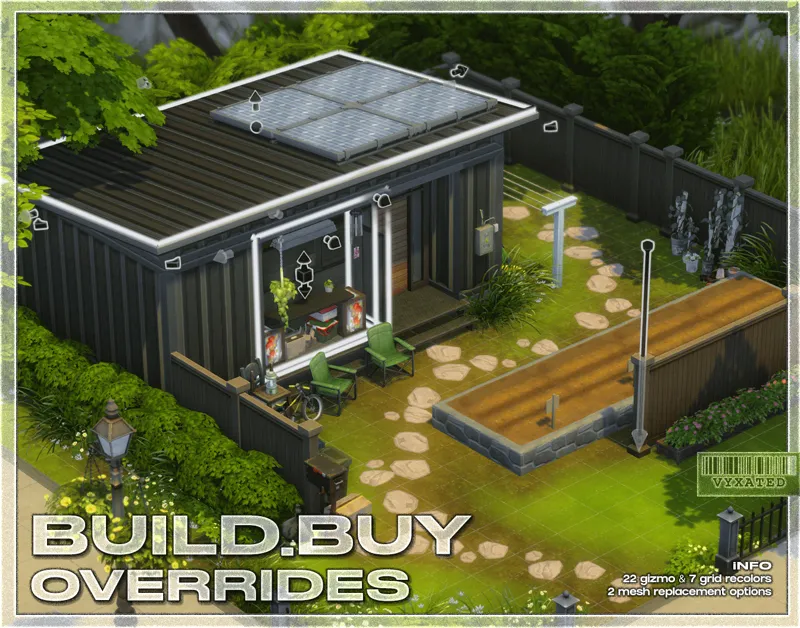
buildbuy gizmo override in purple
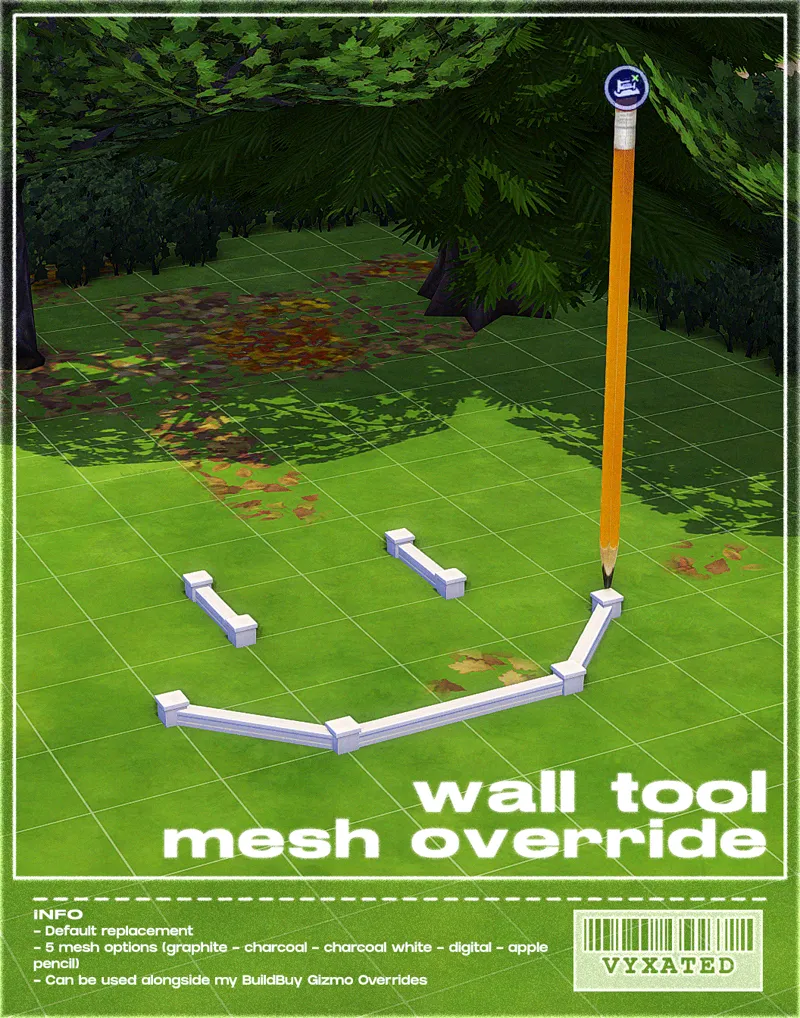
wall tool override in purple
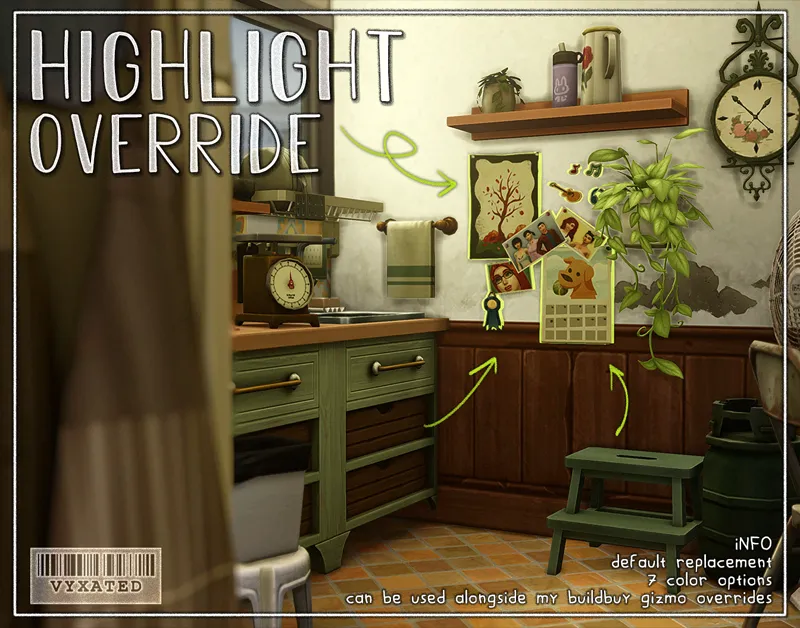
highlight/outline override in purple
// Compatibility with other mods ⚠️ (please read)
Conflicts with other UI Recolor mods by Dskecht and mine
You can however mix & match my UI mods if you want to have different colors for different menus. For example: if you want to have a purple CAS but a pink Build/Buy, delete the "BB" texture files from this mod and replace it w/ the "BB" texture files from my Pastel Pink UI mod.
Wrench Icon mods
Delete "Wrench Icons" folder if you want to use other wrench icons.
Phone icon override
Delete file if you want to use other phone icons.
UI Mods not listed above are compatible with this UI mod. Make sure they are updated too so you don't encounter any texture bugs.
📜 Credits/Resources
S4Studio, UI Texture Squasher (CmarNYC), Image Viewer (luniversims), JPEXS Flash Decompiler
Loading screen tut, splash/opening screen, UI/world map override tut, UI setup, phone icon resources by xosdr
📋 Changelog
Small updates
// 24 September '26
Added Simplified Screen Slams and Better Headline Bubbles update
// 13 August '26
Added new phone icon recolor for one of adeepindigo's mods
[CONFIG] contents of TMEX - BetterBuildBuy has been moved back to the main texture directory since it's been compatible for several game patches now
// 15 May '26
Updated for May 12th patch (new CAS thumbnail, Calendar & Live Event UIs)
Readjusted arrow color in career panel & dynasty related UIs
// 17 April '26
Fixed Gallery & Wrench icon UI
// 25 March '26
Updated for Marketplace patch
[CONFIG] Updated GUI file in Wrench Icon folder
[CONFIG] The Compatible version of Headline Effect file is temporarily removed since Better Build Buy is currently using the EA texture instead of its custom one.
[Phone Icon Addons] added new overrides for adeepindigo's Custom Nuptials, Lot51's Hotel Suite, NisaK's TamTam Tab, and thatssojordy's mods (Business Casual, Digital Romance, Growing Pains, and World Tour- some phone icons are still untouched). Several files have also been merged so please remove all old phone overrides and reinstall the new files
📂 SFS (alt)
Comments (152)
Which stand still mod is used in this preview?
does the new one let u use the galrey
What file changed the color for the phone? Not the icons just to clarify.
Hello, this is my first time trying to change my UI color and I'm running into trouble with these instructions :) In this post, the _Config folder is described to have two files one "standalone" and one "compatible" but both these words are in the single package file in the folder. Also, if I put the folder in my mods folder, the _config folder is too deep to be a part of the game and I'm wondering where I should put it instead? And for main menu screens and other add-on things listed here-- which folder would work best to put those in? Sorry for all of the questions I have been working on it for over an hour alone and don't know where to go from here :) The WW app won't recolor on the phone and the Main Menu don't show up when I boot up my game.
when i go to the world map and i hover on the worlds that 's when it shows the name is the world is that part of the mod or is that a problem with how i downloaded it.
Love this!!! have you maybe considered making a slightly darker purple version ? with most g-shade presets it looks rather white than purple but i would really love the purple ui :(
It’s so pretty 😩 idk how to choose, I have the pastel blue and it makes me feel like I’m back in the sims 2
Hey so I noticed that the arrow on the work panel is missing is there a specific file to delete?
Is it the one in the career panel that points to the current day? If so, I'll fix it for the upcoming May update. The arrow shares the same texture that is responsible for the main UI background, so deleting it will remove most of the purple recolor unfortunately.
i love your ui's so much! i was wondering it's posible for the pastel uis to have a plumbob overhead overrite like the chalk one! thank you so much
Changelogs have now been moved to the bottom of the post (up to two updates), along with links to useful information. Read those please, before commenting, because almost every answer to your questions can be answered by simply reading those. And always check the first paragraph of this post, that'll answer your question whether this mod is outdated or not. I've also now specified which files have been edited in the CONFIG folder, so that you can update each files accordingly without having to redo the entire configuration. You'll still need to remove the "Text" and "Textures" folders entirely, since I may occasionally remove or add files to those folders.
Will there be an update for the patch that just came out? The newest update broke all CC :(
Please be patient, Vyxated works hard to update their mods. It can be tedious work💗
For anyone experiencing a glitch with headline effects/skills etc.: keep the Standalone file and delete the Compatible file instead! BetterBuildBuy v4.4.2 currently uses the original EA headline effects texture, which is overriden by the Standalone file, and is now the file you're required to keep. Depending on how BBB is updated in the future, the Compatible file & extra installation step might no longer be needed :-)
Tysm for fixing those pastel UIs I really love it <3
Thank you so much for your work! My game is so pretty now!
// 1 March '26 - Updated for Royalty & Legacy patch (new kingdom overview, dynasty panel, sword competition UIs) - Fixed glitches caused by the patch ====
Damn, read my mind, I was missing your mods and JUST checked your profile for the first time in a couple weeks! Thanks for all you do!!!
Good to have you back!
i use this override with the newest update but all the icons are disorinteted in the world maps! I also only put this mod in my game and it still happens. What should i do?
Take it out, it’s not updated yet and we aren’t sure when it will be.
📢 As usual, the Feb 3 patch broke UI recolor mods. All UI mods will have a 2-3 week delay in updates as I'm away and do not have access to my game/files. Please remove them if you have updated the game. https://www.patreon.com/posts/149762879
Hello! TS4 had an update just some days ago which messed up all my buttons in sims while using this mod, sadly. So I just wonder if there will be an update to this mod too? All these pastel ui mods are really cute btw! :)
I am also having this issue! Thanks for bringing it up :)
everything is good but the font isnt coming up
Font is not included with this mod
Heyy! I think there is still some bug as the thought bubble is glitched :/
read post info regarding compatibility w/ BetterBuildBuy
Hi! Just wanted to echo Mel's comment and say the UI for the top left corner event (i.e., holiday events, EA challenges, etc.) is glitchy. Also, the phone icon overrides aren't showing up. I made sure I only have overrides for the EA apps and the mods I have downloaded, and I just wanted to bring this to your attention! Thank you for all you do!
thank you for letting me know! I've reupdated the file to fix the events UI as for the phone icons, they are working fine on my end w/o any other mods on, so it could be from another phone mod you could have that overrides the phone icons too
heyy i think this mod might still be a lil broken :( i was still having issues after installing the updated version
hey! can I ask which UI is broken? if it's events UI, I recently re-updated the file to fix the glitching UI :-)
// 9 December '25 - Updated for Dreamy Kits patch (fixed a lotta things broken like CAS, gallery, and various live mode UIs) - [Green UI] Recolored remaining live mode UIs & CAS thumbnails ====
Bonjour, lorsque je survole les sims, l'interface bug, elle reste en bleu et ne s'affiche pas correctement. Que puis-je faire pour corriger cela ?
Finalement, en enlevant tous les fichiers cache, le bug a disparu
Before concluding the ui mod is broken; you should check to see if any other mods are trying to override the ui mod. I am using the mod and have had 0 LE.
im currently playing with this being broken because i refuse to not have a purple ui again!
Do the phone icons for other mods have to be installed in a specific way? As i have the education and healthcare ones installed but the old icons still show
you could add !! at the beginning of the filename to make it override the original icons
Better Exceptions is saying the loading screen is broken
pretty sure that's a script mod issue
Hi there! I love this so much. I updated to the newest one and everything looks great so far except I'm getting some weird UI in the menu selections. I wish I could upload the photo to show you
Update any other UI mods you have installed. TOOL, UI cheats, more traits in CAS were affected by the patch
Hi! I really love the Pastel Purple UI mod, and always use it. I just wanted to let you know that for the trait slots in CAS, it doesn't show up. Like, its completely invisible. Doesn't show the selected traits or the slots themselves. Im not sure if you are already aware, but i wanted to let you know about it just in case! Happy simming!
it's completely fine on my end and I've already updated any broken traits-related files It's a known bug unrelated to my UI mods: https://forums.ea.com/idea/the-sims-4-bug-reports-en/unable-to-select-traits-in-cas/4949337 not much I can do unfortunately, you'll have to look around other users experiencing the same issue
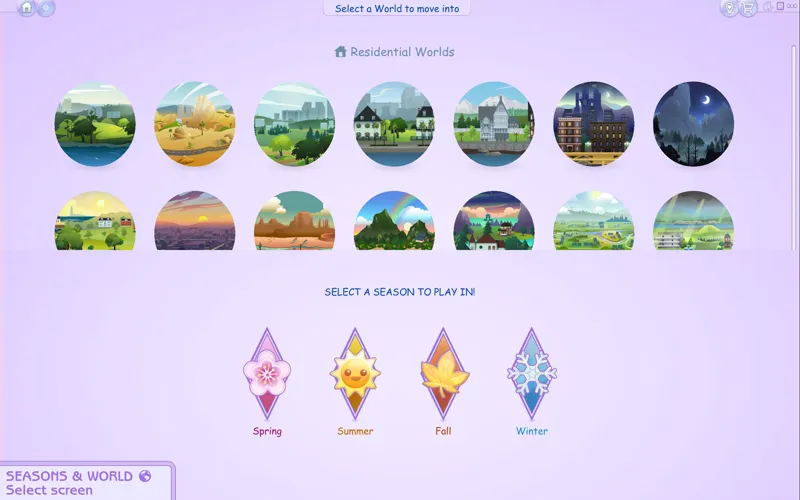
// 21 September '25 - Updated for Adventure Awaits patch (recolored custom schedule related UIs) - Fixed broken UIs caused by the patch (buildbuy - gallery - dialog popups - calendar - aspiration & simology panels - world select) - Recolored events/situation display UIs ====
thank you!! <3
when will this be getting updated?
hi sorry i was just wondering if there is a updated version of the purple version
Not yet
Hi, I love all of your mods and overrides. I was just wondering are you planning on doing the green version to match the green UI?
I'm not sure which green version you meant?
hello! I have an issue with the basemental phone icon override. so I added only the files for basemental and wonderful whims, but only wonderful whims override works. not sure if i'm missing something.
These UI overrides are absolutely STUNNING ! Your work is highly respectable, thank you for releasing this. I can only imagine the time it took to create these.
Hi! the thought bubble is severely messed up for me. What is the name of the file that modifies this specific one so I can delete it? Thank you so much for all your incredible mods!🩵🩵
Read the compatibility section of this post
// 22 August '25 - Updated headline effects file (BBB folder) - Fixed Navigation icons on the upper right corner (if they are still glitching, update BBB or remove cart icon mods) - Updated CAS thumbnails for Pink UI - Added phone icon overrides for various mods ====
o cas não fica roxo ao cololcar o mod, onde encontro?
Do you ever plan on doing a dark purple?
// 1 August 2025 Mod is now public for everyone with/without membership! - Fixed the swapped CAS thumbnail - Recolored all CAS thumbnails - New opening/splash screen and loading screen overrides ====
it broke with the new update
not mines
Hey I noticed an issue with the icons at the bottom not showing up right. I.E. the phone icon, the calendar, and on the other side as well with the simology, needs, and inventory. All of them are either showing up with a different icon or a weird shape.
removing BBB and TOOLcan solve this problem
Is there any way to not use the phone icons if I have some that I already like using?
go to config folder > delete the PhoneIcons_EA file
Hey! Just a heads up, the headline effects behind the sims name and they clubs they are in dont show up with a box. And the headline effects on beds when showing who they belong to are showing up the same way.
config folder > tmex - better build buy > delete standalone file if you use tmex's mod
Hey so, I'm have an issue with the override for CAS? It's only CAS for some reason everything is fine expect for CAS any reason for this??? if so, thanks for the help!!
there's a swap between the nonselected & selected thumbnail (which will be fixed soon), other than that just make sure you have CAS related UI mods updated (more column in CAS,etc)
So I’m having one and only one bug and it’s when I hover over sims the name tag thing is glitched out. It stops me from seeing sims skill progress and plants progress also
This also only happened when the fairies were released before that it was working properly
Heeey! in the config, i noticed an EA phone icons package, but i don't see it mentioned anywhere in your preview posts - is it ok for me to ask for some info on it plus its compatibility with other phone overrides? for example i have a few types of override: actual phone override making the phone look different, then a wallpaper override, then an icons override which im certain it conflicts with but i am unsure on the others. thanks so much! also wanted to mention your mods are my must-haves - they are the only mod i will prolong a game update for xD
for the wallpaper override, it's compatible for the phone override, if it's the phone object itself, it's compatible too for phone icon overrides, it will conflict so you can either delete mine or the other depending on which you choose ^^
i didn't know how much i needed this in my life until now
Thank you - I missed my purple! Would you ever consider making a mint green?
thank you so much for the update! this is my favourite ui override ☺️💜
5 July 2025 Changelog - Updated for Enchanted for Nature patch (notebook, household collections, inventory UIs updated) ====
In case you don't hear it enough, YOU ARE AMAZING!
please update this!! i was using it and it was my favorite and it's not working properly with the latest update! :(((
they did LMFAO
pleaseeeee update this lol
Would you ever consider making a slightly darker version of this? Like the saturation of the pastel pink version <3 either way love ur modss
please update to go with latest patch 7/1/25. i absolutely love this and NEED it in my game, its EVERYTHING!
Can we have pastel green, please
Hey I hope this isn't too much of an ask, but do you know if this is compatible with SimMattically's Better Simology Panel? And if not, do you think you could make a compatible version? If not, its okay 🥰, I love this mod and the other one, and I think I could just remove this mods section for the simology panel
this and the other pastel UIs are already compatible, yes
my skill bar and holiday reminder bar are broken, what can ı do?
Choose between the Standalone file (conflicts w/ BBB and will cause UI glitches when hovering over sims/broken thought bubbles) or the Compatible file (works w/ BBB).
Thank you for this, I love purple and pastels! My game definitely looks way better with this UI mod. I truly appreciate all the hard work you do! 💜🥰🩷
what do i do for plumblob overides?
That was so fast, thank you!!!💗
29 May 2025 Changelog - fixed upper right navigation UI (if you use BetterBuildBuy / Remove Cart Icon mod, make sure you have those updated too) - fixed dialog menus - added recolors for the GUI, which adds a custom wrench icon. You can go into the CONFIG folder to delete the file in order to use other wrench icons. ====
If the mod has certain panels being wonky for some, it's patch day--simply delete the mod while we wait for an update. Thank you for your hard work, Vyxated <3
omfg thANK YOU FOR THE UPDATE!!
1 May 2025 Changelog - fixed main UI panel glitch (exit UI, notifications, etc.) - added new BB icon thumbnails
hi! recently sims have a update, that makes some bugs to the UI :(
Hii, after the recent update there’s a little bug with your UI! It has a weird texture above certain panels.
Does it work with "More Columns in CAS v1.34" mod?
yup! i have both and it works. :)
hi! i downloaded the compatible tmex folder, and i am having issues with the bubbles that appear above the sims. Instead of showing me the white box with the sims name, it doesnt show and it makes the names hard to see and clubs, etc.
actually, their thought bubbles are also distorted!
so cute <3 would love to see a mint green or even a pastel butter yellow !!
Thank you! 💖🥰
Amazing as always! Thank you!!!💗
Thanks :) i love color Purple
my fav color 💜
tysm for your amazing work!!૮ o̴̶̷᷄ ·̫ o̴̶̷̥᷅ ა
2 March 2025 Changelog (putting it here for now): - Fixed various UI glitches caused by the Businesses & Hobbies patch - Added UI recolors for the upcoming pack (family recipe, small business UIs) - Added recolors for all club-related and business-related UIs Safe to say that the mod is 90% done and most if not all live mode UIs have been recolored :-) only things left are the active event UI (top left corner), GUI (buttons etc.), extra thumbnails for CAS & Build/Buy, and other misc UIs (main menu, loading screen, phone icons, etc.) ====
hi! with the new update the pastel purple ui is not working for me anymore, when i load my save file it has my control buttons messed up.
example (i'm not able to click on my household or go into CAS.)
I noticed my Sims thought bubble broken even though I don't have conflict mods
you'd need to go to the additional files subfolder > betterbuildbuy > delete either the standalone or compatible file
do we keep the additional files when we put it in mods?
yes. for this ui mod in particular, if you use the better build buy mod, you'll have to delete the standalone headline effects file so that the UI above sims heads are not glitching
29 January 2025 Changelog (putting it here for now): - Dialog popups have been fixed - Added recolors for screenshot manager UI, aspiration, career, skills, and relationship panels ====
will this be updated? such a good mod
Im I late for this? But yey so happy o found a partner for this. The theme pack (pink,beige, purple) by Kazzaeo here in patreon too. 🥰
Hello! I was wondering if you are going to be updating this mod for the new update that came out on the 14th?
Can u plss make a pastel green one
can we pleaseeee get a yellow one that’ll be so cuteee
thanks for having the date on the file name thats real helpful when decluttering the mods folder
hi! love this mod, is it possible for u to update it pls? last update was on 21th <3
hi! sorry, which file would we remove for phone calls? my gshade makes it unreadable 🥲
It would be the "Base UI 2 - Dialog - Texture" file. I'll have it tweaked further when I get the chance to
Sorry, just to gain a little clarity, this mod will work with BB as long as I have the compatible file and not the standalone file right?
yes
Thank you!!! Great job! Love this mod so so so much!
thank you so much!!
Thank you soooo much for all that you do ! I LOVEEEE THIS
Omg I've been waiting for this mod, thank you so much <3
I love this. Thanks for taking the time to make these❤️
hii! thank you for the amazing mod! but i'm having a bug here the information of the sims, when you pass the cursor on the sim e shows their name and age, it's bugged. i don't know if it confliting with another mod, but i took out the ui of my game and fix it.
go to additional files folder > better build buy > delete the Standalone file. I forgot to add this extra step and I'll be updating all of my posts to reflect the new info :)
What is the clear cas background? Is that included or is it a separate mod?
Not included no. It's one of my cas bgs you can find on my page :-)
Downloading now! ♥ Can't wait to see it in my game. Thank you so much.
OMG THANK YOU for the amazing job! For real, it was SO worth the wait—every single second S2
Thank you, one of my favorite colors ❤️❤️❤️❤️
Thank you so much for making purple im so excited to play
im such a purple freak so from the bottom of my heart, THANK YOU!!!
Thank u, I like the color!!!
I’m so happy to see this thank you!!!
THANK YOUUU. This is my favorite shade of purple and it makes me so happy to know there is finally a UI out that fits my aesthetic <3
that's a pretty color
waiting this for a long time!! thx!!!! u r sims' god!!
我爱紫色!!感谢作者大人❤️辛苦啦
thank you thank you!!!
EXCITED
i would definitely pay for you to create a pastel orange next!!
You are truly an icon omg
this purple eats THANK U FOR CREATING THESE BEAUTIFUL UI's 🙏🙏