
Pastel Pink, Purple, Blue & Beige UI - wip update #2
Since the 3 Dec update didn't cause any major glitches on the Pastel UI mods, I focused on bringing everything to the same level of completion (since some were uploaded much later and missing few files), adding new recolors, and making some adjustments to existing textures :-)
// Important note:
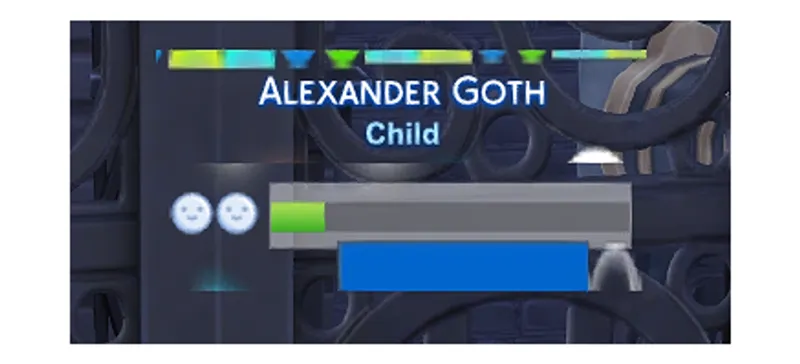
This was added for the previous mod update but I forgot to point it out, so here it is. After the Life & Death patch, I've split the "Headline Effects" file (which handles the UI when you hover over sims/thought bubbles/skills/etc.) into two: one that's compatible with TMEX's BetterBuildBuy, and a standalone file that conflicts with the BBB mod.
If you use BBB and encounter something like the glitch below, make sure you go to the "Additional Files" folder and delete the Standalone file (or the TMEX_Compatible file if you don't use BBB).
// What's new:
inventory panel + collections
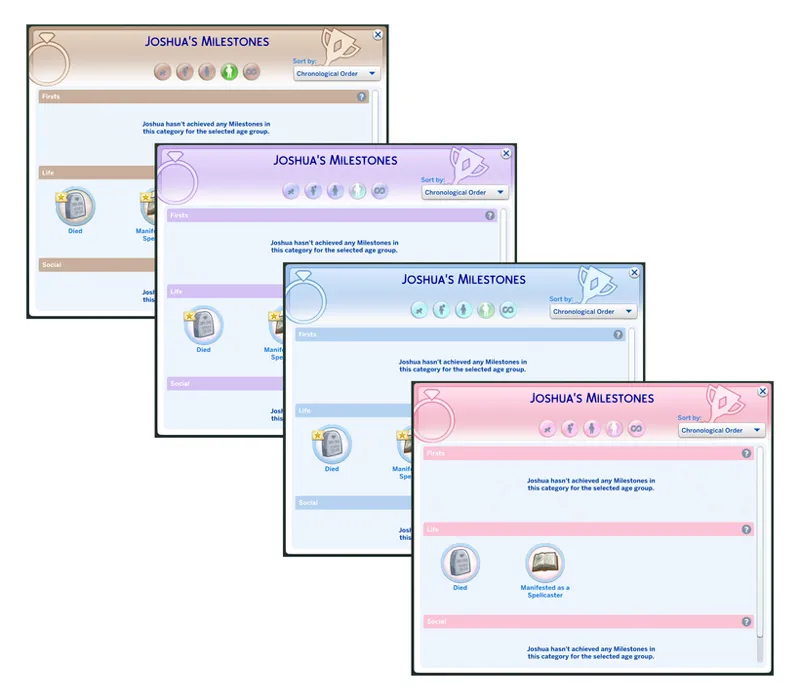
simology panel + milestones + family tree + neighbourhood plan
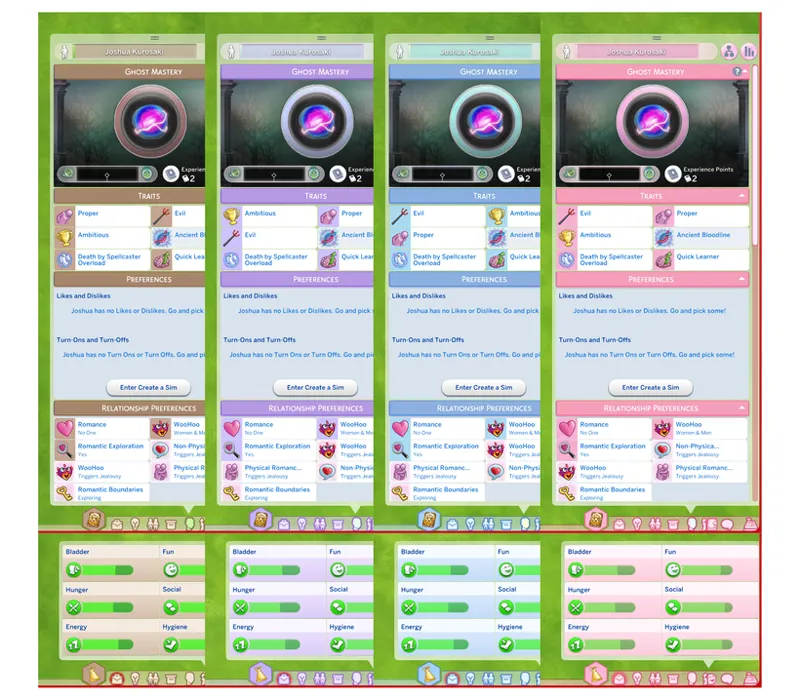
needs/motive panel
pickers menu for cooking a recipe, selecting outfits, selecting sim, and trendi (this was previously only available for pink UI)
// What's changed:
all UIs: darkened the background for phone call & convo dialog popups sooo it should be better to read.
Blue UI: when hovering over a pie menu, the active button color is now green instead of pink.
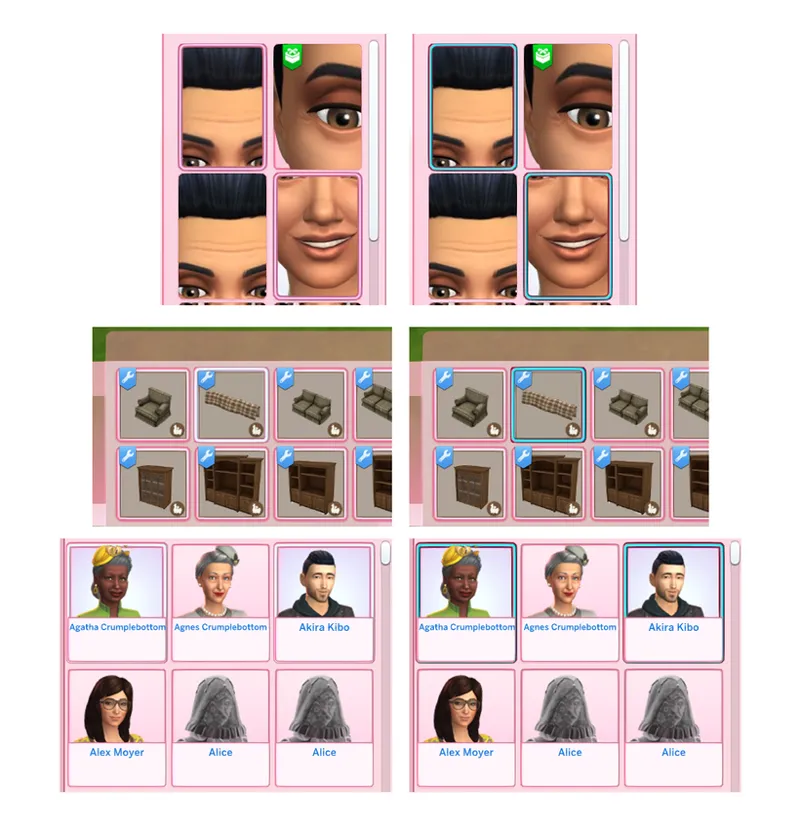
Pink UI:
I've read some feedback regarding the readability of selected thumbnails and so I tried adding back the contrast :-)
DL the individual updates from each mod page 👇
(and as per usual, feel free to share any feedback!)
Comments (17)
Does the Pink UI currently work?
no, yesterdays update broke it
Has this been updated since this recent patch just wondering.
not yet, but the majority of the UIs are working fine except for the dialog menu, which you can temporarily fix by deleting the "0_Base UI 3 - Dialog - Texture" file. Will have an update released some time today along with new additions :)
Is the beige ui compatible?
you can delete the "0_Base UI 3 - Dialog - Texture" file since that's the only one glitching in the mod
I'm a fan of the purple UI, are they save to use after this last update?
you can delete the "0_Base UI 3 - Dialog - Texture" file and use the mod as usual. Not a lot of files were affected on the pastel UIs :)
Unfortunately, the new update messed up the text allignments ^^;
LOVE the adjustments made on this update- the readability is perfect for me now. Thank you for your continued hard work on this!! 💗
i'm loving the pastel blue ui recolor ! thanks once again for your hard work ! one thing though. i noticed that when sims send messages, they can sometimes be difficult to read since the white font blends in with the pastel colors.
W mod!
This is very nice. I appreciate that it aims to be a subtle recolor of Maxis' UI rather than something with harsh colors
thank you <3
thank you so much for all your work 💓
the beige looks so good for my historical gameplay hope to see more colors like that!
Thank you so much 🩷🩷