
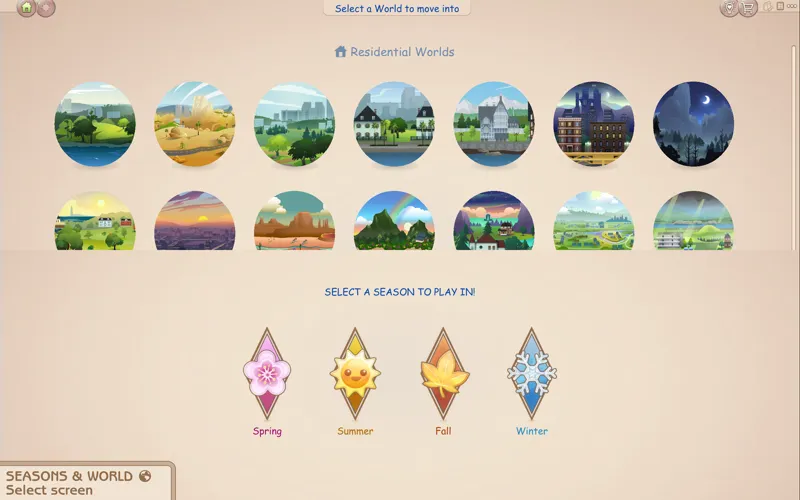
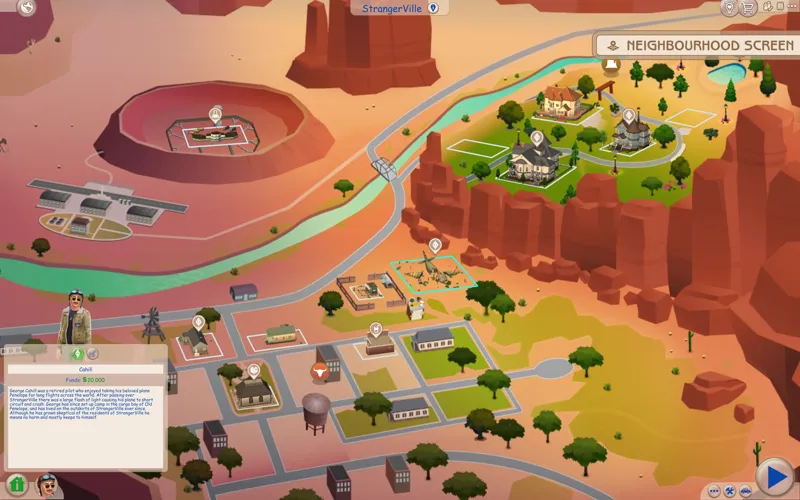
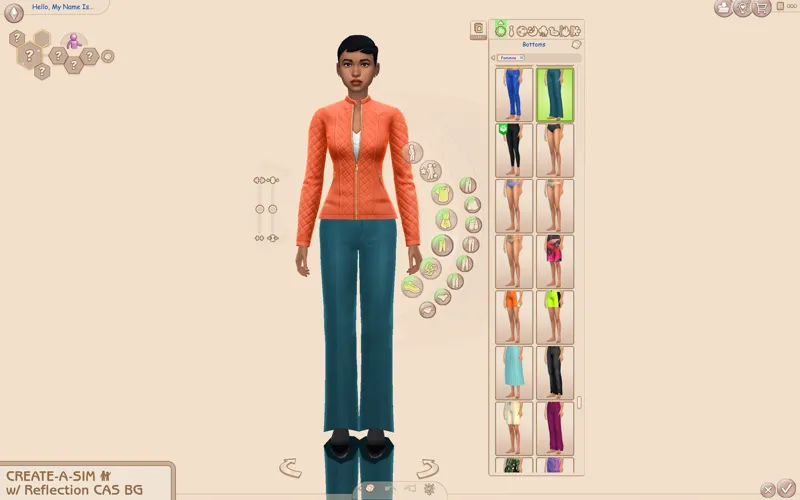
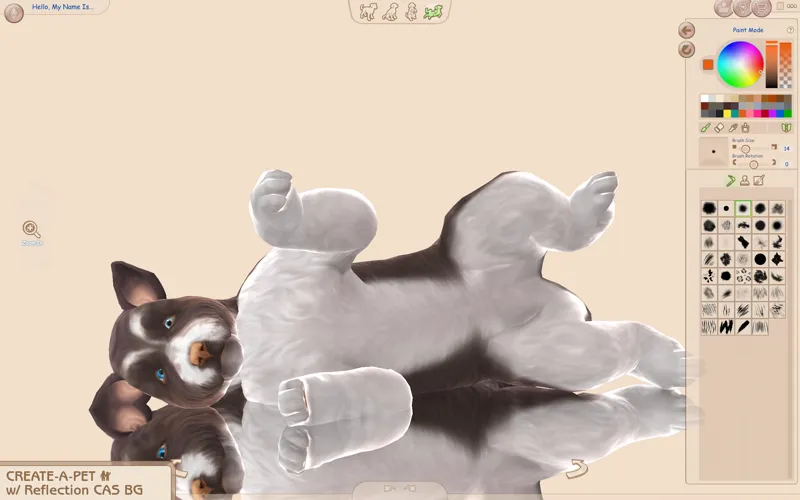
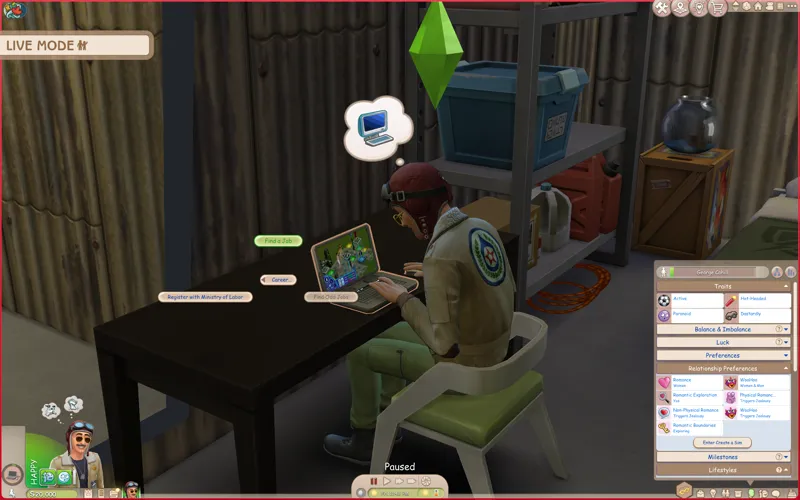

Beige UI Mod for The Sims 4
Now available for everyone with/without an account! Thanks everyone for using my UI mods 🖤 I still recommend keeping your membership to get notified whenever there's a new post or a mod is updated :-) any support is greatly appreciated!
Check the status of my UI mods all in one post + Frequently Asked Questions
🔗 Guide to UI Mod Glitches 🔗 Installing and Troubleshooting Tips
📥 Installation
// Main mod
Before installing/updating, remove any old versions of the Beige UI whenever there's a new mod update and clear your caches.
Alternatively, keep the CONFIG folder and read the Changelog on which files have been removed/changed, and delete & replace the "Text" and "Texture" folders to avoid redoing the config.
Download & extract the zip file into your Mods folder.
Important ⚠️ >> In the "CONFIG" folder, and go to each folder(s) and delete files that may conflict with other mods (or else you'll encounter texture issues). Check the Compatibility info below to see which mods are affected.
// Extras
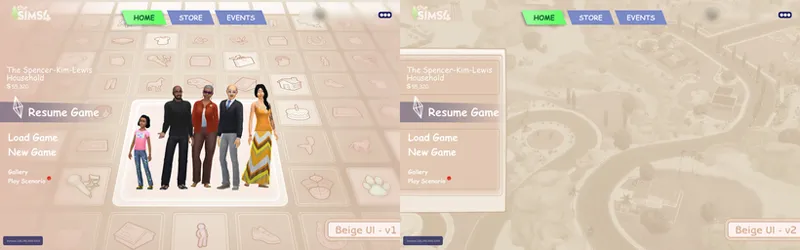
Main Menu Override - download separately.
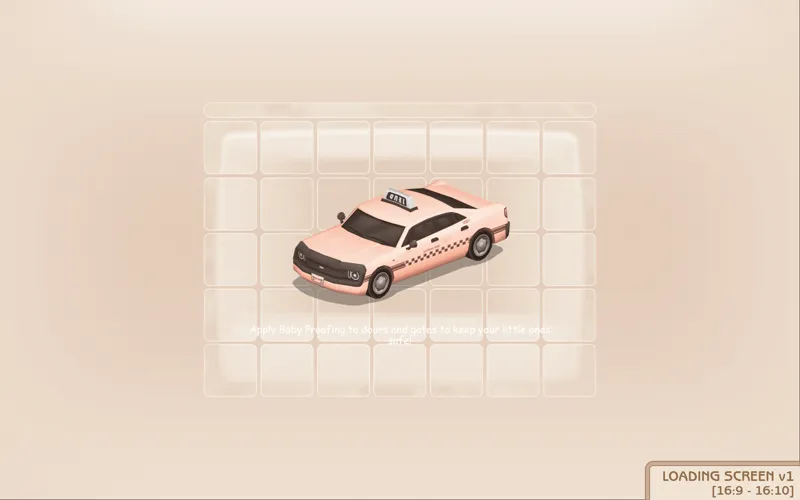
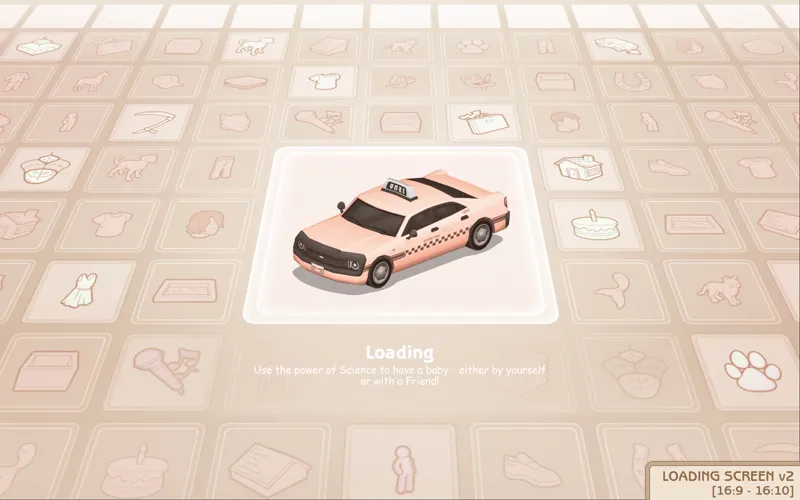
[Beige UI] Loading screen: download only one loading screen file. Available in: 16:9 and 16:10 aspect ratio. Available in 2 versions.
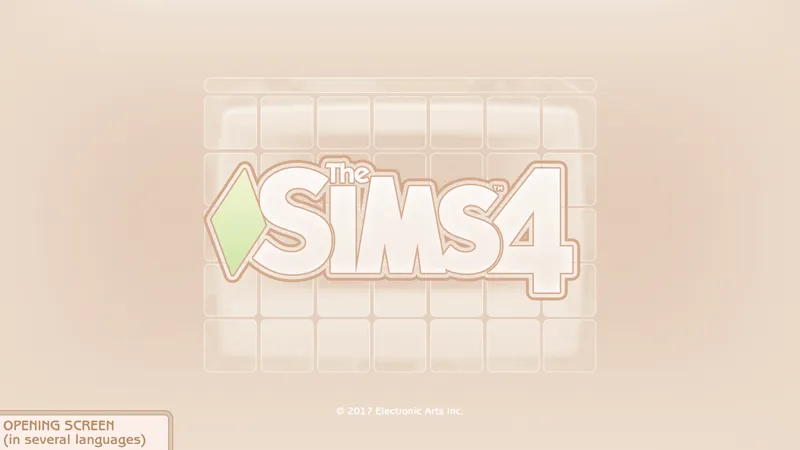
[Beige UI] Splash screen: file to replace the intro TS4 screen. Choose the file that pertains to your game language.
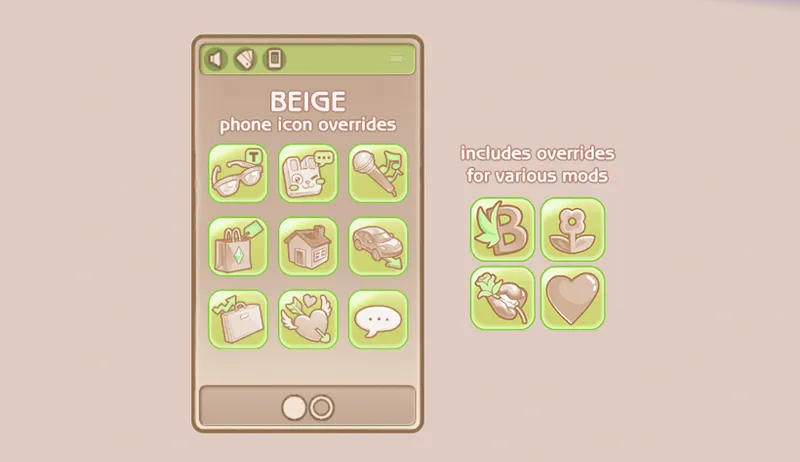
[Beige UI] Phone icon Addons: pick & choose depending on which mod you use. Also includes EA icon overrides.
🖥️ Mod-related Info
// Recommended mods to complete the Purple UI look:
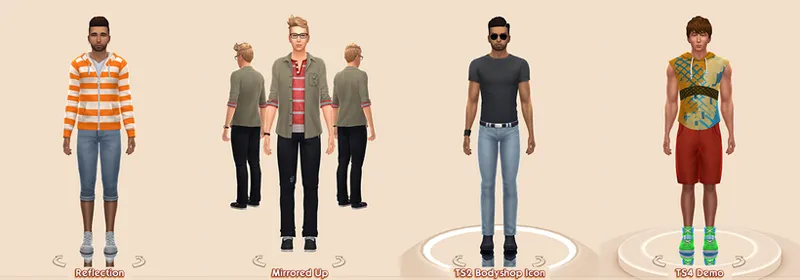
any of my CAS Background overrides in beige recolor
CAS organizers in beige
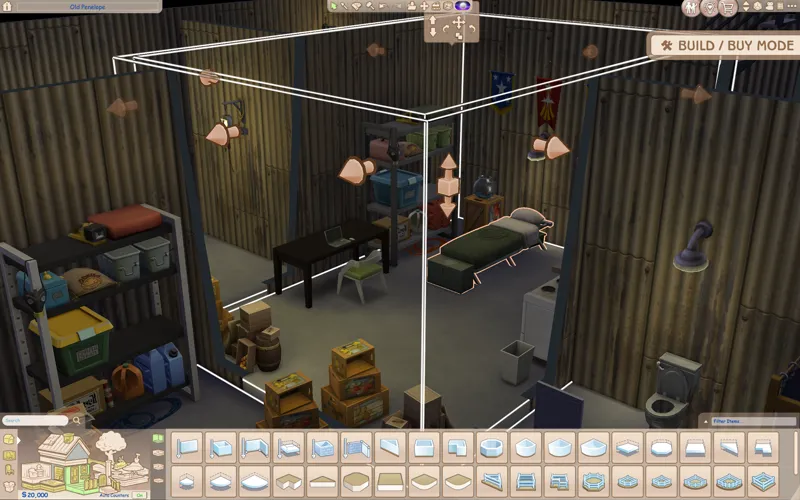
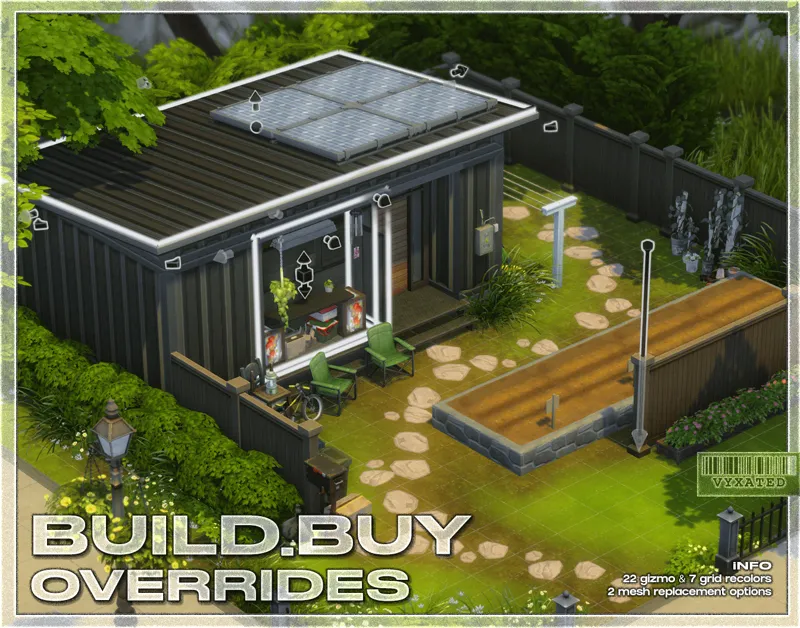
buildbuy gizmo override in dark brown/brown/peach
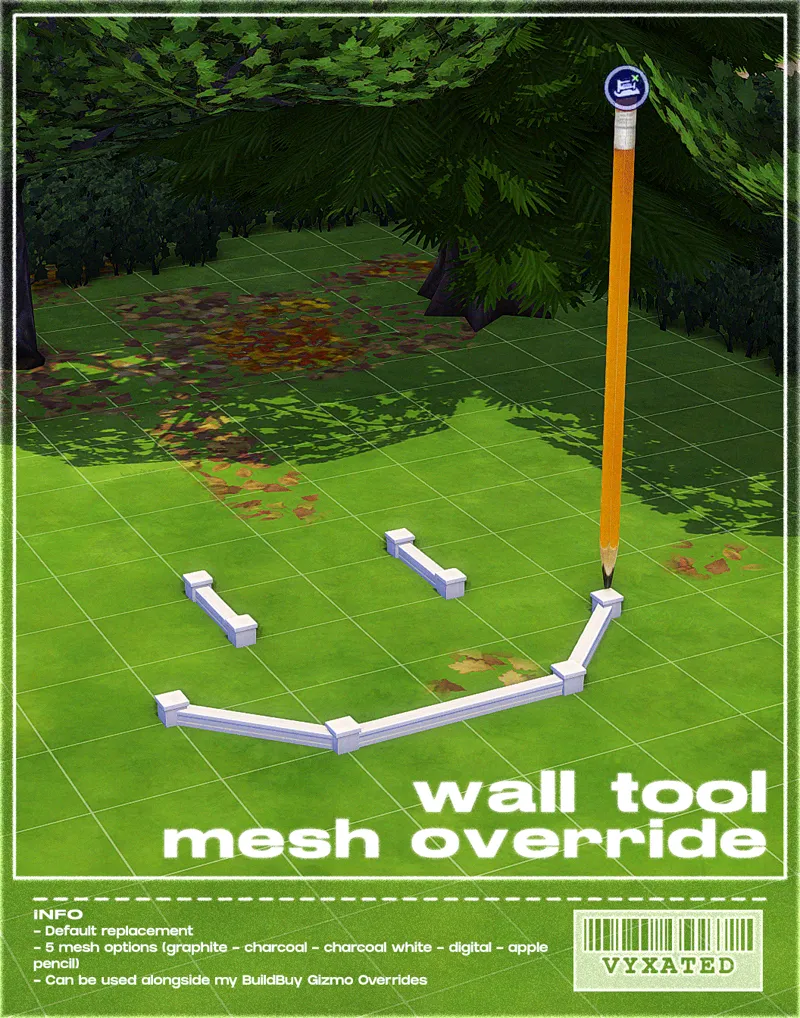
wall tool override in dark brown/brown/peach
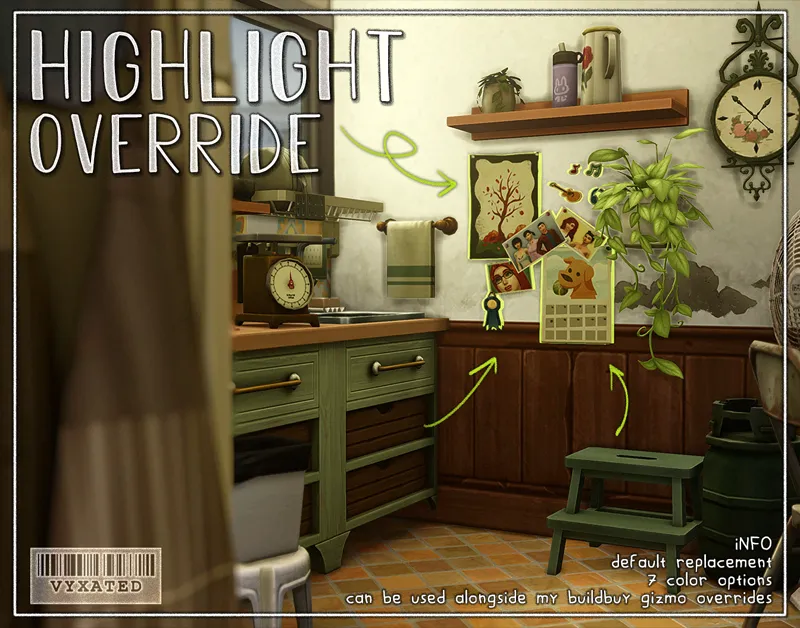
highlight/outline override in beige
// Compatibility with other mods ⚠️ (please read)
Conflicts with other UI Recolor mods by Dskecht and mine
You can however mix & match my UI mods if you want to have different colors for different menus. For example: if you want to have a beige CAS but a pink Build/Buy, delete the "BB" texture files from this mod and replace it w/ the "BB" texture files from my Pastel Pink UI mod.
Wrench Icon mods
Delete "Wrench Icons" folder if you want to use other wrench icons.
Phone icon override
Delete file if you want to use other phone icons.
UI Mods not listed above are compatible with this UI mod. Make sure they are updated too so you don't encounter any texture bugs.
📜 Credits/Resources
S4Studio, UI Texture Squasher (CmarNYC), Image Viewer (luniversims), JPEXS Flash Decompiler
Loading screen tut, splash/opening screen, UI/world map override tut, UI setup, phone icon resources by xosdr
📋 Changelog
Small updates
// 24 September '26
Added Simplified Screen Slams and Better Headline Bubbles update
// 13 August '26
Added new phone icon recolor for one of adeepindigo's mods
[CONFIG] contents of TMEX - BetterBuildBuy has been moved back to the main texture directory since it's been compatible for several game patches now
// 15 May '26
Updated for May 12th patch (new CAS thumbnail, Calendar & Live Event UIs)
Readjusted arrow color in career panel & dynasty related UIs
// 17 April '26
Fixed Gallery & Wrench icon UI
// 25 March '26
Updated for Marketplace patch
[CONFIG] Updated GUI file in Wrench Icon folder
[CONFIG] The Compatible version of Headline Effect file is temporarily removed since Better Build Buy is currently using the EA texture instead of its custom one.
[Phone Icon Addons] added new overrides for adeepindigo's Custom Nuptials, Lot51's Hotel Suite, NisaK's TamTam Tab, and thatssojordy's mods (Business Casual, Digital Romance, Growing Pains, and World Tour- some phone icons are still untouched). Several files have also been merged so please remove all old phone overrides and reinstall the new files
📂 SFS (alt)
Comments (120)
i would love a brown ui please
Are the Simplified Screen Slams and Better Headline Bubbles baked into the UI now, or are we able to switch them out? I don't see the files in the zip folder so a bit confused. (Thanks for the super quick update too!)
Both are baked into the UI yes, but I plan on separating the simplified screen slams into its own file so it's optional for those who don't need it. (The simplified screen slams is named "Live_3 - Enter Lot - Texture" since that is the original file). As for the headline bubbles, I'll probably put that in CONFIG folder too for ease of search.
my fav ui
i think it needs some updating. This slowed my loading time down from 4 minutes to 23....
The extended load time is a known change from the recent patch and unrelated to my mods specifically: https://simscommunity.info/2026/08/06/longer-sims-4-loading-screens-info/
If we just want the beige coloring for the UI in live mode and build mode and not the loading screens because we already have different loading screens & main menu overrides, etc... do we download the last .zip file above that is labeled Beige UI?
Yes. You can skip downloading the loading screen zip file.
Hi, due to personal issues with my pc i wanted to ask if older versions of the mod are available at all? I haven't been able to update my game in a while, so the current version doesn't work for me. Sorry to bother you and thanks in advance.
need an update^^
Any of the Pastel UIs have been tested to be compatible with the patch since no UI textures were broken. The only issue you may encounter is the black screen after loading the game, which is caused by an outdated main menu override mod. If you use my main menu override and have the Refreshed Main Menu mod installed, update that mod instead.
Just wanted to say that the bluish default coloring has always made me have headaches from playing until I stumbled upon this Coloring Mod. What a huge difference it has made for me! Thank you thank you for making this!
hi! Is there a way I can get the beige UI that is compatible with royalties and legacies please
I use some of the phone icons for other mods but it never changes them. Do the phone icons need to go into the override folder?
I had the same issue. And they replied: Most likely due to the load order. Try placing my files on the respective mods folder location, and rename them by adding the ! at the beginning so it'll override the original phone icons. It worked for me!
like know if yall will do like a peaches and cream one
hello! do you have any repository for older versions of this mod? i couldn't update my game and this version causes glitches :(
Hello! I downloaded this just today for the first time, and I have the extra mods, but the phone icons did not turn beige on some of them. Not sure, what I did wrong...
Most likely due to the load order. Try placing my files on the respective mods folder location, and rename them by adding the ! at the beginning so it'll override the original phone icons
Changelogs have now been moved to the bottom of the post (up to two updates), along with links to useful information. Read those please, before commenting, because almost every answer to your questions can be answered by simply reading those. And always check the first paragraph of this post, that'll answer your question whether this mod is outdated or not. I've also now specified which files have been edited in the CONFIG folder, so that you can update each files accordingly without having to redo the entire configuration. You'll still need to remove the "Text" and "Textures" folders entirely, since I may occasionally remove or add files to those folders.
We appreciate you still updating this despite the Sims 4 being DOOKIE with these updates </3 ragebait atp
please update 🙏🏾
it takes 2-3 weeks every updates
The Date on the Beige Ui Download Says 2025
Got it ^^ the file itself is still up to date tho
For anyone experiencing a glitch with headline effects/skills etc.: keep the Standalone file and delete the Compatible file instead! BetterBuildBuy v4.4.2 currently uses the original EA headline effects texture, which is overriden by the Standalone file, and is now the file you're required to keep. Depending on how BBB is updated in the future, the Compatible file & extra installation step might no longer be needed :-)
// 1 March '26 - Updated for Royalty & Legacy patch (new kingdom overview, dynasty panel, sword competition UIs) - Fixed glitches caused by the patch ====
you're the best!! thank you sososo much <3
hey its been three weeks are you able to update now?
maybe be patient? this wont make or break your game lmao
📢 As usual, the Feb 3 patch broke UI recolor mods. All UI mods will have a 2-3 week delay in updates as I'm away and do not have access to my game/files. Please remove them if you have updated the game. https://www.patreon.com/posts/149762879
don't worry and take all the time you need <3 thanks for everything
I would love a coffee brown pls :)
i agree
Thank you for the great mod. But could you please correct the absence of pointer in the school/career schedule in the Sim Panel. It is a bit confusing to follow their working days without cursor showing which day it is. Thank you.
Hi, i just wanted to ask can you make a Medieval one?
Just wanted to say thank you so much for all your hard work! Was so sad when this set broke. I just love this aesthetic.
// 9 December '25 - Updated for Dreamy Kits patch (fixed a lotta things broken like CAS, gallery, and various live mode UIs) - [Green UI] Recolored remaining live mode UIs & CAS thumbnails ====
Hi, I think it’s broken.Can’t show the festival days in the game which is in the top-left corner on the screen.Also make me can’t choose the pregnancy information and other things in CAS. for example, I can’t choose if the Sims is interested in male or female.
I mean, if I choose one of them, the button won’t go green in CAS
Hello, is this updated to the newest patch that came out yesterday?
Sorry, but I believe some Phone icons, particularly those from mods, are not working. EA phone icons, do work. Perhaps there’s an error I made while installing it.
mostly to do with the location of the files. You could try adding !! at the beginning of the file name so it can overrides the default phone icons
hi! is this compatible with better pie menu by andriz? https://andirz.itch.io/better-pie-menu
yes
The pastel pink one was glitching when i played yesterday 😭
// 21 September '25 - Updated for Adventure Awaits patch (recolored custom schedule related UIs) - Fixed broken UIs caused by the patch (buildbuy - gallery - dialog popups - calendar - aspiration & simology panels - world select) - Recolored events/situation display UIs ====
I just wanna say i love your UI and dont rush i know your just as stressed as everyone else about broken mods <3
not trying to rush you or anything is there a set date for when you'll upload an updated version of this mod?
generally it takes ~1 week to update all of my ui mods, depending on how much the patch broke
need update(
I was using the pastel pink UIs when I decided I wanted to continue my notsoberry save, which is on yellow gen, and I figured beige could compliment yellow really well! If there's ever a future desire to add more colors, i would loooove to see a soft green! Thank you sincerely for your hard work, it's beyond beautiful <3
// 22 August '25 - Updated headline effects file (BBB folder) - Fixed Navigation icons on the upper right corner (if they are still glitching, update BBB or remove cart icon mods) - Updated CAS thumbnails for Pink UI - Added phone icon overrides for various mods ====
We love your work and appreciate you sm! 😊
This is so cute, but it keeps breaking my game. I deleted the configuration folder and tried again, still didn't work. I had deleted all of my other mods prior. So, there's no way there are any mod conflicts. Not sure what to do now, but I want to use this override! Any help would be appreciated, Thank you.
Afaik it's the main menu override that's causing issues, so remove it for now. I'll still need to check the UI mod entirely to see if anything else breaks
wow, it all looks so pretty!! >.<
How do i know the size of my loading screen tho??
omg this was made for me thank you its gorgeous
i accidentally deleted my previous comment, but will you ever think about doing another ui colour like dark brown? i love brown and would love to mix and match with pink - if not then could i recolour myself?
// 1 August 2025 Mod is now public for everyone with/without membership! - Fixed the swapped CAS thumbnail - Recolored all CAS thumbnails - New opening/splash screen and loading screen overrides ====
hii!! I'm in love with all of your overrides, most of which are in my game!! Quick question, would you ever consider doing a green version of your pastel ui collection? I have the green option for all of your other overrides and would love for my main ui to match :)
I'll give it a go after I finish the remaining CAS icons for the other pastel uis ^^
I have a serious problem going on , I installed everything correctly but I decided to take it out and its messing uo my game sayin its still there when its not even in the folder anymore, help please ?
For me, this seems to not be working. i verified i didnt have any additional panel overrides but when add the beige ui it makes my overhead meter and thoughts look distorted. i'm not sure if i did something wrong but i removed all older files and redownloaded and installed and still the same issue.
Config folder > tmex BBB folder > remove either standalone or compatible file
Hello! I absolutely adore your override — it made my game so much more comfortable and visually pleasant, I can't even express how much I love it!!! However, I noticed a small issue after the latest update: In CAS, all clothing, hair, accessories, etc. appear highlighted in green, as if they are selected by default. And when I actually click on an item to select it, it turns beige, which seems to be the opposite of how it's supposed to work. It looks like the override might have swapped the selection colors. If you’re able to fix this, I’d be so grateful! ♡
I have the same problem right now. I have updated all my other UI mods too.
Is this compatible with the more cas columns mod?
Yeah
5 July 2025 Changelog - Updated for Enchanted for Nature patch (notebook, household collections, inventory UIs updated) ====
THANK YOU I was so sad when I found out it was broken.
Please update this as it has broken after patch 116.1030
Yall im pretty sure he knows its broken. 😭
yup, let's be patient <3
Mod broken after 1/7/25 update D:
1/7/25 mod broken :(
Same here...it's broken in 1.116 :(
so pretty and easy to install! :D
Thank you for the update! <3 When I click the download link, it doesn't download for me
SSS
ty so much for the quick update !
29 May 2025 Changelog - fixed upper right navigation UI (if you use BetterBuildBuy / Remove Cart Icon mod, make sure you have those updated too) - fixed dialog menus - added recolors for the GUI, which adds a custom wrench icon. You can go into the CONFIG folder to delete the file in order to use other wrench icons. ====
you're the best!! tysm
just wanting to say i love love love this UI and the pastel pink UI but i do think since the recent update that they have broken.. just letting you know! <3
hi love! i loveeeeee the beige ui, it's my fav. just wanted to let you know that it does conflict with the sim's thought bubbles, it seems broken. that's the only thing i've seen!
I have the same problem :\
OH MY GOD THIS EAAAAATS FOR A VINTAGE 60s/70s lets play
1 May 2025 Changelog - fixed main UI panel glitch (exit UI, notifications, etc.) - added new BB icon thumbnails
thanks!!
broken mod after the update 4/30/25 😔
yep, broke for me today too
hiii, broken after today's (04/29) update:( hope u can fix it, if it's not too much trouble <3
The Ui is making conflicts in my game a bit. I'm not sure what the issue i.s plzz help; I really love this ui.😫😫😫
uploaded the "Base UI 1 - Main - Custom Notif" file to fix the misplaced pink UI :-) main mod has been updated too
I just downloaded the updated version of this, put it in my game and part of the beige Ui is pink.
thanks for letting me know ! I've updated the fine ^^ you can redownload
2 March 2025 Changelog (putting it here for now): - Fixed various UI glitches caused by the Businesses & Hobbies patch - Added UI recolors for the upcoming pack (family recipe, small business UIs) - Added recolors for all club-related and business-related UIs Safe to say that the mod is 90% done and most if not all live mode UIs have been recolored :-) only things left are the active event UI (top left corner), GUI (buttons etc.), extra thumbnails for CAS & Build/Buy, and other misc UIs (main menu, loading screen, phone icons, etc.) ====
thank you so much!! youre awesome! <3
mod is broken after 02/25 update :( PLEASE FIX IT I LOVE THIS MOD!!!!!!!
hiii, broken after 02/25 update:( hope u can fix it, I love it sm! <3
29 January 2025 Changelog (putting it here for now): - Dialog popups have been fixed - Added recolors for screenshot manager UI, aspiration, career, skills, and relationship panels ====
Please let us know when this'll be updated!
pls update for the new update
love this so much but glitching game after dec 3 patch, cant wait for update
can you tell me which UI is glitching?
itsmeTroi sent me here. :)
Hey! I'm not sure if i did something wrong on my part, but the ui when i hover over the sim is still glitched, despite following your directions to the T. I believe I don't have any conflicting mods, I've redownloaded your mod and followed step by step just to make sure i wasn't going crazy, but it is still glitched! I was wondering if you could help me out? Thanks so much!
Go to additional files > BBB > delete standalone file. Also make sure to get the latest BBB version (3.3.2)
love this!!! can we have tmex patches ?
this is amazing!!
Omg ty vxyated!!!
this is so beautiful tysm !!
THANK YOU SO MUCH. Can you consider making a darker version like a chocolate brown?
Omg yes I second this!
thank you so much for this
Omg please make a black and a gray one i’m dying for those 😭😭😭😭
omg thank you!!!
YAYYYY
This is Amazing🩵