
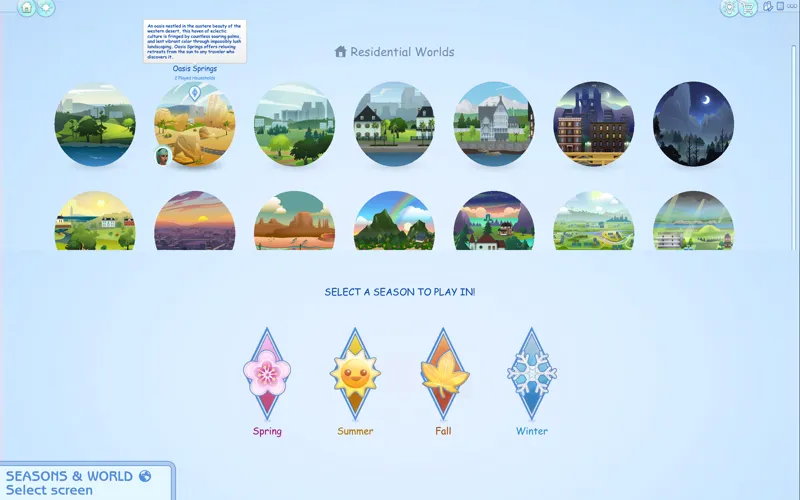
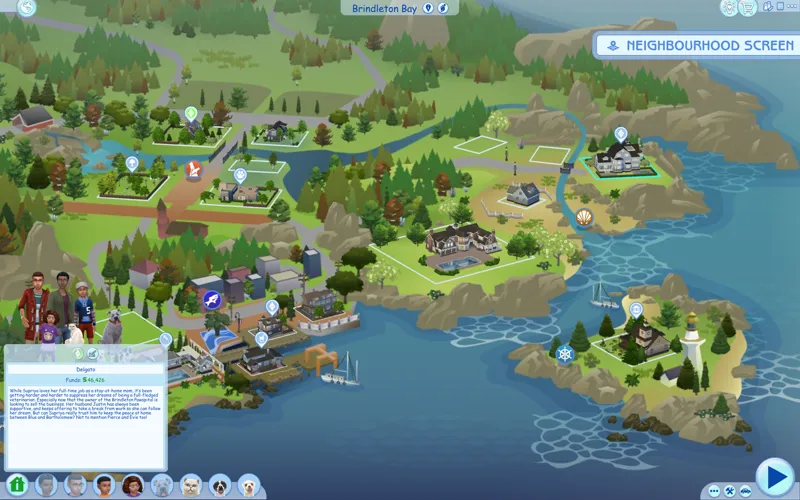
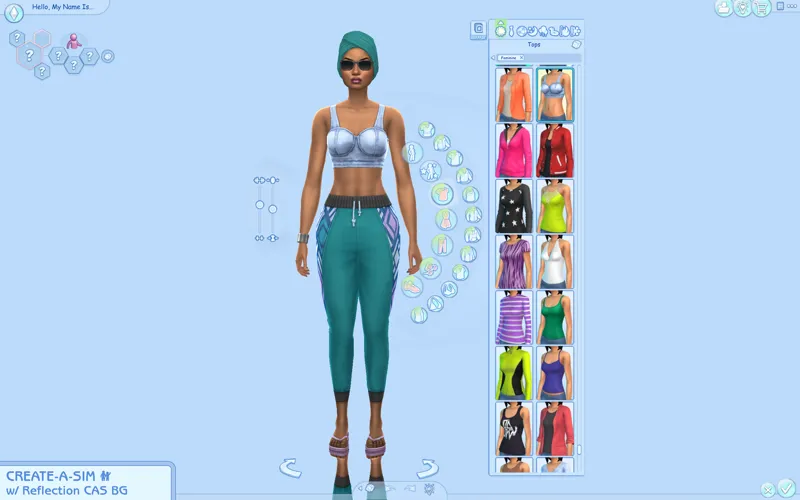
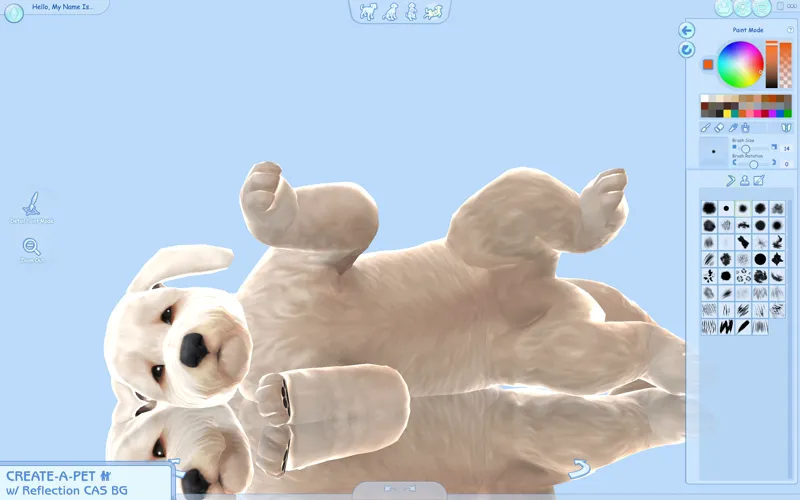
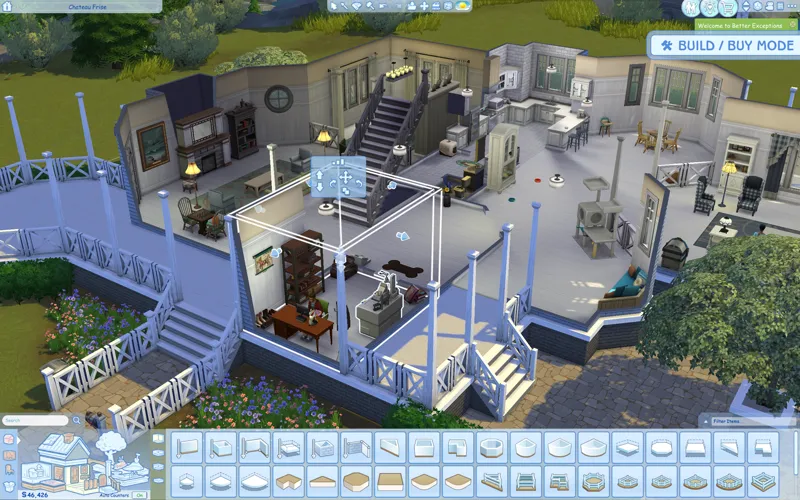
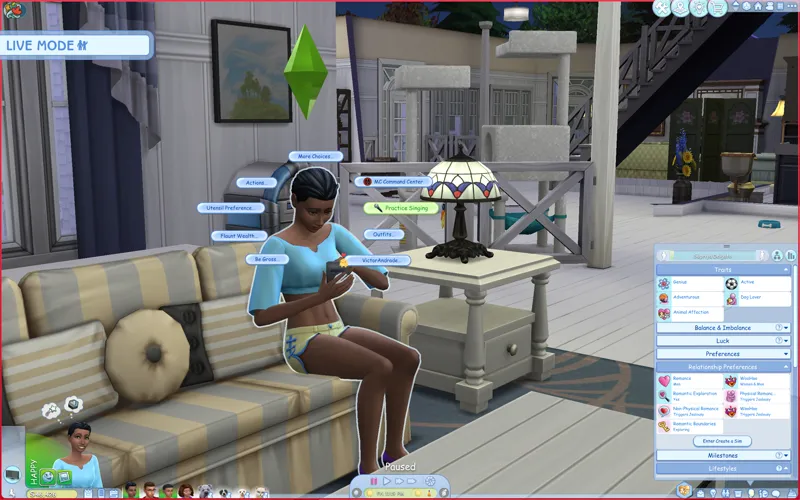

Pastel Blue UI Mod for The Sims 4
Now available for everyone with/without an account! Thanks everyone for using my UI mods 🖤 I still recommend keeping your membership to get notified whenever there's a new post or a mod is updated :-) any support is greatly appreciated!
Check the status of my UI mods all in one post + Frequently Asked Questions
🔗 Guide to UI Mod Glitches 🔗 Installing and Troubleshooting Tips
📥 Installation
// Main mod
Before installing/updating, remove any old versions of the Pastel UI whenever there's a new mod update and clear your caches.
Alternatively, keep the CONFIG folder and read the Changelog on which files have been removed/changed, and delete & replace the "Text" and "Texture" folders to avoid redoing the config.
Download & extract the zip file into your Mods folder.
Important ⚠️ >> In the "CONFIG" folder, and go to each folder(s) and delete files that may conflict with other mods (or else you'll encounter texture issues). Check the Compatibility info below to see which mods are affected.
// Extras
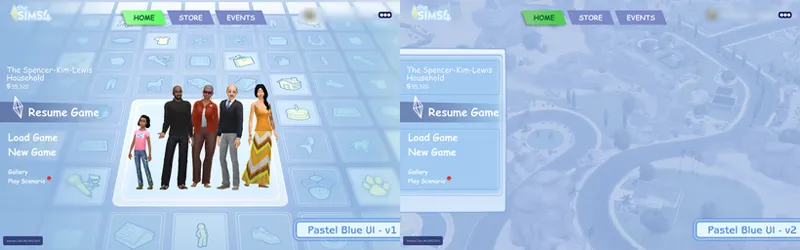
Main Menu Override - download separately.
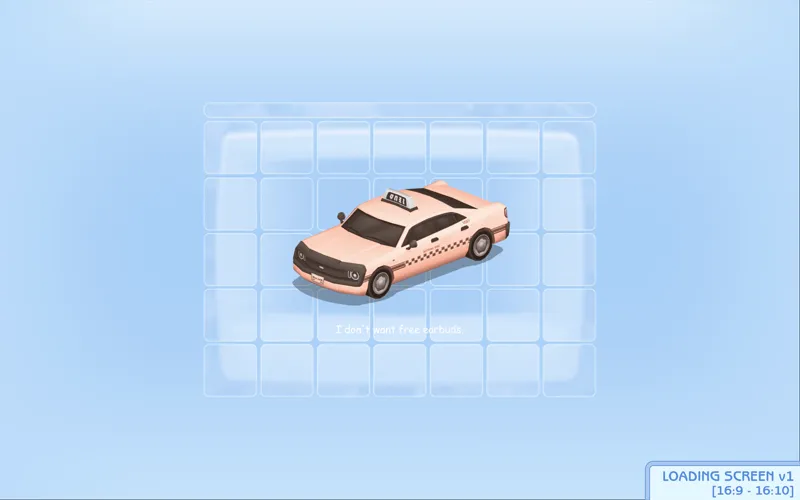
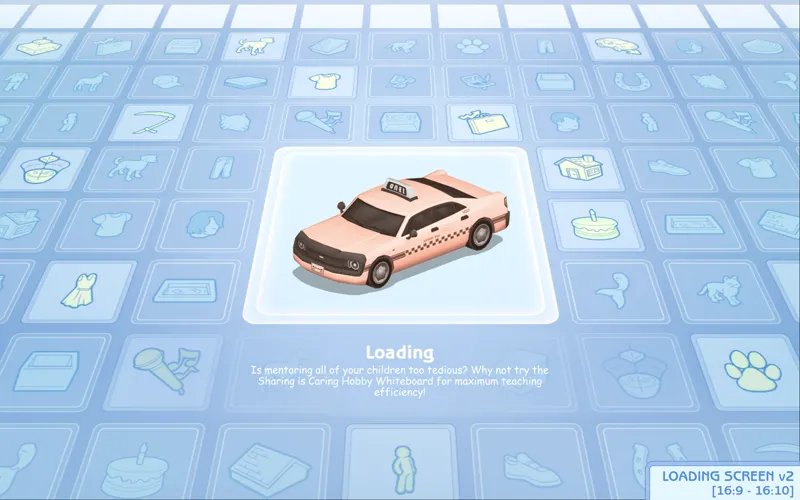
[Pastel Blue UI] Loading screen: download only one loading screen file. Available in: 16:9 and 16:10 aspect ratio. Available in 2 versions.
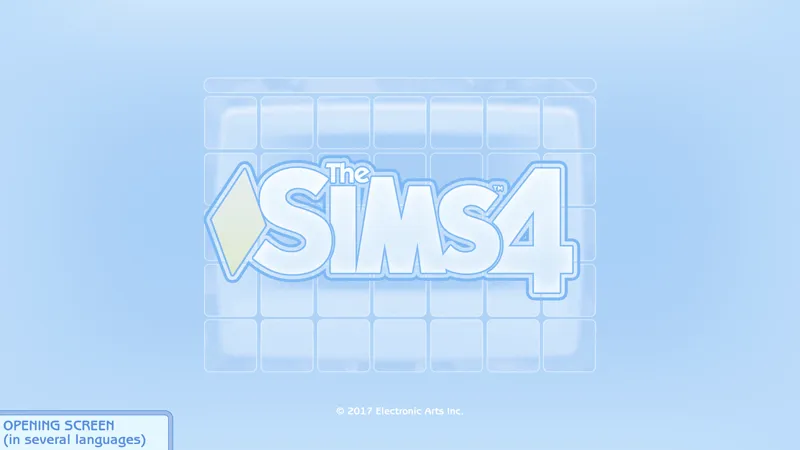
[Pastel Blue UI] Splash screen: file to replace the intro TS4 screen. Choose the file that pertains to your game language.
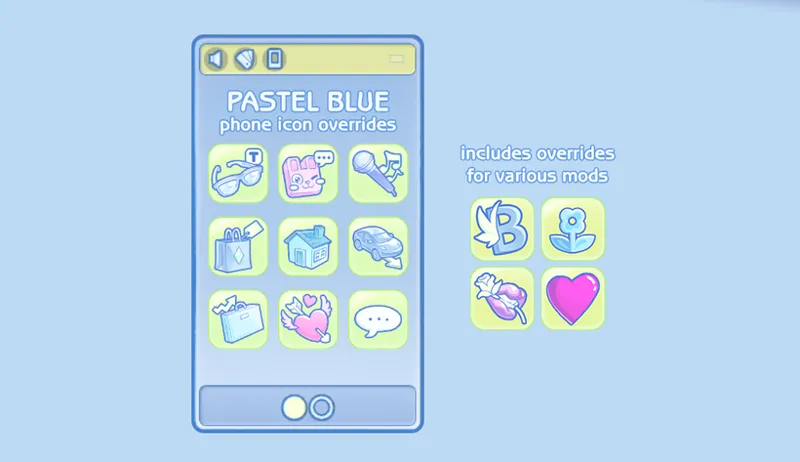
[Pastel Blue UI] Phone icon Addons: pick & choose depending on which mod you use. Also includes EA icon overrides.
🖥️ Mod-related Info
// Recommended mods to complete the Blue UI look:
any of my CAS Background overrides in pastel blue recolor
CAS organizers in pastel blue
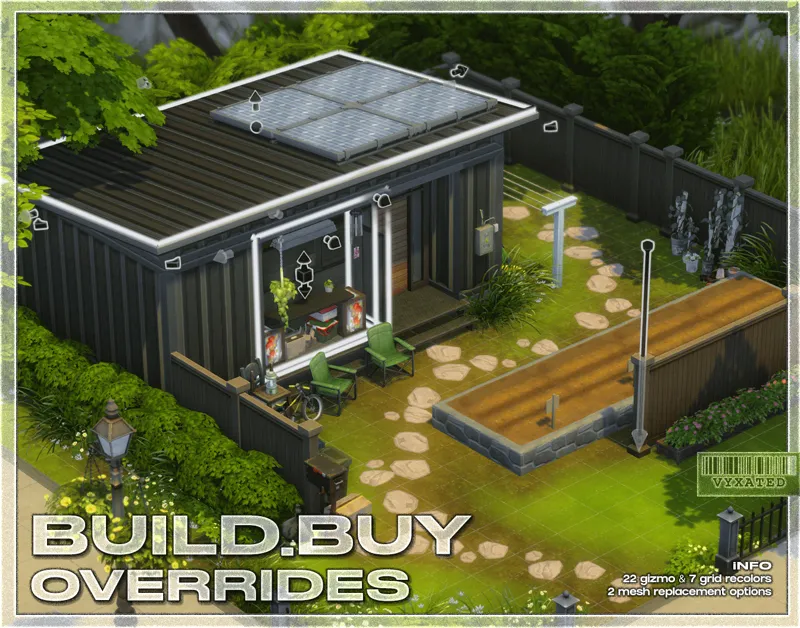
buildbuy gizmo override in blue light
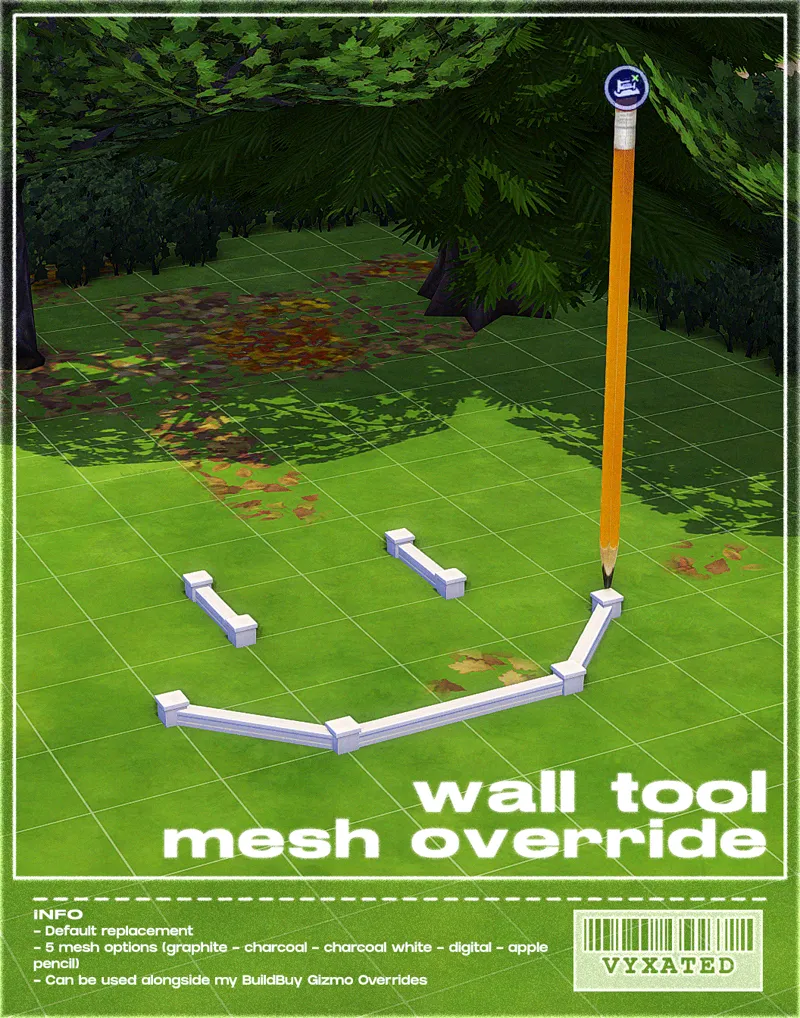
wall tool override in blue light
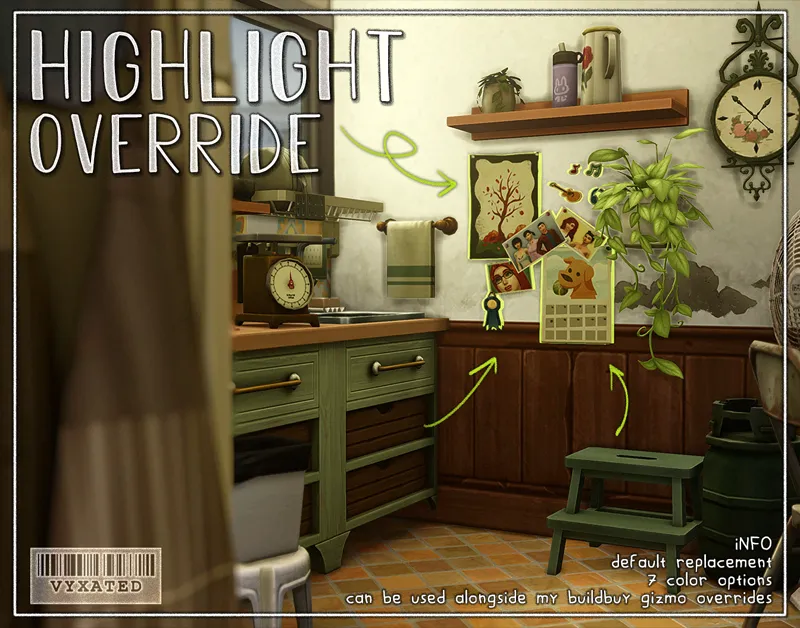
highlight/outline override in blue
// Compatibility with other mods ⚠️ (please read)
Conflicts with other UI Recolor mods by Dskecht and mine
You can however mix & match my UI mods if you want to have different colors for different menus. For example: if you want to have a blue CAS but a pink Build/Buy, delete the "BB" texture files from this mod and replace it w/ the "BB" texture files from my Pastel Pink UI mod.
Wrench Icon mods
Delete "Wrench Icons" folder if you want to use other wrench icons.
Phone icon override
Delete file if you want to use other phone icons.
UI Mods not listed above are compatible with this UI mod. Make sure they are updated too so you don't encounter any texture bugs.
📜 Credits/Resources
S4Studio, UI Texture Squasher (CmarNYC), Image Viewer (luniversims), JPEXS Flash Decompiler
Loading screen tut, splash/opening screen, UI/world map override tut, UI setup, phone icon resources by xosdr
📋 Changelog
Small updates
// 24 September '26
Added Simplified Screen Slams and Better Headline Bubbles update
// 13 August '26
Added new phone icon recolor for one of adeepindigo's mods
[CONFIG] contents of TMEX - BetterBuildBuy has been moved back to the main texture directory since it's been compatible for several game patches now
// 15 May '26
Updated for May 12th patch (new CAS thumbnail, Calendar & Live Event UIs)
Readjusted arrow color in career panel & dynasty related UIs
// 17 April '26
Fixed Gallery & Wrench icon UI
// 25 March '26
Updated for Marketplace patch
[CONFIG] Updated GUI file in Wrench Icon folder
[CONFIG] The Compatible version of Headline Effect file is temporarily removed since Better Build Buy is currently using the EA texture instead of its custom one.
[Phone Icon Addons] added new overrides for adeepindigo's Custom Nuptials, Lot51's Hotel Suite, NisaK's TamTam Tab, and thatssojordy's mods (Business Casual, Digital Romance, Growing Pains, and World Tour- some phone icons are still untouched). Several files have also been merged so please remove all old phone overrides and reinstall the new files
📂 SFS (alt)
Comments (64)
Can you please make a white or black one! Every UI I see anywhere is colorful </3
Search for Chalk'd UI in my page 😊
hello! im using the latest ver of TOOL and it seems its no longer compatible? When i enter games it says that it isnt and to take this mod out, it still works w bbb tho
Hey! I might be confused, but is this mod incompatible with more columns in CAS? I couldnt open my filters panel in CAS while I had the three column version of the mod installed. If it isnt, it'd be super cool if you could look into a config option for more columns users!
More columns needs an update. This mod is already compatible with it.
I found out it conflicts with the better simology panel from simmatically =( is therer any way to fix this conflict?
im confused, in your description you said that if you have TMEX delete the standalone file. But where is the standalone file, when I open the config folder there is just one file there which is standalone and compatible, not two files where I can delete standalone.
It was changed some patches ago where Tmex's BBB mod no longer uses its own custom texture and instead uses the EA tex, so the tmex_compatible ver became obsolete since standalone works just fine. I still kept the folder as it is in case Tmex ever plans to revert that change.
Thank you so much for the update!
awwwwwww!!!Thank you so much for your hard work!!!
Is there anywhere I can download this mod for 1.111?
There's a mod archive somewhere in my page, but I don't provide a version that is that old, sorry.
Changelogs have now been moved to the bottom of the post (up to two updates), along with links to useful information. Read those please, before commenting, because almost every answer to your questions can be answered by simply reading those. And always check the first paragraph of this post, that'll answer your question whether this mod is outdated or not. I've also now specified which files have been edited in the CONFIG folder, so that you can update each files accordingly without having to redo the entire configuration. You'll still need to remove the "Text" and "Textures" folders entirely, since I may occasionally remove or add files to those folders.
we gonna get an update on this at some point?
The creator said in another post that the updates are in progress. no need to come off rude just read and calm down.
For anyone experiencing a glitch with headline effects/skills etc.: keep the Standalone file and delete the Compatible file instead! BetterBuildBuy v4.4.2 currently uses the original EA headline effects texture, which is overriden by the Standalone file, and is now the file you're required to keep. Depending on how BBB is updated in the future, the Compatible file & extra installation step might no longer be needed :-)
Thank you so much!
Thanks for updating this, one of my faves ;)
Thank you so much for your hard work
// 1 March '26 - Updated for Royalty & Legacy patch (new kingdom overview, dynasty panel, sword competition UIs) - Fixed glitches caused by the patch ====
The mod doesn't work well, the interface is broken, and strange emotes appear in Create a Sim mode. When will the new update be available for download?
whenever they get the chance. im pretty sure the creator is on vacation??
hi is it updated
Negative.
has this been updated?
Can you please update it again
Hiii, I wanted to let you know, that i used this mode before it broke,and when it finally broke, i removed it from my mods folder completely, but it still shows up in CAS and like the lil bubbles for build mode/live mode etc and my exit screen and charecter info screen is also broken :( please , can you tell? ive checked over and over again, its not there..yet it still lingers, this is the only ui recolor mod i have. Thank you.
📢 As usual, the Feb 3 patch broke UI recolor mods. All UI mods will have a 2-3 week delay in updates as I'm away and do not have access to my game/files. Please remove them if you have updated the game. https://www.patreon.com/posts/149762879
Hi is this mod broken after the most recent update? Im experiencing visual glitches on UI.
yes
Hi, I think this is broken, because it worked just fine a couple of hours ago and then it got glitched , better exceptions mention this as the reason.<3
Can you tell me what kind of glitch you're experiencing? This mod has been checked & found to be compatible with the latest patch since no UI textures were modified in the patch.
hi, my pie menu doesn’t show up sometimes and better exceptions says something is messing up my ui. has this happened before and is there a fix for it?
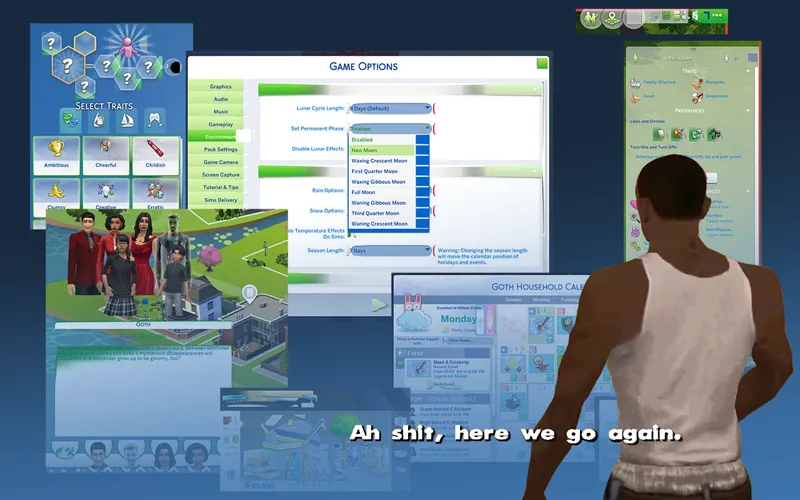
This mod only overrides the UI texture itself, and when it breaks it would've looked like this (3 last slides): https://www.patreon.com/posts/guide-to-ui-mod-121035058 Has the issue been able to be reproduced when this mod is not installed?
// 9 December '25 - Updated for Dreamy Kits patch (fixed a lotta things broken like CAS, gallery, and various live mode UIs) - [Green UI] Recolored remaining live mode UIs & CAS thumbnails ====
Thank you so much for the update!
// 21 September '25 - Updated for Adventure Awaits patch (recolored custom schedule related UIs) - Fixed broken UIs caused by the patch (buildbuy - gallery - dialog popups - calendar - aspiration & simology panels - world select) - Recolored events/situation display UIs ====
me patiently waiting for the update
I installed of these and I can't get the season & Worlds screen to show up in the pastel blue
// 22 August '25 - Updated headline effects file (BBB folder) - Fixed Navigation icons on the upper right corner (if they are still glitching, update BBB or remove cart icon mods) - Updated CAS thumbnails for Pink UI - Added phone icon overrides for various mods ====
Will you make Pastel Blue phone addons anytime? <3
// 1 August 2025 Mod is now public for everyone with/without membership! - Fixed the swapped CAS thumbnail - Recolored all CAS thumbnails - New opening/splash screen and loading screen overrides ====
loving this ui mod!!! i was just wondering if there was a way to get the tutorial controls off the screen? mine is on the left and it says how to move and change the time... i have 4600 hours in the sims so safe to say i already know!
it's a tutorial setting in the game options menu that you'll have to disable yourself
will there be a green by any chance??
this is sooo cute, maybe you could do a pastel/sage green?:)
Hello! Totally understand if not, but would you happen to have one of the older versions available for download? I usually wait to update because of the bugs associated with patches and updates. I have version 1.115.253.1020
Thank you for the update, have a good weekend!
5 July 2025 Changelog - Updated for Enchanted for Nature patch (notebook, household collections, inventory UIs updated) ====
hello! I love this pastel blue Ui. however, I think this is causing my game to wig out, all of the buttons are different symbols. For example, the phone is the notebook, etc. however I don't know if it's your mods or someone else's I have downloaded. if it is not your mod then my apologies.
it was broken by the 1 july patch, yes. i'm working on updating all of my ui mods ^^
can you make peach?
I keep getting stuck on an loading screen....How do I fix that?
29 May 2025 Changelog - fixed upper right navigation UI (if you use BetterBuildBuy / Remove Cart Icon mod, make sure you have those updated too) - fixed dialog menus - added recolors for the GUI, which adds a custom wrench icon. You can go into the CONFIG folder to delete the file in order to use other wrench icons. ====
can you make a green :( Please
1 May 2025 Changelog - fixed main UI panel glitch (exit UI, notifications, etc.) - added new BB icon thumbnails
2 March 2025 Changelog (putting it here for now): - Fixed various UI glitches caused by the Businesses & Hobbies patch - Added UI recolors for the upcoming pack (family recipe, small business UIs) - Added recolors for all club-related and business-related UIs Safe to say that the mod is 90% done and most if not all live mode UIs have been recolored :-) only things left are the active event UI (top left corner), GUI (buttons etc.), extra thumbnails for CAS & Build/Buy, and other misc UIs (main menu, loading screen, phone icons, etc.) ====
would love if the opening screen, menu screen and loading screen were all the pastel blue
I love how it looks, but the Build buy mode looks all glitchy when I have the mod installed. It really is cute though
i recently downloaded this and everything is working except now i cant interact with sims (my own sim included), i can only interact with the environment. i dont have any other ui mods installed by the usual tmex or mccc. i followed your instructions correctly to download the compatible file for bbb. any advice?
this ui mod only edits the textures, so anything gameplay-related bugs are likely caused by other mods
29 January 2025 Changelog (putting it here for now): - Dialog popups have been fixed - Added recolors for screenshot manager UI, aspiration, career, skills, and relationship panels ====
These are so cute!
this literally gives off ts3 vibes it's so pretty!!