
Network FAQs
We've answered our most common questions on the network below!
💬 Quips
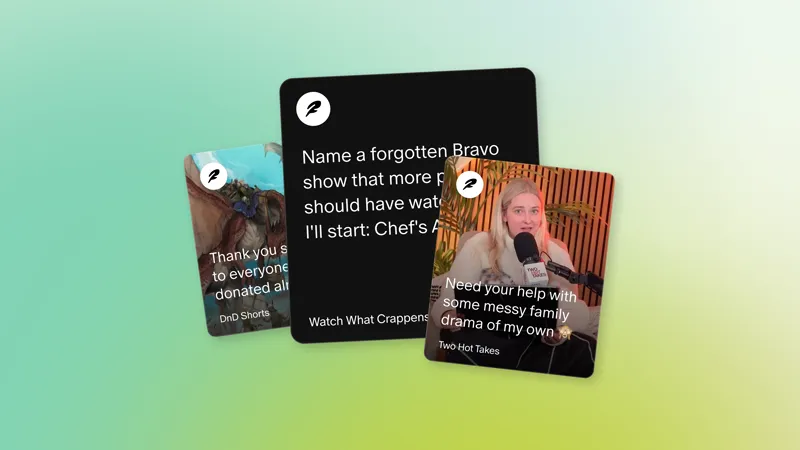
What type of work performs best for Quips — does format matter, and are there tips like best time to post or using hashtags?
We're still so early that there isn't a data-backed playbook yet for what the algorithm "favors" — and we want the community to write that playbook, not Patreon. The one thing we know: Embedded media, like linking to external web pages or externally hosted videos, does not perform as well as media uploaded directly within the Quip, like a photo or Patreon video.
Beyond that, the range is wide. Work-in-progress videos, short clips from longer paid posts, text posts that invite your community to weigh in, behind-the-scenes photos — all of it can resonate. And it's not just Quips either; public posts like newsletters show up in the feed too. The Quip Hall of Fame and the case studies in the Discovery Collection is a great place to see what's actually working across different creator types.
Can I post Quips from desktop or only mobile?
You can post Quips on both desktop and mobile!
Can I tag other creators in a Quip?
Yes! Mentions are available — just type @ followed by their name to tag another creator.
Can I include media, links or full posts in a Quip?
Yes! You can add photos, videos, or links — including links to your full Patreon posts — to bring more context and creativity to your Quips. You can also link to your social media, website, YouTube, etc., in a Quip.
Who can see my Quips — just my members or anyone on Patreon?
Quips are public by default so new fans can easily discover you and your work.
Can I turn off comments on a Quip?
You have comment controls that let you make discussions member-only or turn them off entirely. We encourage keeping them public if you want to get the most out of discovery.
How should I introduce these new features to my members?
If you’d like guidance on introducing these features to your members, check out What a network built on connection means for fans.
Can I edit quips?
You can edit Quips on both the Patreon app and on web/desktop.
Do Quips notify my existing members the way regular posts do?
Your members who are active in the app will see your Quips surface on the feed and they will get a push notification on mobile when you post a Quip. However, they won't get email notifications when you post a Quip. Fans can adjust their app-level notification settings any time in their app or in their system settings.
How do I see insights for the Quips that I’ve posted?
There are two primary ways creators can see insights for the Quips that they post.
Mobile dashboard in the app:
shows you new attributed members from your quips and posts.
shows you new free and paid members that joined your Patreon in the last 30d.
shows you your latest activity and stats for likes, comments, reposts, and impressions.
On the Insights tab on web:
Head to the Insights on your desktop and click the “Posts” tab
Click “Conversions”
From there, you’ll see all free member conversions by post/quip.
Are there plans for better Quips analytics, regional/language-based discovery?
These are areas we're thinking about as the network grows. We'll share more as those plans develop.
My Quip views dropped from 1,000+ down to under 20. What happened?
Here’s our understanding of this impact: on April 28th, we onboarded a huge wave of new creators into the network. That's genuinely exciting, but it also means the feed dynamics shifted quickly, and we're actively recalibrating. First, we're bringing the feed to the web. Short term, we're continuing to tune the algorithm. Medium term, we're bringing more fans into the app and improving onboarding. Longer term, we're building community spaces so creators aren't all competing in one giant feed.
Can I run giveaways or offer gifted memberships through Quips?
Not at this time, and we don’t currently have plans to support this. If that changes, we’ll share an update.
🤝 Collaboration Posts
Where do Collaboration Posts appear in the feed?
Collaboration Posts appear just like any other post in the feed.
Can I remove myself from a Collaboration Post after joining?
Yes — you’ll always have control. You can choose whether or not to participate in a Collaboration Post after being invited.
🌍 Feed & discoverability
Can I customize what I see in my Feed?
Yes — you can use the Not interested button to tailor what shows up in your feed over time.
What’s the difference between the Home and the memberships feeds?
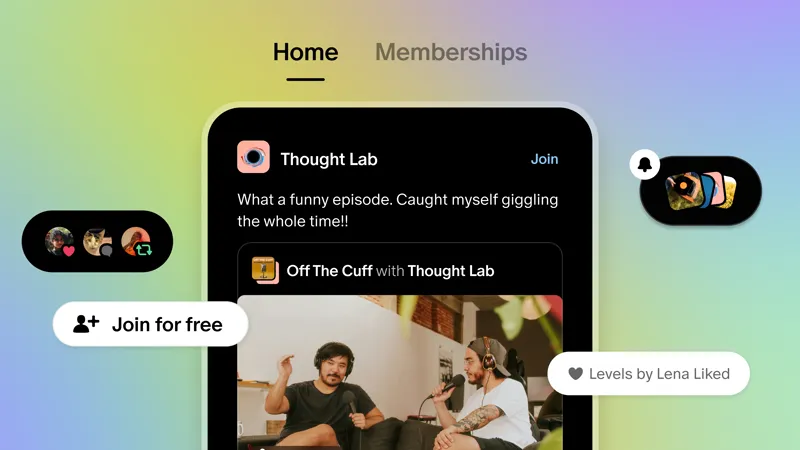
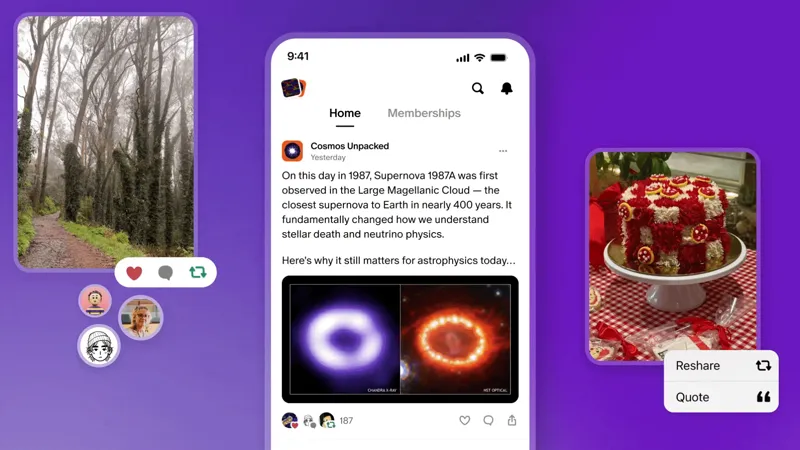
Home feed helps you discover more creators and posts. You’ll still see all types of posts from creators you follow, plus recommendations. Connected posts from creators that you follow are ranked the highest in the Home feed.
We also have a feed just for your memberships that is reserved for posts and Quips from creators you’re already a member of.
Read our latest post describing these two feeds with visuals.
When will 18+ creators get access to the feed?
We don’t have an exact date yet for when we’ll roll out a discovery feed for Adult/18+ creators, but it is something that we are working on.
How does discoverability work — what drives the algorithm, and how does it decide what to show people who've never heard of me?
The Home feed is built to help people discover creators and communities they'll genuinely care about — not just whatever grabs the most attention. A few signals shape what shows up: we prioritize work from people's existing memberships, engagement from your existing members (free and paid), freshness, and cross-creator interactions such as likes, comments, and reshares. For discovery specifically, we look at shared interests and engagement patterns to recommend your work to people who are most likely to love it.
Does the algorithm favor creators who already have traction, or does it give smaller creators a real shot?
Our algorithm and discovery features are still early but the goal isn't "winner-take-all" social media dynamics. The network is designed to reward human creativity and connection, agnostic of how large or small a creator may be. We're actively learning and tuning as the network grows, and we're building toward dedicated spaces where creators can gather around shared interests rather than competing in one big feed. The goal is for every creator to be able to find their people.
How do I actually convert free members into paying members — and can Quips and collaborations help?
Free engagement comes first. Kenji's approach is a great model: he gave free members real value upfront — ad-free videos, a recipe a week — and made the free tier feel like something worth being part of by giving it a name and a clear identity. From there, he layered in discounts and limited-time offers to move people toward paid. Quips are a natural part of that relationship-building: consistent presence and genuine interaction with your community creates the trust that makes people want to go deeper.
When will the new Home feed be available on desktop/web — the app-only experience isn't working for everyone.
This is something we're actively building now and we hope to bring it to creators this year.
Can 18+ creators use Quips and the new discovery network, or is it limited to all-ages content?
Here’s what Adult/18+ creators can expect during this rollout:
Starting on May 27, creators that make work for Adult/18+ audiences can combine their profiles and get immediate access to collaboration posts.
Creators that combine profiles ahead of the July 6 requirement will be prioritized as Patreon rolls out access to Patreon video and Quips to creators that make work for Adult/18+ audiences.
For Quips specifically: Quips will be visible to only your members first, with a discovery feed coming later.
🔗 Combining profiles
What does it mean to combine profiles?
Combining your profile is when your creator profile and member profile become one identity on Patreon. All creators were required to combine their profiles by June 30, 2026.
When you combine profiles, here’s what changes:
One name and one avatar that represent the creator everywhere. This single identity shows up both when managing the creator’s page and when interacting as a member. The profile image and name default to creator profile image and name.
One inbox for everything. Notifications and messages are unified, instead of having separate member-side and creator-side inboxes. It may take a few minutes for your chats and dms to refresh and appear.
Updated navigation on web and mobile to reflect the unified experience.
Comment access on public posts defaults to “Anyone can comment” to help your posts reach more fans in the feed. This can be changed any time in the post or Quip editor.
Your memberships and activity are more visible: Your activity on public posts may show up in the Home feed for other creators and fans to see.
What do my members see when I combine profiles/what activity is visible?
Your memberships and activity are more visible. When you combine your profiles, your memberships won't be listed publicly. However, your activity on public posts may show up in the feed for other creators and fans to see. This includes likes and comments on public posts, as well as activity on members-only posts that's visible to other members in the same community. This means people can naturally discover you through the communities you engage with as part of the network experience.
You can adjust what activity is shared in the Privacy tab of your account.
Do team accounts / team members work with a single identity?
Yes, team accounts are unaffected and maintain their existing behavior.
Comments (3)
The problem is that most creators feel Patreon doesn't give us a tipping option, and nobody likes paying for subscription gifts and buying things in the store where they hold money for 75 days—money that creators receive from their patrons. It's not fair that today, three years after I created my page (I'm here as twinsofpeasantry), I don't like that they take advantage of people who want to feel that Patreon helps them. Patreon hasn't given us real tipping options on YouTube, TikTok, everywhere—gifts, tips, live streams, posts. It's so sad to see how Patreon doesn't make an effort to give us that tipping option so we can keep growing. They give things that I, who am not a Patreon agent, would suggest could potentially help. This idea of tips and gifts, live streams, and feeds for everyone is what's fair, not what they're doing now, which is not giving us the things we need as creators and making patrons have a support option. That's why many... Are they switching to Kofi or do they have to look for other platforms?
Implementation of One-Time Payments: Exclusive reliance on monthly subscriptions discourages followers who wish to support on a one-off basis without
Hi Laura, creators can sell digital products, individual posts and collections as one-time-payments. You can learn more about these features here in our Help Center: https://support.patreon.com/hc/en-us/articles/16303719836813-Selling-one-time-purchases-on-Patreon