🎁 [BG] BUGFIX: (ROF) NudePart Override -- ⿻ You might not want this variant. -- [2/16] 🌠 Updated but post incomplete.
⚔️ TS4: BASE GAME ⋆🚀 5/18/25 ⋆🌠 2/16/26 ⋆☄️ 2/16/26
🔄 Always compatible [🌐] unless EAxis modifies the referenced resources [🌐].
⚙️ These are ZIP archives. See "BASIC INSTALL INSTRUCTIONS" for more info.
🆘 You can request assistance or inform me of issues in a new comment on this post, in a new post in the Troubleshooting Community Chat, or via DM (Discord). I don't bite, unless biting is the necessary response.
☆// ⋆ TOTES "SIMPLE" BUGFIX DESCRIPTION:
This is the "RESTRICT OPPOSITE FRAME" (ROF) variant of this BUGFIX.
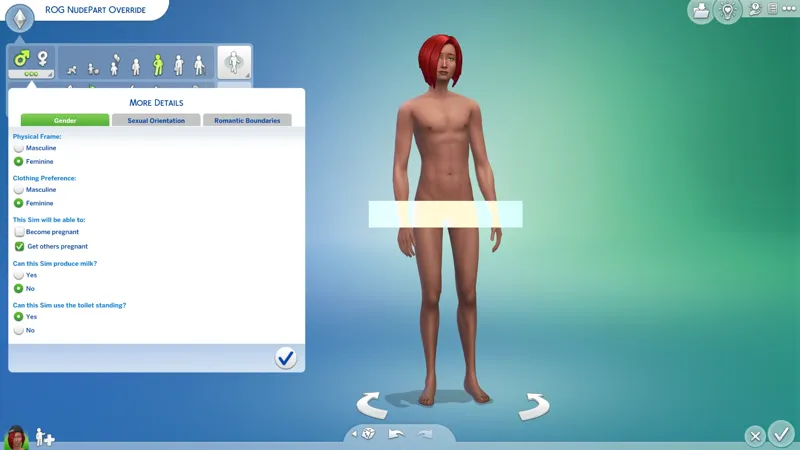
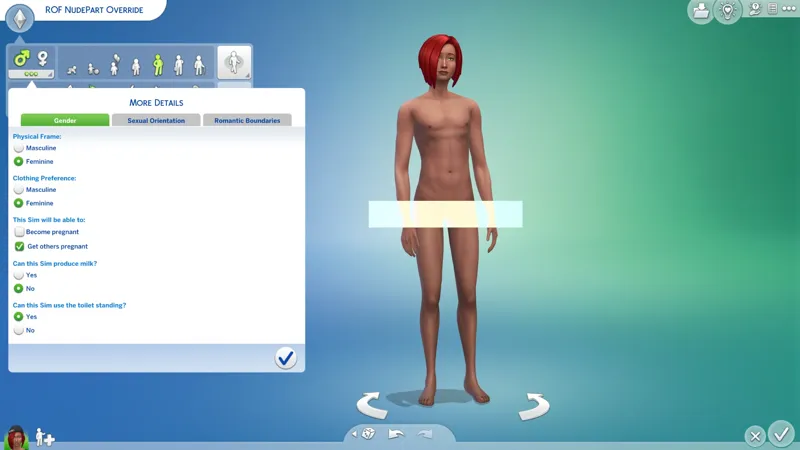
This variant is provided specifically for Simmers with "transframe" Sims (with or without custom nude body parts), but it is safe to use with "cisframe" Sims.
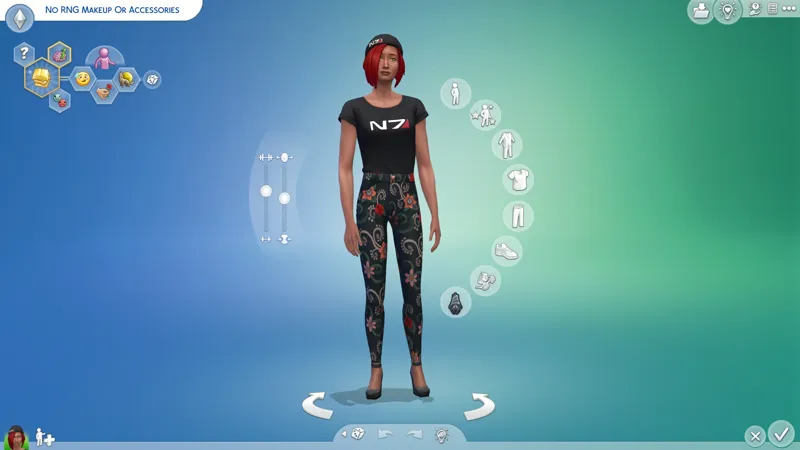
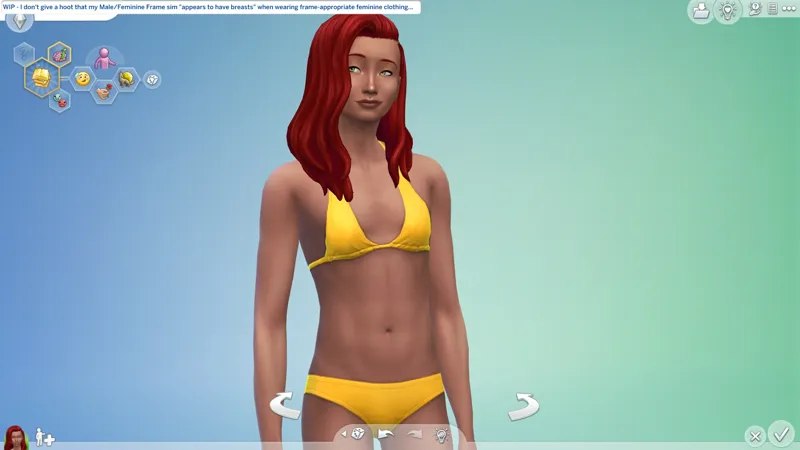
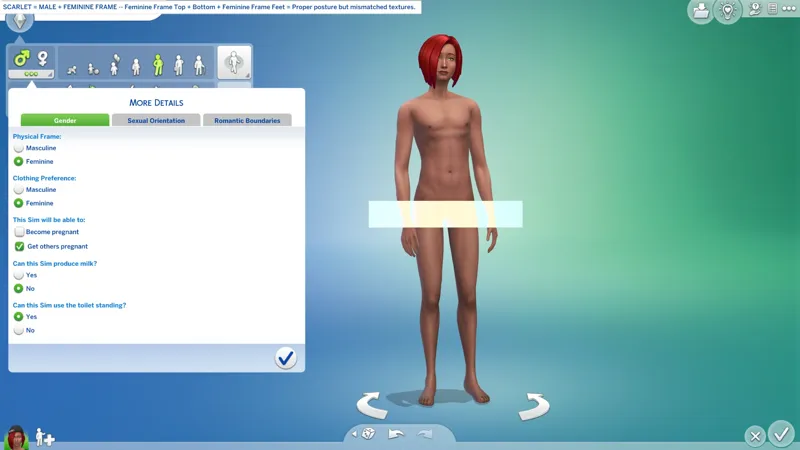
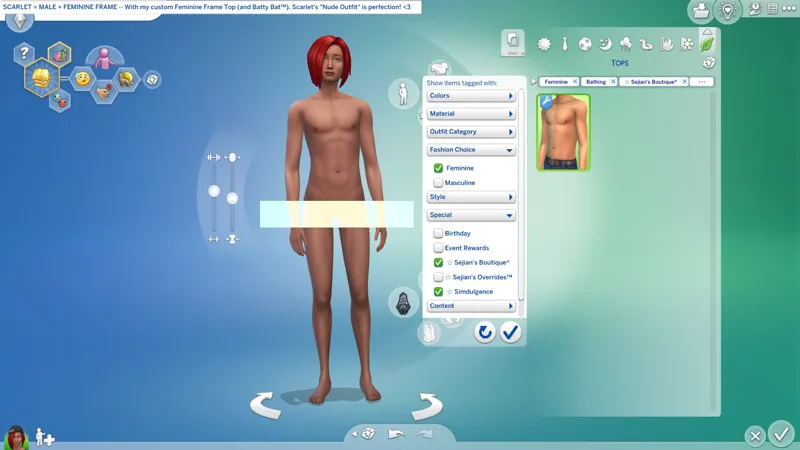
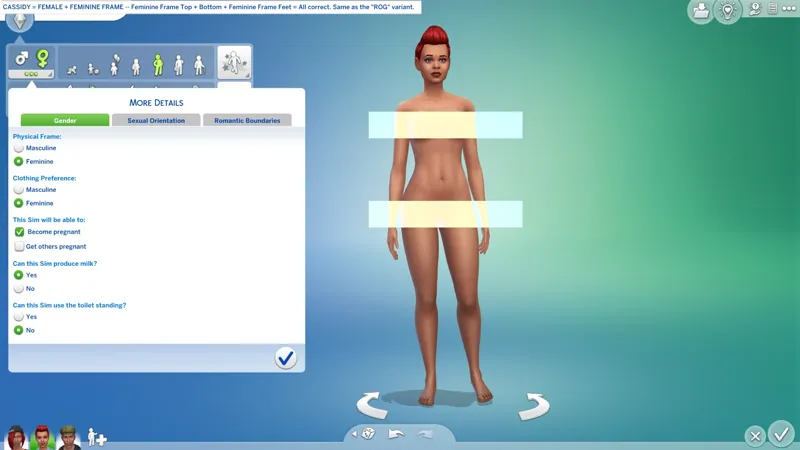
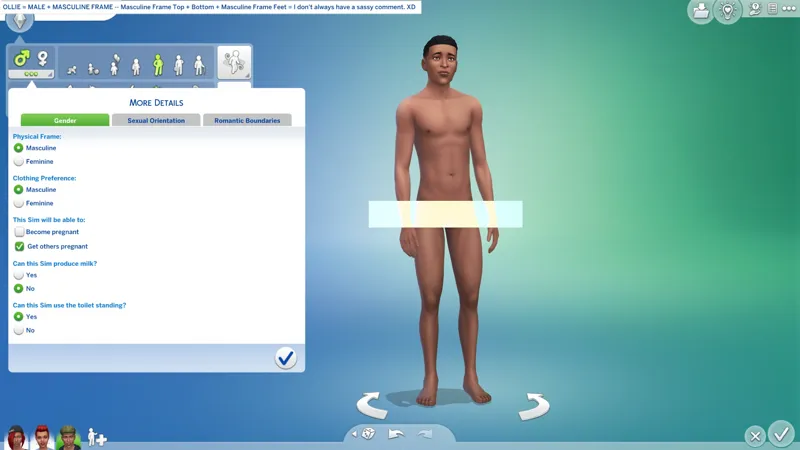
This variant matches the Top and Bottom nude body parts to the Sim's "Physical Frame" instead of their "Gender" (Sex). Male Sims with Feminine Physical Frame will generate with the Feminine Frame nude Top and Bottom, and vice versa for Female Sims with Masculine Physical Frame.
This variant has a unique filename, meaning you can install it alongside the "RESTRICT OPPOSITE GENDER" (ROG) variant, however, if both are installed, then this variant will be active in the game.
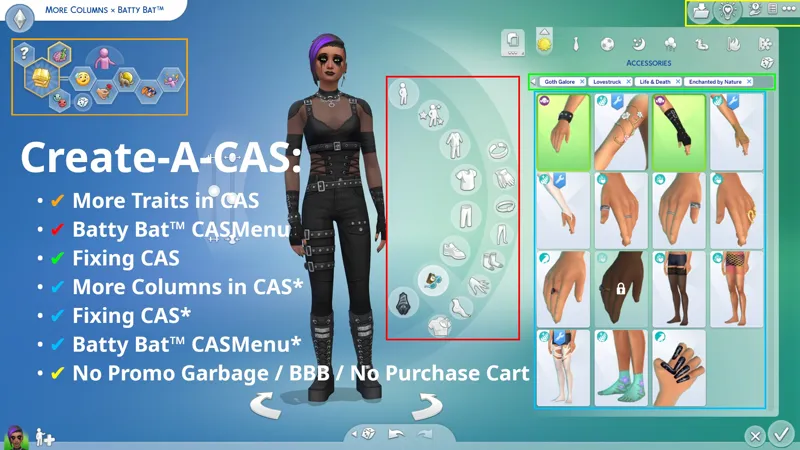
Unlike the other variant of this BUGFIX, this variant is not included in any other projects, e.g. "Batty Bat™ CASMenu Override". If you want this, you must download it from here.
This is a MERGED PACKAGE containing (38) CAS overrides:
NUDE BODY PARTS -- Fixed "Restrict Opposite" PARTFLAGS on Nude Bottoms and Nude (bare) Feet. I've also included overrides for every other Nude item in case EAxis ever tries to "fix" the Bottoms and Feet but instead manages to "break" everything else.
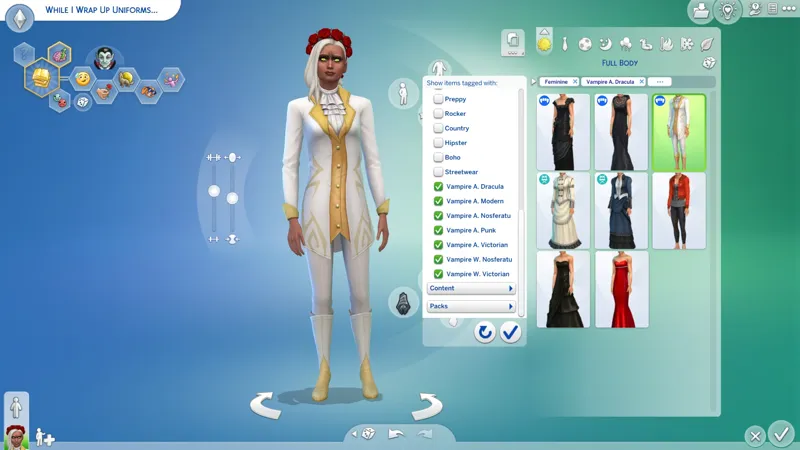
CLOTHING TOPS -- (2) Removed improper "Nude" TAGS.
TOENAILS -- (14) Fixed "Restrict Opposite" PARTFLAGS and reordered swatches.
FINGERNAILS -- (4) Fixed "Restrict Opposite" PARTFLAGS.
HEAD DECO -- (2) Removed conflicting Randomization TAGS.
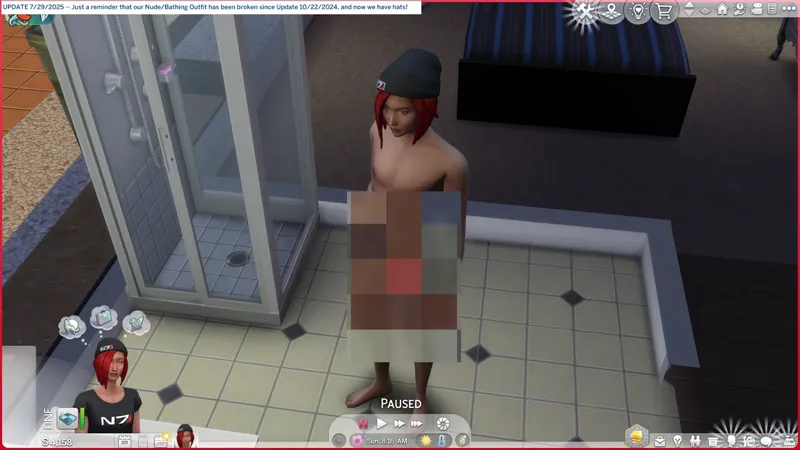
P.S. This BUGFIX, together with my "XTKO: Reset Deez Nuts" (or Lynire/LMS' "Reset Bathing Outfit" mod), will fix your broken "Nude/Bathing Outfit".
⋆ ── ─ ─ ─ ─ ─ ─ ─ ─ ─ ─ ⋆ \\⛔// ⋆ ─ ─ ─ ─ ─ ─ ─ ─ ─ ─ ── ⋆
☆// ⋆ DELETE THESE FILES IFFIN' YOU GOTHAM:
sej_CASOvrdMERC_BG_NudePart.package
⋆ ── ─ ─ ─ ─ ─ ─ ─ ─ ─ ─ ⋆ \\🎁// ⋆ ─ ─ ─ ─ ─ ─ ─ ─ ─ ─ ── ⋆
☆// ⋆ NOTICE MY POST ATTACHMENTS, SENPAI:
🎁 GDrive Folder -- PENDING™
🎁 SFS Folder -- PENDING™
☆// ⋆ HERE'S THE OTHER VARIANT:
🗺️ (ROG) NudePart Override -- https://../posts/125854009
☆// ⋆ FEATURED BOOTY:
🗺️ Batty Bat™ CASMenu Override (Standalone) -- https://../posts/107958333
🗺️ More Columns × Batty Bat™ -- https://../posts/135116776
🗺️ CAS Filters -- https://../posts/126616540
🗺️ SGFX: Smudgy Wudgy Barfy Warfy -- https://../posts/133330990
🗺️ XTKO: Goodbye Clownies -- https://../posts/116350036
🗺️ XTKO: Preferences To The Nines -- https://../posts/121200905
🗺️ XTKO: Reset Deez Nuts -- https://../posts/128730766
☆// ⋆ EVEN MOAR BOOTY:
🐞 BUGFIXES & BAND-AIDS Collection -- https://../collection/884858
🗺️ All-in-One Live Event Rewards Unlocker -- https://../posts/120588981
🚧 Chest Texture Overlays -- https://../posts/124312616
🗺️ No Mosaic Censor -- https://../posts/116735361
⋆ ── ─ ─ ─ ─ ─ ─ ─ ─ ─ ─ ⋆ \\☢️// ⋆ ─ ─ ─ ─ ─ ─ ─ ─ ─ ─ ── ⋆
☆// ⋆ OUR "NUDEPARTS" BEEN BROKEN FOR FOREVER:
This section is duplicated in both variant posts.
I don't understand how this isn't fixed yet. It's been broken for ages.
BOTTOMS -- Both nude Bottoms are missing their "Restrict Opposite" PARTFLAGS. As a result, both "cisframe" and "transframe" Sims can randomize/generate with the wrong Bottoms, which will then misalign with our "Restrict Opposite Gender" Tops.
BARE FEET -- Both are missing their "Restrict Opposite" PARTFLAGS. As a result, it appears that most Sims, both "cisframe" and "transframe", are randomizing/generating with the Feminine Frame bare feet. This creates a problem for "Resource Override" mesh replacements for bare feet because Masculine Frame Sims will end up with deformed Feminine Frame feet. Ain't life grand?
TOENAILS -- Some time ago, EAxis gave us some new Toenails. These new Toenails have the proper "Restrict Opposite Frame" PARTFLAG. How they didn't notice that the original Toenails have the wrong PARTFLAG is beyond my understanding.
FINGERNAILS -- Some time go, EAxis gave us some new Fingernails. How they managed to use the correct PARTFLAG on all but (4) of them is beyond my understanding.
For Teen and older, "NudeParts" are not like other CAS items, they need specific PARTFLAGS:
TOPS AND BOTTOMS -- These can be either be "Restrict Opposite Frame" or "Restrict Opposite Gender" depending on personal preference, but one or the other must be used, and they must match each other. The difference between these two PARTFLAGS mainly affects "transframe" Sims. "Cisframe" Sims will always get the "correct" nude body parts because their "Physical Frame" matches their "Gender".
BARE FEET -- These should always be "Restrict Opposite Frame" no matter what. Failure to do so will cause "transframe" bodies to deform.
TOENAILS -- These should always be "Restrict Opposite Frame" no matter what (unless it's a unisex mesh). Failure to do so will cause "transframe" bodies to deform.
FINGERNAILS -- These should always be "Restrict Opposite Frame" no matter what (unless it's a unisex mesh). Failure to do so will cause fingers and hands to deform.
For Children (and younger), "Restrict Opposite" PARTFLAGS on "NudeParts" are not necessary because Children (and younger) share one unisex "Physical Frame" and EAxis' body parts for these ages are unisex, despite there being (2) Tops for Children.
☆// ⋆ OF MICE AND MANY MEN:
🎙️🔞 Many, many, many, many men, wish death on me!
Third-party custom body part overrides/replacements should not suffer from these "Restrict Opposite" PARTFLAG shenanigans, however, it really depends on how old the content is.
If the content hasn't been updated in ages (like 3+ years, so around 2020~2022), it's possible that they might have improper PARTFLAGS. This is because once upon a time, creators just copied whatever EAxis was doing, without realizing that EAxis don't know their arse from their elbow...
I'm sorry. 😹
Is been (10) years.
It irritates me that we're still here.
⋆ ── ─ ─ ─ ─ ─ ─ ─ ─ ─ ─ ⋆ \\⚙️// ⋆ ─ ─ ─ ─ ─ ─ ─ ─ ─ ─ ── ⋆
☆// ⋆ BASIC INSTALL INSTRUCTIONS:
The following options must be enabled for this mod to work properly:
✅️ GAME OPTIONS » OTHER » "Enable Custom Content and Mods"
—
These are ZIP archives. They can be opened or extracted with:
Windows Explorer on Windows -- https://../windows/zip-and-unzip-files
Finder on Mac -- https://../mac/zip-and-unzip-files-and-folders
I personally use 7-Zip for all of my zipping needs. It's free and it's open-source:
7-Zip for Windows -- https://7-zip.org
—
This ZIP archive contains a "#Sej" folder and sub-folder for better mod organization.
1️⃣ EXIT the game.
2️⃣ DOWNLOAD the ZIP archive.
3️⃣ OPEN or EXTRACT the ZIP archive.
4️⃣ DRAG 'N DROP or MOVE the "#Sej" folder into the following folder:
Documents » Electronic Arts » The Sims 4 » "Mods"
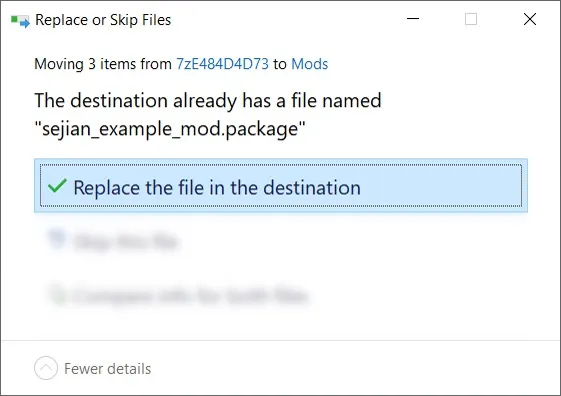
5️⃣ Choose "Replace the file in the destination" if prompted to "Replace or Skip Files":
6️⃣ LAUNCH the game.
☆// ⋆ PROJECT MIRRORS:
NIL
☆// ⋆ ZIP CONTAINS (0) TS4SCRIPT + (1) PACKAGE:
This is a simple CAS override.
This should NEVER contain TS4SCRIPT files, BATCH files, EXE files, or anything other than PACKAGE files, my "#Sej" folder, and a sub-folder.
This section exists as a reminder that we are in someone's crosshairs.
Rogue TS4SCRIPT files, BATCH files, EXE files, etc., encountered where they don't belong could contain malicious PYTHON script or other !@#$ that will attempt to infect your device and steal your personal information when executed by you or the game. Malware can ruin lives. Don't !@#$ around.
🗜️ sej_BUGF_BG_CASNudePartOverride_ROF_[YYMMDD]_[RELINFO].zip
📁 #Sej » BUGFIX
📄 sej_BUGF_BG_CASNudePartOverride_ROF.package
🗜️ sej_BUGF_SP15_CASNudePartOverride_ROF_[YYMMDD]_[RELINFO].zip
📁 #Sej » BUGFIX
📄 sej_BUGF_BG_CASNudePartOverride_ROF.package
📄 sej_BUGF_SP15_CASNudePartOverride.package