⛔ [BG] RESO: Custom Backgrounds + D.I.Y. Template for my Main Menu Override -- 🚧 [7/5] I need to re-release these and overhaul this post.
⚔️ MAIN MENU OVERRIDE ⋆ 🌠 3/12/2025 ⋆ ☄️ NIL ⋆ 🚀 2/3/2025
🔄 YES [🌐], but notify me in the comments (or via DM) if it ain't workin'.
⋆ ── ─ ─ ─ ─ ─ ─ ─ ─ ─ ─ ⋆ \\🚧// ⋆ ─ ─ ─ ─ ─ ─ ─ ─ ─ ─ ── ⋆
⚙️ These are ZIP archives. Windows Explorer (Windows) and Finder (Mac) can open/extract these. Place the extracted folder/files into your Mods folder, then ensure "Enable Custom Content and Mods" is enabled in GAME OPTIONS » OTHER.
🔗 THESE ARE STANDALONE CUSTOM BACKGROUNDS! They require a compatible Main Menu Override to function properly - like mine! No assembly required; just plug and play - https://../posts/MainMenuOverride
—
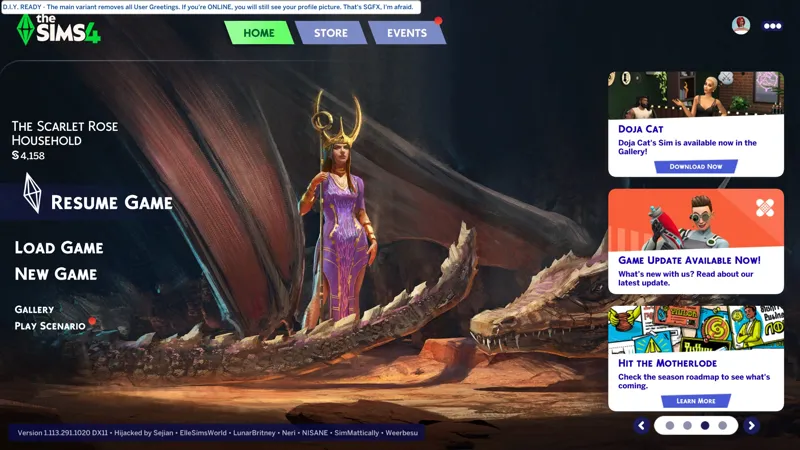
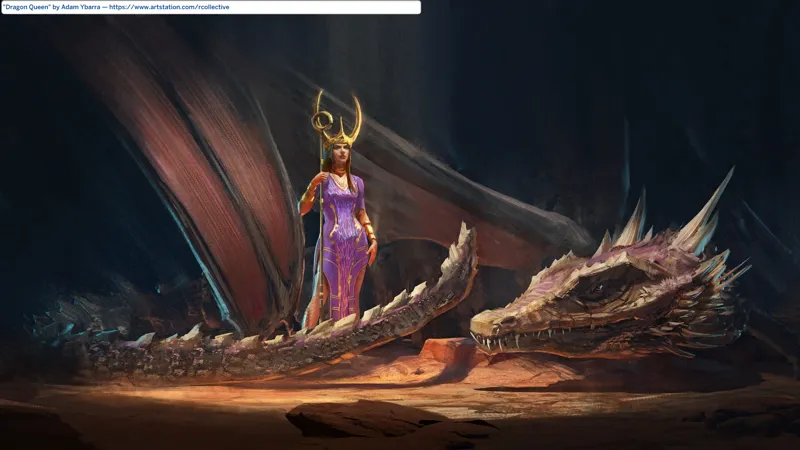
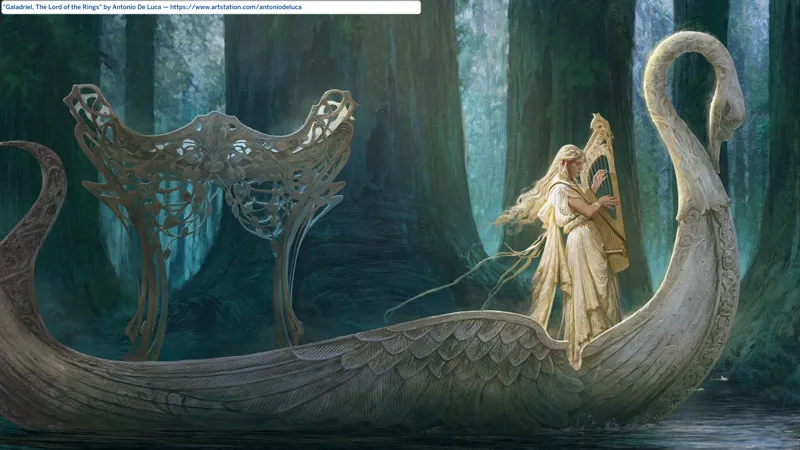
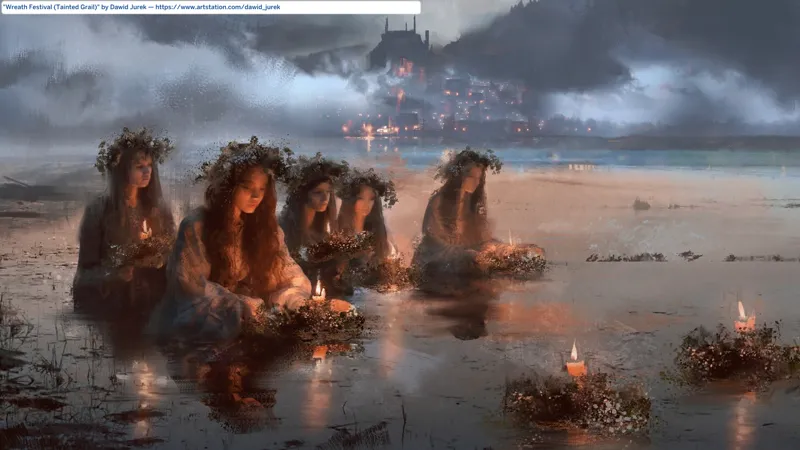
I have a attached a small selection of my custom Launcher Backgrounds to this post, including FOUR (4) previously released backgrounds, ONE (1) previously teased background - Sword Meets Sorcery - and my new "I HERALD THE STORM" background.
I've also decided to just attach new background to the post for a short time, then migrate them to GDrive and SFS.
I can't possibly attach errthang here, can I? I did attach like 30+ PACKAGES to tha- nah, don't even think about it. I have a ton of artwork I want to feature as Main Menu backgrounds (and I might even turn them into in-game posters - no promises - "cc" is not a priority for me yet).
However, I will re-attach previews for every custom background I've done, when I'm finished with my SGFX update. I'm considering attaching the "raw" images to avoid confusion since the new update is different.
⋆⋅ I HERALD THE STORM:
🔗 Main Menu Override + Goodies - https://../posts/121348052
🎁 GDrive Folder - https://../drive/MainMenuOverrides+
WILL CONTAIN errthang, including the SGFX Override, the Camera Angles Patches, the Welcome Strings Override, and every custom Launcher Background I've shown off thus far with more coming soon™. F.Y.I. This is not SimMattically's or NISANE's overrides, you have to swap these backgrounds manually.
🎁 SFS Folder - http://../folder/MainMenuOverrides+
WILL CONTAIN everything listed above EXCEPT my collection of custom Launcher Backgrounds - but I will try to upload them soon™.
⋆⋅ WITH DRAGONS - STORM DRAGONS:
🔎 Resource Overrides Collection - https://../collection/view=condensed
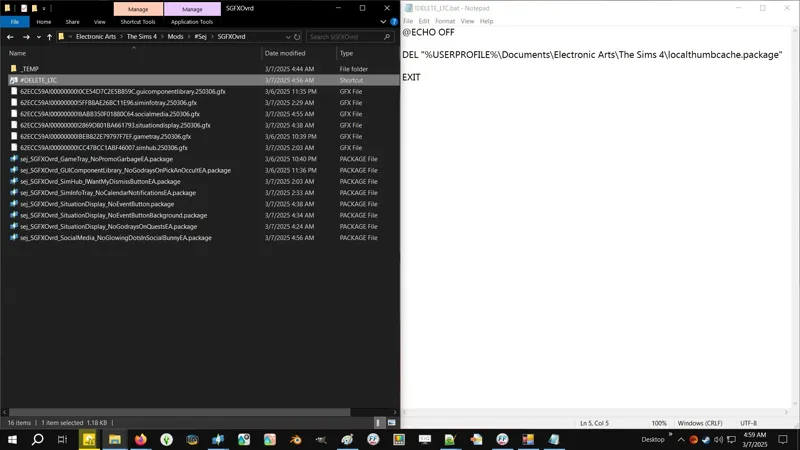
🗺️ Delete Your LocalThumbCache - https://../posts/123831852
🗺️ No Main Menu User Greetings - https://../posts/124157951
🗺️ No Loading Screen Tips - https://../posts/123887707
🗺️ Pure Black Loading + Transition Screen - https://../posts/123464880
⋆⋅ THIS POST IS WORK-IN-PROGRESS - EVERYTHING BELOW THIS SECTION IS CUTPASTE AND MIGHT REQUIRE TWEAKING:
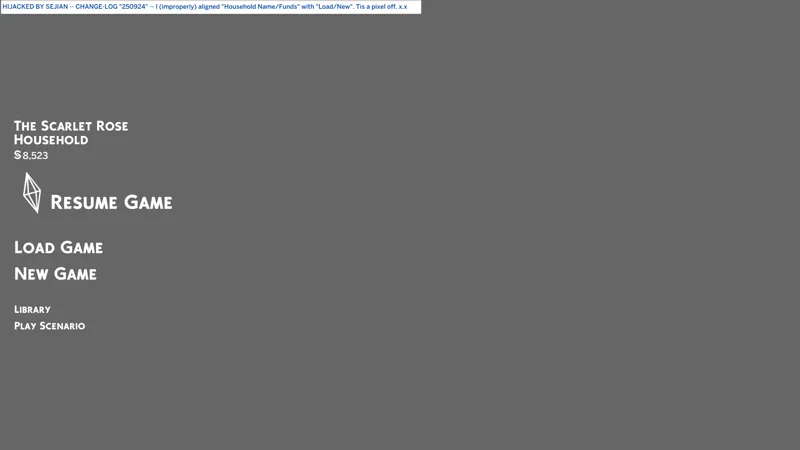
I'm cutpasting from the SGFX Override post while I finish up the new update featured in the attached screenshot.
When all is done, this post be where I dump all my custom "Launcher Backgrounds" and also where the D.I.Y. PACKAGE for making your own backgrounds will be.
I needed to split the SGFX Override post because I'm always tweaking my SGFX Overrides, e.g. I'm still poking at the scaling issue EAxis introduced with the new Main Menu that they can't be arsed to fix - turns out NISANE's "fix" is part of their custom script code and it don't work with EAxis' script - so I need to not bloat my Main Menu SGFX post with a bazillion custom background screenshots, e.g. for my e.g. I just modified SimMattically's code to toggle all the crap instead of just the HOUSEHOLD thumbnail and NEWS/MARKETING panel! I AM BEAWESOME!
⋆⋅ WHAT'S IN THE BAG:
ONE (1) D.I.Y. Custom Background Template (Resource Override)
A Google Folder with every sharable "launcher background" I've made or will make in the future. No ZIP ARCHIVES for this because it's unlikely these will ever need updating... unless EAxis changes the resource the Main Menu uses.
⋆⋅ ONE (1) D.I.Y. CUSTOM BACKGROUND TEMPLATE:
THIS D.I.Y. CUSTOM BACKGROUND TEMPLATE (A.K.A. RESOURCE OVERRIDE) WILL WORK WITH THIRD-PARTY MAIN MENU OVERRIDES!
HOWEVER, most third-party main menu overrides contain these background resources with their custom pictures. To make yours work with them, you will have to rename your custom background for alphanumerical load priority, meaning if the main menu override is named "AwesomeMainMenuOverride.package", your custom background will need to be named something like "AwesomeMainMenu1.package".
The one with load priority will appear in-game, so you can technically create a sub-folder wherever you have these and move the one you want to see into that sub-folder and the game should load it first.
As long as your resource override appears above the third-party main menu override when you order your files by name, you should be fine. Is the same concept as my Camera Patches.
These things should never break unless EAxis decides to change which DST resources the Main Menu uses.
This is your D.I.Y. template. Use it to make your own custom backgrounds.
Inside the PACKAGE are three resources:
ONE (1) Name Map resource which exists to give each resource a "name".
TWO (2) blank DST Image resources.
Each DST Image resource has a "name" that corresponds to which background the resource is for:
B9BF2DB2BE0BB5F3 is the HOME background.
855F9F4C12D139DE is the STORE background.
You can IMPORT (NOT BATCH IMPORT) the same image for both or a different image for each if you so desire.
EAxis broke image centering on the Main Menu with Update 1/14/2025, so when making these for personal use, you should crop your image to your in-game resolution for best results. For public sharing, maybe stick to a 16:9 compatible resolution like 1920 x 1080 since it's prevalent.
Extra large images or images with non-standard resolutions may fail to work. I've had 4K images work while QHD images failed to work. Your mileage will vary, but 1920x1080p should always work. If JPEG/JPG ain't workin', convert your images to PNG.
⋆⋅ THE PROBLEM WITH ARTWORK AND CREDIT:
I prefer not to share custom backgrounds featuring artwork that lacks some form of credit information. Whether it's traditional, digital, or generative AI, I prefer to credit.
Folks deserve recognition for their work.
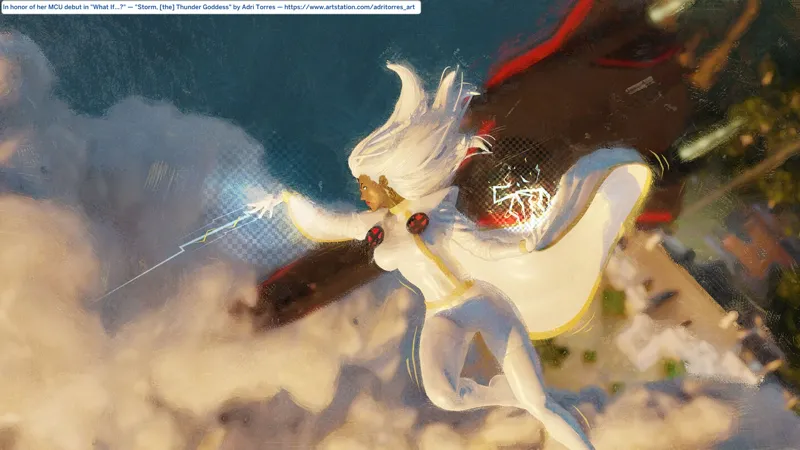
I will only share artwork without credit in rare cases where the artwork is really spectacular, e.g. the artwork for Storm is lovely, but it wasn't actually my first choice - there's another one that has an artist signature but lacks credit.
We can turn any image into a Main Menu background, but one would hope that the creator community - what expects or requests credit be given, or outright bars other creators and simmers from modifying and sharing their work (even though that isn't allowed by the EA User Agreement that we all agree to) - doesn't do onto others what we don't want done onto us, just because they don't know we're doing it.
Images and artwork featured - you likely won't get hardcore NSFW stuff here:
My personal in-game screenshots from The Sims 4.
⋆⋅ ARTWORK:
You likely won't find any hardcore 🔞 NSFW stuff here, but you might get some top nudity or implied or obscured full-body nudity. I will notify wherever caution is advised.
If it has a 🔞 NSFW tag, it might mean that the original artwork alone is NSFW but the cropped background isn't, or they might both be 🔞 NSFW. I will advise as necessary.
"Astarion - BG3 Limited Exclusive" by Anato Finnstark 🔞
Artwork is NSFW but background is ONLY male chest nudity.
"K/DA Pop Star - Splash Final" by Bo Chen
"Queen of the Night" by Marta Nael
"Storm, [the] Thunder Goddess" by Adri Torres 🔥
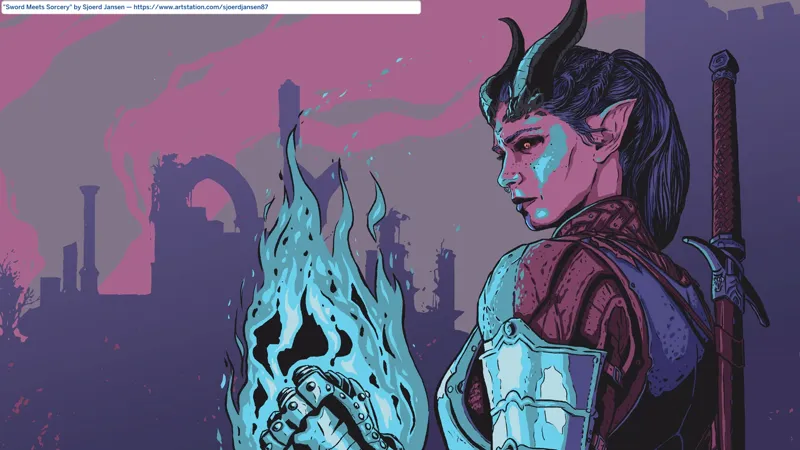
"Sword Meets Sorcery" by Sjoerd Jansen 🔥
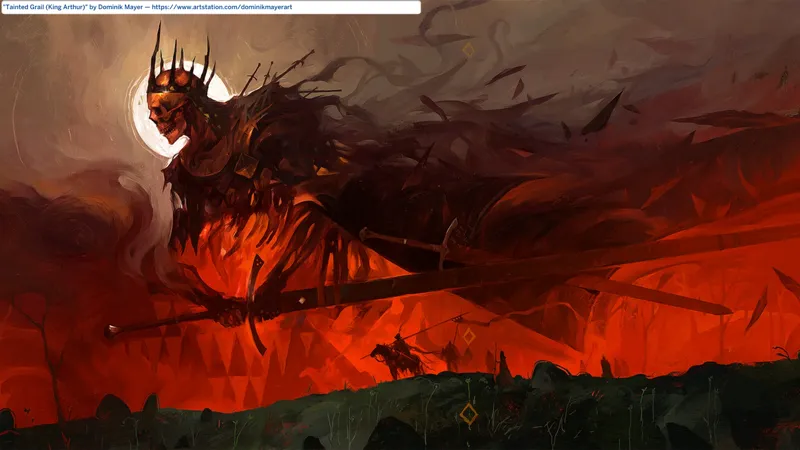
"Tainted Grail (King Arthur)" by Dominik Mayer 🔥
⋆⋅ PROMOTIONAL MATERIAL - ALSO ARTWORK:
"ARCANE - Teaser [for] Season 2" by Netflix
⋆⋅ THIS LIST NEEDS FORMATTING:
Electronic Arts - The Sims 4
KRAFTON, Inc. - inZOI
Netflix - Blue Eye Samurai
Paralives Studio - Paralives
⋆⋅ CONTAINS (0) TS4SCRIPT + (1+[X]) PACKAGE:
*_BG_DST_LauncherBG_YourUniqueFilenameHere_[YYMMDD]_[RELINFO].zip
sej_RESOvrd_BG_DST_LauncherBG_YourUniqueFilenameHere.package