



Conflicts with mods | The sims 4
This post covers the conflicts with third-party mods and identifies which specific mods they clash with.
Before you make a report, do this first.
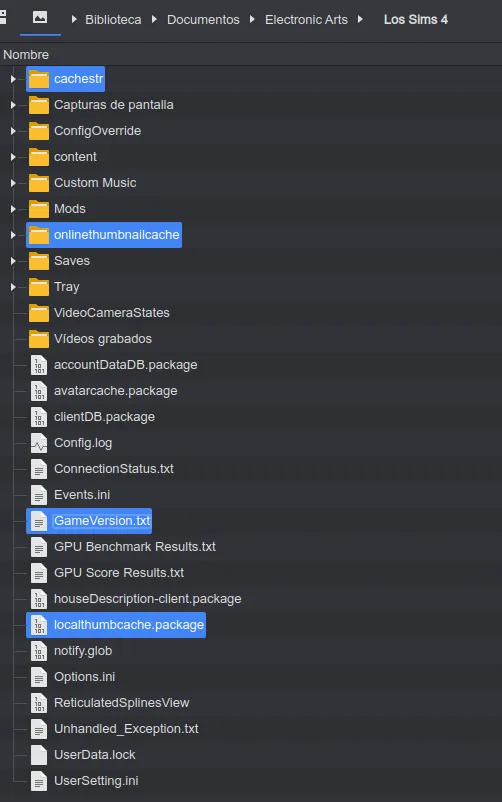
Delete the game cache.
cachestr.
onlinethumbnailcache.
And delete following files:
GameVersion.txt
localthumbcache.package
This is done so that the game reloads the mods correctly.
Delete my mods without overwriting them, as their file names and locations are constantly changing.
You can delete mod files, but moving them from their original locations —especially the modular ones— can cause errors in the game..
Make sure the mod is installed in the right folder.
Remove any unnecessary patches for mods, as they may cause conflicts.
Don't forget, you can submit your reports via Patreon.
Mods reported in conflict. [Last update: August 16, 2025]
-------------------------------------------------------------------------------
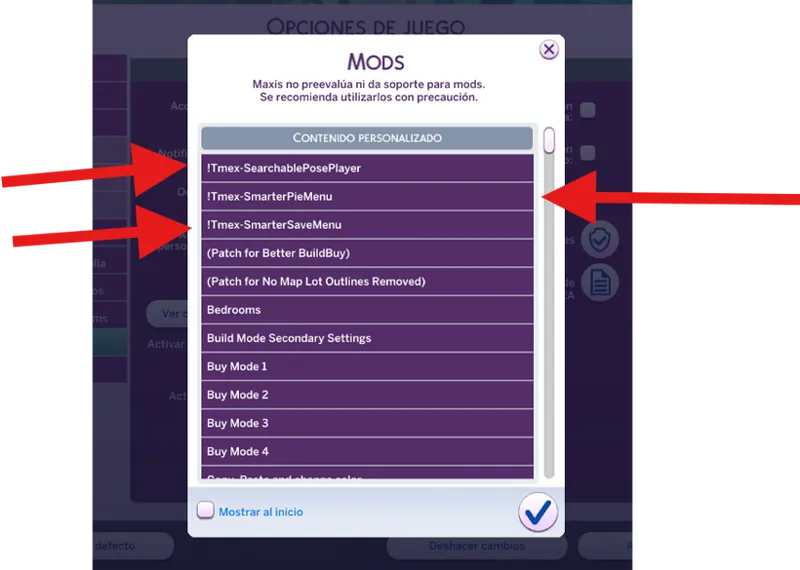
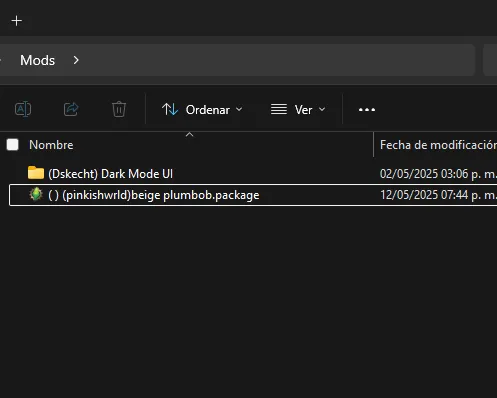
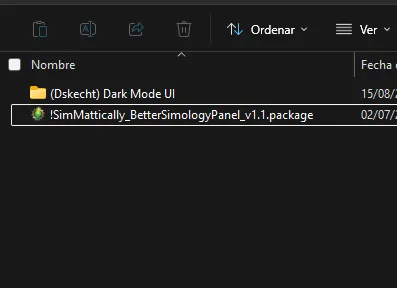
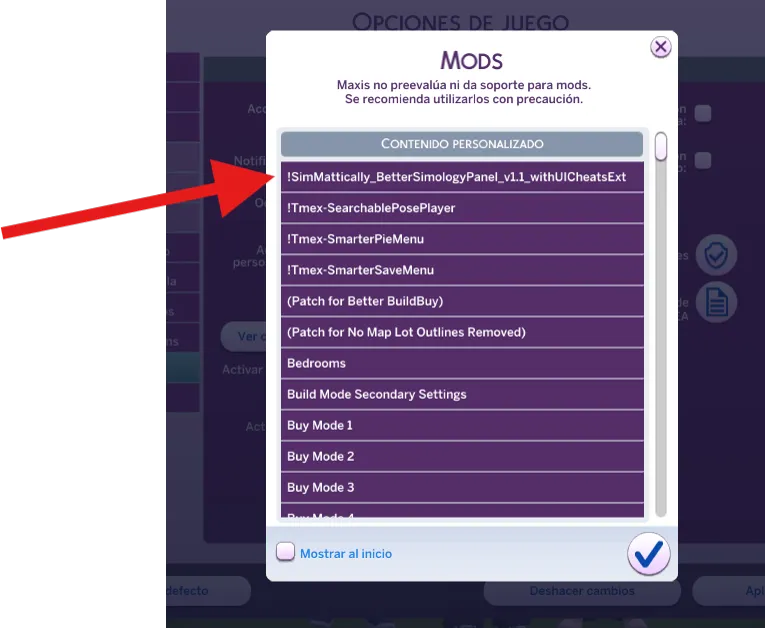
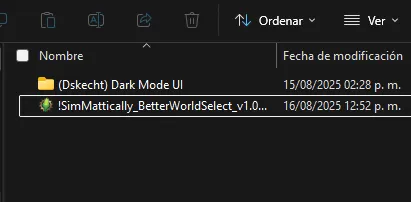
Before we go down, a quick tip: almost all problems with mods that don't have compatibility patches or alternative textures can be solved by changing the mod loading order. Simply add a symbol like "!" to the beginning of the file or folder name, as shown in the example.
If you're interested in learning how face order works in The Sims 4, you can read the following post, where I elaborate on the topic.
-------------------------------------------------------------------------------
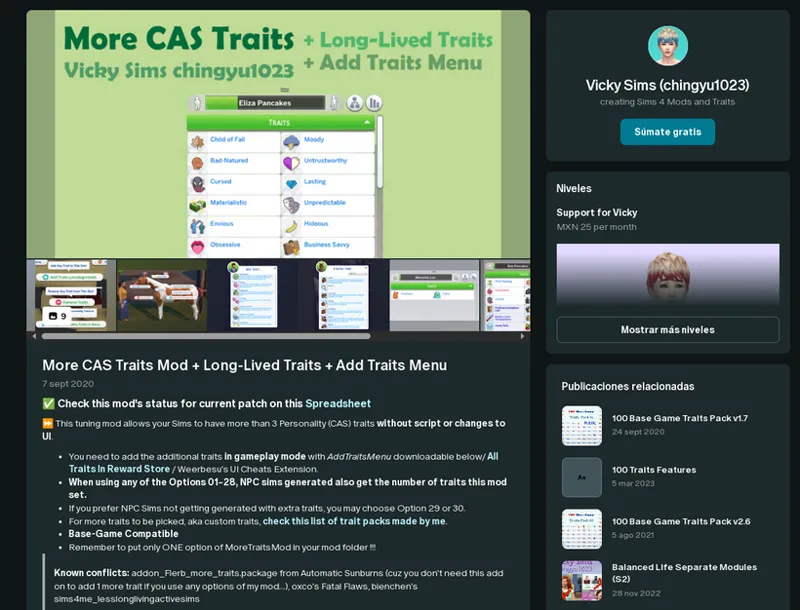
More CAS Traits Mod + Add Traits Menu + Long-Lived Traits
The issue seems to be caused by incompatibility with the Weerbesu mod - UI Cheats Extension. The problem occurs because the patch for this mod uses original code from UI Cheats Extension. The only fix is to remove all files related to the UI Cheats Extension mod, including the patch.
[It is not possible to patch the mod 100%]
-------------------------------------------------------------------------------
Create A World (CAW)
There’s an error in the operation of the mod.
Since the mod is behind a paywall, I can’t confirm or deny its effects, nor say if it’s possible to fix the bug.
-------------------------------------------------------------------------------
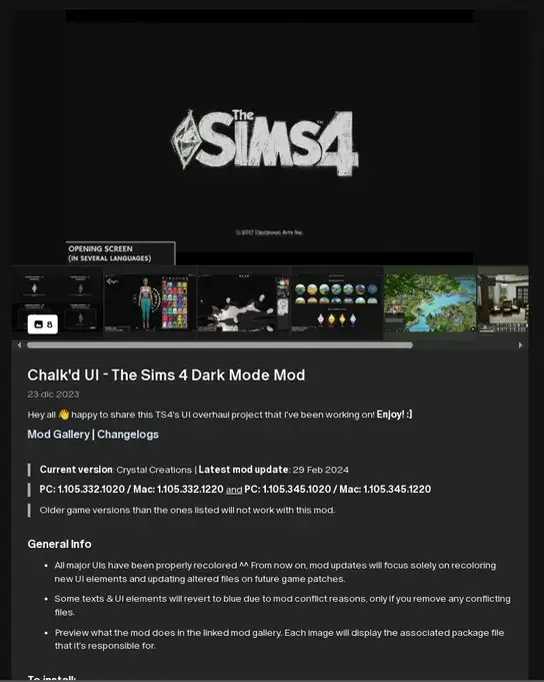
Sims 4 in Dark Mode - Chalk'd UI or similar
Obviously, my mods don’t work with this mod.
Due to the way both mods are structured, it’s possible to combine their files, but you’ll need to experiment on your own to figure it out. I’m not responsible for the outcome.
-------------------------------------------------------------------------------
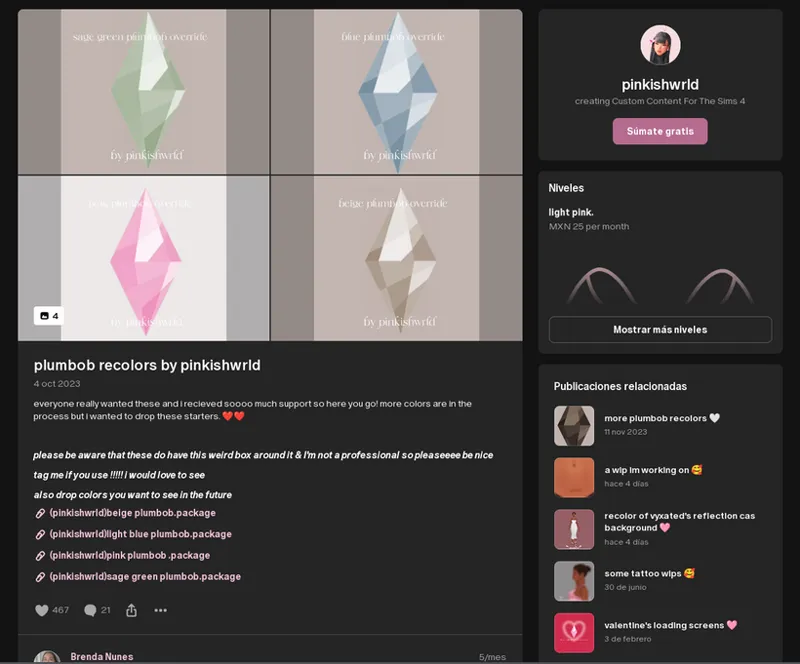
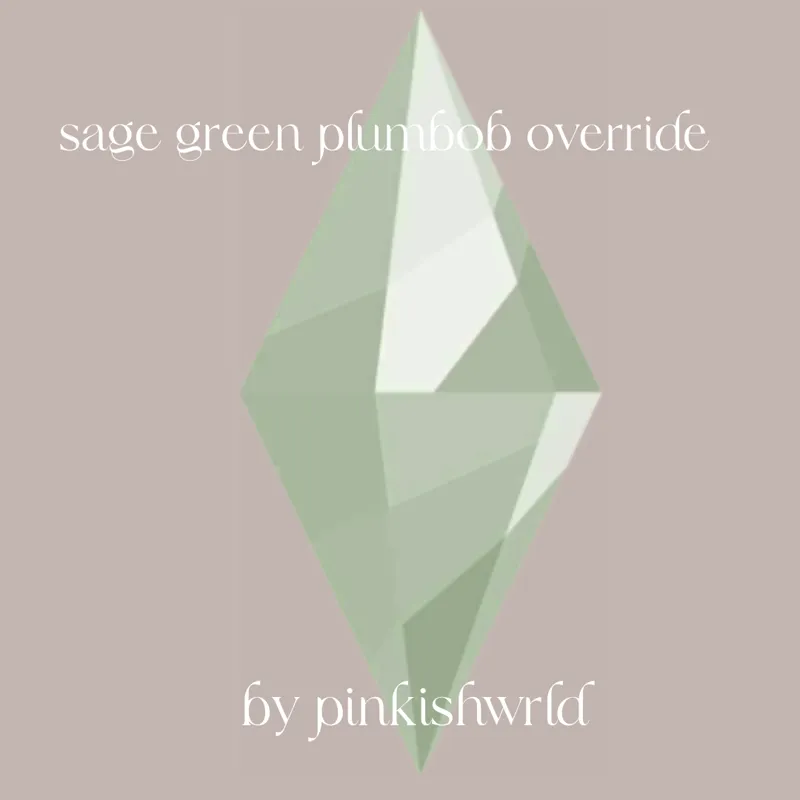
Plumbob recolors by pinkishwrld or similar
The mod does not work.
After the October 22, 2024 update, my loading screens work with Plumbob's overrides; you just need to adjust the mod's loading order for it to function properly.
If you don't know what mod loading order is or how it works, please read this post.
Make sure the mods were updated or released after The Sims 4 update on October 22, 2024, or you’ll end up with incompatibility errors.
-------------------------------------------------------------------------------
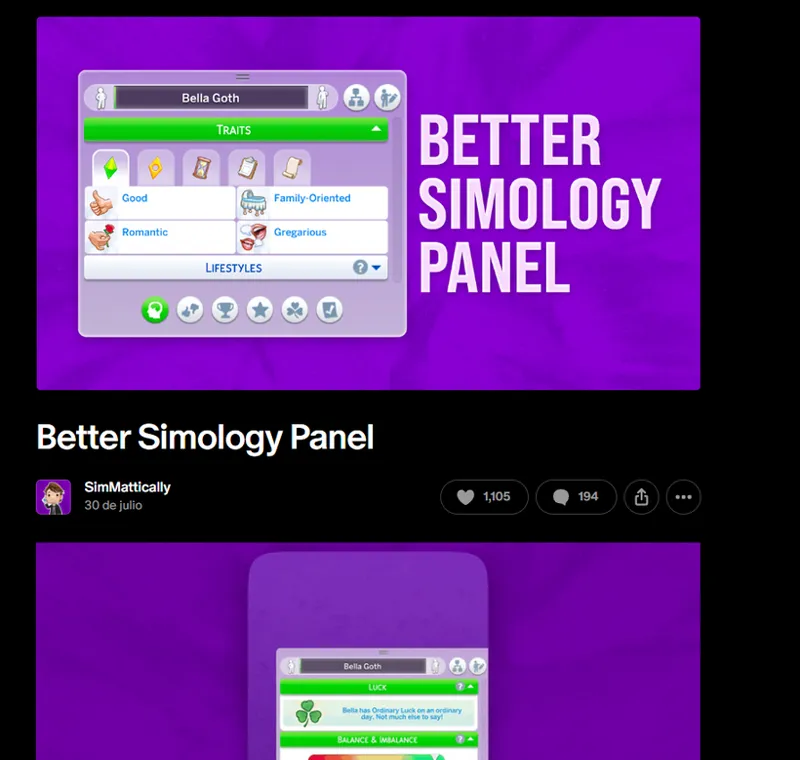
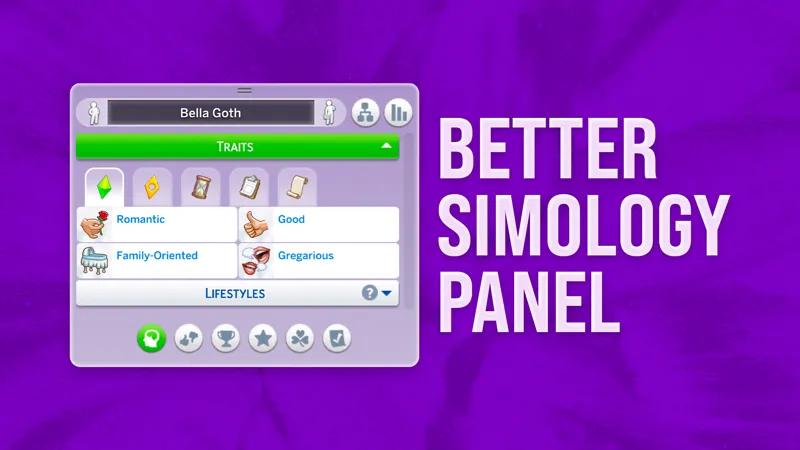
Better Simology Panel
The mod isn’t working.
The conflict happens because this mod changes the gfx file that controls the text color. The only way to make it work with other conflicting color interfaces is to give the "Better Simology Panel" loading priority.
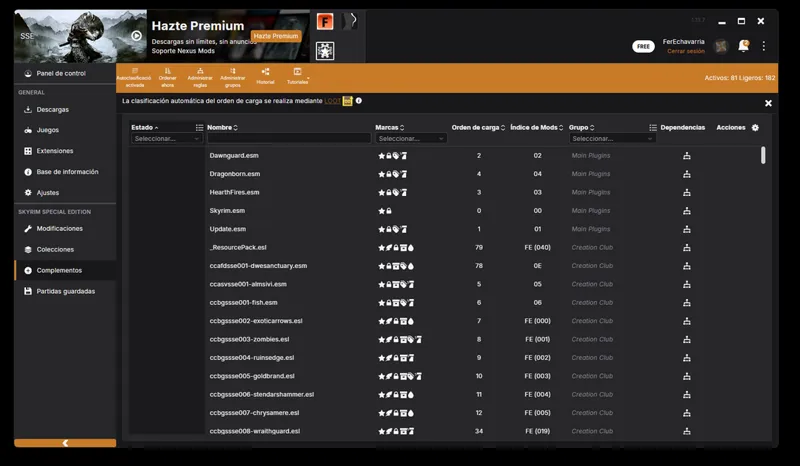
If the issue continues, take a look at the list of installed mods. If this mod isn’t at the top, then there’s likely another problem with the game.
-------------------------------------------------------------------------------
Better World Select
The mod does not work.
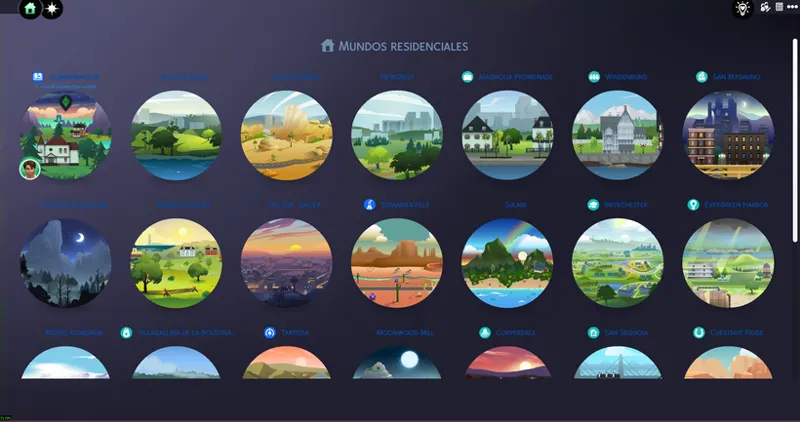
The conflict happens because this mod changes the gfx file that controls text color. The only way to make it work with other conflicting color interfaces is to give “Better World Select” loading priority.
The only ongoing issue is that the text color will reset to the default, but if that doesn’t bother you, you can proceed without any trouble. Alternatively, you could choose the version without the world names.
If the problem persists, check the list of installed mods. If this mod doesn't appear at the top of the list, then something else is wrong with the game.
-------------------------------------------------------------------------------
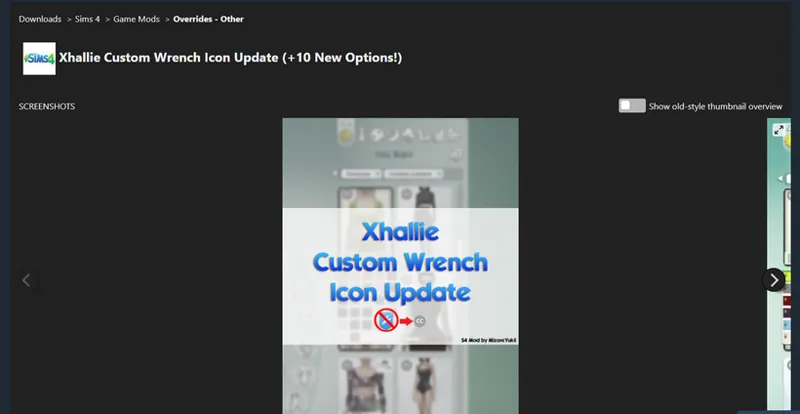
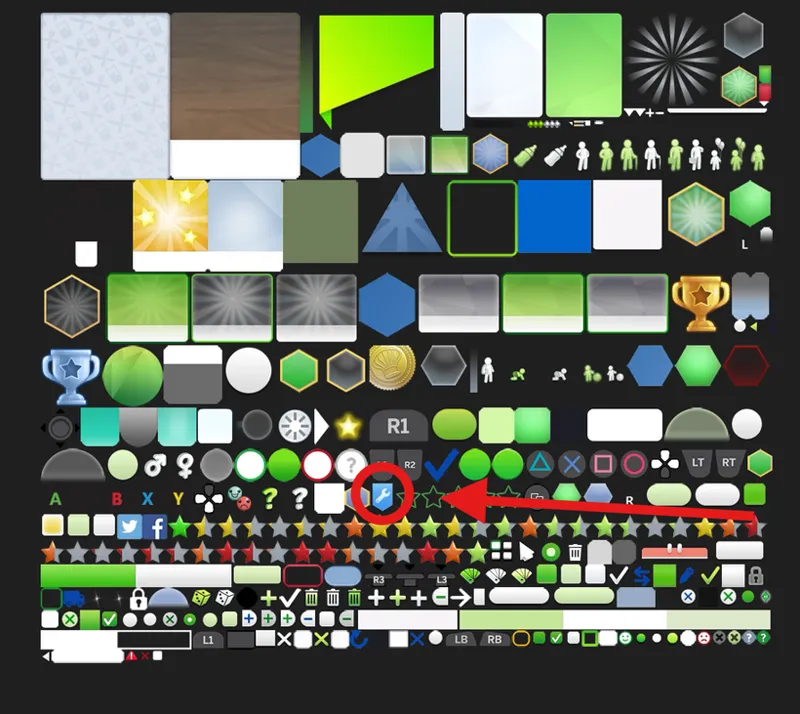
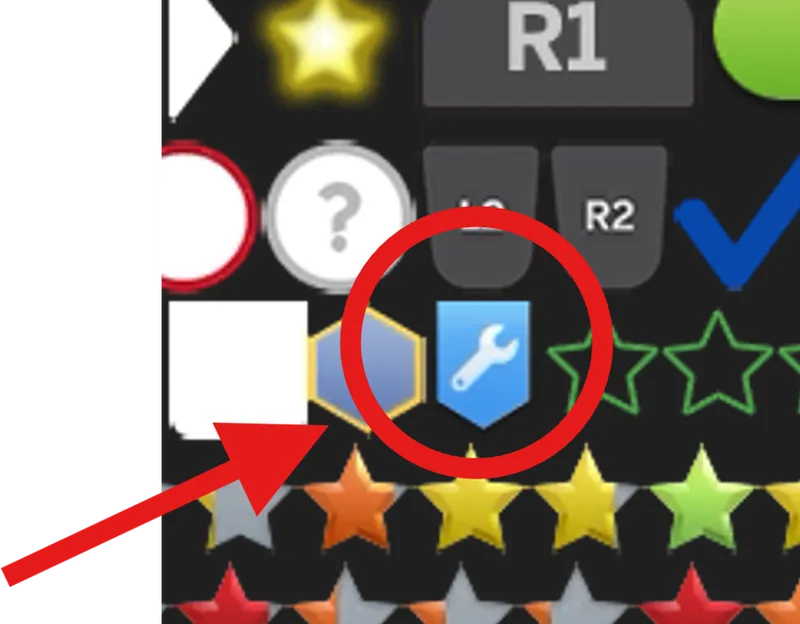
Custom wrench icon or something similar
Error in the operation in the mod.
The error happens because this mod changes some of the low-level textures, and making a patch for it isn’t possible, as I’d basically have to re-upload the whole mod myself.
-----------------------------------------------------------------------------
Some third-party mods already come with a compatibility patch, while others need a special installation to function correctly.
You can check the FAQ post to resolve this situation.
If you come across an issue without a solution or patch, feel free to discuss it here or in the Patreon group chats.

Comments (36)
So for anyone who think's they did it all right and removed the mods you needed to and it still breaks, check the folder and don't forget the patch mods. those just had me confused for an hour. just something to spare others the headache I just had.
Thanks for all your work! Just wanted to flag that this conflicts wuth Auto Pause by Pancake1. Do you have a fix?
Hello! Thank you for such thorough explanations, your guide really helps tons and I am so fascinated on how much work you must had put to write and check everything (including building this mod ofc). I read all of it and it helped me make Better Simmology and this mod compatible, I don't use any other UI mods. However I did run into one situation. I use Kuttoe's Career Overhaul mod and while the whole UI is working fine, only Career pannel has no information at all - it was blank with a drop down menu that doesn't do anything. I placed "#" in front of the name folder to load it before your Dark UI mod, but that didn't help. So I removed it completely but that didn't help either. I did delete all cache files. Any ideas why only Career section doesn't work? Perhaps it's Better Simmology problem?
Well, I can talk about what's happening behind the scenes in the game. Internally, the game's job selector was updated and several things changed. I don't know if mods that add or modify careers need updating. I'm speaking because I modify NPC jobs with my filter mod, and I didn't notice any changes in the career structure. I don't know if it applied changes to the careers the player can choose.
Thank you for your advice on pairing your dark mode with Simmatically’s New World Select. It works! So happy - thank you
Hey, is anyone else having this issue in The Sims 4? When I’m in build mode, everything works at first—I can place or delete items like normal—but after a few actions, it just completely stops letting me do anything. The sledgehammer tool won’t delete stuff, and I can’t place new build/buy items either. It used to work if I exited and re-entered build mode, but now that doesn’t help. I have to close and fully restart the game just to get it working again. I’ve already gone through my Mods folder, updated everything, and deleted anything causing conflicts using Sims 4 Mod Manager. I even keep all my mods organized in their own folders by creator, so I’m really not sure what could be causing this. Has anyone else experienced this or know what else I can try?
Yes, it's a game bug that's been around for several updates and occurs on lots that are heavily populated with objects. It happens almost randomly. I can't say what triggers the error, but it causes the simulation engine to crash and everything to become unresponsive.
Hi, I don't know if this was asked before, but I was wondering if you'll make your UI mods compatible with this mod by thepancake1: https://www.patreon.com/posts/auto-pause-on-123423629 and will you add back the patch for TwistedMexi's Searchable Household Management? He recently updated the mod.
Okay, let's go step by step. The "Auto Pause On Pie Menu" mod has the same problem as TwistedMexi's and Arnie's mods: it modifies the piemenu.gfx file, so creating a patch to change the color is impossible. However, the pre-installed patch for "Smart Pie Menu" will work since it's just a texture to adjust the text color. Even thepancake1 and MizoreYukii say it's a conflict post. *Conflicts This edits the piemenu.gfx UI file, and will conflict with any other mods that edit this file. So far this includes: Smarter Pie Menu by TwistedMexi UI recolors, which you can partially solve by making our mod load first. The pie menu may be white again depending on the recolor, but this way you can use it with the rest of the UI recolors. Fresh Pie Menu by Arnie* ------------------------------------------------------------------ So the same procedure to resolve the "Smart Pie Menu" conflict. As for Searchable Household Management, I forgot to update the patch, since it's not a popular mod, so no one has missed a patch for me, or they use other colors where the conflict doesn't exist. Maybe I'll add it now when the update arrives on July 1st.
how do i delete the mod without breaking my game?
It can be deleted at any time, since it is textures, you just have to clear the cache.
Hi, first of all i would like to thank you for making this mod :) basically i am having an issue when i go into manage worlds and click on the outer world logo none of the pack worlds are showing, it is showing only willow creek with an option to 'unlock' and a mash up of 'pick a world' and 'locked world' in text at the top of the screen. I may be being silly but i think i have all the package files i need, i just wanted to send my sims on holiday XD
Could you post a screenshot in the Patreon group chat? This situation seems very strange to me. Still, I'll try to replicate the problem. What interface color are you having trouble with?
I downloaded the pink mode UI and when I'm in-game it does this weird thing where I cannot click on the three dots (it becomes dysfunctional?) and when I try to go into build mode it wont actually pause it, it'll just act like it is but wont do anything causing my to have to force quit my game
It's either due to the UI cheats patch, since you're using the patch without the mod, or it could be that you're using an old version of the game. These are the only 2 scenarios where this error can occur.
My worlds won't show up on the map and when I exit the game the popup for it is transparent, not a solid color. I looked up a video how to correctly install the mod and I deleted the files that were needed to be deleted, and I took out all my mods to see if it was this mod causing the issue and it seems like it is. but idk if it's something I did or what's causing this issue.
What color did you have the problem with?
So, since the 1.112 patch has a new main menu, when I add a new main menu screen mod, I still add it to the Start Menu folder?
At the moment you can install it normally, since there is nothing to prevent a malfunction.
Please do forgive me if I have missed the reference to this somewhere else, but is there a way to get the More CAS Columns mod to work with yours?
Compa, currently, my mods don't conflict with that mod, as I use it as well. If you have problems, you can use the 50/50 technique to see if the problem persists. But for my part, I can assure you that my mod doesn't conflict.
do you know how to permanently delete cache files? they keep automatically reappearing and breaking the ui
Hello, thank you for the mod, but I'm having some issues understanding what actions to take regarding the More CAS Traits Mod + Add Traits Menu + Long-Lived Traits conflict. I need to remove the UI Extension mod patch from Dark UI, and what other files related to UI Extensions? The UI Extension mod itself? I'm hoping not because I really want to use all of these mods together. Update: Never mind, I saw someone else asked about this in the comments and read your response, I'm guessing I'm lucky too since removing UI Extension patch from Dark UI resolved the distortion I was getting while hovering over Sims. The information above their heads was warped and mess up. I've been doing the 50/50 method all week to figure out why and after removing the patch, my issue is resolved. Hoping I stay lucky!
how did you fix the hover issue?
Hi (: Before I put the tmex files in the patches folder, I had a few mod conflicts with UI. After I put the Tmex mod files in the patches folder, I am getting a few more in addition to the few UI mod conflicts already shown using TOOL, & UI Cheats, haven't put BBB in yet. I followed the picture as in your description, adding the files to the patch folder, but keep getting the BE reports for UI conflict. wanna figure this before adding anything else, while conflicts are minimal lol Only issue I've noticed; my sims won't do actions just stand in place. Not sure what i'm doing wrong.
While many have had this confusion, only a few mods require a special installation for the files, such as Tmex mods that provide some sort of search capability, as they need a special installation. Other mods that have patches, but do not indicate that a special installation is required, such as UI Cheat, TOOL, etc., should be installed normally, i.e. directly into the mods folder and not the patches folder.
Is there any way to get compatibility between dark mode ui and betterbuildbuy mode?
Compatibility is now native; what the patch did was add a missing texture for an advanced menu in the lighting control. Other than that, there are no issues whatsoever.
I have a question for clarification: I have both Chingyu's More Traits etc mod AND Weerbesu UI Cheats mod. You say: The only way to fix this is to remove everything related to the UI Cheats Extension mod, including the patch. Does this mean removing Weerbesu's mod as well??? Or only the patch package? Related to suggests only things outside the mod itself, but that does have something to do with the mod (like if Chingyu would have made a patch for the mod as well) hence my question :) Thanks for the help!
The truth is that no one knows why the conflict occurs in the first place, neither the authors nor the community, as they have seen the code of both and there is no indication of what could cause the conflict. Furthermore, this problem is random; that is, not everyone experiences this conflict, it is merely a matter of luck.
Edit: Turns out even without the Pink Ui mode, one of Lumpinous mods is conflicting with another one. So now I have the joy of seeing which one. ;-; Hi! I'm new to downloading the Pink Ui mode and I can't seem to get past the loading screen after clicking resume or clicking play in the manage worlds after loading up a save. I have removed and added mods back in one by one and this only seems to happen with mods from Lumpinou. It loads up fine without my Lumpinou mods though.
Can you tell me exactly the names of the mods?
Ah good to know I'm not doing something wrong then. Hopefully a fix can be found some day. Thanks for your hard work
Somehow pink mode UI works fine for me with the chingyu More CAS Traits Mod + Add Traits Menu + Long-Lived Traits as well as UI cheats extension, sadly the green mode UI doesn't though which is unfortunate because it's my favorite. I hope I can figure out how to fix it
Yes, this situation is strange, since we do not share files and still there are conflicts. I don't know what the cause is or how to fix it.
Thanks for all the Info :)