


Who is this creator?
No community tags yet.
Showing 1 - 50 of 59
SimBuddy V0.1.5
Oct 27, 2026 0
SimBuddy V0.1.4
Oct 20, 2026 0
SimBuddy V0.1.3
Oct 13, 2026 0
ZIP
SimBuddy V0.1.2
V0.1.2 Updated makeup CC parsing and applied it to the texture.
Oct 7, 2026 0 1

SimBuddy V0.1.1
V0.1.1 SimBuddy is a Blender plugin that aims to import Sims directly from The Sims 4 into Blender, including their appearance and CC. In this update, I’ve made further progress on texture importing. Sims can now be imported with their textures, making the result much closer to the original Sim in-g
Sep 28, 2026 0 11

SimBuddy V0.0.1
V0.0.1 simBuddy is a Blender add-on designed to streamline your 3D workflow by automatically parsing game files, extracting Sims 4 character models, and importing them directly into Blender scenes. - How to Use simBuddy Automatic Detection & Setup simBuddy automatically detects your game and Mods fo
Sep 20, 2026 0 11

CC Object Tool V 0.1.2
V 0.1.2 Updated the texture loading and applied the textures to the models.
Sep 14, 2026 0 11

CC Object Tool V 0.1.1
V 0.1.1 Updated to support importing object models directly into the blender scene (without textures). In the future, I’ll be researching how to import the textures along with the models into blender. Currently, the package’s UV coordinates have not been fully parsed yet, so the texture selection fe
Sep 6, 2026 0 11
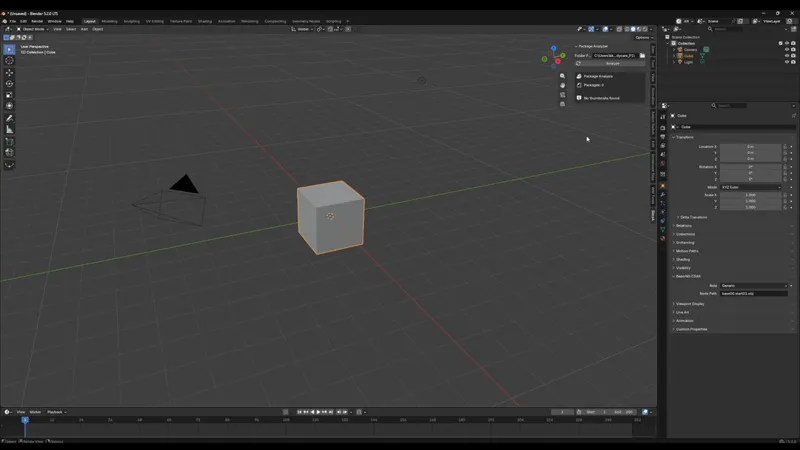
CC Object Tool V 0.0.1
V 0.0.1 This time, I’m challenging myself to parse CC objects and import them directly into the Blender viewport. So far, I’ve completed the ability to analyze how many color variations are included in a package and created a panel where you can select them. How to use it: Select your Mods folder co
Aug 29, 2026 0 11

simMotion V 3.2.2
The package parser has been redesigned to first read the Index Table flags, dynamically detect which fields are omitted, and calculate the correct entry size accordingly, instead of assuming every entry is a fixed 32 bytes. This fixes the "unpack requires a buffer of 32 bytes" error, which occurred
Aug 21, 2026 0 11
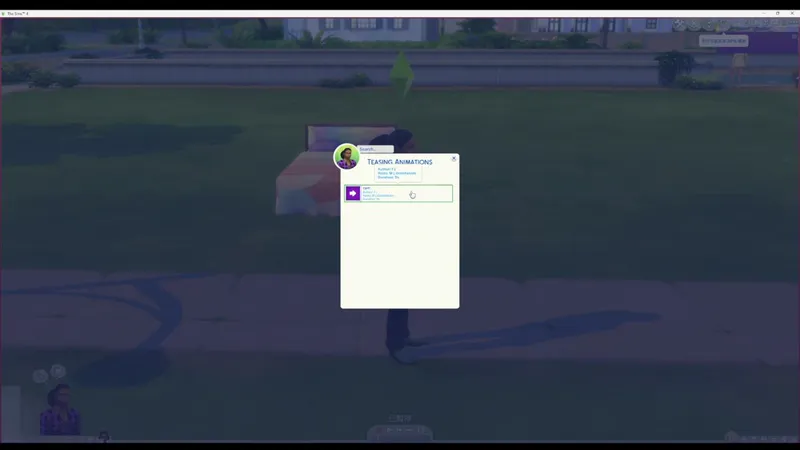
0:21
CUM test
Aug 16, 2026 0 111
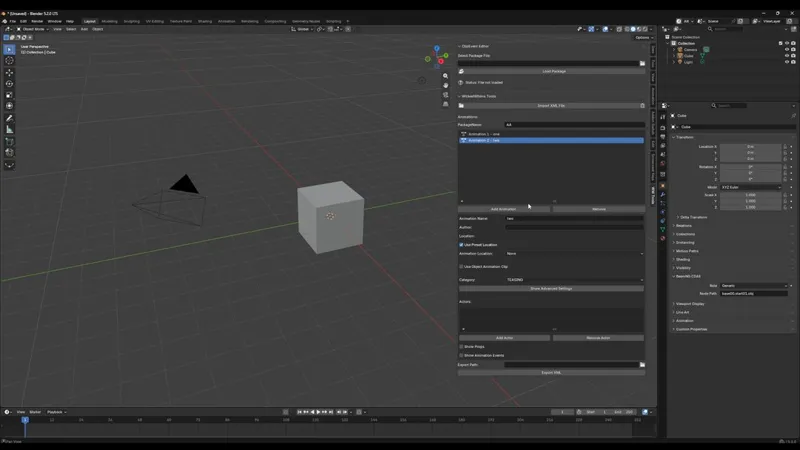
WW Pack V 0.3.3
V0.3.3 Update–Updated animation name search: You can now search for the animation you want to edit using the search box.
Aug 13, 2026 0 11

simMotion V 3.2.1
V3.2.1 Update– Fixed an issue where the arm positions were offset in certain animations. Fixed an issue that prevented some large PACKAGE files from being loaded successfully.
Aug 5, 2026 0 11
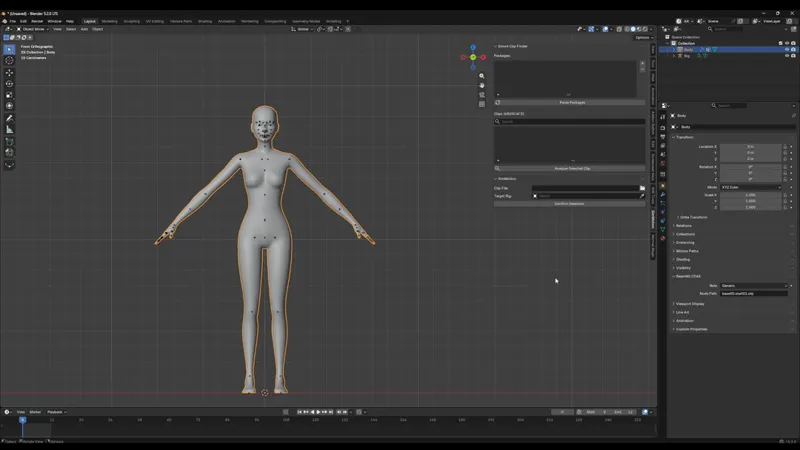
simMotion V 3.2.0
New progress on the SimMotion plugin! After refining the algorithm used to apply animations to the rig, I've finally achieved the closest result yet to the original in-game animations. How to use it: Click the + button in the panel to add the PACKAGE file you want to parse. Select the Rig in your Bl
Jul 28, 2026 0 11
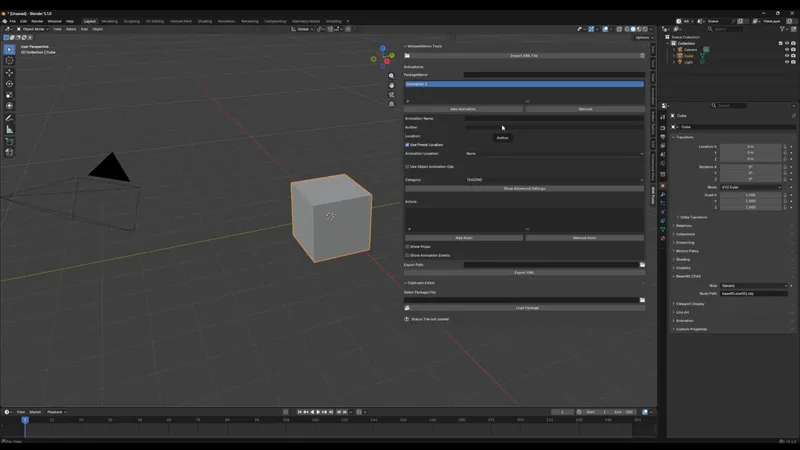
WW Pack V 0.3.2
V0.3.2 Update–Added a feature to clear all imported XML data, including animation lists and input fields.
Jul 20, 2026 0 11

WW Pack V 0.3.1
V0.3.1 Update–Added XML import support, allowing previously exported XML files to be loaded back into the addon and edited. I'm really happy to see more and more members supporting this addon. Every suggestion you share helps shape its future and makes it even better. Thank you for being part of its
Jul 12, 2026 0 11
ZIP
WW Pack V 0.2.5
V0.2.5 Improved direct package saving. The interface now updates automatically without needing to refresh.
Jul 4, 2026 0 1

WW Pack V 0.2.4
V0.2.3 Update – Updated to support writing CLIP and ClipHeader data directly back into package files.
Jun 27, 2026 0 11
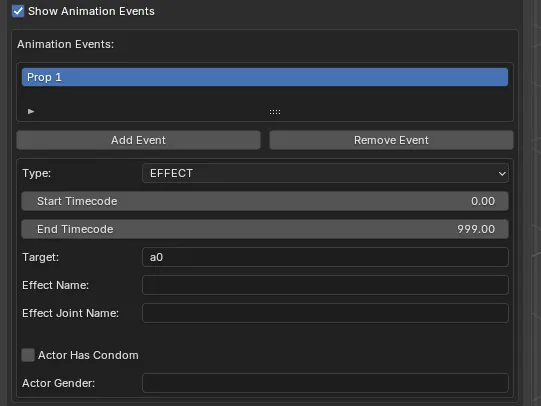
WW Pack V 0.2.3
V0.2.3 Update – Updated the Wicked Whims Event Panel
Jun 19, 2026 0 11

WW Pack V 0.2.2
V0.2.2 Update – Added support for reading .package files and editing CLIP Native Events directly inside Blender. New Workflow ✅ Select a .package file ✅ Load all CLIP animations from the package ✅ Choose a specific CLIP from the list ✅ Add or modify native events (such as sound events) ✅ Export CLIP
Jun 11, 2026 0 11
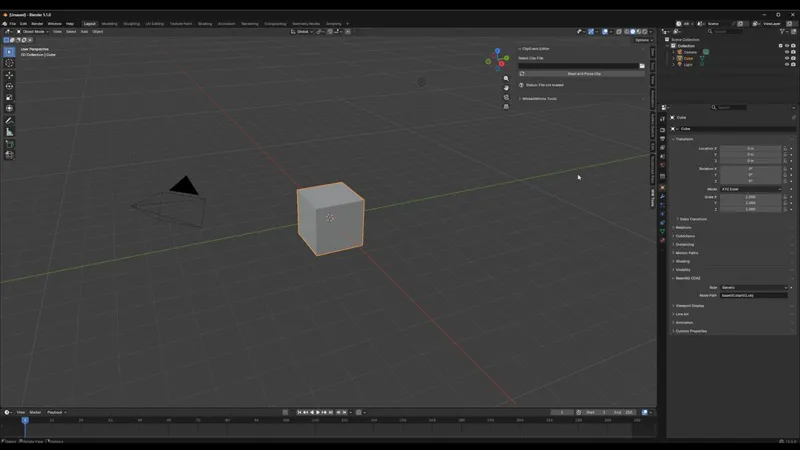
WW Pack V 0.2.1
V0.2.1 Update – Add Native Events to CLIP Animations This update adds support for inserting Native Events into CLIP animations. First, prepare a CLIP animation exported from Sims 4 Studio. In the panel, create and edit your event entries. Click the search box to find and select the sound you want to
Jun 3, 2026 0 11

Maxis Match Hair Toolkit V 0.4.1
The V0.4.1 update adds a batch LOD export feature. You no longer need to repeatedly reduce polygon counts manually for each LOD level. The plugin can now generate separate blend files for different LOD models in one process, while keeping the original model completely untouched. Step-by-Step Explana
May 24, 2026 0 11

WW Pack V 0.1.1
V 0.1.1 Updated the "animation tags" and "animation actor tags" settings from text input fields to multi-select option selectors.
May 17, 2026 0 31
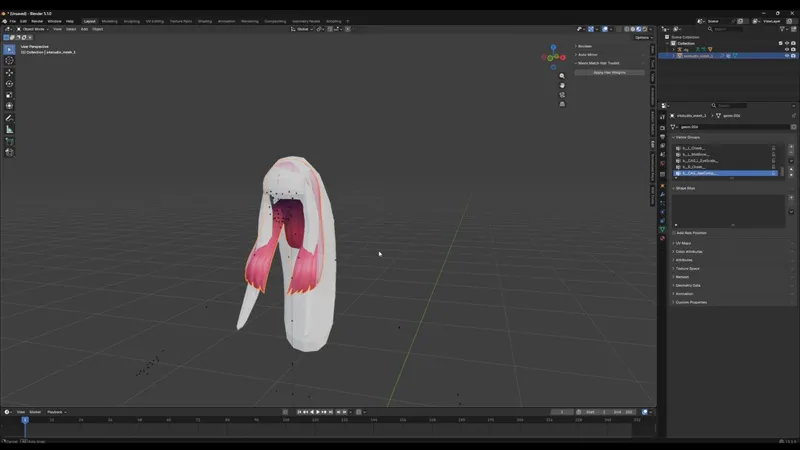
Maxis Match Hair Toolkit V 0.3.1
✨ New Feature Added to Maxis Match Hair Toolkit ✨ You can now transfer hair weights from one Sims 4 hair to another automatically inside Blender. No more manual weight painting for every new hairstyle. 🖤 How it works: Bind your target hair mesh to the Sims 4 rig Press Ctrl + P → With Empty Groups S
May 15, 2026 0 11

How to Generate WickedWhims XML with Blender
Stop Writing XML! Generate WickedWhims Animations in Seconds (Blender Plugin) (YouTube)
May 8, 2026 0 1
WW Pack V 0.0.3
V 0.0.2 Fix syntax errors for custom objects. V 0.0.3 Added loop settings and randomization support.
May 7, 2026 0 11
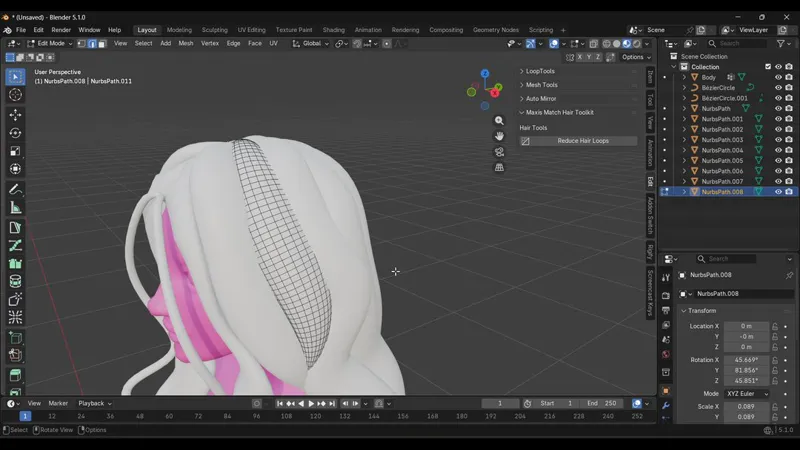
Maxis Match Hair Toolkit
Reduce Hair Loops Clean up dense hair topology with one click. Tired of manually selecting and dissolving endless loops after converting hair curves into mesh? Reduce Hair Loops speeds up the cleanup process by automatically selecting alternating loops for quick optimization — perfect for Maxis Matc
Apr 26, 2026 0 11
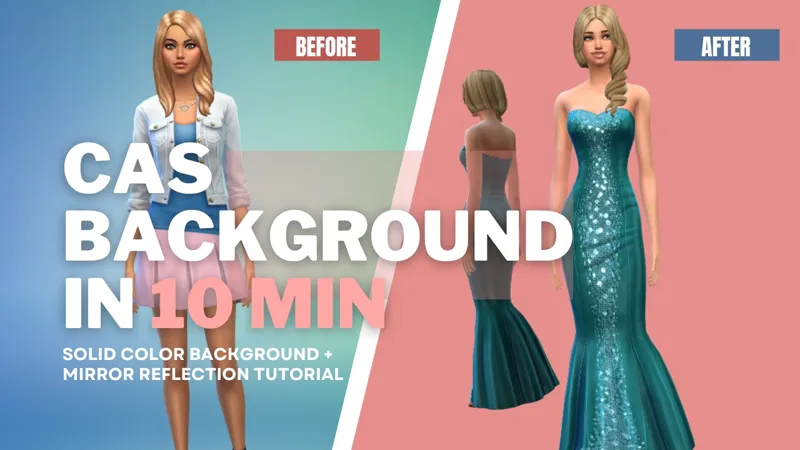
Solid Color Background + Mirror Reflection Tutorial
Make Your First Sims 4 CAS Background in 10 Minutes (With Mirror Reflection!) (YouTube)
Apr 18, 2026 0 1

Sims 4 CAS Background Tutorial 2026 | Custom Solid Color + Real Mirror Reflection
Learn how to create your own Sims 4 CAS background in just 10 minutes! In this tutorial, I will show you how to make a clean solid color background and add a realistic mirror reflection step by step. This guide is beginner friendly and easy to follow.
Apr 17, 2026 0 12

[WIP] CAS Background Tutorial & Blender Plugin in Development…
I’m currently working on a tutorial that will guide you through creating a CAS background from scratch. In the future, I also plan to develop a plugin to streamline and optimize this entire workflow. Thank you all so much for your patience and continued support. Developing the plugin and producing t
Apr 13, 2026 0 1
The final files from the previous tutorial, along with the animation CC.
Apr 3, 2026 0 12

REAL Facial Mocap in The Sims 4 — No Hand-Keying (Plugin Tutorial)
I Made a Plugin for REAL Facial Mocap in The Sims 4 (Full Tutorial) (YouTube)
Mar 27, 2026 0 1

Fixed an issue in the CC Texture Tool plugin where skin textures could not be loaded.
Mar 24, 2026 0 11
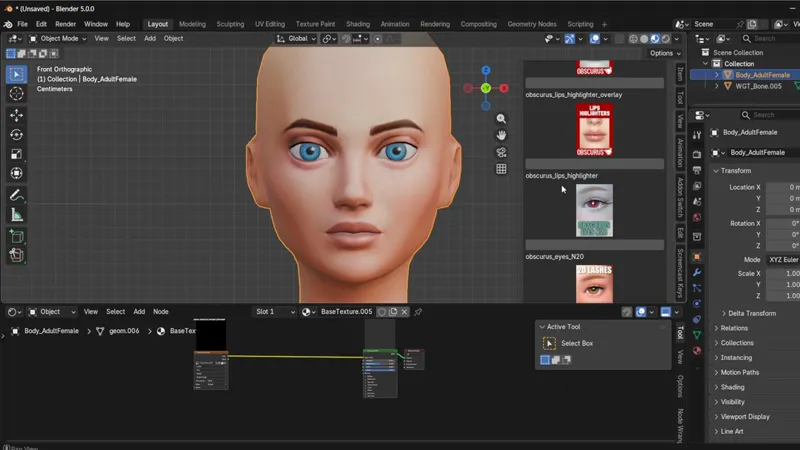
If you make Sims 4 renders in Blender, this saves you SO much time. New plugin: CC Texture Tool
Hey everyone! 💜 Thank you so much for your continued support — it truly keeps this project moving forward! I'm happy to share that version 1.0.1 is now available! 🎉 📦 What's new in v1.0.1: After parsing your CC textures, the plugin will now automatically generate Mix nodes for you — no more manua
Mar 20, 2026 0 11

1:39
How to Combine Your Base Texture & Eye Texture Using Nodes(CC Texture Tool)
In the video, I demonstrate how to blend your base texture with an eye texture using a Mix node. Here's the quick breakdown: 1. Connect your Base Texture and Eye Texture into a Mix node 2. Take the Alpha channel of the eye texture and plug it into the Factor input of the Mix node 3. This uses the al
Mar 12, 2026 0 11

CC Texture Tool
Hey everyone! 💛 First of all, thank you so much for your continued support — it truly means the world to me and keeps me motivated to push my Sims 4 Blender tools even further! Today, I'm excited to introduce my latest plugin! 🎉 This tool lets you browse and apply your CC content directly inside B
Mar 11, 2026 0 11

Super Push Pull Addon
This add-on extends Blender’s native Extrude tool with a more advanced and flexible extrusion system. In addition to the standard extrusion behavior, it introduces parameters such as taper and tilt angle, allowing for controlled geometric variation that Blender’s default tool does not natively provi
Mar 2, 2026 0 11
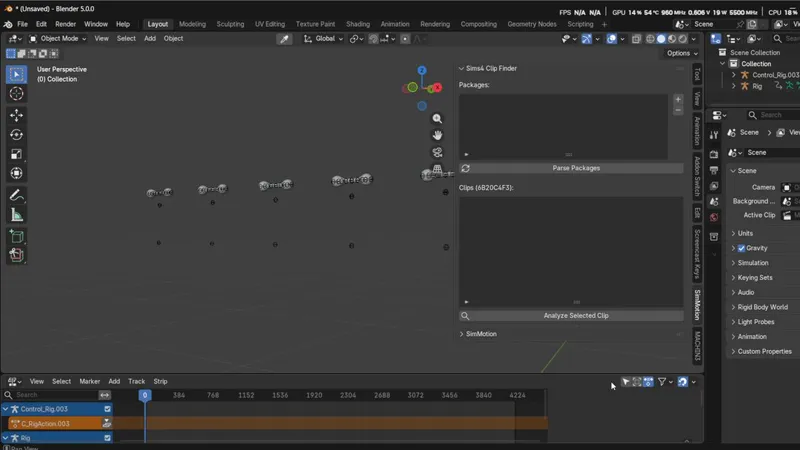
simMotion Plugin – Update Log
I’ve updated the plugin with a brand-new feature. You can now parse animations directly from your own package files, without needing to export clip files through Sim4Studio. If you have any ideas for additional features, feel free to share them anytime. How to Use: First, prepare your package file (
Feb 21, 2026 0 11

simMotion Plugin – 2.2.0 Update Log
The CLIP animation parsing workflow has been simplified. You now only need a CLIP file to parse and apply animations to non-human rigs. How to Use: Prepare a standard rig. Make sure the CLIP animation matches the rig of your target object. If the animation fails to parse, it is often due to using th
Feb 13, 2026 0 11
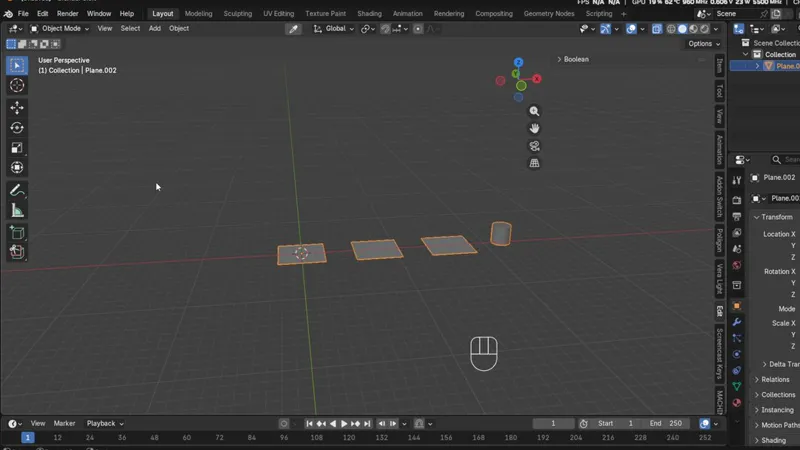
Extrude Extensions
Built on Blender’s standard Extrude tool, this add-on introduces additional parameters—such as taper and tilt angle—to unlock capabilities that native Extrude does not provide. The plugin is designed to evolve over time, with more advanced extrusion features planned to support faster and more effici
Feb 5, 2026 0 11
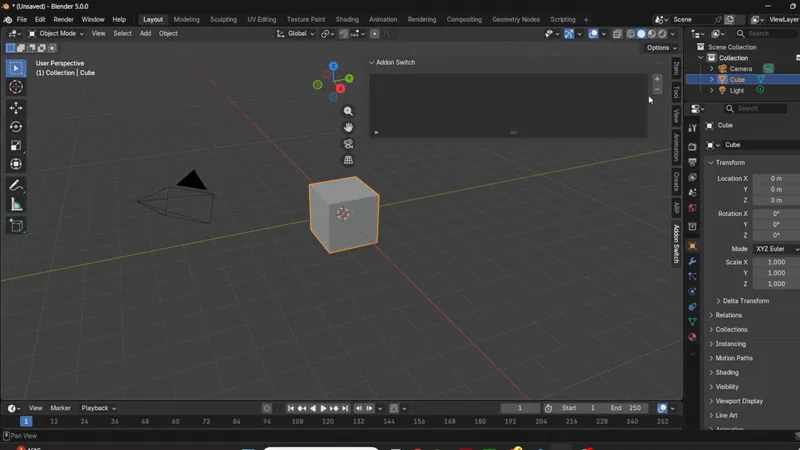
Addon Switch — Batch Enable or Disable Your Blender Addons
Main Feature: This lightweight Blender addon allows you to quickly enable or disable multiple addons at once without having to toggle them individually. Batch Enable Addons: Select a group of addons and enable them all with a single click. Batch Disable Addons: Quickly disable addons you don’t need,
Jan 19, 2026 0 11

Sims 4 Animators’ Hack: Drive Bones with Shape Keys for Live Link Face Magic
A brand-new Driver generator is here. It allows you to batch-generate drivers based on animation frames, enabling shape keys to control bones. This feature is especially useful for Live Link Face workflows, solving the limitation where Live Link Face cannot directly drive bones or record animation f
Jan 9, 2026 0 11

The Live Link Face module is available early
By joining my membership, you can get early access to the latest features of the Powerful Face plugin. It’s still in testing at the moment. How to use it: Make sure your mesh has the 52 ARKit shape keys. Open the panel, select your target mesh in the interface, and the panel will show a connect butt
Jan 3, 2026 0 11

Powerful Face
Happy new year ! The latest Powerful Face – One-Click CC4 Shape Key Animator has officially been updated to support Blender 5.0. After purchasing the plugin, you are allowed to use it in your commercial projects,and this is only the beginning—more powerful features are already planned for future upd
Dec 31, 2025 0 1

0:20
Just made lip-sync animations in Blender using Grease Pencil—with zero prior experience! 👄
Download
Dec 23, 2025 0 11

Cut-Out Pro Studio(A Mouth-Sync Replacement Tool for Blender Cutout Animation)
Recently, I’ve been developing a small tool for Blender’s 2D Cutout animation workflow. It allows you to batch-generate mouth shapes and quickly copy frames to any desired position. This makes handling character lip-sync animations much more efficient and reduces manual adjustments. Compared to expe
Dec 17, 2025 0 11
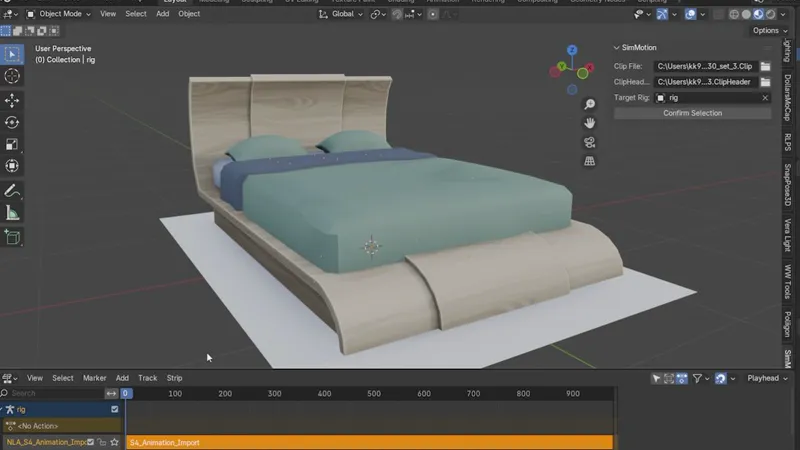
Hey everyone! 👋 I’m back with a fresh update for the SimMotion plugin — and this one’s a big step forward! 💪✨
The plugin has now been upgraded to read and apply full animations directly onto your rig. This feature is still in its early stage, so certain parameters aren’t fully polished yet, and some animations may need further refinement for perfect results. I’m actively improving the system, and future ver
Nov 16, 2025 0 12

🎉 SimMotion Is Back! — New Update & Fresh Energy! 💫
Hey everyone! 👋 It’s been a while — but I’m back with an exciting update for the SimMotion plugin! 💪✨ I’ve reworked the logic for how animations are applied. For now, it only supports static poses 🧍♀️, since using full animations may cause overlapping bone rotations or position stacking. Don’t w
Nov 1, 2025 0 11
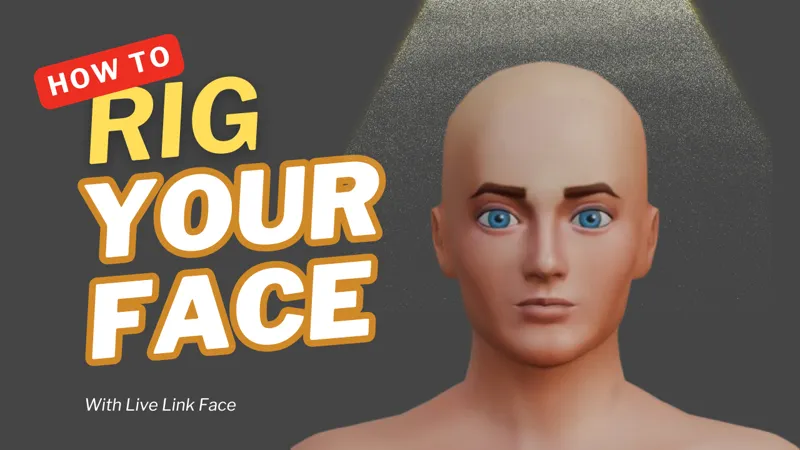
The mocap tutorial sample file.
Oct 8, 2025 0 11
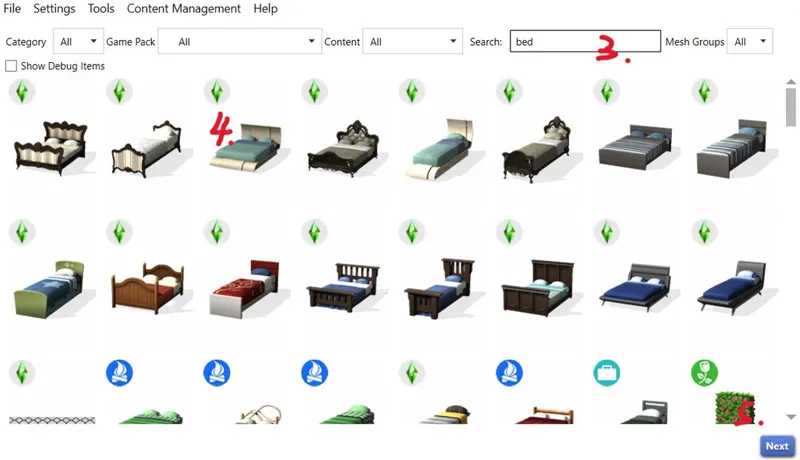
0:35
Export Double Bed and Rig from S4S Studio – Step-by-Step
Export Double Bed and Rig from S4S Studio – Step-by-Step 1. Open Sims 4 Studio. 2. Go to the Object tab. 3. Check “Create 3D Mesh”. 4. Click the blue “Object” button. 5. Name your new package file. 6. A window will open showing all furniture. 7. Find the double bed you want to export. 8. Go to the M
Sep 3, 2025 0 111
Showing 1 - 50 of 59