
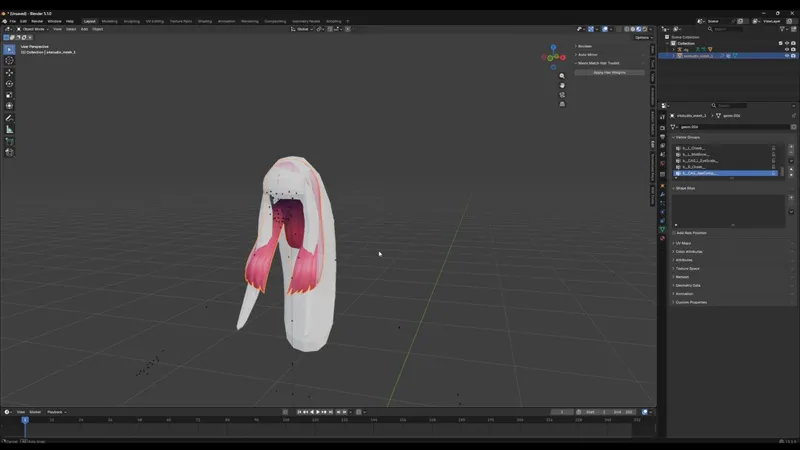
Maxis Match Hair Toolkit V 0.3.1
✨ New Feature Added to Maxis Match Hair Toolkit ✨
You can now transfer hair weights from one Sims 4 hair to another automatically inside Blender.
No more manual weight painting for every new hairstyle.
🖤 How it works:
Bind your target hair mesh to the Sims 4 rig
Press Ctrl + P → With Empty Groups
Select the source hair (the hair with correct weights)
Select the target hair
Click the transfer button inside:
Edit → Maxis Match Hair Toolkit
Done — the weights will be copied automatically.
This workflow is especially useful for:
• Maxis Match hair creation
• Hair conversions
• Faster CC production
• Beginners learning Sims 4 hair workflows
The goal of this toolkit is to make Sims 4 hair creation faster and less painful so you can focus more on styling and creativity instead of repetitive setup work.