
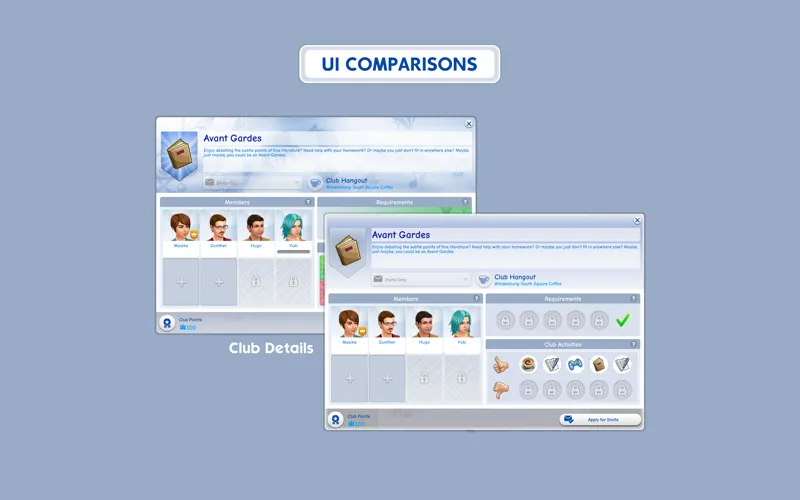
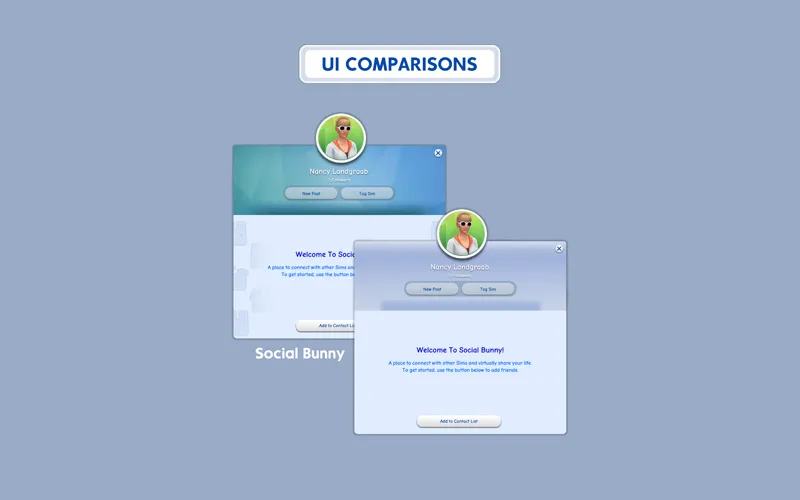
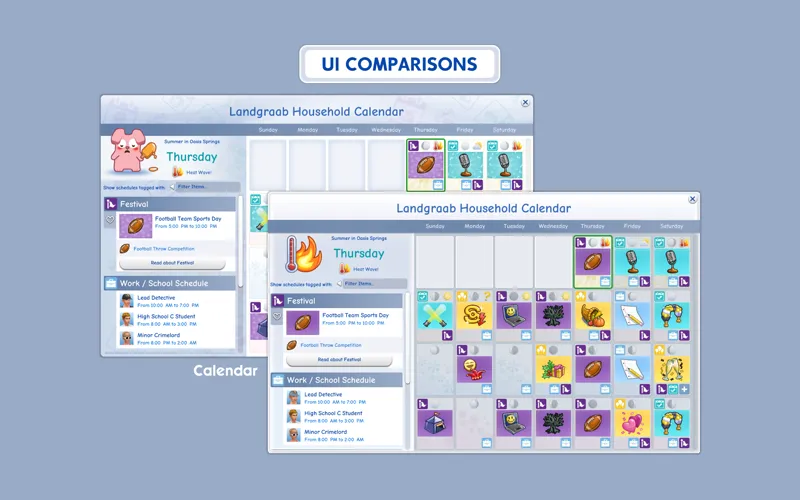
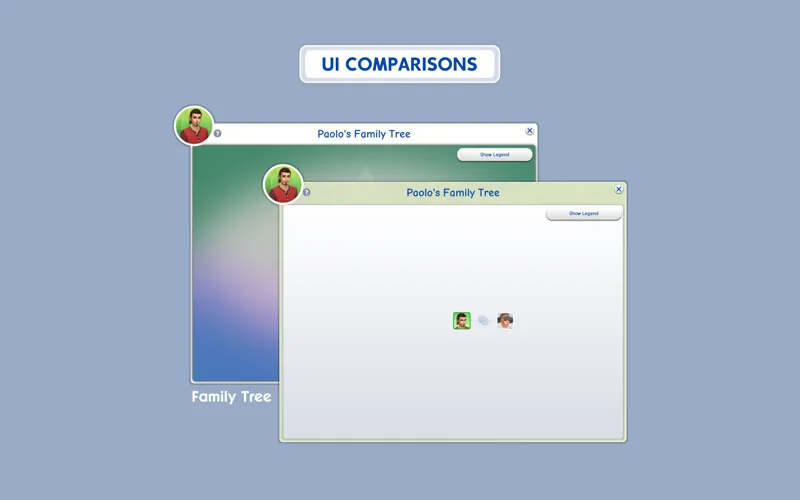

Glass UI
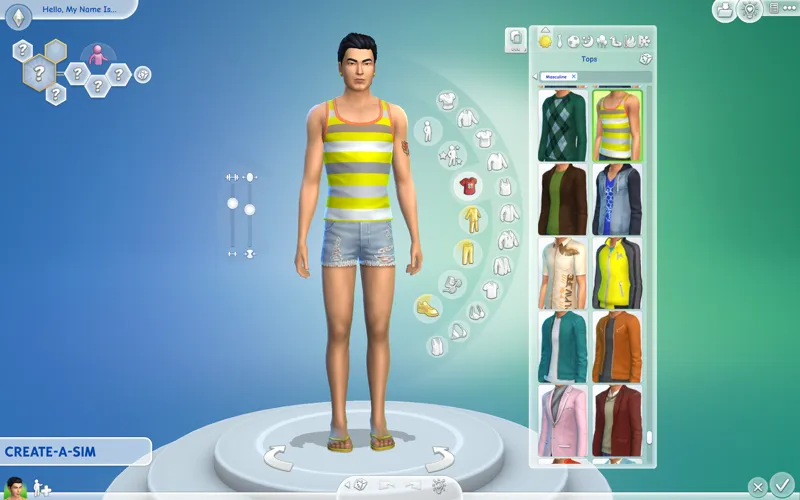
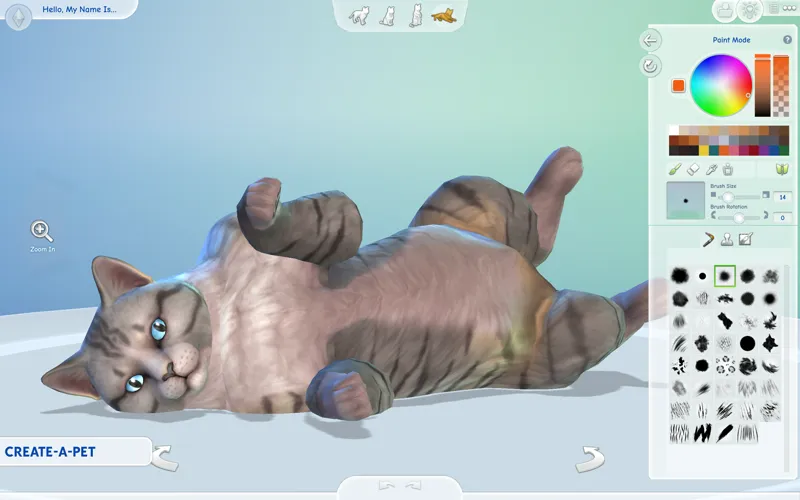
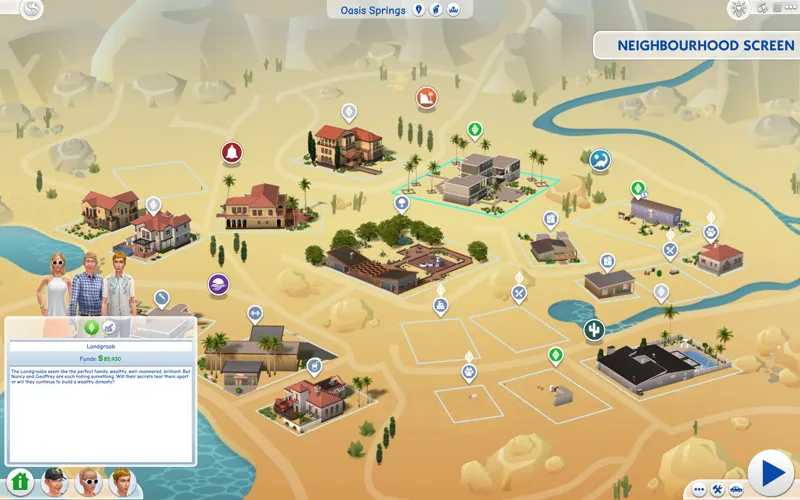
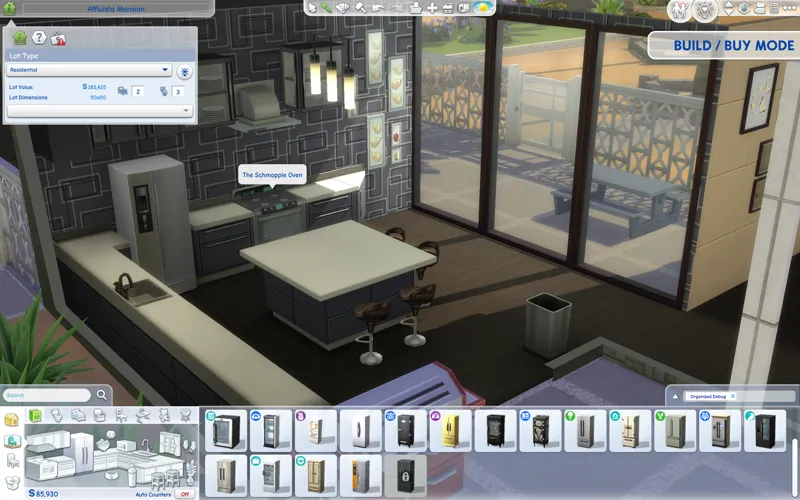
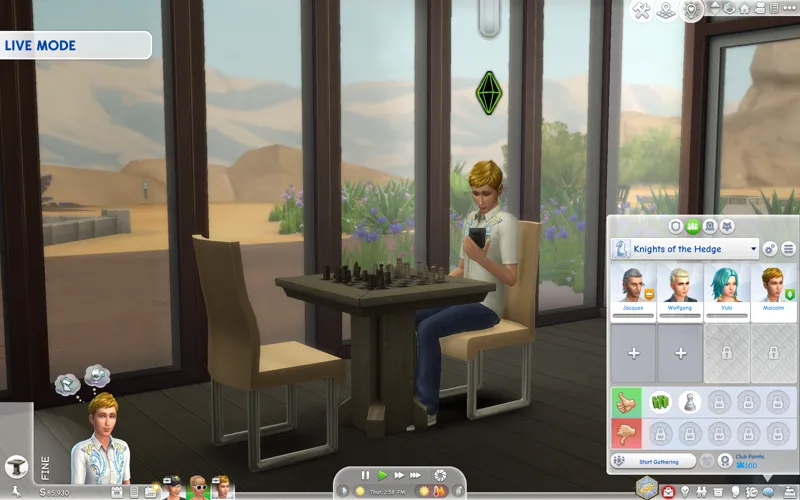
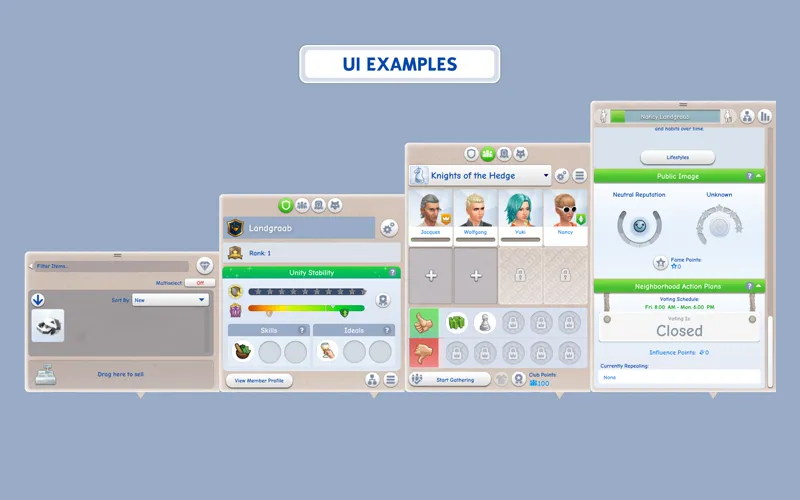
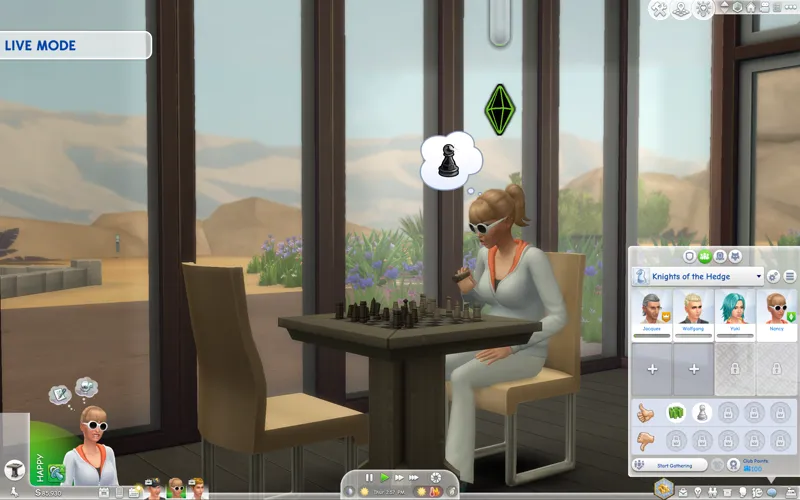
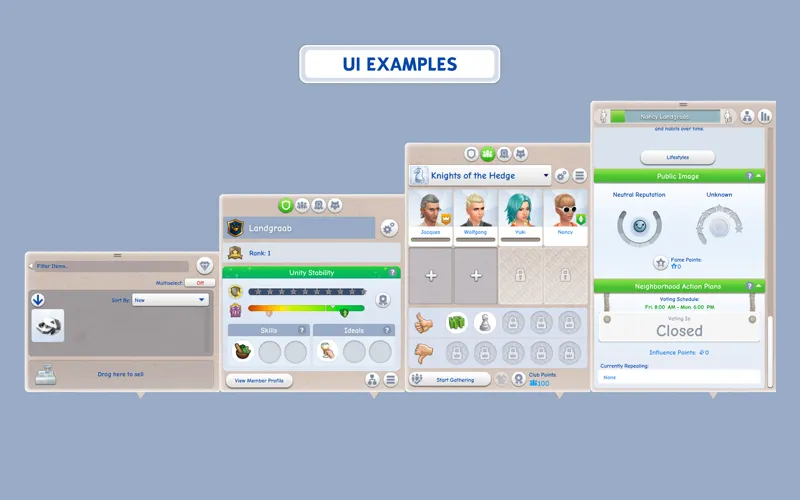
A modified version of the original UI, made to be more harmonious with added glassmorphism styling here and there. Originally intended as bite-sized overrides to tackle individual menus (like a Simple Calendar UI mod), it turned into something much bigger and that's how Glass UI came to be :-)
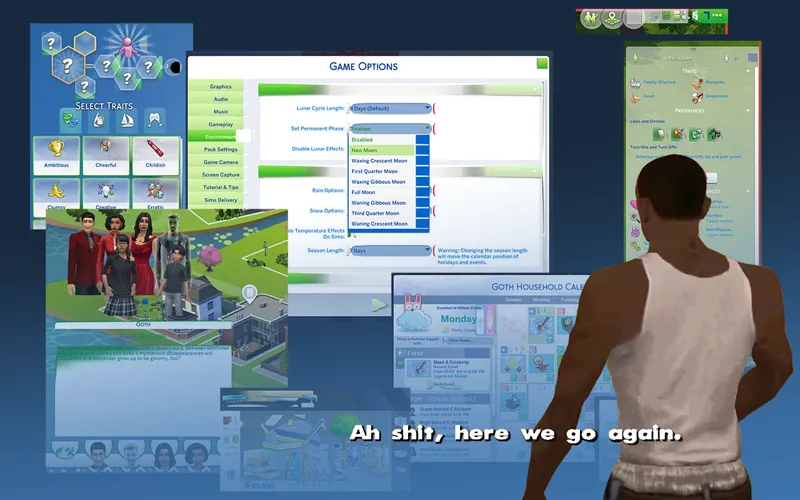
As the original UI is already white, this mod focuses on simplifying unique backgrounds (family tree, recipe panel, etc.) and adding some flair to the basic flat white background while still maintaining the original UI look.
Since I have a few smaller UI mods that complement the original UI (or any UI really), you can find similar mods (including this) from the collection below.
Check the status of my UI mods all in one post + Frequently Asked Questions
🔗 Guide to UI Mod Glitches 🔗 Installing and Troubleshooting Tips
📥 Installation
// Main mod
Before installing/updating, remove any old versions of Glass UI whenever there's a new mod update and clear your caches.
Download & extract the zip file into your Mods folder.
// Extras
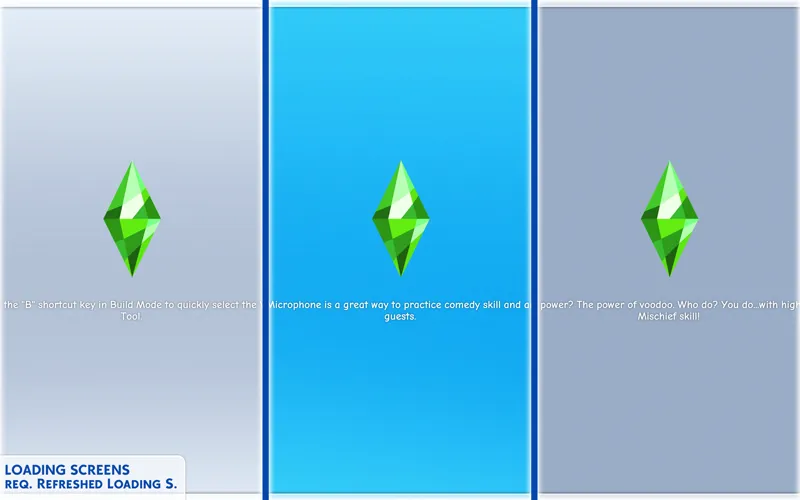
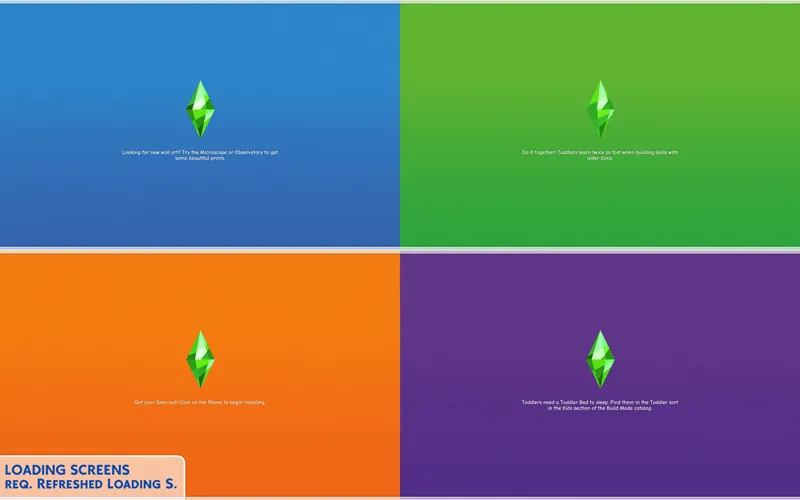
[Glass UI] Loading screen: loading screen files. Requires Refreshed Loading Screen (all versions can be installed at once). Press R key to switch between backgrounds.
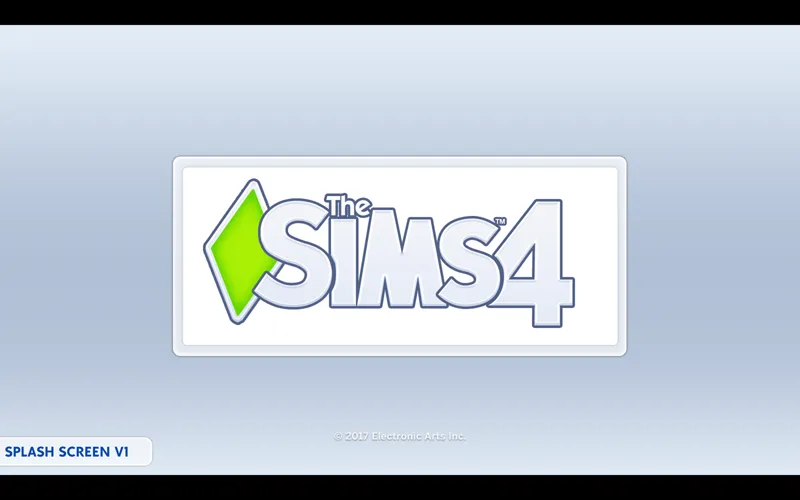
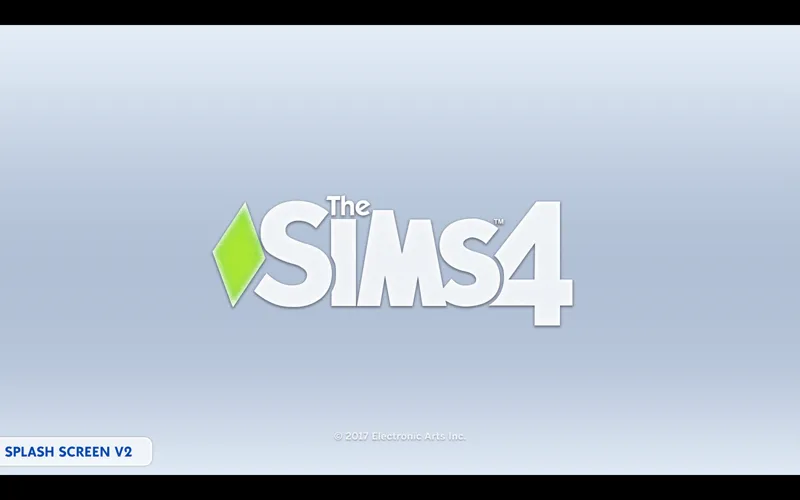
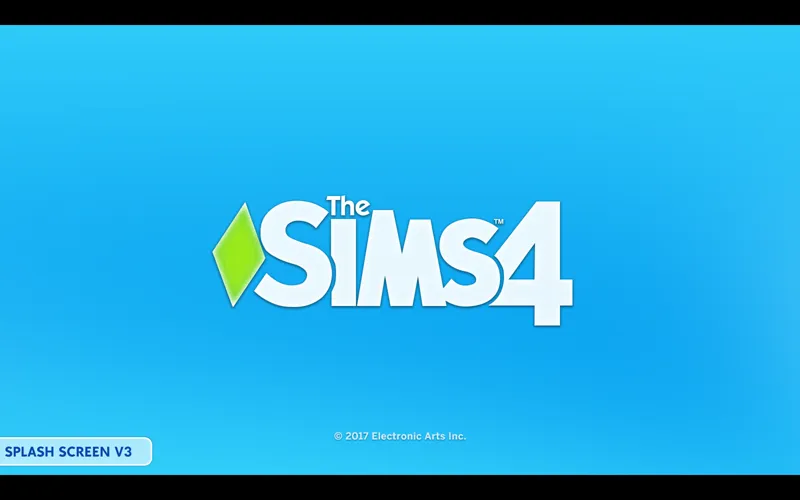
[Glass UI] Splash screens - file to replace the TS4 intro screen. Choose depending on which game language you use. 3 versions: v1 (windowed) - v2 (light) - v3 (blue)
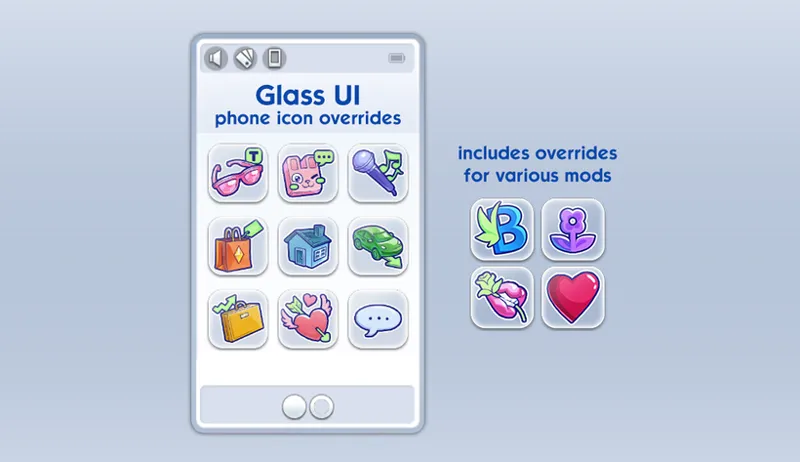
[Glass UI] Phone icon Addons: pick & choose depending on which mod you use. Also includes EA icon overrides.
🖥️ Mod-related Info
// Recommended mods to match the Glass UI look:
any of my CAS Background overrides in white recolor
or the TS4 Demo CAS background
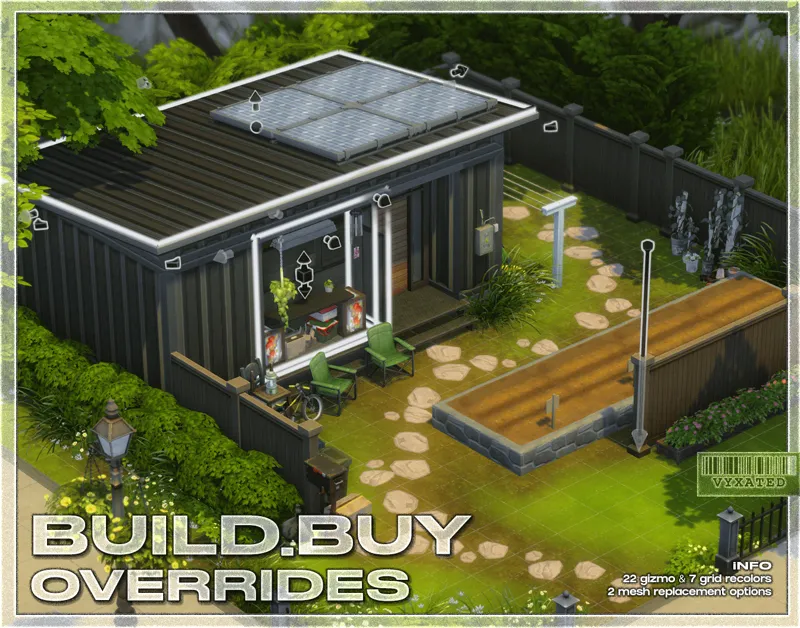
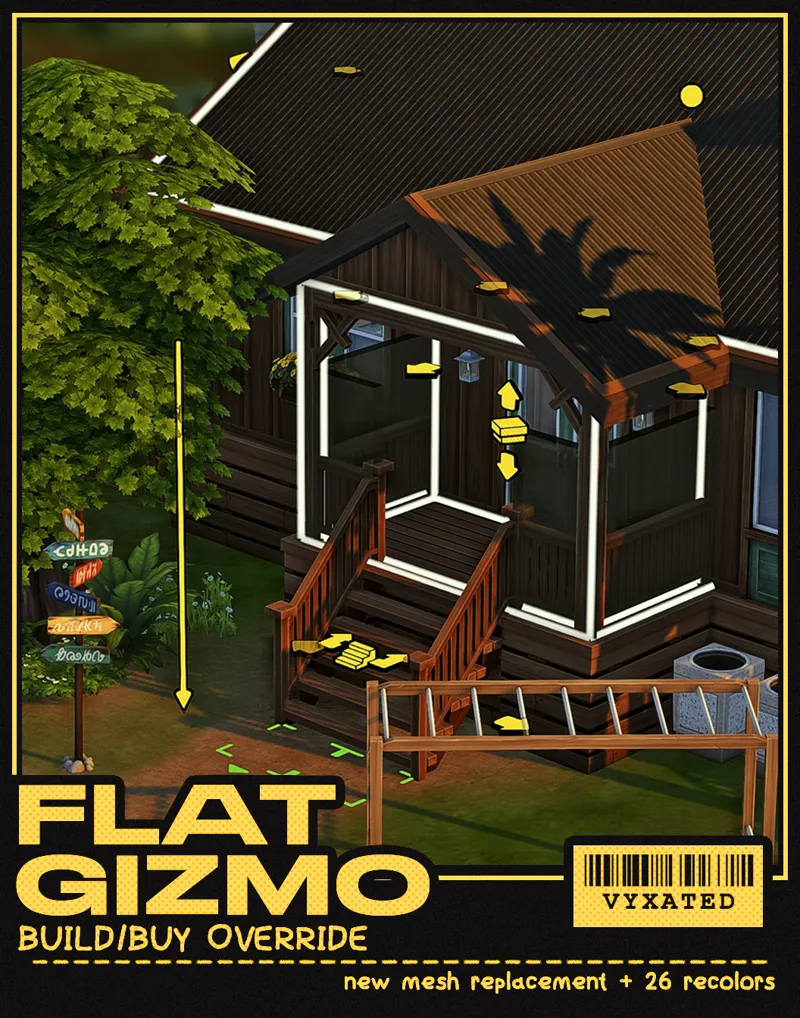
buildbuy gizmo override or flat buildbuy gizmo override in white
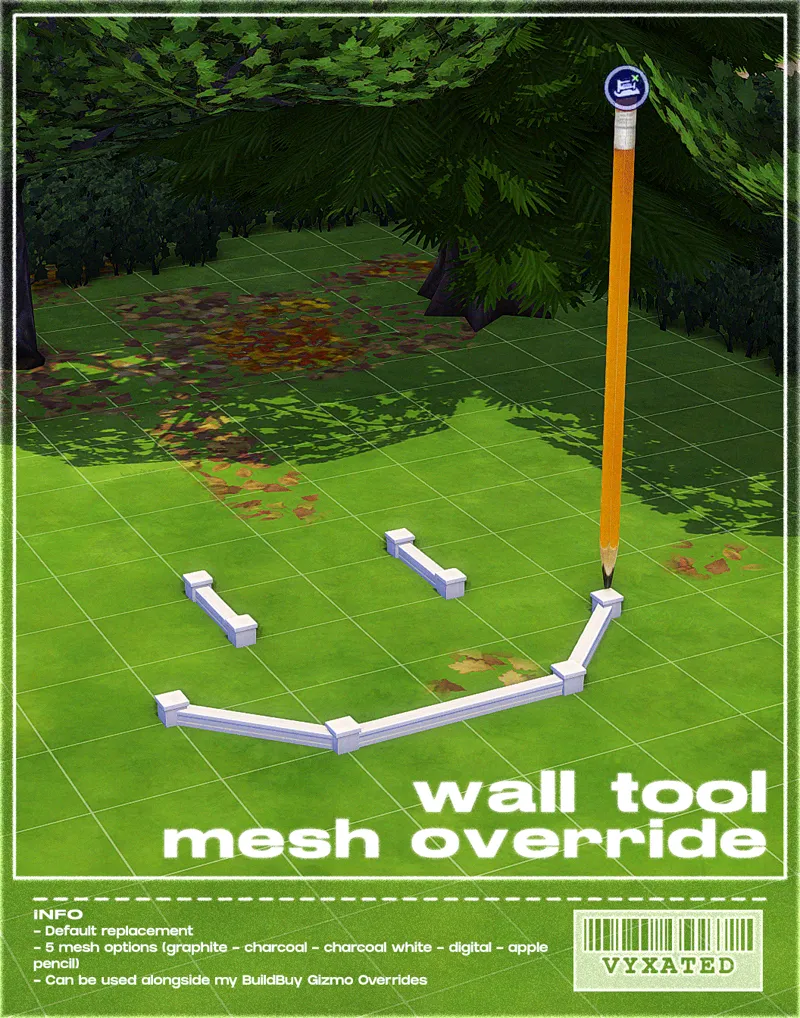
wall tool override in white or apple pencil
tidy cas organizers in ts4_v2
any mods from the Glass UI tag
// Compatibility with other mods ⚠️
Conflicts with other UI Recolor mods by Dskecht and mine
UI Mods not listed above are compatible with this UI mod. Make sure they are updated too so you don't encounter any texture bugs.
📜 Credits/Resources
S4Studio, UI Texture Squasher (CmarNYC), Image Viewer (luniversims), JPEXS Flash Decompiler
Loading screen tut, splash/opening screen, UI/world map override tut, UI setup, phone icon resources by xosdr
📋 Changelog
// 24 September '26
Added Simplified Screen Slams and Better Headline Bubbles update
Added recolors to CAS, Build/Buy, situation/events display, and traits icons.
// 19 September '26
Initial release
📂 Alternate Link: SFS folder
Comments (50)
Sooooo Dark Mod Glass UI? For us who have sensitive eyes??? Mayhaps. Great work as always I love your UI mods.
I would love a white ui
Love the glass ui I wanted to know how to put the sims 2 ui flyaway icons into the glass ui like mix it
You can simply copy/paste the Flyaway icons file from TS2 to Glass UI.
can you update the pink one pretty please
Pastel UIs didn't need any updates. Check your other mods instead and always refer to the linked mod status for the latest status.
This feels almost like it's how the basegame SHOULD look. I love it!
is there any chance you could make a light pink glass ui version? Love this by the way!
Hippy will definitely look at downloading thank u
oh this is absolutely perfect thank you so much!!
OMG
absolutely fantastic! if there any chance to consider about black glass ui?... I would kill for it 😅
Not really, not as a standalone anyway. Instead, I was thinking of incorporating the glassmorphic elements into the recently posted Chalk'd Clean addon 🤔 takes less resources for me to update & maintain my UI mods.
omg!!! so perfect, thank you for your amazing job
Pastel pink glass me pleaseeee!
Dark Glass? 😏
yess I would love that
This looks great. With some added blue tint, it would feel like a modern update to the previous games' UI.
Wow! This matched my glassmorphism piemenu I made. I called it liquid glass piemenu override in my patreon✨
Are you planning to change the traits panel? That would be great if every background in Cas would match.
I've not modified the CAS UIs yet, so I probably will edit the traits panel on later mod updates.
never thought I would switch from your pink ui but this one got me it's just so beautiful, thank you!
this is stunning!!!
I would kill for a banana milk yellow ui
oh my god THIS IS INSANE I LOVE THIS
absolutely gorgeous
wait yesss, always carrying the game, obsessed!!! xx
oh my gosh!!!!! i like this UI soooo much!!!!! :3
I absolutely love it! I'm so fond of minimalist style!
Perfectly designed for flawless gameplay—thank you🌼
Would you please please please pretty please ever consider doing a “medieval” Ui version too?
Perchance ..
I loveeee this ui recolor unfortunately it doesn't love me because the phone icons aren't overriding, all the ea ones are but the basemental and wicked whims, etc aren't
You may want to configure the load order for the modded phone icons
It turned out beautifully. Does the traits panel also change to glass or do I have to install the ones I made earlier? Regards
The traits panel is untouched for now.
very clean and minimalist ❤️ love it
Also, as a suggestion...a version of this that replaces the removed background images with the blue one from the original social bunny window would probably go really hard (or goes for a similar color scheme at least)
OMG YOU DID NOT! NOW I HAVE TO GET THIS!
obsesseddd! love this!
you are a beauty thank you
i would pay you to make a frutiger aero UI like omg this is so good
Literally, literally, LITERALLY, LITERALLLLLYYYYYY 30 minutes ago I was searching to see if anyone had made a slick modern slightly zhuzzhed up redeisgn of the UI that wasn't a new color or a full overhaul into a new style. And here it is. Holy crap
This is so clean! The Sims is one of those games I can't live without but overstimulates me so quickly with all the sounds and colors and patterns. This is an amazingly neutral option that is going to help so much with my sensory issues. Thank you SO much for this one! I might be able to actually play more than 30 mins again and I'm so excited!
Yay 🥹
oh wow this is gorgeous!! 🤍🤍🤍
Ooooooooo it's so pretty!!!
YESSS
YAYYYYYY
I USE TO PRAY FOR TIMES LIKE THIS 😭😭😭😭😭😭😭😭😭😭🙏🏾