


Chalk'd UI - Clean Add-on
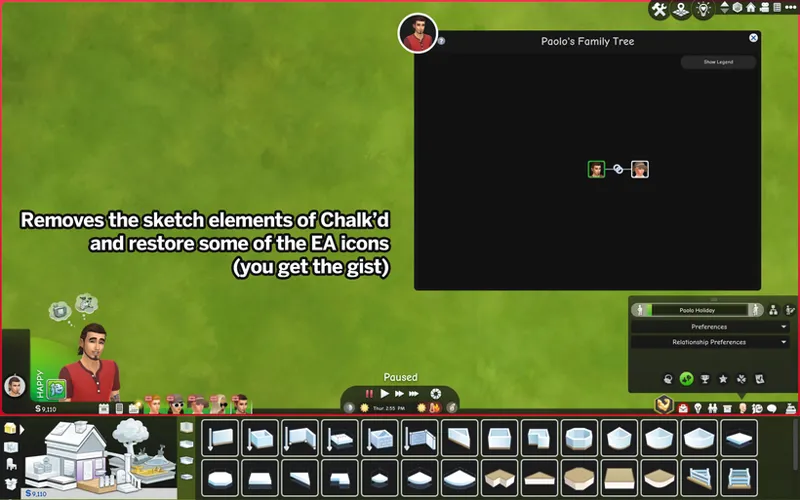
So it's been quite a requested feature to have a dark mode UI minus all the fancy sketchy elements, and I've decided to share that version as an add-on to Chalk'd UI instead of creating one from scratch :-)
⚠️ This add-on requires Chalk'd and UI Cheats to be installed! This does not work as a standalone mod in order to keep the file size simple.
As this is an add-on, make sure to read the main post for all information regarding the UI mod to learn about its compatibility, conflicts, and other mod recommendations.
If you like to keep some of the sketchy elements intact, simply exclude the files that will replace that element before copying files over. i.e. deselecting "BB - Navigation icons" to keep the drawn Build/Buy category icons.
📥 Installation instructions
// Add-on
Download and extract Chalk'd UI mod along with the required mods as usual
For the CONFIG folder, you can do the file configuration after installing the add-on
Download the attached zip, then extract contents into the Chalk'd folder
Replace files when prompted
You can start configuring the files in the CONFIG folder
// Extras
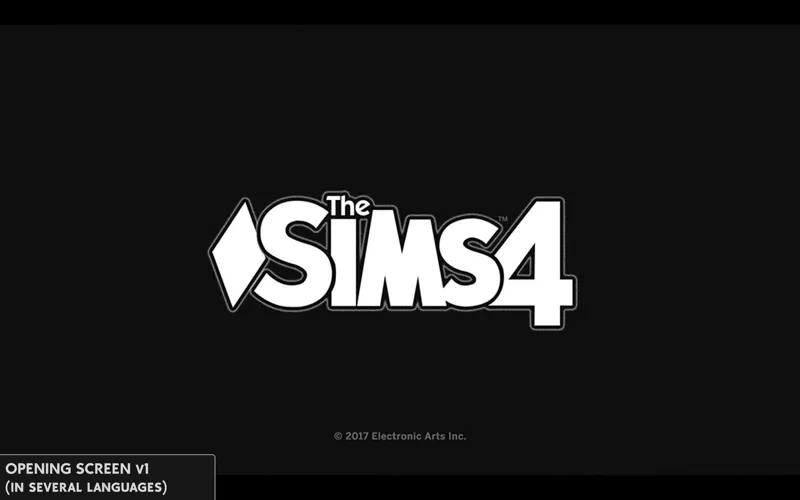
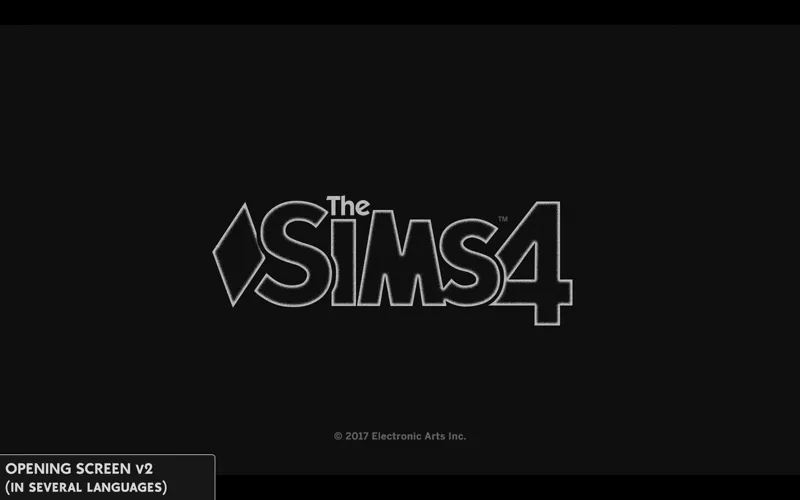
[Chalk'd UI Add-on] Splash screens - file to replace the TS4 intro screen. Choose depending on which game language you use. 2 versions: v1 (white text) & v2 (glow)
Comments (13)
you are amazing. i'm visually impaired and the creation of chalk'd ui makes the game so much easier to see
Is this compatible with Modsby's Dropdown Menu????
I don't believe so. You may want to ask modsby for a dark mode version instead since it looks like something I won't know how to edit.
Thank you so much! I've been wanting this :)
Now what am I meant to do?! I was going to reinstall the TS2 UI today and now you've given us this gem!! 🤣🥰
not sure why the searchable recipes still does not work for me. I choose one option which is the tmex compatiable one and it still does not show at all
Did you remove and reinstall the Text folder from scratch the last time you updated the mod? You might still have the leftover file in the Text folder causing searchable recipes to not show up. Delete "Live_3 - Pickers - Recipe panel - Text" file if so, though I still recommend reinstalling the Text and Texture folders in case there are still other leftover files.
hi could u also make matching loading screens? preferably with minimalistic plumbobs that have very subtle movement
you're a saint thank you!!
this is amazing
oh my gosh you're amazing
again i love you
omg tysm its perfect!! youre so talented