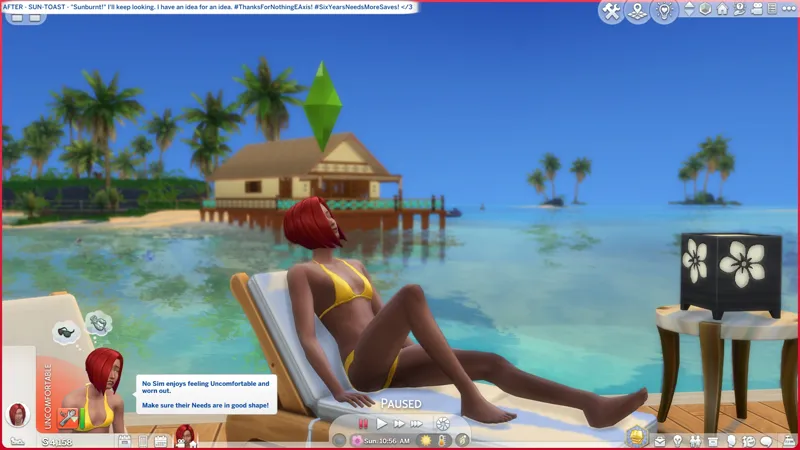
🎁 [EP07] BAND-AID: Sunbathing SimBusts without Tan Overlays - Use this if you don't care about the tan overlay. -- [6/5] 📸 I might update these screenshots.
⚔️ EP07: ISLAND LIVING ⋆ 🚀 6/5/2025 ⋆ 🌠 NIL ⋆ ☄️ NIL
🔄 5/27/2025 - Check Announcements [🌐] if this isn't up-to-date [🌐].
⚙️ These are ZIP archives. See the "INSTALL INSTRUCTIONS" section for more details.
🛟 Do not hesitate to ask for help or assistance if it is needed. You can do so via the Comments on this post, the Troubleshooting Community Chat, or via DM.
🎙️🔞 You wanna beef with the King? What is you' gon do? -- Uzi time, baby! <3
✮ // ⋆ THERE ARE (2) BAND-AIDS FOR THIS "BUG":
This BAND-AID removes the tan overlay completely, which squashes the problem entirely.
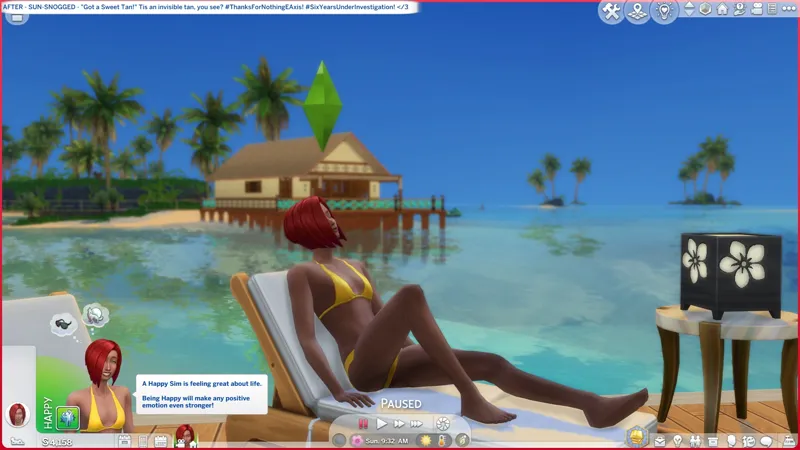
Sunbathing actions aren't affected at all. You will still gain the "Tan" and "Burnt" Buffs after sunbathing. You just won't see a tan overlay on your sim.
I figure someone who doesn't like the tan overlay but still wants to sunbathe might find use for this, e.g. Scarlet has an "olive" skin tone, they don't need no stinkin' tan! 😹
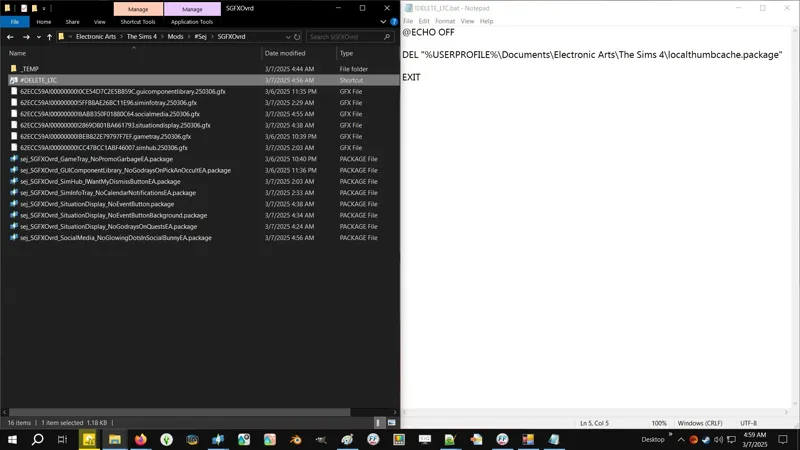
P.S. If your SimBust thumbnails are already broken, then you need to "reset" them by deleting your "localthumbcache.package" file located in Documents » Electronic Arts » "The Sims 4".
⋆ ── ─ ─ ─ ─ ─ ─ ─ ─ ─ ─ ⋆ \\ ✮ // ⋆ ─ ─ ─ ─ ─ ─ ─ ─ ─ ─ ── ⋆
✮ // ⋆ NOTICE MY POST ATTACHMENTS, SENPAI:
🎁 SFS Folder -- http://../folder/BANDAID_SunbathingSimBusts
🎁 GDrive Folder -- http://../drive/BANDAID_SunbathingSimBusts
✮ // ⋆ RELATED PROJECTS:
🗺️ Sunbathing SimBusts without Tan Overlays -- https://../posts/130668167
🗺️ A Totes Safe BATCH File to Delete LocalThumbCache -- https://../posts/123831852
✮ // ⋆ EXTRA BOOTY:
🐞 BUGFIXES & BAND-AIDS Collection -- https://../collection/884858
🗺️ All-in-One Live Event Rewards Unlocker -- https://../posts/120588981
🗺️ NEW* BAND-AID for Our Busted Underwear -- https://../posts/117888028
🎀 BUGFIX for YA African Male Sim Template -- https://../Tumblr_TheFreshSims
✮ // ⋆ BUGWATCH:
🐞 BUGWATCH -- https://../posts/125457324
🌐 Answers HQ -- https://../archived-il-faces-warp-in-avatar-after-tanning
🌐 EA Forums -- https://../il-faces-warp-in-avatar-after-tanning
⋆ ── ─ ─ ─ ─ ─ ─ ─ ─ ─ ─ ⋆ \\ ✮ // ⋆ ─ ─ ─ ─ ─ ─ ─ ─ ─ ─ ── ⋆
✮ // ⋆ TABLE OF CATENTS:
INSTALL INSTRUCTIONS -- Self-explanatory.
THE "BUG", NAY, THE "IDEA" -- We ain't got "Bug Reports" no mo'.
A RANT TO REMIND US WHY WE'RE HERE -- Self-explanatory.
PROJECT MIRRORS -- This project, but Elsweyr. 🐱
ZIP CONTAINS -- A complete list of this mod's archives and files.
✮ // ⋆ INSTALL INSTRUCTIONS:
The following options must be enabled for the mod and this patch to work properly:
GAME OPTIONS » OTHER » "Enable Custom Content and Mods"
—
These are ZIP archives. They can be opened or extracted with:
Windows Explorer on Windows -- https://../windows/zip-and-unzip-files
Finder on Mac -- https://../mac/zip-and-unzip-files-and-folders
I personally use 7-Zip for all of my zipping needs. It's free and it's open-source:
7-Zip for Windows -- https://7-zip.org
—
The contents of this ZIP archive goes into your "Mods" folder. This ZIP archive contains a "#Sej" folder and sub-folder for better mod organization.
1️⃣ EXIT the game.
2️⃣ DOWNLOAD the ZIP archive.
3️⃣ OPEN or EXTRACT the ZIP archive.
4️⃣ DRAG N' DROP or MOVE the "#Sej" folder into the following folder:
Documents » Electronic Arts » The Sims 4 » "Mods"
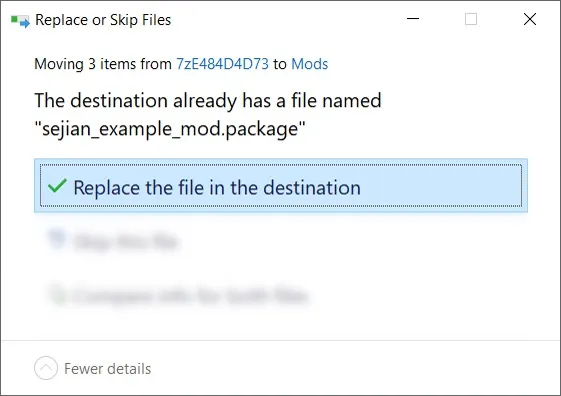
5️⃣ Choose "Replace the file in the destination" if prompted to "Replace or Skip Files":
6️⃣ LAUNCH the game.
✮ // ⋆ THE "BUG", NAY, THE "IDEA":
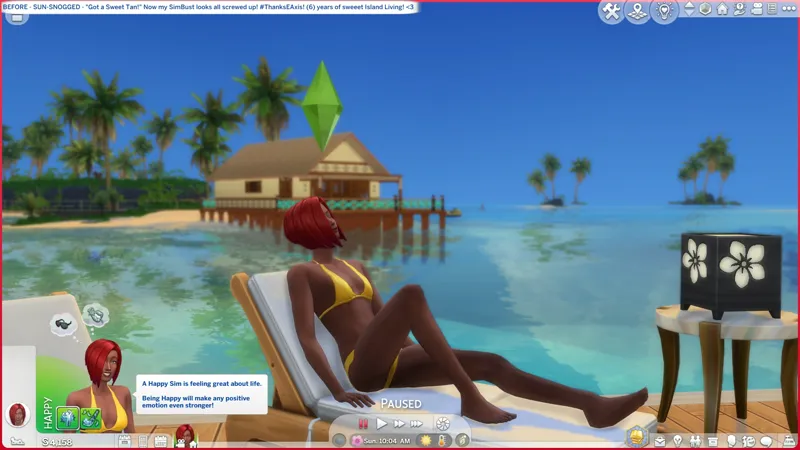
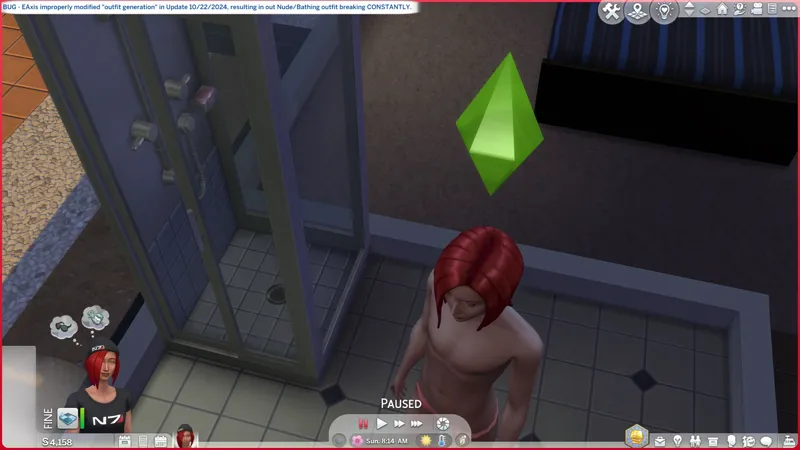
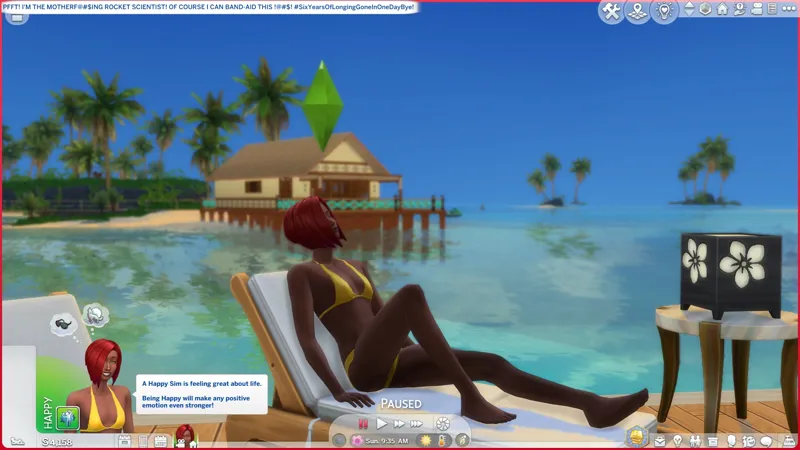
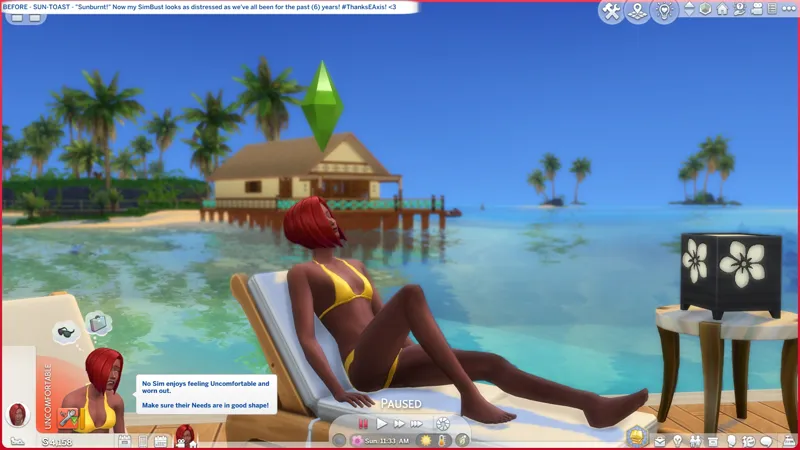
When we sunbathe and get tanned or burnt, our SimBust (the little thumbnail of our sim in the bottom left of the Live-Mode UI) warps into... an EAxis special. Our faces get all messed up and, well... I dunno if your body changes, but mine certainly did!
The cause is the tan overlay, but I think the problem is... once again, just like Update 10/22/2024 and outfit generation - in the PYTHON files squirreled away in our INSTALL FOLDER. Something ain't coded right.
It's like the tan overlay is a CAS item with improper "ExcludeModifierRegionFlags", except it's not a CAS item and there are no "ExcludeModifierRegionFlags", but this is the effect we're seeing.
If you were present for the SP48 GOTH GALORE KIT release, you might know we had a similar problem with the Feminine Frame hoodie. It shipped with improper "ExcludeModifierRegionFlags" and our sims got bulging bug eyes when wearing it.
☢️// ⋆ A RANT TO REMIND US WHY WE'RE HERE:
This "bug", nay, this "idea" shipped with EP07 ISLAND LIVING in 2019.
Today is June 4, 2025.
That's a whole SIX (6) YEARS of no official solutions to this ridiculous problem.
Y'know, simmers have been deleting their outfits to rid themselves of these !@#$ed up SimBust thumbnails, and EAxis just doesn't give a !@#$?
The workaround to delete the localthumbcache.package file works, but it doesn't help console simmers, now does it?
BUT HAY! NEW EP, BABY! AIN'T NOBODY GOT TIME FOR SIX-YEAR-OLD BUGS!
✮ // ⋆ PROJECT MIRRORS:
Reddit -- https://../r/Sims4/comments/1l3ve58
✮ // ⋆ ZIP CONTAINS (0) TS4SCRIPT + (1) PACKAGE:
This is a simple Tuning override.
This archive should never contain TS4SCRIPT files, BATCH files, or EXE files, etc.
This section exists as a reminder that we are in someone's crosshairs.
Rogue TS4SCRIPT files, BATCH files, EXE files, etc., encountered where they don't belong could contain malicious PYTHON SCRIPT or other !@#$ that will attempt to infect your device and steal your personal information when executed by you or the game. Malware can ruin lives. Don't !@#$ around.
🗜️ sej_BUGA_EP07_R190621_SunbathingSimBusts_[VARINFO]_[YYMMDD]_[RELINFO].zip
📁 #Sej » BUGFIX
📄 sej_BUGA_EP07_R190621_SunbathingSimBusts.package