
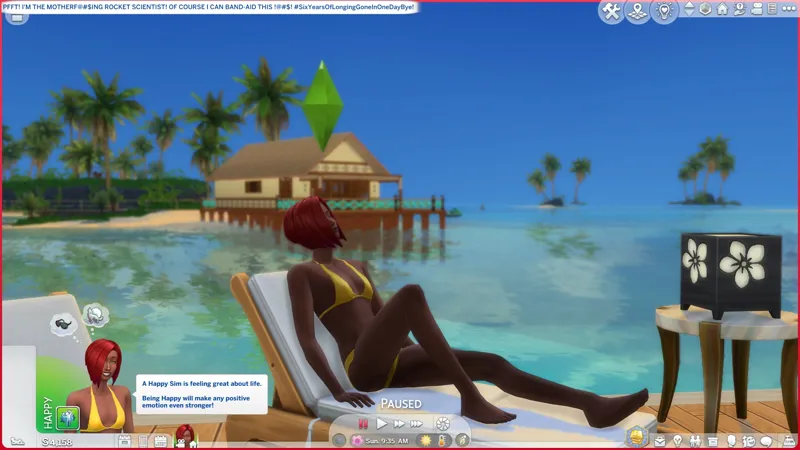

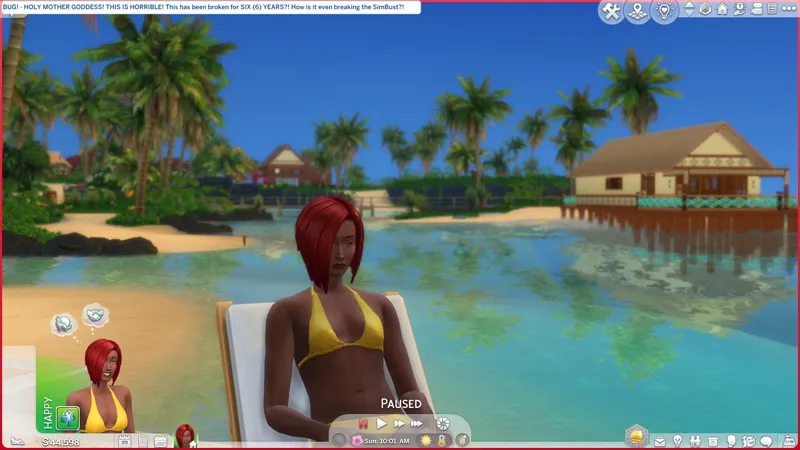
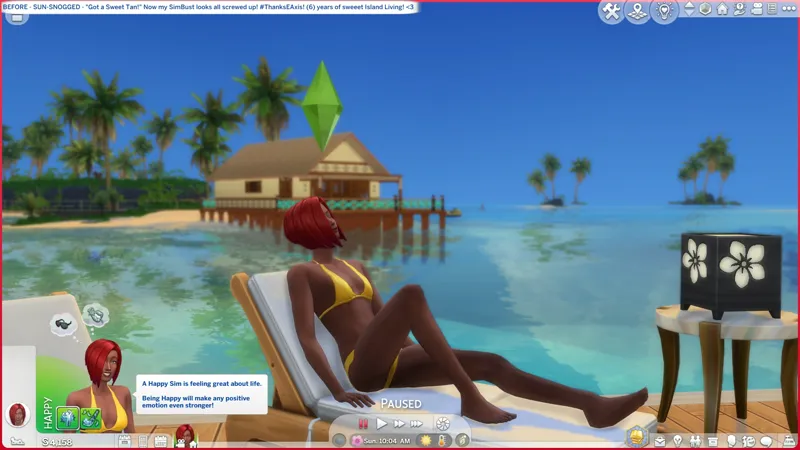
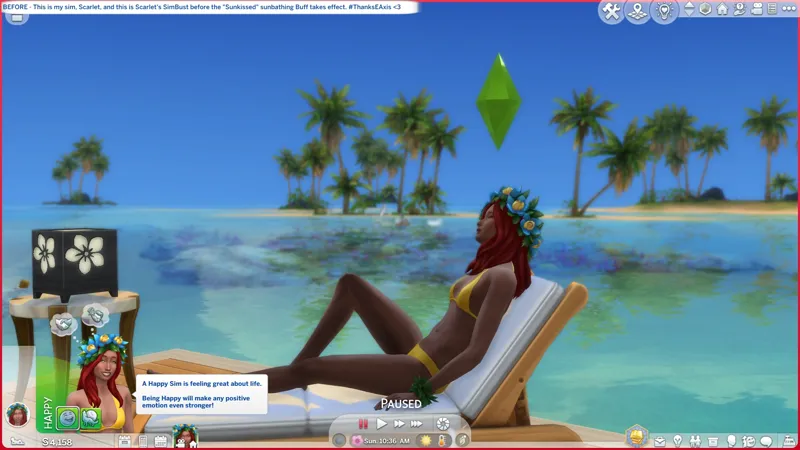
🐞 [EP07] Sunbathing been breaking SimBusts since Pack Release (6/21/2019). -- [6/4-5] 😹 PFFT! BEFORE MIDNIGHT, BABY! <HIP THRUST> OH YES!
🐞 STATUS: OPEN [🌐] (EA Forums) / ARCHIVED [🌐] (Answers HQ)
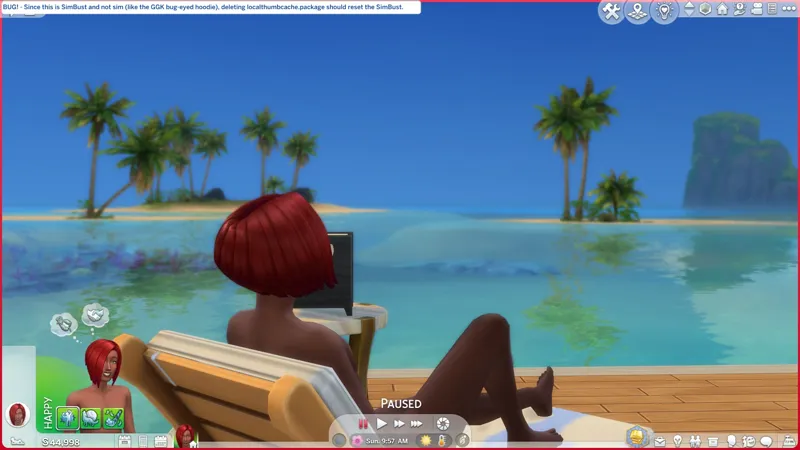
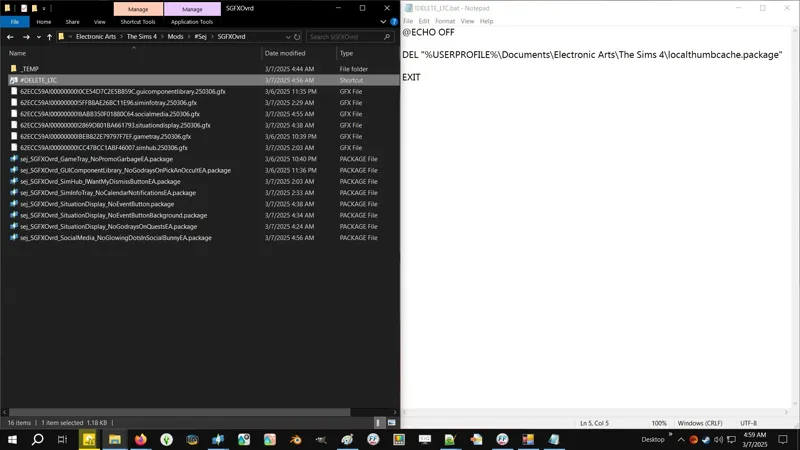
↪️ WORKAROUND -- Delete your "localthumbcache.package" to reset your SimBust.
🎙️🔞 Uh-y-yeah! Mic check, one-two, one-two! -- Uzi time, baby! <3
☆//⋆ RELATED PROJECTS:
🗺️ Sunbathing SimBusts without Tan Overlays -- https://../posts/130668167
🗺️ Sunbathing SimBusts with Appearance Modifiers -- https://../posts/130743553
🗺️ A Totes Safe BATCH File to Delete LocalThumbCache -- https://../posts/123831852
☆//⋆ INITIAL THOUGHTS:
I have a workaround and I have an idea.
This idea is, the issue is occurring when the overlay is applied to the SimBust, yeah? Therefore, if we can prevent the overlay from applying to the SimBust, maybe we can avoid this whole shebang. In this scenario, your SimBust will look "normal" but your Live-Mode skintone will still be "sun-snogged". I have no idea if this is something I can do yet. 😹
The other idea is that there's a simple little line of code I've seen that forces the SimBust to reset. I can try that too. It's possible that's the solution.
This is intriguing.
How exactly is this bugging out the SimBust without bugging out the sim?
The SimBust is generated from the sim and should look like the sim.
☆//⋆ THE VERIFIED WORKAROUND:
I haven't verified this myself, but other simmers have confirmed it works.
STEP 1 - Sunbathe!
STEP 2 - SAVE or SAVE AS... your game after sunbathing.
STEP 3 - EXIT your game and DELETE your localthumbcache.package.
STEP 4 - LAUNCH and RESUME and voila! Your SimBust should look fine, because the game will regenerate it. You need to wait til the sunbathing buff is gone and your skintone is no longer tanned.
SimBusts are cached images. If you ever took a gander at AnimXGenWear, one of my modules changes the Flirty SimBust, and I said that you need to delete your localthumbcache.package whenever you enable or disable that specific module, because the SimBust is saved in the localthumbcache.package, and if you don't delete it, you won't see the new Flirty SimBust.
Because this is an issue with the SimBust and not the sim (so, unlike what was happening with the Goth Galore Kit hoodie), you should not need to delete your outfit to get rid of the problem. You should just need to delete your localthumbcache.package file.
Unfortunately, this will only help non-console simmers, because console simmers can't delete that localthumbcache.package file easily.
⋆ ── ─ ─ ─ ─ ─ ─ ─ ─ ─ ─ ⋆ \\ ✮ // ⋆ ─ ─ ─ ─ ─ ─ ─ ─ ─ ─ ── ⋆
☆//⋆ PROGRESSION:
😹 6/4/2025 #5 -- PFFT! I'M THE ROCKET SCIENTIST, BABY!
The "other, other idea" didn't work, so I went back to the "appearance_modifier" and applied my "EnterBathing Override" knowledge, et voila - SUNTAN OVERLAY, NO SIMBUST BS!
⚡ 6/4/2025 #4 -- THE TRAIT AIN'T DOIN' THE THING! (╯'□')╯︵ ┻━┻
⚡ 6/4/2025 #3 -- I HAD A NAP AND I HAD AN EPIPHANY, BUT...
I can do a very, very temporary "appearance_modifier" BUFF that "resets" the SimBust thumbnail, and it works, but here's the problem, THE TAN OVERLAY IS THE PROBLEM, and the moment the BUFF expires, the SimBust thumbnail resets again and breaks.
The "appearance_modifier" is meant to be temporary, which might be why the SimBust thumbnail resets (and breaks again) if it expires before the sunbathing BUFF expires.
I could make the "appearance_modifier" BUFF last as long as the sunbathing BUFF, but for the "reset SimBust" code to work, I have to modify whatever outfit the sim is currently wearing.
One more test, then I'll try the "other, other idea".
Also, the year is 2025.
Electronic Arts is a 40+ year-old company that specializes in videogame development and publishing, and somehow they still cannot give us a PROPER APP WITH A WORKING OFFLINE MODE! I launch the game. The game doesn't launch. The game doesn't launch because EA App crashed and restarted itself in Online Mode. I switch to Offline Mode and launch the game. EA App tells me I can't launch the game in Offline Mode and that I must restart EA App.
🎙️🔞🤬 Why you !@#$ing with me? Stahp !@#$ing with me!
⚡ 6/4/2025 #2 -- CAN WE SAVE THE TAN OVERLAY?
I know the code and I understand how it works. Shirley there's a way!
⚡ 6/4/2025 #1 -- I TOOK MY DETOUR EARLY. I HAVE A CRUDE BAND-AID.
If we can prevent the overlay from applying to the SimBust, we can avoid this whole shebang.
I'm correct. Preventing the overlay from applying to the SimBust solves the problem, I just haven't figured out how we do it yet - it looks like PYTHON. HOWEVER, I can prevent the tan overlay from applying to the sim, which prevents the overlay from applying to the SimBust, which prevents the SimBust from breaking.
So the question is, how much to we care about the tan overlay?
☆//⋆ TBC...
Comments (4)
Hi! Sorry if I sound impatient, but do you think there might be a solution? I don't think EA will ever fix this, and you're our last hope. Again, I'm sorry if I seem impatient, but you posted about this a long time ago, and for a moment I was afraid there was no solution. If you have any developments, please let us know, we'll wait as long as necessary!
It's not that there's "no solution", there just hasn't been any progress. "CAS Filters" just kinda derailed everything, and constantly fighting with the internet tends to make other things slip my mind, so thanks for reminding me about this. Here's what we'll do, give me the day to do some more work on the overhaul for "CAS Filters" while the ideas are still fresh in my head, then I'll take a detour and see if I can't make some progress here.
Hi!! I tried deleting the localthumbcache file after sunbathing and it removed the ugly face!!!! You are a genius!! I really hope that you find a solution to reset the face in game!! 😌
Cheers! Glad to hear it! And yes, I will still look into how we can address this in-game. 😺