










Monsterdale - High School Staff Fixes
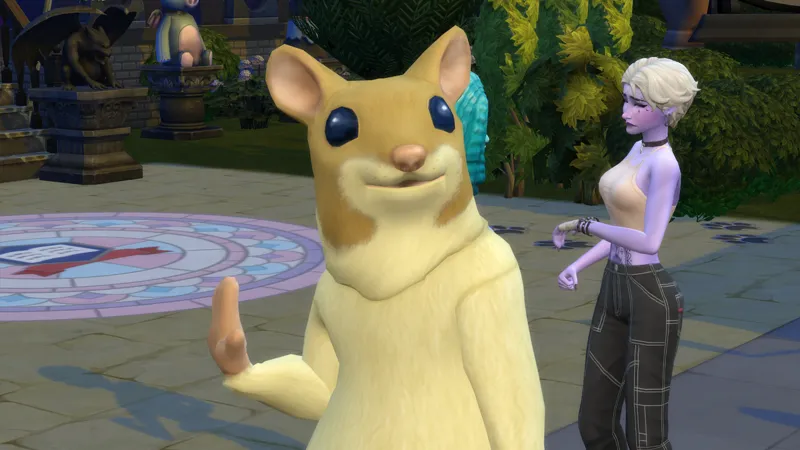
The current save file was updated at the beginning of April and that means Monsterdale is ready to be played. However, anyone can still benefit from these little "tricks" as it can still happen that an NPC starts misbehaving. Mr Mutant Hamster aka Monsterdale Teacher 1 stopped being a hamster right after prom for example, so it is good to take note of these things to make Monsterdale run well.
This post is mostly for those who have been playing the save file since before April 2023 and they don't want to lose their progress. They will have to make their own Monsterdale with my help!
The previous post dives into replacing the lots in Copperdale. This post is all about NPC's / Townies and essential High School Staff. When we don't have mods at our disposal, we rely on cheats and our CAS skills to help us in one of these ways:
The best way that we found to deal with the game generated NPC's for Monsterdale was to give them a new career outfit in CAS. You can change it when your sim arrives to Monsterdale High on their first day.
1. To use the career outift cheat you will need to first find the Sims ID. Hit cntrl + shift +c to bring up the cheat bar. type the following cheat:
Sims.get_sim_id_by_name Firstname Lastname
For Teacher 1/ Teacher 2 / Custodian: Replace the word in bold "Firstname" with the NPC's first name and the word "Lastname" with the sims last name.
2. The Sims ID should appear just below the cheat bar. If it doesn't, you entered something incorrectly (spelling mistake etc). Using the Sim ID use the following cheat:
Sims.modify_career_outfit_in_cas SimID
Replace the word SimID with the numbers below the cheat bar ie replace with the sim's SimID. If this is getting too complicated for you, I am working on a video to show how it is done too.
Current characters in the save file following Horse Ranch Patch:
Sims.modify_career_outfit_in_cas 353269411654864452
(Use this code for "Snowy Monster" / Teacher 2) Above ^
Sims.modify_career_outfit_in_cas 686535807459396230
(Use this code for "Cleaning Bot" / Custodian) Above ^
Sims.modify_career_outfit_in_cas 353269411661155998
(Use this code for "Mutant Hamster"/ Teacher 1) ^Above
3. While in CAS select a new career outfit and return to the game by clicking the play / done button.
We found the easiest fixes to be full outfits from the costume category.
These work: Hamster, Yeti, Bear etc (the pattern seems to be when the costume includes a headpiece it works!). The exception to this rule is the base game robot outfit. That one works too (miraculously!)
These don't work: The sea monster outfit from the Get Famous GP. I will keep adding here as I discover more that doesn't work.
Anything in the hat category unfortunately doesn’t seem to work. That means no masks or helmets too!
Voila!
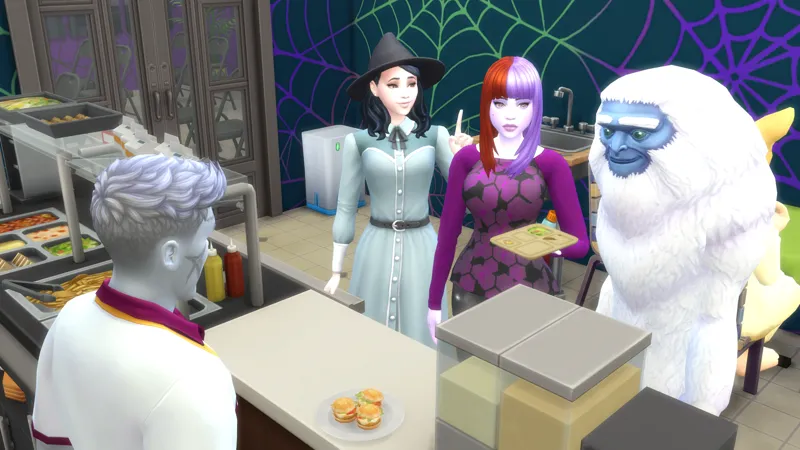
Monsters never trusted the human folk, but now that they have turned into monsters themselves, some friendly monsters have come out of hiding to teach the mostly orphaned post pandemic population of Monsterdale. Who doesn't want a mutant hamster or a Yeti teaching them??
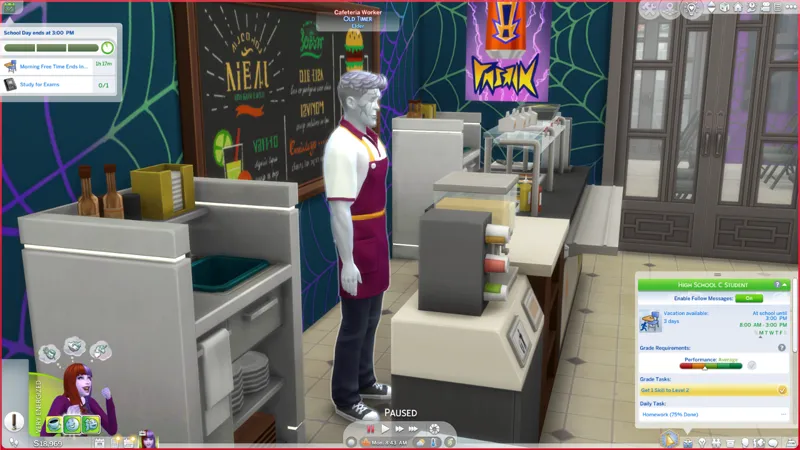
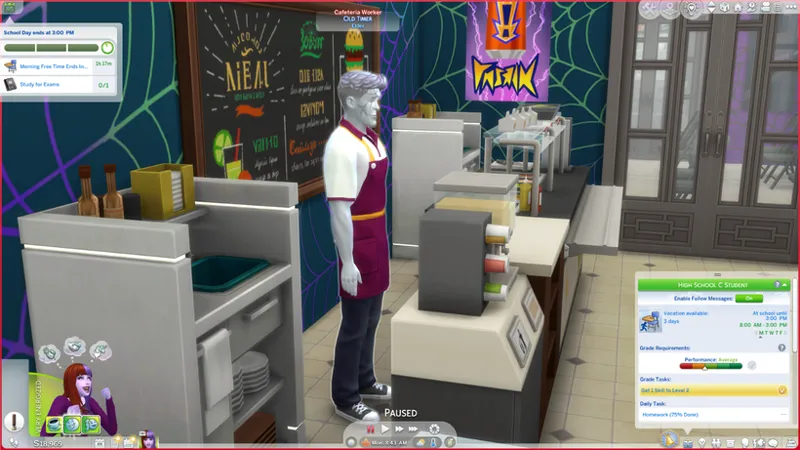
When you don't want the principal to be a hamster or for example, you want the cafeteria worker to still be wearing their apron etc. ... you can change the sim to be more monstrous! Game generated a boring human? Change her skin to green in CAS so you can turn her into an ogre or a snake.
1. Open the cheat bar (cntrl + shitf +c). Type the following cheat:
cas.fulleditmode
SHIFT + click on your sim. Select: edit sim in CAS.
2. While in CAS you can change hair colour, skin colour (very important as this is basically your only tool together with sliders) and eye colour.
Makeup and facepaint: Don't work :(((
Tattoos: WORK! Skindetails: Work!
Teeth: yeah, give them some sharp teeth! It works!
Hat category: nothing in this category sticks. Also sadly the alien masks from Journey to Batuu don’t work.
3. Shape their faces with the sliders eg Frakenstein type monsters have long and strong jaws and bushy eyebrows or a unibrow with lots of surgery scars. A snake might have a flatter nose etc. etc. You can do it! Change those boring NPC's into something unique. The game seems to favour non occult and Adult or Elders for the High School Roles. I think occults might interfere with core coding and the High School Experience running smoothly, so maybe don't turn any random generated folk into occults.
Well ... while testing and troubleshooting for Monsterdale something amazing actually happened. The game was choosing teens from the other neighbourhoods / worlds in the fantasy save file to come there as well as some from my unplayed households in Monsterdale. And me personally, I love this!
There was Gnomeo Montague and Juliette Capulet (from Gnomecreek) at the lunch table together. Star crossed fantasy save file lovers. Now we could explore their love story to the fullest or watch from afar.
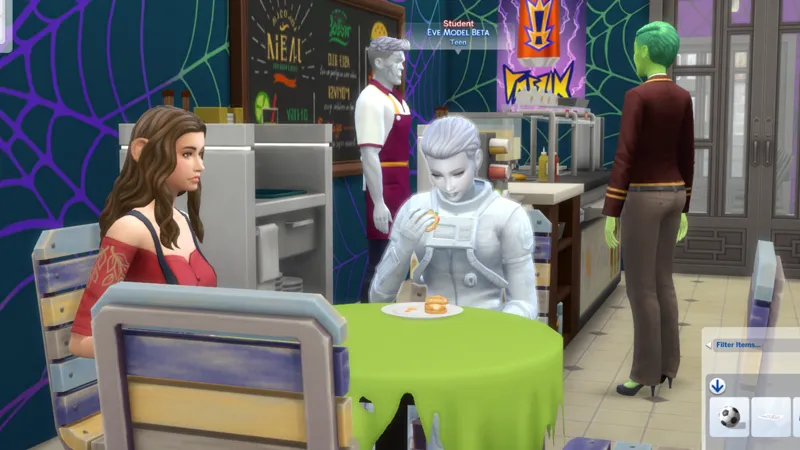
Eve Model Beta (a young robot from Hazard Harbor) looks so cool every time I see her. Here she is checking out Midnight Mooncharm (one of the CUTEST little teen witches in the save file) while she is learning the T-pose.
The trick for getting interesting sims to go to High School with your monster is that the game should have LOTS of teen sims to choose from and the fantasy save file already has those, so you're all set. I actually LOVE the randomization in this instance. I'm interacting with sims I might not have chosen but who are all so interesting from all sorts of places in the fantasy save file.
This is a trick others have commented on too: the fuller with characters your file is, the less likely the game is to randomize characters and it becomes more likely that it will choose from those who are already in your save.
VERY IMPORTANT!!! Don't edit the sims from the Manage Household Menu! Use these cheats while at the High School.
* Next post: How to use mods to skip the random NPC / townie nonsense!


