















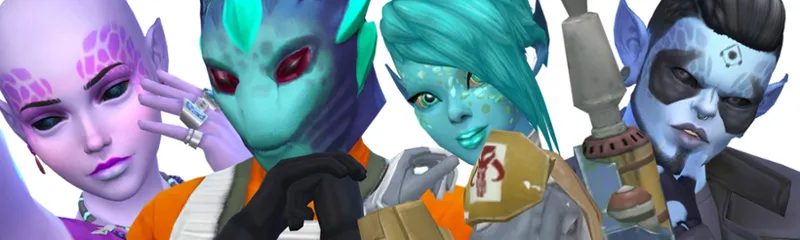


Sims 4 FantasySave file - A sims 4 save file
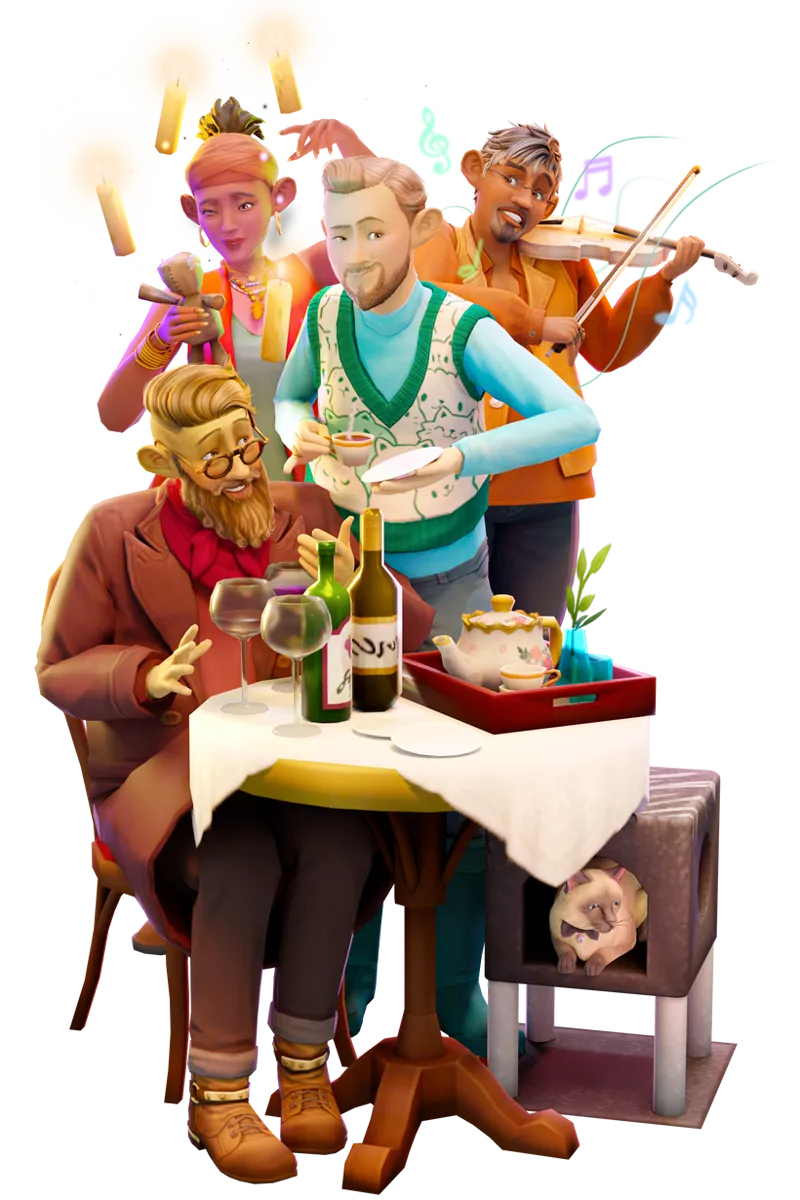
Welcome to the Sims 4 fantasy save file collaboration. A place for gnomes, fairies, aliens, witches and even humans to thrive.
Join us in a world transformed to house many fantasy races
Worlds included in this save:
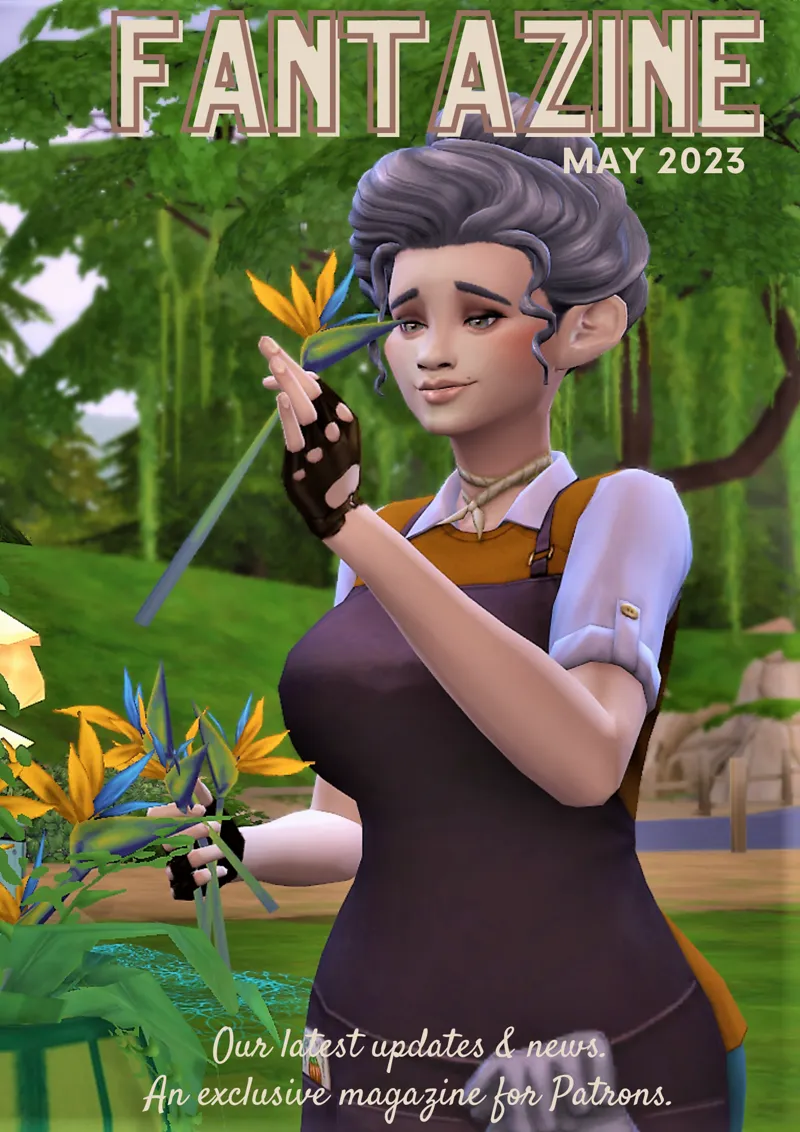
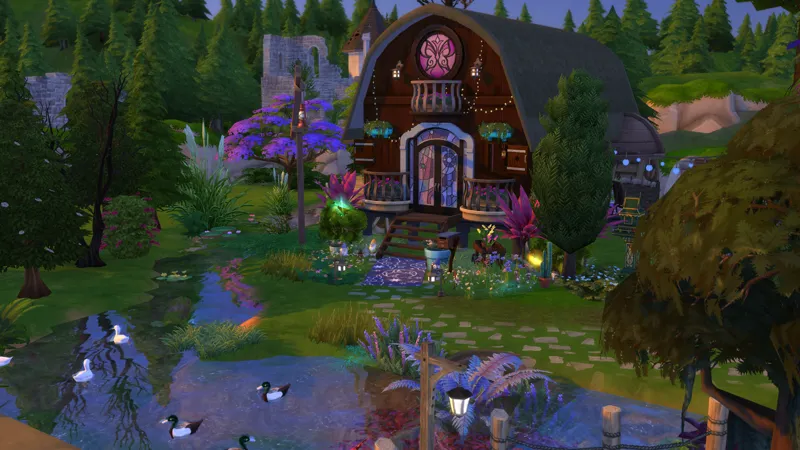
Gnome Creek (Willow Creek) - #Gnomecreek - see this Fantazine edition for more
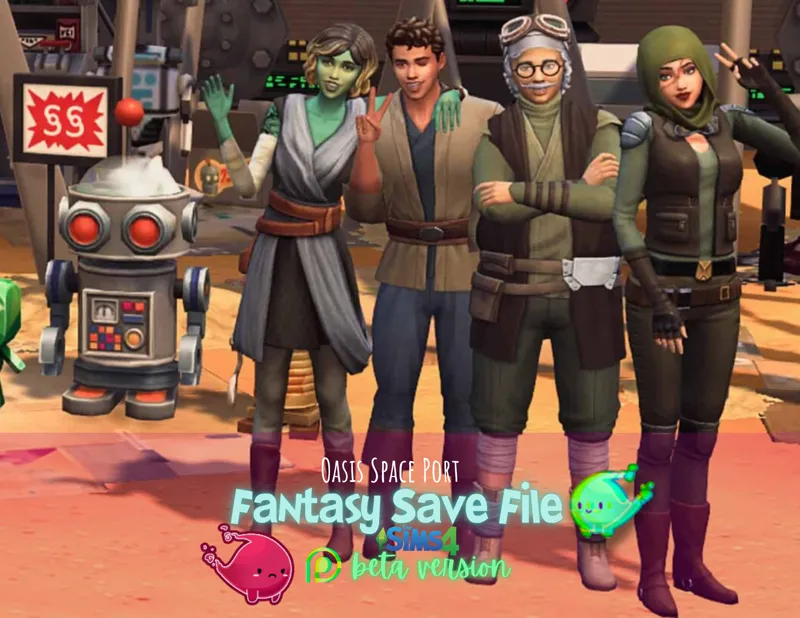
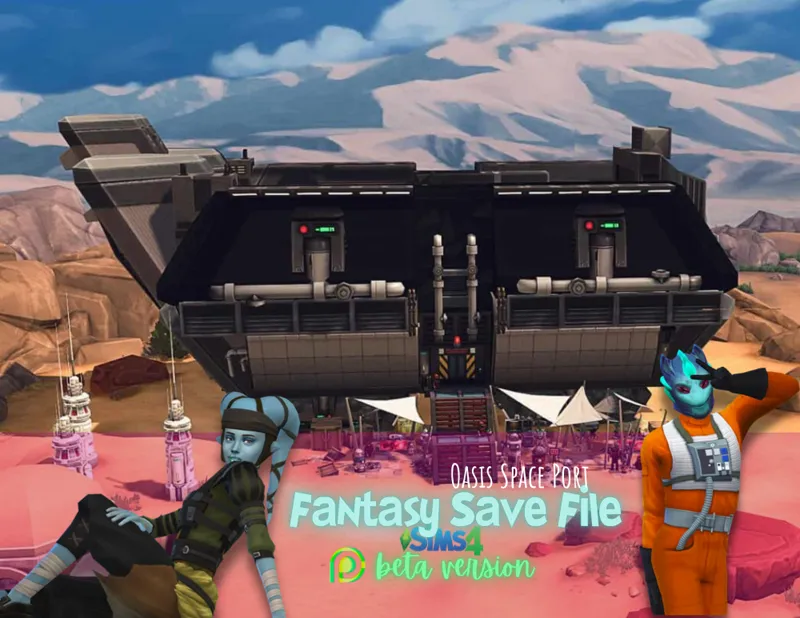
Oasis Space Port (Oasis Springs) - #OasisSpacePort
Faecrest (Newcrest) - #Faecrest #FairyFamily
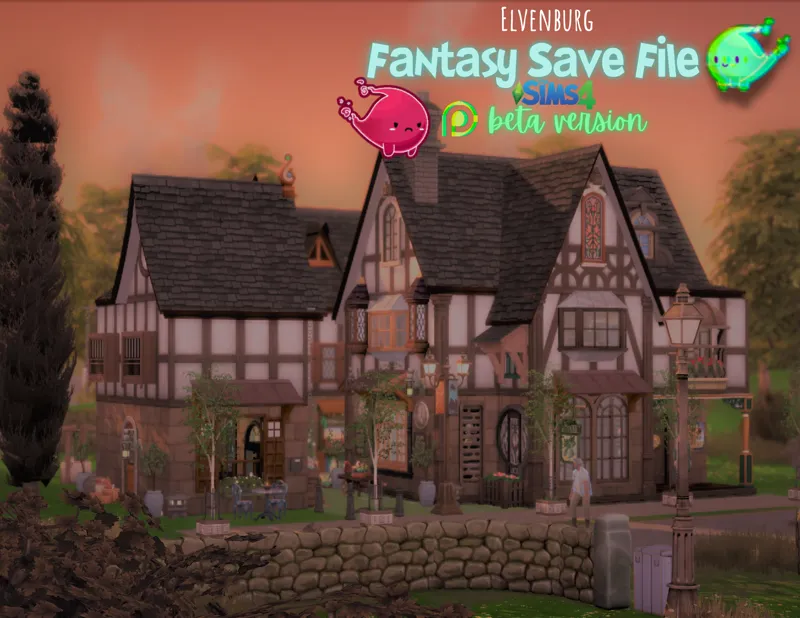
Elvenburg (Windenburg) - #Elvenburg
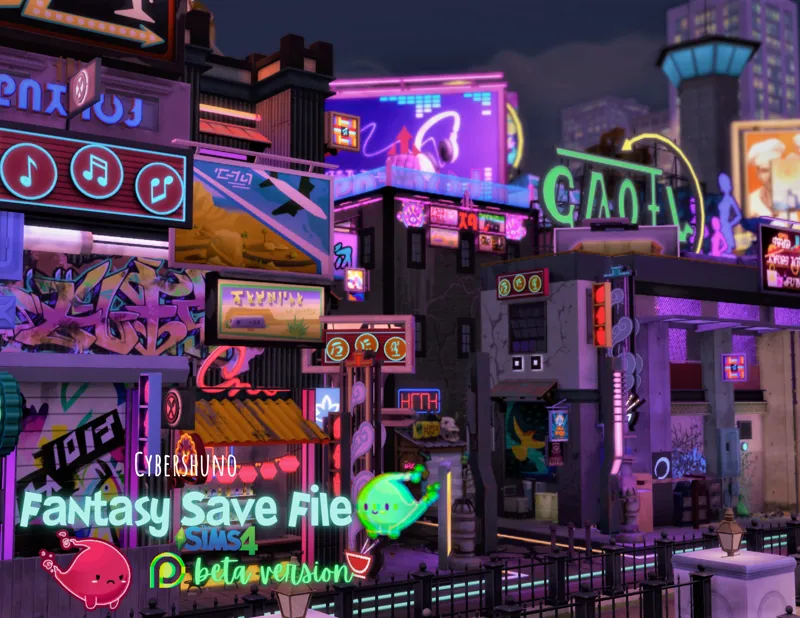
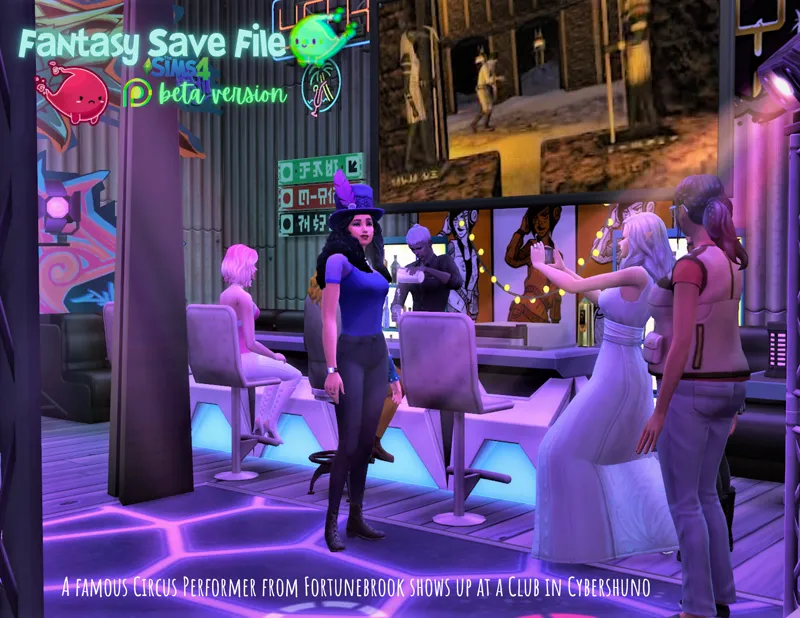
Cybershuno (San Myshuno) - #Cybershuno
Forgotten Hollow
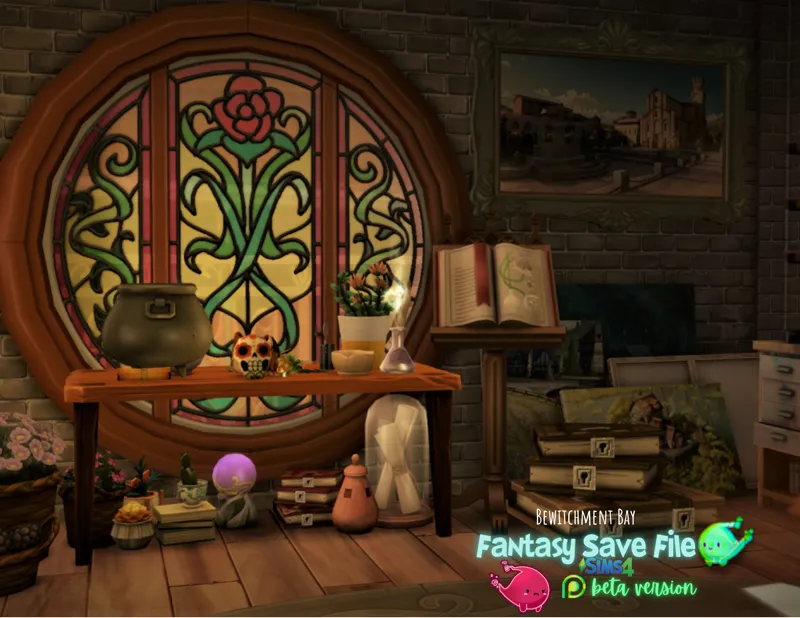
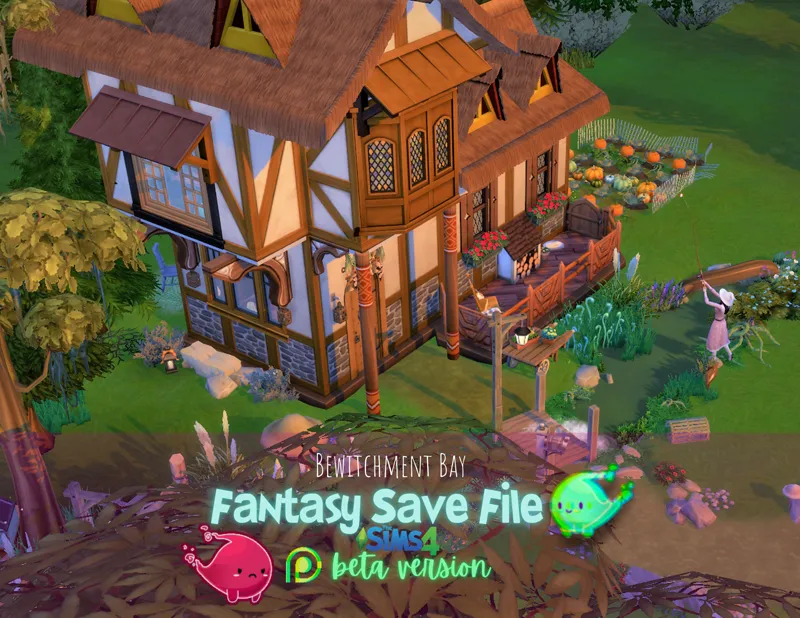
Bewitchment Bay (Brindleton Bay) - #BewitchmentBay
La Hada Valley (Del Sol Valley) - #LaHadaValley
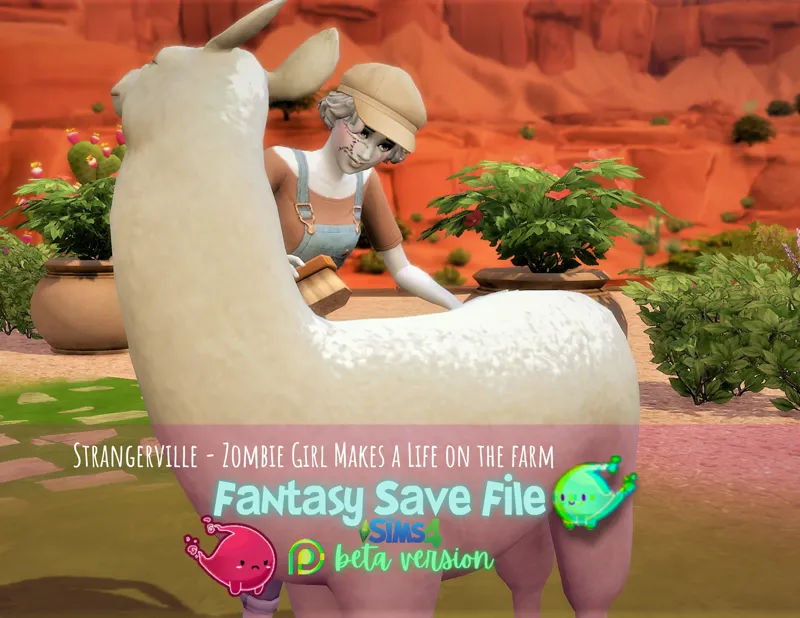
Strangerville
Port Sulani (Sulani) - #PortSulani - see this Fantazine edition for more
Britechester Gnomeversity and Foxbury Cyberversity
Fortunebrook (Glimmerbrook) - #Fortunebrook #CircusTownieProject
Hazard Harbor (Evergreen Harbor) - #HazardHarbor
Mt Komorebi
Henford-on-Hagley - #HenfordOnHagley - see this Fantazine edition for more
Moonwood Mill
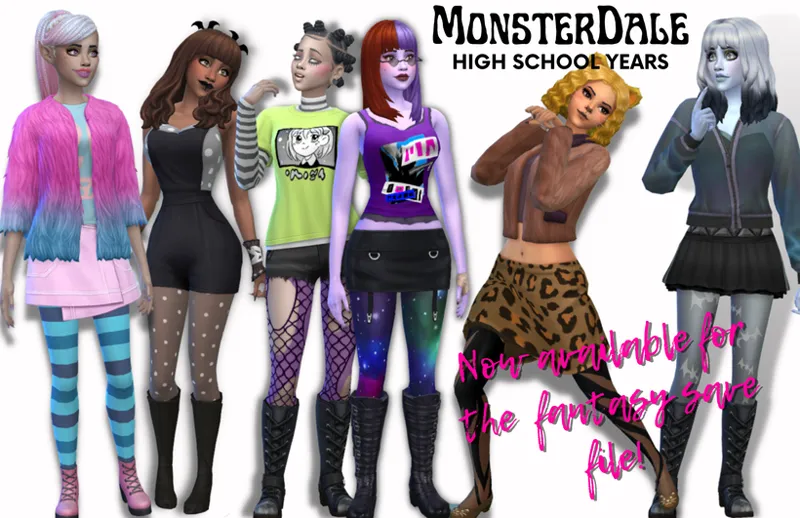
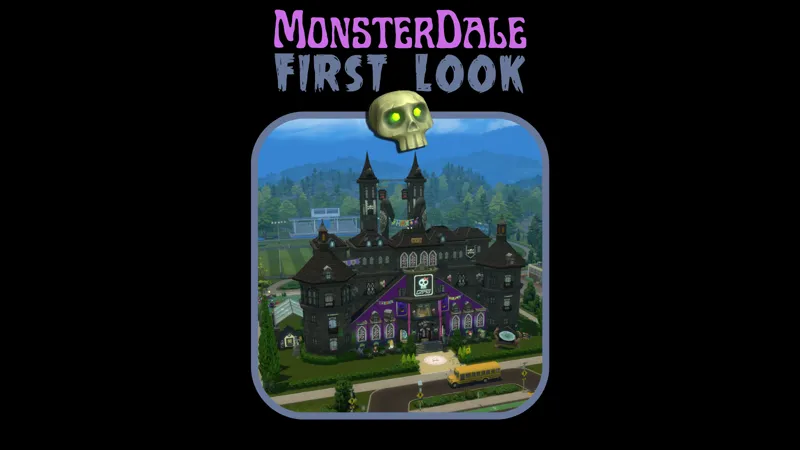
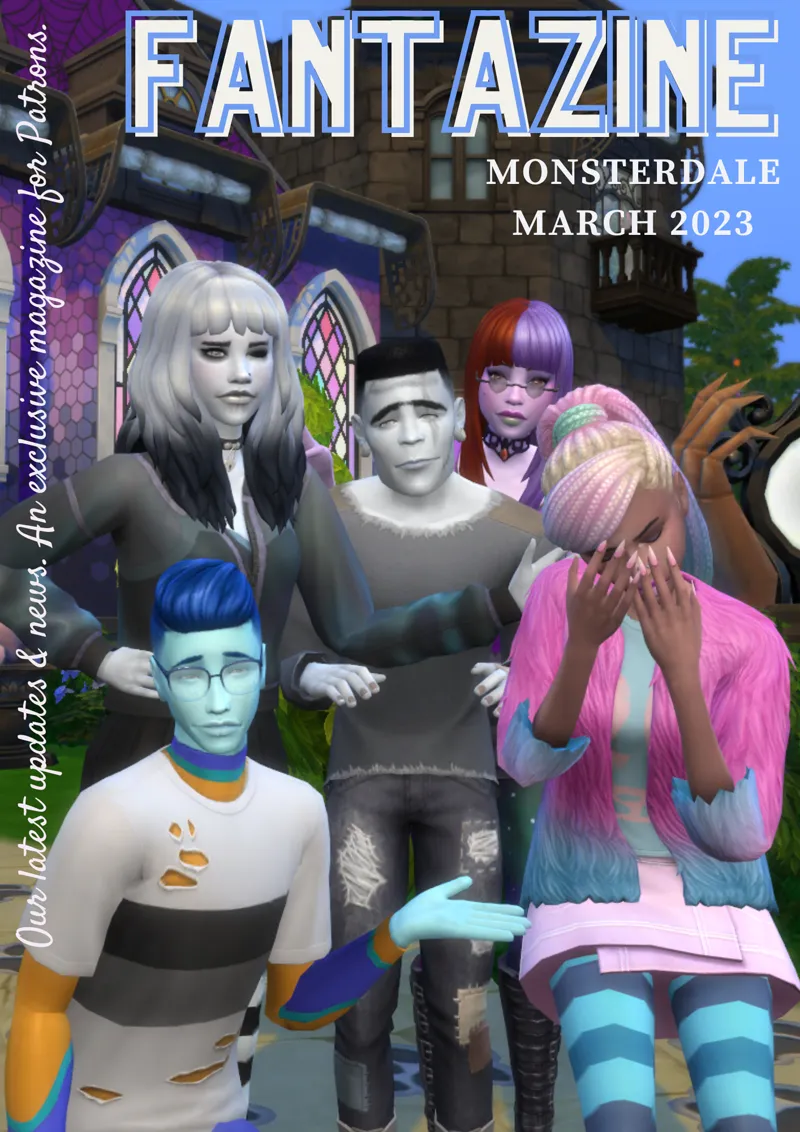
Monsterdale (Copperdale) #Monsterdale - #Monsterball #MonsterDaleHighSchool - see this Fantazine edition for more
Grimmtosa (Tartosa) - #Grimmtosa #Taletosa
San Sequoia - #Superherochall
Chestnut Ridge - #ChestnutStation
Tomorang - #ArabianNightsTownies #FantasySaveGenies
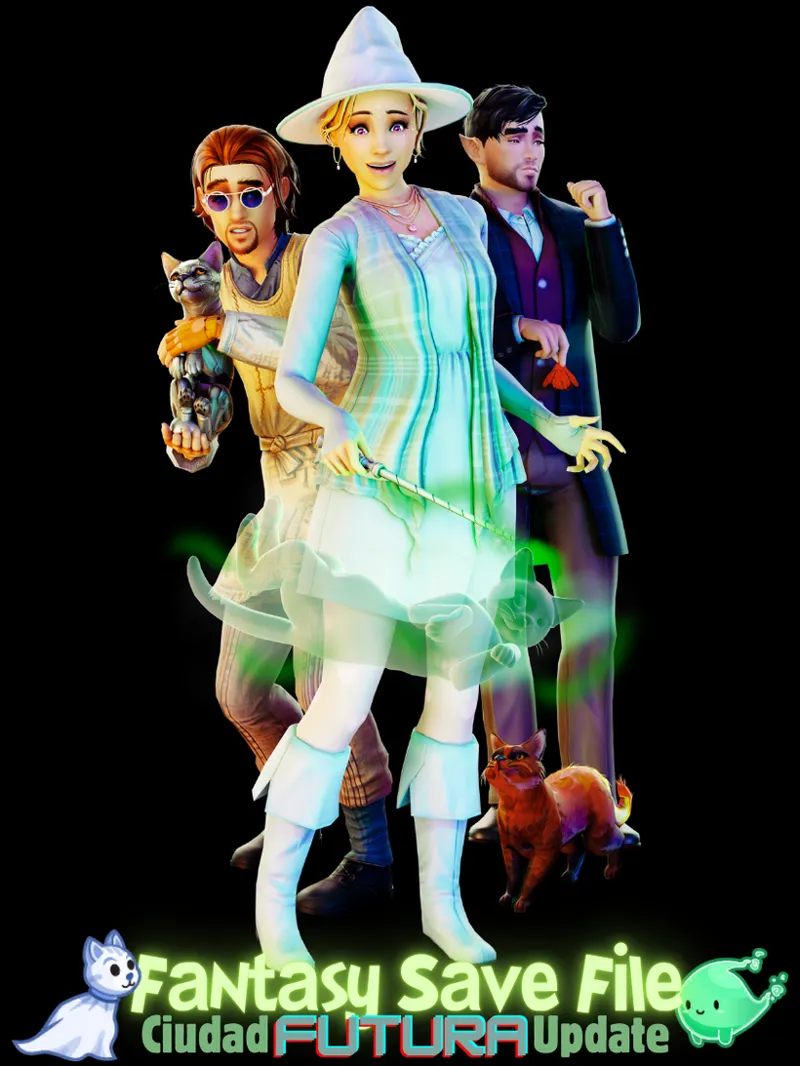
Ciudad Futura - #CiudadFutura
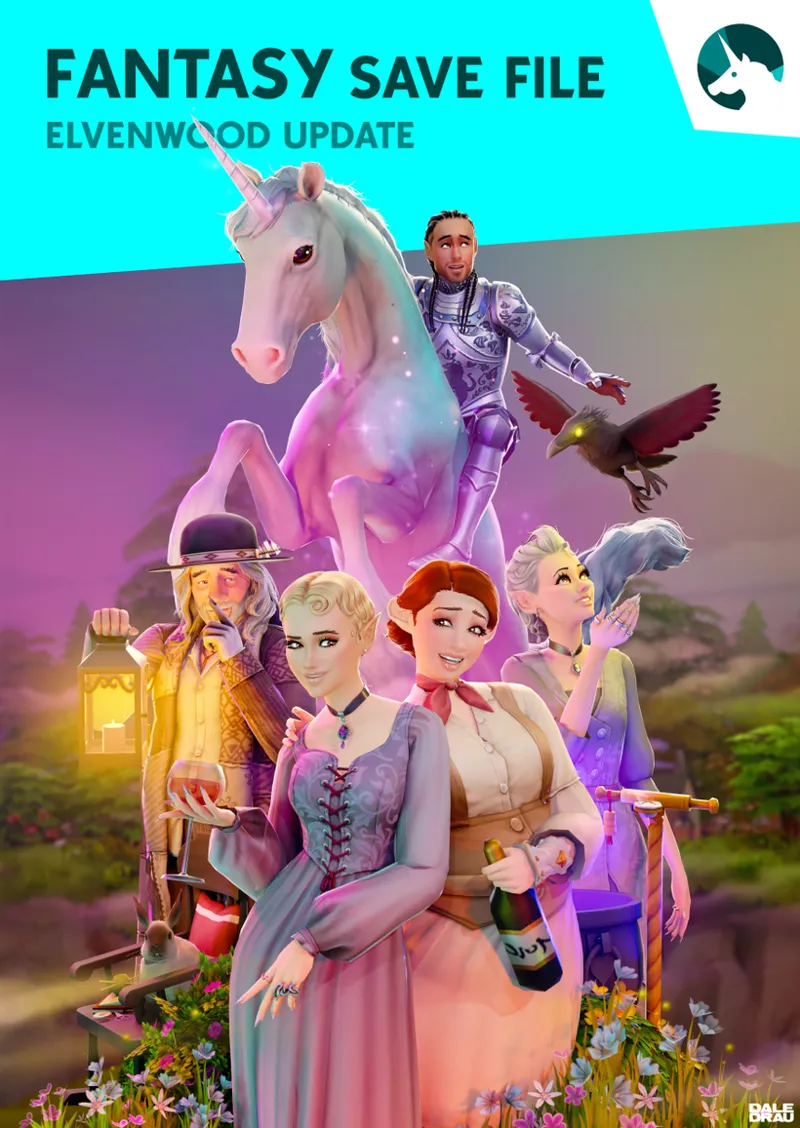
The Elven woods - #Elvenwood #Ravenwood castle
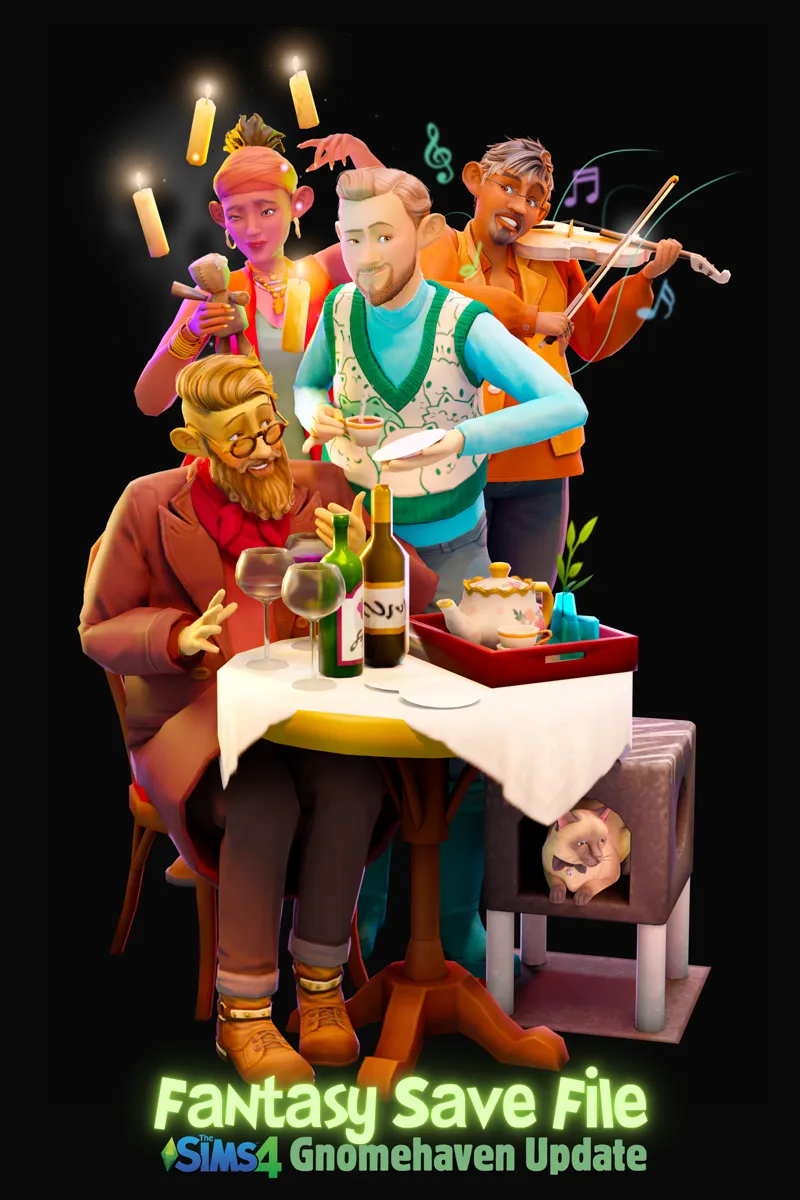
Gnomehaven - #Gnomehaven
The two holiday destinations have also been completed to my liking: Granite falls and Selvadorada (though mostly sourced from the gallery rather than the challenges and collaboration hashtags from this project).
More info on each world will be added under each world's hashtags on my patreon. Check out these hashtags and the #fantasysave hashtag on the EA gallery to connect with the creators and collaborators of this file.
MUST READ POSTS:
See the next post for details about each world.
More about Monsterdale
More about Grimmtosa
More about Tomorang
More about Ciudad Futura
More about the Elvenwood
Updates
--> (listed most recent to least recent)
9 September 2025: Updated for Gnomehaven <-- DOWNLOAD IT BY VISITING This POST!
18 March 2025 (public release): Updated for the Elvenwood
!!! Updated for Ciudad Enamorada / Ciudad Futura 1 October 2024 !!! New save file attached to this post. Slot_00000008.save - I've left this save attached for those who do not own Life and Death expansion pack yet! If you have Life and Death you should rather download "d"
!!! Updated for Tomorang 9 April 2024 !!!
Tomarang - !!! Updated for "For Rent" patch (maintenance) ---> find it here!
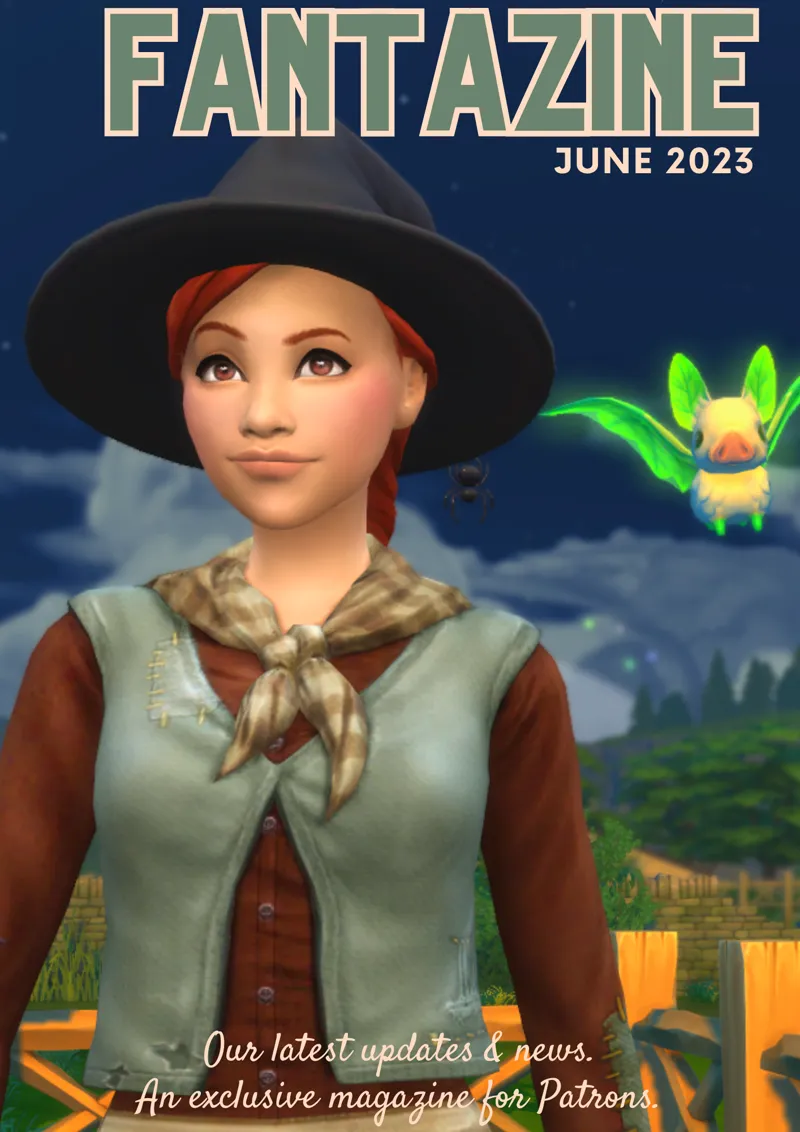
Tartosa / Grimmtosa: Now available with this download. Search the Grimmtosa hashtag for housekeeping and lore about Grimmtosa. Explore more in the July Fantazine ...
!!! Updated 24 August 2023 for Grimmtosa!!!
Monsterdale: If you downloaded the save file before the 4th of April 2023, you will have to use the resources on my patreon to build your own.
!!! 25 March 2023 update!!! Search the #Monsterdale on the EA gallery to find all the Monsters and builds for the save file. You can also search the hashtag Monsterdale here on patreon to find related posts and instructions.
!!! 5 April 2023 update !!! The current save file has been updated for Monsterdale. Read more in the March Fantazine ...
Don't know how to use other people's save files in the Sims?
1. Backup your current saves in a folder on your desktop
2. Save files are accessed by the game via the "saves" sub folder in your "The Sims 4" main folder [in the same place you find the mods folder].
3. Place the save file attached to this post in your "saves" folder.
You might have to renumber the save if you already have a save with that number. Here is a good set of instructions that was included for the "Simsiesave". or if you're more of a video person --> HERE.
Scope of the project / save file collaboration:
Nightlioness used the hashtags to release her own version of the save file a few years ago. Ultimately, both were created [mostly] by using the hashtags of the original challenges on the gallery. This was a community driven initiative with me structuring and giving / writing direction for gameplay and storyline through my blog and the challenges. Read more about the original project --> HERE or follow my patreon as I curate the history and hashtags (right now, this is happening mostly on discord).
Click "Sims4 Fatasysave" hashtags under the "Posts" section to find all posts related to this project. I will continue to update here, especially for those who would like to know more about each world.
Disclaimers or something like that (basically some advice ... )
My own game has never run smoother. I've not had a single crash or any lag while playing, despite the size of this save file.
If you're computer is not coping, you may want to delete some of the households, because I chose "unlimited" number of sims which obviously make it harder for your system to cope with the demands of the game.
Some lots will have more lag than others. While we all love these beautiful creations using tool mod, it takes many many objects to create dragon sculptures or elaborate palaces for Elvenburg. Consider using creations that don't use tool mod if you have serious lag on these lots. All in all, it hasn't been too bad for me!
I've not been able to record while in the fantasysave. While my game seems to cope with unlimited sims and elaborate lots, adding my streamlabs game capture is just too much for my computer system. If you're not recording for your channel, it's obviously not an issue.
Play around is my best advice - see what helps if this save file is overwhelming your system due to the scope Play around with:
game settings
deleting contents of tray folder / library
not playing while online or
deleting some households via household management who are "not currently in world" or some of the tool mod lots etc.
Terms of use and credit:
The beta version is not included with an index of contributors and creators or interactive pdf document, which I aim to have ready for alpha.
For now, the best way to find the original creator of sims is to click on sim household, don't hit the play button, instead go to the three little dots and say "manage household" - I've at least added the names of creators on most household descriptions or ...
... especially when I've created one household from many creators on the gallery, you can go to the corresponding hashtag on the gallery and there you will find lots of information, including beautiful stories for some sims, so read read read those descriptions. I've also included a lot of my own sims.
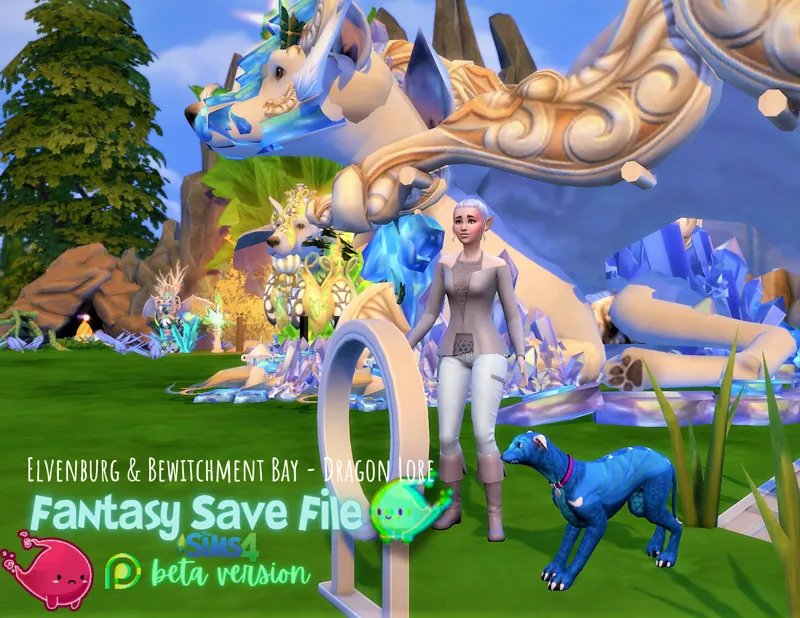
If you want to know the original creator of a lot: go into build mode and save the lot. It will say "Original by: ... " or again, search the corresponding hashtag on the gallery to see. I used mostly creations tagged fantasysave that community collaborators submitted, but I did also source from elsewhere. I used my own lots / creations whenever I had something suitable and I made most of the apartments by revamping other's layouts and turning them cyberpunk plus adding lots of details specific to each character living there eg. the cyberpunk mermaid by DivantheSimmer has a pad with sauna, fountains and aquariums - I'm so proud of how the apartments reflect part of the story for each inhabitant. You can search popular rooms and #Cyberpunk on the gallery to see who I borrowed from! Special thanks to Ritpit01 for her tool mod sculptures of robots and cool cyperpunk motorbikes. Dragon sculptures in Elvenburg by Moonlitsyndicate.
Hashtags to search on the EA gallery as an index of creations: #fantasysave, #GnomeCreek, #OasisSpacePort, #Elvenburg, #PortSulani, #BewitchmentBay, #HazardHarbor, #HenfordOnHagley, #Cybershuno, #Fortunebrook #Grimmtosa #Monsterdale
Do not re-upload any of the creations or claim as your own if you weren't the orginal creator. Give credit. Ask. Anyone who objects to the way their creations are used in the save file should not hesitate to reach out about it - I will take care not to include them in the alpha version.
Overdue thank yous
I want to thank each and every creator who collaborated or whose creations we used from your catalogue on the gallery. The creations are so beautiful - I was scared to release the file, because I knew that eventually I would have to thank everyone, and you cannot measure the amazing contributions - each is special in a different way. I hope you all know how amazing I think you are and how grateful I am for the work everyone did. Unfortunately, I can't make this post any longer than it already is, but I hope to send you all some fantasysave merch as a thank you, when I return to work again (and have the mula to back this up!)
I will continue to update the patreon with relevant information about the save. Reach out, comment or follow the patreon if you're interested in knowing more and exploring more about the worlds and the save.
Anyone can upload [on the EA gallery] creations they think are a good match for the worlds. Use the hashtags so that people can easily search and find creations for the save. Use #fantasysave and [#GnomeCreek, #PortSulani etc.] the corresponding neighborhood / world.
I hope you all love what I put together. Read neighborhood info's (top middle) and household descriptions to help you engage with the stories and gameplay of the save.
Known problems & Suggested Mods:
1. Twileks will appear as human during rain, rainstorms, journey's to Batuu (ironic) and other randomized outfit madness such as when travelling to the magic realm. All sims seem to also be affected by this at times, but Twileks are consistently so.
No Mods fix: Click on sim and say "change outfit" - it's annoying though and breaks our immersion. [Insert facepalm emoji]. When submitting a sim to the gallery that is Twilek race with the hashtag #fantasysave or #OasisSpacePort, remember to make them twileks in ALL of their outfits to help other players with immersion when playing our fantasy save. It took me ages to fix the submissions of others [takes a bow and waits for applause, but nothing happens ...]
Suggested mods: HERE for Batuu outfit madness
Suggested mods for general outfit madness: Watch the video by Kat's Corner on how to use MC Command Center for this. There are other no random outfit mods too. Feel free to share whatever mods work well for you in the comments to help others! See below also for random townies wearing random outfits in general, a lot of that would be helped with Carl's Spawner mod [discussed below].
2. Random townies and sim spawing:
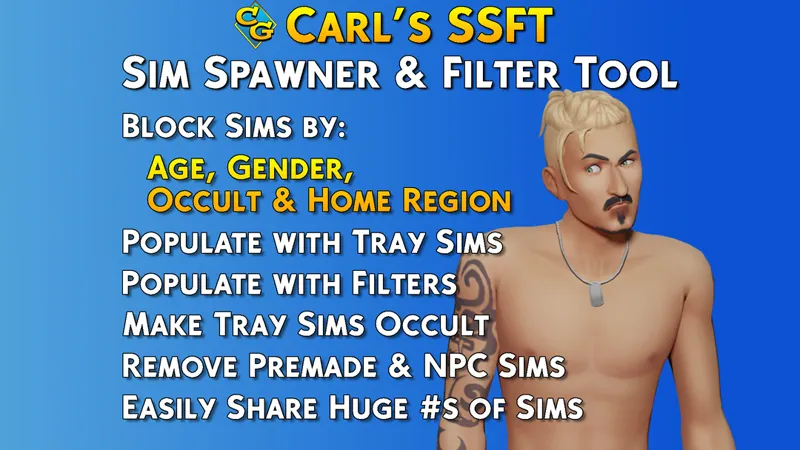
If you're playing the save file where you don't want certain sims to interact with each other yet eg. the humans of Hazard harbor are yet to meet the elves or you want certain sims to only spawn in certain worlds and not others, you can use Carl's Sim Spawner & Filter tool. I will likely be using my CarlSimFile_YourCreatorName.simshare file as part of the release of the alpha save file. You can also share your simshare file with others in the comment section.
!!! Now Available: Find my sim share file here !!!
No Mods fix: If you see a random townie while out and about, use cas.fulleditmode cheat. Take the random townie into CAS and replace with another sim from the #fantasysave sims on the EA gallery. There are many who weren't included in the save file. Or ... remake the existing sim. . The game generates townies to fill essential roles in the game, so it will keep generating new ones if they move to "My household" sims in household management. In order for that role to continue to be filled by a sim more to your liking, the only [no mods] fix is to use the cas.fulleditmode cheat when you encounter them out and about in your worlds.
No Mods fix: You can do what I did while testing before release ... delete them in household management all the time ... but if you have time, do the former (suggested above), because it will make your worlds all the richer!
Right now we also have no idea how using the empty world save by Srsly Sims will affect some aspects of gameplay - I've fixed the Realm of Magic sages to be my makeover of the Maxis ones, so we're safe there - but Strangerville gameplay has me seriously concerned. I also couldn't find the entrance to the secret lot in Granite falls ... whoops. I would love any info players of the save can provide if anything has stopped working!





Comments (22)
I feel a little silly asking, but this post mentions the save file should be attached, but I don't see any attachments. There's a link to the latest Gnomehaven update but I didn't know if that was the full save file or not. If I download that save file, will that have all the other worlds that are remade in it too?
I am so looking forward to playing & testing this out! I so loved & played fantasy games since I began many years ago. This is going to be so much fun. Thank you so much or this!
You're a GOD SEND!! I want to have a fantasy save file so bad, and I'm so glad I found yours, it has EVERYTHING I want <3
That’s great to hear! Gnomehaven coming soon!!
Will you update for the new fairies pack?
Not soon, I think if I’m being realistic. We’re still on the Gnomehaven update, but it will release soon!
Hi, I just downloaded your fancy save and got an object reaching problem. Violet in Cyber Myshuno can't reach a bed and a fridge and therefore use it. Could you help me? Thanks!
Hi there, sorry that’s happening. I will look into it. I always try to play test everything but it can be a lot to keep track of. Are you able to just see what is blocking her path and move it in build mode? I will likely only update and fix this with the next update to the save file.
The save file doesnt load for me ;-;. Ive tried putting in my own household and chose a lot and it just gets stuck in the loading screen. So I even tried playing one of the pre existing households and it still doesnt load up, stuck on the loading screen.
I hate to ask but … do you have any mods in? You should delete the file. Take all mods out and I mean ALL. No tool mod, no better build buy. Start clean. Repair your game and only then re-download the save file. It works for everyone else. If it doesn’t work, please reach out via dm. I will discord call and screenshare with you and we can look at it together. I have done this in the past for others. Let me know how it goes by doing all the things I suggest first please.
hi - is the strangerville story already complete with this save?
Hi Ni! I don’t believe it is. You can and should play through it but let me know!
Anyone else having issues loading into festivals like the Spice Festival?
First report of this kind I’ve ever had. Let me test it for you! Dm me if I forget!!
How can I do a back up of my save files before?
Hi Melanie, I would right click on my saves folder. Hit copy and paste it into any folder where you keep back up files. You can even save it to your desktop. Check that it had all your saves once you’re done. The save folder is under your sims 4 files. In the same place as your mods folder. If you still feel unsure, you are welcome to dm me! Here or on Twitter (LilRedRidingSim). Happy to help any time!!
There are no mods for the save file. This is a no custom content save file. Place the save in your save folder. That is it.
can I use mods and cc for your save file? or do I have to use this plain?
Can I download the save file even if I don't own all the packs used in it?
You can, but many of your sims will be naked and builds incomplete. This is a “needs all packs” type of save, unfortunately. And we do rely heavily on Journey to Batuu for outfits too!
Is there any specific cc or mods you recommend for this?
Hi there! There are free resources available about this: check under “Collections” then “Magazines”. This is a nocc save file. I recommend a default eye and default skin replacement. You can find those under “Collections” the. Cc lists. The mod at the top of my list for the fantasy save file is: Carl’s guides SSFT. Dm me and I’ll link you up but I think the August Fantazine goes into some depth too.