Save file updated - Read EVERYTHING please!
!!! Back up your existing saves first ... (in your documents or desktop folders) !!!
Existing players, take heed: Take care as it is slot 5 and it will replace your old save file (which is also slot 5), unless you renumber it! Once downloaded, renumber the save to a number that is not currently in your save file folder. Only drag or copy this new save into your folder once you are satisfied that you do not already have a save file with that number. Alternatively, download the other save file for slot 999 here.
Read more about some of the thinking and updates to Grimmtosa here - the Spring Palace is home to advisers and staff too now, not just the "Evil sorceress storyline" sims. I've also moved the King & Queen into "The Watch" where they search for their lost son and enjoy the protection of members of the watch (the reason will become apparent once you play them). July fantazine is a MUST read!
New features:
The story now begins in Grimmtosa, not Gnomecreek when you first load the save.
I've added lots of new clubs for gameplay
The neighbourhoods have been renamed for this save. Willowcreek=Gnomecreek etc. No mods needed.
I've added to "Other Households" / townies and moved in some fan favourites, not just in Grimmtosa, but elsewhere too.
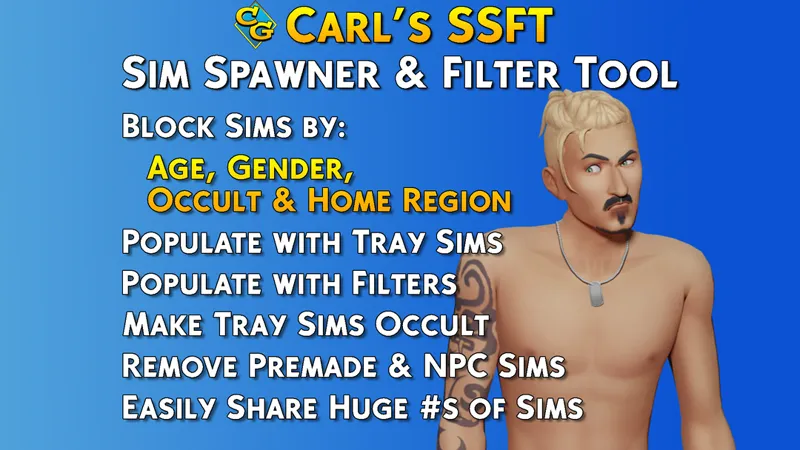
I'm including my sim share file here which will assist your game in generating townies from this file, rather than generating random sims. You will need a mod, called "Carl's guides Sim Spawner and Filter tool". This is optional.
Start over with Carl's guides Sim Spawner and filter tool (SSFT) if you want to play with my settings and sims. Delete your old SSFT and start from scratch. Want to know more about this mod / tool by Carl's guides: watch this video!
Redownload SSFT, drag the two files provided here into the folder with the rest of the files from SSFT (inside your mods folder). This will allow you to use my sim share file * as well as whatever is in your own tray folder ("My Library"). It will also allow you to filter townies according to my categories created for the save file.
Important to note: You do not need SSFT to play the save file. You can play the save file vanilla and with no cc too. SSFT is just a tool we use to stop the game from generating so many random sims. However, it is NOT essential in playing the save.
Full instructions:
Don't know how to use other people's save files in the Sims?
1. Backup your current saves in a folder on your desktop
2. Save files are accessed by the game via the "saves" sub folder in your "The Sims 4" main folder [in the same place you find the mods folder].
3. Place the save file attached to this post in your "saves" folder.
You might have to renumber the save if you already have a save with that number. Here is a good set of instructions that was included for the "Simsiesave". or if you're more of a video person --> HERE.
Don't want to start a new save file?
Access all posts tagged #Grimmtosa here and build your own Grimmtosa.
Dm me if you need help!
If your Monsterdale is broken or NPC's are showing up without their Yeti and Hamster outfits (known issue / concern), you will have to fix that yourself: No mods fixes article. I've updated this post to give you the SimID for Mr Mutant Hamster (teacher 1), Snowy Monster (teacher 2) and Cleaning Bot (custodian). I attempted to fix this issue, but I'm not able to anymore following the Horse Ranch update / patch. You can now skip the SimID step and just copy and paste the whole cheat as provided in that post. You have to do it while your sim is attending Monsterdale
* Sim share file says SrslySims because we are using / used the empty world save file by SrslySims to create the Fantasy save. It is safe to use. Place in your mods folder with SSFT mod if you're using the mod by Carl's Guide.