
Mod It Yourself - Aspirations - Wrap It Up
SIMSMAS MODVENT CALENDAR DAY 23
So we reached the end of this tutorial series :) Congratulations! By now you should have created all files needed to create the aspiration. Now it's really just the final testing and your aspiration is ready to see the world :D
I know it was sometimes a tedious work, I know :) And I know that with Zerbu's Mod constructor it goes faster. It's a great tool that facilitates this process so much. And we should work smarter, not harder ;) But understanding all this will allow you to customize your aspirations, or to fix them on your own. And in general understand modding, and maybe starting to make your own mods in the future :)
So the testing part.
First, double check if you :
created SimData for each file for which it is necessary
put correctly aspiration levels in the Aspiration Track Tuning
put correctly objectives in the aspiration levels
check all other references, texts, icons, etc.
You are now ready to put your aspiration in the game and check if it's working :)
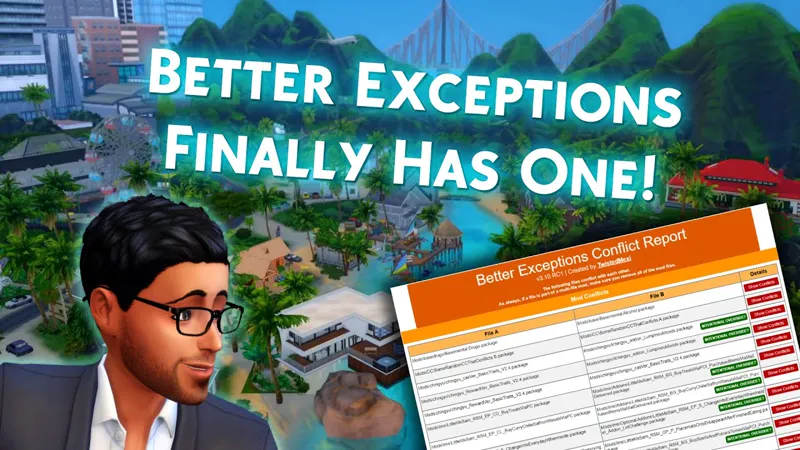
For better check, I recommend to download Tuning Error Notifier and/or Better Exceptions.
Both will generate a report if something is very wrong within the mod. But they will probably not generate error for some minor issues.
Now check your aspiration in the game:
Is the name and aspiration icon displaying correctly?
Do you have all aspirations levels visible?
Do you have all objectives visible in each level? with names and tooltips if defined.
Does all objectives complete correctly?
Is screen slam displaying fine when completing aspiration level?
Is reward trait displaying correctly (icon and text)?
Is reward trait working fine? etc.
And that’s it! You’ve officially completed the full journey from idea to a fully functional custom aspiration. 🎉
I hope these tutorials helped you feel more confident navigating tuning files and understanding how everything fits together behind the scenes.
Remember: modding is a learning process. Even experienced modders run into mistakes. If something doesn’t work right away, don’t get discouraged. Just review your files, adjust what’s needed, and try again. Every fix makes you better at this!
Thank you for following along. I hope you had fun :)
I can’t wait to see the amazing aspirations you’ll create next! 💖
And don't worry, I plan to continue to post the Mod It Yourself serie, just not as frequently :)
Comments (6)
Happy Holidays/ Merry Christmas
wish i could be able to do it. But PTSD is in the way
Love them
Thank you! Sorry for late reply, end of the year was chaotic and then January was quite tough. Will you try to make your own aspiration after all? :)
Thank you for these tutorials! 🥂🥂🥂🥂
Thank you for following! Sorry for my late reply, but Christmas time was very chaotic and then January was quite tough for me. Did you manage to make your own aspiration? :) I mean you're not new to the modding, but I think I didn't see any aspirations of yours. So maybe now? :D