
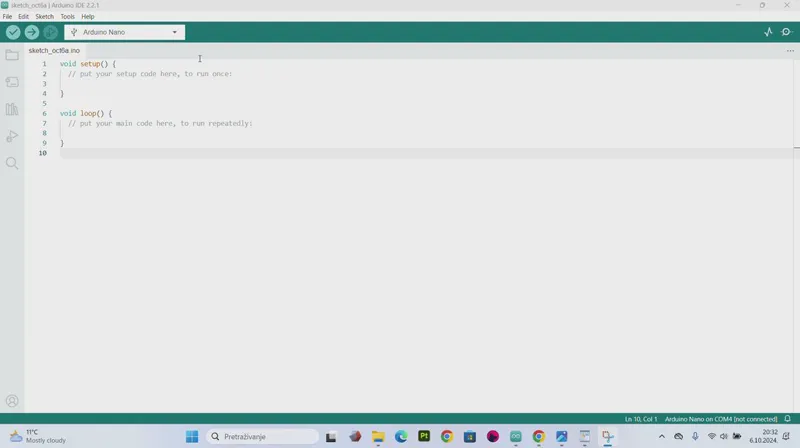
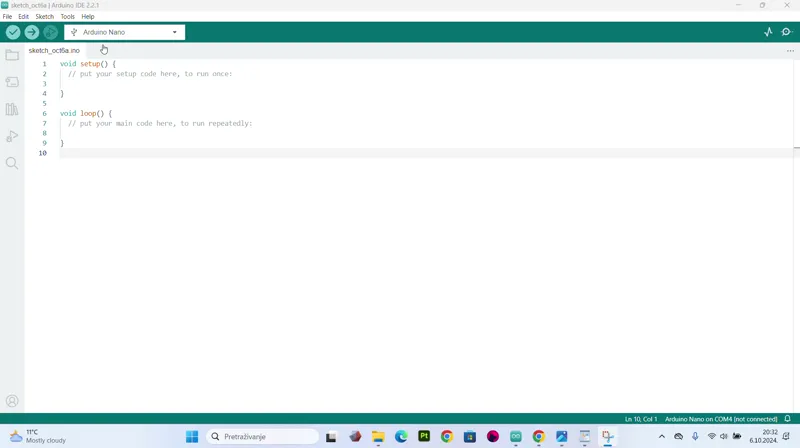
How to upload the code to arduino
Hey guys, as promised here is the video that will show you how to upload the code to arduino using the Arduino IDE software. Sorry it took so long, but i'm doing quite a few stuff at the same time, so yeah :D
Also, just a quick heads up, I'm finishing up another project, and it will be ready for release tomorrow, so I'm gonna send out the OCTOBER link tomorrow with the new project :)
Thank you for the patience, and hope this video helps
just in case, here is the direct link for the Arduino IDE download
https://www.arduino.cc/en/software
And to recap:
1. connect your board to pc/mac via USB
2 . download and install Arduino IDE
3. select board (arduino nano) and port ( COM) via Arduino IDE
4. copy paste ( replace) the code in the Arduino IDE with my codes from the projects
5 . click "Upload"
And it's done :)
Comments (5)
did follow video but keep geting error when try to upload code.Compilation error: expected constructor, destructor, or type conversion before ';' token.where I messed up?
something is not copy/pasted right, you have somthing in there thats not supposed to be there - can you send me a message with screenshot, we'll see what went wrong :)
Question. is there a code or something for a discount on your cults. just curious if not that's fine
there is i'll drop you a message, but i think you're in your 2nd month, so next month you can start picking free models also :)
Fantastic! I just finished all the prints for this project, can wait to throw everything together. 💪🏻