





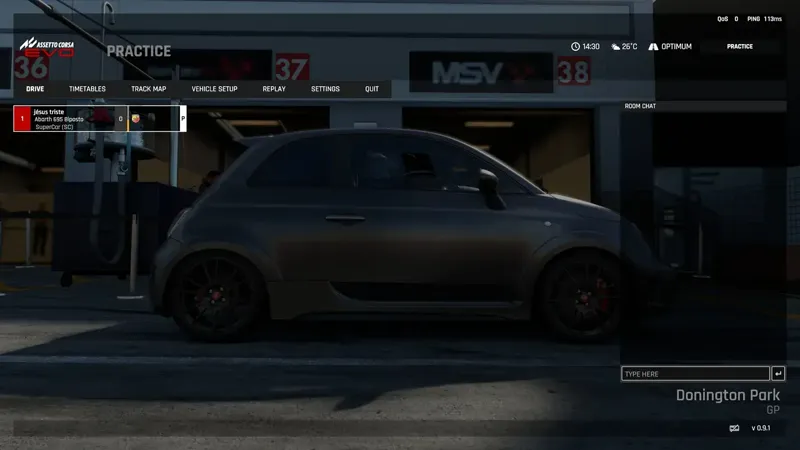
Available to drive, and EvoForge inside the game: 1.1.22
Thank you for supporting EvoForge! 1.1.22 brings Available to drive (say when you drive, see who is driving, a night possible in one click), EvoForge inside the game (Paddock notifications and imposed setups on the game’s own screens, an EvoForge loading screen) and a round of fixes for converted cars and tracks.
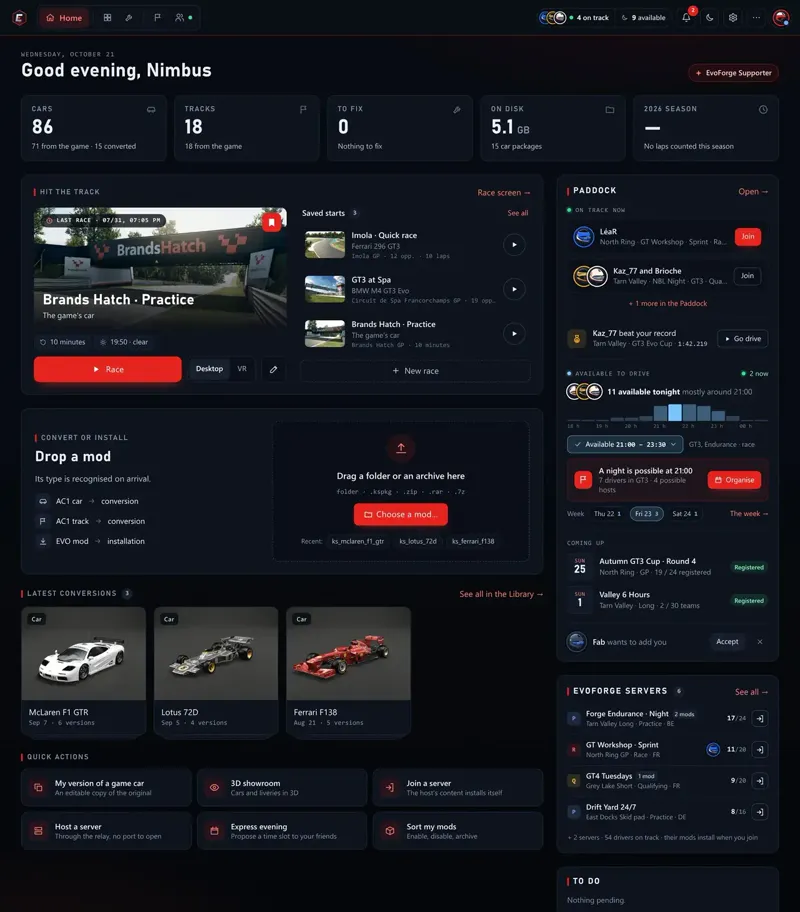
Available to drive
“Available to drive” replaces “Tonight”. Say when you can drive: now, tonight from a given time, another evening of the coming week, or several slots. Add what you want to drive (GT3, GT4, single-seaters, drift…, free driving or a race) and a short word. Your friends and team always see it, your clubs if you want, the whole Paddock only if you turn it on.
Your usual evenings, once. Tick them (Tuesday and Thursday from 21:00, say): they fill the coming week by themselves, and you can skip one when you are away.
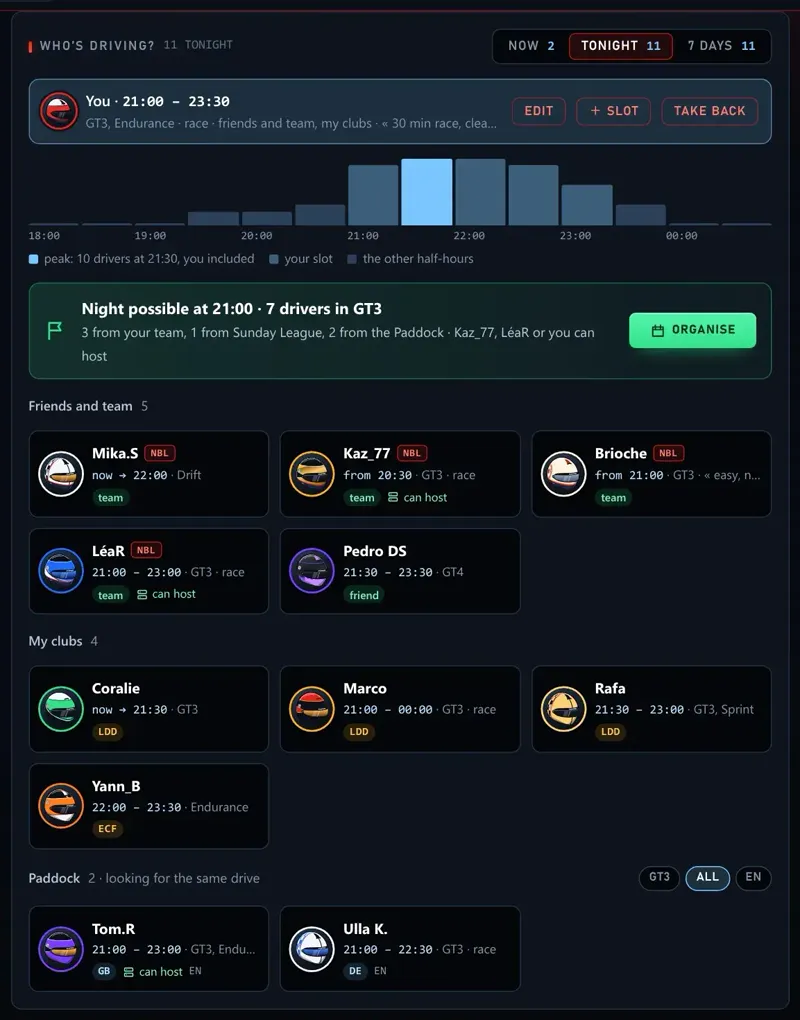
Who’s driving? in the Paddock: who drives now, tonight and over the next 7 days. Friends and team first, then your clubs, then the Paddock drivers looking for the same drive, with discipline and language filters.
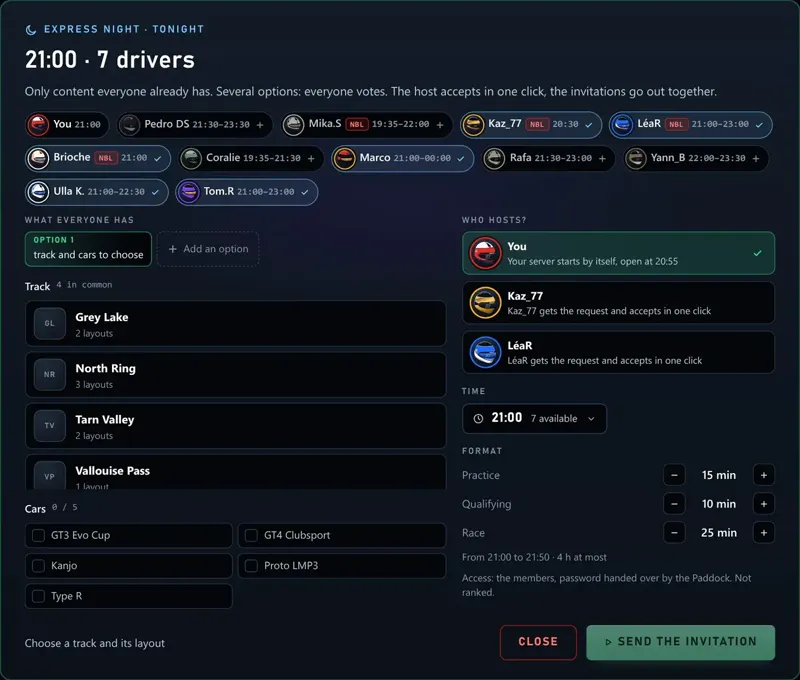
A night is possible when 3 drivers or more are available at the same time: Organise opens an express night already filled with them, clubmates and Paddock drivers included. Two drivers are enough for an express night.
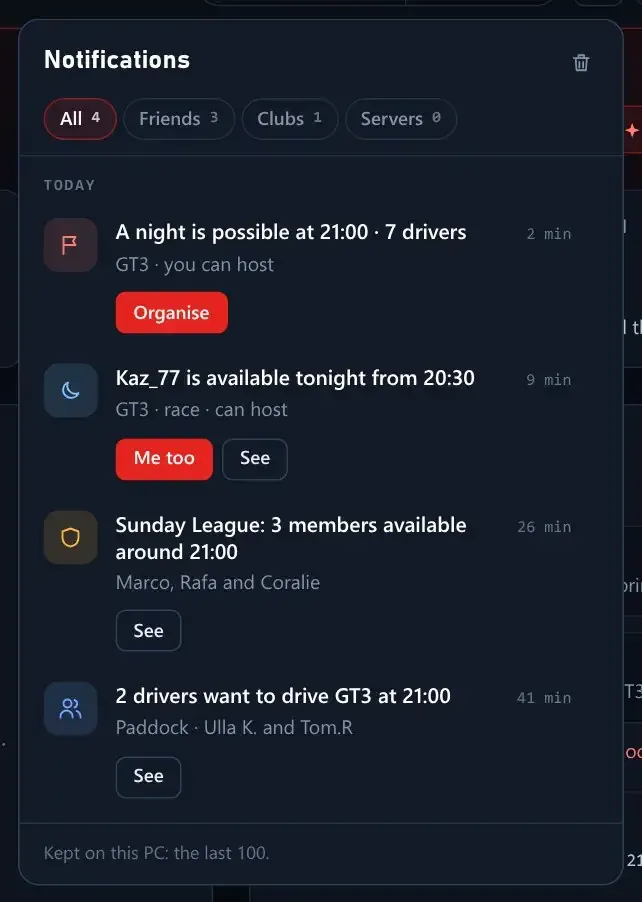
Told when it matters: a friend or teammate available (Me too answers in one click), a club filling up, Paddock drivers looking for the same drive, a night possible, your slot about to start. Each one can be a card, the bell only, or nothing, in My profile; Do not disturb and Invisible are respected.
On Home: who is available tonight and when most of them start, one click for I’m available · 21:00, and the public EvoForge servers with drivers on them, busiest first, joined in one click (their mods install when you join).
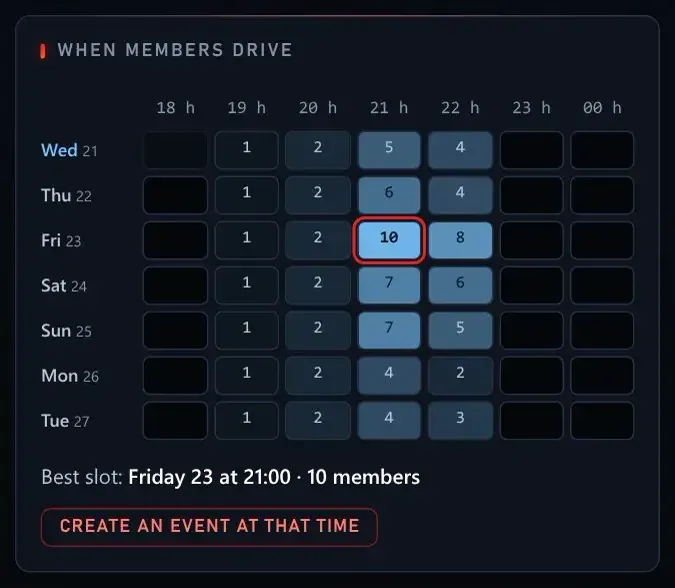
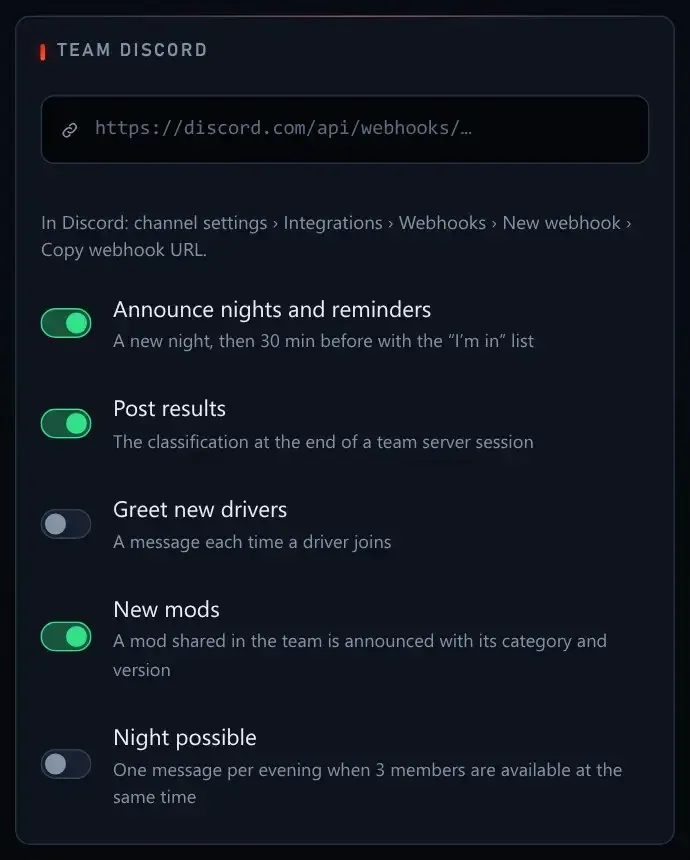
Clubs and teams see when their members drive over the next 7 days, with the best slot outlined. Club staff create an event at that time in one click, and the event editor and the team’s evening form offer the best slot. A club or team Discord can post a message when a night is possible (off by default).
Inside the game
Paddock notifications drawn by the game itself. A friend joining your server, an invitation, a record taken: the card appears at the top of the game screen, in the menus, in the pits and on track. It works in full screen, on triple screens and in VR, and never takes the focus away.
Imposed setups held on the game’s Setup page. On a server with an imposed setup, the settings you may not change are greyed out; what stays yours (aids, and fuel, tyre pressures or compound when the organiser leaves them free) works as usual, and a banner says which is which. Loading a saved or default setup brings the imposed settings back. With EvoForge you drive off at the first Drive, no trip back to the pits.
Imposed setups hold for every driver. A driver who joins without EvoForge gets the imposed setup back at Drive, with the organiser’s fuel and pressures, and keeps their aids. EvoForge required is only needed to turn such drivers away.
Fewer false “Client rejected” on servers that require EvoForge.
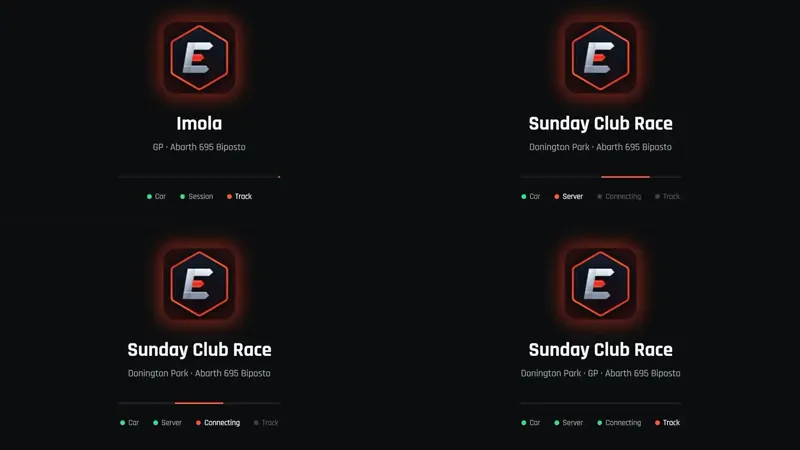
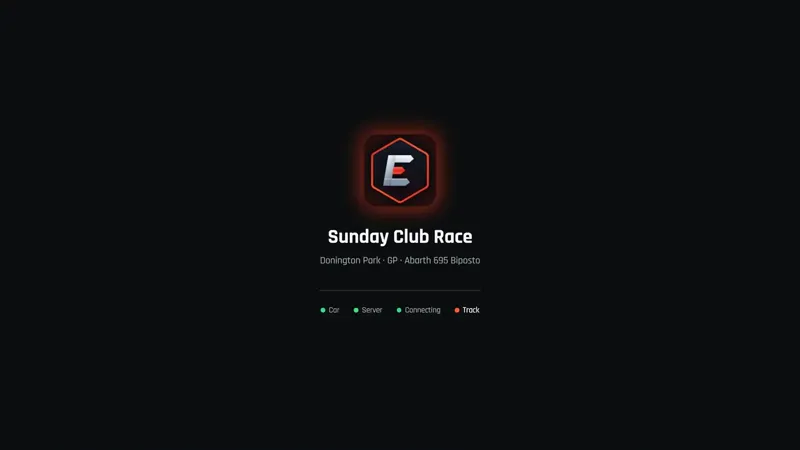
An EvoForge loading screen, from the game menu to the track, solo and online: the track or the server, your car, and where loading stands. About a second less from the menu to the track, and joining a server starts the game sooner.
The game opens in front of EvoForge, and the performance overlay updates live again while you drive.
Converted cars and tracks, the app
No more console windows popping up while EvoForge takes the livery pictures of converted cars, and pictures are only taken for the cars you convert or repair: installed mods and older conversions keep the picture they have.
A turbo or supercharger you add in the workshop can be heard, and its whistle follows the boost you set (FMOD Studio 2.03.13 needed, as for converting the sound).
Archives in .7z: a third to a half lighter than .zip (two converted cars: 113 MB instead of 172 MB). 7-Zip ships with EvoForge, and a .7z dropped into EvoForge installs like a .zip. Change… opens on top again.
Repairs only when needed: each update now says whether converted cars, tracks, both or neither need rebuilding, and EvoForge offers Repair my content only then.
Converted tracks: every surface drives like in Assetto Corsa. No more kerbs that drive like dirt and throw stones, no lines or run-offs with the wrong grip. Being off track still counts for track limits.
To get it
Update EvoForge to 1.1.22, or download it from evoforge.fr.
Available to drive: I’m available on Home, Who’s driving? in the Paddock. The whole Paddock sees you only if you turn it on.
Track surfaces: convert your tracks again, or use Repair my content.
Thanks again: you are the reason EvoForge stays free for every driver. Feedback is welcome on the Discord: https://discord.gg/x3w7eCDFkK
Comments (3)
I have a problem when I change rims from another model, it kicks me to win. Or I cant click on model in game to customise it.
Same here — swapping rims from any other model crashes ACE to desktop as soon as the car loads. Reproduced on two converted cars (Saab 96 with Kunos Caterham rims, Daihatsu Storia with Alfa rims). Stock wheels load fine. EvoForge 0.9.1. ACE log shows std::out_of_range in “Resource Manager Worker” straight after the car’s graphics load. Happy to send logs.
Super boulot ! Continuer bravo !