


Who is this creator?
No community tags yet.
Showing 1 - 50 of 75

Turn Any Photo into Pencil Art with Qwen | ComfyUI Tutorial
Turn your photos into beautiful colored pencil portraits with the Qwen Pencil Portrait Creator workflow in ComfyUI! Create personalized family portraits, add a name, customize clothing, and upscale your artwork for printing and framing. In this tutorial, you’ll learn how to: ✏️ Transform a photo int
Nov 2, 2026 0 1

🎬 Create AI Movies with MiniMax in ComfyUI Studio | Full Tutorial
Learn how to create cinematic AI short movies with MiniMax in ComfyUI Studio! 🚀 In this step-by-step tutorial, I'll show you how to create complete AI movies using multiple connected scenes, consistent characters, realistic conversations, voice references, accurate lip-sync, and seamless video exte
Oct 26, 2026 0 1

🚀 ComfyUI Studio Installer V366 Is Here!
The new ComfyUI Studio Installer V366 is now available! 🔥 This release brings new workflows, updated input images, and a cleaner, more organized ComfyUI environment. ✨ What's New in V366? ✅ New Workflows Added 🔥 MiniMax H3 Infinite ⚡ MiniMax H3 Fast 🎬 MiniMax 360 Orbit 🖼️ Qwen 2.1 H3 Edit 🎭 Qwe
Oct 12, 2026 0 1

Best Head-swap available in ComfyUI
🔥 QWEN 2.1 HEAD SWAP WORKFLOW FOR COMFYUI Looking for a powerful and easy-to-use Head Swap workflow for ComfyUI? In this workflow, I’m testing Qwen 2.1 Head Swap together with a dedicated Head Swap LoRA, delivering impressive face consistency even when the face is relatively small in the image. ✨ W
Oct 3, 2026 0 11

Update v365
🚀 ComfyUI Studio Update v365 is here! New workflows and updates included: • 270 Focus Style — Z-Image Turbo • 294 CSV Style — Z-Image • Flux 2 Klein — Hairstyle • Minimax H3 — High Res • Minimax H3 Fast • Krea 2 XXX LoRA Dataset Creator • LTX 2.5 — Video Edit added • LTX 2.5 Reference • Wan 2.1 SCA
Sep 19, 2026 0 1

SCAIL 2 infinite Quick tutorial
Learn how to transform the style of any video while keeping its original motion. Upload your video, generate the first frame, restyle it with Krea 2 Edit, ChatGPT, Nano Banana, Flux Klein, or another image editor, then place it back into the SCAIL workflow to create your new restyled video. https://
Sep 18, 2026 0 1
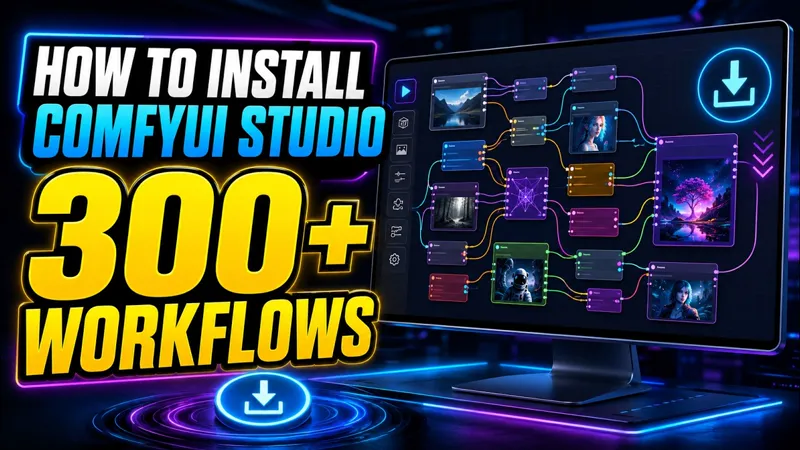
ComfyUI Studio Installation Tutorial
Learn how to download, install, update, and repair ComfyUI Studio, plus how to download the required models. 00:00 – Download ComfyUI Studio 00:38 – Install ComfyUI Studio 01:16 – Download models 02:23 – Update ComfyUI 03:03 – Fix ComfyUI problems 🌐 www.comfyuistudio.com How to install ComfyUI Stud
Sep 3, 2026 0 1

3:32
Download ComfyUI Studio
How to Download the ComfyUI Studio Get a Patreon membership on Patreon for ComfyUI Studio. https://www.patreon.com/ComfyUI/membership Connect Patreon with discord account. Now you have acces to the files on "ComfyUI Studio" Discord channel. Or Buy it on Gumroad website: https://comfyui8.gumroad.com/
Sep 2, 2026 0 21

Charactersheet workflow Extra Large resolution
🔥 High-Resolution Character Upscale + Face Fix ComfyUI Workflow Turn almost any character image into a clean, detailed, high-resolution result with this ComfyUI workflow! Simply upload your character image and the workflow automatically upscales the image, restores facial details, and improves the
Aug 30, 2026 0 1

100 Megapixel Upscaler - Seed VR2 Tiled
Discover the new SeedVR2 Tiled Upscaler for ComfyUI, capable of upscaling images to an incredible 100 megapixels while keeping VRAM usage low! In this video, I test SeedVR2 and compare it with several ComfyUI Studio upscaling workflows: • SeedVR2 Tiled Upscaler • Realism Image Converter • SDXL Ultim
Aug 21, 2026 0 11
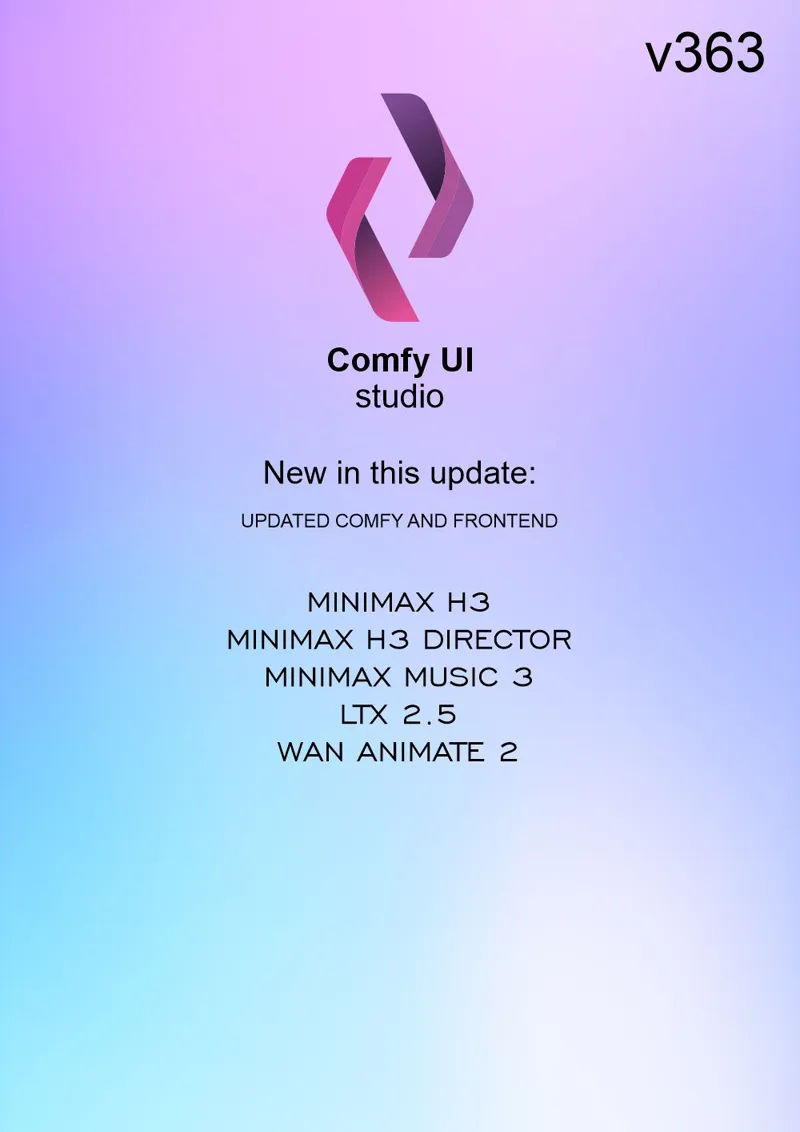
ComfyUI Studio V363 🚀
V363 is now available for Patreon members! This update brings new improvements, fixes, and workflow updates to make ComfyUI Studio smoother and easier to use. Check out the latest version and start creating! 🔥
Aug 16, 2026 0 1
Minimax H3 Restyle video
Video Restyle AI 🎬 Restyle your videos with AI! Remove unwanted text, change backgrounds, edit elements, transform scenes, and completely reimagine your footage. Create unique video variations with just a prompt. Minimax H3 viral video tutorial (YouTube)
Aug 14, 2026 0
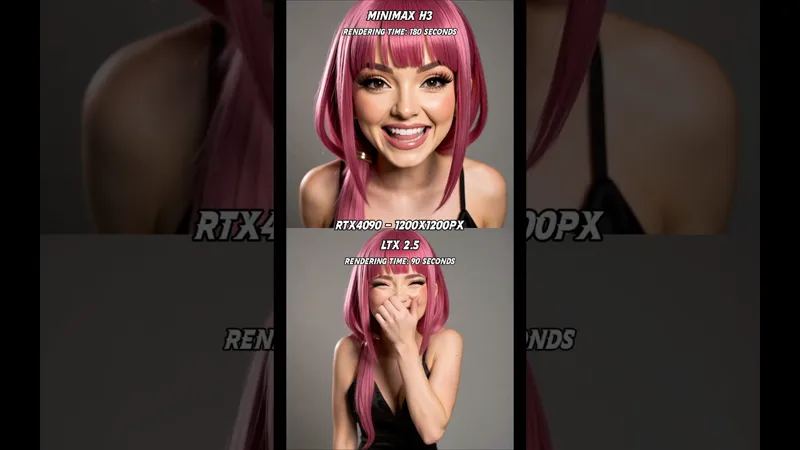
Minimax H3 vs LTX 2.5 — AI Video Battle ⚔️
Two powerful AI video models go head-to-head in this new Minimax H3 vs LTX 2.5 battle! See how they compare in motion, quality, consistency, expressions, and speech using the same creative challenges. 🔥 Want to try them yourself? All the workflows used in this video are available for download on ou
Aug 13, 2026 0 1

The New Video King "Minimax H3" uncensored
🚀 Minimax H3 Open-Source ComfyUI Workflows are here! Create stunning AI videos directly inside ComfyUI with a complete set of free Minimax H3 workflows. ✨ Included workflows: 📝 Text to Video 🖼️ Image to Video 🖼️🖼️ Two Images to Video 🎬 Video Editing ⚡ Easy to use and fully customizable Whether
Aug 3, 2026 0 11
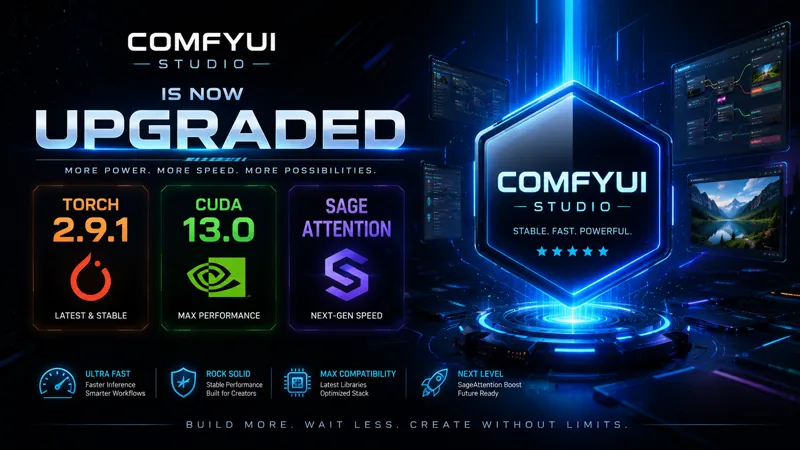
🚀 ComfyUI Studio V360 – Performance Upgrade
ComfyUI Studio V360 delivers one of the most significant performance upgrades yet, focusing on stability, memory management, and rendering speed. What's New ✅ Upgraded to PyTorch 2.9.1 ✅ Upgraded to CUDA 13.0 ✅ Integrated SageAttention for faster attention processing ✅ Improved compatibility with th
Jul 4, 2026 0 11
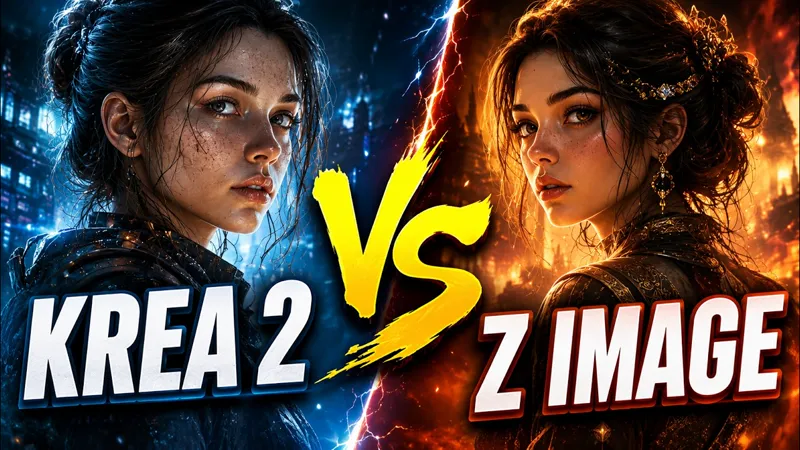
Krea 2 vs Z image Turbo
295 Style Comparison Workflow This workflow was used to generate the images featured in my Krea 2 vs Z Image Turbo benchmark video. The workflow automatically processes 295 different styles using Prompt Line nodes, allowing you to generate a complete style comparison with a single click. Included ✅
Jun 26, 2026 0 12

Update V345
🚀 Massive Workflow & Model Library Update Released! This update introduces several new workflows and a complete refresh of the model management system. ✨ New Workflows Added Klein NSFW LTX 2.3 Director Ideogram WAN 2.1 Scale 2 ERNIE These workflows have been integrated into the collection and are r
Jun 19, 2026 0 11
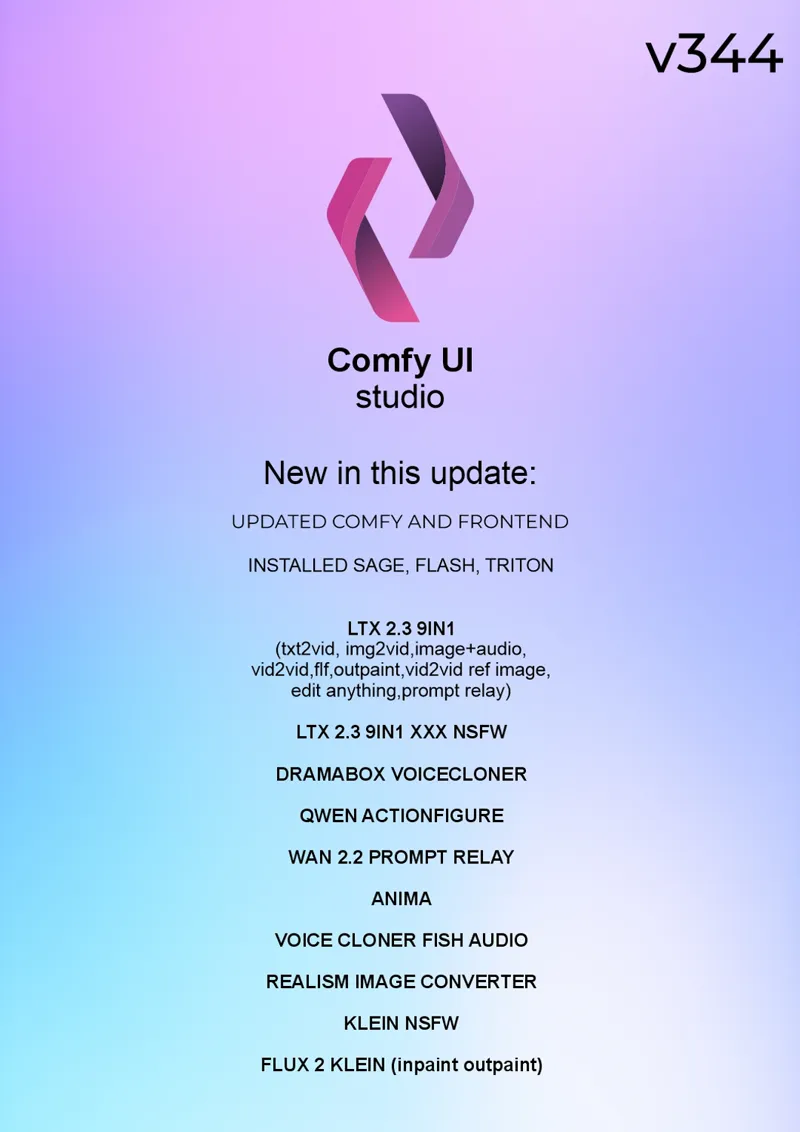
New workflows are here — Update v344 is now live on Discord.
Download ComfyUI Studio here: Download ComfyUI Studio | Patreon
May 21, 2026 0 11
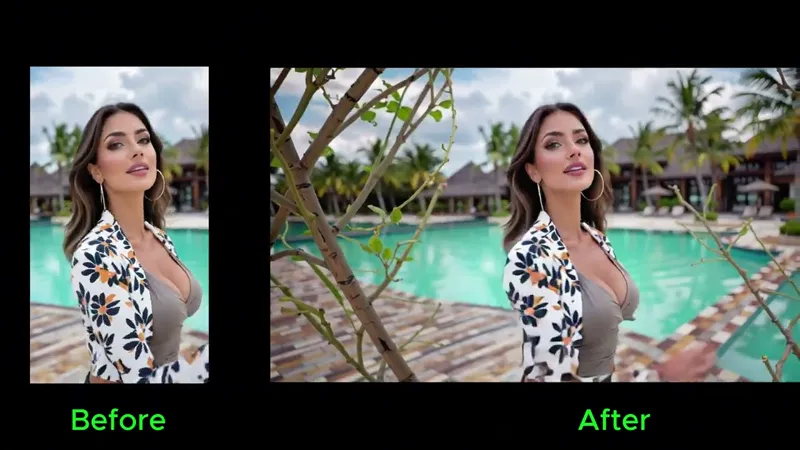
LTX 2.3 Outpaint
Discover the LTX 2.3 – 8 in 1 Workflow Pack from ComfyUI Studio — a powerful all-in-one solution for video generation. This pack includes 8 different video workflows designed for speed, flexibility, and high-quality results. From outpainting to advanced video transformations, everything is built to
Apr 25, 2026 0 1

Turn Anime Into Real Life!
Workflow name: REALISM IMAGE CONVERTER Turn anime characters into stunning photorealistic images with this ComfyUI workflow! In this tutorial, you’ll learn how to easily convert stylized anime art into realistic portraits while preserving the original pose and composition. Perfect for creators, arti
Apr 12, 2026 0 1

LTX 2.3 5in1 workflow review
🔥 In this tutorial, I’ll show you how to use the LTX 5-in-1 workflow to create stunning AI videos from text, images, and audio — all inside ComfyUI Studio. You’ll learn how to: Generate videos from text prompts Turn images into animated videos with speech Use video-to-video workflows with ControlNe
Mar 25, 2026 0 1

Turn Any Image into a 3D GLB Model in ComfyUI (Step-by-Step Guide) Trellis 2
🚀 Create 3D Mesh (.GLB) from an Image in ComfyUI Trellis 2 – Full Workflow Guide Welcome! In this tutorial, I show you how to convert a single image into a fully textured 3D mesh (.GLB) using the Trellis 2 workflow inside ComfyUI. This setup is optimized, simplified, and ready to use. 🔥 What You’l
Feb 25, 2026 0 1

ComfyUI Studio v335 installer with SageAttention
🚀 ComfyUI Studio v335 Installer is Out! The ComfyUI Studio v335 installer is now available on Discord 🎉 If you want to use v335, it’s strongly recommended to install this new version for the best stability and performance. ✨ Built-in SageAttention, FlashAttention, and Triton — no extra setup neede
Jan 5, 2026 0 1

Best RunPod Alternative: 5090 GPU for Half the Price (Full Guide)
🔥 Create Unlimited AI Content for Only 46¢/Hour — Full Comfy UI Cloud Tutorial! In this video, I’ll show you how to rent an RTX 5090 GPU for just $0.46/hour using Simplepod.ai — a powerful and affordable alternative to RunPod. You’ll learn how to set up Comfy UI, install my 300+ pre-installed workf
Dec 1, 2025 0 1
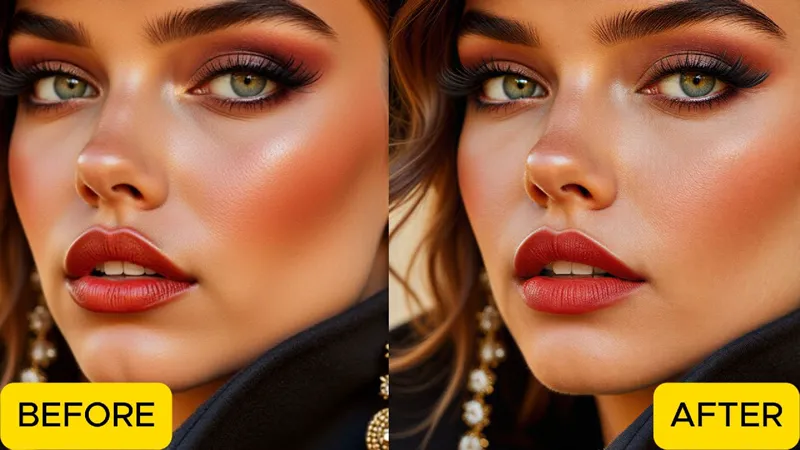
Ultimate SkinFix & Upscale Workflow for Flawless Images
Fix plastic or over-smoothed skin in seconds with the SkinFix + Upscale Workflow! Enhance realism, restore natural texture, and boost image quality up to 4K with one click. Perfect for portraits, photo edits, and AI generations. Download ComfyUI Studio: https://www.patreon.com/posts/download-comfyui
Oct 24, 2025 0 1
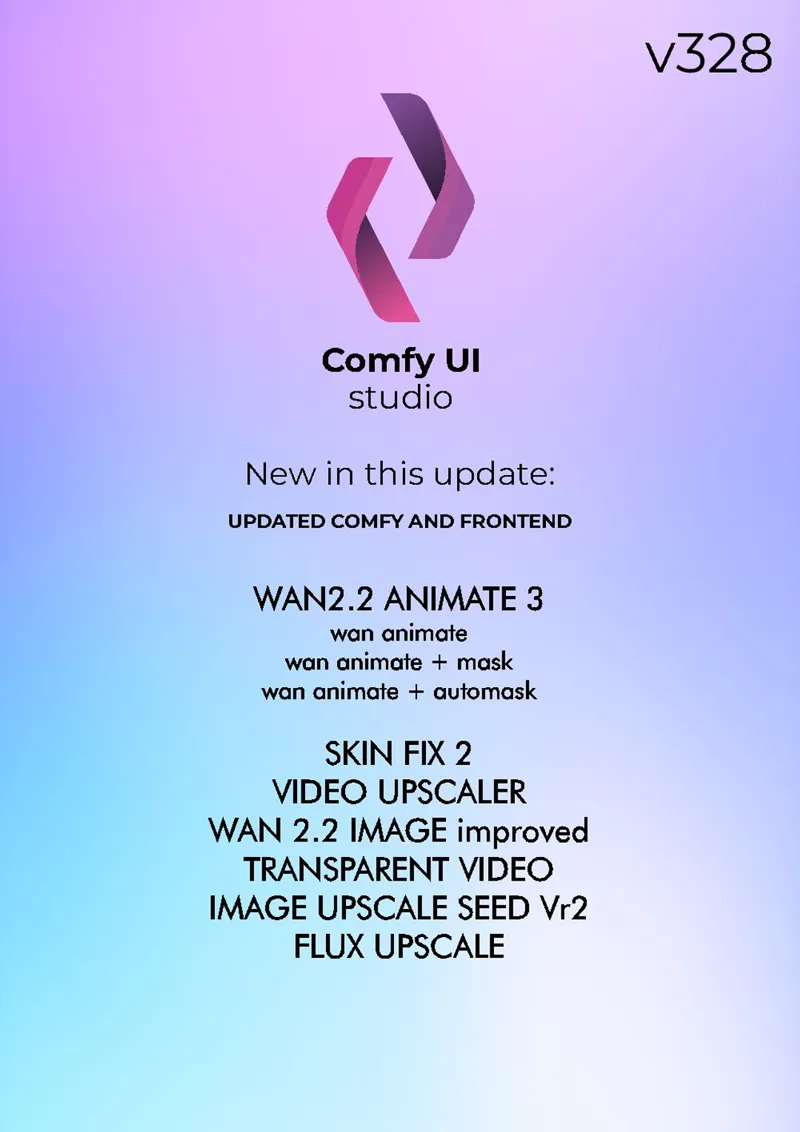
Update v328
Hey everyone! 😊 Update v328 is out on Discord! 🎉 Go check out the new workflows — and if you run into any issues or have questions, just send me a message or drop it in the chat!
Oct 22, 2025 0 11

INSANE WAN Animate Update! 3-in-1 Workflow for Auto Masking, Face Swap & Background Swap
Learn how to use the latest WAN Animate 3-in-1 Workflow to create stunning AI animations. Includes full review of auto mask, face swap, and background swap features inside Comfy UI. Download ComfyUI Studio with 300+ workflows here: https://www.patreon.com/posts/download-comfyui-111135526 INSANE WAN
Oct 22, 2025 0 1
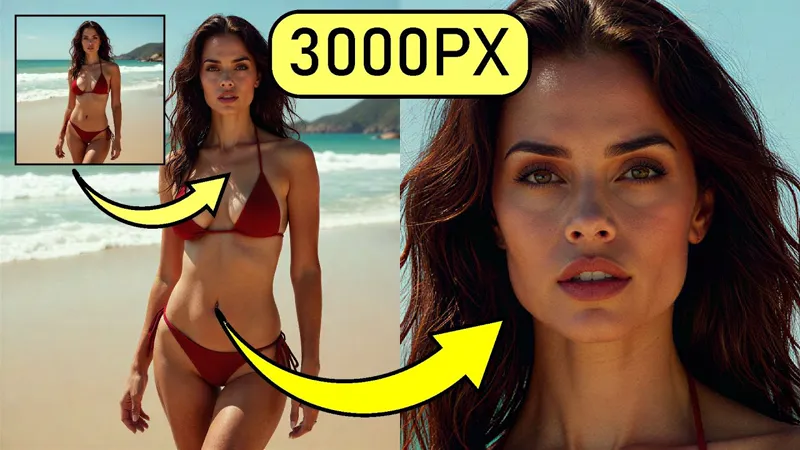
Amazing Image Upscaler – SeedVR2 – Comfy UI Workflow
Experience the SeedVR2 Comfy UI Workflow — an amazing image upscaler that enhances your photos up to 3000×3000 pixels with incredible detail and consistency. Perfect for artists, creators, and AI enthusiasts who want professional-quality results. Amazing Image Upscaler – SeedVR2 – Comfy UI Workflow
Oct 15, 2025 0 11

Generate Transparent Videos in Comfy UI – Free workflow.
Unleash your imagination with green screen PNG transparent GIF animation effects — the ultimate toolkit for visual creators. Imagine anything you want: futuristic robots, cinematic explosions, glowing energy waves, or dancing characters — all with transparent backgrounds ready to be dropped into any
Oct 8, 2025 0 12

Wan Animate Music video
This is a sample of how amazing the Wan Animate Comfy UI Workflow is. You can create music videos and movie scenes by copying body movements, hand gestures, facial expressions, and lip sync. Settings for 24GB VRAM, Frame window size 150. Resolution : 576x1024px After rendering, I increased the 'Skip
Sep 30, 2025 0 1
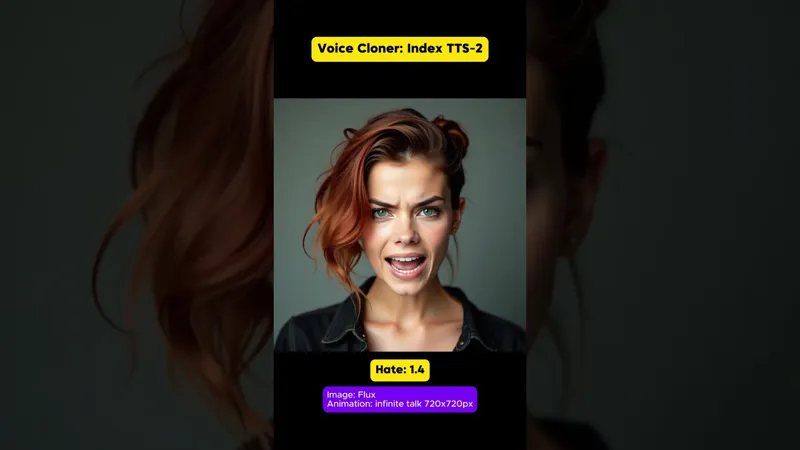
New Voice Cloner | index TTS 2
I’m excited to share a brand-new update: the Voice Cloner with Emotion Control! 🎙️✨ With these new nodes and intuitive sliders, you can now adjust emotional expression in cloned voices like never before. Whether you want a happy, sad, or dramatic tone, you can fine-tune every detail directly inside
Sep 21, 2025 0 1

How to Install Comfy UI on RunPod | 1-Click Installer Guide
In this tutorial, you will learn how to rent a storage volume, install Comfy UI, download models, and run it with any GPU. Thanks to the 1-click installer, the setup is super fast and easy. Once installed, you can switch between GPUs like the RTX 5090, A6000, and more without reinstalling Comfy UI e
Sep 15, 2025 0 1

WAN 3-in-1 Infinite Talk Workflow | Endless Lip-Sync & Talking Animations
🔥 Unlock the Power of WAN Infinite Talk Workflow in Comfy UI This is a full 3-in-1 solution that lets you create: ✨ Infinite length talking animations with low VRAM usage ✨ Image-to-video and two-person talking animations ✨ Video-to-video lip-sync conversions 🎬 In this video, you’ll learn how to:
Aug 24, 2025 0 11

Music video made with ComfyUI and SUNO
My first music video created with Suno for the music and Comfy UI for the visuals. A fusion of AI-generated sound and imagery, blending creativity and technology into one artistic experience. Workflows used: WAN Multitalk WAN 2.2 QWEN Video editor : CapCut Tutorial soon. Music video made with ComfyU
Aug 16, 2025 0 1

Qwen Will End Photoshop! ComfyUI workflow Review
Qwen is here – and it’s changing the game for image generation! 🖼️✨ This incredible model can create sharp, detailed, and perfectly styled text directly inside your images – something that most AI models struggle with. From captions to signs to clothing prints, Qwen delivers next-level accuracy for
Aug 13, 2025 0 1
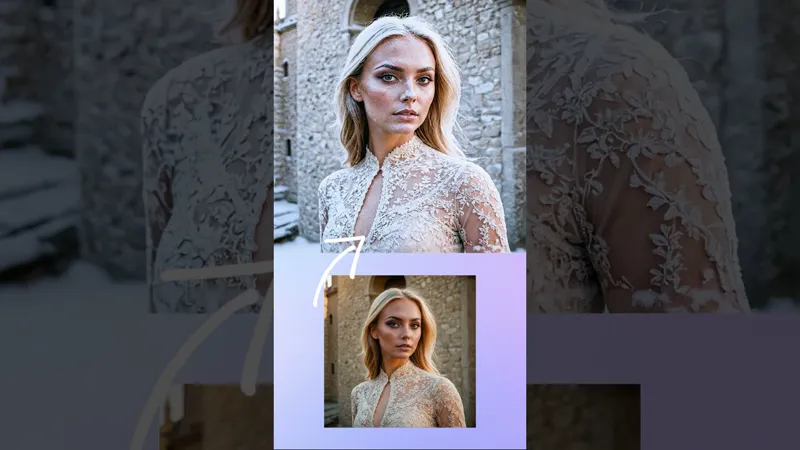
Flux Kontext workflow Tutorial video
🎬 New Reel – The Power of Flux Kontext Flux Kontext is more than just image generation — it’s a creative powerhouse. With just a few prompts, you can blend multiple references, transform styles, edit text, and bring characters to life in any scene. From oil paintings to cartoons, from clay figures
Jul 13, 2025 0 1
Best ComfyUI Workflow For Video VACE GGUF 3
Speed up your AI video generation with GGUF models! ⚡️ Create stunning 6-second videos using just 6 steps — no LoRAs needed. Download the video-to-video workflow for free from the link below. For access to 270+ workflows, constant updates, and a creator-ready toolkit, join our Patreon and Discord co
May 25, 2025 0 12
How to Make Comfy UI Work on RTX 5090, 5080 & 5070
May 20, 2025 0
Frame Pack Workflow
Unlimited image-to-video workflow. Uncensored, high-quality, and up to 50 seconds long. Bring your images to life locally — this update takes your creativity to the next level. Available now in Studio v266! Use short prompts like 'dancing bear' or go all in with detailed ones. Render time: ~150 sec
Apr 20, 2025 0 1

Wan 2.1 Loras to make Trendy videos.
🔥 Wan 2.1 LoRAs to Make Trendy Videos! 🎥 Video Wan - workflow Hey everyone! 🚀 I’ve got something exciting for you—8 powerful Wan 2.1 LoRAs designed to add unique transformations and effects to your videos! Whether you're creating eye-catching animations or surreal edits, these LoRAs will take you
Mar 15, 2025 0 1

How to Create a Symlink for Multiple Comfy UI Installations
Learn how to easily create a symlink for your Comfy UI models folder, allowing you to use a single folder across multiple installations. Simplify your workflow and manage your models efficiently with this quick guide! How to Create a Symlink for Multiple Comfy UI Installations (YouTube)
Mar 13, 2025 0 12

Video Wan - workflow.
Unlock the Power of VIDEO WAN – Next-Level Text-to-Video & Image-to-Video Workflow Are you ready to take your video generation to the next level? VIDEO WAN is a powerful workflow designed for Comfy UI, offering seamless text-to-video and image-to-video capabilities. Whether you're creating videos fr
Mar 5, 2025 0 1
How to install and update ComfyUI Studio
Learn how to install 200 ready-to-use workflows in Comfy UI with this step-by-step tutorial! This guide will show you how to download, extract, and set up everything quickly. Get access to all workflows and start creating right away! Download: Link How to Install 200 Workflows in Comfy UI – Full Tut
Feb 17, 2025 0

3-in-1 Workflow for Voice Cloning, Image-to-Video, and Video-to-Video with Lip Sync!
Tutorial for the AUDIO workflow. Updated workflows available here: https://www.patreon.com/posts/comfyui-studio-111135526 Workflow update archive v190 is updated. 3-in-1 Workflow for Voice Cloning, Image-to-Video, and Video-to-Video with Lip Sync! (YouTube)
Jan 21, 2025 0 1

3-in-1 Workflow for Voice Cloning, Image-to-Video, and Video-to-Video with Lip Sync!
🔥 Ultimate Workflow Release 🔥 I’m thrilled to announce a brand-new ComfyUI workflow combining THREE powerful features into one seamless package! Whether you're creating personalized content, experimenting with AI voices, or enhancing videos, this workflow has it all. 🚀 Video tutorial : https://ww
Jan 19, 2025 0 11
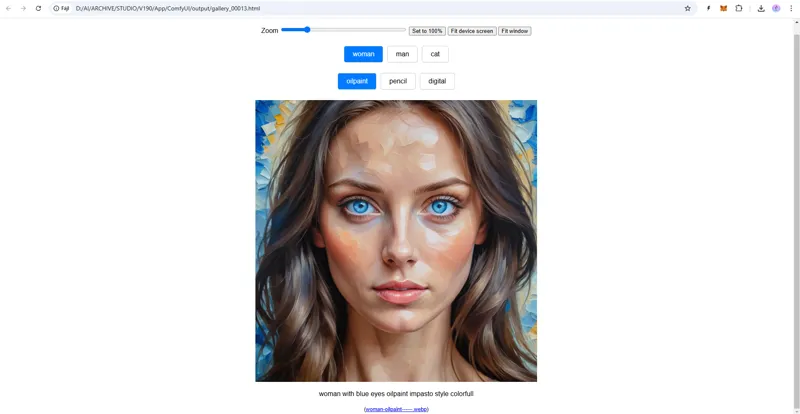
Create an HTML Web Gallery with ComfyUI!
✨ New Workflow Release ✨ WEBGALLERY - workflow I'm excited to share a ComfyUI workflow that lets you create a beautiful HTML web gallery to showcase your generated images with prompt combinations! 🎨📂 🌟 What’s Included: "Prompt Combinator" Node: Easily combine multiple prompts and generate image s
Jan 19, 2025 0 11

‘Most Beautiful Face’ Contest Results
I’m thrilled to announce the winners of the ‘Most Beautiful Face’ ComfyUI Image Generation Contest! This exciting event showcased the incredible creativity and talent within our community, and we were amazed by the stunning entries submitted by all of you. Thank you to everyone who participated and
Jan 16, 2025 0 4

Thank You!
Dear ComfyUI Studio Members, As the holiday season wraps around us like a warm blanket, I want to take a moment to thank each and every one of you for your incredible support throughout the year. You are the heart and soul of this journey, and without you, none of this would be possible. May your Ch
Dec 24, 2024 0 1

How to Train a Flux LoRA Locally in 15 Minutes! Create an AI Influencer with ComfyUI Workflows.
In this video, learn how to train a Flux LoRA locally in just 15 minutes! We’ll walk you through the process of using ComfyUI workflows to create an AI influencer and train your own custom LoRA model. Perfect for beginners and advanced users alike! Download FluxGym and Workflows: https://www.patreon
Dec 20, 2024 0 11

ILLUSION workflow.
Introducing the Illusion Workflow! I’m excited to share with you all the Illusion Workflow! This workflow is designed to generate stunning illusion images with just a few clicks. Here’s what you can expect: 41 Ready-to-Use Prompts: Easily generate 41 different illusion styles. You can edit, add, or
Dec 10, 2024 0 1
Showing 1 - 50 of 75