
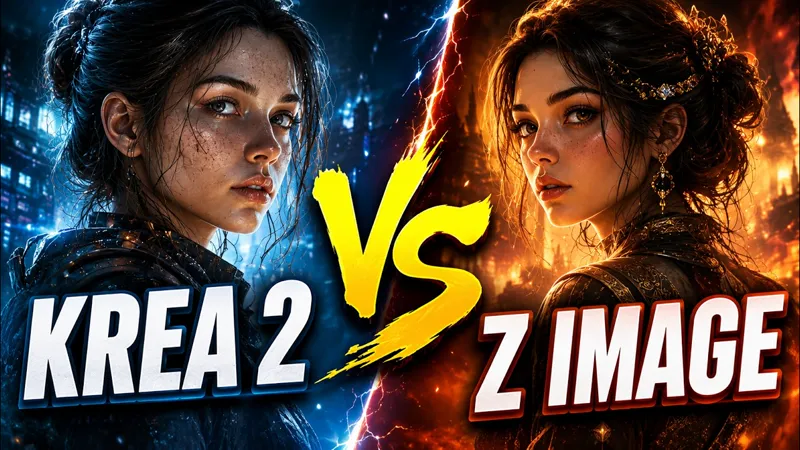
Krea 2 vs Z image Turbo
295 Style Comparison Workflow
This workflow was used to generate the images featured in my Krea 2 vs Z Image Turbo benchmark video.
The workflow automatically processes 295 different styles using Prompt Line nodes, allowing you to generate a complete style comparison with a single click.
Included
✅ Style Comparison Workflow
✅ 295 Style Names
✅ 295 Style Prompts
✅ Automatic Style Labeling on Images
✅ Batch Generation Setup
How It Works
The workflow uses a Prompt Line node containing all 295 style prompts and a second Prompt Line node containing the corresponding style names.
A CR Overlay Text node automatically places the style name on each generated image, making it easy to identify and compare styles.
Simply choose how many styles you want to generate, click Queue Prompt, and let ComfyUI do the rest.
Free Bonus
Also included is my free Krea 2 Workflow featuring:
• Text-to-Image
• Image-to-Image
• Text-to-image batch
Support Future Development
If you enjoy my workflows and benchmarks, consider becoming a Patreon member.
Members get access to ComfyUI Studio, featuring 300+ built-in workflows, exclusive releases, premium resources, and continuous updates.
Thank you for your support and happy generating!
DOWNLOAD THE FULL STUDIO LINK: http://comfyuistudio.com
Krea-2 vs Z-image / The Ultimate Battle (Free ComfyUI workflow) (YouTube)
Comments (1)
Cool music😄👍