
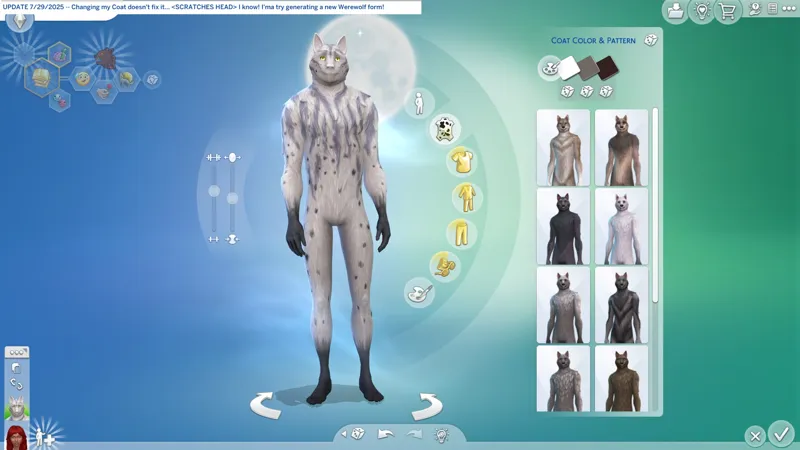
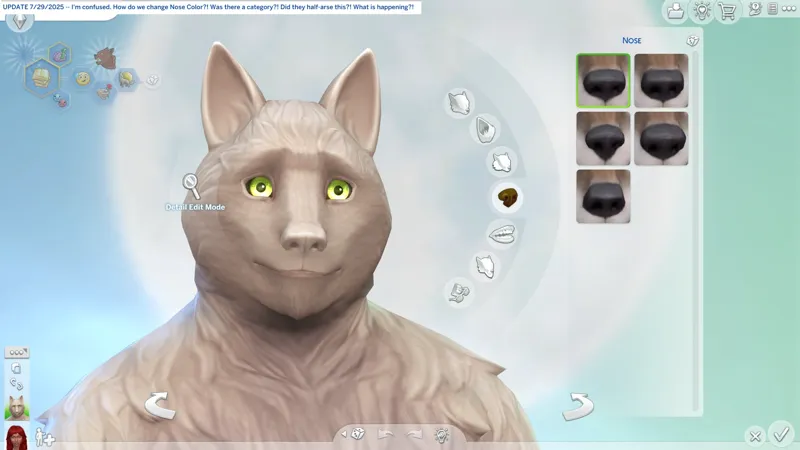
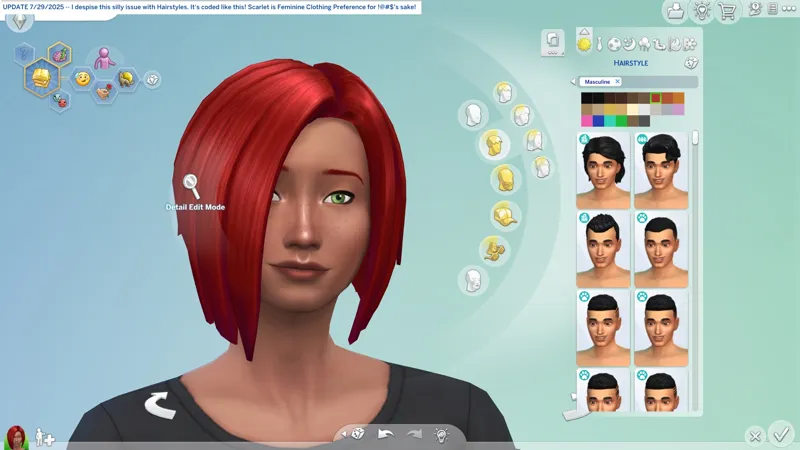
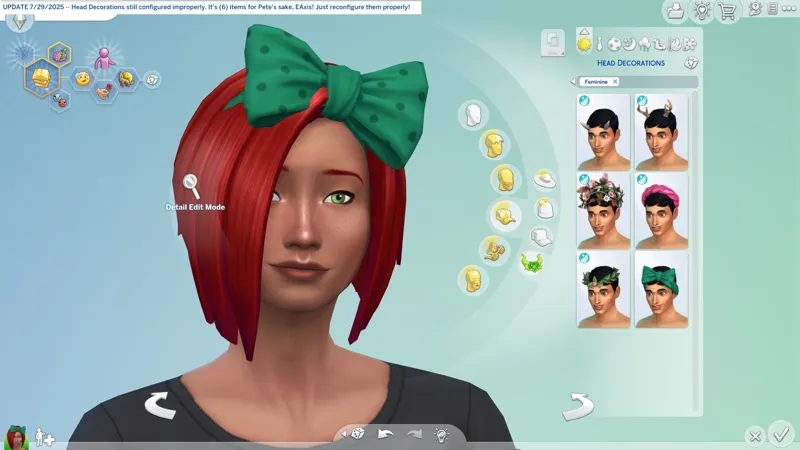


🔄 Update 7/29/2025 (464 MB) -- Outfit Generation still broken, Head Deco still broken, CAS categories still broken, new promotion, S4S updated, EAxis suddenly fixes Werewolf Nose Color (8)* days after I start poking around CAS, etc.
🔄 EAxis' Update Notes -- https://../news/update-7-29-2025
🌹 Scarlet's Update Notice -- https://../posts/135240042
🕒 I completely missed this one. Gimme a hot minute to catch up.
🏝️ WHERE'S THE BLACKSMITH -- Fixing Werewolf Nose Color might* mean EAxis unrestricted categories. Can I pinpoint where "The Elsweyr Place" is now? I need to fully backup my game. It would be good to know if "The Elsweyr Place" is indeed the EXE, because then I could stop searching for certain things and my mind can rest. I don't have the knowledge required for decompiling, modifying, and recompiling EXE files.
⚠️ Check "MY PERSONAL REPORT" for a little note concerning emails.
☆ // ⋆ THINGS I NEED TO DO:
Give kitty headpats when she comes 'round.❓❓❓😺
Pfft. My "FOMO Unlocks" always work!✔️
I've only ever had to update a "FOMO Unlock" once during an event, and that was when I figured out the "Live Event Compatibility" during "Reaper's Rewards". I've perfected this !@#$.
F.Y.I. I am not the first person to do "FOMO Unlocks". I met someone who started before me. I created my first "FOMO Unlock" when I lost my "Happy At Home" rewards. They created theirs shortly after the Event went live. Other creators have also started doing them. The mods all do the same thing. Mine might only be unique for my "Live Event Compatibility" and my "Scorched Earth" updates, and well, you get me being me every time I do a new one.
Update Batty Bat™.❓
EAxis fixing Werewolf noses might mean EAxis unrestricted categories, which means I might need to re-enable something in Batty Bat™.
Update my "SGFX Overrides".❓
Every update, every "SGFX Override"!
Update my "SGFX Patches", if necessary.❓
The patches work with the versions of the mods they were made for. If a mod updates, the patchmust update. Until then, there's nothing for me to do.
I'm meticulous about my "SGFX" mods. I update mine with every official game update to ensure 100% compatibility whether or not they're throwing errors - in fact, I don't even bother to check no more, because I know I'mma update it anyway. It's a "me" thing. Not everyone does it. If you'd like to know why I'm "so meticulous", you can read through this old post. -- https://../posts/112915351
With EAxis mucking around CAS, I need to update all of my "CAS Overrides".❓
Verify my mods for update compatibility and complete the re-release.❓
I might rename my BAND-AIDS because I want to fine-tune my file order some more.
⋆ ── ─ ─ ─ ─ ─ ─ ─ ─ ─ ─ ⋆ \\⚡// ⋆ ─ ─ ─ ─ ─ ─ ─ ─ ─ ─ ── ⋆
☆ // ⋆ I'M JUST MUSING:
Is a bit strange right?
I find some CAS code » I start poking the CAS code » I sit on the toi- wait, what?! » Suddenly after many months, EAxis fixes Werewolf Nose Color, literally (8) days after I post the standalone "SGFX Override".
COINCIDENCE?! Eh! Probably. 😹
If there were a few million of you following me, and I was making YouTube videos and TikTok videos in the vein of the posts I publish, if I had the influence over our community to say "don't buy this new thing" and about 50% of the simmers who buy everything closed their wallets, then maybe I'd be able to shame EAxis into fixing the silly things they break, because then I would be harming the bottom line. They'd probably also deactivate my account.
Tis a pity they didn't fix any of the other broken !@#$ in CAS, huh?
☆// - MY REPORT - IN PROGRESS:
NEW PROMOTION -- Join EAxis' mailing list for a chance to win every Pack and Kit that curren- I don't think this includes EP19 Enchanted By Nature. A word to the wise, don't ever use your personal or banking or work/business email for anything you sign up for online or even local businesses that require your contact information. Don't use your personal or work/business email for anything outside of what they're meant for is what I'm saying. Create a new email address. They're free. Companies sell your data to third-parties. Companies get hacked. Once your email has been identified by a malicious group, it will always be just one step away from being compromised.
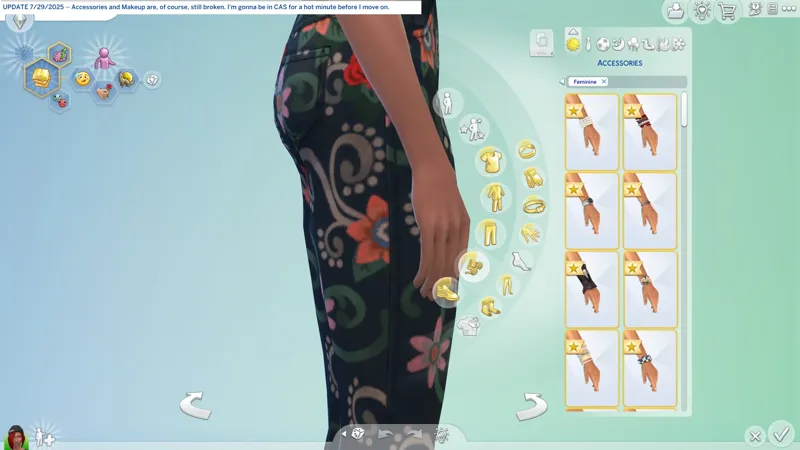
CAS IS STILL A BROKEN MESS -- Accessories, Makeup, Full Body, Tops, Bottoms, Hairstyles, all still broken in one way or another.
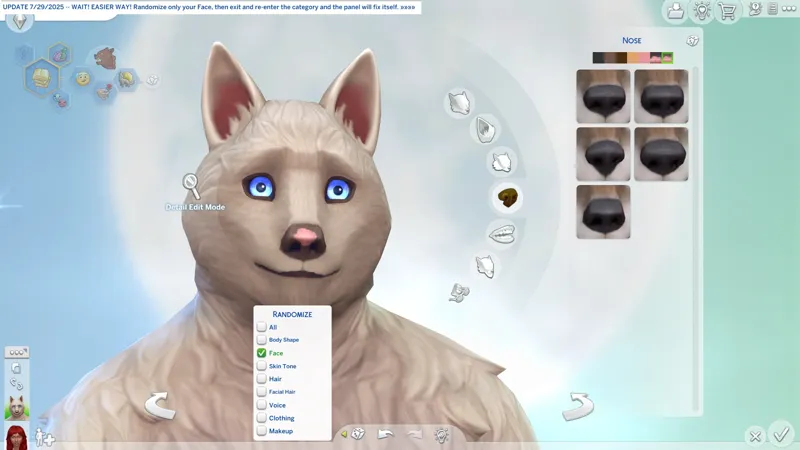
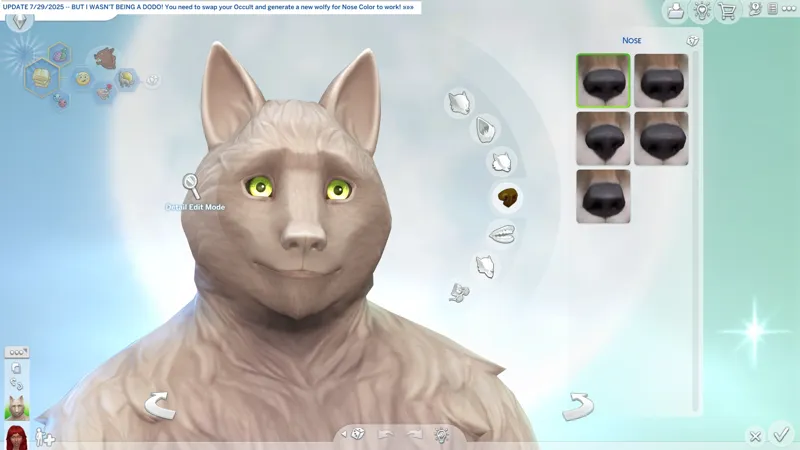
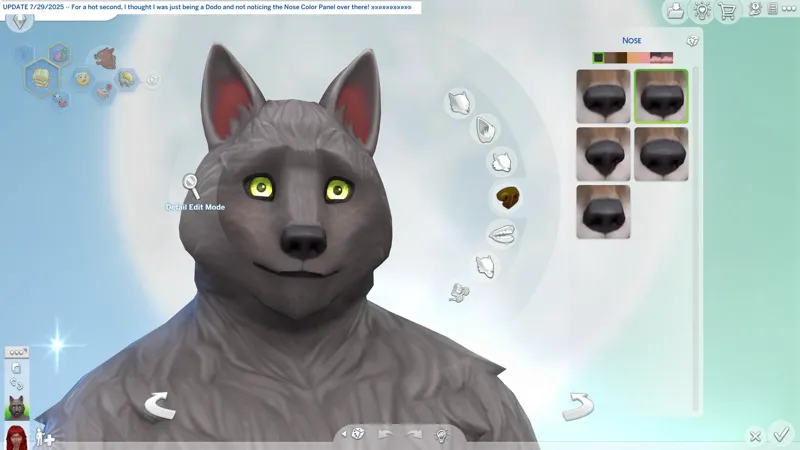
WEREWOLF NOSE COLOR -- To reactivate your Nose Color Panel in the Noses category, you can randomize your Face (only Face is necessary), then exit and re-enter the Noses category to fix the misalignment of the reactivated Nose Color Panel and the Catalog. Cheers!
...
⋆ ── ─ ─ ─ ─ ─ ─ ─ ─ ─ ─ ⋆ \\🔄// ⋆ ─ ─ ─ ─ ─ ─ ─ ─ ─ ─ ── ⋆
☆ // ⋆ HIGHLIGHTS FROM THE NOTES:
Bug Fixes:
Enchanted by Nature
[EA Forums] Ailments now are less contagious between household Sims and much less contagious from public toilets. This results in Ailments triggering up to 75% less often depending on your household size and other factors.
[EA Forums] Balance is now more… balanced. Witnessing death and having extreme emotions such as Mortified and Hysterical no longer cause a Sim to become Very Imbalanced.
[EA Forums] For players with Seasons, the Naturopath career now respects holidays so its Sims have the day off.
“Sponge Bath in Bathroom” (at The Mossveil Fairy Hub) and “Bathe in Water” (in ponds for Sims with Natural Living Skill) now clean Sims who have been singed by fire.
Werewolves
[EA Forums] Werewolf noses now have color options once again in Create a Sim.
Base Game
[EA Forums] During a limited-time event such as Nature’s Calling, Sims now remain at work or school when other household members travel or join a career.
Multiple Packs
Get to Work Aliens and Sims wearing an outfit from DLC packs no longer look pitch black or have invisible bodies when played in a game that does not have those packs.
⋆ ── ─ ─ ─ ─ ─ ─ ─ ─ ─ ─ ⋆ \\🐺// ⋆ ─ ─ ─ ─ ─ ─ ─ ─ ─ ─ ── ⋆
☆ // ⋆ CHECK THE STATUS OF YOUR FAVORITE MODS:
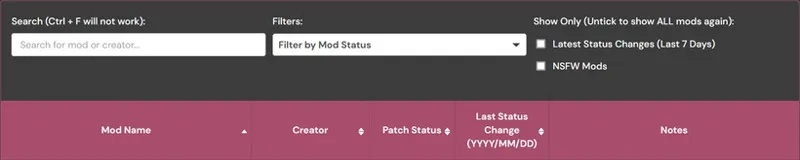
1️⃣ Visit Scarlet's Realm, maintained by Scarlet -- https://scarletsrealm.com
2️⃣ Hover over "The Mod List" and click on one of these options (or any of the others):
SFW Only -- https://../the-mod-list-sfw-only-edition
SFW + NSFW -- https://../the-mod-list-sfw-nsfw-edition
3️⃣ Scroll down to "The Mod List" section and follow the instructions to search for your favorite mods using the Search feature.
☆ // ⋆ MY "GAME JUST UPDATED" ROUTINE:
Every time the game updates, I do this routine. It ensures that my game is always working the way it's meant to. I have never encountered issues with launching after an update because I always do this.
The "TS4 USER FOLDER" is your "Documents\EA*\The Sims 4" folder.
1️ RENAME my TS4 USER FOLDER.
Doing this removes all mods, caches, and settings, and forces the game to create a brand new TS4 USER FOLDER with all new configuration files - meaning the game should run as it's meant to without any issues.
I simple suffix the date of the last game update to the folder name, e.g. "The Sims 4_250429" is today's rename because 4/29/2025 was the last game update.
YYMMDD or YYYYMMDD is proper archiving for file systems.
DDMMYY is calendar and clock trash. That's just the way it is. 😹
2️⃣ LAUNCH the game and re-configure my GAME OPTIONS » GRAPHICS » GRAPHICS options.
Display Type = Windowed Fullscreen
If you're experiencing performance drops with "Windowed Fullscreen", then you should play "Fullscreen". At least this is how it was back in the day with games. "Fullscreen" was the recommended thing for best performance, but with advances in technology it has become less of "a thing".
Vertical Sync = ENABLED
3️⃣ EXIT and RE-LAUNCH the game for other game stuff to initialize.
There are some stuff in the background that doesn't initialize the first time you launch the game, so this "EXIT and RE-LAUNCH" dance is required.
4️⃣ Click through the "Pack Pop-ups" and re-configure my other GAME OPTIONS.
5️⃣ After all of the above is done, I migrate my "personal data" into my new TS4 USER FOLDER. My "personal data" includes:
📁 ConfigOverride (folder) - I have a third-party mod that enhances shadows and textures that goes in here. I should "Community Highlight" this mod. Of course, you need to verify compatibility before migrating this if you use that mod.
📁 Custom Music (folder) - I have MP3 files in here for the custom radio station that I need to continue work on.
📁 Mods (folder) - I NEVER migrate this folder. I verify my mods in batches then toss them over when I'm sure they're compatible.
📁 saves (folder) - I don't migrate this folder because I create a new saved game with every new update. Yep... I ain't ever gon' progress in this wretched game. 😹
📁 Screenshots (folder) - Because screenshots.
📁 Tray (folder) - This is where all of your locally saved Gallery households, etc. and CAS-created households, etc. get saved. This is your "Library" a.k.a. your personal Offline Gallery.
📄 ExcludedMusic.txt (file) - If you disable radio songs, this "text" file is where those settings are saved.
But wait! I have another routine...
☆ // ⋆ MY "GAME JUST UPDATED" ROUTINE FOR S4S:
Every time the game updates, I delete the following folders and files located in the "S4S USER FOLDER" a.k.a. "Documents\Sims 4 Studio". This ensures Sims 4 Studio is always working optimally:
1️ EXIT Sims 4 Studio if it's open BEFORE updating the game.
2️⃣ DELETE the "Tuning" folder.
3️⃣ DELETE the "S4Studio_v*.sqlite" file.
4️⃣ (KEEP READING...)
5️⃣ LAUNCH Sims 4 Studio and wait for it to rebuilt the "S4Studio_v*.sqlite" file.
6️⃣ Click on TOOLS » "Extract Tuning..." to open the "Export Tuning..." window and wait for Sims 4 Studio to rebuild the contents of the "Tuning" folder.
That's it, but...
7️⃣ If you use a "_TDESC.zip" file in the "Tuning Descriptions" folder, you should probably move it out and check for an updated "_TDESC.zip" file.
This thing is provided by EAxis in their official Discord server.
It's kinda useful but it can also completely ruin your Tuning mod if you don't know what you're doing or if it's not compatible with the Tuning resource you're modifying, e.g. this thing completely ruins my "CAS Filters" mod if I make any changes using the features it enables in Sims 4 Studio.
If Sims 4 Studio updates, I do all of the above and one more thing:
4️⃣ DELETE the "Settings.xml" file BEFORE re-launching Sims 4 Studio.
Yep! This is why I left out #4 up there.
Don't forget to re-configure your options (and your "Creator Name") before modding.
Cheers!