
🛠️ Microsoft "Components": DirectX, .NET, VCRedist, a.k.a. little things you should install.
🛡️ Did you know I'm your Friendly Neighborhood Tech Support Nightmare?
💀 The electricity just died and everything I typed went poof. <HEAVY SIGH>
☆// ⋆ WHAT IS THIS EVEN FOR, YOU ASK:
ERRTHANG, kemosabe!
The game installs and uses some of these.
Some of our modding tools require some of these.
Your device requires some of these for proper operation, which means...
Your life requires some of these!
Sometimes they poop themselves and need to be re-installed and/or repaired, and finding them to re-download can be as irritating as... EAxis' official game updates.
Actually they're less irritating than EAxis' official game updates because at least with these things, you will find them eventually, AND THEY WON'T BREAK YOUR DEVICE! ☔️😹💀
⋆ ── ─ ─ ─ ─ ─ ─ ─ ─ ─ ─ ⋆ \\ ☆ // ⋆ ─ ─ ─ ─ ─ ─ ─ ─ ─ ─ ── ⋆
☆// ⋆ TABLE OF COMPONENTS:
MICROSOFT .NET AND .NET CORE
MICROSOFT DIRECTX END-USER RUNTIMES
MICROSOFT VISUAL C++ REDISTRIBUTABLES
TBC...
☆// ⋆ MICROSOFT .NET AND .NET CORE:
There are multiple ".NET" applications and multiple versions of ".NET" applications.
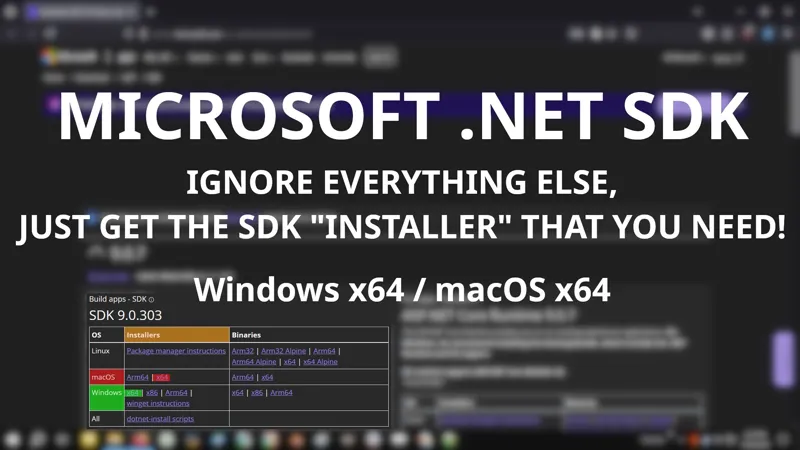
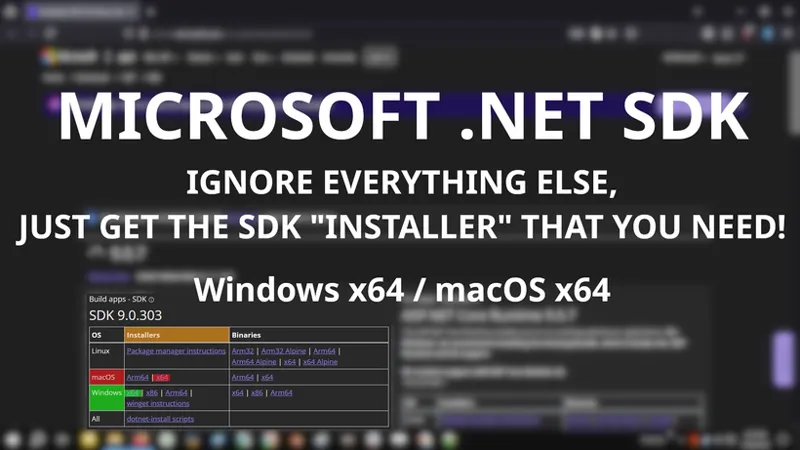
Most times you'll either need ".NET Runtime" or ".NET Desktop Runtime" for the app you're trying to use, but I recommend skipping those and just installing ".NET SDK" if you have the disk space required.
Each installation of ".NET SDK" requires about (1) GB of disk space.
".NET SDK" includes all the little ".NET" bits you might need:
.NET Runtime
.NET Desktop Runtime
ASP.NET Core Runtime
Microsoft's website can be confusing to navigate, so I'mma give you some links. I've manually "shortened" the text for these links but there are no ads or flies on any of them.
NAVIGATION LINKS:
🗺️ Home Page -- https://dotnet.microsoft.co/
🗺️ Main Download Page -- https://dotnet.microsoft.com/en-us/download
🗺️ All Versions Page -- https://dotnet.microsoft.com/en-us/download/dotnet
I PERSONALLY HAVE THESE THREE (3) INSTALLED:
🎁 9.0 (Supported) -- https://../download/dotnet/9.0
"Supported" means it receives regular updates.
You may not need this.
🎁 8.0 (Supported) -- https://../download/dotnet/8.0
You may not need this.
🎁 6.0 (End of Life / End of Support) -- https://../download/dotnet/6.0
"End of Life / End of Support" means it receives no more updates.
Install the most recent release and fuhgeddaboudit, unless it poops itself and needs to be re-installed or repaired.
Required by "Sims 4 Studio", "TS4 Sim Ripper", and "TS4 CAS Tools".
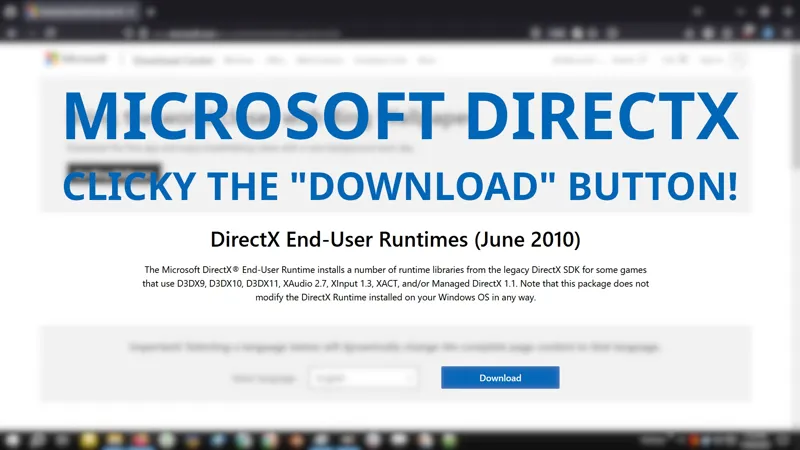
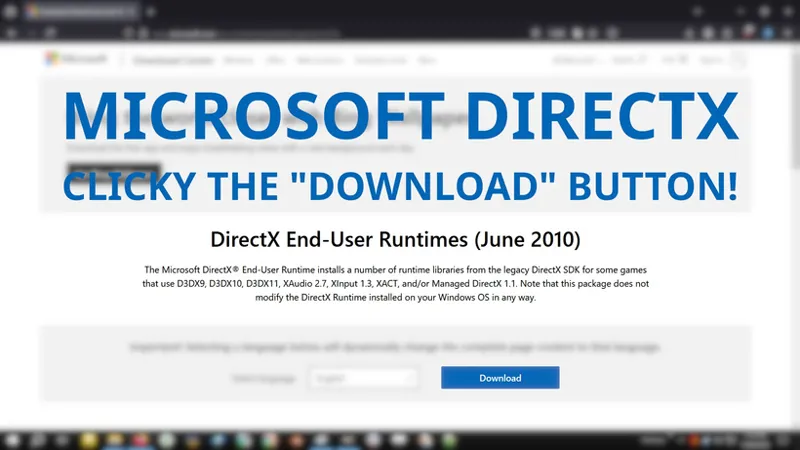
☆// ⋆ MICROSOFT DIRECTX END-USER RUNTIMES:
I know it says "June (2010)" but this is totes used by ERRTHANG!
Ignore the date and download and install it.
Most games try to install this during their installation process, but sometimes the DirectX installer can poop itself and corrupt the "runtime libraries". If pooping occurs, then you should re-install it using the "Offline Installer". The "Web Installer" will just tell you that you already have DirectX and "Pfft! I got better things to do, sucker!" 😹
Prey tell, how would you know when pooping occurred?
<THROWS HANDS UP>
Sometimes you'll get DirectX errors when launching a game.
Just install it. Is fine! Install it once a year even if you're getting no errors. Is fine! I just installed it like (10) times to capture the perfect GIF and I'm still here! 😹
DOWNLOAD LINKS:
🎁 Offline Installer -- https://../download/details.aspx?id=8109
Download this.
This downloads a file named "directx_Jun2010_redist.exe".
ATTENTION: This requires additional pre-install preparation.
🎁 Web Installer -- https://../download/details.aspx?id=35
Don't waste your time on this trash.
This downloads a file named "dxwebsetup.exe".
WARNING: Microsoft tries to sneak in the Bing™ Bar during installation. Don't forget to uncheck it.
INSTALLING THE OFFLINE INSTALLER:
The "Offline Installer" requires additional pre-install preparation steps.
STEP 1 -- Create a mew folder on your Desktop and name it "DirectX".
STEP 2 -- Execute "directx_Jun2010_redist.exe".
STEP 3 -- "Browse" and navigate to your "DirectX" folder and extract the installation files. The file extractor will close automatically.
STEP 4 -- Navigate to your "DirectX" folder and execute the file named "DXSETUP.exe".
STEP 5 -- Did you know I can GI- Why is my first GIF ending so abruptly?!
INSTALLING THE WEB INSTALLER:
The "Web Installer" is a waste of time.
See?! A complete and utter waste of time. #ThanksMicrosoft
☆// ⋆ MICROSOFT VISUAL C++ REDISTRIBUTABLES:
TBC... but here's the link -- https://../windows/latest-supported-vc-redist
☆// ⋆ TBC...
Comments (3)
What does this exactly do lol especially since I'm in the process of moving files to make more room lol what would this do for my gaming would it make sims run better?
DirectX: https://github.com/stdin82/htfx/releases/tag/v0.0.3 VCRedist: https://github.com/abbodi1406/vcredist Both available without M$ bloat
I could have sworn I responded to this comment... The internet must have died. 😹