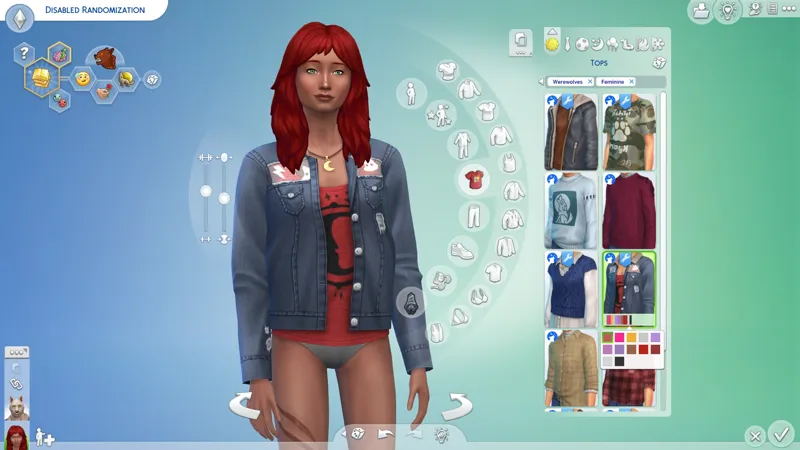
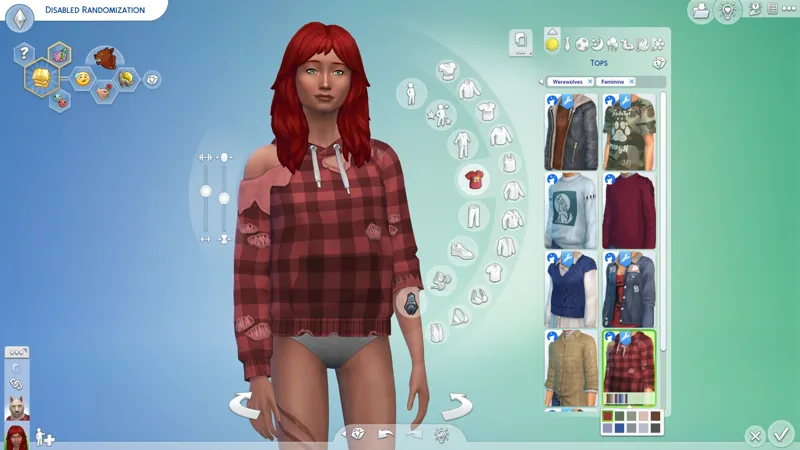
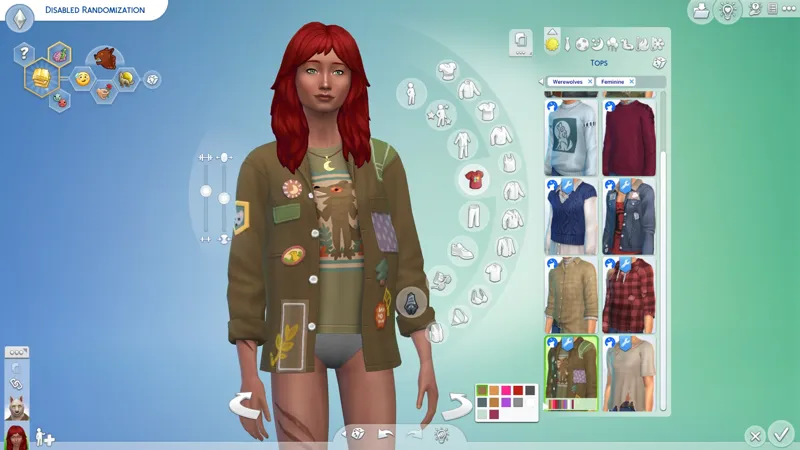
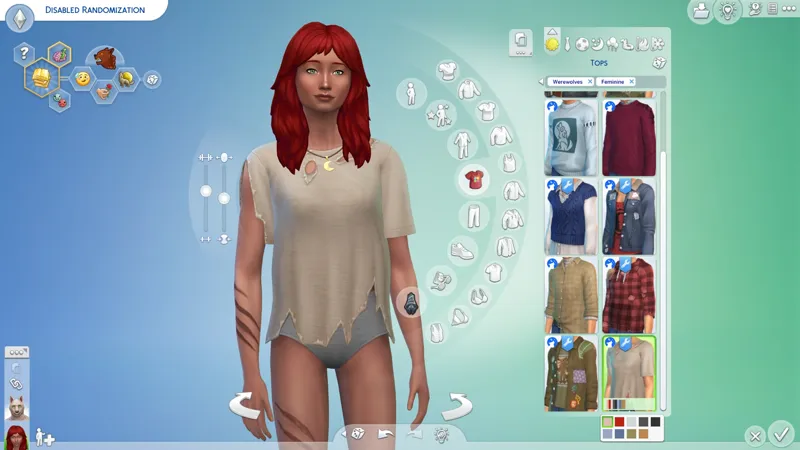
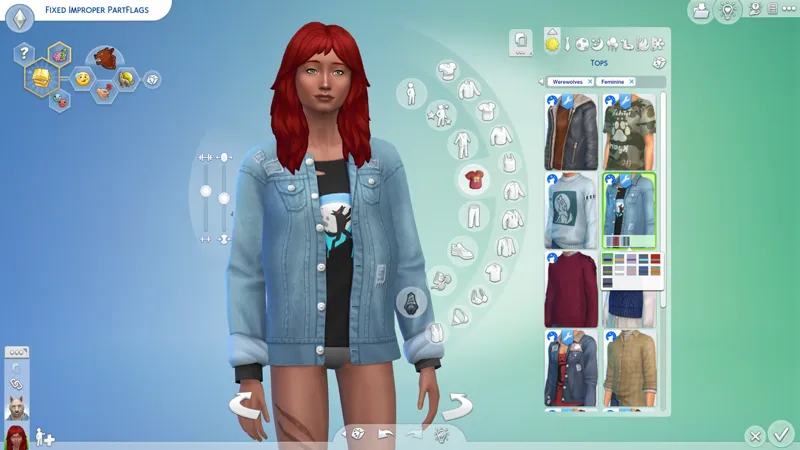
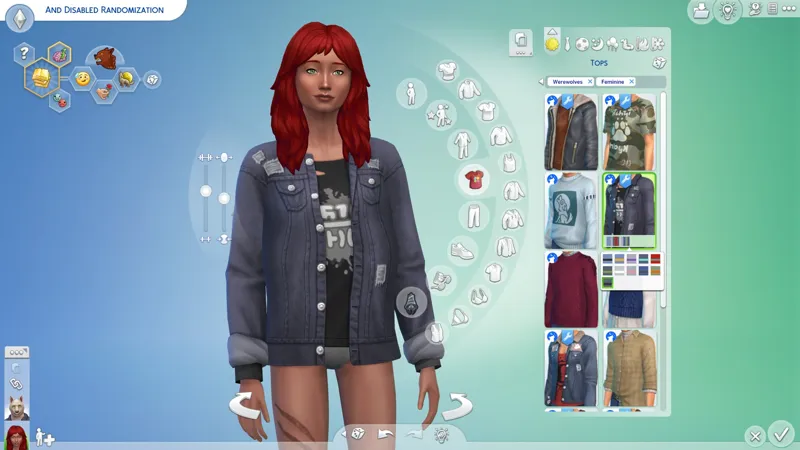
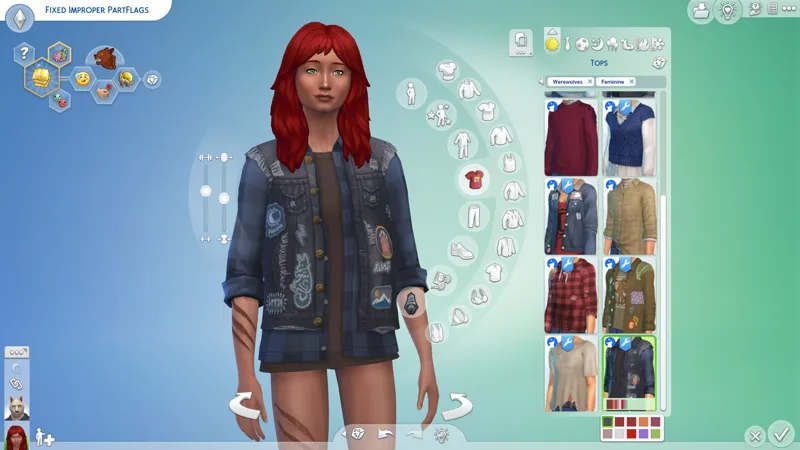
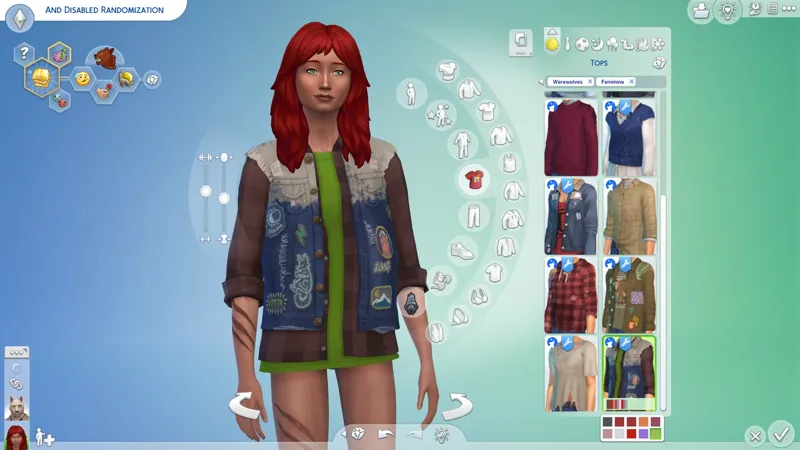
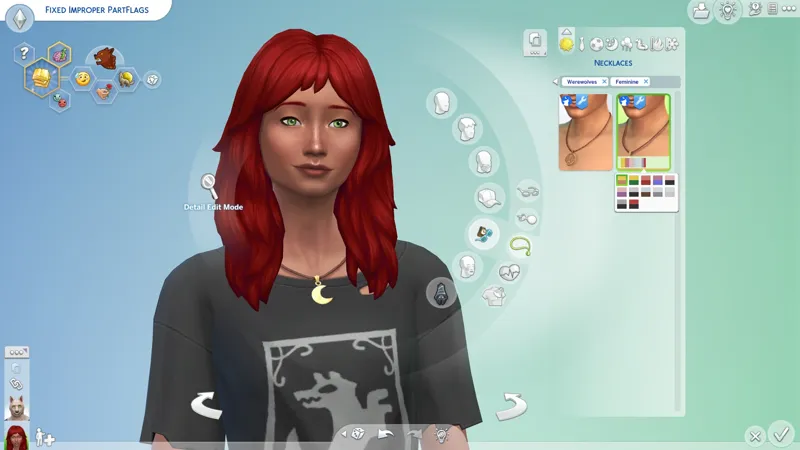
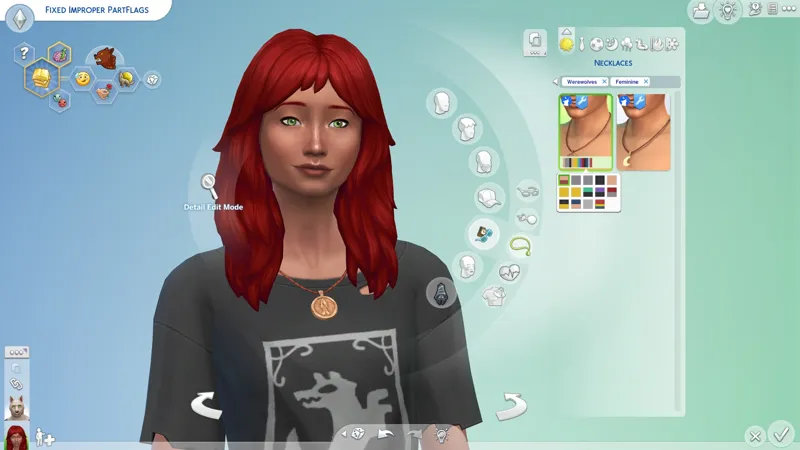
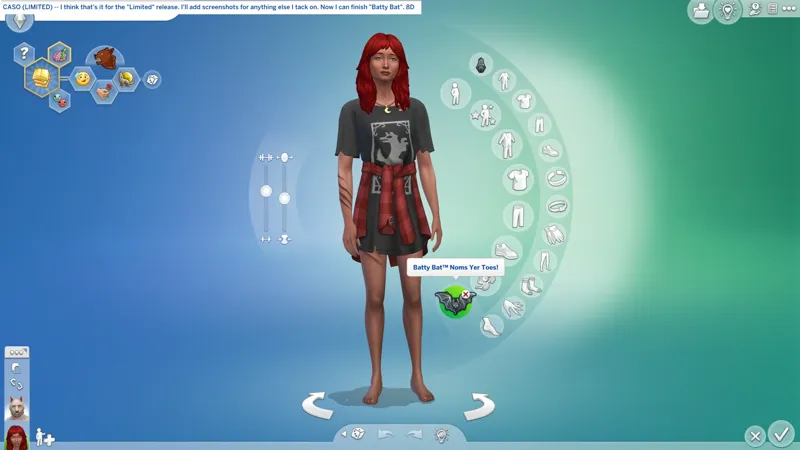
🎁 [GP12] CASO (Limited): Werewolves -- IS WOLFIN' TIME! AWOOO-WOO-WOO! -- [7/21] ☄️ I totes know how to wolf.
⚔️ GP12: WEREWOLVES ⋆ 🚀 7/21/2025 ⋆ 🌠 NIL ⋆ ☄️ 7/21/2025
🔄 7/16/2025 -- Check Announcements [🌐] if this isn't up-to-date [🌐].
🛟 Do not hesitate to ask for assistance if it is needed. You can do so via the Comments on this post, the Troubleshooting Community Chat, or via DM.
📸 I'm considering "before" and "after" screenshots... but that's (140) screenshots, and this is just the "Limited" CASO! All you need to know is that I know what I'm doing, and I fixed EAxis' mess! No screenshots necessary, baby!
💬 "Limited" CASO is weird for me because my brain revolts at the thought of not fixing everything. We have never had a single "perfect" content release, so whenever I see an issue, my brain defaults to "I need to set aside some time to override every item", instead of "I can just override the critical things." I don't understand how EAxis fixes one item at a time and then pats themselves on the back for it. They should hire me. I would gladly pause everything else if it meant I could fix this for everyone. I totes won't accidentally sneak in my "FOMO Unlock" modification into official updates for everypony... Why would you even think that? I have zero problems doing only what I'm allowed to by BS "authority"!
🎙️ I saw a werewolf drinking a piña colada at Trader Vic's and his hair was perfect! -- EAxis must have been thinking about this song when they gave us these Werewolves, except they forgot the hair, and 🎙️ I like piña coladas, and EAxis only has half a brain! I am so sorry.
☆ // ⋆ TOTES "SIMPLE" MOD DESCRIPTION:
Each "CASO" project is a MERGED PACKAGE containing numerous individual CAS item overrides. These overrides aim to fix the mess EAxis continues to make in CAS with their improper use of their own PartFlags and TAGS, especially the "Restrict Opposite" PartFlags.
The goal is to fix everything, but "everything" takes time. So, I have started doing "Limited" releases to fix the worst offenders. The others will be added in an update when they're done.
(70) overrides are currently included. Here are the highlights:
Improper "Restrict Opposite Gender" PartFlags:
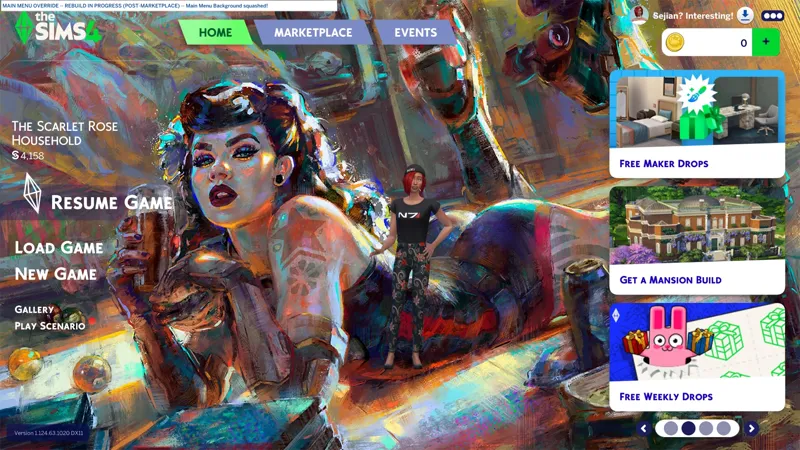
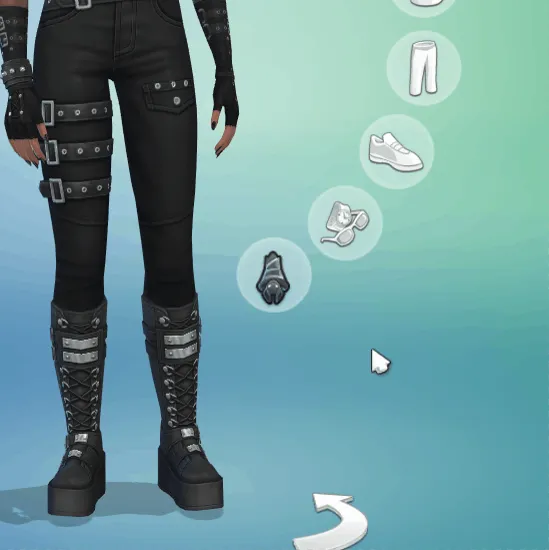
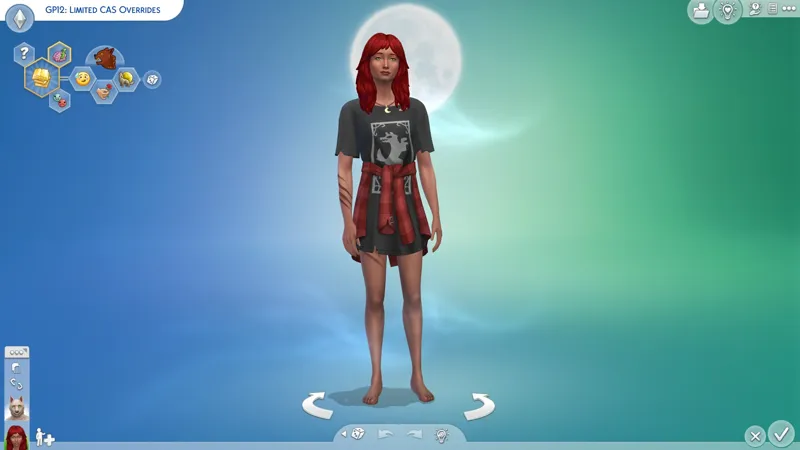
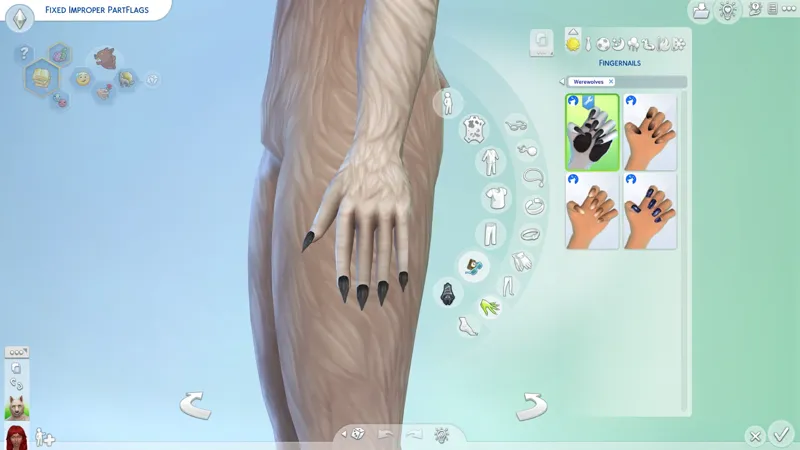
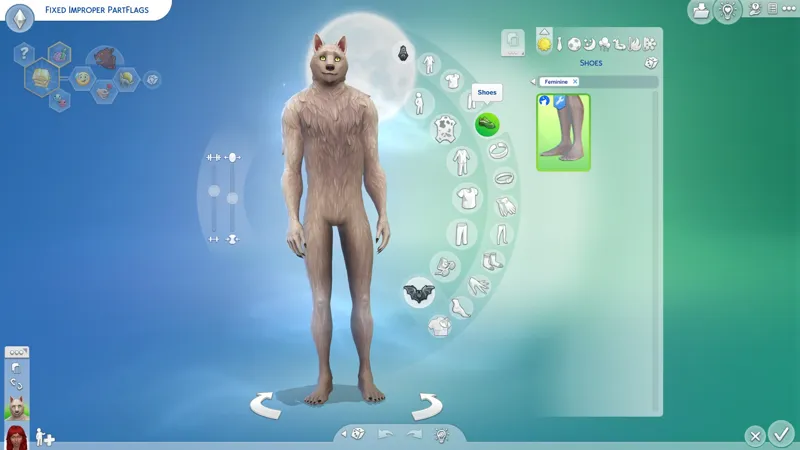
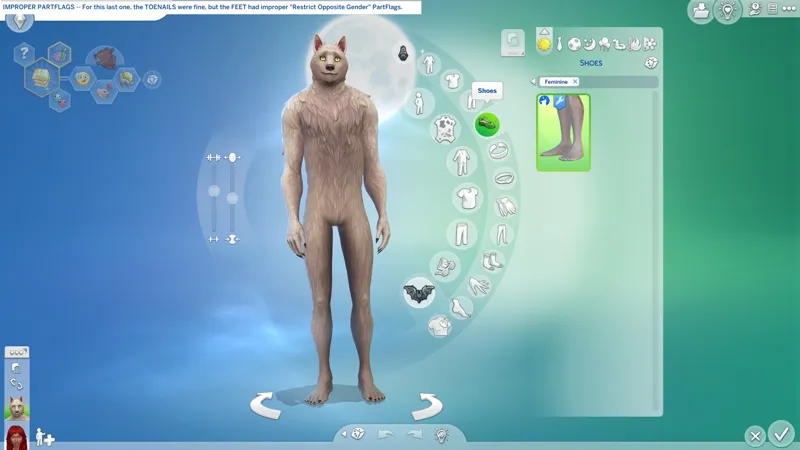
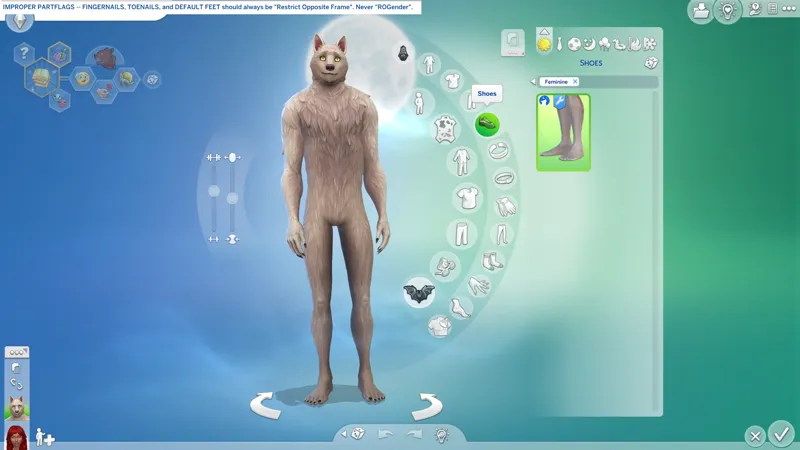
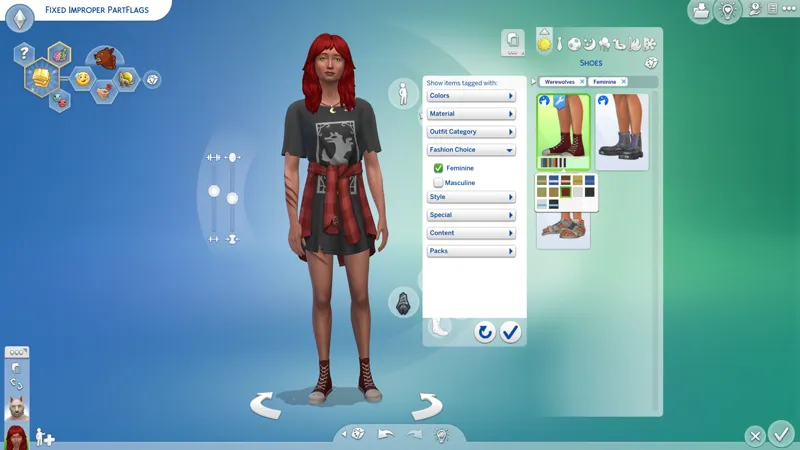
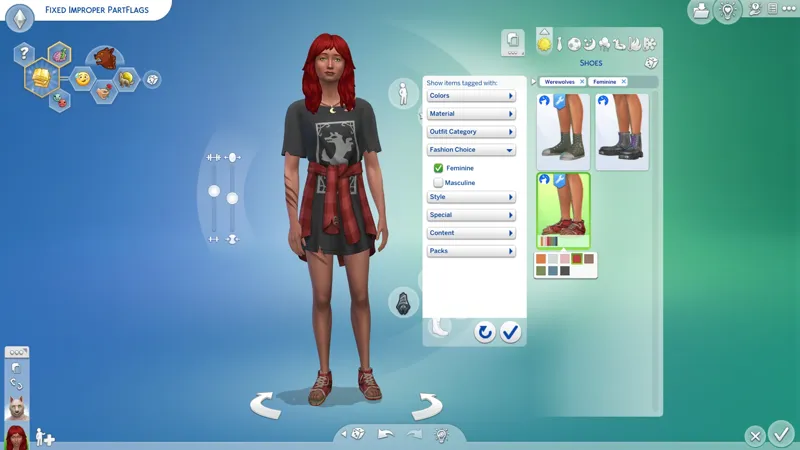
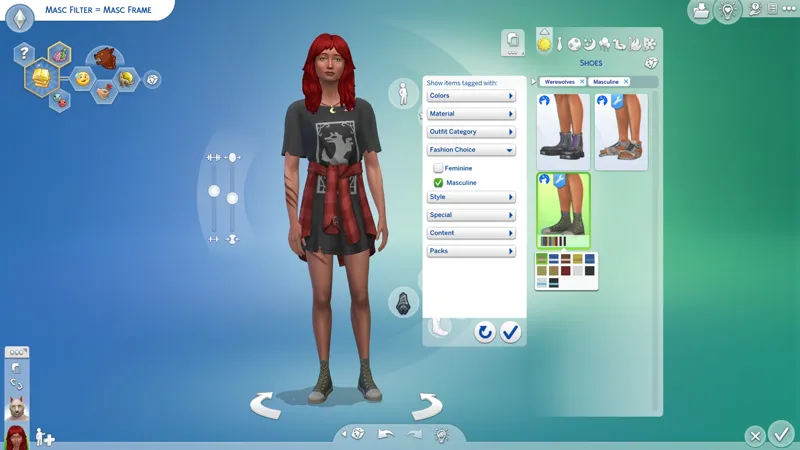
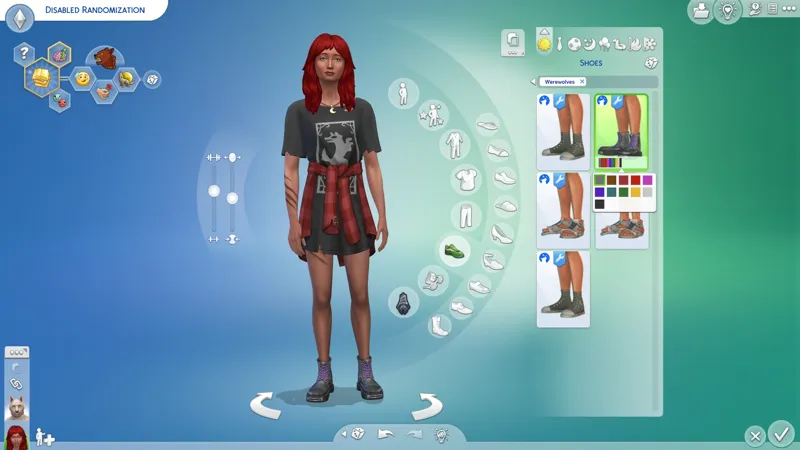
Removed from various CAS items, including Werewolf Default Feet and Fingernails, and the Shoes for non-Werewolf Sims that I totally forgot existed because I never see them with Scarlet due to improper "Restrict Opposite Gender" PartFlags! Why do you think Scarlet is barefoot in the cover screenshot? I thought the only shoes were the clown shoes! "Steel tip" my butt, those are clown shoes! 🤡
"Allow For Random" disabled on all Bloated™ CAS items:
Bloat™ is meant to look "baggy", but for Female and Feminine Frame Sims who do not have the tiniest waist possible, Bloat™ looks like the Sims' pockets are stuffed with fat wads of cash after completing a bank heist. It looks horrible and EAxis doesn't give a !@#$. I can fix Bloat™, but it takes time and my full attention.
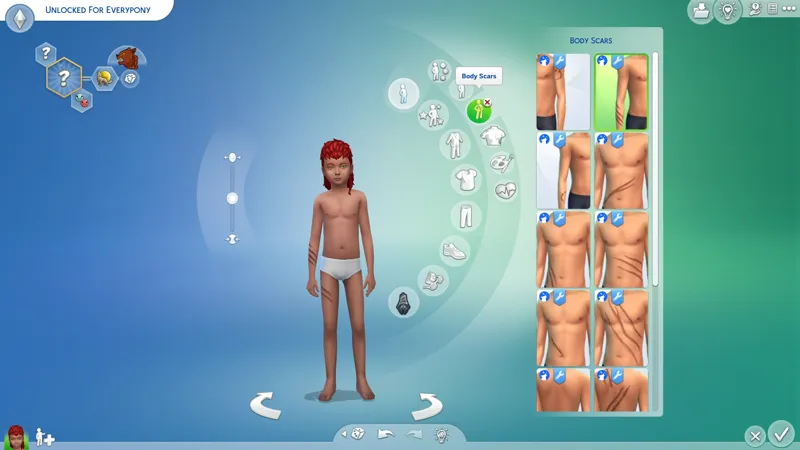
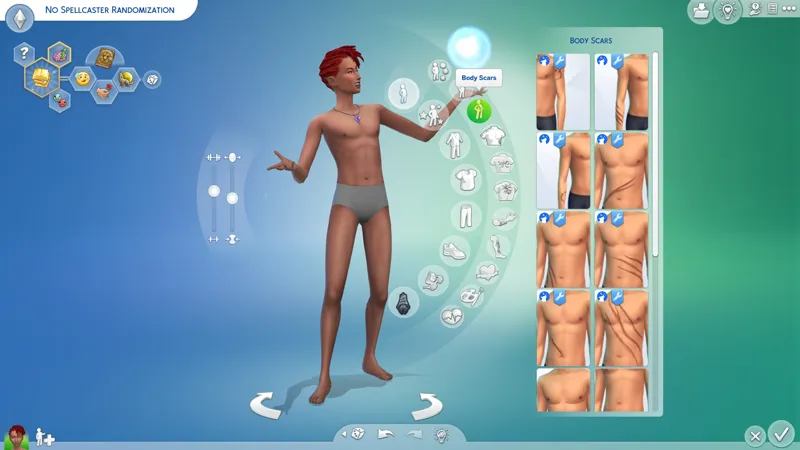
All Scars unlocked for all ages:
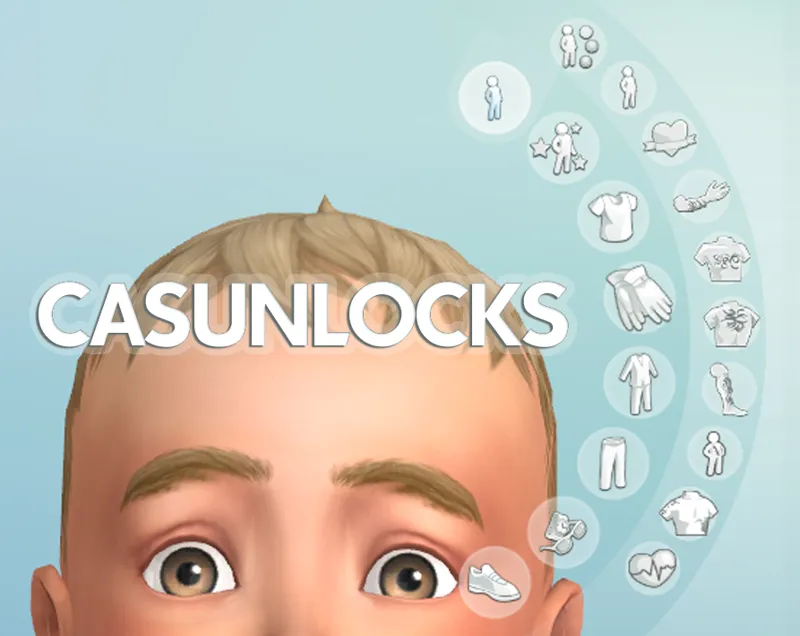
My "CASMenu Override" or Crilendar's "CASUnlocks" is required in order to access the "Occult Skin Detail" CAS categories for most Sims. Links included below.
"Occult (Allow For Random)" disabled on all Scars:
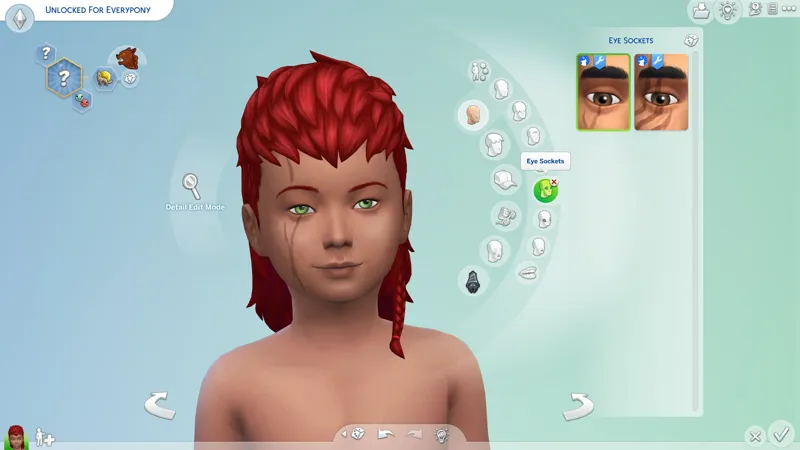
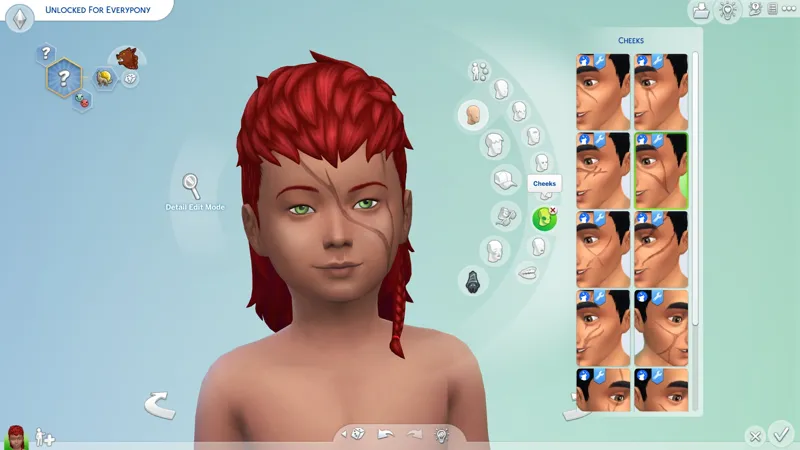
Scars are a plague upon Spellcasters from EP08: Realm Of Magic. If you own EP08, then you know exactly what I mean. The "Occult (Allow For Random)" TAG is the culprit.
Other CASO projects are needed to disable Scars from other content releases, however, I also have a standalone CASO BUGFIX that overrides just the Scars from every offending content release. All related projects will be linked below.
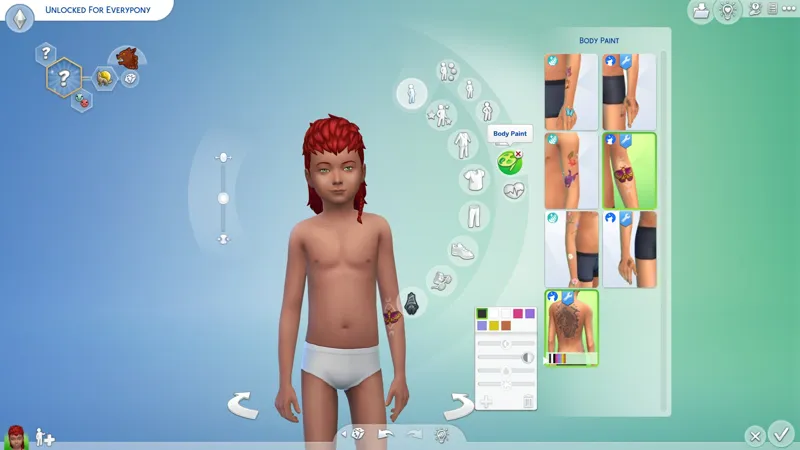
All Tattoos made compatible with "Body Paint" and unlocked for all ages:
My "CASMenu Override" is required in order to access the "Body Paint" category on ages both older and younger than children. I have no idea if Crilendar has updated their mod to unlock this category for all ages. Links included below.
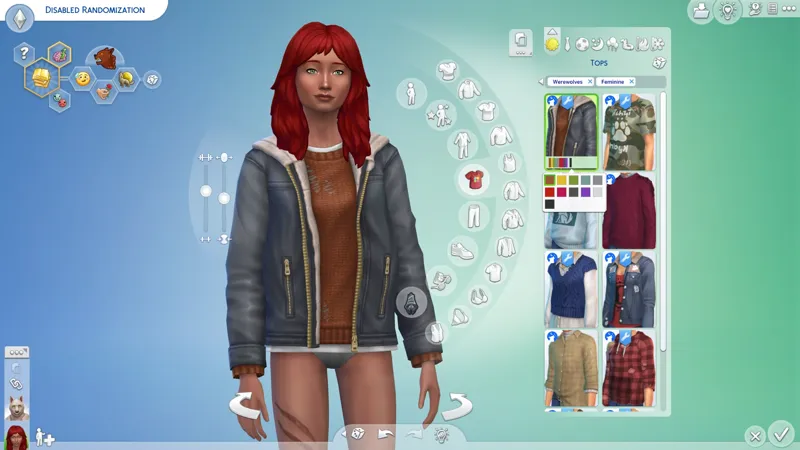
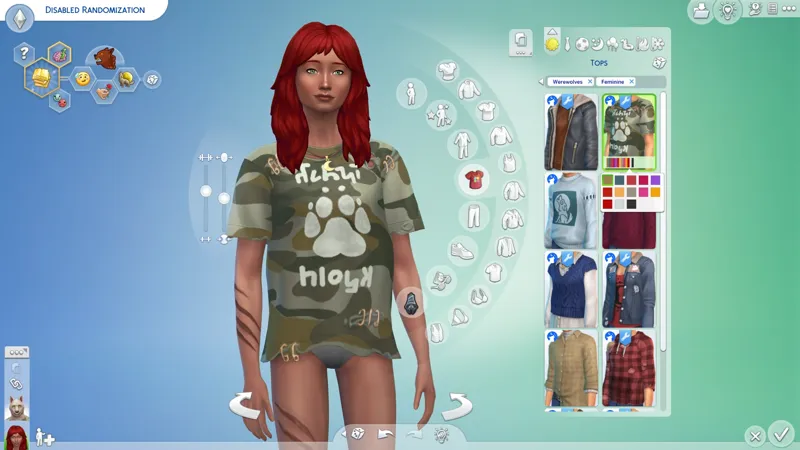
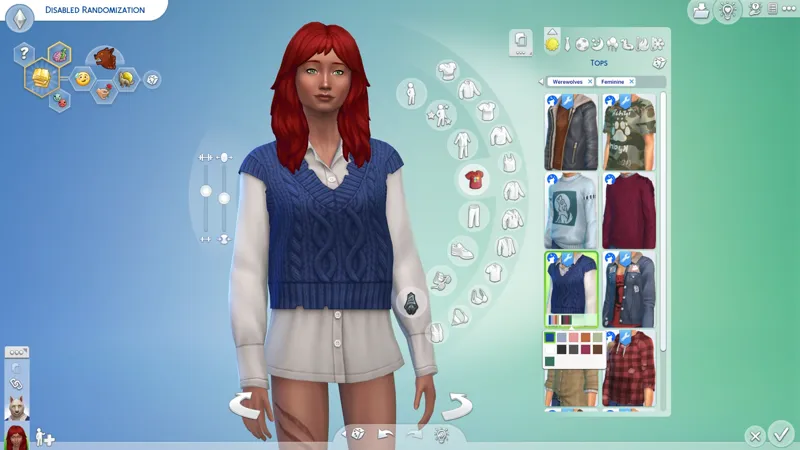
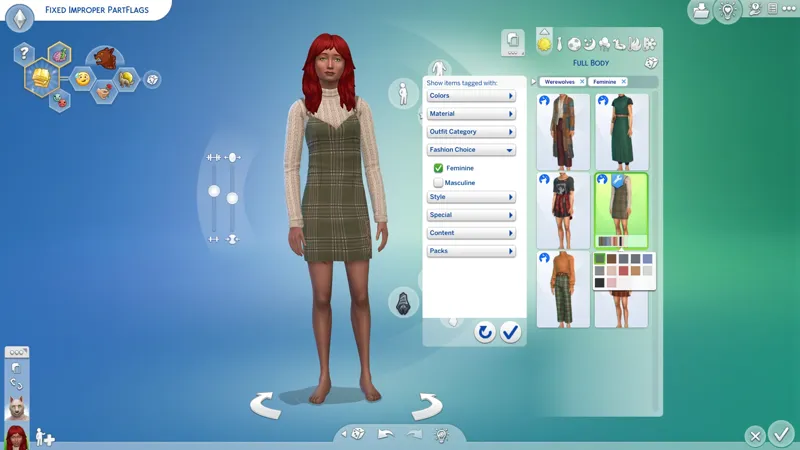
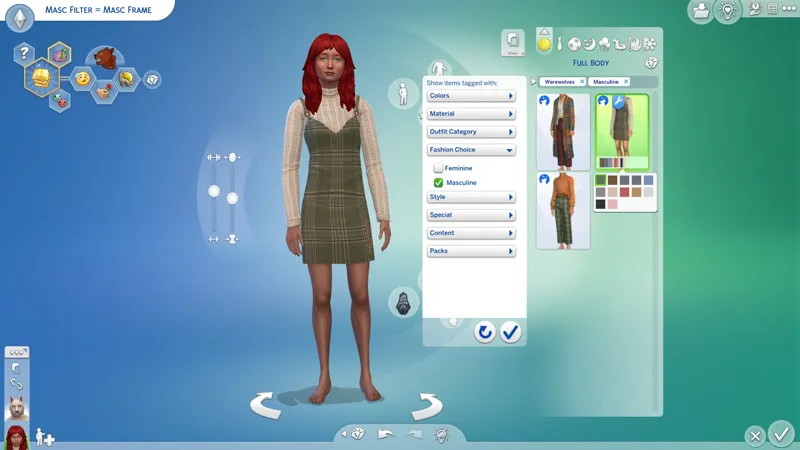
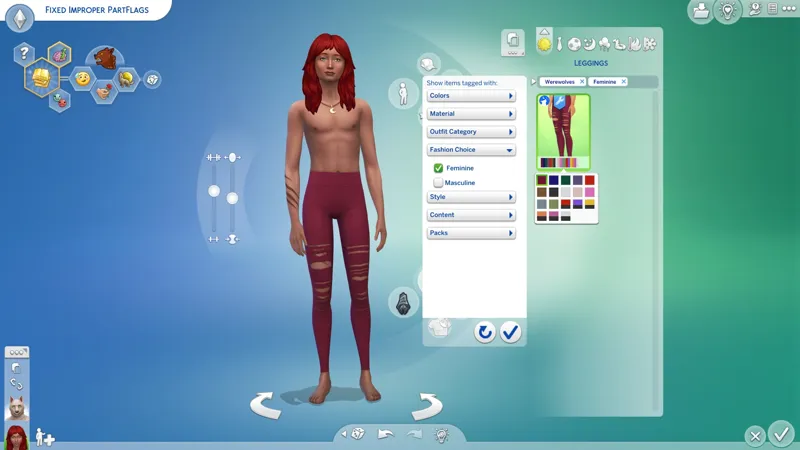
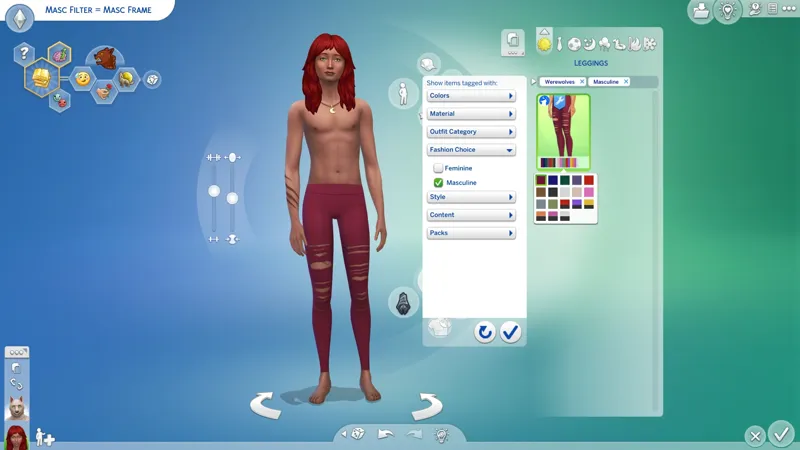
All overridden "clothing items" are unlocked for all "Gender" and "Physical Frame" combinations. In other words, you can wear whatever you want:
"Clothing items" specifically refers to the following categories only:
Full Body, Tops, Bottoms, Shoes, and Tights.
Gloves and Socks are usually unisex.
All categories not listed here require different PartFlag and TAG configurations.
You will find Feminine Frame clothing items under the Feminine Fashion Choice filter, and Masculine Frame clothing items under the Masculine Fashion Choice filter.
Randomization is disabled on all Feminine Fashion clothing items made for the Masculine Frame, e.g. dresses and skirts. Cisframe male sims won't suddenly start wearing dresses. You can choose to wear a Masculine Frame dress or skirt, but it won't happen randomly.
Making CAS inclusive for everyone isn't rocket science, it's just PartFlags and TAGS, and the will to make it happen, baby! ❤️🧡💛💚💙💜🤎🖤🤍
A "Fashion Stereotypes Patch" is not yet available for this project:
These patches relocate Feminine Fashion clothing items back under the Feminine Fashion Choice filter while keeping all of my other fixes.
I don't include this in the main release because it's more important to me that you know whether or not the item you're looking at matches your "Physical Frame". This is important to me because EAxis has made (and continues to make) a complete mess of this, but I understand that some simmers might prefer to see Feminine Fashion clothing items under the Feminine Fashion Choice filter even if they're made for the Masculine Frame. I have no problem making these patches, and I make them flawlessly. I have indeed perfected CAS! I AM THE WAY! <CACKLES MANICALLY> 😹
⋆ ── ─ ─ ─ ─ ─ ─ ─ ─ ─ ─ ⋆ \\🎁// ⋆ ─ ─ ─ ─ ─ ─ ─ ─ ─ ─ ── ⋆
☆ // ⋆ NOTICE MY POST ATTACHMENTS, SENPAI:
🎁 GDrive Folder -- PENDING™
🎁 SFS Folder -- PENDING™
☆ // ⋆ RELATED PROJECTS:
😾 CAS Review: Werewolves -- https://../posts/119608297
🗺️ CAS Add-Ons: Werewolves -- PENDING™
🗺️ CAS De-Bloat™: Werewolves -- PENDING™
🗺️ BAND-AID: Werewolf Nose Color -- PENDING™
☆ // ⋆ RELATED PROJECTS FOR SCARS:
🗺️ -- PENDING™
🗺️ -- PENDING™
🗺️ -- PENDING™
☆ // ⋆ A CASMENU OVERRIDE IS NECESSARY:
🗺️ CASMenu Override -- https://../posts/107958333
🎀 "CASUnlocks" by Crilendar -- https://../posts/34827823
⋆ ── ─ ─ ─ ─ ─ ─ ─ ─ ─ ─ ⋆ \\⚙️// ⋆ ─ ─ ─ ─ ─ ─ ─ ─ ─ ─ ── ⋆
☆ // ⋆ OF SCARS, SPELLCASTERS, AND CAS:
If I remember correctly, this issue with Spellcasters randomizing with one of every SCAR also used to affect... wasn't it Merfolk? In any case, when I'm done, it will be a thing of the past.
If you open a SCAR in Sims 4 Studio, you'll notice that none of them have "Allow For Random" enabled. So how does it happen?
Well, the culprit is the "Occult" TAG and improper CAS coding.
Specifically for this one category and Spellcasters, the "Occult" TAG is enabling "Allow For Random" without the need for "Allow For Random".
For as long as this has been an issue, which is YEARS, CAS has been improperly coded.
In other words, CAS is broken and has been broken for much longer that most simmers might realize. It didn't start with Update 2/25/2025, it just got worse.
Have you ever noticed that if you change your "Clothing Preference" setting, the "Fashion Choice" filter on CAS categories automatically changes to match the new setting?
It happens for every category and sub-category except HAIRSTYLE.
Your HAIRSTYLE "Fashion Choice" filter always matches your Sim's "Gender" by default, even after changing your "Clothing Preference" setting.
I don't remember a time when it wasn't like this. It has irritated me every single time I open CAS to see how a different hairstyle might look on Scarlet.
Because of this, HAIR should always be configured with both "Fashion Choice" TAGS and locked with "Restrict Opposite Frame".
☆ // ⋆ OF PARTFLAGS AND TAGS AND SIMS:
I kinda want to add a "short" explanation of the issue in each "CASO" post because I know that there are a lot of simmers who might not understand what my hang up is with PartFlags and TAGS, or they might understand but they've been given incomplete or incorrect information, because the community at large doesn't really understand PartFlags and TAGS... even after TEN (10) YEARS.
In fact, I've only ever seen a guide concerning this from one other creator, and the only time I've had a discussion about that guide with a third-party, led to that third-party having a "cisphobic" meltdown at me for disagreeing with something in the guide. I'm not even cisgender, nor is my Sim! 😹
☆ // ⋆ PROGRESSION - THIS IS NOT A CHANGE-LOG:
☄️ 7/21/2025 -- UPDATED! LET ME KNOW IF...
Your Werewolf generates with any other Toenail color that the first "black" swatch or with any of the fugly Werewolf necklaces. Neither should happen.
⚡ 7/21/2025 -- HOW DID THAT HAPPEN?!
I'm back in CAS checking my "CASMenu" and lo and behold a new Werewolf generates with the wrong Toenails and I'm here thinking, "HOW THE !@#$ DID THAT HAPPEN?!".
I pop open the PACKAGE and what do you know, somehow Sims 4 Studio duplicated the "DefaultThumbnailPart" and "DefaultForBodyType[X]" FLAGS on all swatches.
I didn't do that, did I?
There is no "Apply To All Swatches" button for that!
Whatever. It's fixed now. Gimme a hot minute to MERGE my overrides and ZIP it.
☆ // ⋆ TBC...