






†🩵h e a v e n l y ✧ 𝒃𝒍𝒖𝒆 ✧ s t a t i c🩵†||𝐓𝐡𝐞 𝐒𝐢𝐦𝐬 𝟒 𝐀𝐞𝐬𝐭𝐡𝐞𝐭𝐢𝐜 𝐒𝐞𝐭||
It’s like heavenly ✧ 𝒃𝒍𝒖𝒆 ✧ static was dipped in liquid chrome and blue jelly: crisp, electric, and purely ethereal🩵✨
💙✨MINI UPDATE (3.22.26)✨💙
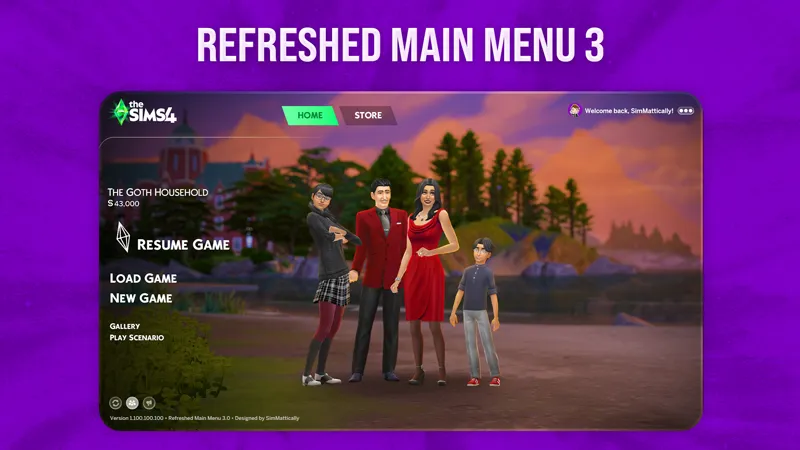
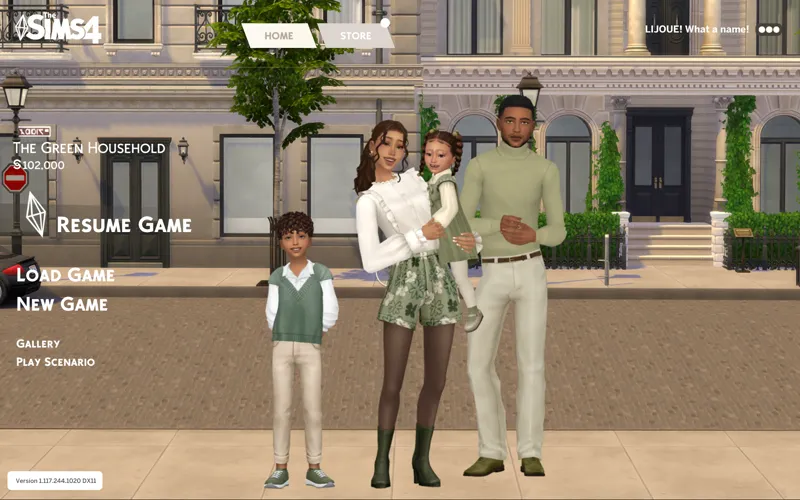
Main menus are good to go for this set! Just grab SimMattically Main Menu Base first, then add one of my MMO overrides (or all of them if you want👀)
Hi Simmers!🩵🤍
I’m so excited to share my newest aesthetic set, h e a v e n l y ✧ 𝒃𝒍𝒖𝒆 ✧ s t a t i c. My blue phase isn’t over just yet, and this set brings together soft, dreamy skies, glossy blues, and a digital shine with a touch of playful mischief!💙⚡
Made for dreamers and digital rebels, it refreshes your Start Screen, Loading Screen, CAS, and Main Menu, giving your game a sleek, high-shine glow from the moment you hit Play🎮
✨ What’s inside:
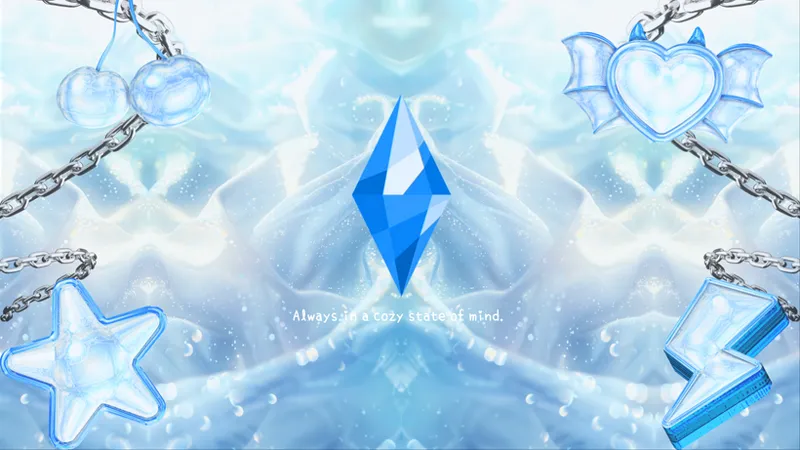
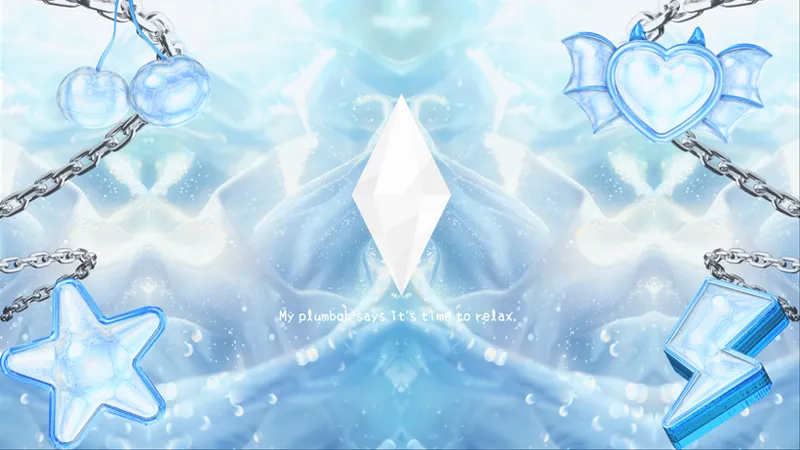
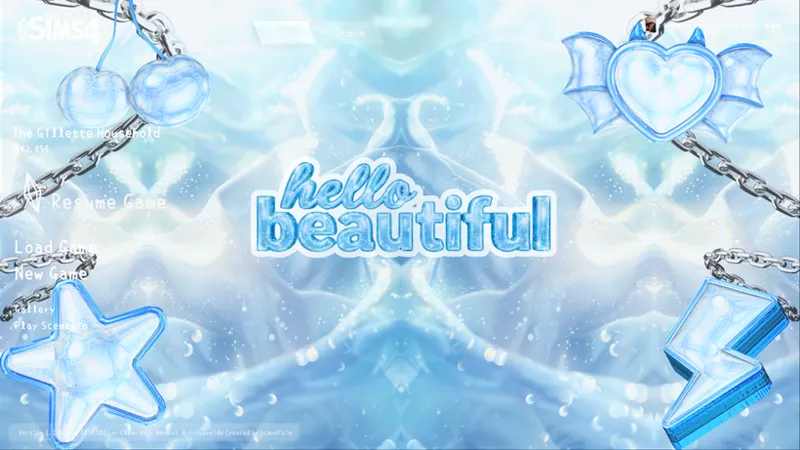
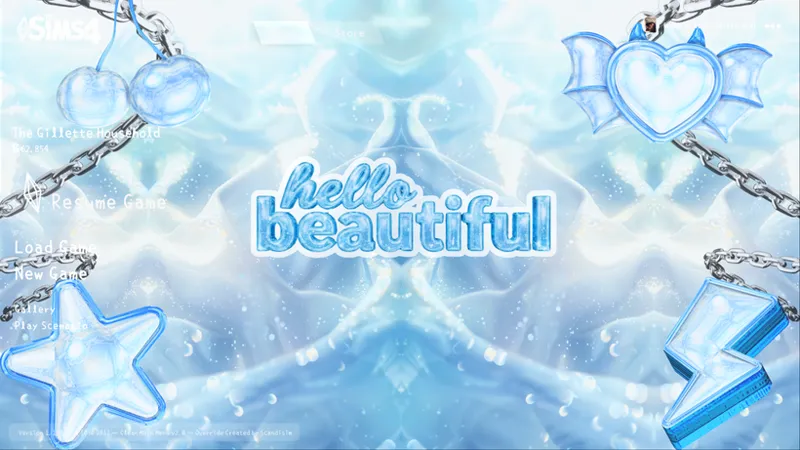
🩵 2 Start Screens – The Sims 4 and Hello Beautiful logos in liquid chrome, shiny and dreamy
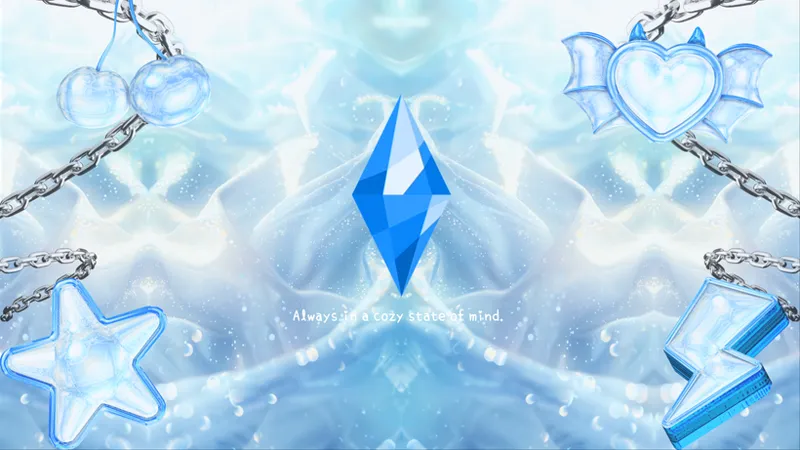
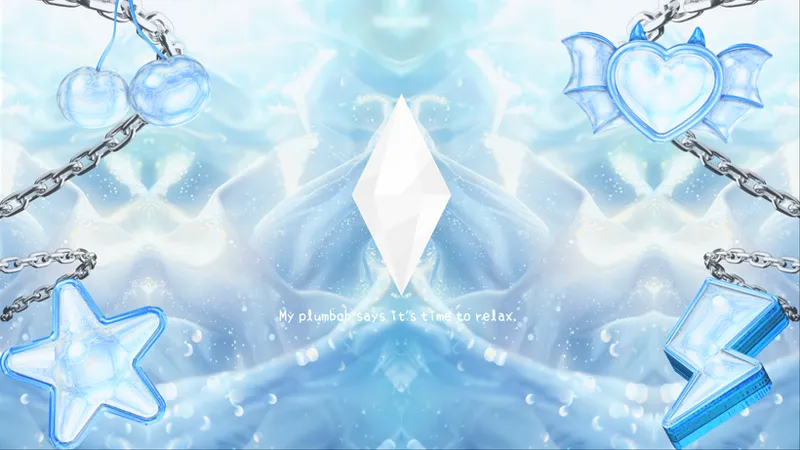
🩵 1 Loading Screen – smooth, ethereal, keeps the vibes flowing
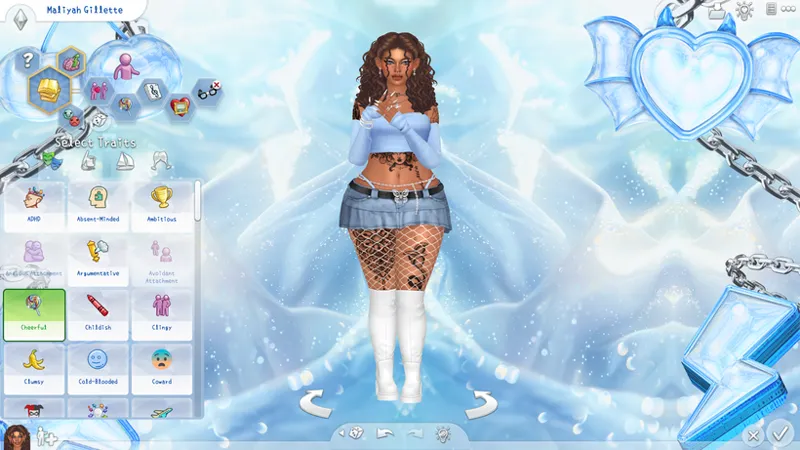
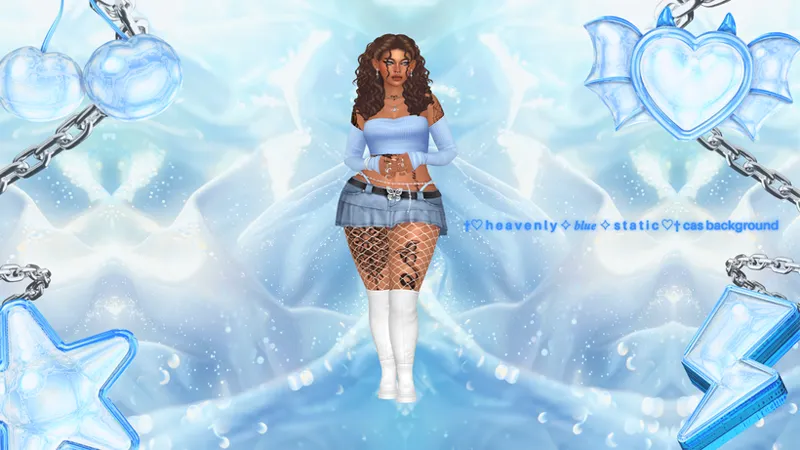
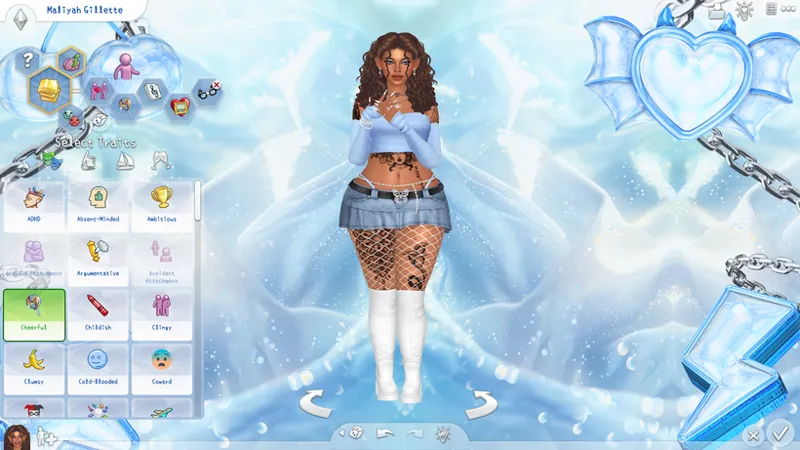
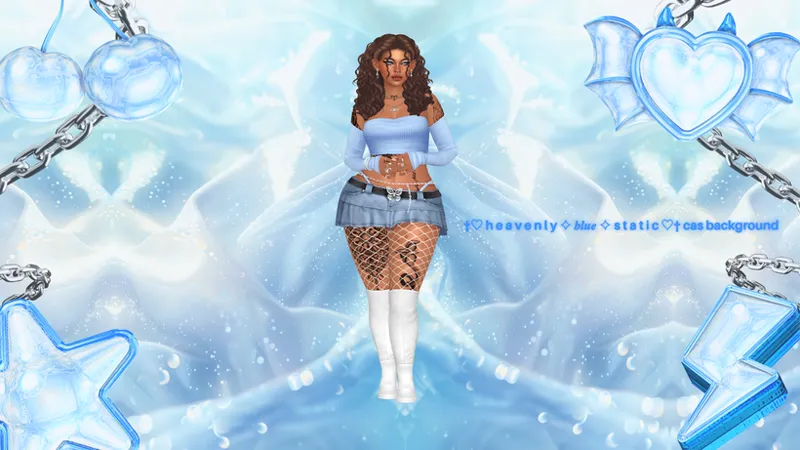
🩵 1 CAS Background – moody-cute, perfect for showing off your Sims’ fits
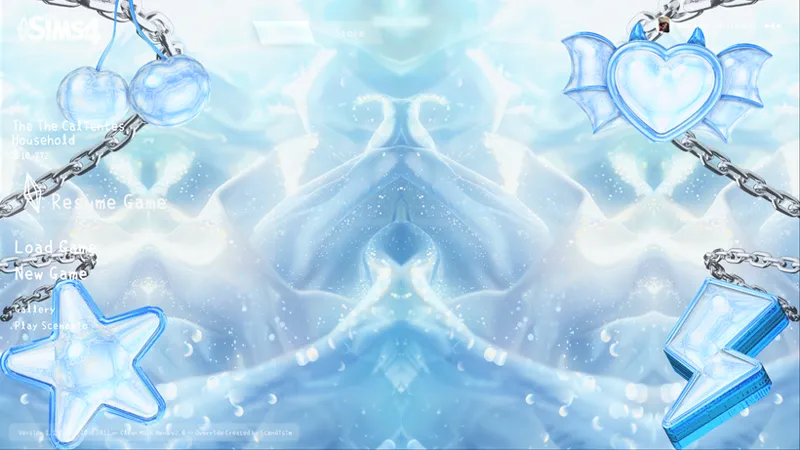
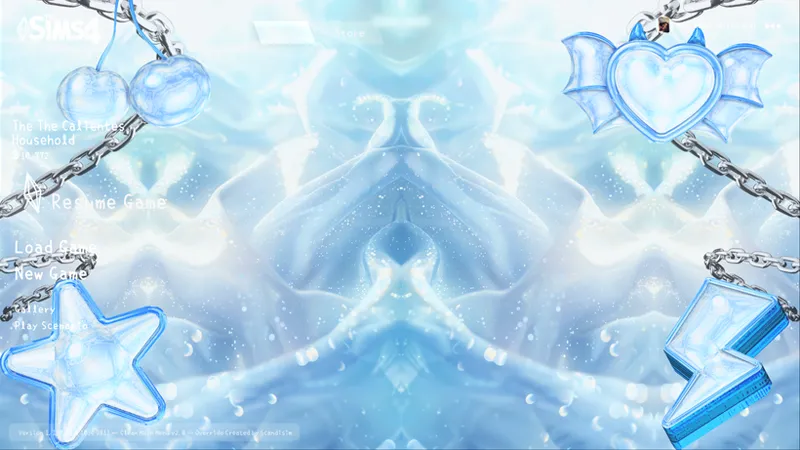
🩵 2 Main Menu Overrides – clean, symmetrical, polished but still fun
🩵 2 Desktop Wallpapers – bring the heavenly vibes to your whole setup🩵💻
💿🩵 Now available for all Patrons
Check out the in-game screenshots below ⬇✨
🩵You might like the No-Intro Mod, it skips the EA intro and keeps everything smooth!🩵
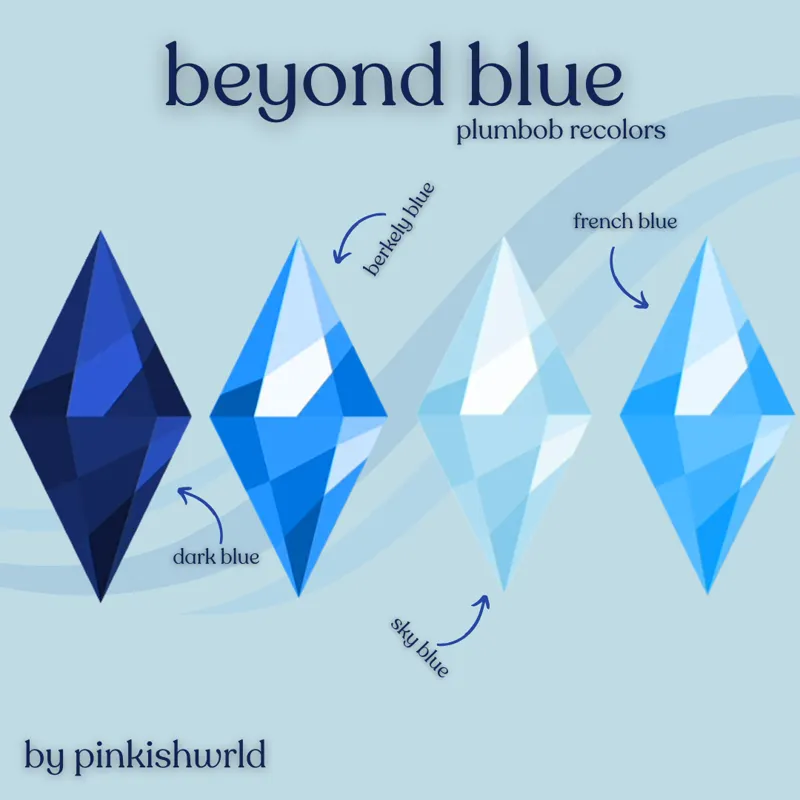
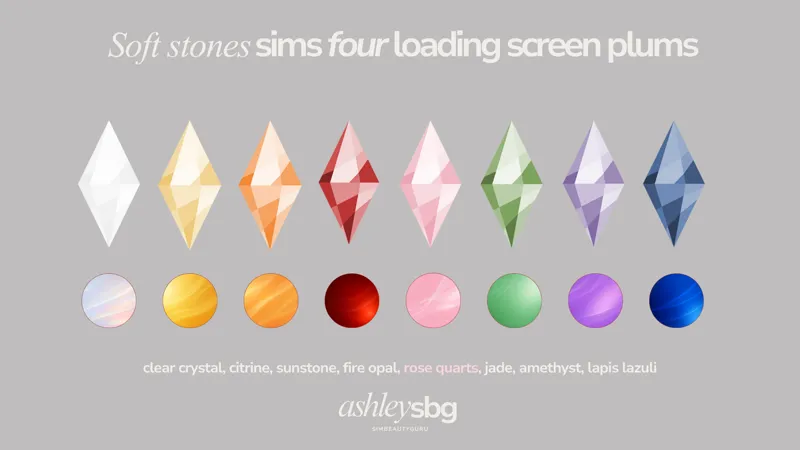
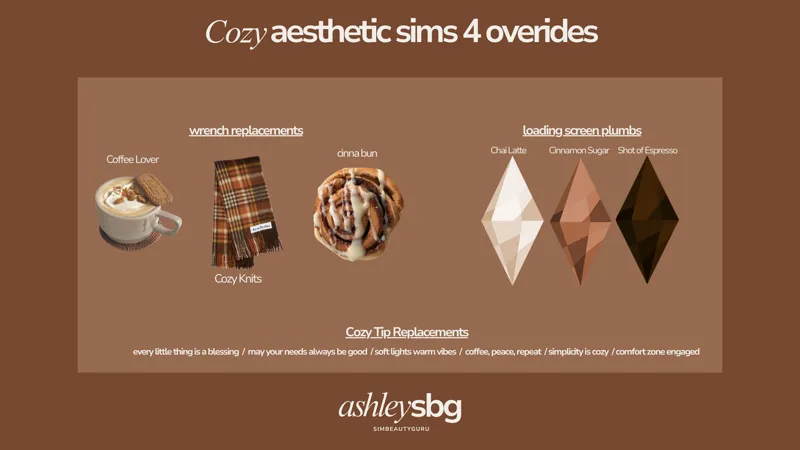
🩵 The plumbob recolors above are from here & here & the cozy loading screen tips are from here!🩵
🩵🤍 𝙼𝚊𝚒𝚗 𝙼𝚎𝚗𝚞 𝙾𝚟𝚎𝚛𝚛𝚒𝚍𝚎 𝙸𝚗𝚜𝚝𝚊𝚕𝚕𝚊𝚝𝚒𝚘𝚗 🤍🩵
✅CURRENT METHOD (UPDATED GAME – 3.19.26+):
1️⃣Download SimMattically Refreshed Main Menu 3 Base
2️⃣Add ONE (or all 👀) of my Main Menu Overrides (files with SMBASE in the name) to your Mods folder⚠️Only use one main menu base!
🕰️ OLD METHOD (ONLY if you have NOT updated your game):🚨
1️⃣Place scandisim] Clean Main Menu 2.0 – Base.package in your Mods folder → Required
2️⃣Download ONE of my Main Menu Overrides⚠️Only use one main menu base!
✨Optional: Grab the Main Menu Fan Logo by Lljoue for an extra clean look!
🤍 Need help? Just message me!
🩵 Quick reminders
• Please don’t re-upload or claim my work as your own
• The Sims 4 only allows ONE start screen, ONE loading screen, and ONE main menu override at a time⚠️
~happy simming☁️🩵 -simmer ciara😊💭🩵
Comments (5)
This is lovely!!
thank you!🩵
Girl, every single set you’ve dropped this month is beautiful😭💎
awe thank you!!🥹🩵
love it