
Main Menu Override | Archive (OLD)
05/09/2025 Updates:
Thanks to the amazing scandisim, I was finally able to neutralize all the UI colours! No more slime green button animation! Editing the UI colours is a weirdly complicated multi-step process, so it may not be 100% perfect. But I think it looks so much nicer now!
Updated the 'No Sims' optional add-on. Please delete the old version if you use it. Please keep it in the same folder as the 'base' file and do not remove the "!" from the new file name.
Reduced the 'BG' image size to 1920x1080 since I learned some computers won't load the 3k version.
Made some super small perfectionist changes that you probably won't even notice
01/09/2025 Update:
— The new 'Base' file now blocks the full-screen launch pop-ups
— Fixed a scrollbar issue in the 'Base' file.
— Neutral recolour of some ui icons
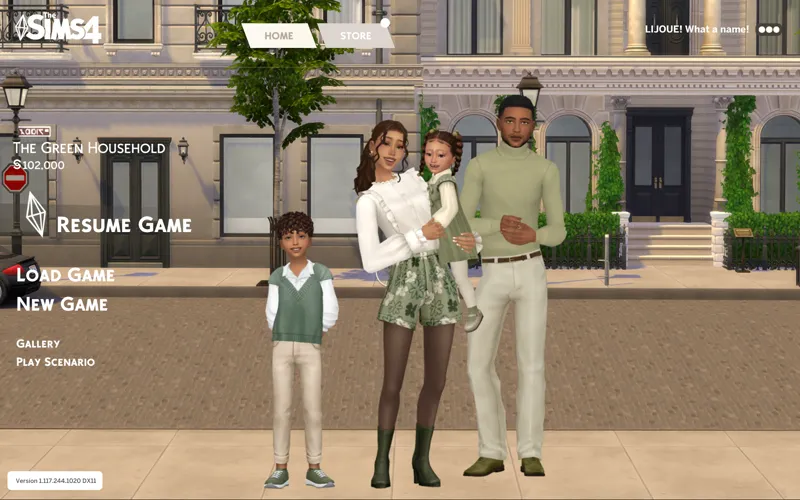
— New Background Option: Vieux-Crest Street (Vieux-Crest is the name I'm using for my Montréal inspired Newcrest world mod that I'm working on. )
——OVERVIEW——
Hi friends,
I made a new main menu override mod for you. ⟡
Core Features:
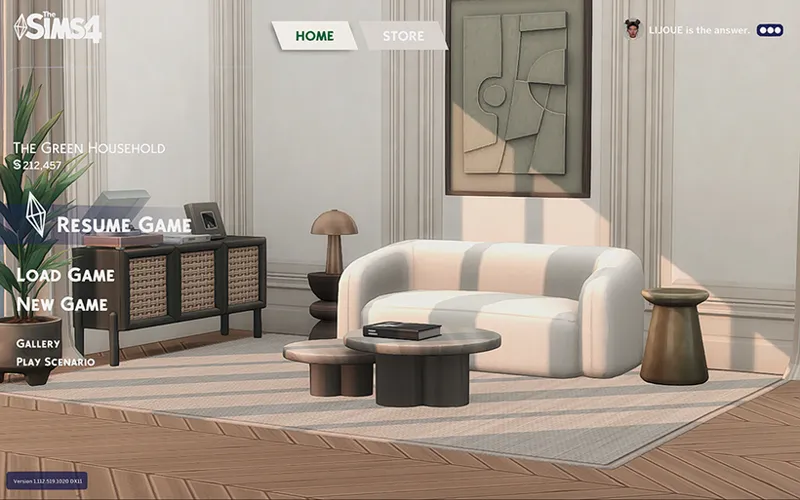
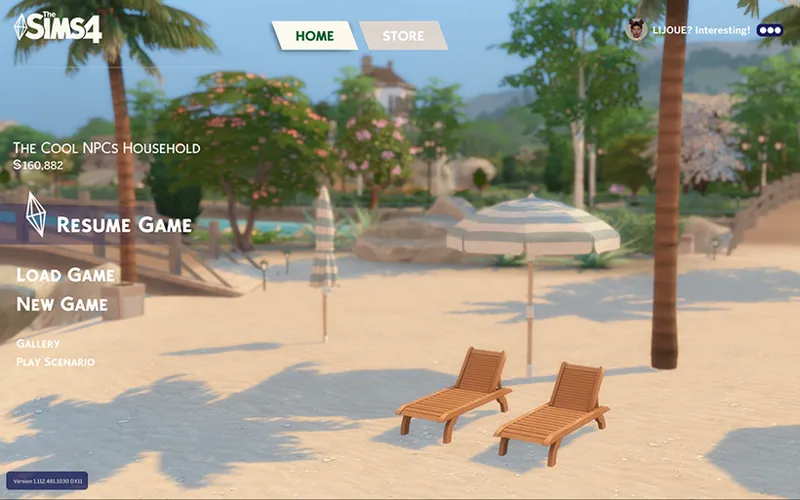
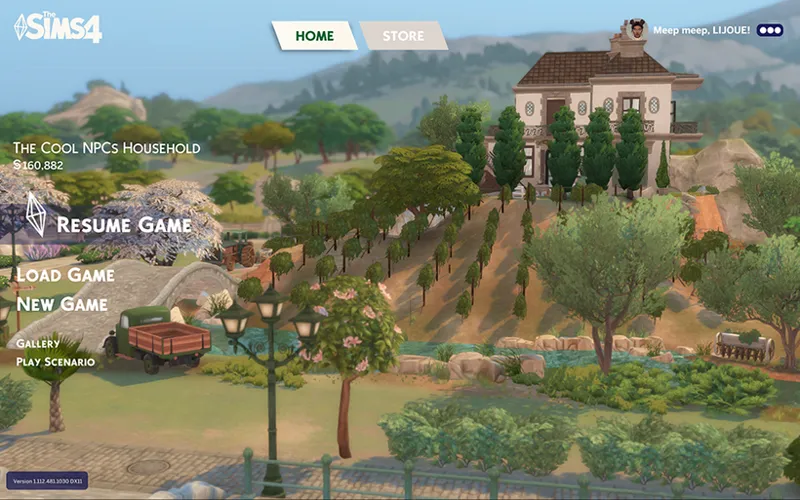
New main menu background images
Neutral colour theme for text and buttons
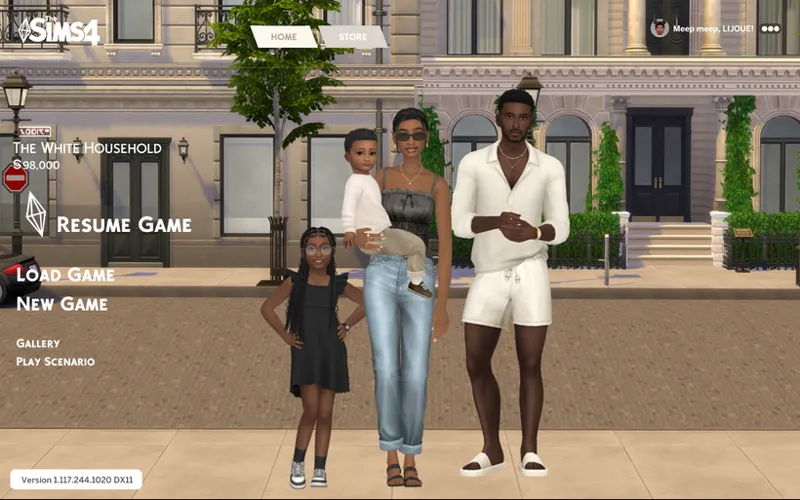
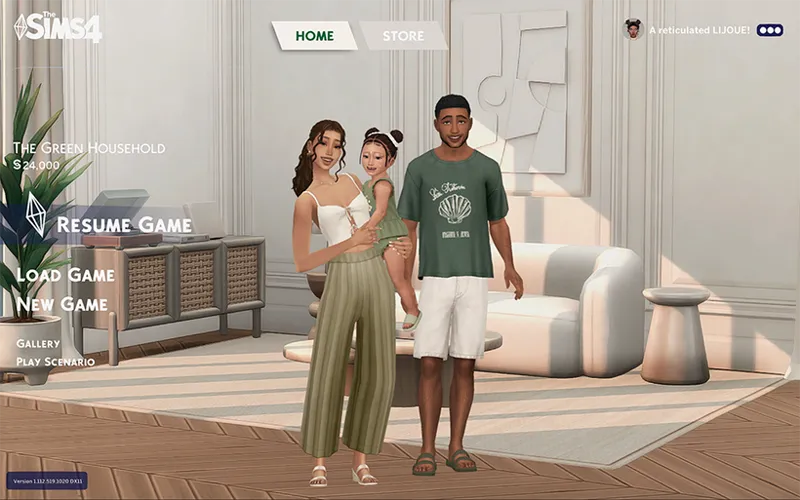
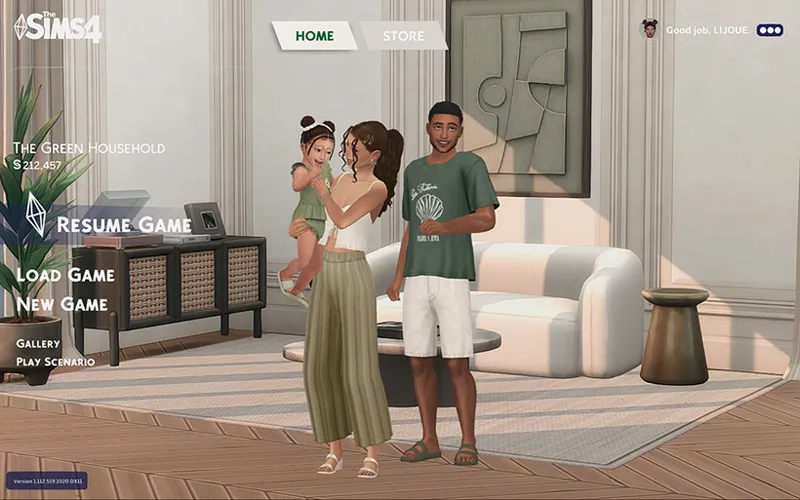
Larger generated household image
No news/info panel
No launch pop-up ads
Optional Add-ons:
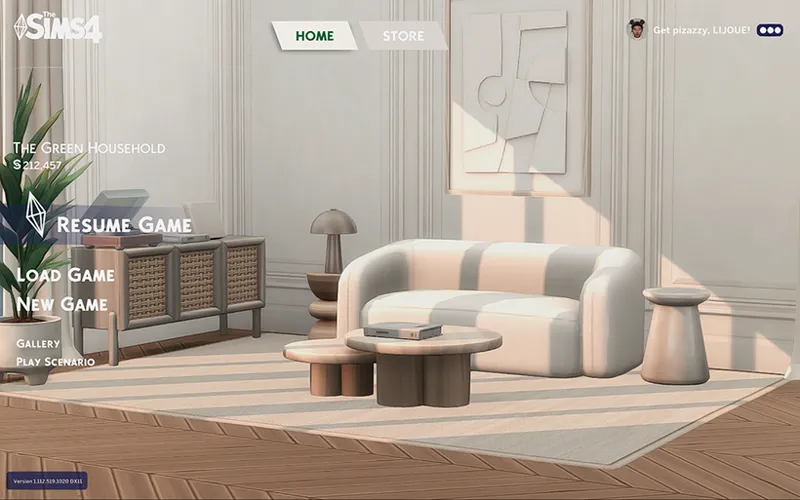
No Sims — Hides the sim household image for a clean background
Fan Logo — Replaces the logo with an alternative non-official fan-made version made by me. (English only)
BACKGROUND OPTIONS (USE ONLY 1 AT A TIME)
Vieux-Crest Street
BEIGE ROOM
OLIVE ROOM
BEACH
VINEYARD
HOW TO:
Place the ‘Lijoue_MainMenu_Base’ package in your Sims 4 ‘Mods’ folder along with just one ‘BG’ (background) package.
NOTE:
The Base and Backgrounds probably won't be compatible with other main menu overrides. Make sure to use only one override at a time.
The Fan Logo and No Sims optional add-ons should be compatible with other main menu overrides.
TOU:
PLEASE DO feel free to edit my BG packages for your own background images.
PLEASE DO NOT include my Base or Add-Ons in your downloads or claim it as your own. But if you make your own background image, feel free to link to my page for people to download my Base or Add-Ons. I deliberately kept the packages separated so people can have more flexibility.
Have Fun ⟡
——————————————————————————————————————————
Previous Updates:
20/08 /2025 UPDATE
Fixed 'base' file for August 19 game update. Please delete the old file as it's broken.
Comments (6)
Hi, I totally love the vibe you've got going on with your sims 4 custom content. I was just wondering if you could consider making matching loading screens (so far I haven´t found any on your page), that would round up everything beautifully :)
Hi everyone, the download will always be available only on the most recent update post, which you can find in the main menu collection. This is to ensure people don't download old broken files. This mod is likely to break with most game updates, so if you have problems after an update, try removing the "base" file. Please be patient if it takes me a few days to update. Thank you!
please update it, I love this main menu and I refuse to use EA's men menu
Desperately waiting for these main menus to be updated - I refuse to use any others lol
Thank you for letting me know! There’s been so many updates that break the menu it’s hard to keep up, but I’ll do my best to fix it soon!
hi lijoue! i want to start off by saying im a huge fan of your work, youre one of my top favs of cc creators! i just wanted to let you the main menu override, i have the beach on e+ base, isnt working due to the newest patch updates