
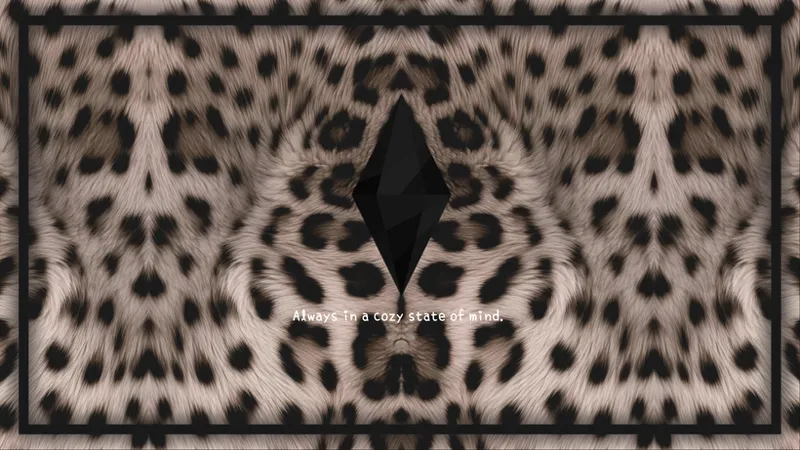
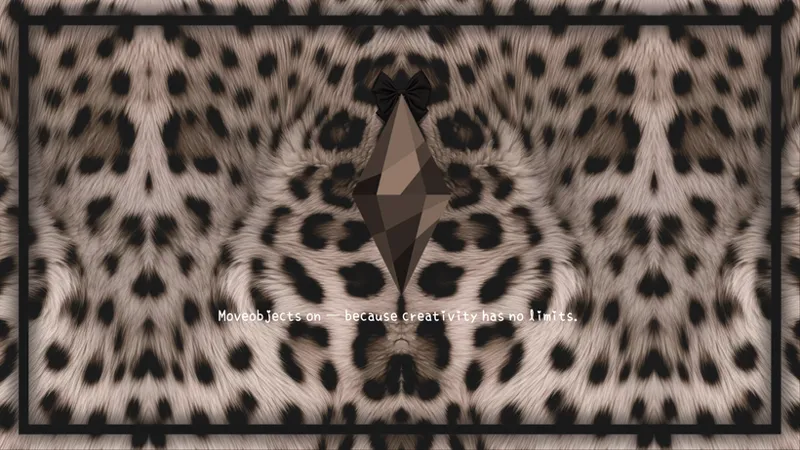
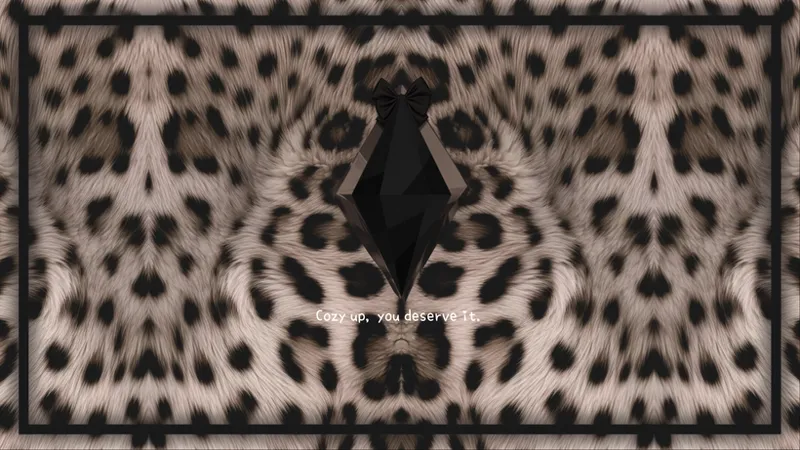
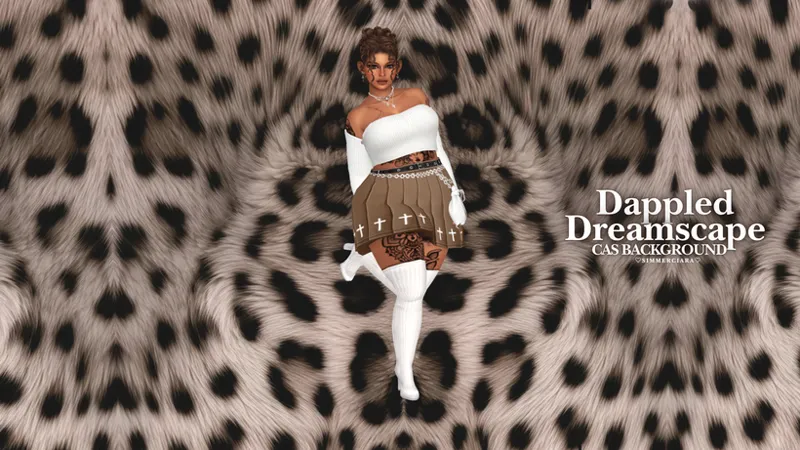
𝙳𝚊𝚙𝚙𝚕𝚎𝚍 𝙳𝚛𝚎𝚊𝚖𝚜𝚌𝚊𝚙𝚎.🤎🖤||𝐓𝐡𝐞 𝐒𝐢𝐦𝐬 𝟒 𝐀𝐞𝐬𝐭𝐡𝐞𝐭𝐢𝐜 𝐒𝐞𝐭||
🖤🤎💭Dappled Dreamscape just got dreamier💭🤎🖤
🤎✨MINI UPDATE (3.22.26)✨🤎
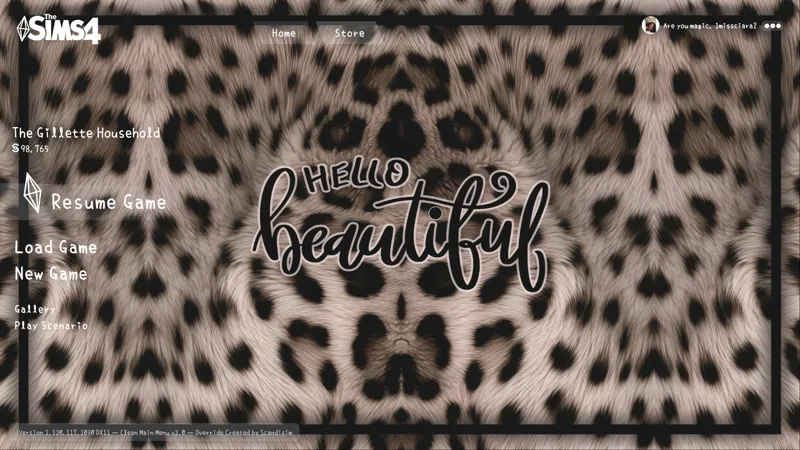
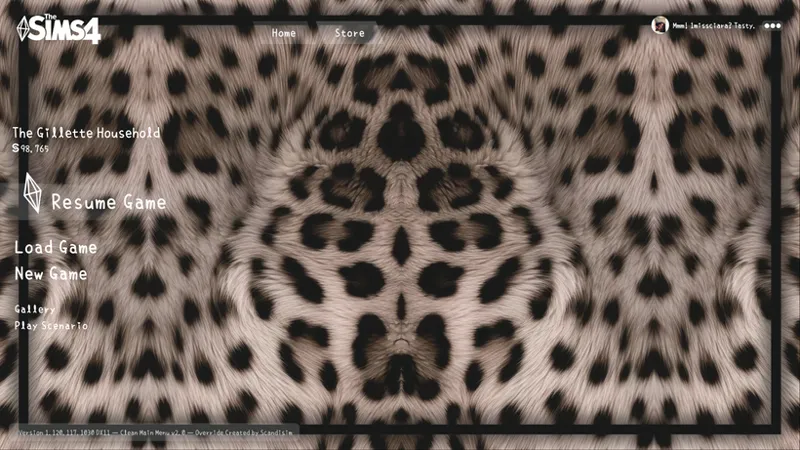
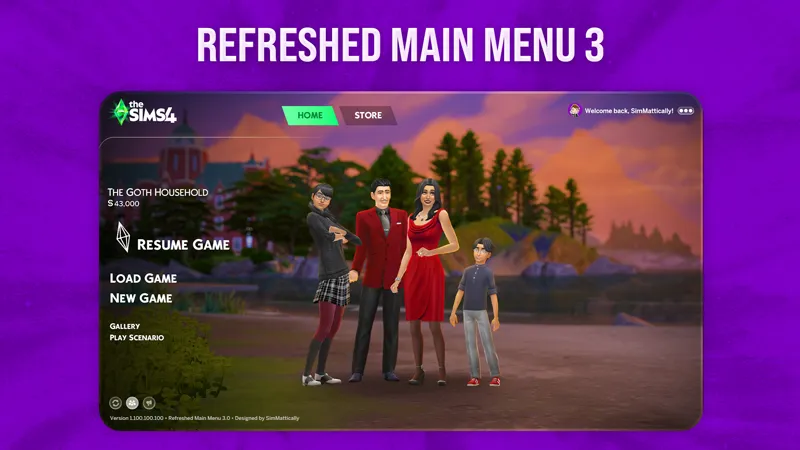
Main menus are good to go for this set! Just grab SimMattically Main Menu Base first, then add one of my MMO overrides (or all of them if you want👀)
Hi Simmers!🤎
Okay… this one’s a little special😅🤎 I made 𝙳𝚊𝚙𝚙𝚕𝚎𝚍 𝙳𝚛𝚎𝚊𝚖𝚜𝚌𝚊𝚙𝚎🖤🤎 to be cozy, a little wild, and fun like a soft, stylish blanket with a tiny edge! Tho somehow it quietly became one of my most downloaded sets, and I can’t tell you how much I appreciate it🥹🤎
So instead of a tiny add-on, I gave her a full refresh and expanded the whole experience✨
✨Included in this aesthetic set:
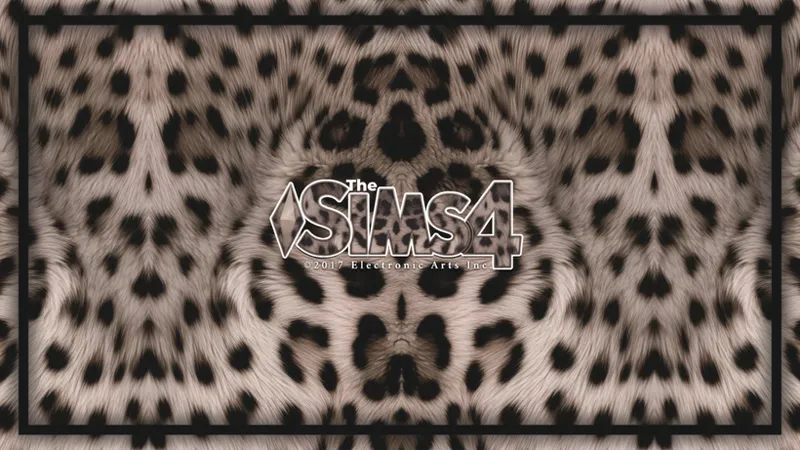
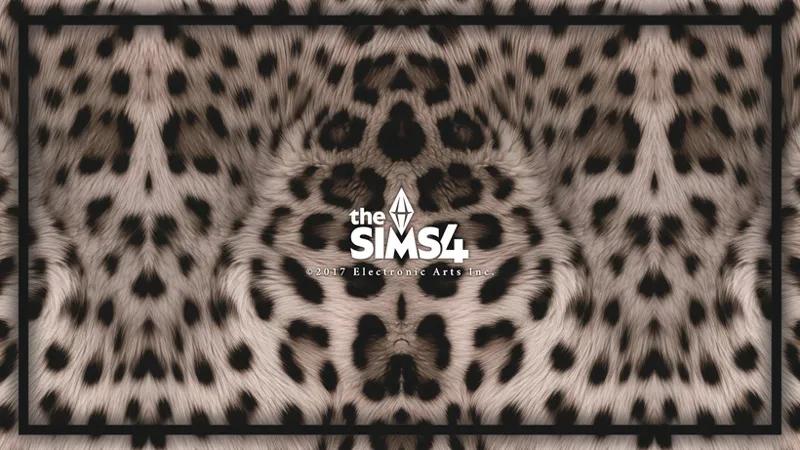
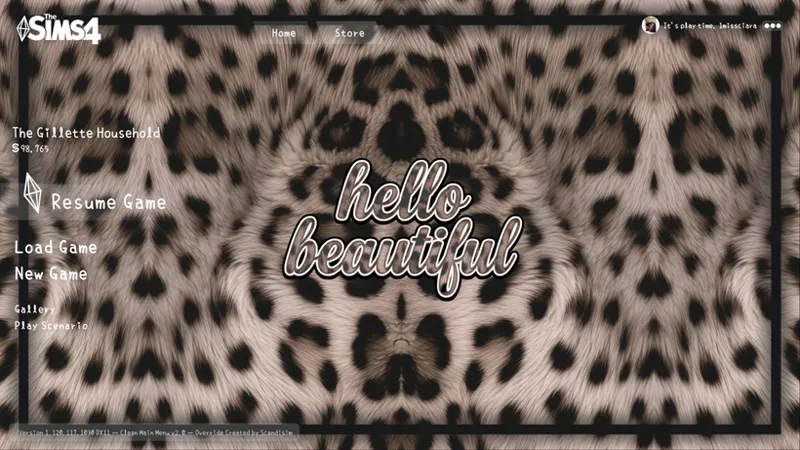
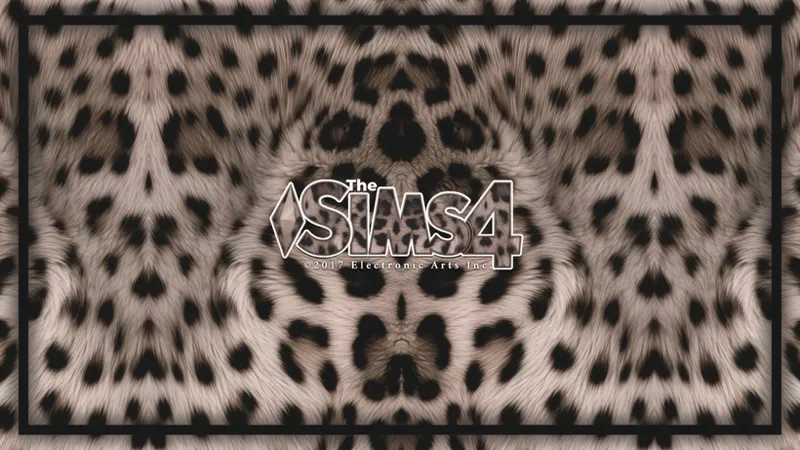
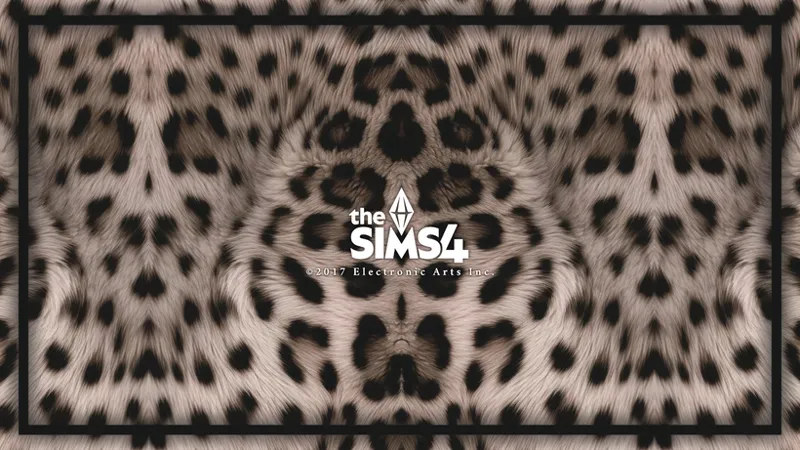
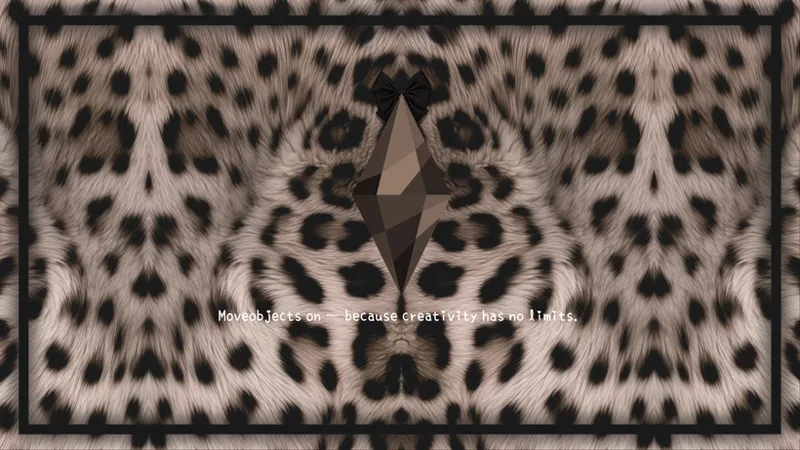
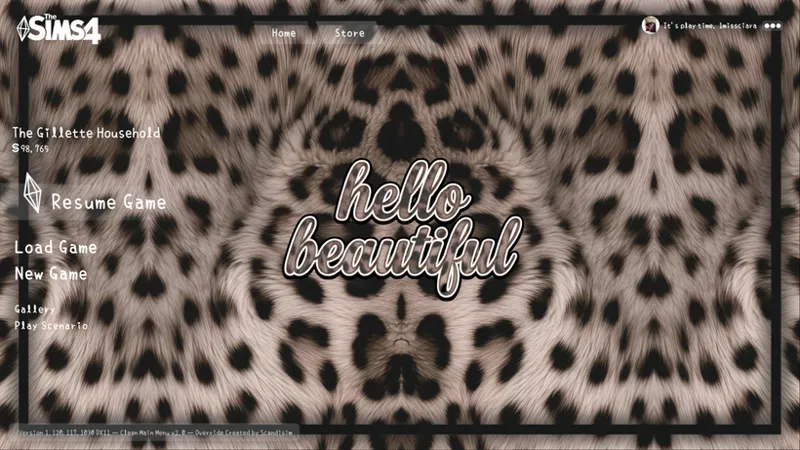
🤎 Two new start screens
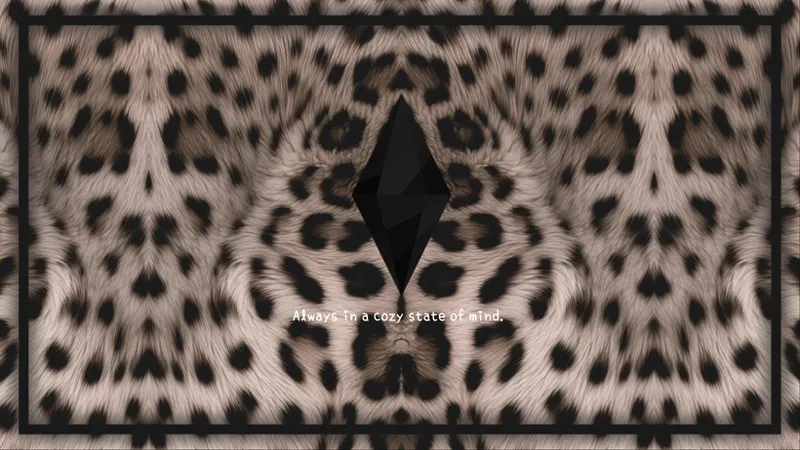
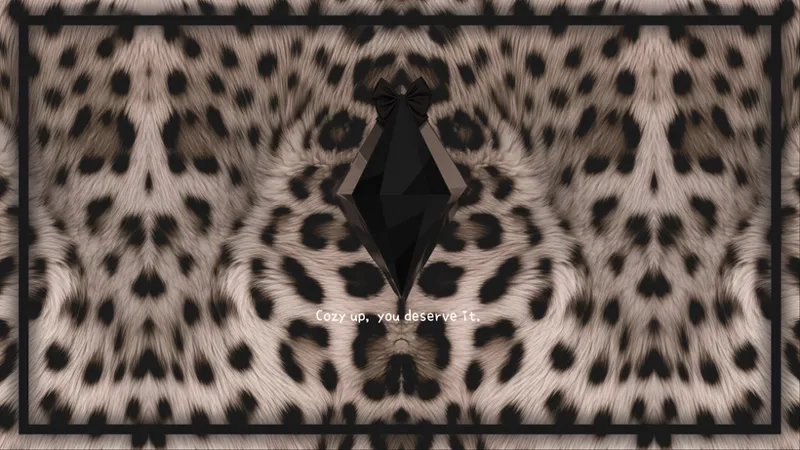
🖤 Three loading screens
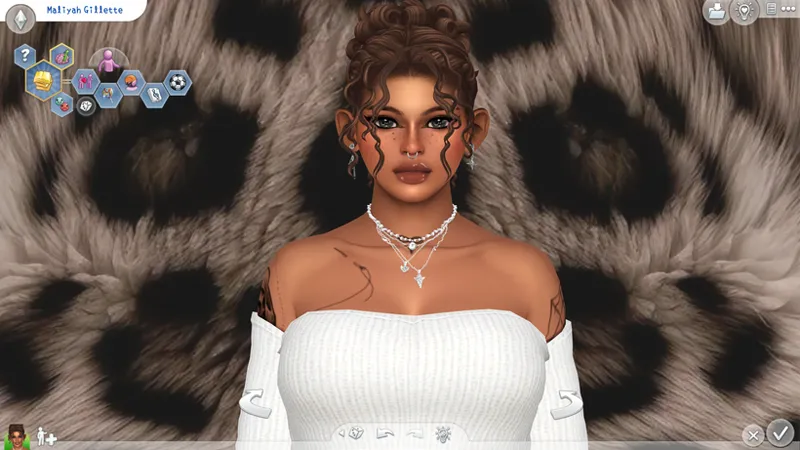
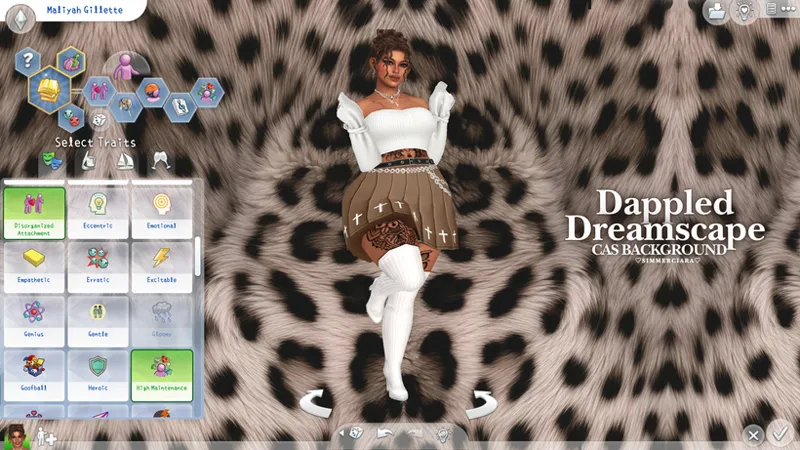
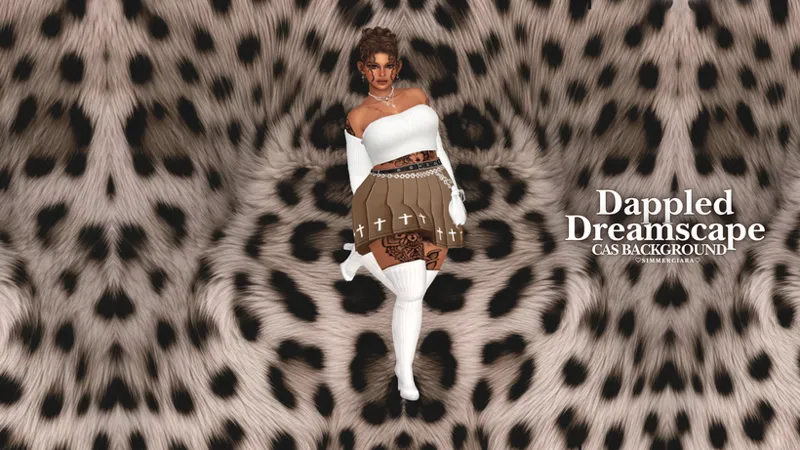
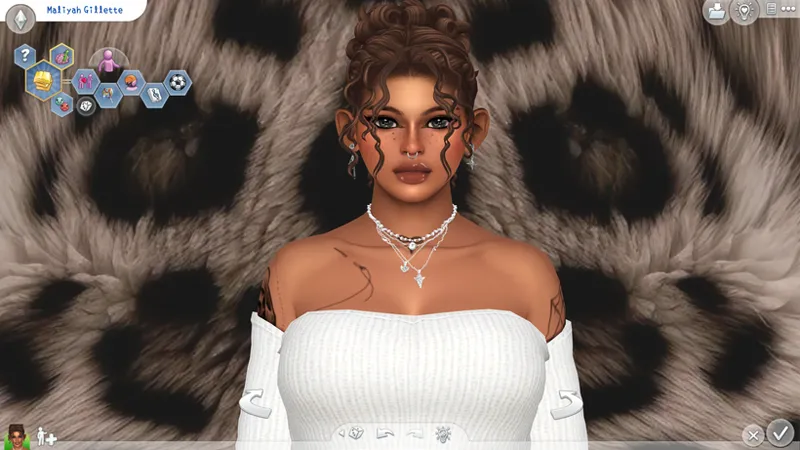
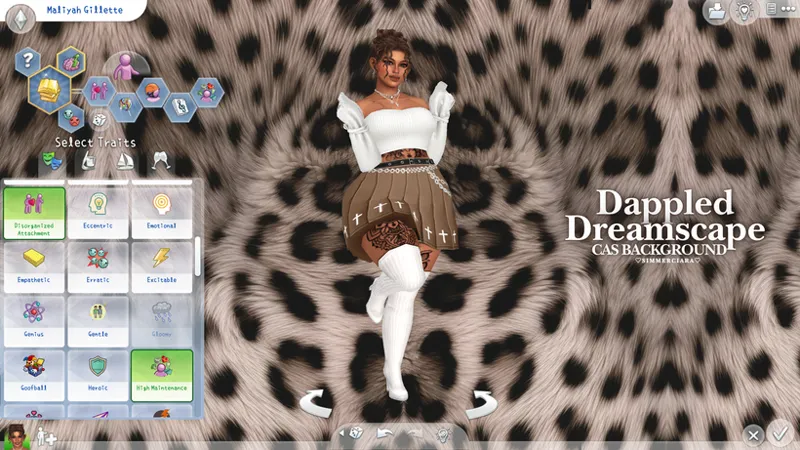
🤎 Matching CAS background
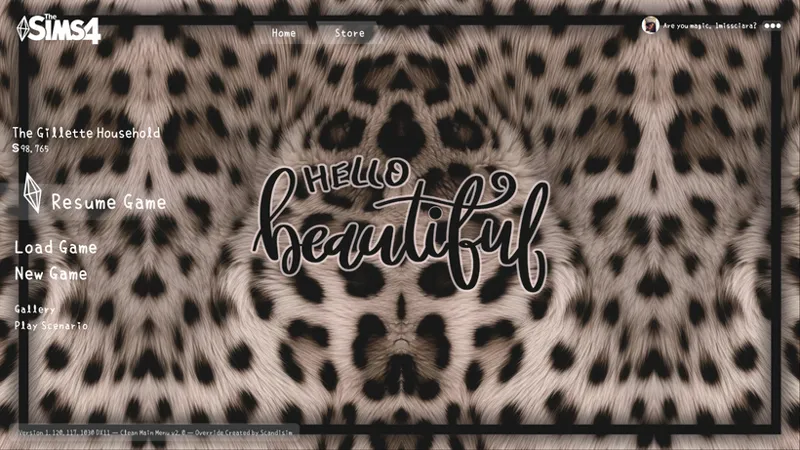
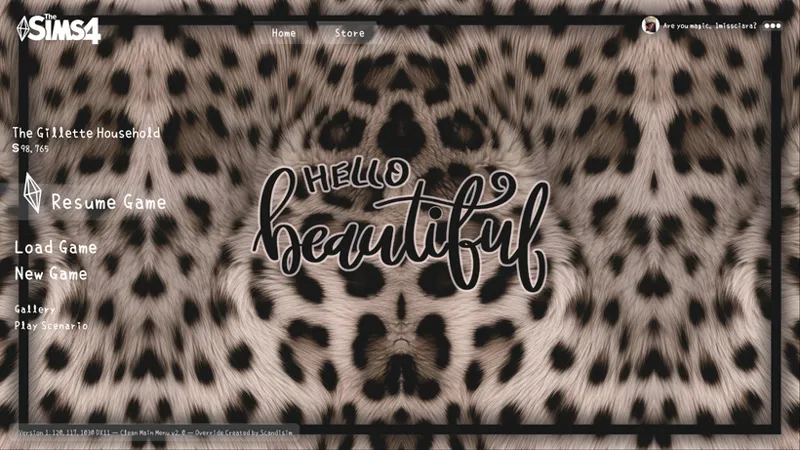
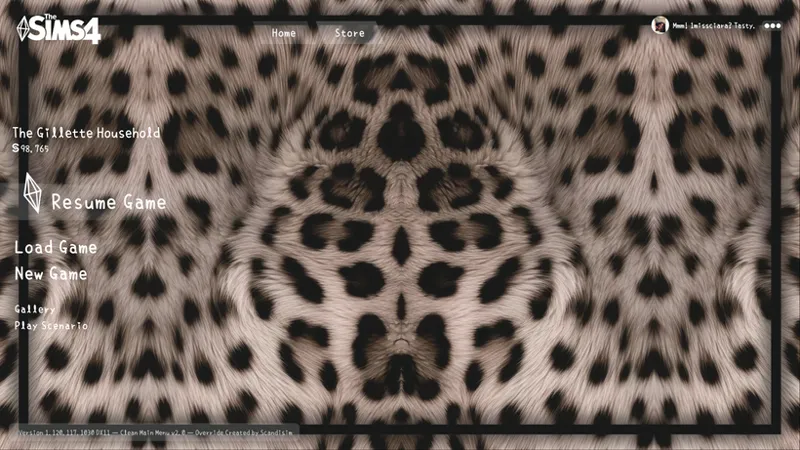
🖤 Three main menu overrides
🤎 One 1920x1080 borderless desktop wallpaper
Now available for all my Patrons!🤎 Check out the In-game screenshots below⬇🖤
🤎You might like the No-Intro Mod, it skips the EA intro and keeps everything smooth!🖤
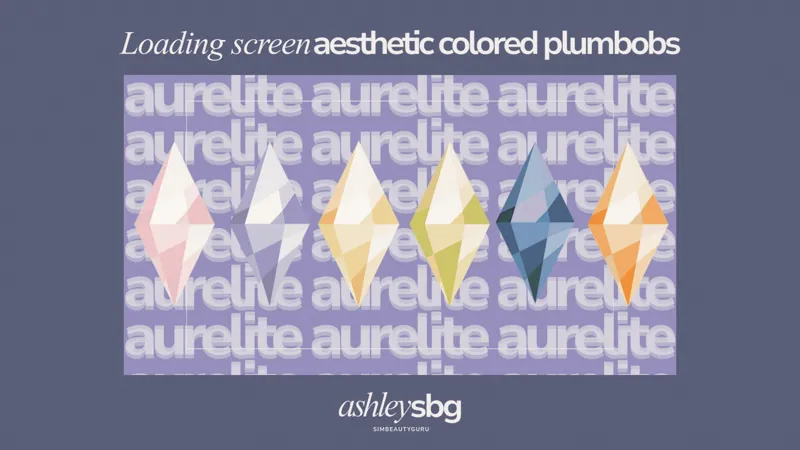
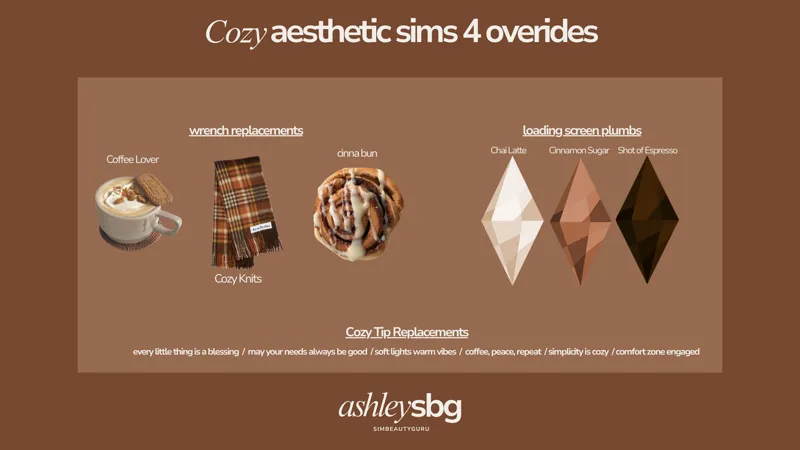
🤎🖤The cute plumbob recolors above are from here(ebony) & here(brown) and the cozy loading screen tips is from here!🖤🤎
🤎🤍𝙼𝚊𝚒𝚗 𝙼𝚎𝚗𝚞 𝙾𝚟𝚎𝚛𝚛𝚒𝚍𝚎 𝙸𝚗𝚜𝚝𝚊𝚕𝚕𝚊𝚝𝚒𝚘𝚗🤍🤎
✅CURRENT METHOD (UPDATED GAME – 3.19.26+):
1️⃣Download SimMattically Refreshed Main Menu 3 Base
2️⃣Add ONE (or all 👀) of my Main Menu Overrides (files with SMBASE in the name) to your Mods folder⚠️Only use one main menu base!
🕰️ OLD METHOD (ONLY if you have NOT updated your game):🚨
1️⃣Place scandisim] Clean Main Menu 2.0 – Base.package in your Mods folder → Required
2️⃣Download ONE of my Main Menu Overrides⚠️Only use one main menu base!
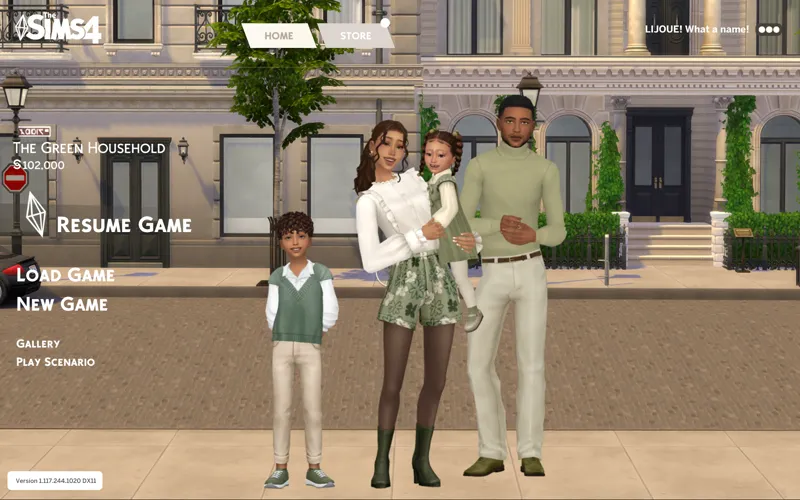
✨Optional: Grab the Main Menu Fan Logo by Lljoue for an extra clean look!
🤍 Need help? Just message me!💭
🖤A few key reminders🤎
Terms of Use: Please don’t re-upload or claim my work as your own.
The Sims 4 only allows ONE start screen, ONE loading screen, and ONE main menu override at a time⚠️
🎵Preview song: I'll Win Your Love by Bruno Mars & The Weeknd🖤🤎💭
Thank you all so much for loving this set 🖤🤎
Happy (and hopefully smooth) simming,
SimmerCiara🖤🤎

Comments (34)
Hi, I love this background, would you know why my plumbob on the loading screen didn't show up, it's still green. And my main screen showed up using the base version, but the sims 4 title is the original green. If there are certain mods I need outside of the main screen simattically one let me know, thank you
Hiii! thank you!! As for the loading screen, you’ll need to download a plumbob recolor! I used the black plumbob recolor from Simbeautyguru in my example, which you can find here: https://www.patreon.com/Simbeautyguru/posts/loading-screen-114583876 🖤 For the Sims 4 logo on the main menu, I used Lijoue’s Fan Logo recolor, which you can find here: https://www.patreon.com/LIJOUE/posts/main-menu-163490310 I hope this helps!🥹✨
sorry but whats your font override
its fine! my font override is called naikai by sulsulduck!🤍
Hey love can you create a leopard and red?
oou good idea! I totally can!❤️
heyyyy!! love your work i am having issues with 𝙳𝚊𝚙𝚙𝚕𝚎𝚍 𝙳𝚛𝚎𝚊𝚖𝚜𝚌𝚊𝚙𝚎 2 𝙼𝚊𝚒𝚗 𝙼𝚎𝚗𝚞 𝙾𝚟𝚎𝚛𝚛𝚒𝚍𝚎 I had the loading screen added and 𝙳𝚊𝚙𝚙𝚕𝚎𝚍 𝙳𝚛𝚎𝚊𝚖𝚜𝚌𝚊𝚙𝚎 1 𝚂𝚝𝚊𝚛𝚝 𝚂𝚌𝚛𝚎𝚎𝚗 and they work great but with the main menu its not showing sadly im not sure what step im forgetting! The only main menu one that I got to work for me was 𝙳𝚊𝚙𝚙𝚕𝚎𝚍 𝙳𝚛𝚎𝚊𝚖𝚜𝚌𝚊𝚙𝚎 3 𝙼𝚊𝚒𝚗 𝙼𝚎𝚗𝚞 𝙾𝚟𝚎𝚛𝚛𝚒𝚍𝚎.
Hi Hallie! Awe, thank you 🤎 Sorry you're having trouble! If you're using the latest SimMattically Main Menu Base, could you double-check that you're downloading one of my updated menu files with SMBASE in the file name? Those are the versions that work with his base. I'd also try deleting your Resource.cfg file and localthumbcache.package file, as that usually fixes most menu issues. I’ll also playtest them again on my end for you 🤎 Let me know if that helps!
hi! i totally get why my game might not be working w these mods because of the recent update, but i was just wondering if this is an issue on my end or not.. i've downloaded everything correctly and cleared my cache and resource file out and redownloaded a couple different times but my loading screen shows up as the original still and overrides the mod, the mod still shows up in the background afterwords but the original loading screen takes over in the beginning, and the main screen wont show at all for me other then the original with the no sims mod as well. lmk, thanks!
Hi!🤎 The loading screen shouldn’t be broken, but I’ll playtest it myself when I get home just to be sure! For the main menu there was a base change. You’ll need to delete the old MMO base (by iijoue or scandisims) and my previous main menu override and the no sim mod. Then download the new base by SimMattically (linked in the post) and add one of my updated overrides—the ones with SMBASE in the file name! 💫
hey this isn't working with the new update it comes up as black and won't let you quit the game
Hi! Sorry about that I have to update it, check out my latest post here for updates: https://www.patreon.com/posts/quick-patch-main-153401627 (im currently working on updating my mmos tho)!💫
^ls help me
i can't change the sims4 icon i installed the no intro mod but the image still won't appear
Hi! Do you mean the start screen isn’t showing? Try deleting the Resource.cfg file in your Mods folder and clearing the cache files in your Sims 4 folder. I recommend doing this anytime you add or remove CC/mods, it usually helps!🤎✨
i missed this one it’s cute🥰
thank you!🤎
hiii please update the loading screen!! :) it says its not compatible or smthhh which i understand bc of the new update
Hi! These updates are keeping me busy😅 Thanks for the heads up! I’ll check whether the new patch affected it and update if needed!🤍
the start screen isn't working, can you explain why?
Hi! Make sure you only have one start screen in your game. Also, delete your Resource.cfg file from your Mods folder and clear your localthumbcache files in your Sims 4 folder. I usually recommend doing this every time you add or remove CC or mods—it helps prevent issues!✨
This will always be my FAVEEEE
awe, this means so much!😎🖤
Beautiful ❤️
thank you!🤎
is this set up to date with the current patch?
Hi! Yes this set is compatible with the latest update!
hi, can you PLEASE PLEASE Create a CAS cheetah background...i will pay
Hi! Like a plain cas background? Yeah I can!🤎🖤
how did u get the black plumbob?
hi! I got the plumbob from here(the ebony one): https://www.patreon.com/posts/sims-4-cc-screen-114583876
THANK YOUUUU
What mod did you get by lijoue that removes the family from the middle of the main menu? I got the no sims one but it didnt work.
Hi! I use the No Sims mod, make sure you delete the resource file in your Mods folder and clear your localthumbcache files in your Sims 4 folder before starting up your game. That should fix it!🤎✨