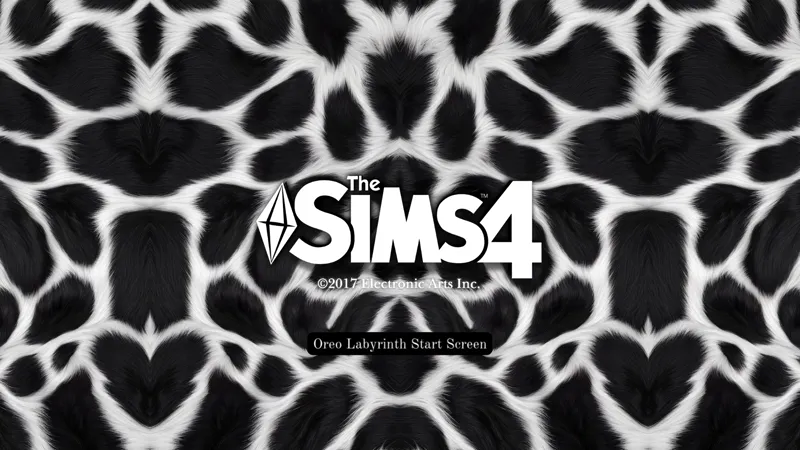
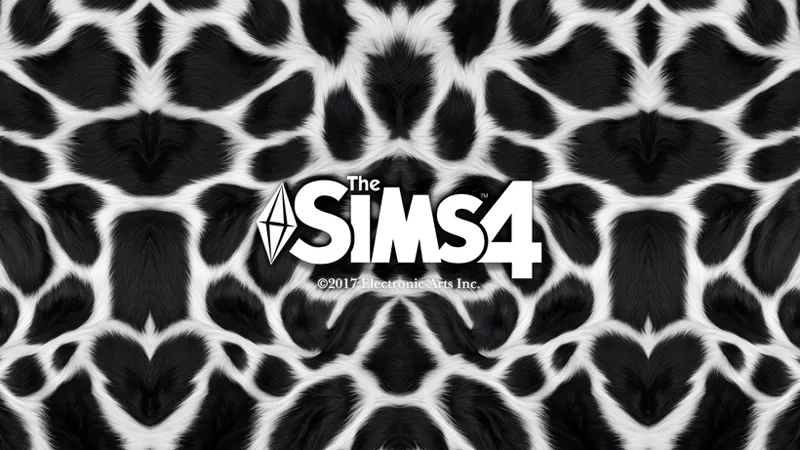
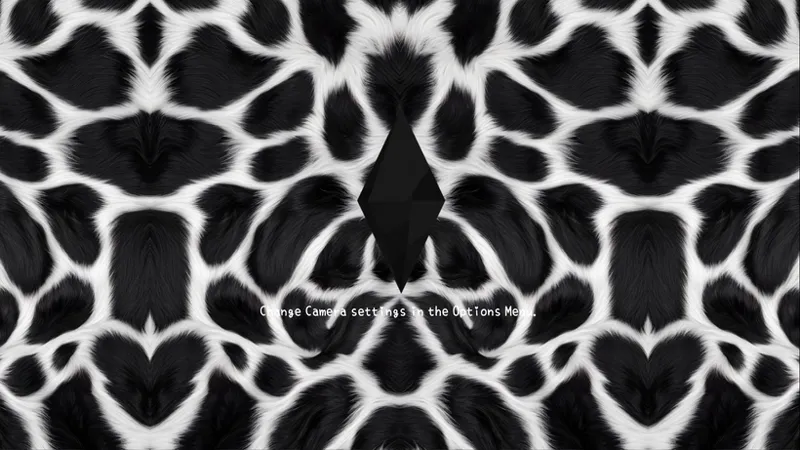
🤍🖤𝐎𝐫𝐞𝐨 𝐋𝐚𝐛𝐲𝐫𝐢𝐧𝐭𝐡🖤🤍||𝐓𝐡𝐞 𝐒𝐢𝐦𝐬 𝟒 𝐀𝐞𝐬𝐭𝐡𝐞𝐭𝐢𝐜 𝐒𝐞𝐭||
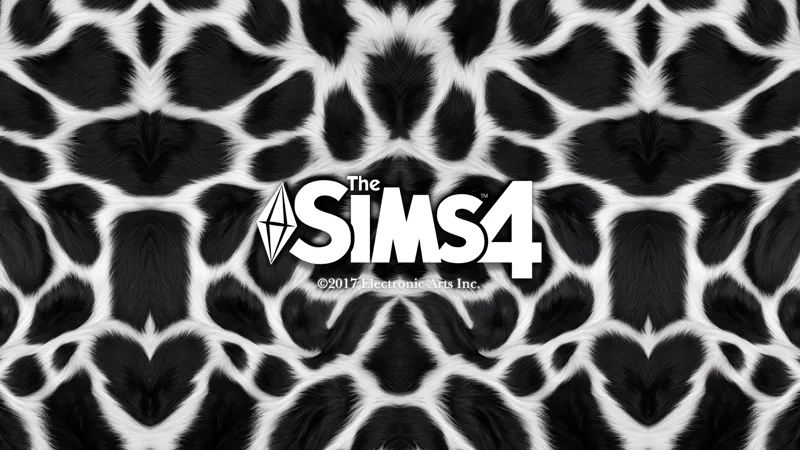
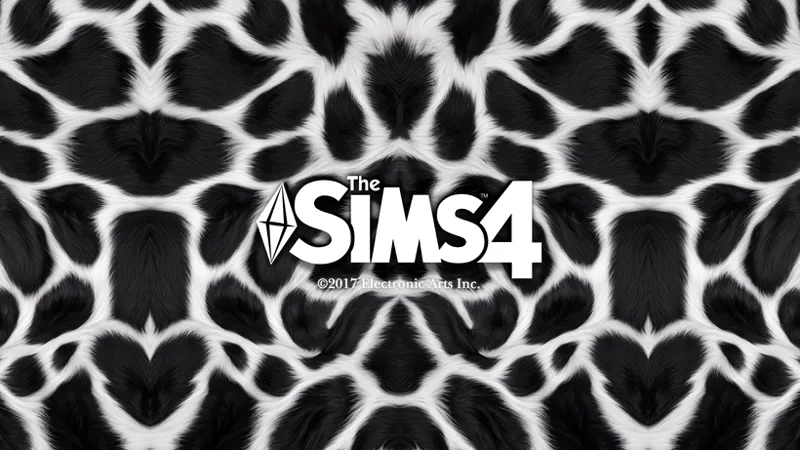
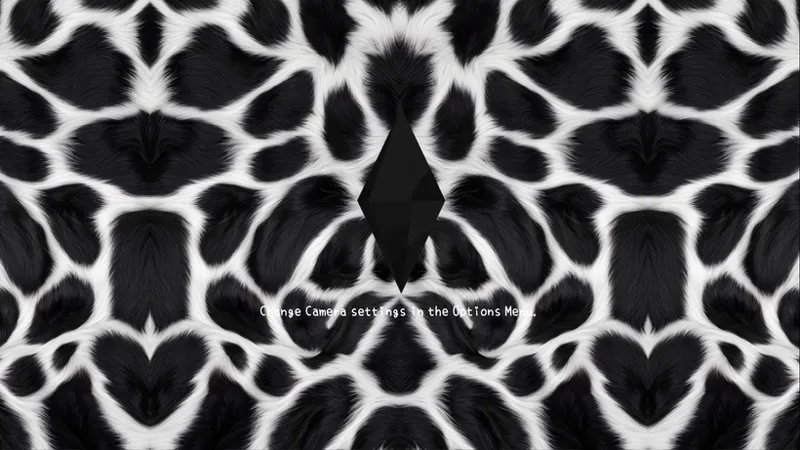
Deep obsidian ink swirls against a crisp, frosted ivory backdrop, weaving an intricate web of velvet shadows that feels both sharp and effortlessly chic.
🖤✨MINI UPDATE (04.20.26)✨🖤
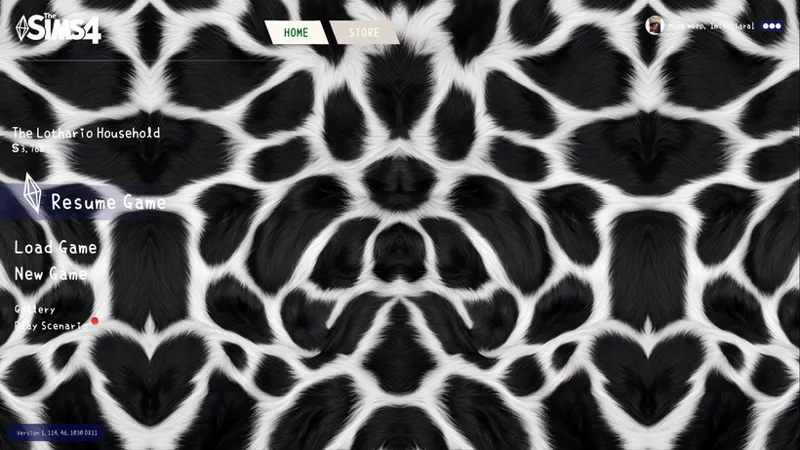
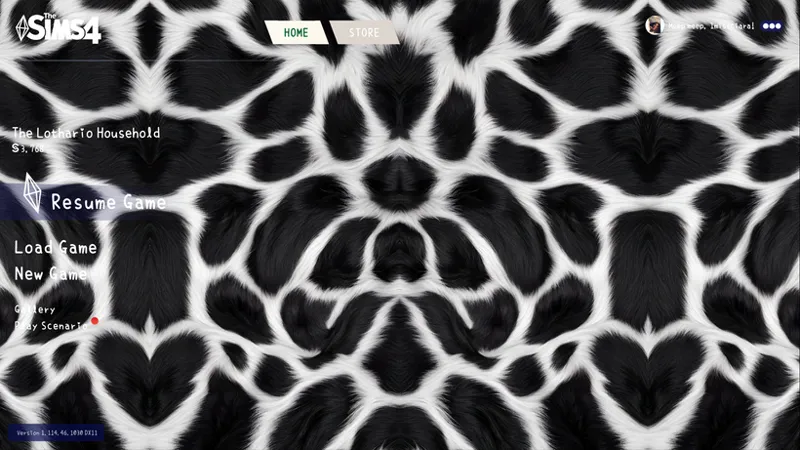
The main menu for this set has been updated!
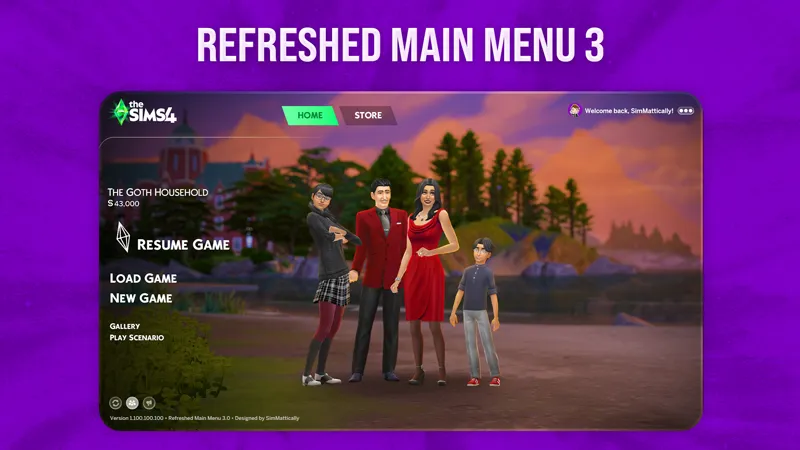
Be sure to download the SimMattically Main Menu Base first, then add one (or all 👀) of my MMO overrides.
Hi Simmers! 🖤🤍
I’m back already lol! I wanted to lean into something a bit more graphic and high-contrast today. Enter: 🖤🤍†𝙾𝚛𝚎𝚘 𝙻𝚊𝚋𝚢𝚛𝚒𝚗𝚝𝚑†🤍🖤
(Wacky title right but I couldn't think of one lol😂). I’ll be real...I went back and forth on the scaling of this print forever because I wanted it to feel bold without being too "busy," but after a few tweaks, it finally clicked! Now I’m actually kinda obsessed with how sharp and clean this looks in the UI🥳
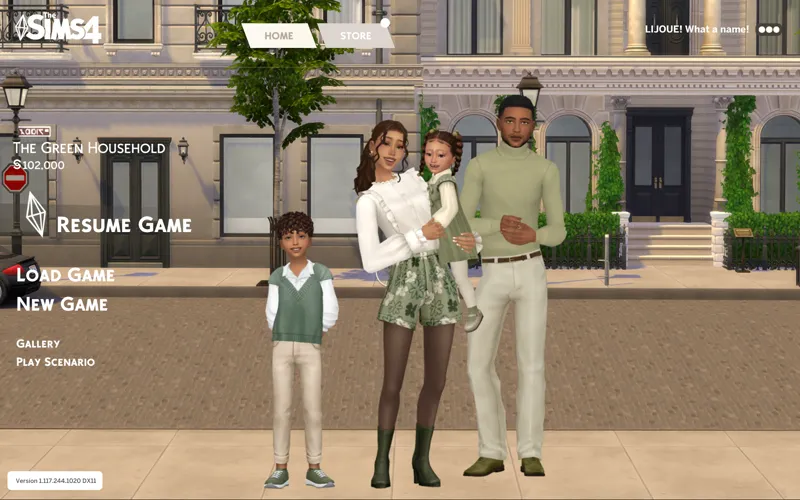
† this labyrinth includes...† ✧ 1 start screen ✧ 1 loading screen ✧ 1 main menu override ✧1 desktop wallpaper(1920x1080)
It is now available for download below! Check out the in-game screenshots~🖤🤍⬇️
🤍You might like the No-Intro Mod, it skips the EA intro and keeps everything smooth!🤍
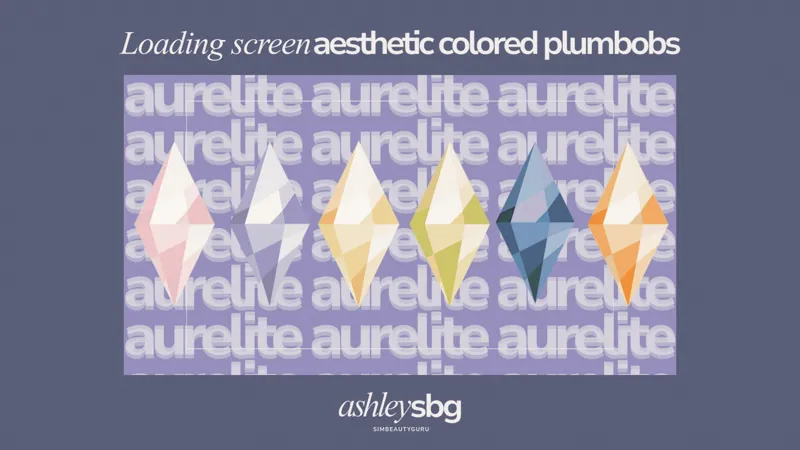
(plumbob recolor came from here-ebony)!🖤🤍
🖤🤍𝙼𝚊𝚒𝚗 𝙼𝚎𝚗𝚞 𝙾𝚟𝚎𝚛𝚛𝚒𝚍𝚎 𝙸𝚗𝚜𝚝𝚊𝚕𝚕𝚊𝚝𝚒𝚘𝚗🤍🖤
✅ CURRENT METHOD (UPDATED GAME – 3.19.26+)
1️⃣ Download SimMattically Refreshed Main Menu 3 Base
2️⃣ Add ONE (or all 👀) of my Main Menu Overrides (files with SMBASE in the name) to your Mods folder
⚠️Only use one main menu base at a time!
✨Optional: Grab the Main Menu Fan Logo by Lljoue for an extra clean look!
🤍 Need help? Just message me!💭
🤍🖤Quick reminders🖤🤍
Please don’t re-upload or claim my work as your own.
⚠️ Important Reminder: The Sims 4 only allows ONE start screen, ONE loading screen, and ONE active main menu override at a time! ⚠️
I got my inspiration from [here]! 🖤
𝙷𝚊𝚙𝚙𝚢 𝚜𝚒𝚖𝚖𝚒𝚗𝚐! 😊🤍 from Simmer Ciara