


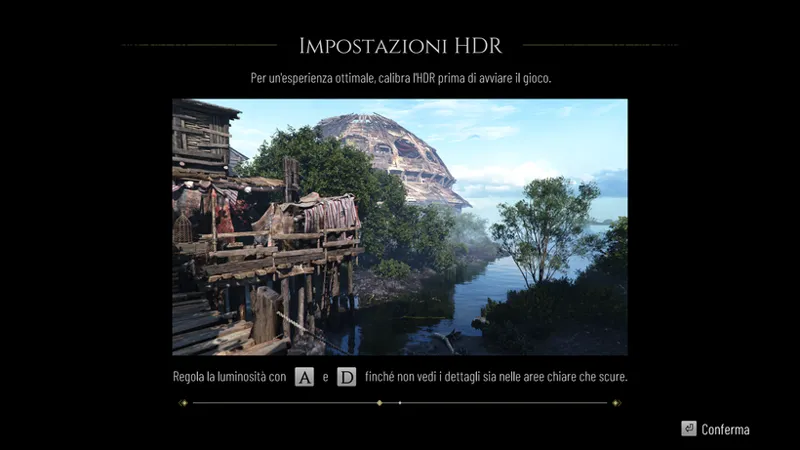
Resonance: A Plague Tale Legacy - HDR Optimized Settings
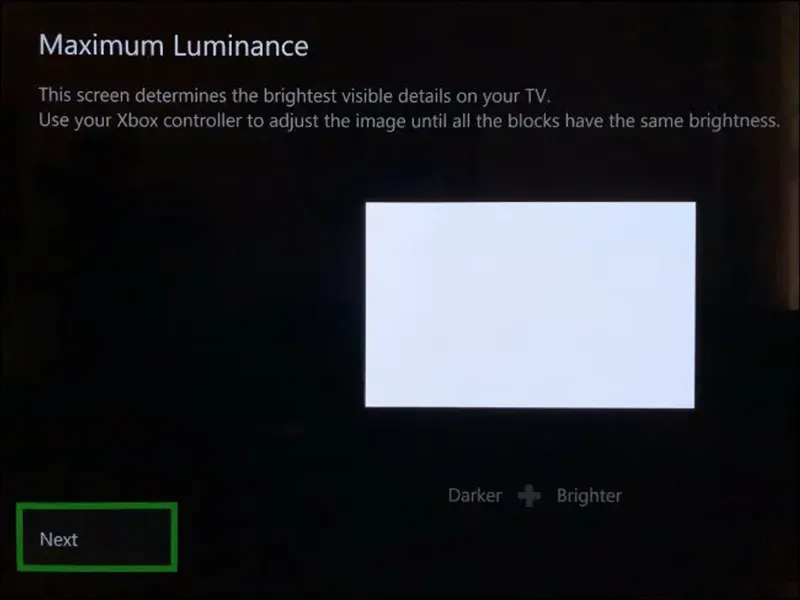
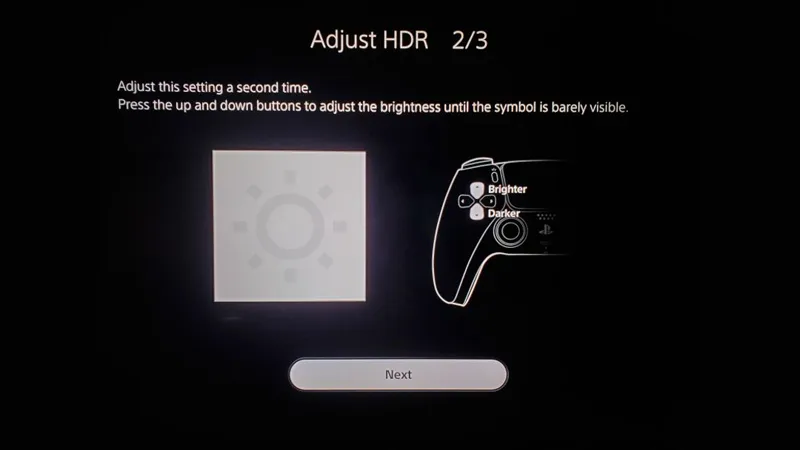
The game DOES USE/APPLY Xbox , Playstation and PC HDR Calibration app settings.
The game has a good HDR implementation as it correctly reads & applies system level HDR Calibration while still offering a generic "Gamma" or "Paper White" / Brightness slider in-game.
The only change I recommend for all displays is to decrease the default in-game Brightness to -1 Click (from Default/Center position) as I found average luminance a bit too high otherwise.
BONUS:
Disable Chromatic Aberration: to improve picture clarity
On Consoles:
- If you have a 120hz Display + VRR = Use the Unlocked Performance Mode (120hz)
- If you don't have a 120hz Display and/or VRR = Use the Locked Performance Mode (60fps)
Enjoy :)
-P
Comments (7)
Hey are you gonna do Elden Ring Switch?
From what I've seen it's the same as other consoles, HDR wise
Will you provide settings for The Blood of Dawnwalker and Onimusha? :)
Blood of Dawnwalker is SDR only (but I've alread published my UET mod for it!), for Onimusha I will have a look
The game is incredible and very beautifully looking. I'd suggest disabling motion blur. I felt it's a bit too strong for my taste because it made everything look smeary. Of course, it's optional, and I'm playing on quality mode if you're curious.
I completed it today
Good for you