





App Spotlight: zurg for Android
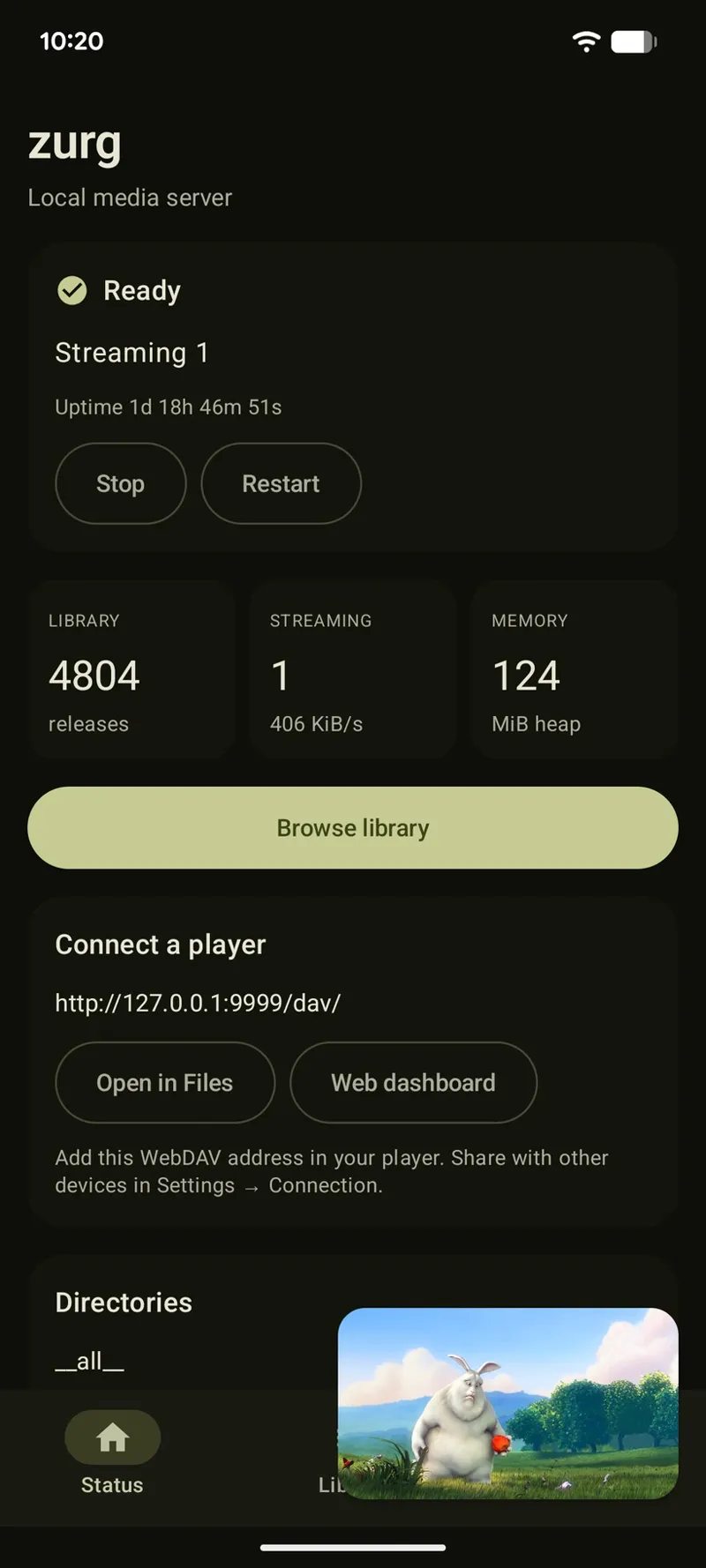
The Android app is the same zurg that runs on your server, except the engine runs on the phone itself, so nothing at home needs to be switched on for it to work. One app covers phones, tablets, Android TV and Google TV, and it needs Android 8.0 or newer.
Every provider account you've set up shows up as its own folder, movies and shows get their own folders, and search narrows a folder as you type.
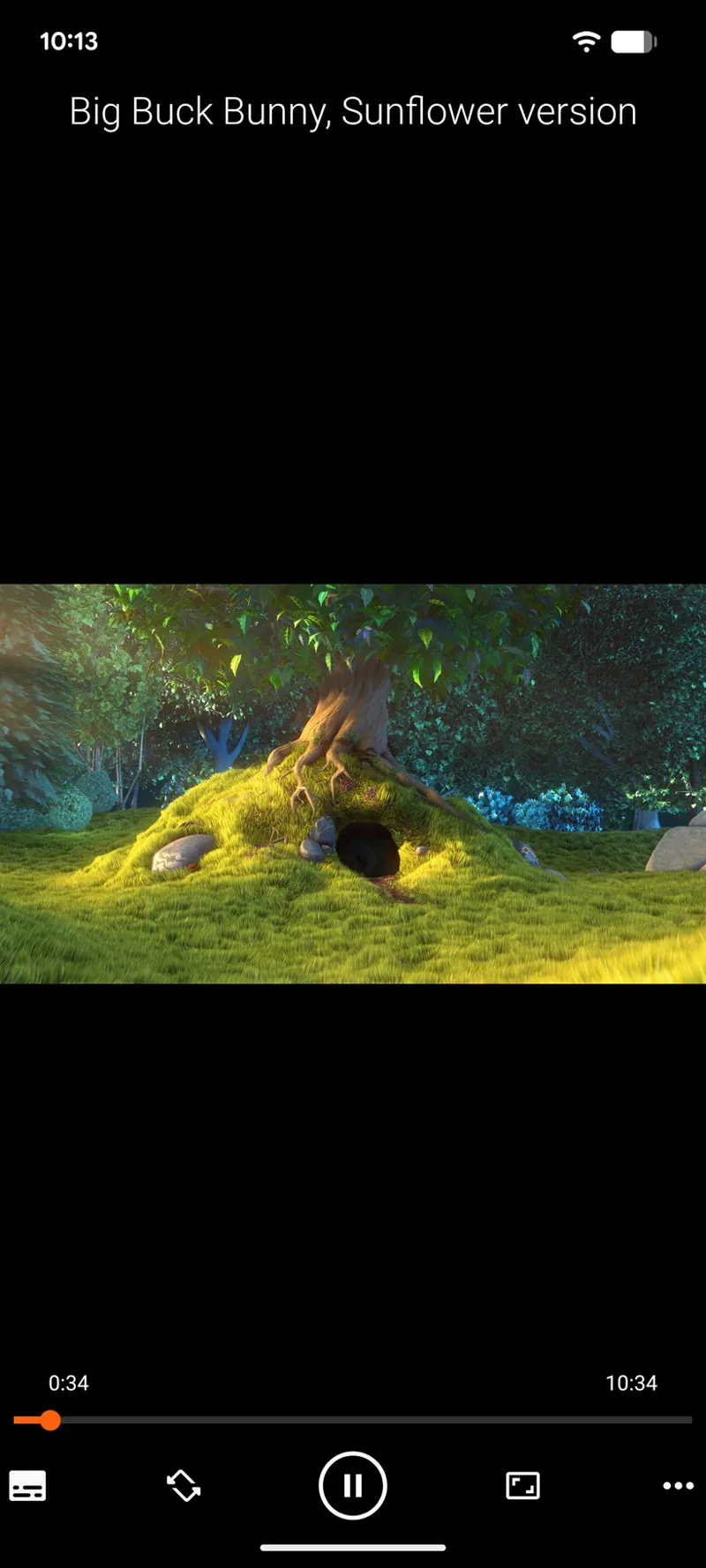
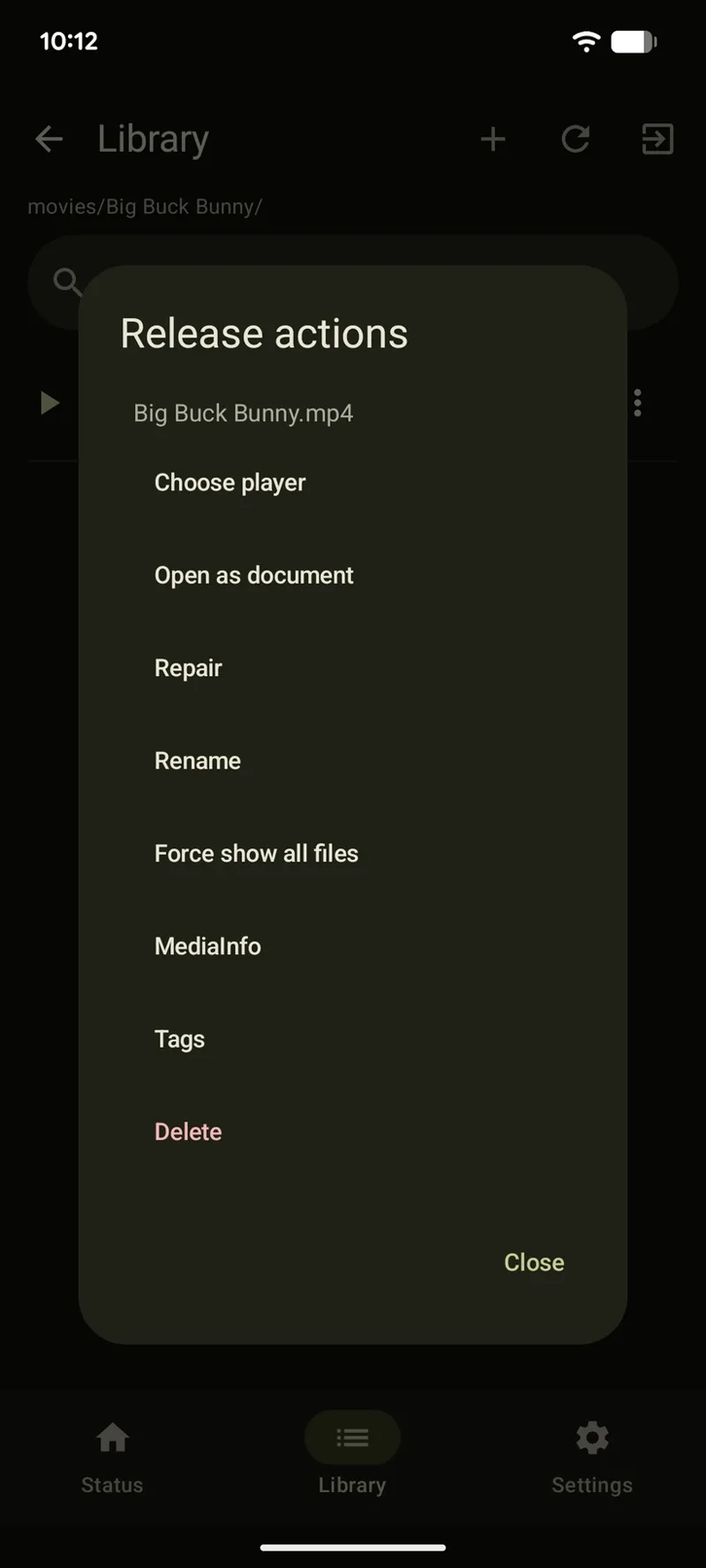
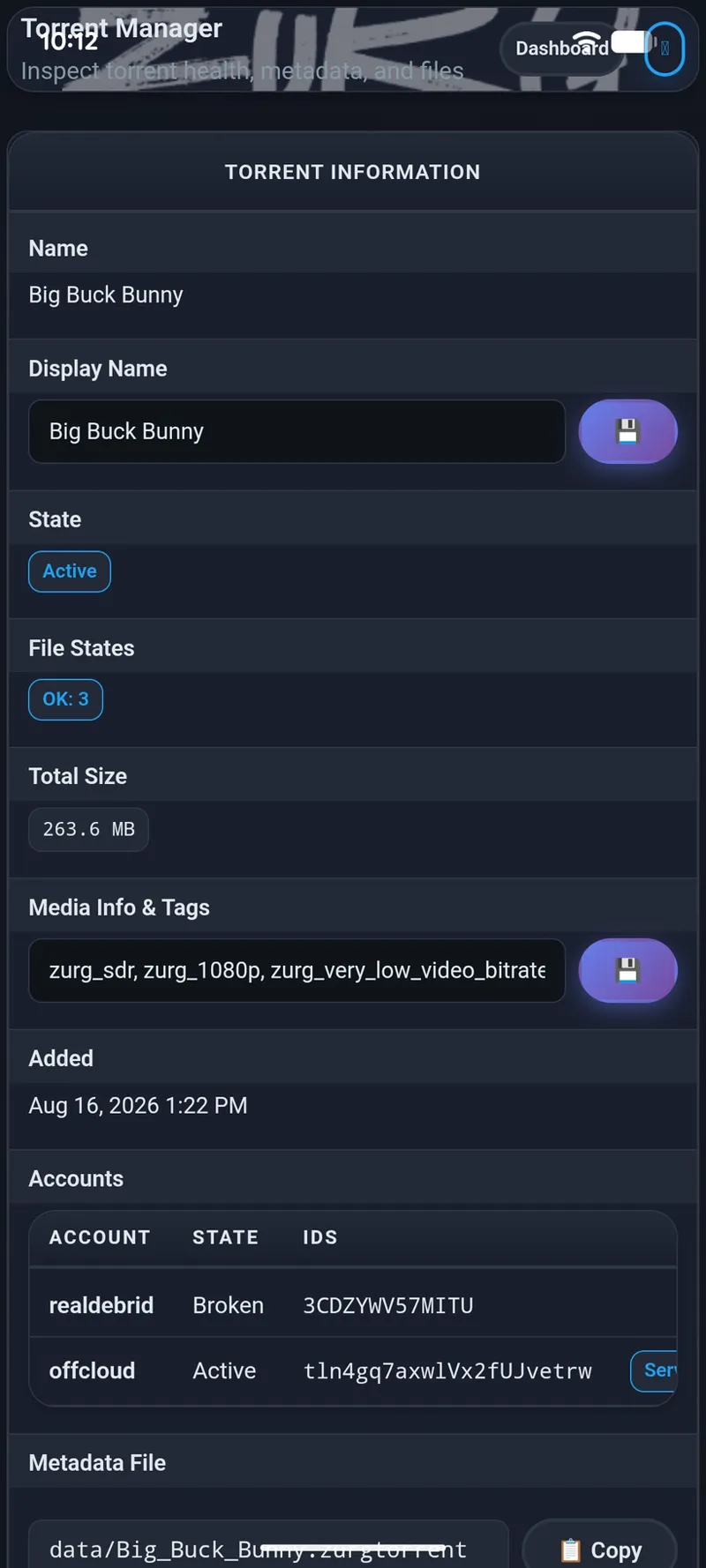
Tap a file and it plays. Nothing downloads first, the file is streamed as you watch and seeking jumps straight to the part you asked for. Every release has its own menu so you can send the file to whichever player you like and keep that choice for next time, and the same menu repairs a release, renames it, or reads its media details with the bundled ffprobe. You won't need a computer for any of it.
zurg registers itself as a storage location, so your library turns up in the Files app and in anything that asks you to pick a file.
Turn on local network sharing and the phone serves your library to everything else on the network, so you can point a player on your TV at the address the app gives you.
Pick Phone, Tablet, TV box or TV stick during setup and the profile decides how much memory and cache zurg is allowed to use, and you can change all of it later. All six debrid providers are supported and so is Usenet, so add as many accounts as you like and zurg tries them in order.
FYI: the app and the engine update separately. If a new engine misbehaves on your device you can install an older one and everything else stays exactly as it was.
Download the APK from the sponsor release, sign in with GitHub inside the app and it installs its engine as a second package. Grab arm64-v8a for most phones and TV boxes.
Try it and let me know how it goes!
Comments (1)
Awesome! Thank you!