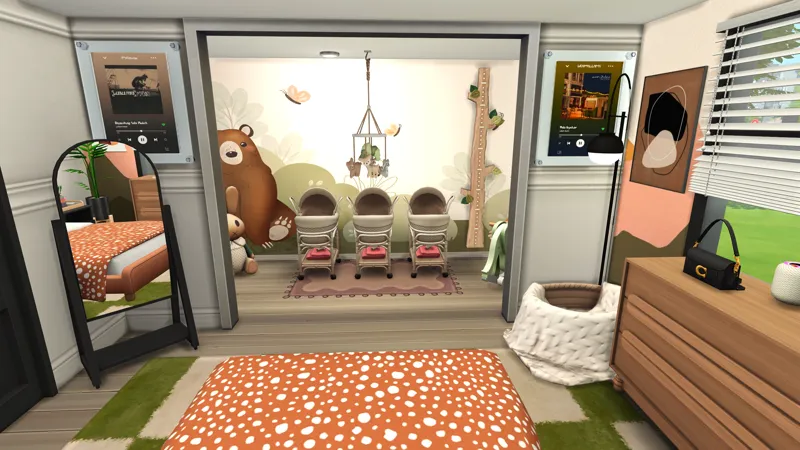
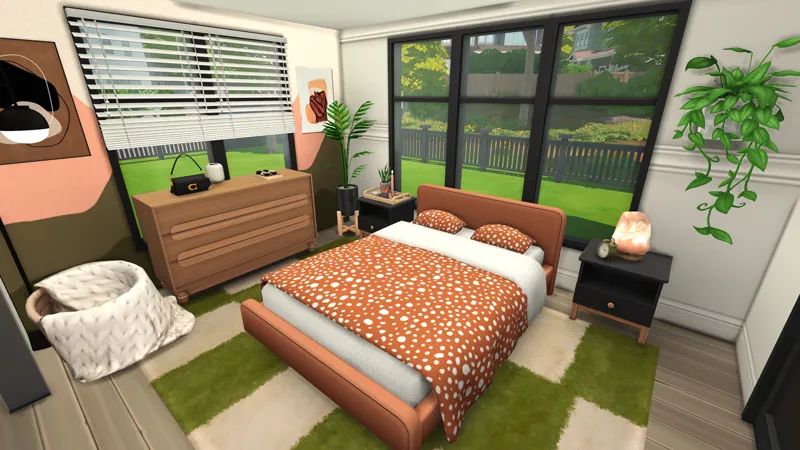
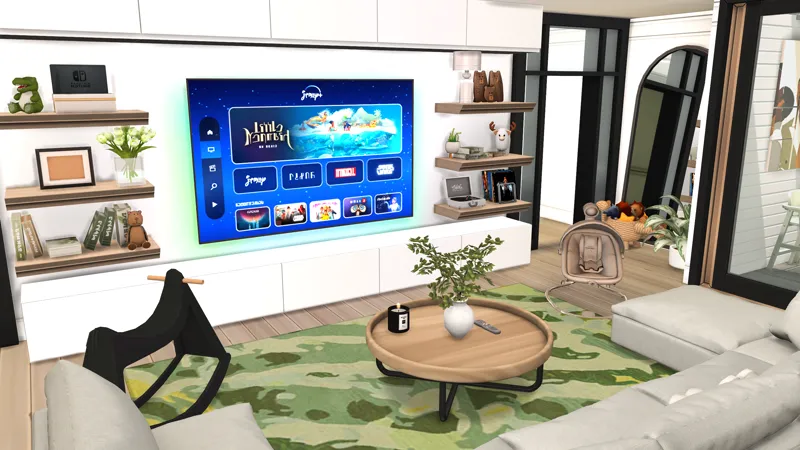
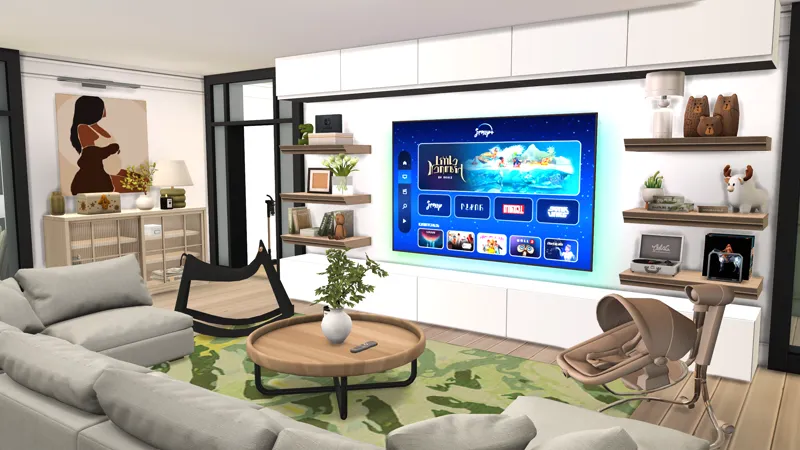
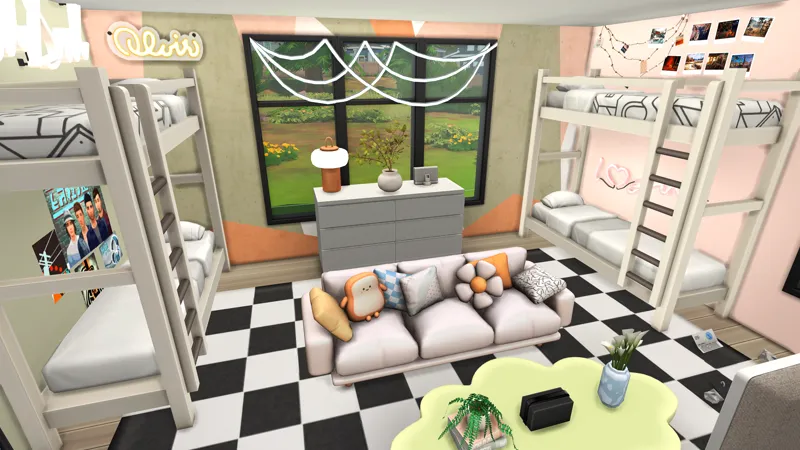
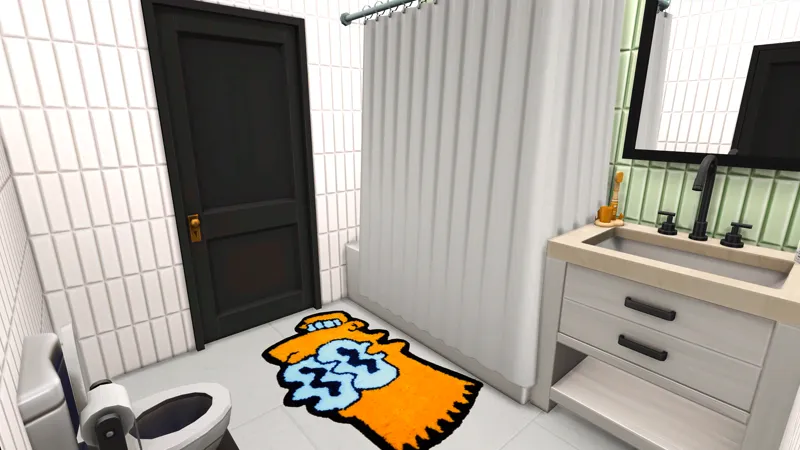
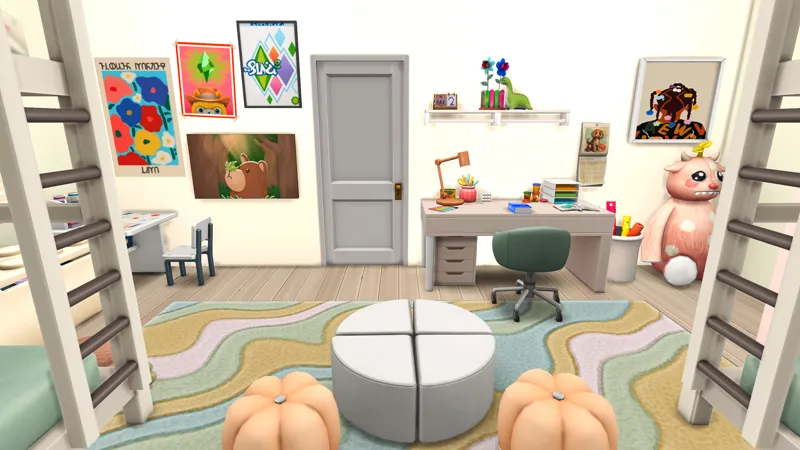
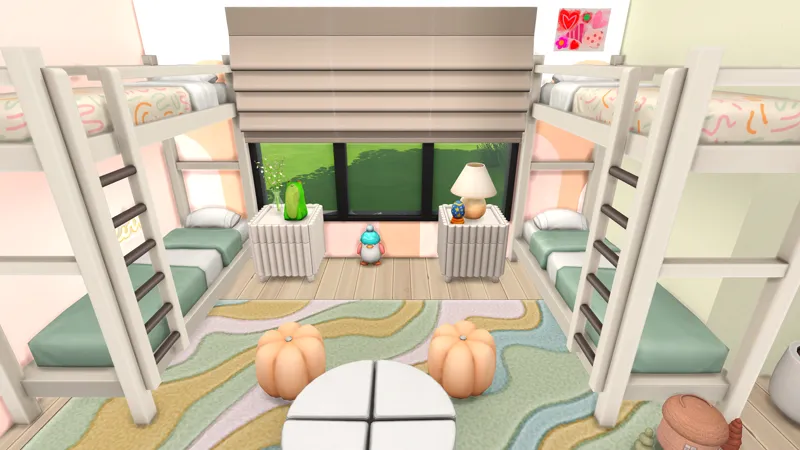




Huge Family Home // A to Z Baby Challenge
Public Release June 21
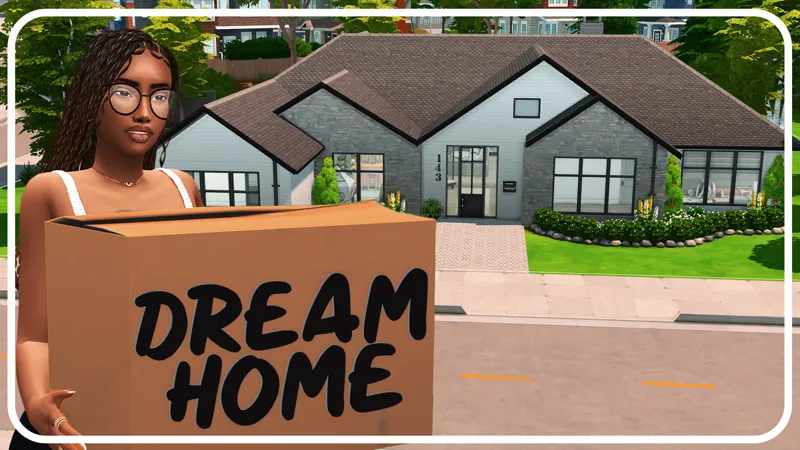
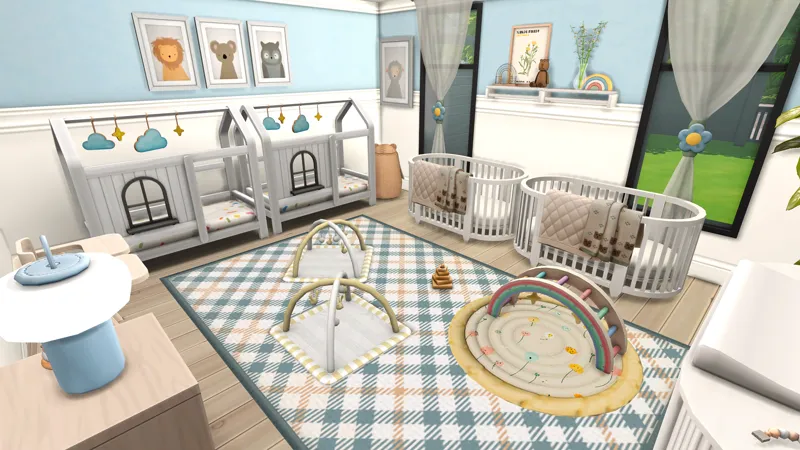
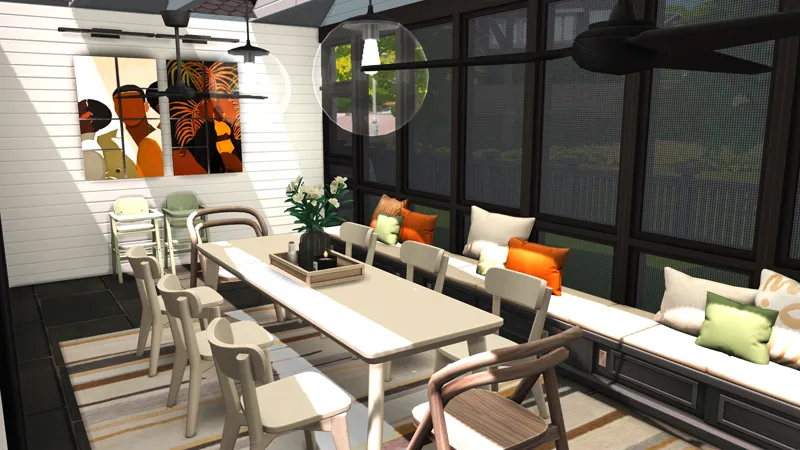
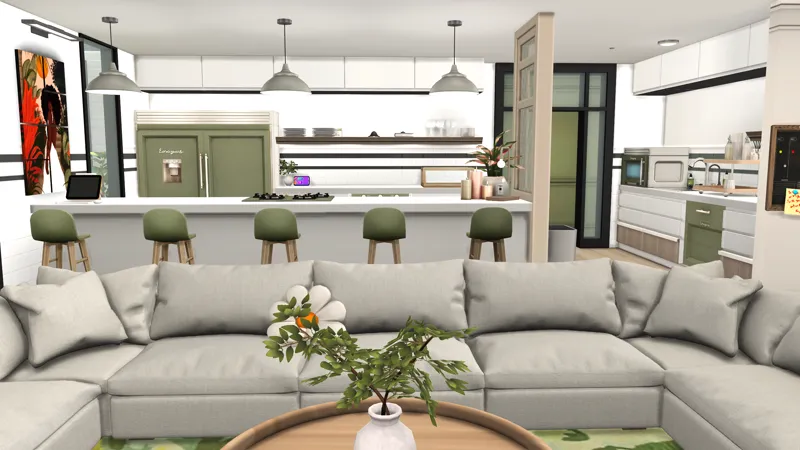
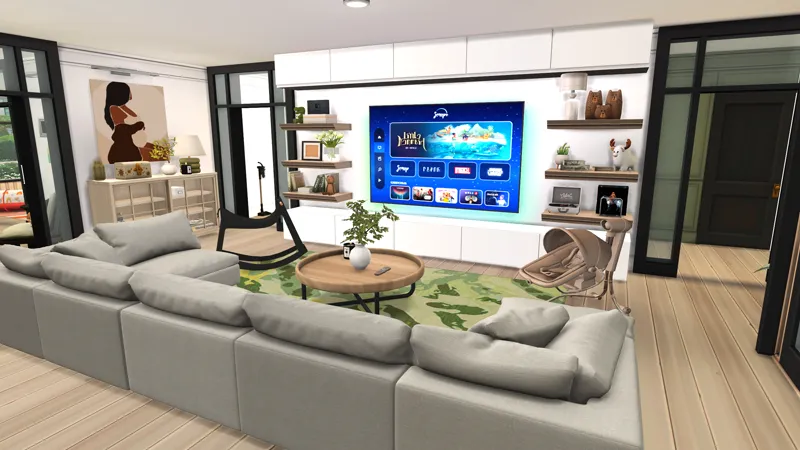
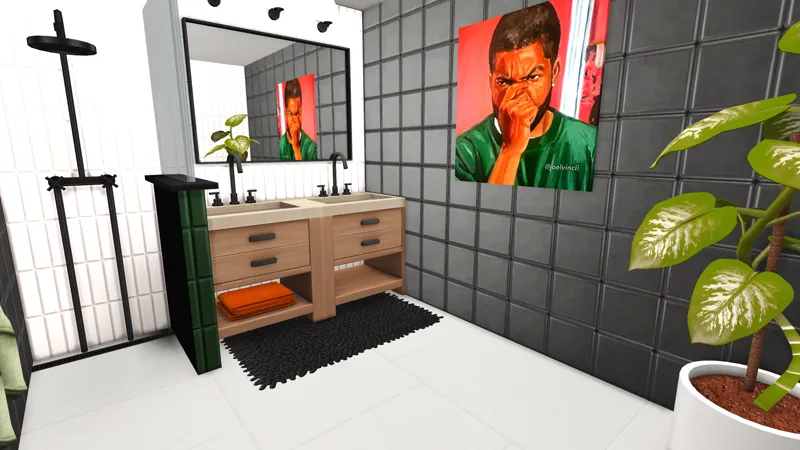
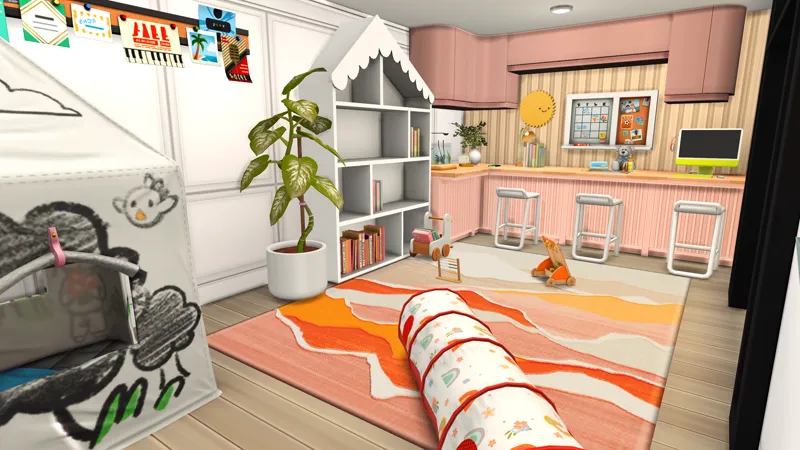
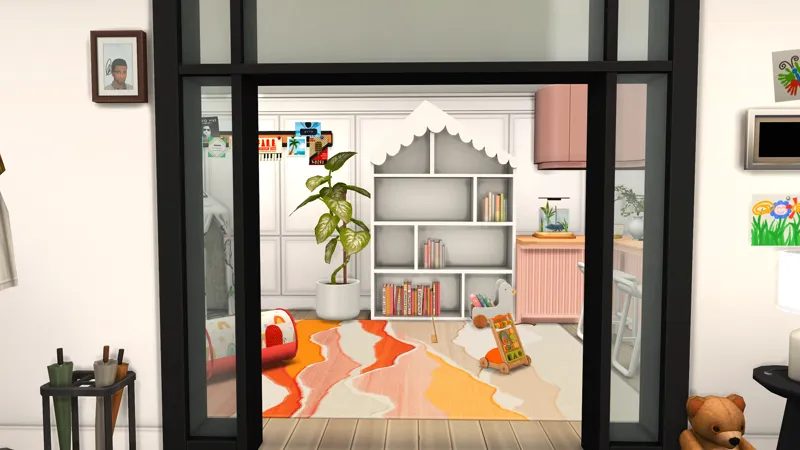
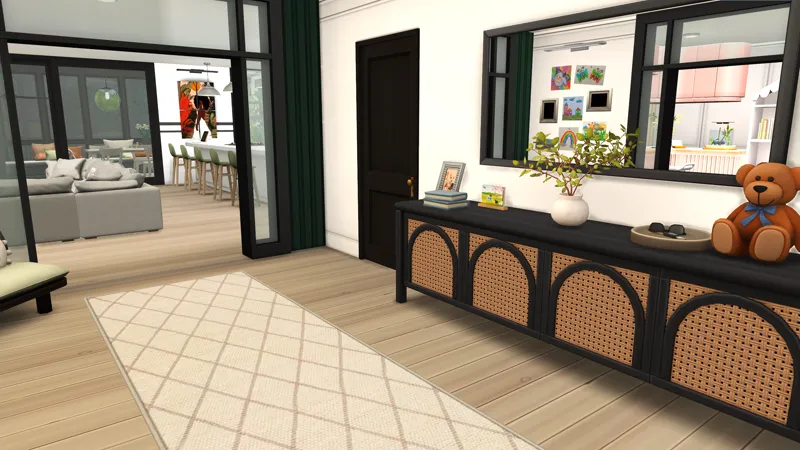
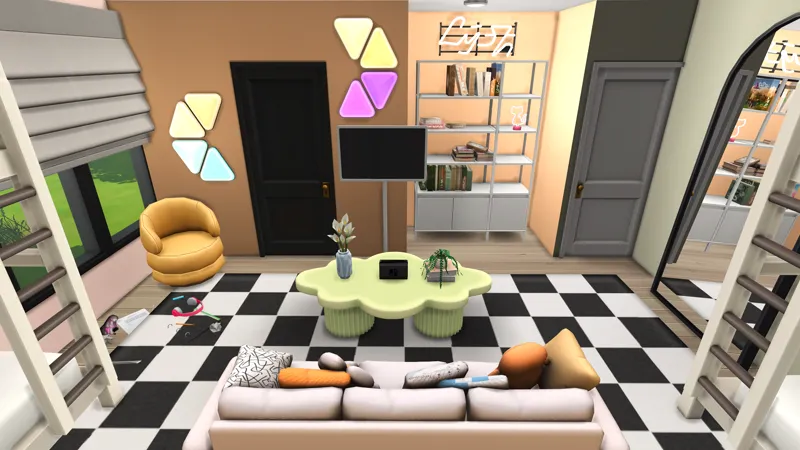
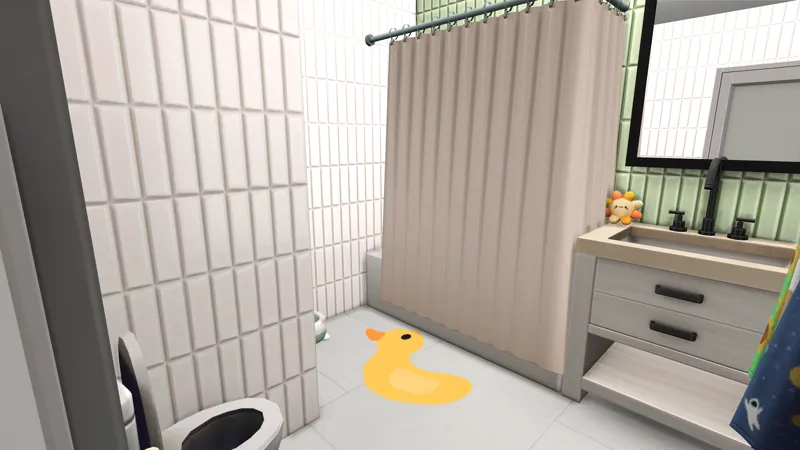
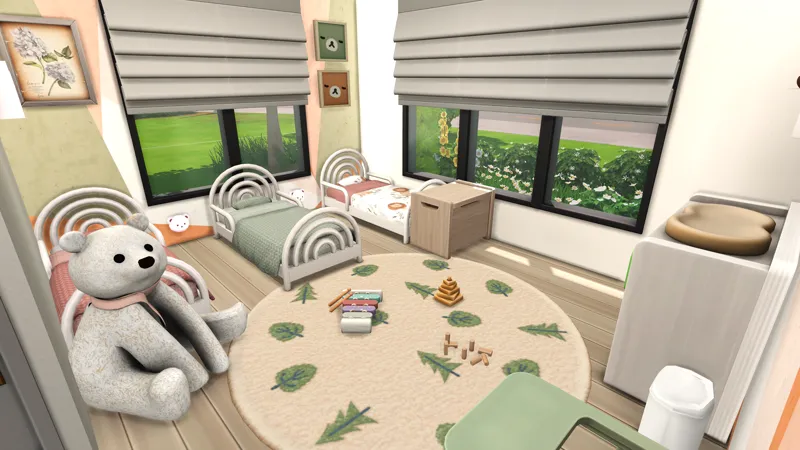
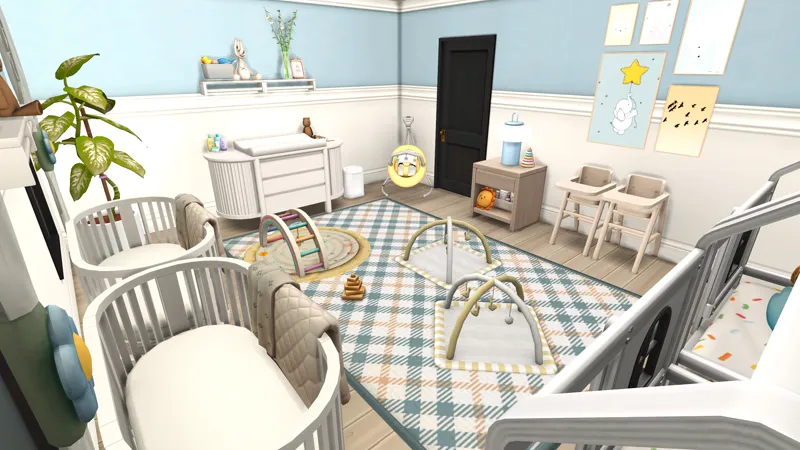
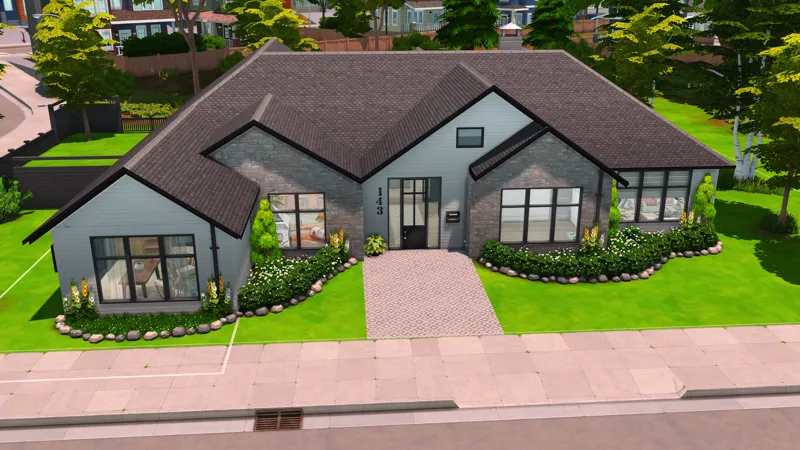
Hey hey! I'm bringing to you Tasia HUEG family home from my A to Z Baby Challenge series. This house is perfect for any baby challenge in The Sims 4! It is finally yours! If you want to see the speed build of this house, you can check it out here -> ✨
About this Build - DX9 BUILD | if you're running Dx11, be prepared for issues.
✨I recommend you save all of my CC in one folder from my builds to avoid duplicates!✨
About this Build
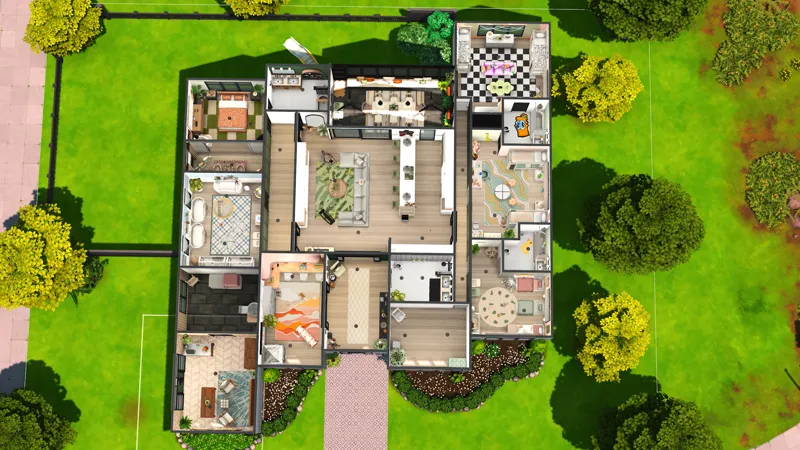
This build was built on a 40x30 lot in San Sequoia but you can place it anywhere! Please note, when you place the lot, you may receive a message saying items have been replaced or deleted. That is due to the chair update or other mods like wonderfulwhims, Basemental, cookbooks, or in game pictures!
Including Home Chef Hustle as well
If you're planning on purchasing any sims 4 pack, remember you can use my creator code ✨DEESIMS✨ at checkout! A small percentage goes back to me to help support me and the channel! I would really appreciate it! #SimsPartner
🚨MODS NEEDED FOR THIS BUILD🚨
RVSN Sauce lights- https://ravasheen.com/download/flood-saucer-light/
RVSN You Know the Drill- https://ravasheen.com/download/you-know-the-drill-utility-set/
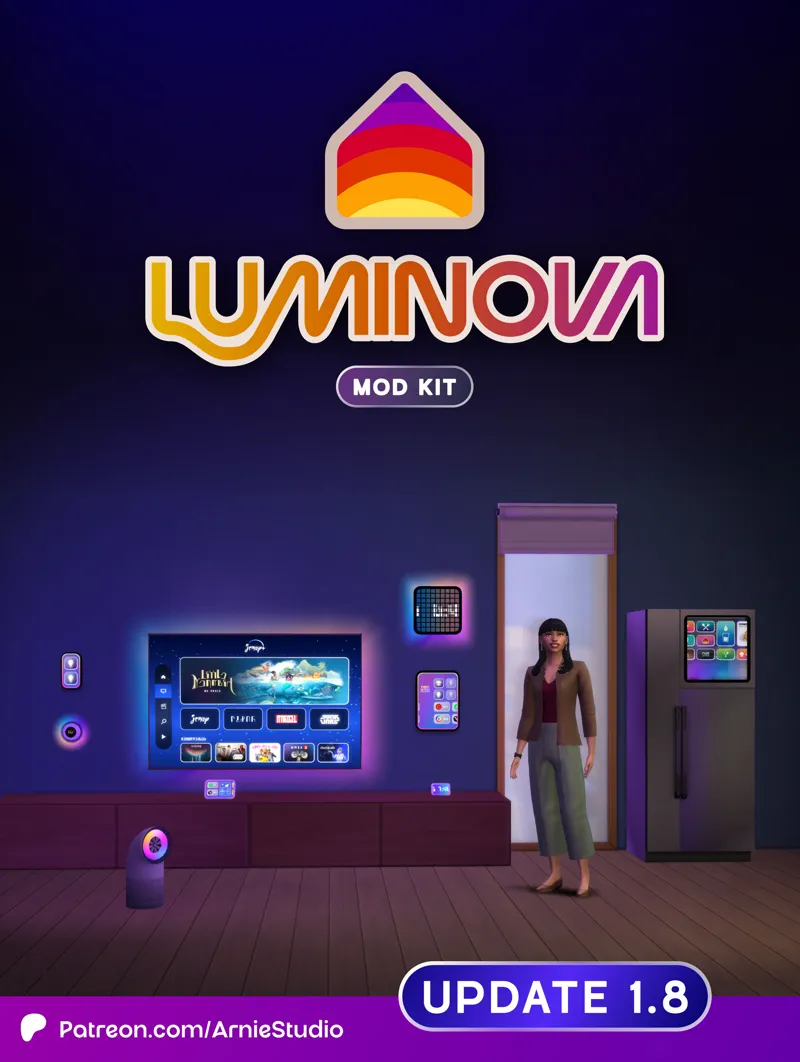
Arnie- Lumiinova set- https://www.patreon.com/posts/luminova-1-8-120949707
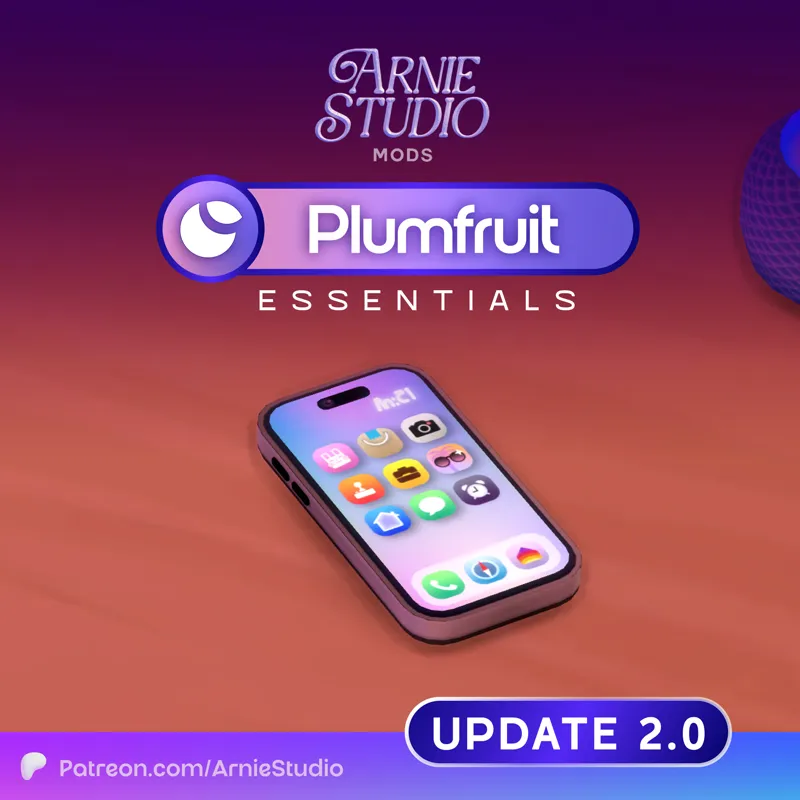
Arnie Plumfruit Essentials 2.0- https://www.patreon.com/posts/update-plumfruit-125833481
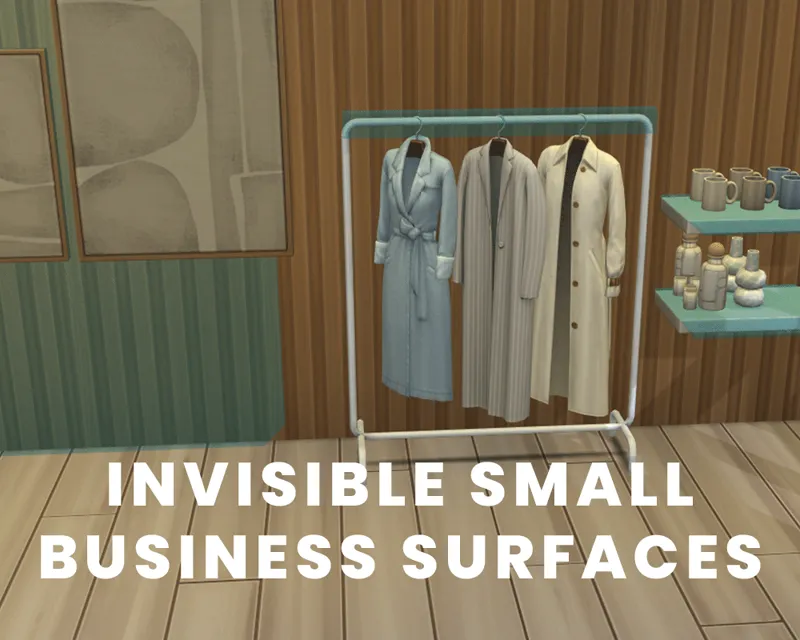
Lijoue Small business surfaces (surfaces)- https://www.patreon.com/posts/invisible-small-123874798
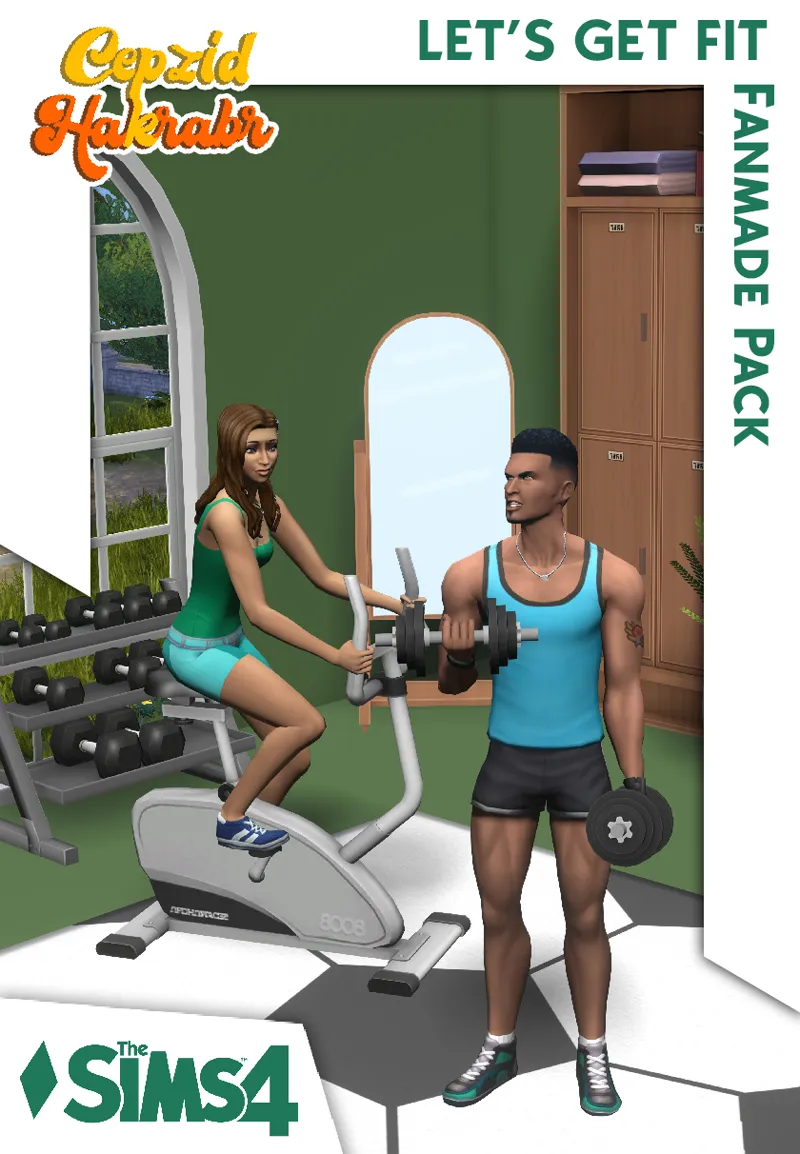
Cepzid Let's get fit Modpack- https://www.patreon.com/posts/lets-get-fit-68907168
Pandasama Toddler Tunnerl- https://www.patreon.com/posts/toddler-play-kit-56613427
How to Install Manually - Do Not Use CurseForge to Put into your Mods Folder
Download the .ZIP file
Locate your Sims 4 folder i.e Documents>Electronics Arts>The Sims4
Open the "CC" and "Mods" folder in the .ZIP file and add the cc to your mods folder
Open the "Tray Files" in the .ZIP file and add the files to your tray folder
And that's it! When you open your game, go to the gallery and you should see the build in your library.
BUT DEE GURLL, I don't see it! Make sure you select "show custom content" on the left panel of the gallery and you should see it!
Thank you again for pledging! I hope you enjoy the build!
Remember to stay beautiful, stay lovely and have a grand, grand day!
Public Release June 21