
Announcing 'The City District 01', the First Release of the Epic City Expansion
We asked patrons what they would like to see next, and the choice was clear. Announcing a brand new module in the Baileywiki family: The Modular City District 01. This is the first release in a series of modules that create an entire city, district by district.
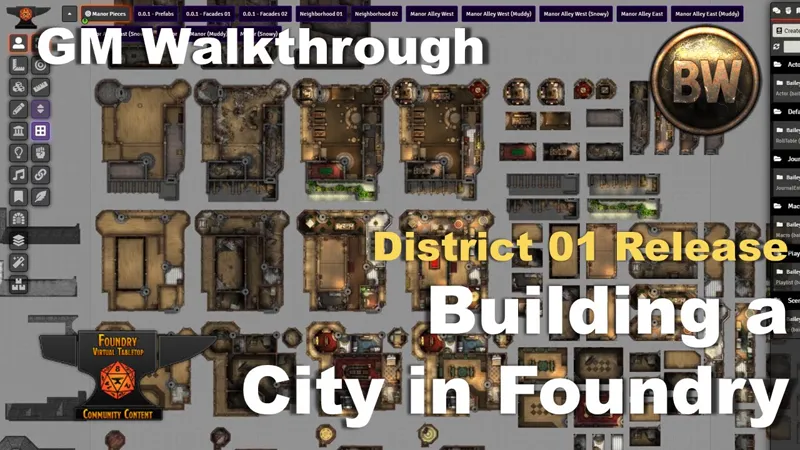
In this video, we go over all of the new assets within the module, and a walkthrough of the content. This first release features a massive, customizable manor that can be conquered, cleaned up, upgraded, and altered with the use of Monk's Active Tile Triggers and Multiface Tiles.
Accompanying the manor are two "alleys" that give the manor a home within the city. The alleys are constructed using a combination of deployable buildings and a robust facade system that you can use to create your own cityscapes.
To get The District 01, go here. For Forge users, this is a new module so you cannot install from the Bazaar directly.
ADDED:
Prefabs:
The Manor Inn (120 tiles). Dynamically changes using MATT and Multiface Tiles.
Building Facades (Recolorable, Snowy/Normal) with macros (see below)
Statues (Guard/Knight/Mage/Noble/Orc) with Multiface functionality
Scaffolding with Levels functionality
Walkway / Bridge with Levels functionality
Smoke Control with MATT
Tiles/
Decor/ Greenery
Decor/ Snow
Decor/ Fountain
Decor/ Wheelbarrow
Elevation/ Stairs
Platform/ Solid, Solid Wood, Transparent, Trimmed
Overlay Effect/ Smoke
Overlay Effect/ Snow
Macros:
Change Type
Change Color
Backgrounds:
Flexible Background Alleys. Various styles. Clean/Muddy/Snowy

Comments (11)
I have a question regarding the prefab homes. I've loaded them all in as actors, and can place them. but some of them don't have roofs, and some have roofs but no interior. I'm struggling with how to rectify this issue, if its possible. Also you are a god send for making quick maps, and making the learning curve for foundry a great deal easier.
Hmm, it's hard to tell without more info. Can you join my Discord and give us more detail on the assets you're working with?
Do you need to unlock the tiles to switch between what is available? I have all required modules installed however when I try to change a room type I am unable to select it - it is highlighted with a black border rather than orange. This is not the case for new tiles i drag into the scene.
Either turn on Token Attacher's Quick Edit mode, or select the Control Token for the buildings and release all of the attachments. Either method makes the tiles selectable.
Great! It should be ready soon if not already
This coming to Moulinette too? I pretty much just use that anymore instead of installing the modules to be honest
You guys are so fast with the stuff you release that I can barely keep up. Still, it's just fantastic what you do.
Hi, just some clarity for Forge users. Is there a way for us to install this?
Yep. Install it using the manifest URL. But do it from the Foundry interface. Login to your Foundry setup screen, Modules tab, and install from there. The Bazaar method is hanging up for some.
Awesome! Really looking forward to digging in.
😱